Golf Cart Mechanic Landing Page Template
Torque is a sidebar companion landing page template built for golf cart mechanic businesses. It uses an editorial magazine style with a charcoal and amber palette to deliver a content-rich, human-centered experience. The layout guides visitors through team profiles, repair expertise, and seasonal guides before presenting a gated checklist download as the primary conversion goal.
by Rocket studio
Quick summary
Torque is a single-page sidebar companion template designed for professional golf cart mechanic services. It blends editorial magazine aesthetics with a practical content structure, moving visitors from team portraits and repair expertise toward a gated seasonal care checklist. The result is a landing page that earns trust section by section before asking for anything in return.
Who this template is for
This template is built for golf cart service professionals who need a landing page that communicates deep technical credibility while still feeling approachable. It suits businesses with real teams, real expertise, and clients who expect more than a generic service page.
- Fleet managers at private country clubs managing large cart inventories
- Retirement community residents looking for a reliable local cart mechanic
- Resort and hospitality maintenance directors with time-sensitive service needs
What problem this template solves
Most service landing pages either look too corporate or too bare. Golf cart mechanic businesses carry genuine hands-on expertise that a plain contact form cannot communicate. This template solves the credibility gap by letting the work and the people behind it speak first.
- Visitors leave generic service sites before reaching a contact form
- Technical knowledge gets buried instead of used to build trust
- There is no clear path from "browsing" to "ready to book or download"
What you get with this template
The template delivers a full editorial layout with every major section pre-designed and ready to personalize. The structure guides visitors naturally from introduction to conversion without feeling like a sales funnel.
- A persistent sidebar navigation rail with chapter-style section headings
- Team portrait blocks with first-person pull-quotes in amber italic
- An amber banner call-to-action and a sticky sidebar form for the checklist download
Feature list
This template includes a focused set of purposeful design and layout features, each directly tied to building trust and driving the checklist download.
Giant Editorial Headline Block
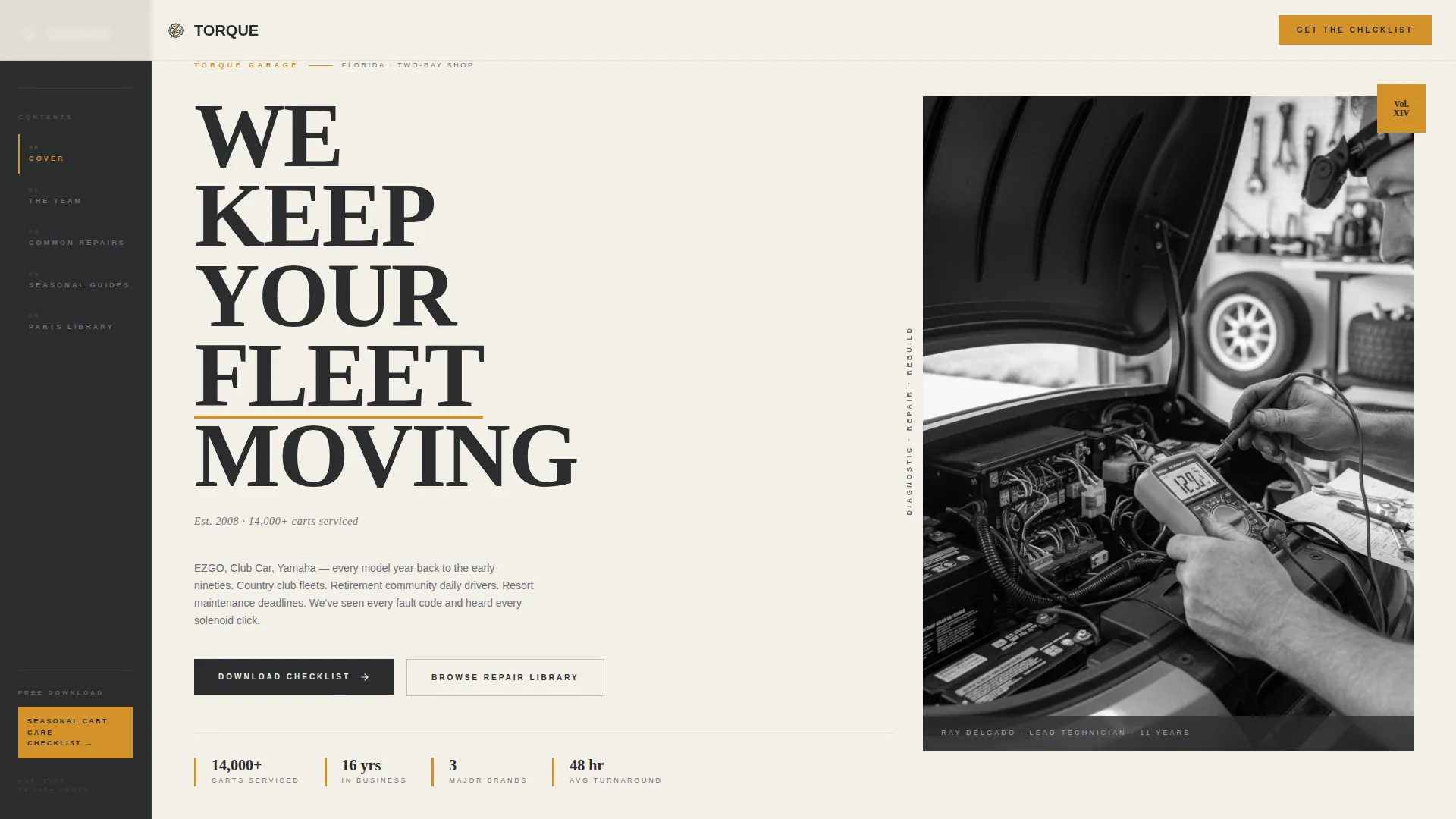
A full-width header splits the viewport into two thirds and one third. The left side holds a stacked serif headline in enormous type, with an amber accent underline on a key word. The right side features a high-contrast black-and-white mechanic portrait. A small italic byline with founding year and carts serviced anchors the credibility immediately.
Persistent Sidebar Navigation Rail
A left-anchored navigation rail stays visible as visitors scroll. Section titles are styled as magazine chapter headings, giving the page a structured editorial feel. This keeps visitors oriented and encourages deeper exploration of the repair content.
Team and People Section Blocks
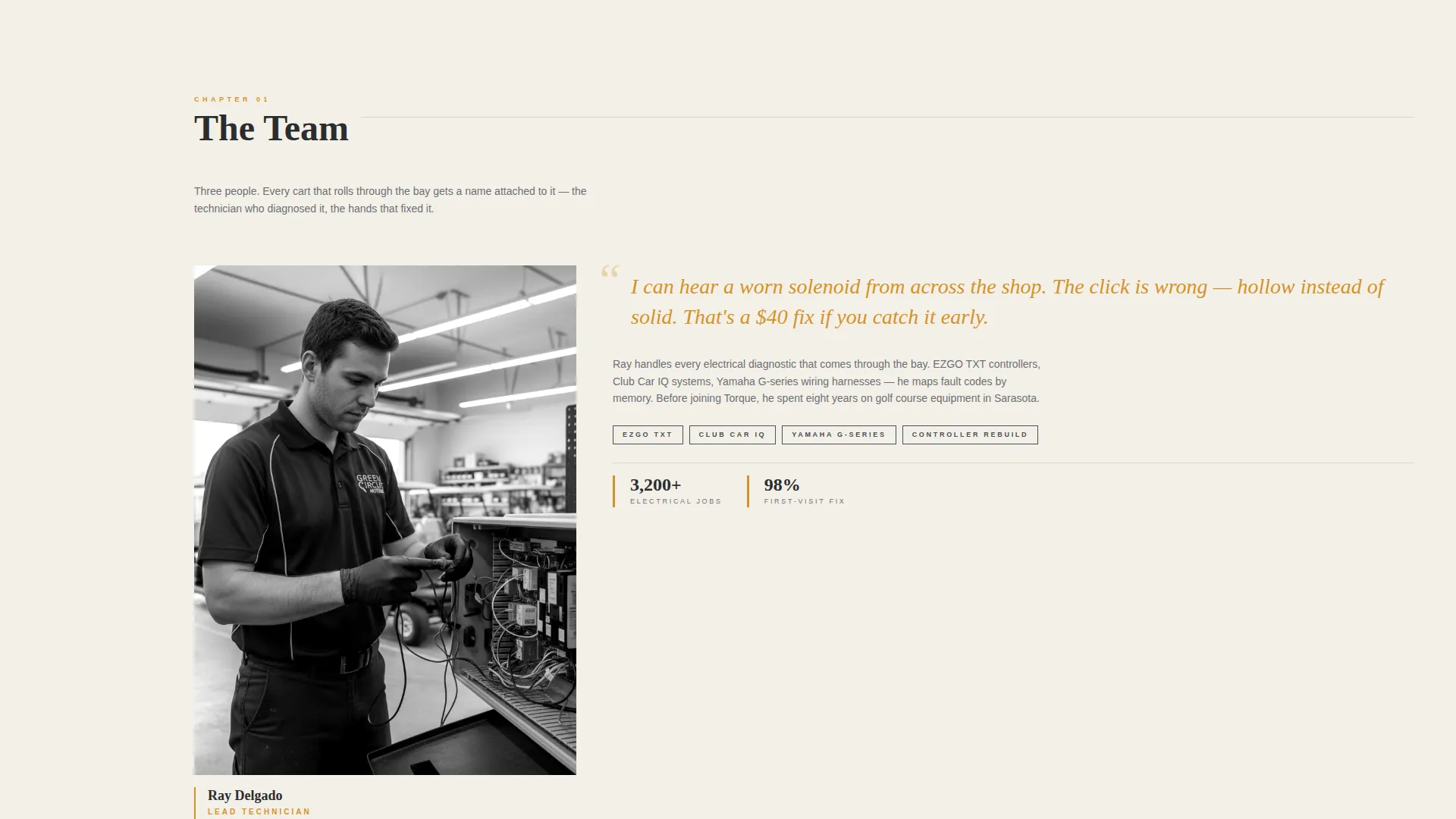
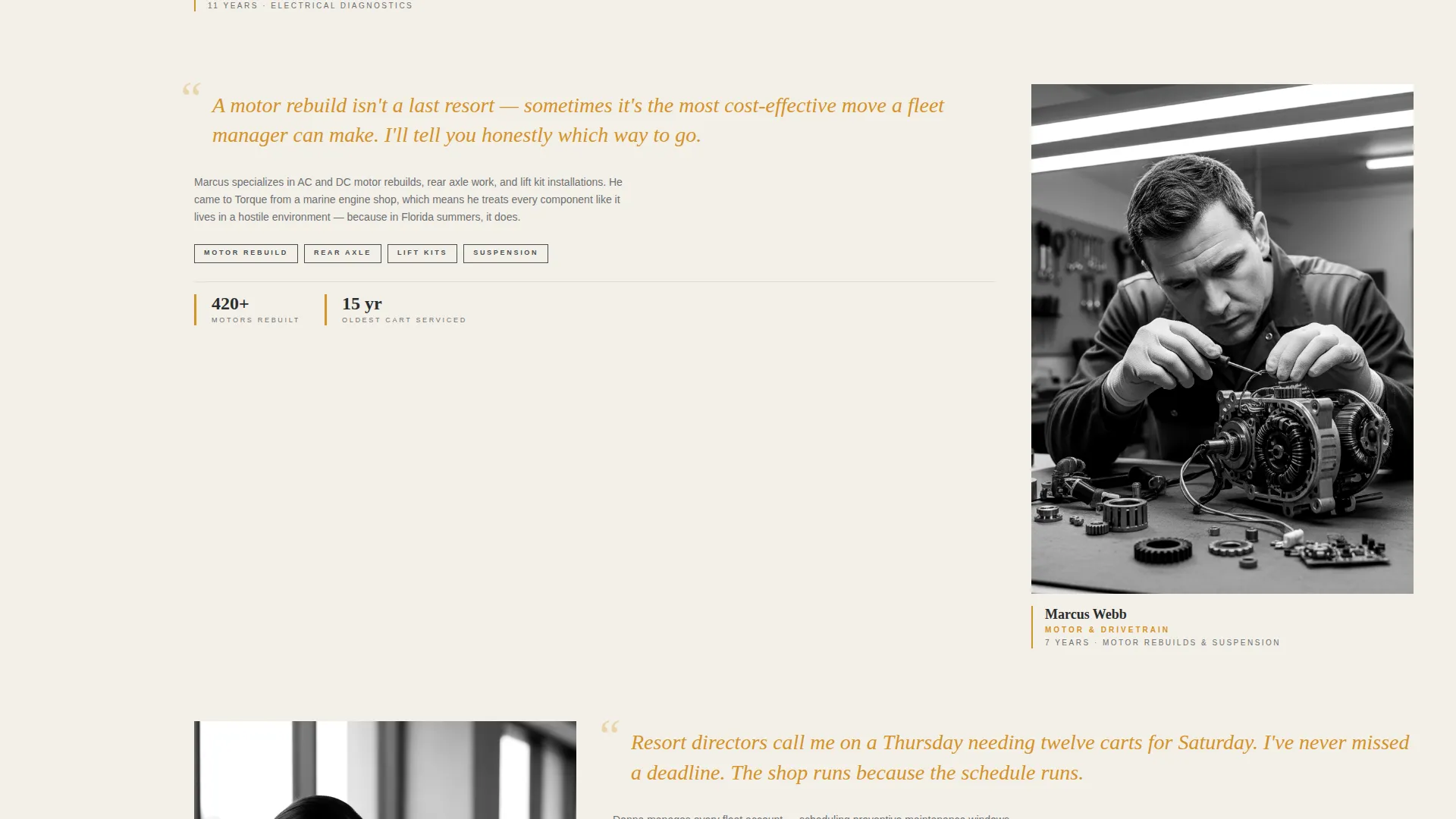
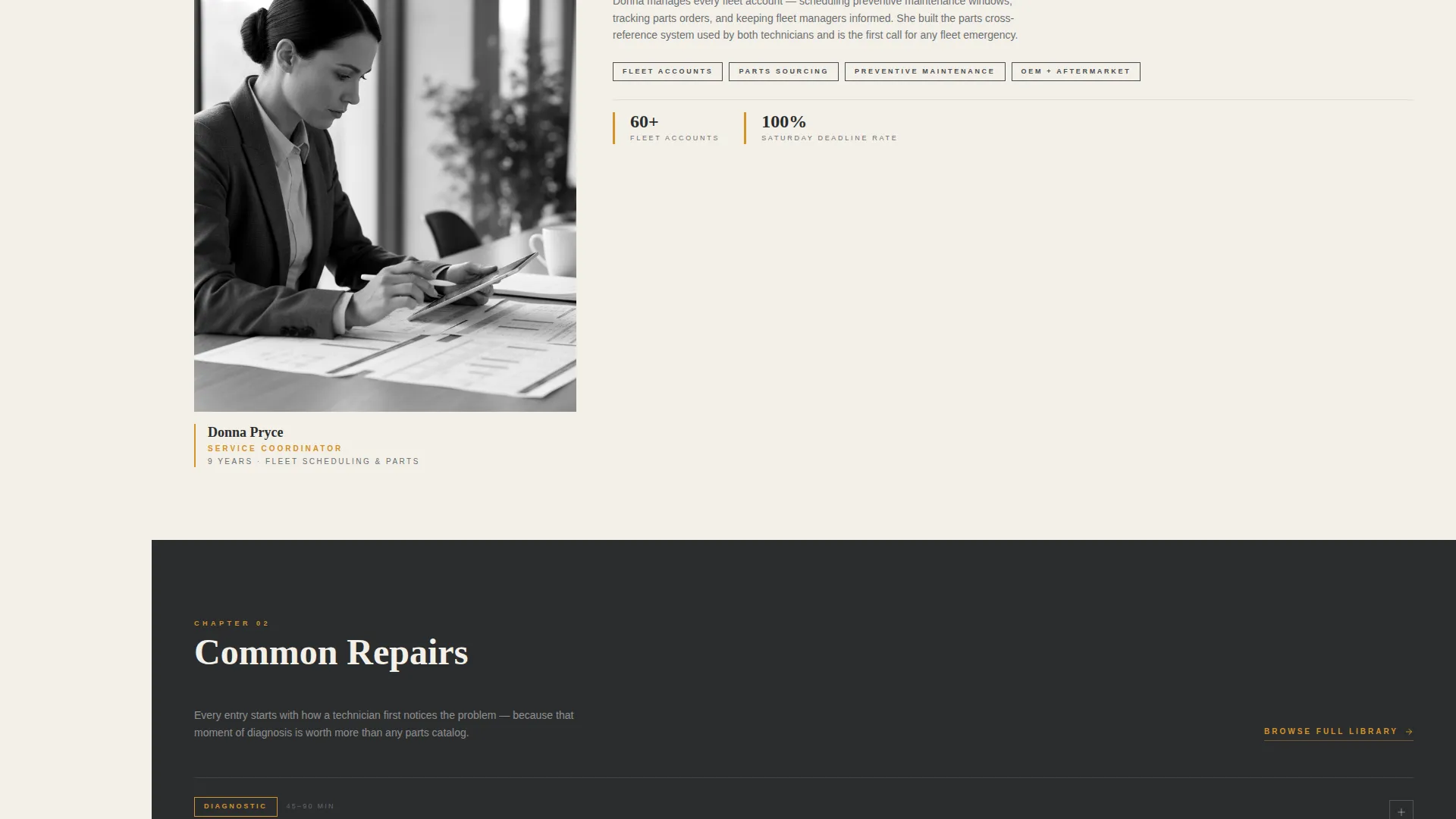
Each team section opens with a mechanic's portrait and a first-person pull-quote in amber italic. The quote acts as an entry point into that mechanic's specialty, whether electrical diagnostics, motor rebuilds, suspension work, or custom builds. Technical details are always delivered through a human voice.
Gated Checklist Download Form
The primary call to action is a downloadable seasonal cart care checklist, gated behind an email field and a cart model selector. The selector covers the major cart platform categories. An amber banner introduces the offer after the second scroll section, and a sticky sidebar version keeps it accessible throughout the page.
Repair Library Secondary Path
A secondary call to action links visitors to an ungated repair library organized by symptom. This gives early-stage visitors a lower-commitment entry point and builds additional confidence before they reach the download form.
Alternating Portrait and Diagram Rhythm
The page alternates between mechanic portraiture and technical diagrams, personal narrative and parts specifications. This editorial rhythm keeps the content engaging and prevents the page from reading like a static brochure.
Page sections overview
| Section | Purpose |
|---|---|
| Editorial Header Block | Introduces the business with a bold headline, mechanic portrait, and founding byline |
| Sidebar Navigation Rail | Anchors persistent chapter-style navigation on the left throughout scrolling |
| Team Introduction Block | Presents each mechanic with a portrait and first-person specialty pull-quote |
| Electrical Diagnostics Section | Covers electrical repair expertise delivered through a mechanic's personal narrative |
| Motor Rebuilds Section | Details motor rebuild capability using parts specs and personal voice |
| Suspension and Custom Builds | Expands into suspension work and custom build specialties |
| Amber call to action Banner | Presents the seasonal checklist download offer after the second scroll section |
| Repair Library Link Block | Offers a secondary path to ungated diagnostic articles organized by symptom |
| Sticky Sidebar Form | Keeps the checklist download form accessible as a persistent sidebar element |
| Seasonal Guides Section | Provides cart care guidance organized by season and cart use case |
| Parts Library Section | Lists parts references organized by platform and repair category |
Design & branding system
The visual identity follows an Editorial Magazine theme grounded in a charcoal and amber color system. Every color choice has a deliberate role, and the overall effect feels like a vintage automotive journal printed on heavyweight stock.
- Shop-floor charcoal (#2B2D2F) and lift-rack gunmetal (#4A4E54) provide the primary dark tones for backgrounds and full-bleed photography breaks
- Warm parchment (#F4F0E8) carries all body text, keeping reading comfortable against the dark structural elements
- Torque-wrench amber (#D4922A) is reserved for pull-quotes, bylines, accent underlines, hover states, and call-to-action banners
Mobile & speed optimization
The sidebar companion layout is designed with responsive behavior in mind so that the editorial structure translates clearly across screen sizes. The persistent navigation and sticky form adapt to narrower viewports without losing function.
- The sidebar rail collapses gracefully on smaller screens to preserve reading space
- Full-bleed portrait and charcoal section breaks are scaled to maintain visual impact on mobile displays
How this template helps you convert
The conversion strategy is built around earning the download rather than demanding it. By the time a visitor reaches the checklist form, they have already learned something genuinely useful from the page content.
- Each team section and repair guide builds mechanical credibility section by section, so visitors arrive at the form already trusting the source.
- The amber banner and sticky sidebar form keep the checklist offer visible throughout the scroll without interrupting the reading experience.
Other information about this template
This template was designed specifically for the golf cart mechanic service niche, with layout decisions that reflect how fleet clients and individual cart owners actually research and evaluate service providers. It is part of the Torque template project, which draws on an editorial magazine theme to make professional service pages feel authoritative without feeling cold.
- The cart model selector in the download form covers the major platform categories used across the industry: golf carts from EZGO, Club Car, Yamaha, and an open Other field
- The template style is a sidebar companion, meaning it is intended to work alongside a broader service website as a focused resource and lead-generation page
- The Creative Direction is Team and People, so the layout is intentionally portrait-driven and voice-forward rather than feature-list driven
- The lp_direction is Content and Resource, making the checklist download the anchor conversion rather than a direct booking or contact form
Theme
Editorial Magazine
Creative direction
Team & People
Color system
Charcoal & Amber
Style
Sidebar Companion
Direction
Content/Resource
Page Sections
Editorial Headline with Mechanic Portrait
Persistent Sidebar Navigation Rail
Team Portrait and Pull-quote Blocks
Gated Seasonal Checklist Download
Symptom-based Repair Library Link
Alternating Editorial Content Rhythm
Related questions
Who is this landing page template designed for?
What is the primary conversion goal of this template?
Can I adapt the team sections if I work solo?
What color scheme does the template use?
Does the template include a repair library section?



