Car Dealership Premium Booking Website Template
Torque is a storybook single-page landing page built for Tesla specialist mechanics. It opens with a split-video header comparing worn and rebuilt suspension, then drives through stats-first full-page sections that hit hard numbers before unpacking the detail. A persistent booking bar and inline scheduler make it easy to convert serious Tesla owners and small fleet operators on the spot.
by Rocket studio
Quick summary
Torque is a high-performance landing page template for Tesla specialist garages. It uses a Stats-First Impact scroll rhythm, a Split-Video Compare header, and a carbon fiber visual identity to build instant credibility. Every section opens with a single oversized metric before the explanation appears. The result is a page that feels as precise and purposeful as the work it represents.
Who this template is for
This template is built for shops that work exclusively on electric vehicles and need a page that speaks the same language as their clients. It is ideal for specialists who go deeper than generic diagnostics.
- Independent Tesla specialist mechanics offering cell-level battery diagnostics and drivetrain rebuilds
- Suspension and brake service specialists whose clients include expired-warranty Model 3 and Model S owners
- Small fleet operators managing five to fifteen Tesla vehicles who need a shop that understands Controller Area Network bus communication, not just standard OBD-II port scanning
What problem this template solves
Most automotive service pages look identical. They list services, add a phone number, and hope the visitor calls. For a Tesla specialist, that approach loses the sale immediately. Technically literate clients need proof before they book.
- Generic shop websites cannot communicate the depth of cell-by-cell battery diagnostics or stator-level drivetrain work
- Without a clear, fast booking path, high-intent visitors leave to compare other shops and never return
- A flat, static design fails to convey the precision, speed, and engineering confidence that sets a specialist apart from a dealer or general mechanic
What you get with this template
You get a complete, single-page layout built around one goal: turning a first-time visitor into a booked appointment. Every section has a defined job, and nothing is decorative.
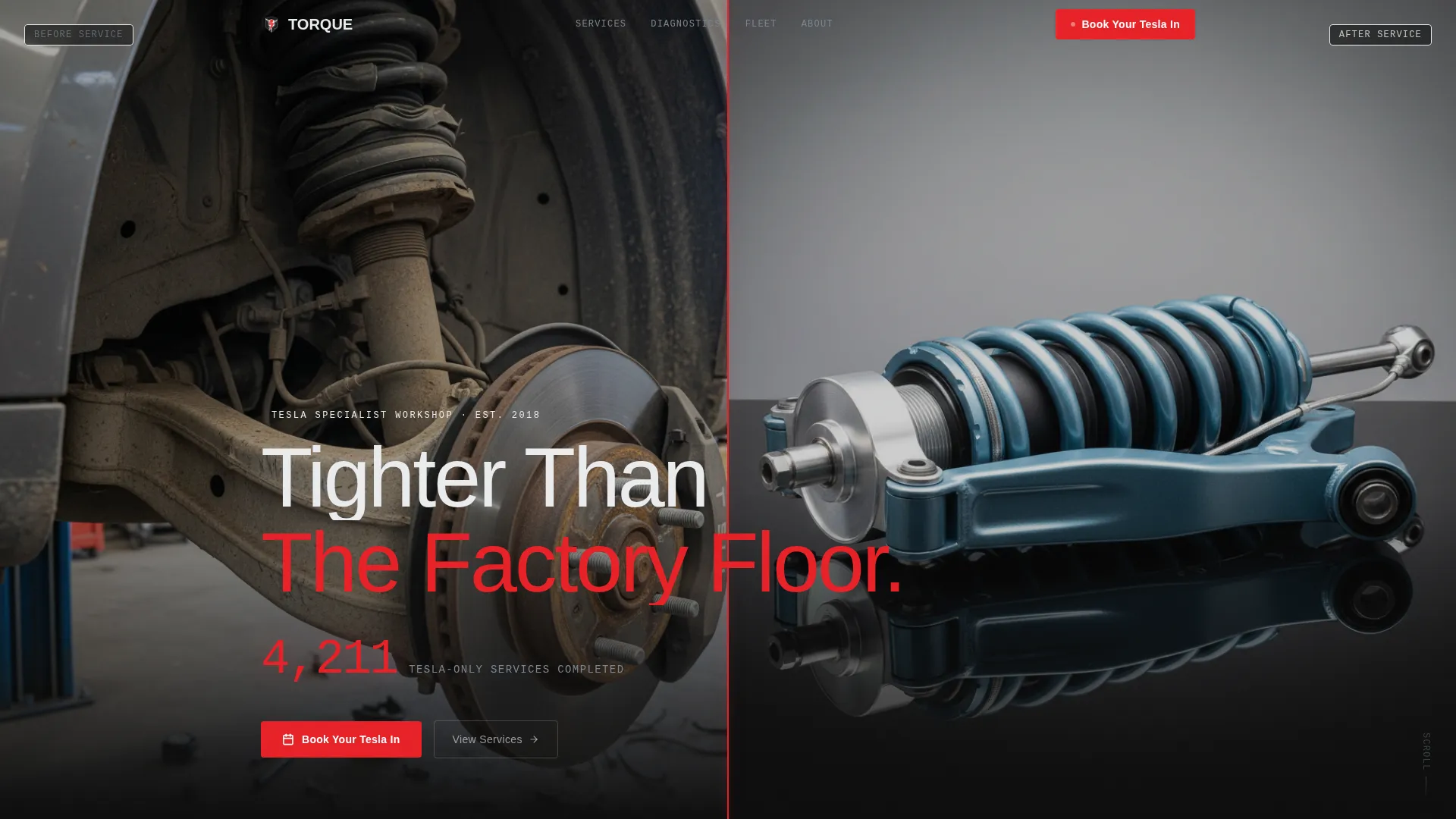
- A synchronized Split-Video Compare header showing worn versus rebuilt suspension, divided by a pulsing red vertical line and anchored by a single credibility stat
- A Stats-First Impact scroll engine where oversized metrics load before context, following the rhythm of impact, proof, and trust through every full-page section
- A persistent bottom-bar booking system that activates after the second section scroll, with an inline scheduler covering vehicle model, service category, and preferred drop-off date
Feature list
This section covers the core built-in components and interaction patterns included in the Torque template.
Split-Video Compare Header
The header splits the viewport into two synchronized video loops. The left side shows a worn Tesla suspension cycling on a lift. The right side shows the same suspension freshly rebuilt and ceramic-coated. A thin red vertical line divides them, pulsing once on page load. A single stat fades in beneath: "4,211 Tesla-Only Services Completed."
Stats-First Impact Scroll Engine
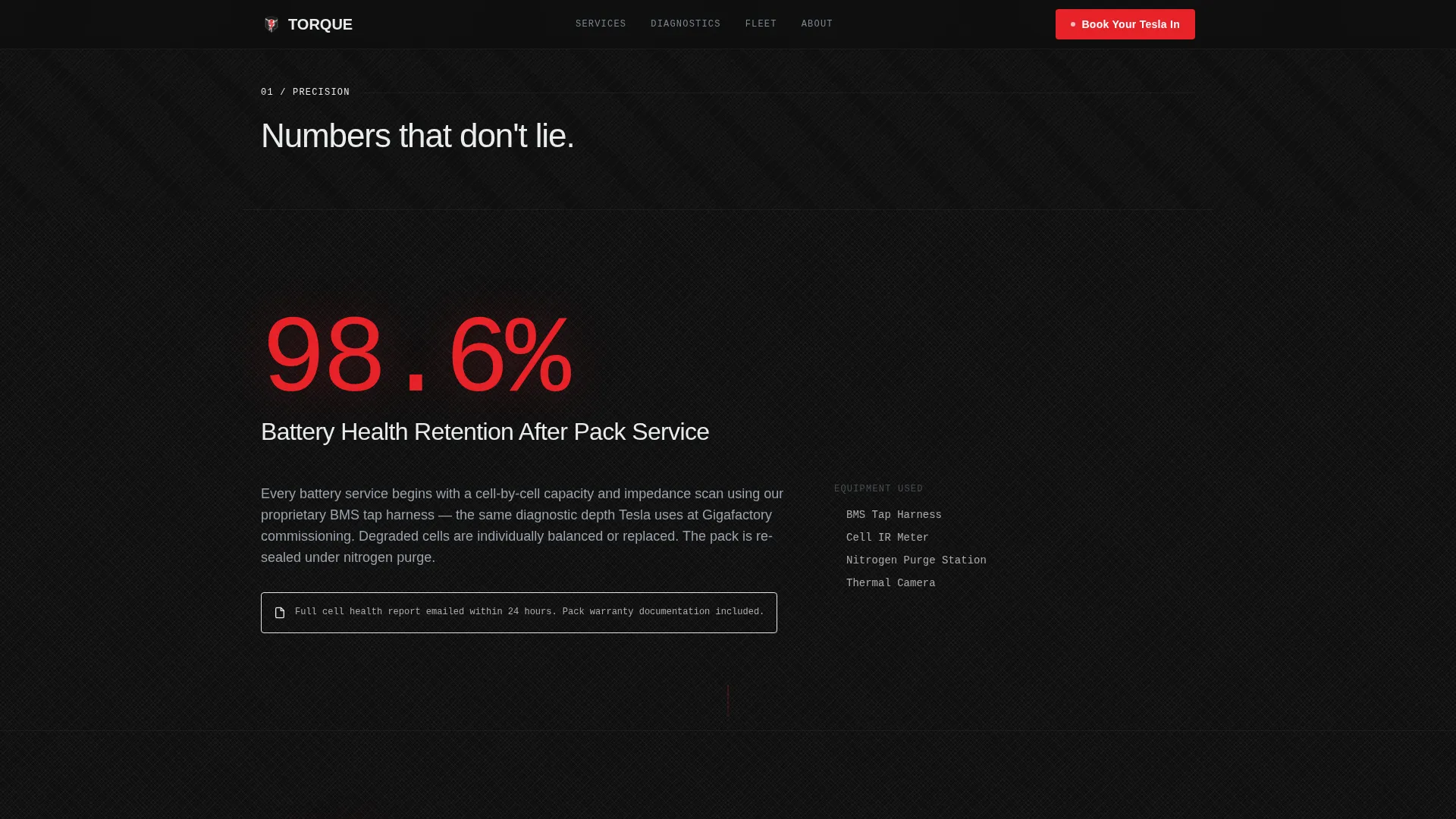
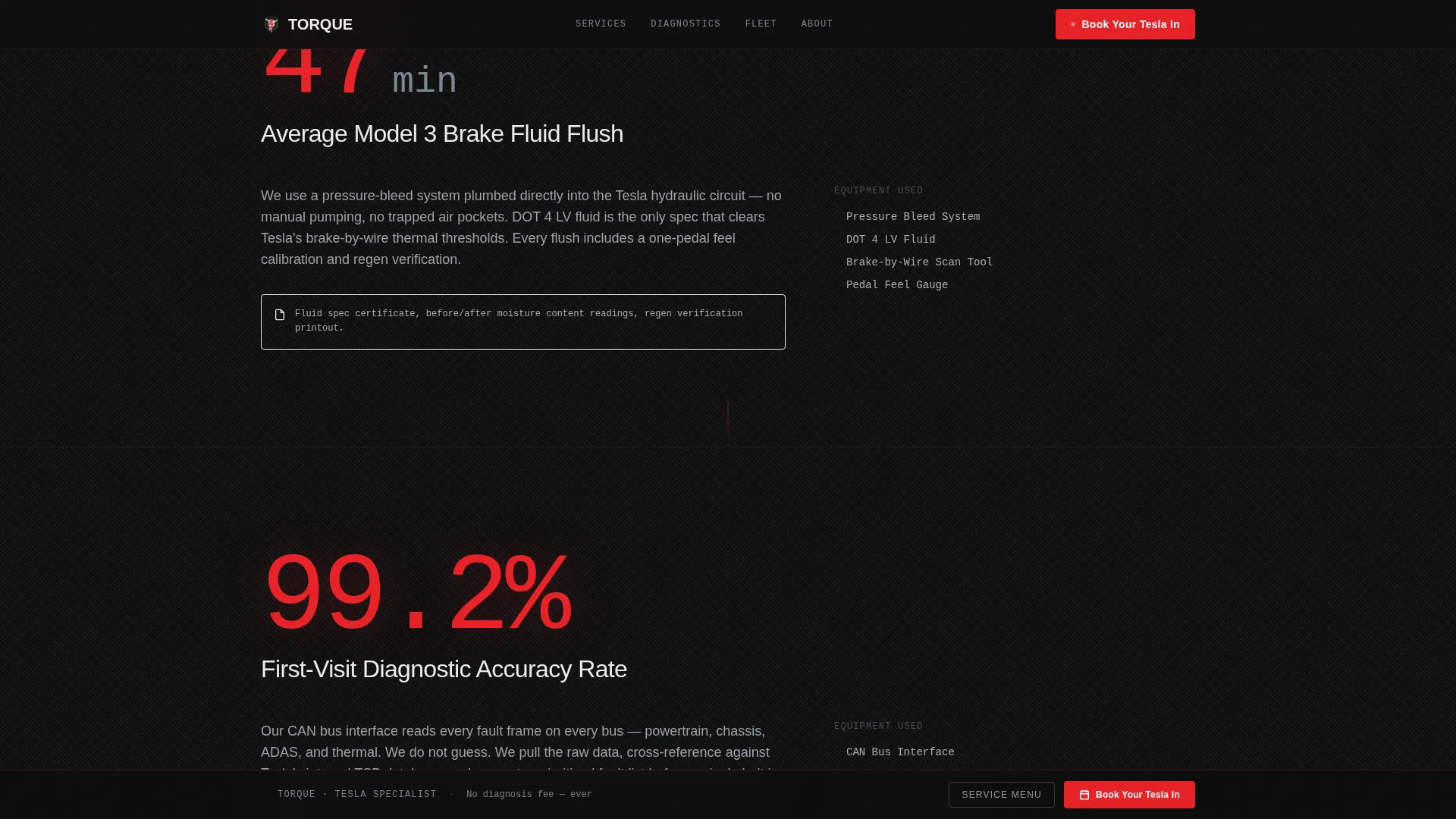
Each full-page section opens with one oversized metric that slams into frame before any supporting text appears. Examples include "98.6% Battery Health Retention After Pack Service" and "47 Minutes Average Model 3 Brake Fluid Flush." The context, process detail, and trust copy unfold beneath each number. A subtle downward pull animation at the end of each section keeps momentum building.
Persistent Bottom-Bar Booking System
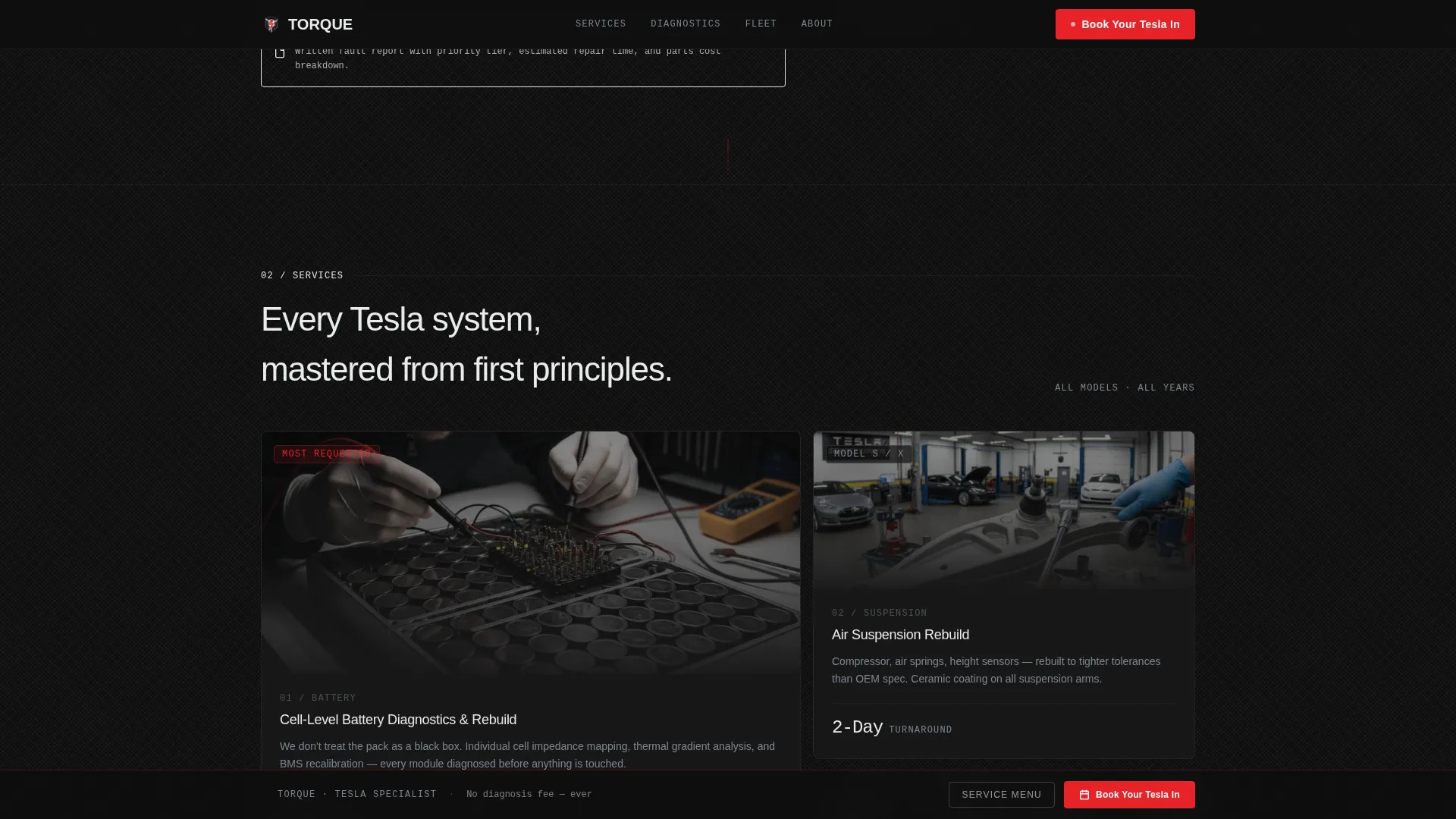
After the visitor scrolls past the second section, a bottom bar activates with the primary call to action "Book Your Tesla In." Clicking opens an inline scheduler with three sequential fields: Tesla model and year selector, service category selector, and preferred drop-off date. A single line below the form reads "No diagnosis fee, ever" to remove the last point of hesitation.
PDF Service Menu Lead Gate
A secondary conversion path offers visitors a downloadable Tesla service menu as a PDF. It requires only an email address to unlock. This captures prospects who are still comparing shops and not yet ready to book, keeping them inside the conversion funnel.
Carbon Fiber Color System
The color system uses four values with strict functional roles. Deep carbon black dominates all full-page backgrounds. Brushed titanium carries secondary text and divider lines. Cool ceramic white holds headlines and stat figures. Diagnostic red fires only on calls to action, key metrics, and hover states, never as decoration.
Dynamic Motion Theme
The Dynamic Motion theme governs all movement on the page. Stat figures slam into frame on scroll entry. The red divider line pulses on load. Section transitions use a downward pull animation to maintain scroll momentum. Every motion choice reinforces the feeling of precision and controlled power.
Page sections overview
| Section | Purpose |
|---|---|
| Split-Video Header | Compare worn versus. rebuilt suspension and establish credibility with a single stat |
| Battery Health Stat | Lead with 98.6% retention figure before unpacking the pack service detail |
| Battery Service Detail | Explain cell-by-cell diagnostics, tools used, and customer outcome |
| Brake Service Stat | Open with 47-minute average flush time to set precision expectations |
| Brake Service Detail | Walk through the brake service process and what the client receives |
| Persistent Booking Bar | Activate after second scroll with inline scheduler and no-fee reassurance |
| PDF Lead Gate | Offer downloadable service menu in exchange for an email address |
Design & branding system
The design identity is built around a Carbon Fiber color system that references the physical materials and engineering ethos of high-performance electric vehicle work. Every color has a functional role and never appears outside that role.
- Deep carbon black (#0D0D0D) covers all full-page backgrounds, giving the layout a matte, woven-fiber depth
- Brushed titanium (#7B8794) handles secondary text, divider lines, and supporting labels; cool ceramic white (#EAECEE) holds all primary headlines and oversized stat figures
- Diagnostic red (#E82127) activates only on calls to action, key metrics, and hover states, functioning like a single telltale warning light that draws the eye exactly where action is needed
Mobile & speed optimization
The Torque template is designed so the Stats-First scroll rhythm and the booking bar work cleanly at any screen size. The layout adapts without losing the visual hierarchy that makes each stat land with full impact.
- The persistent booking bar stacks its three sequential fields vertically on smaller screens, keeping the scheduler usable without horizontal scrolling
- The Split-Video Compare header is structured to scale proportionally, maintaining the synchronized loop effect and the central red divider line across viewport widths
- Section transitions and stat-entry animations are controlled to preserve the impact rhythm on mobile without relying on hover-dependent interactions
How this template helps you convert
The entire page is structured as a direct sales engine. Every design and copy decision reduces friction and builds the trust needed for a high-value service booking.
- The Stats-First Impact scroll leads with numbers that do the convincing before the visitor reads a single line of marketing copy, making credibility feel earned rather than claimed.
- The persistent booking bar removes the need to scroll back to find a contact form, and the "No diagnosis fee, ever" line directly addresses the most common reason a prospect hesitates before booking a specialist shop.
- The PDF lead gate captures email addresses from visitors who are not ready to book yet, giving the shop a second opportunity to convert them without any additional page friction.
Other information about this template
The Torque template is part of the Storybook and Full-Page template style category, which is designed for high-intent service businesses where the visitor needs to be convinced, not just informed. The Dynamic Motion theme and Stats-First creative direction were selected specifically for the Tesla specialist mechanic niche inside the broader Automotive and Transport category.
- The template is categorized under Tesla Services and is suited to shops that service any Tesla model, including Model 3, Model S, and fleet vehicles
- The Carbon Fiber color system and carbon black background are designed to evoke the physical build quality of the vehicles being serviced, reinforcing specialist credibility without relying on stock imagery or generic automotive visuals
- The inline scheduler includes a service category field that covers battery diagnostics, suspension, brakes, annual service, and a freeform other option, matching the range of services described in the original brief
Theme
Dynamic Motion
Creative direction
Stats-First Impact
Color system
Carbon Fiber
Style
Storybook/Full-Page
Direction
Direct Sales
Page Sections
Split-video Compare Header
Stats-first Impact Scroll Engine
Persistent Bottom-bar Booking System
PDF Service Menu Lead Gate
Carbon Fiber Color System
Related questions
Can I update the stat figures to match my own shop's numbers?
Does the booking bar connect to a live scheduling system?
Is the Split-Video Compare header easy to replace with my own footage?
What service categories does the inline scheduler include?
Who is the PDF lead gate best suited for?



