Torque - Precision Landrover Landing Page Template
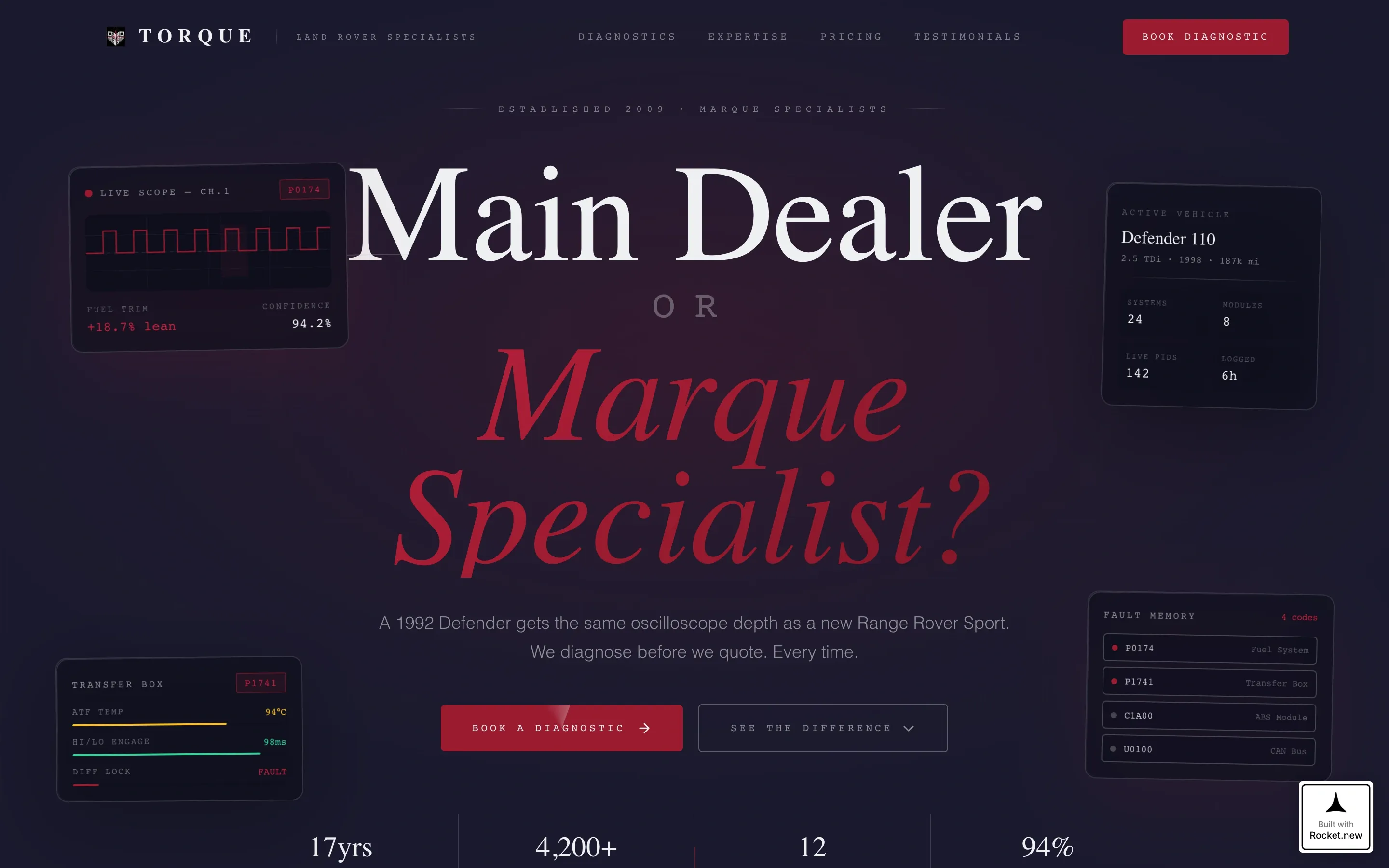
Torque is a scroll reveal landing page template built for Land Rover specialist mechanics. It uses a Tech Glass visual identity and a Comparison/Versus layout to systematically dismantle the case for main dealer servicing. The result is a focused, atmospheric page that builds trust quickly and drives visitors toward booking a diagnostic.
by Rocket studio
Quick summary
Torque is a single-page, scroll reveal template designed for Land Rover specialist workshops. Every section advances a side-by-side argument: specialist care versus main dealer servicing. The layout is architectural, the palette is clinical, and the conversion path is deliberate. From the exploded drivetrain header to the pinned booking form, every element is working toward one outcome.
Who this template is for
This template is built for workshops that want to look as credible as they are skilled. It speaks directly to the niche of Land Rover specialist mechanics who serve a knowledgeable, discerning clientele.
- Independent Land Rover specialists competing with franchise dealers on trust and expertise
- Workshop owners serving enthusiasts, restorers, and fleet managers who demand deep technical knowledge
- Mechanics ready to articulate why specialist care is measurably better than main dealer diagnostics
What problem this template solves
Land Rover owners who have been burned by blind quotes and generic servicing need to be convinced fast. A generic automotive template cannot make that argument. Torque makes it for you.
- It replaces vague "we love cars" copy with a structured, evidence-led comparison that builds conviction
- It gives visitors a clear reason to book before they scroll back up and call a dealer instead
- It turns a niche specialist's expertise into a visible, persuasive narrative that holds attention all the way to the form
What you get with this template
You get a complete, single-page scroll reveal landing page with a coherent visual system, a defined conversion flow, and every section pre-structured around the Comparison/Versus argument.
- An exploded drivetrain header illustration in isometric composition with chrome annotation lines and ruby accent highlights on the five most commonly failed components
- A progressive scroll architecture that moves from wide atmospheric bays to focused, data-dense comparison panels as the visitor descends
- A primary booking form with vehicle model, year, mileage, and a plain-language symptom field, plus a secondary lead-capture path offering a gated rate comparison download
Feature list
This section covers the core built-in capabilities that define how the template looks, moves, and converts.
Exploded View Drivetrain Header
The header decomposes a Land Rover drivetrain into its component systems. Transfer case, differentials, axle shafts, and prop shafts float against deep workshop black, connected by thin chrome annotation lines. Ruby accents mark the five most commonly failed components. The composition is isometric and slightly rotated, giving the page an immediately credible, technical identity.
Scroll Reveal Progressive Layout
Each section materializes as the visitor scrolls, simulating the experience of moving through bays in a glass-walled workshop. The spatial, architectural scroll progression transitions from wide atmospheric sections at the top to tight, data-dense panels lower down. This pacing keeps visitors engaged and makes the argument feel like it is building naturally.
Comparison/Versus Panel Structure
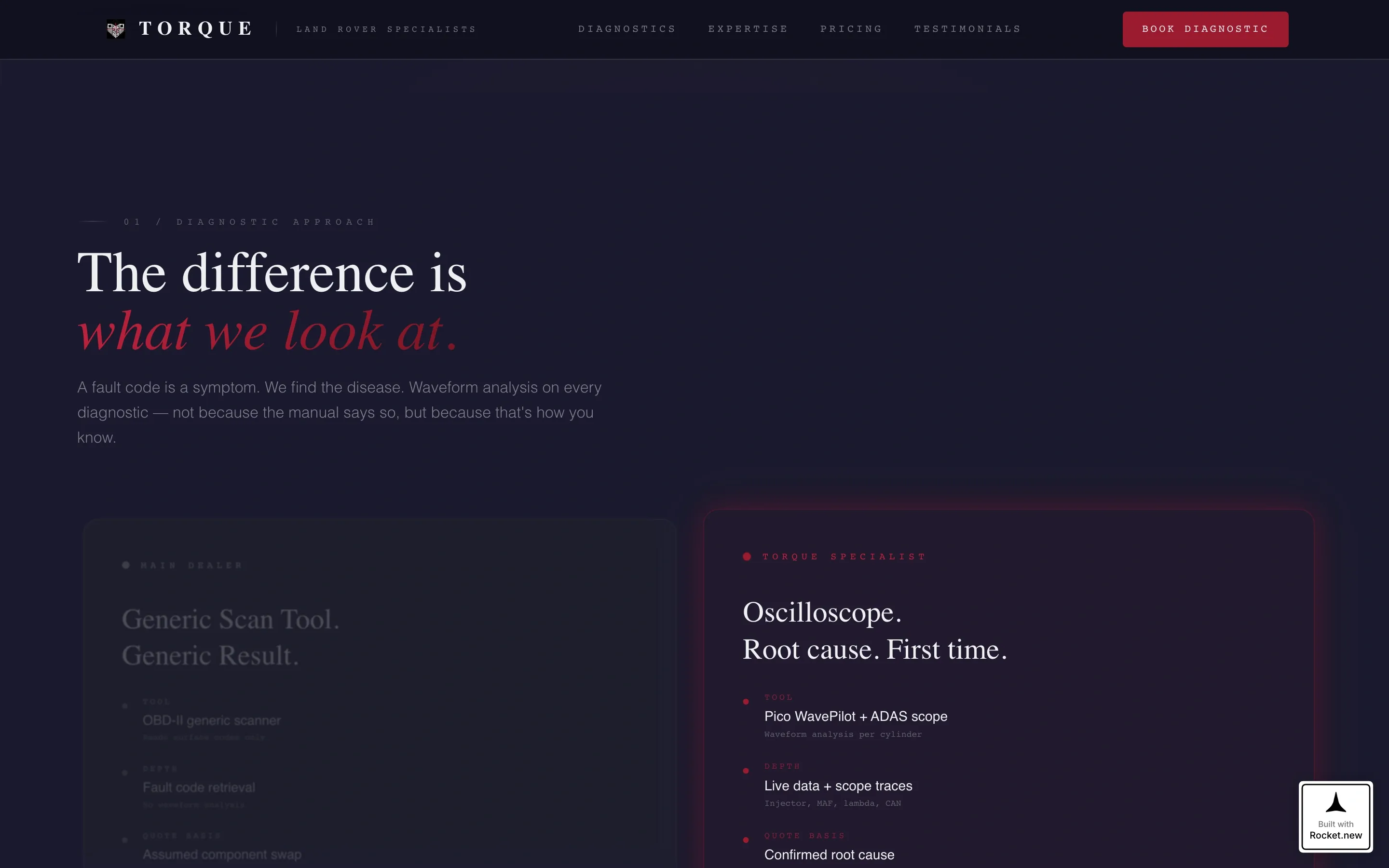
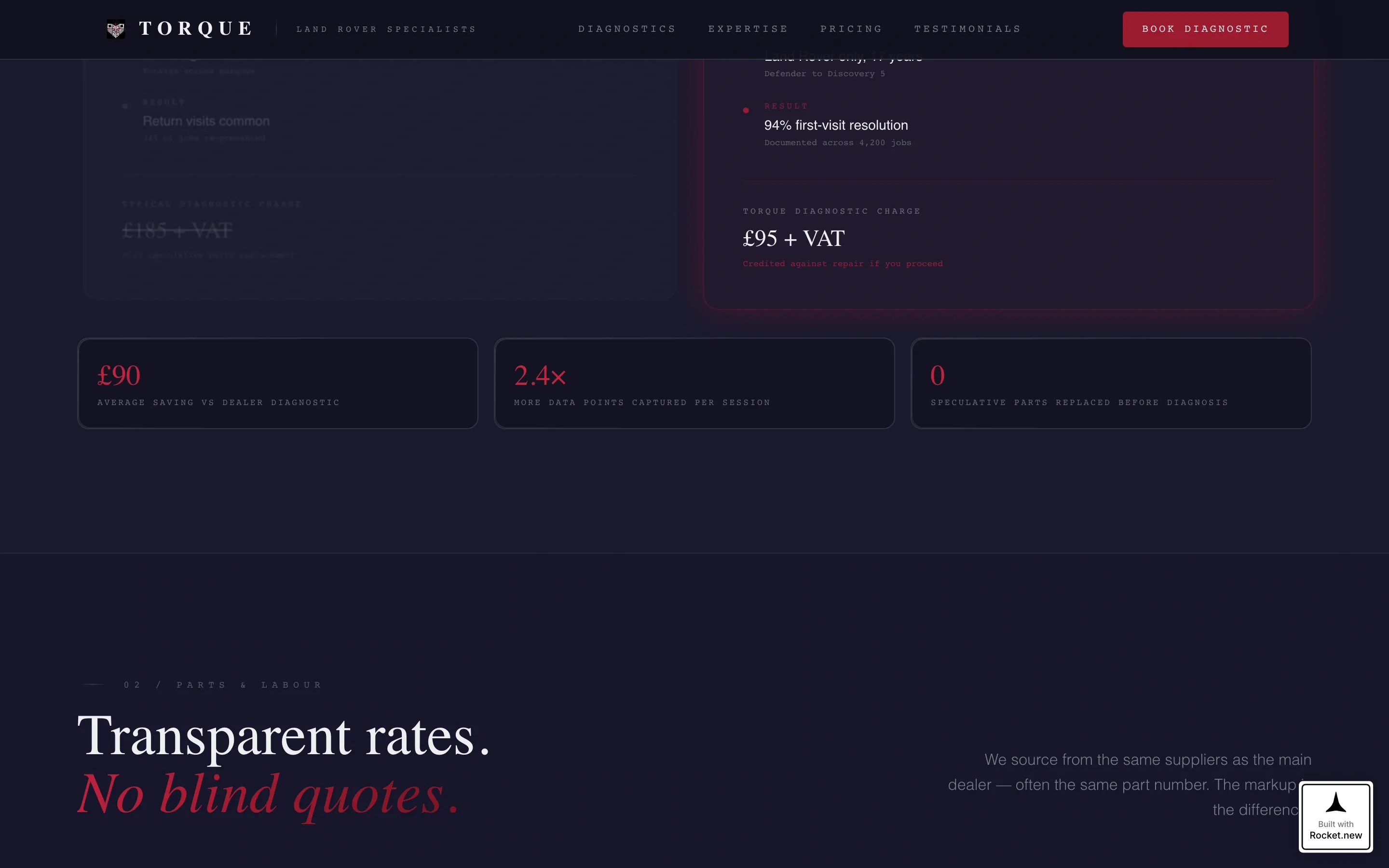
Every substantive section presents two glass panels side by side: main dealer on the left, specialist on the right. The dealer column fades as the specialist column sharpens. Comparison points include diagnostic approach, parts sourcing, labour rates, technician experience, and turnaround time. Data points reveal progressively as the visitor scrolls deeper.
Pinned Ruby Booking Button
After the third comparison panel, a floating ruby button labeled "Book a Diagnostic" remains visible on screen for the rest of the page. This persistent call to action means the conversion trigger is always within reach, regardless of how far down the visitor is reading.
Diagnostic Booking Form
The primary form opens with a vehicle model and year dropdown, the question every Land Rover owner answers instinctively. It then asks for mileage, followed by a free-text field labeled "What's it doing?" This language mirrors how owners naturally describe faults, reducing friction and increasing completed submissions.
Gated Rate Comparison Download
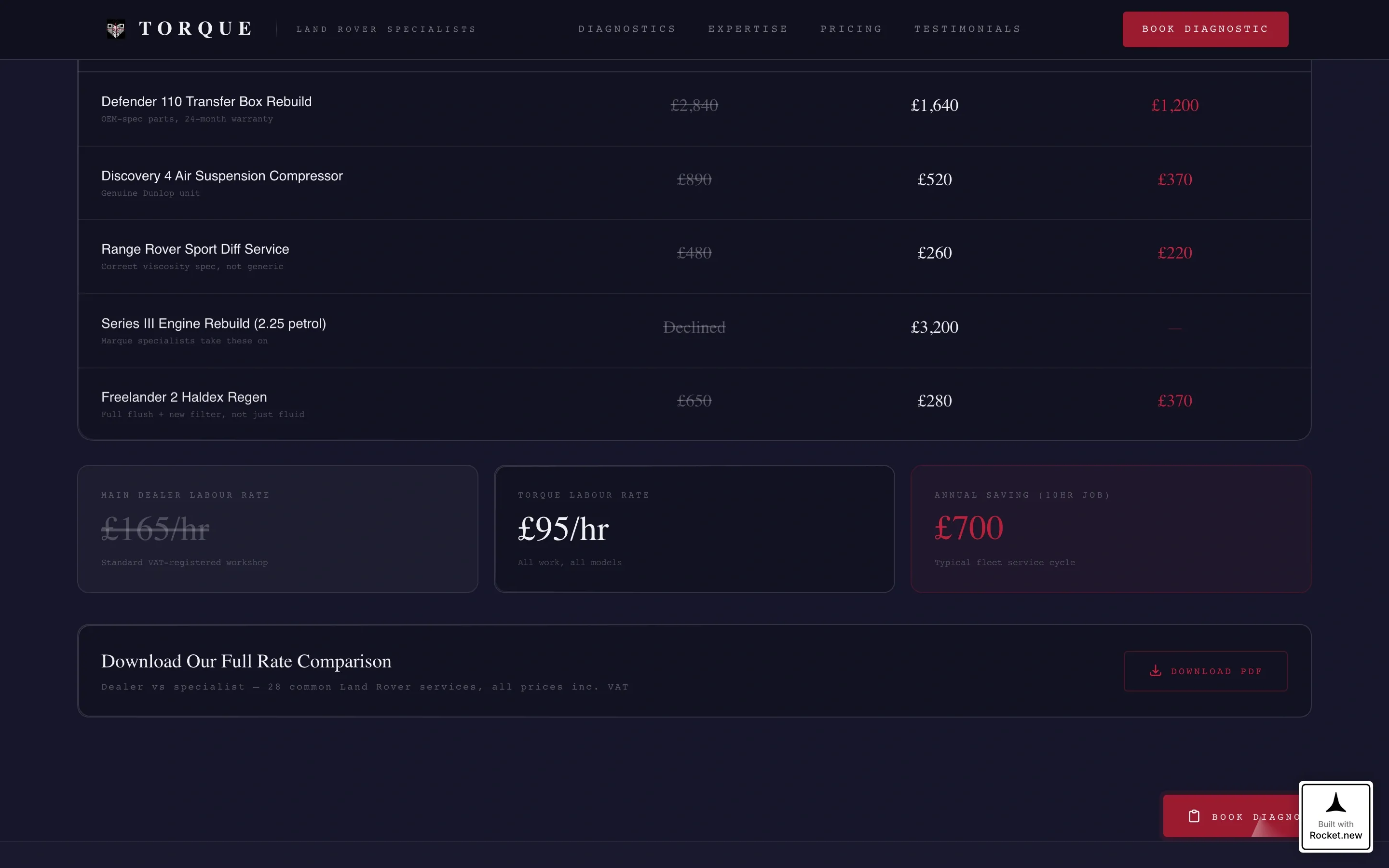
A secondary conversion path offers a downloadable rate comparison document in exchange for an email address. This captures leads from visitors who are convinced but not yet ready to book, keeping them inside the funnel.
Page sections overview
| Section | Purpose |
|---|---|
| Exploded Drivetrain Header | Sets technical authority and brand tone immediately |
| Main Dealer Versus Specialist | Opens the comparison narrative with the core question |
| Diagnostic Approach Panel | Contrasts oscilloscope-led diagnostics against dealer guesswork |
| Parts Sourcing Panel | Compares sourcing depth and marque-specific knowledge |
| Labour Rates Panel | Makes the cost argument with side-by-side transparency |
| Technician Experience Panel | Highlights depth of specialist knowledge over generalist training |
| Turnaround Time Panel | Closes the practical comparison with speed and scheduling data |
| Booking Diagnostic Form | Primary conversion section with vehicle details and symptom field |
| Rate Comparison Download | Secondary lead-capture path for email collection |
Design & branding system
The Tech Glass visual identity uses four defined values to create a palette that feels clinical, reflective, and precise. The overall effect is less "car workshop website" and more "precision instrument panel."
- Core palette: deep workshop black (#1A1A2E) for backgrounds, polished chrome silver (#C0C0C8) for dividers, borders, and structural lines, diagnostic ruby (#9B1B30) for buttons and hover states, and instrument glass white (#EEF0F2) for alternate section backgrounds
- Backgrounds alternate between workshop black and glass white across sections, with chrome used as the architectural skeleton holding the layout together
- Ruby appears on accent elements only: buttons, progress indicators, and hover states, giving it the urgency of a warning lamp on a dashboard cluster
Mobile & speed optimization
The template's spatial scroll architecture is designed to translate cleanly across screen sizes. The comparison panels restack gracefully on smaller displays so the argument stays readable.
- Side-by-side comparison panels collapse to a single-column stacked layout on mobile without losing the visual contrast between dealer and specialist columns
- The pinned ruby booking button remains accessible on all screen sizes, keeping the primary call to action reachable throughout the scroll
How this template helps you convert
The entire page is structured as a single, progressive argument. By the time a visitor reaches the booking form, they have moved through a sequence of evidence designed to make the decision feel obvious.
- The exploded header immediately signals technical authority, earning enough trust for the visitor to keep reading
- Each successive comparison panel removes a reason to stay with a main dealer, narrowing the visitor's logical exit points until booking feels like the rational next step
- The persistent ruby booking button and the secondary download path together ensure that visitors at different stages of readiness both have a clear next action available to them
Other information about this template
This template is purpose-built for the Land Rover specialist niche and carries design decisions that reflect that specificity. A few additional details worth noting:
- The "no stock photography" direction in the header concept means the exploded drivetrain illustration is the visual anchor, not a generic car photo
- The form field labeled "What's it doing?" is deliberately informal, matching how Land Rover owners, particularly Series III restorers and Defender enthusiasts, describe faults in real conversation
- The gated PDF secondary path is positioned as "Download Our Rate Comparison," framing the lead magnet around the visitor's most active concern: cost versus dealer pricing
- This template suits workshops covering vehicles across the full range of Land Rover models, from classic Defenders and Series III restorations through to current Range Rover Sport variants
- The Comparison/Versus layout direction makes this template equally useful for fleet managers evaluating ongoing service contracts as it is for individual owners booking a one-off diagnostic
Theme
Tech Glass
Creative direction
Spatial & Architectural
Color system
Ruby & Chrome
Style
Scroll Reveal (Progressive)
Direction
Comparison/Versus
Page Sections
Exploded View Drivetrain Header
Scroll Reveal Progressive Architecture
Side-by-side Comparison Panels
Pinned Ruby Booking Button
Diagnostic Booking Form
Gated Rate Comparison Download
Related questions
Can I adapt the comparison panels to highlight my specific services?
Does the booking form support custom vehicle dropdowns?
Is the exploded drivetrain header a static image or an animated illustration?
How does the gated download path work within the page?
Can I use this template if I also service other 4x4 vehicles?



