Golf Cart Mechanic Business FAQ Website Template
Torque is a lead-generation landing page built for independent golf cart mechanics. It uses a zigzag FAQ layout to answer real owner questions, a press mentions header to establish instant credibility, and a two-path contact form to capture quote requests from retirement community residents, fleet managers, and street-legal cart owners.
by Rocket studio
Quick summary
Torque is a single-page quote request template designed for a specialist golf cart repair shop. It pairs a press-credentialed header with FAQ-driven alternating sections, a Plum Executive color palette, and a dual-path lead form. The result feels like a conversation with the one tech in the county who already knows what is wrong before you finish your sentence.
Who this template is for
This template is built for skilled, solo golf cart mechanics who want their expertise to do the selling. It suits operators who serve a mix of residential and commercial clients and need a page that earns trust before asking for contact details.
- Independent golf cart technicians running a one-bay or small garage operation
- Mechanics serving retirement communities where carts are everyday transportation
- Shops that handle fleet repairs for golf courses and need to capture quote requests at scale
What problem this template solves
Most service business pages ask for a contact before they earn it. Visitors arrive with a specific anxiety, scan a generic "call us" page, and leave without reaching out. This template removes that friction by addressing real cart-owner questions first and positioning the mechanic as the expert before any form appears.
- Owners searching for help with dead batteries, failing solenoids, or clutch rebuilds often leave pages that do not speak their language
- Fleet managers need confidence that a shop understands high-volume, time-sensitive repair work before they commit
- Street-legal low-speed vehicle (LSV) owners require proof that the technician reads wiring diagrams, not just guesses
What you get with this template
The template delivers a structured, scroll-friendly single page that moves a visitor from skepticism to a submitted quote request. Every section is purposeful and tied directly to a conversion goal.
- A press mentions header bar with a pull-quote from a real feature story, anchoring credibility at first glance
- A zigzag FAQ layout where each alternating block pairs a plain-language question with a concise answer and a supporting visual
- Two distinct lead capture paths: a full symptom-description form and a simplified battery-quote shortcut
Feature list
This template is built around a handful of purposeful components. Each one earns its place by reducing doubt or moving the visitor toward a quote request.
Press Mentions Header Bar
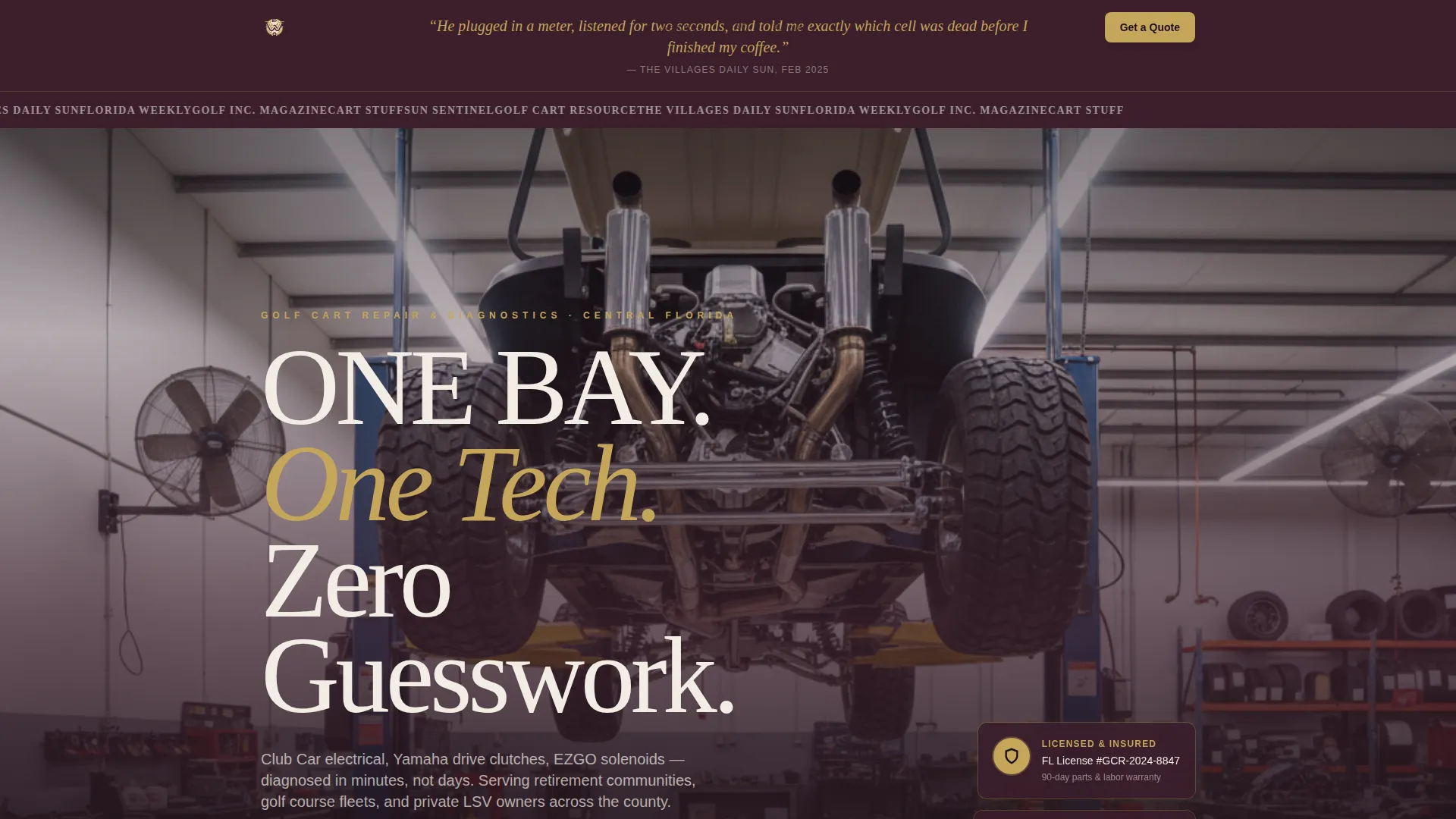
A horizontal ribbon set against deep plum displays local news affiliate logos, community magazine marks, and golf lifestyle outlet badges. A single pull-quote in large serif type runs beneath the ribbon, drawn from a real published feature about the mechanic's diagnostic accuracy. The combination signals professional credibility before the visitor reads a single service description.
FAQ-Driven Zigzag Sections
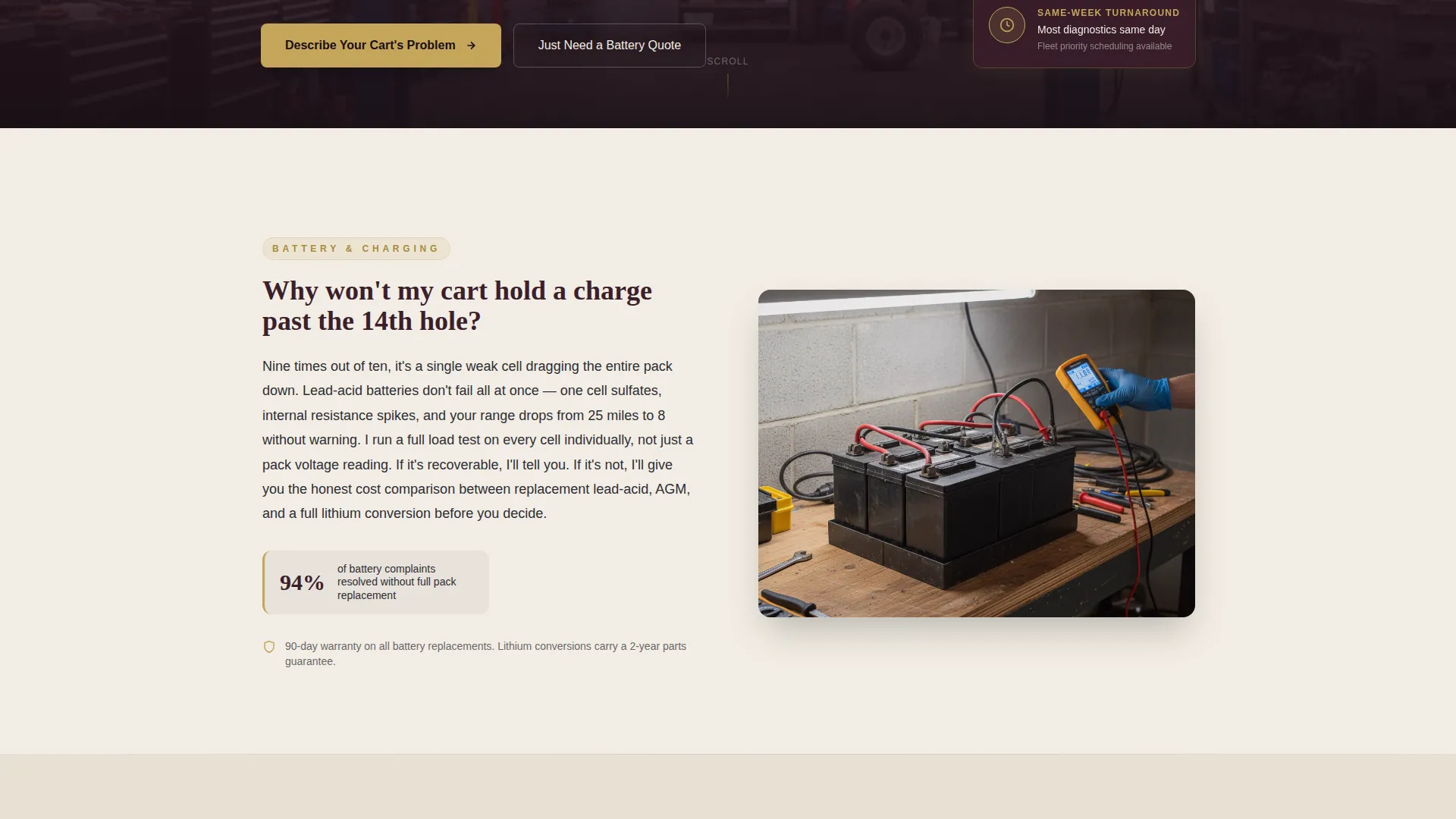
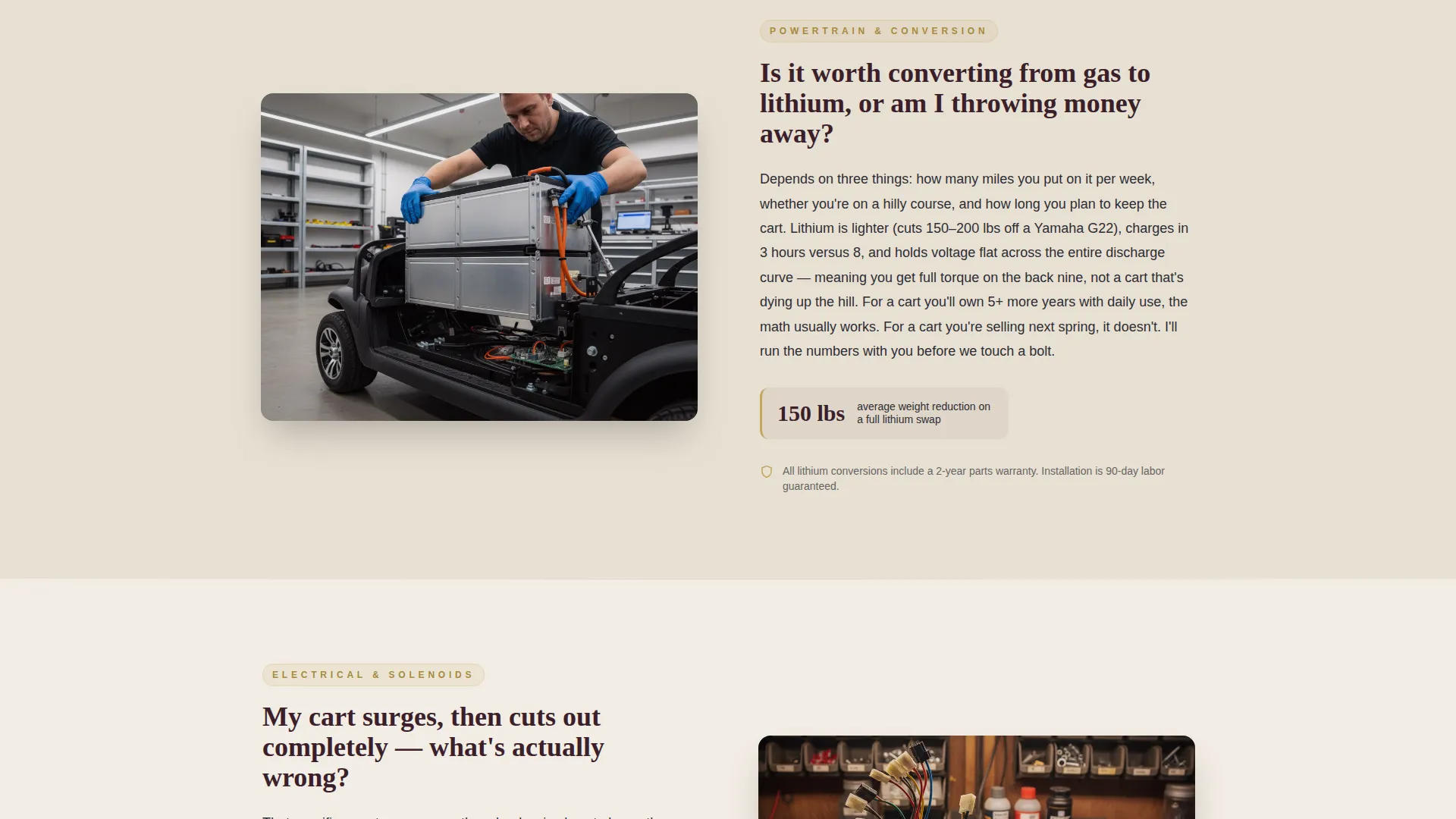
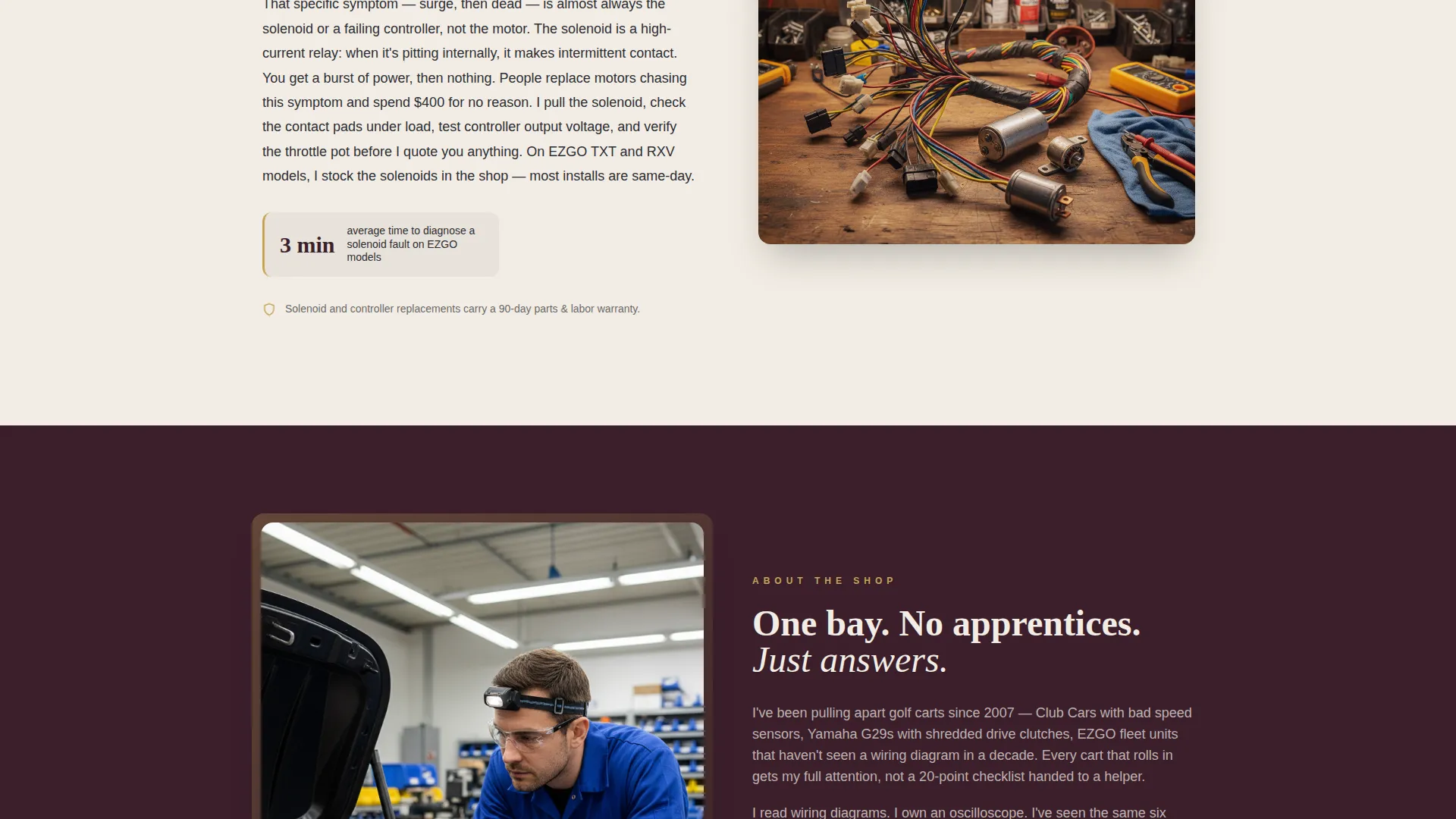
Each section in the page body is anchored by a genuine cart-owner question, such as charge-life concerns past the 14th hole or the gas-to-lithium conversion debate. The question appears as a large heading, a concise jargon-lite answer sits on one side, and a supporting image or diagram fills the other. Alternating left-right layout keeps the scroll feeling like a patient, expert conversation rather than a sales pitch.
Dual-Path Lead Capture Form
The primary call to action reads "Describe Your Cart's Problem" and opens a slide-up panel that collects cart make and model, a free-text symptom description, zip code, and preferred contact method. A secondary path labeled "Just Need a Battery Quote" bypasses the symptom field and presents a simplified three-field form. Both paths reduce the effort required to reach out.
Sticky Mobile Call-to-Action Bar
On mobile viewports, the primary call-to-action anchors to the bottom of the screen throughout the entire scroll. This keeps the quote request option visible without interrupting the reading experience on larger sections.
Trust and Licensing Badge Block
A licensing badge displaying a policy number sits directly above the lead form. Warranty language is woven into every FAQ answer throughout the page. Together these elements address the industry-wide concern about unlicensed, uninsured repair work before the visitor has to ask.
Plum Executive Visual Identity System
The color palette uses deep plum for headers and section backgrounds, brushed charcoal for body text blocks, aged parchment as the primary canvas, and tarnished gold reserved for calls to action, trust badges, and highlighted figures. The result reads like a leather portfolio on a mahogany desk, authoritative and distinct from generic service page templates.
Page sections overview
| Section | Purpose |
|---|---|
| Press mentions bar | Opens the page with third-party credibility |
| Hero shop image | Sets tone with an authentic repair environment |
| FAQ block one | Addresses battery and charge-life concerns |
| FAQ block two | Answers gas-to-lithium conversion questions |
| FAQ block three | Covers electrical diagnosis and wiring concerns |
| FAQ block four | Explains clutch and drivetrain repair scope |
| Licensing badge block | Signals insured, warranty-backed professionalism |
| Primary quote form | Captures full symptom description and contact details |
| Battery quote shortcut | Provides a fast path for simple battery requests |
| Sticky mobile bar | Keeps the primary call to action visible during scroll |
Design & branding system
The Plum Executive palette was chosen to separate this shop from the shade-tree competition. Every color choice carries a deliberate authority signal, and the overall feel rewards the visitor for trusting a specialist over a general handyman.
- Deep plum (#3B1F2B) anchors headers and section backgrounds; brushed charcoal (#2D2D34) handles body text; aged parchment (#F2EDE4) forms the page canvas
- Tarnished gold (#C5A55A) appears exclusively on calls to action, trust badges, and key figures, keeping it visually meaningful
- Large serif typography carries the pull-quote and FAQ headings, reinforcing the expert, editorial tone of the Legal Shield theme
Mobile & speed optimization
The template is structured for a smooth mobile experience because a large share of quote requests come from cart owners checking their phone while still on the course or in the community clubhouse.
- The sticky bottom bar keeps the "Describe Your Cart's Problem" call to action reachable throughout the full mobile scroll
- The slide-up form panel replaces a full page redirect, so the visitor stays in context when they choose to reach out
- Section layouts reflow cleanly from the desktop zigzag into a stacked single-column reading order on smaller screens
How this template helps you convert
The page is engineered so trust is established well before the form appears. Each design and content decision is aimed at reducing the specific hesitations golf cart owners carry into a repair search.
- The press mentions bar and pull-quote neutralize doubt in the first three seconds, making the mechanic feel recognized and vetted rather than anonymous.
- The FAQ zigzag sections mirror the visitor's internal questions, so by the time the form appears the visitor already feels understood and is far more likely to submit.
- The dual-path form removes a common drop-off point by letting simple battery-quote seekers skip the symptom field entirely, capturing leads who might otherwise leave without reaching out.
Other information about this template
This template is part of a Legal Shield theme collection that pairs authoritative visual design with trust-forward content structures. It is particularly well suited for markets where clients have had bad experiences with unqualified technicians and need visible proof of professionalism before they hand over the keys.
- The template supports cart brands commonly found in residential and fleet settings, including Club Car, Yamaha, and EZGO models, through its flexible free-text symptom and make-model form fields
- The press mentions component can be updated with any local media logos or community publication marks relevant to the mechanic's actual coverage area
- The warranty and licensing language blocks are positioned strategically rather than buried in fine print, reflecting the prompt's intent to make accountability visible
- This template is categorized under Professional Services and is purpose-built for the Golf Cart Mechanic Quote Request niche within that category
Theme
Legal Shield
Creative direction
FAQ-Driven
Color system
Plum Executive
Style
Zigzag/Alternating
Direction
Lead Generation
Page Sections
Press Mentions Credibility Header
Faq-driven Zigzag Layout
Dual-path Lead Capture Form
Sticky Mobile Call to Action Bar
Licensing and Warranty Trust Block
Related questions
Can this template handle quote requests for multiple golf cart brands?
Does the template include both the full symptom form and the battery quote shortcut?
Can I replace the press mentions logos with my own local media coverage?
Is the sticky mobile call-to-action bar part of the included template?
Who is this template designed for?



