Turkey Adventure Tour Landing Page Template
Trek is a masonry-style adventure landing page built for Turkey expedition companies. It combines a panoramic Cappadocia hero image, staggered itinerary tiles, and a scarcity-driven departure calendar to turn browsing visitors into registered participants. Cinematic scroll sequences, fitness self-assessment, and dual call-to-action paths make every section earn its place on the page.
by Rocket studio
Quick summary
Trek is a single-page adventure landing page template designed for guided Turkey tours. It uses a masonry tile layout, cinematic scroll bands, and a registration panel with a live departure calendar. The layout speaks to couples, solo hikers, and friend groups who want raw terrain over tourist infrastructure.
Who this template is for
This template is built for experiential travel brands running small-group guided tours through Turkey's natural landscape. It works best when the product is the journey itself, not a hotel package or a coach tour.
- Boutique Turkey adventure tour operators running fixed departure dates
- Solo travel companies targeting hikers and active travelers aged 28 to 40
- Friend-group or couples-focused tour brands competing on authenticity, not price
What problem this template solves
Most adventure tour pages bury the experience under booking widgets and bullet-point itineraries. Visitors arrive curious and leave unconvinced because the page never makes them feel the trip. Trek fixes that by letting the visual storytelling do the selling before the registration panel ever appears.
- Generic tour pages fail to communicate the physical and emotional scale of the journey
- Departure date urgency is invisible, so visitors delay and forget to return
- No clear path exists for visitors who are interested but not yet ready to commit
What you get with this template
Trek delivers a full single-page layout structured around emotional scroll progression. Each section builds momentum from the header to the call to action, mirroring how the trip itself intensifies day by day.
- A panoramic hero section with minimal headline type set directly on the landscape image
- A masonry itinerary grid with cinematic text bands between day clusters
- A registration panel with a departure calendar, fitness tier selector, and a secondary email-capture route
Feature list
This template ships with purpose-built components designed around adventure tour conversion. Every feature maps to a specific stage of the visitor's decision journey.
Panoramic Hero with Minimal Typography
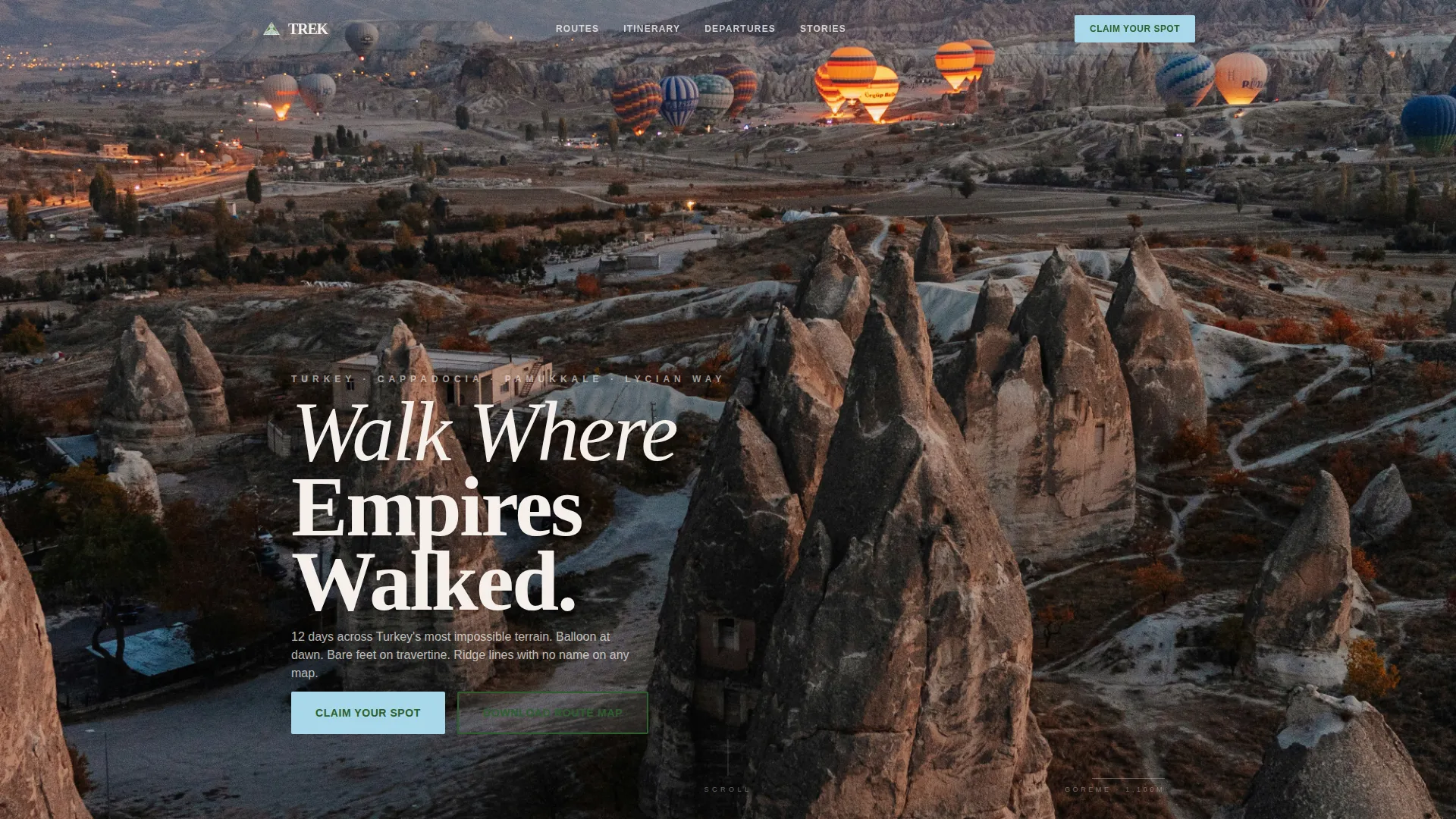
The header spans edge to edge with a single hot-air balloon photograph taken over Cappadocia at golden hour. The headline "Walk Where Empires Walked" sits in lightweight ivory type directly on the open sky. No overlay gradient obscures the terrain.
Masonry Itinerary Grid
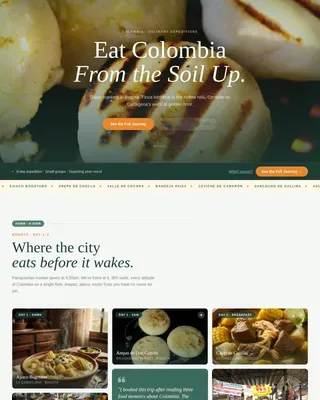
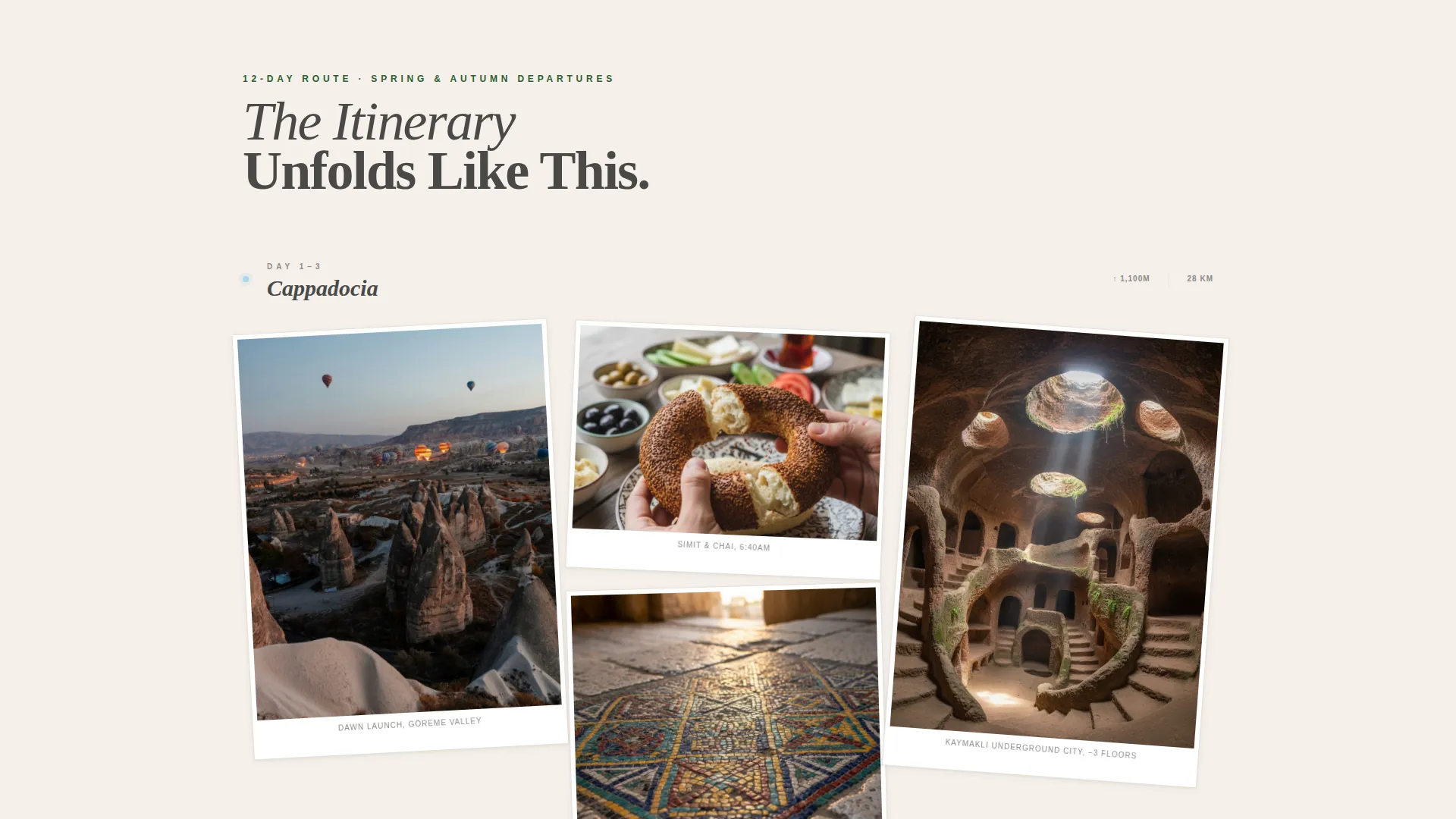
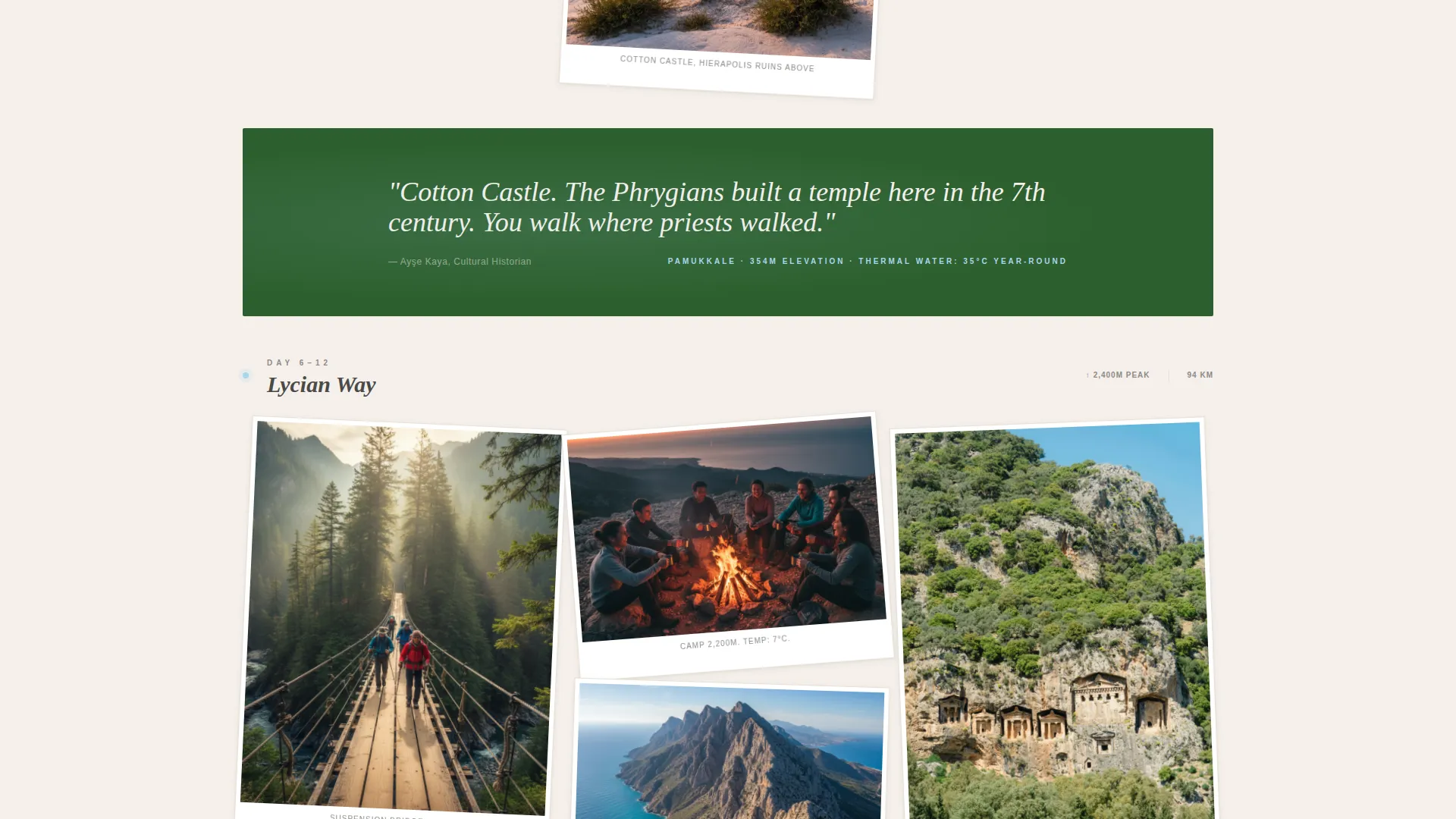
Staggered tile clusters represent each day of the tour. Tiles vary in size and content, from close-up food details to wide ridge-crossing shots, building visual density as the visitor scrolls. GSAP ScrollTrigger parallax and staggered reveal animations drive the scroll momentum.
Cinematic Text Bands
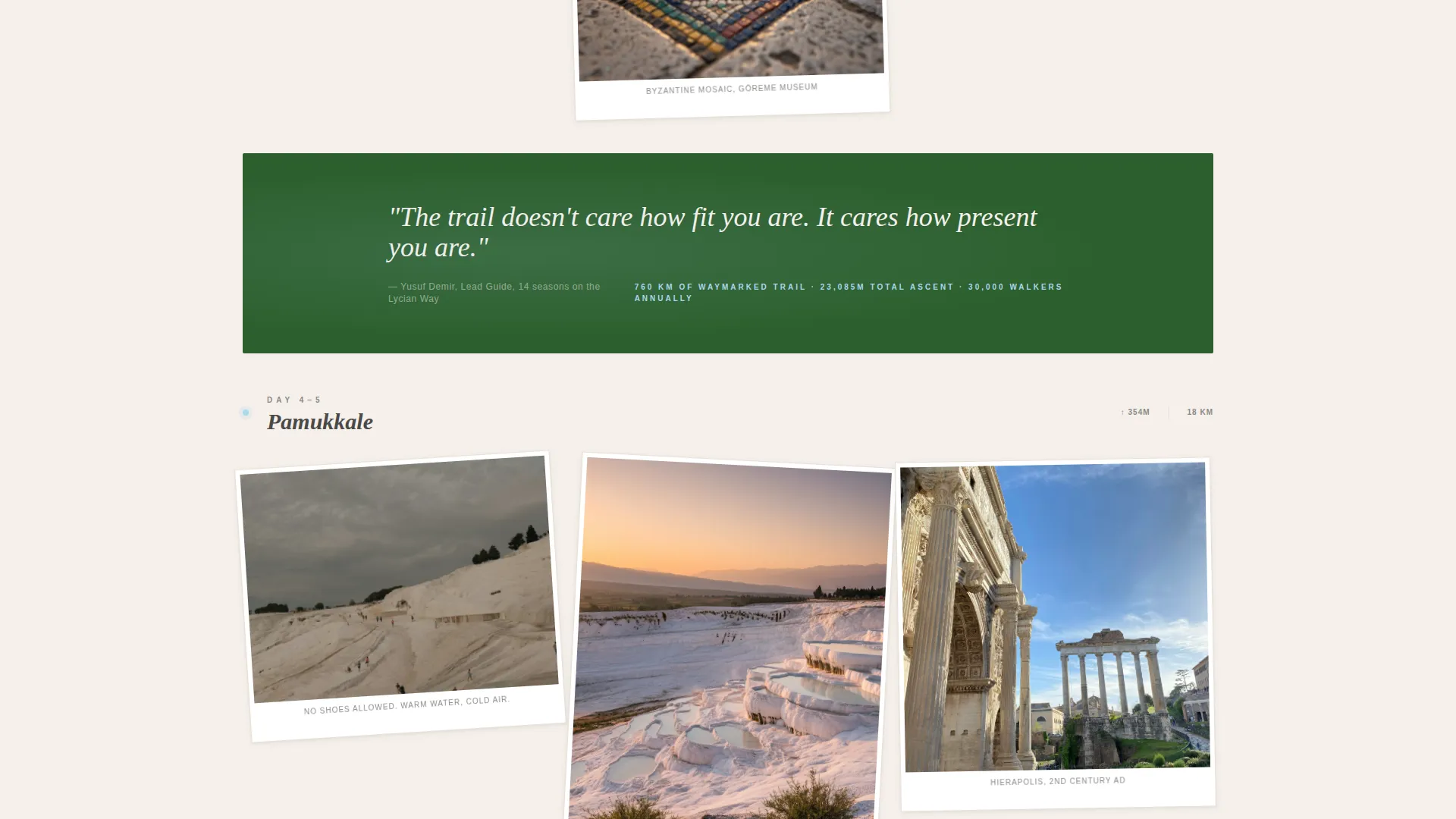
Between each itinerary cluster, a full-width band pauses the grid with a single line of text, a guide quote, a distance marker, or an elevation reading. These breathing moments mirror the rhythm of the trail itself and give the page an editorial pace.
Departure Calendar with Spot Scarcity
The registration panel includes a visual calendar showing available departure dates. Each date tile displays remaining spots in real time, with labels such as "4 spots left" or "Waitlist." Scarcity is structural, not decorative.
Fitness Tier Self-Assessment
Visitors choose from three illustrated fitness levels inside the registration panel: "I walk daily," "I hike monthly," and "I summit yearly." This self-selection helps visitors feel matched to the right departure and lowers hesitation before submitting.
Dual Conversion Paths
The primary call to action, "Claim Your Spot," drives direct registration. A secondary path, "Download the Route Map," captures email addresses from visitors still deciding. Both paths nurture toward the same departure goal.
Page sections overview
| Section | Purpose |
|---|---|
| Panoramic Hero | Sets the scene and tone with a balloon-over-Cappadocia image and the headline |
| Masonry Itinerary | Builds day-by-day visual narrative through staggered tile clusters |
| Cinematic Text Bands | Paces the scroll with guide quotes, distances, and elevation data |
| Destinations Showcase | Presents three routes in an asymmetric bento layout |
| Fitness Tiers and Calendar | Matches visitors to departures and surfaces real-time spot availability |
| Guide Voices Trust Band | Anchors credibility with real quotes and distance or certification stats |
| Footer | Single-row linear footer with essential links |
Design & branding system
Trek uses an Alpine Fresh color palette that feels like cold air and warm rock at altitude. Every color choice has a functional role, not just a visual one.
- Summit stone gray (#4A4A48) handles primary text and card borders for legibility at every scroll depth
- Highland pine (#2D5F2E) anchors section backgrounds and trust badges, grounding the eye before it moves
- Glacier melt blue (#A8D8EA) appears on hover states and route map highlights, pulling attention toward the next interaction
- Exposed limestone white (#F5F0EB) serves as the base canvas, making masonry tiles read like polaroids pinned to a hostel wall
- Typography pairs Fraunces serif italic for headlines with DM Sans for body text and interface labels
Mobile & speed optimization
The template is built mobile-first, with interactive components adapted specifically for smaller screens. The layout shifts cleanly from masonry grid to vertical scroll without losing its editorial character.
- A floating "Claim Your Spot" bar stays pinned at the bottom of the screen on mobile throughout the entire scroll
- Images are lazy-loaded to reduce initial page weight across all devices
- Server Components handle static content while Client Components manage the interactive registration panel
How this template helps you convert
Trek is structured so that every scroll interaction moves the visitor closer to registration. The page never asks for commitment before it earns it.
- The masonry itinerary builds emotional investment early, so visitors arrive at the registration panel already picturing themselves on the trail
- Real-time spot scarcity on each departure date tile creates honest urgency that motivates action without relying on countdown timers
- The route map download gives hesitant visitors a low-commitment next step, keeping them in the conversion funnel for a future departure
Other information about this template
Trek sits at the intersection of adventure tourism design and experiential travel storytelling. It is purpose-built for the Turkey travel niche but adaptable to any guided expedition brand running fixed departures.
- The template style is Masonry/Pinterest, suited to image-heavy brands with multi-moment itineraries
- The creative direction follows a Cinematic Sequence approach, using scroll as a narrative device
- The landing page direction is Event Registration, making departure dates the primary commercial unit
- The header concept is Panoramic/Wide, prioritizing landscape immersion over interface chrome
- Trail distances are displayed in kilometers with mixed imperial references, matching international adventure travel convention
- Pricing is structured for USD output with English-language copy throughout
Theme
Adventure Terrain
Creative direction
Cinematic Sequence
Color system
Alpine Fresh
Style
Masonry/Pinterest
Direction
Event Registration
Page Sections
Panoramic Hero with Minimal Type
Masonry Itinerary Grid
Cinematic Scroll Text Bands
Departure Calendar with Spot Scarcity
Fitness Tier Self-assessment
Dual Call-to-action Conversion Paths
Related questions
What type of tour company is this template built for?
Can I adapt this template for a travel destination outside Turkey?
How does the spot scarcity feature work on the departure calendar?
What is the secondary conversion path and who is it for?
What fitness levels does this template's registration panel cover?