Emergency Medicine Education Website Template
Triage is a calm symptom assessment landing page template built for emergency medicine patient education platforms. It guides new parents, young adults, and elderly caregivers through clear, structured triage decisions at any hour. With a stats-first visual layout, guided assessment flow, and color-coded results, this template helps users determine when to call, wait, or seek urgent care.
by Rocket studio
Quick summary
Triage is a hub-and-spoke landing page template designed for emergency medicine patient education. It combines a portrait-anchored hero, body-system anchor navigation, and a guided symptom assessment flow to help users make calm, informed decisions about their care. The template is built for clarity under pressure and converts visitors through structured triage questions.
Who this template is for
This triage template speaks directly to the people who need it most: individuals in real-time health situations reaching for their phone before they reach for their keys. It is equally valuable for platform builders, nurses, and healthcare professionals building patient-facing triage tools.
- New parents assessing a feverish toddler at 2 a.m. and unsure whether to wait or drive
- Young adults trying to determine if chest tightness is anxiety or something requiring urgent care
- Elderly caregivers deciding whether a fall warrants an ambulance or home treatment
What problem this template solves
Panic is the enemy of good triage decisions. Most people have no structured way to assess their own symptoms, which leads to unnecessary emergency department visits or dangerous delays. This template solves the problem of patient uncertainty by replacing fear with a calm, step-by-step process.
- Users lack a clear, trustworthy process for identifying the severity of their situation
- Healthcare providers need a patient-facing form that collects structured data before a follow up visit or call
- Existing sites offer general health information but rarely guide users through a true triage assessment with a clear outcome
What you get with this template
This template gives you a complete, launch-ready landing page built around a guided symptom assessment experience. Every section is designed to hold the visitor's attention and move them toward a confident care decision.
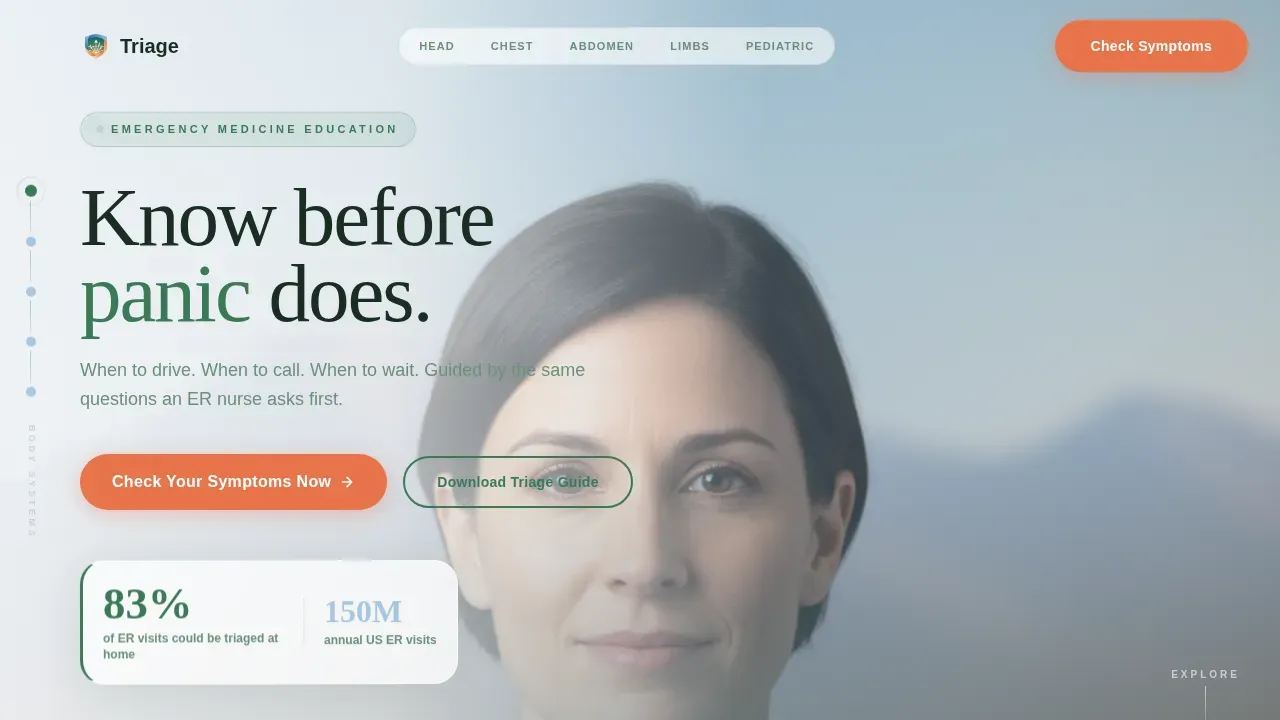
- A portrait-centered hero with an oversized triage statistic and a primary "Check Your Symptoms Now" call-to-action
- A fixed anchor navigation organized by body system: Head, Chest, Abdomen, Limbs, and Pediatric
- A three-step guided assessment modal that collects age range, symptom location via body silhouette, and duration, then delivers a color-coded result
Feature list
This triage template is built around components that reduce anxiety and save time for both users and healthcare professionals reviewing patient input.
Stats-First Impact Hub Sections
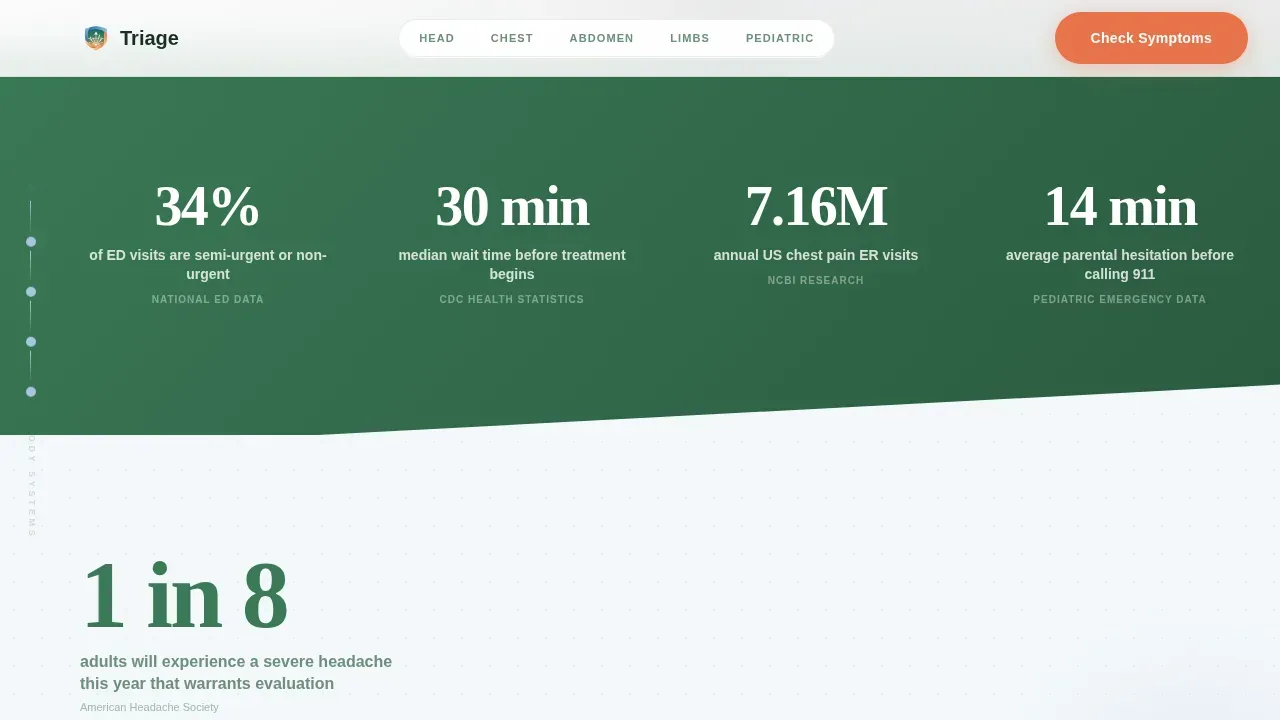
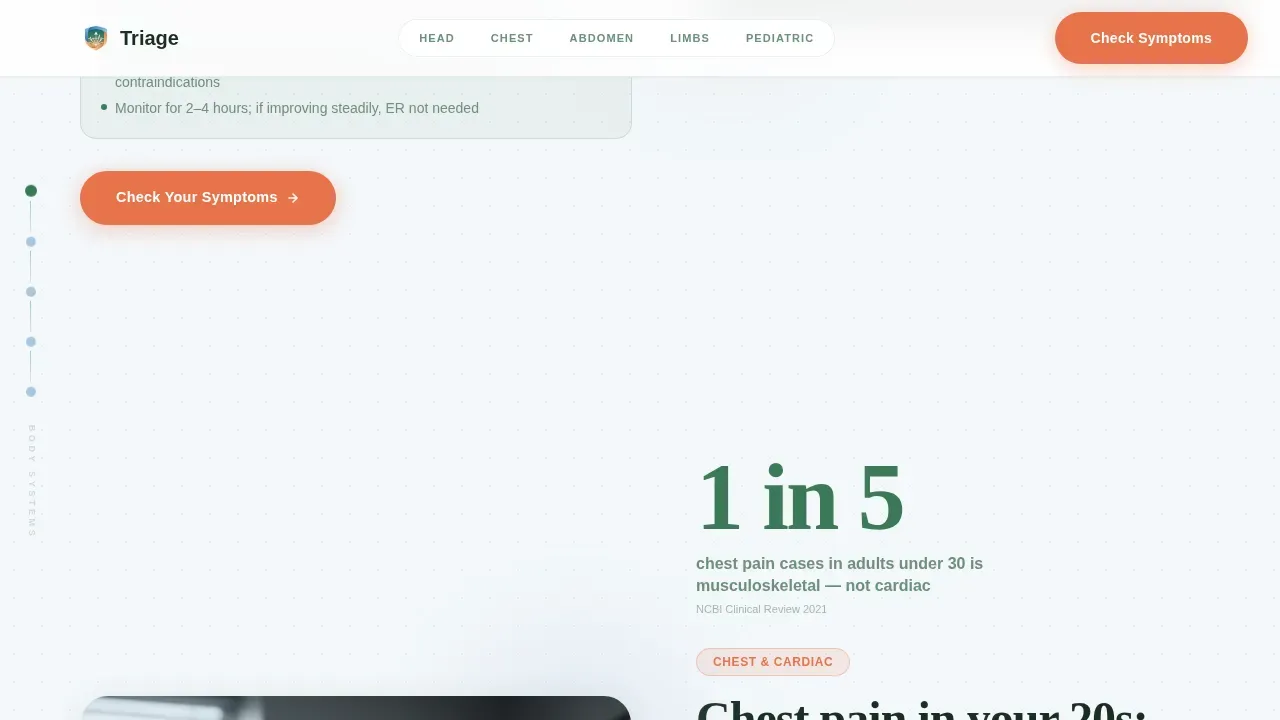
Each spoke section opens with a single oversized statistic before revealing its full context. Examples include pediatric hesitation data and musculoskeletal chest pain rates in under-30s. This approach builds credibility and keeps users engaged before they fill out any form.
Guided Three-Step Assessment Flow
The assessment collects age range, primary symptom location mapped to a body silhouette, and severity duration. Results deliver a calm, color-coded recommendation: green for home care, blue for scheduling a visit, and warm orange to seek urgent care. Every result gives a clear next step so users never end the process without direction.
Fixed Body-System Anchor Navigation
The left-side anchor nav lists five body systems. Each node pulses subtly in evergreen when unvisited and settles into high-altitude blue once explored. This explore-state tracking ensures users understand their progress through the assessment process and feel in control of the situation.
PDF Home Triage Guide Gate
A secondary conversion path offers a downloadable triage guide as a PDF. Users access it by entering their email, making it easy to capture visitors who want to prepare on a basis beyond the immediate assessment. The PDF download path ensures no visitor leaves the site without a useful resource.
Color-Coded Triage Results Preview
A visible results preview section demonstrates the three outcome levels before users start. Green, blue, and orange indicators set expectations clearly. This transparency helps nurses and patients alike understand how the platform classifies urgency without medical jargon.
Portrait-Centered Hero with Trust Anchor
The header centers a composed physician portrait against a soft alpine gradient. A single large statistic fades in over the image. Together they establish clinical authority and reduce the anxiety a patient feels when first landing on the site.
Page sections overview
| Section | Purpose |
|---|---|
| Hero Portrait | Anchor trust, display primary statistic, present main call-to-action |
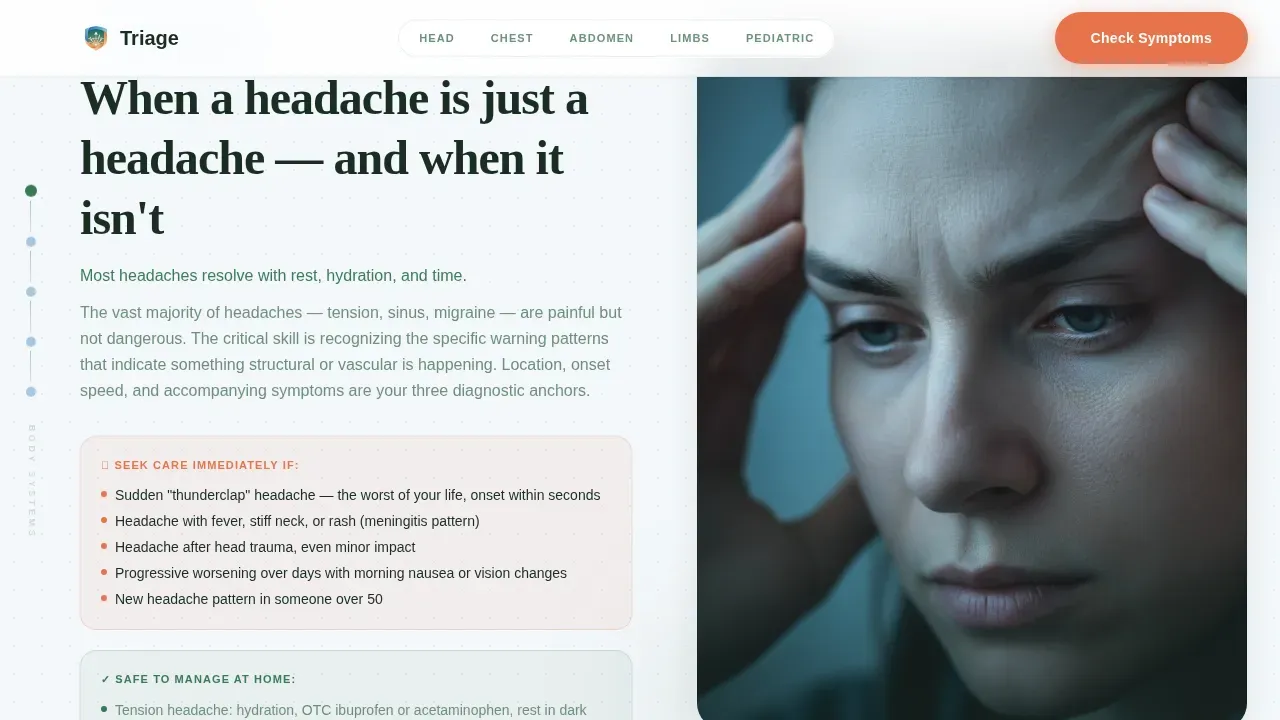
| Symptom Module Spokes | Body-system cards with stats-first impact and triage guidance per area |
| How It Works | Three-step visual flow showing age, location, and duration inputs |
| Triage Results Preview | Color-coded outcome demo showing green, blue, and orange levels |
| Social Proof Stats | Emergency department utilization data and clinical credibility indicators |
| Footer | Horizontal flow layout with secondary links and platform information |
Design & branding system
The visual identity follows a Soft Gradient theme using the Alpine Fresh color system. The palette is intentionally calm. It is designed to slow the heart rate rather than heighten alarm, which matters deeply when a patient is already stressed.
- Glacier white (#F4F7FA) to high-altitude blue (#A8C6DF) gradients shift as the visitor scrolls, keeping the site breathing and spacious
- Evergreen (#3B7A57) marks unvisited navigation nodes; high-altitude blue signals explored sections; alert warmth (#E8734A) is reserved exclusively for calls-to-action and critical-path indicators
- Typography pairs DM Sans for body text with Fraunces for oversized display statistics, ensuring readability at every level of engagement
Mobile & speed optimization
Users reaching this site at 2 a.m. on a phone are in a real situation. The template is designed mobile-first to ensure the experience holds up under pressure. 70% of website visitors abandon a site because of a poor user experience, and 75% of users judge credibility based on website design.
- The page layout is fully responsive with large, easy-to-tap buttons and minimal scrolling required for mobile users
- All tap targets are sized to at least 48px x 48px to ensure usability on small screens without compromised interaction accuracy
- Scroll-linked gradient shifts, stat counter animations, and fade-in sections use minimal JavaScript to keep load performance fast for users on mobile networks
How this template helps you convert
This template is built around two conversion paths working in parallel. Both paths save time and ensure no visitor leaves without taking a meaningful action.
- The primary path drives users to complete the symptom assessment by opening the guided modal, selecting their age and symptom details, and receiving a color-coded care recommendation with a clear follow up step
- The secondary path captures visitors not yet ready to assess by offering a free PDF triage guide download gated behind an email, building your list and providing lasting value
Other information about this template
This triage calm symptom assessment landing page template is designed to work for a range of healthcare settings, from urgent care platforms to patient education sites run by hospitals or independent medical staff. Nurses, doctors, and healthcare providers building digital patient intake tools will find the form structure and assessment flow easy to adapt.
- The form is built to produce structured data that can be reviewed by healthcare professionals, and the layout supports adding fax or phone contact details where required by your site's workflow
- The application supports multiple language options to improve accessibility for diverse patient populations, and HIPAA compliance badges and security seals can be displayed to protect patient trust and address data security concerns
- Platform builders can use an application programming interface (API) to connect the form to existing document management systems, unlock additional automation, and ensure assessment data flows end-to-end without manual tasks
- The PDF download, print option, and email-gated triage guide form a reusable document layer that helps healthcare providers track patient inquiries and document communications on an ongoing basis
- 86% of buyers will leave a website if information is outdated or unclear, making it essential to fill every section with current, evidence-based details before you start sending traffic to the site
Theme
Soft Gradient
Creative direction
Stats-First Impact
Color system
Alpine Fresh
Direction
Quiz/Assessment
Page Sections
Stats-first Hub and Spoke Sections
Guided Three-step Symptom Assessment
Fixed Body-system Anchor Navigation
PDF Home Triage Guide Download
Color-coded Triage Results Preview
Portrait-centered Hero with Oversized Stat
Related questions
Who is this template designed for?
Can nurses and clinical staff customize the assessment questions?
What happens after a user completes the triage assessment?
Is the PDF triage guide included in the template?
How does the anchor navigation work across body systems?



