Precision Healthcare Consulting Landing Page Template
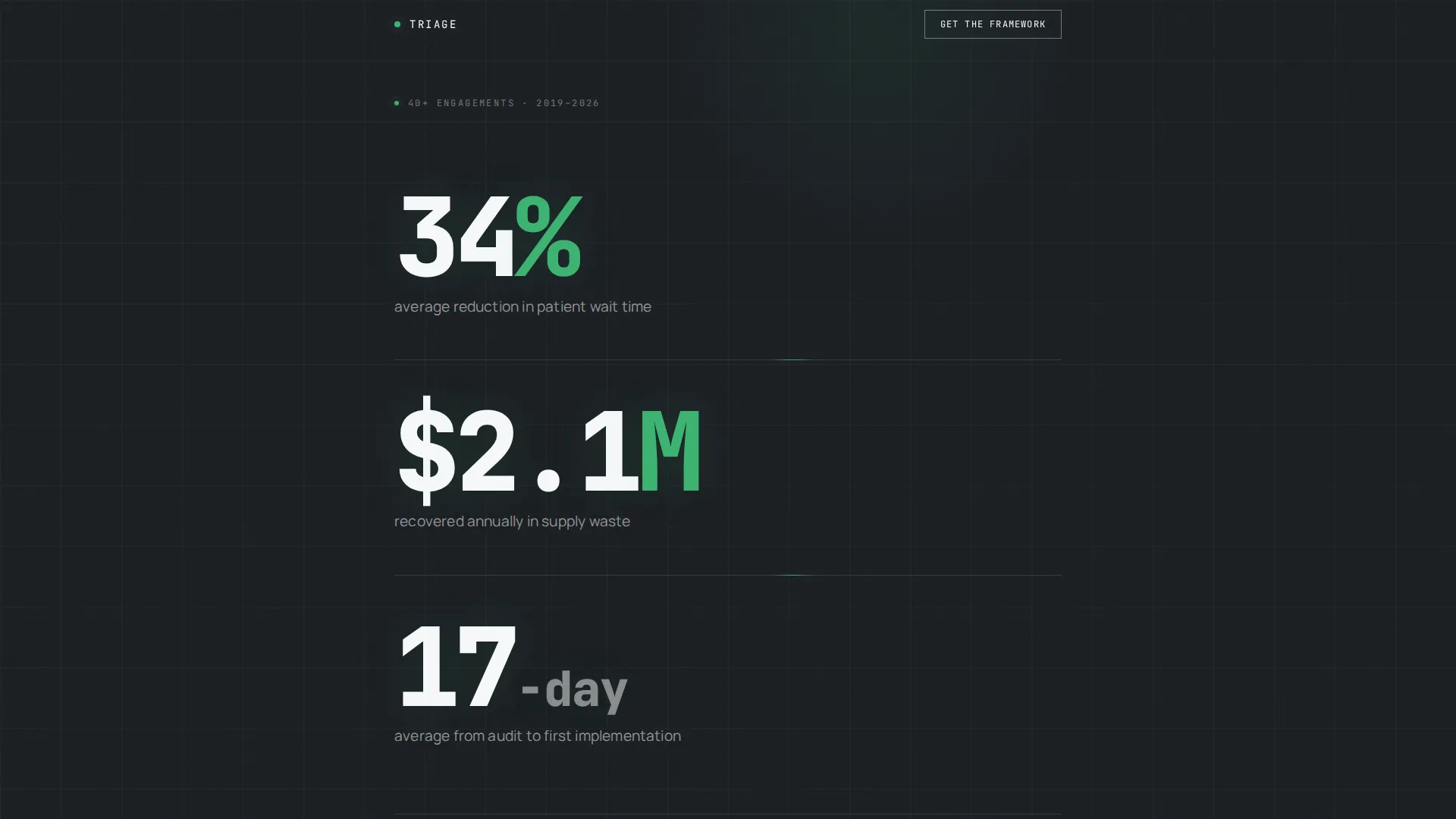
Triage is a single-column landing page template built for healthcare operations consultants. It opens with three animated stat blocks that establish credibility before a single word of narrative appears. The layout guides hospital COOs and clinic administrators through an evidence-first story, ending at a gated download form and three ungated case study summaries.
by Rocket studio
Quick summary
Triage is a focused, single-column landing page template for a healthcare operations consultancy. It leads with bold, animated metrics, builds an evidence-first case through progressive data reveals, and closes with a gated resource download form and embedded case study summaries. Every section earns the next one by leading with a number before offering narrative context.
Who this template is for
This template is designed for healthcare operations consultants who work directly with complex, high-pressure facility environments. The intended user understands their audience arrives skeptical and time-constrained, and needs a page that earns trust through specificity rather than claims.
- Hospital and health network consultants targeting COOs and clinic administrators
- Practices advising on patient throughput, staffing ratios, or supply chain restructuring
- Consultancies offering a lead magnet or audit framework as a primary conversion asset
What problem this template solves
Most consulting landing pages bury their proof inside dense paragraphs or testimonial carousels. Healthcare decision-makers do not have time for that approach. This template flips the order and lets data carry the opening argument.
- Visitors see measurable outcomes before they read a single sentence of marketing copy
- The gated form appears only after credibility has already been established through metrics and case summaries
- The layout removes the gap between "we say we are experts" and "here is the evidence"
What you get with this template
The template delivers a complete, single-column landing page structure ready to be customized with your own engagement data and case materials. All key sections are pre-built and sequenced to match the stats-first content strategy described in the brief.
- An animated stats header block with three vertically stacked metric figures and a supporting attribution line
- A gated two-field download form collecting work email and facility type via a dropdown selector
- Three embedded case study summary blocks, each ending with a link prompt to a full PDF breakdown
Feature list
This template includes the following built-in capabilities drawn directly from the brief.
Animated Stats Header
Three headline-scale metric figures animate from zero on page load. Each stat is set in a monospaced typeface against a dark background, separated by thin horizontal rules. No images or illustrations compete for attention. The numbers are the visual.
Stats-First Section Sequencing
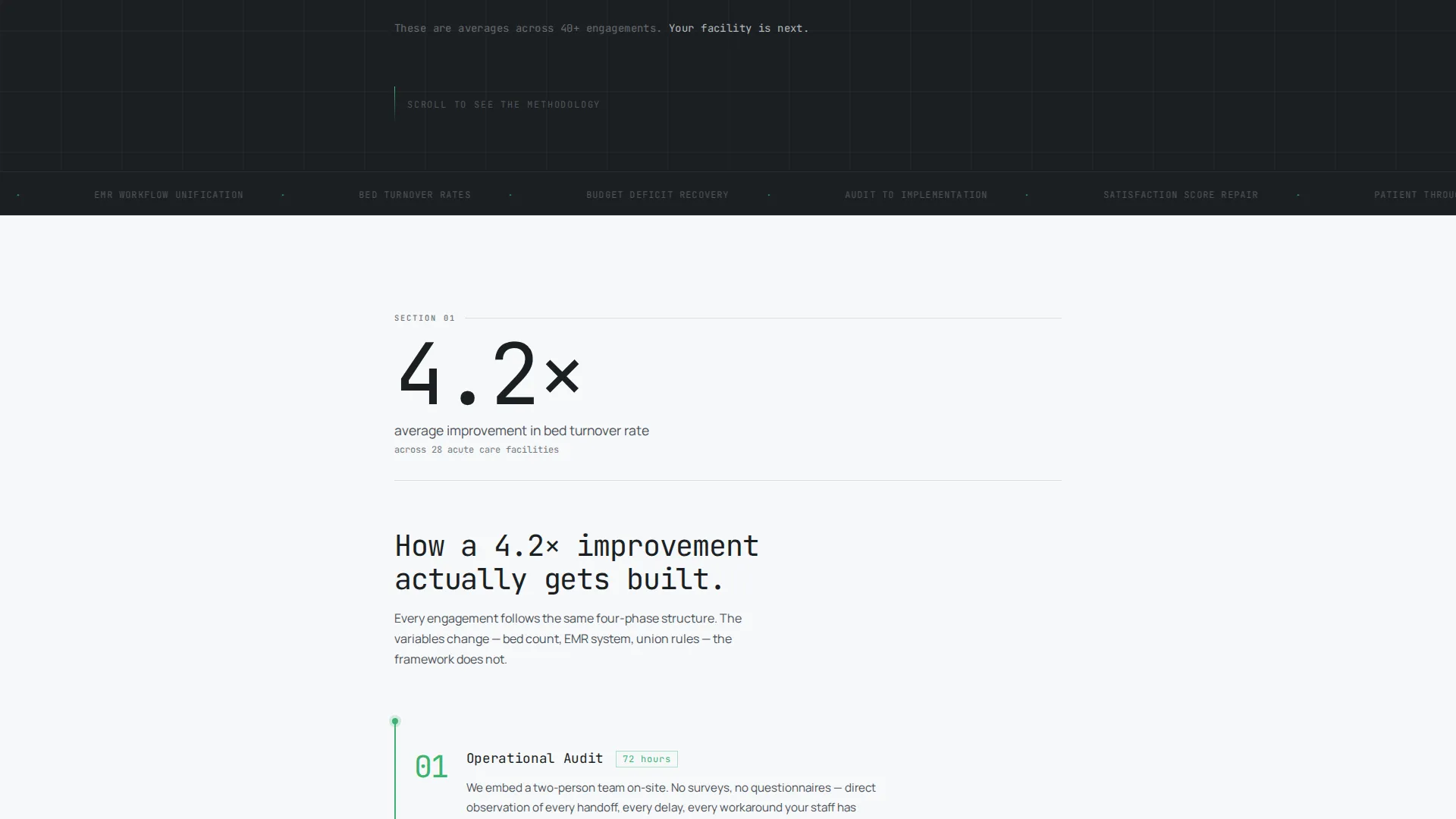
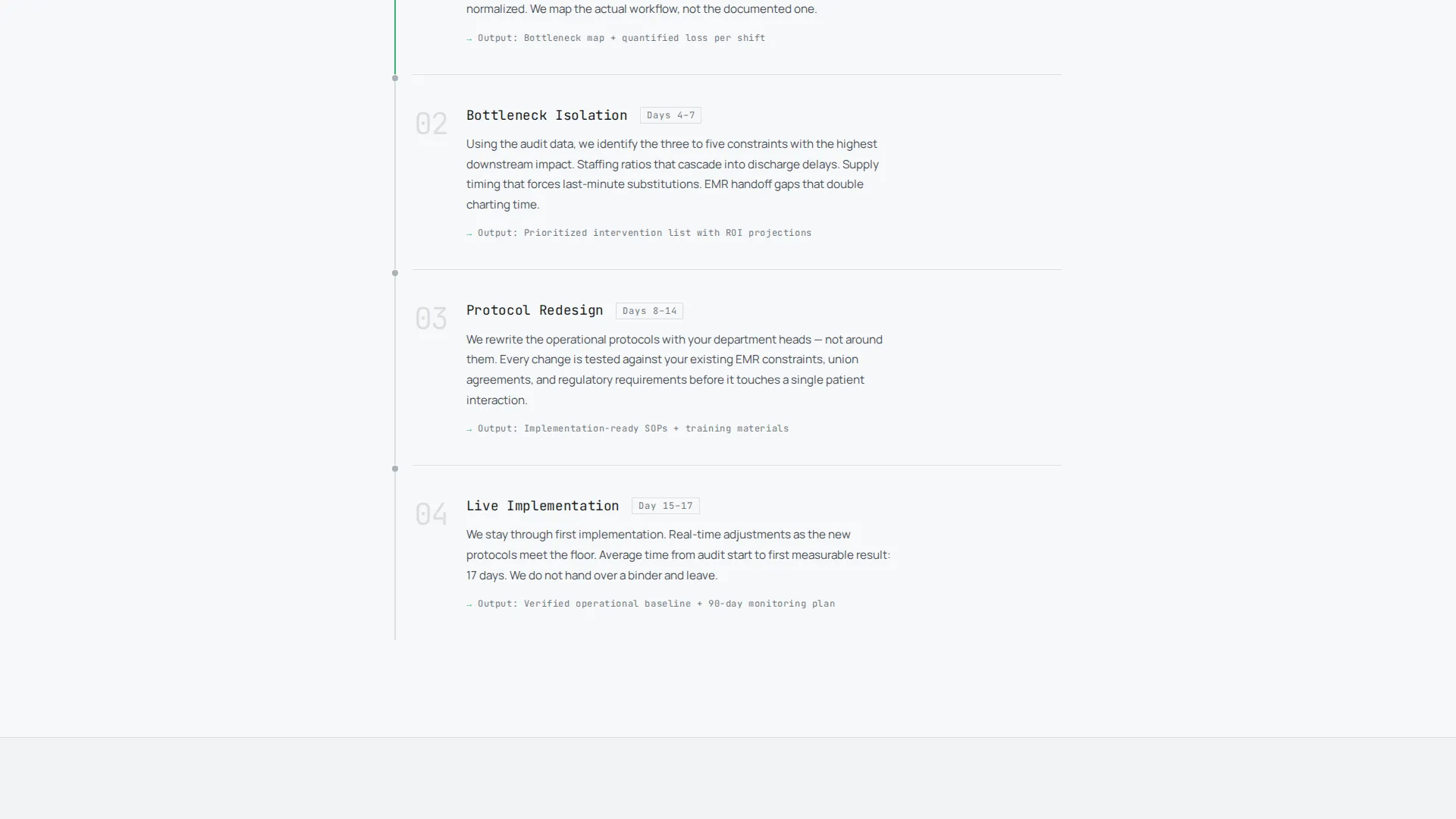
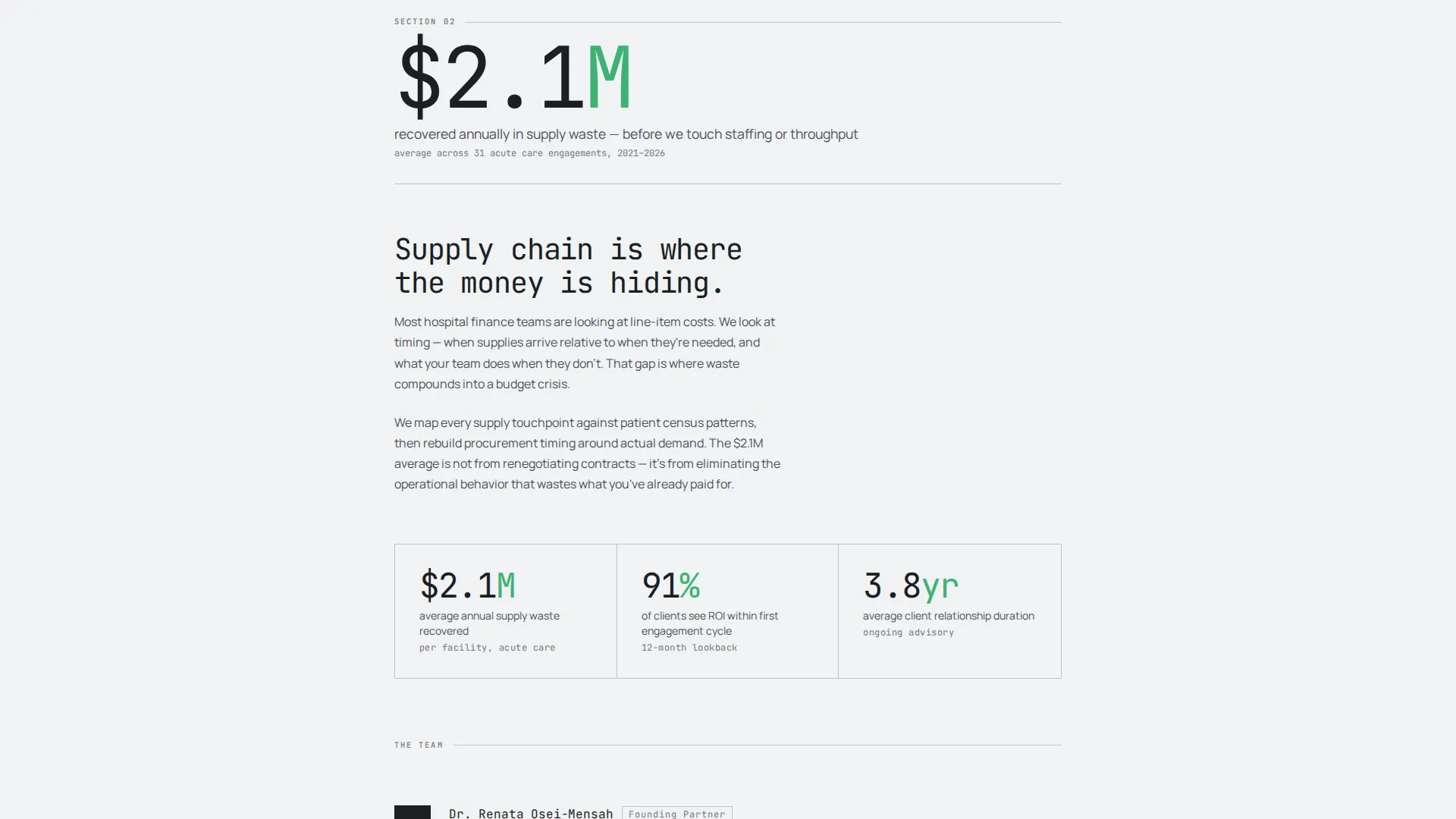
Every scroll depth opens with a number before introducing narrative. Section two leads with bed turnover rates before explaining methodology. Section three leads with cost savings before introducing the team. Momentum builds because each metric is more specific than the last.
Gated Audit Framework Form
A two-field form gates the primary downloadable resource. Visitors submit a work email address and select their facility type from a dropdown that includes acute care, ambulatory, long-term care, and multi-site network options. The form appears only after the page has already presented its evidentiary case.
Embedded Case Study Summaries
Three case study summary blocks sit inline within the page flow. Each summary ends with a visible prompt linking to a full PDF breakdown. These are ungated, giving visitors a low-commitment path to deeper proof before they decide to download the framework.
Monochrome Steel Visual System
The color palette uses surgical steel, instrument tray dark, sterile field white, and a single triage green accent. Green appears exclusively on data points and call-to-action elements. The result is a restrained, authority-driven aesthetic with no decorative distraction.
Single Column Flow Layout
The entire page runs in a strict single-column structure. There are no sidebars, grid interruptions, or competing content tracks. Scroll direction is linear and deliberate, keeping the reader on the intended evidence path from header to form.
Page sections overview
| Section | Purpose |
|---|---|
| Animated Stats Header | Opens with three bold metrics animating from zero to establish immediate credibility |
| Attribution Subline | Anchors stats to 40+ real engagements and sets expectation for the visitor |
| Bed Turnover Block | Leads section two with throughput data before revealing consulting methodology |
| Cost Savings Block | Opens section three with financial recovery figures before introducing the team |
| Case Study Summaries | Three inline summaries with ungated PDF links for low-friction deeper proof |
| Gated Download Form | Two-field form exchanging work email and facility type for the audit framework |
Design & branding system
The visual identity follows a Service Utility theme built entirely on the Monochrome Steel color system. Every design decision prioritizes function over decoration. The palette communicates precision and clinical authority without relying on warmth or illustration.
- Core palette: surgical steel (#71797E), instrument tray dark (#1B1F23), sterile field white (#F7F8FA), and triage green (#3CB371)
- Triage green is reserved exclusively for data points and call-to-action elements, never used as a background or decorative fill
- Monospaced typeface at headline scale is used for all metric figures, reinforcing the data-as-visual design direction
Mobile & speed optimization
The single-column layout translates cleanly to smaller screens without requiring layout changes or collapsing grid structures. The absence of images and heavy decorative elements keeps the visual load minimal and the reading experience consistent across devices.
- No hero images, illustrations, or media-heavy blocks to weigh down the initial load
- Linear scroll structure means mobile users follow the same deliberate evidence path as desktop visitors
- Monospaced type and horizontal rule separators remain legible and proportional at mobile viewport widths
How this template helps you convert
The page is engineered around a single principle: earn the conversion before asking for it. Every structural decision supports that sequence.
- The animated stats header creates immediate proof of impact, so visitors arrive at the form already convinced the consultancy delivers real results.
- The three ungated case study summaries provide a secondary trust-building path, letting undecided visitors go deeper without committing to the form.
- The two-field form minimizes friction at the moment of conversion, asking only for work email and facility type before delivering the audit framework.
Other information about this template
This template is built specifically for the healthcare consulting niche and reflects the needs of a practice serving complex, multi-site health system clients. It is not a general professional services template adapted for healthcare. The structure, language, and conversion flow are designed around the actual decision-making patterns of hospital COOs and clinic administrators.
- Template style: Single Column Flow, suitable for focused consultancy offers and lead generation campaigns
- The lead magnet strategy, centered on an operations audit framework, is a recognized approach in healthcare operations consulting for qualifying serious prospects
- The page supports a content and resource hub direction, combining downloadable assets with inline proof content to serve both action-ready and research-phase visitors
- Facility type segmentation through the dropdown field allows the consultancy to route leads by care setting after submission
Theme
Service Utility
Creative direction
Stats-First Impact
Color system
Monochrome Steel
Style
Single Column Flow
Direction
Content/Resource
Page Sections
Animated Zero-to-number Stats Header
Stats-first Section Architecture
Gated Operations Audit Form
Ungated Case Study Summary Blocks
Monochrome Steel Color System
Single Column Flow Structure
Related questions
Can I replace the placeholder stats with my own engagement data?
Is the audit framework download hosted inside the template?
Do the case study PDF links work out of the box?
Who is this landing page template best suited for?
Can the facility type dropdown be edited to match my practice segments?



