Emergency Vet Hospital Landing Page Template
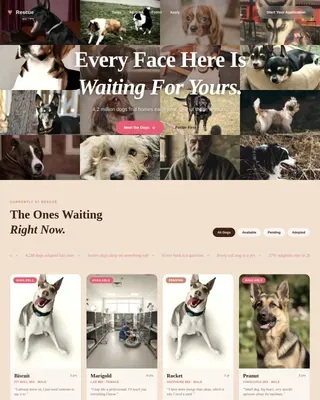
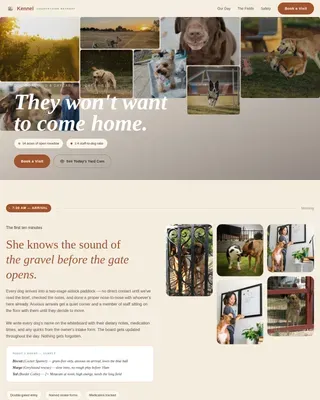
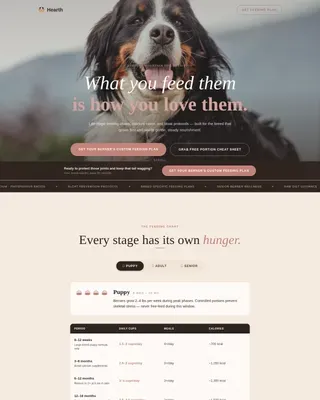
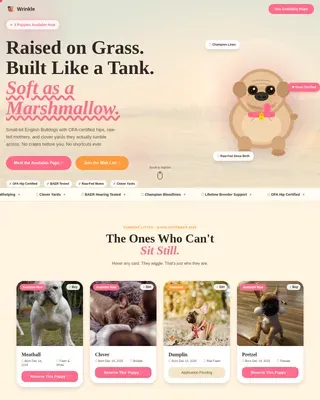
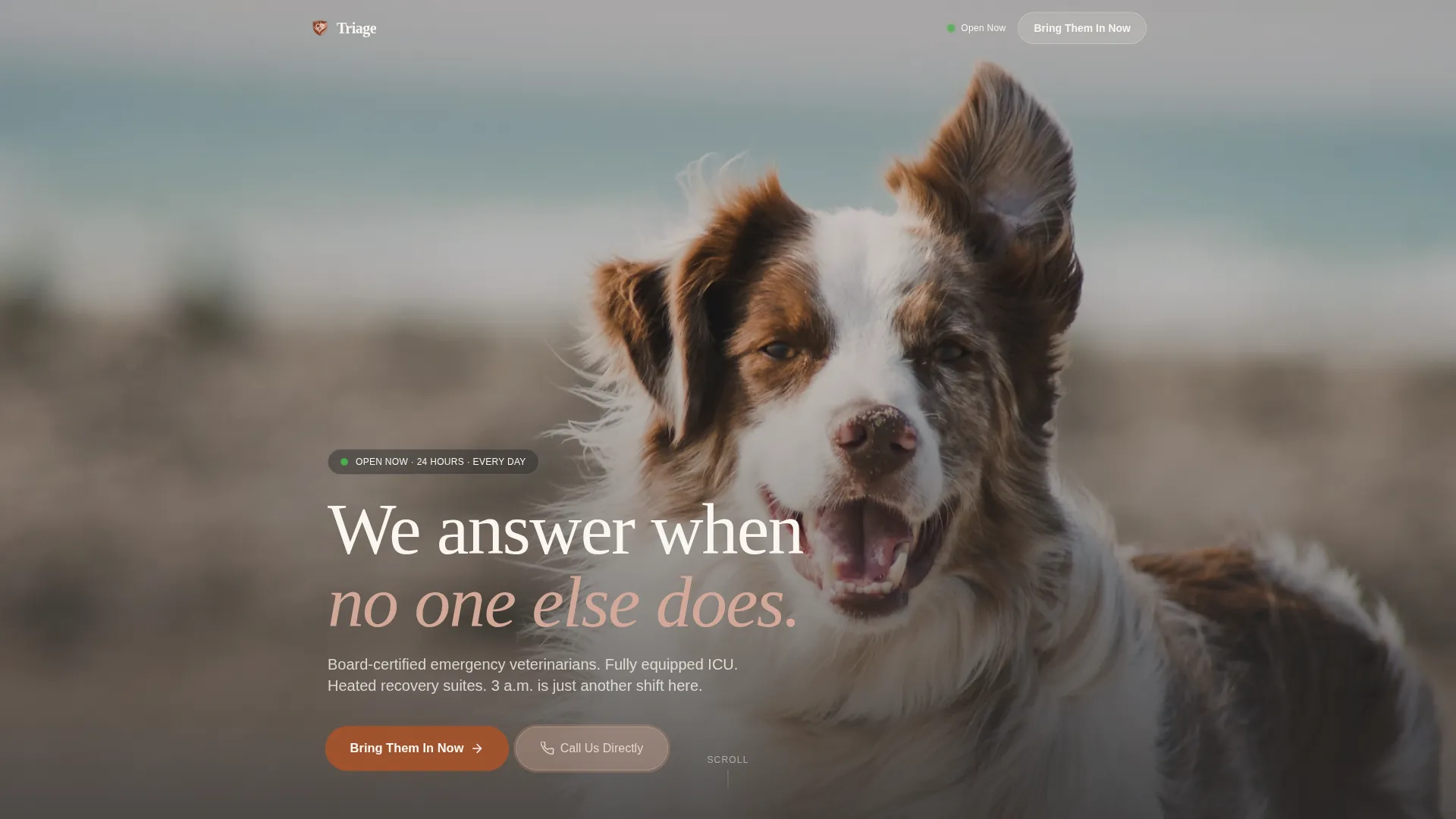
Triage is a single-column emergency veterinary landing page built for 24-hour animal hospitals. It combines a full-screen video header, a community gallery of real family recovery stories, and a streamlined mobile intake form. The warm Parchment and Rust color system keeps the tone steady and human, while every section earns visitor trust before asking for the click.
by Rocket studio
Quick summary
Triage is a single-column flow landing page for emergency veterinary hospitals that never close. The design pairs emotional storytelling with clinical trust signals, moving visitors from fear to confidence through real recovery moments, credential callouts, and a frictionless intake form. Every scroll reinforces one message: your animal is in the right place.
Who this template is for
This template is built for emergency animal hospitals that operate around the clock. It speaks directly to pet owners in high-stress moments and to the teams who serve them.
- Emergency veterinary clinics open 24 hours a day, every day of the year
- Animal hospitals with surgical suites, intensive care units, and overnight monitoring
- Veterinary practices looking to replace a generic contact page with a purpose-built intake experience
What problem this template solves
When a pet owner arrives at 3 a.m. in a panic, a cold or cluttered webpage can cost real trust. This template removes that friction by giving the page a calm, human presence that mirrors what a great vet tech does at the front desk.
- Visitors feel oriented and reassured before they ever scroll past the header
- The page balances emotional proof and clinical competence so neither feels hollow
- A streamlined intake form replaces phone tag and calendar booking, because emergencies do not wait
What you get with this template
You get a fully designed, single-column landing page structure built around the specific pressures of emergency veterinary care. Every section, visual detail, and call to action has a clear job.
- A full-screen video background header with overlaid text and ambient sound design guidance
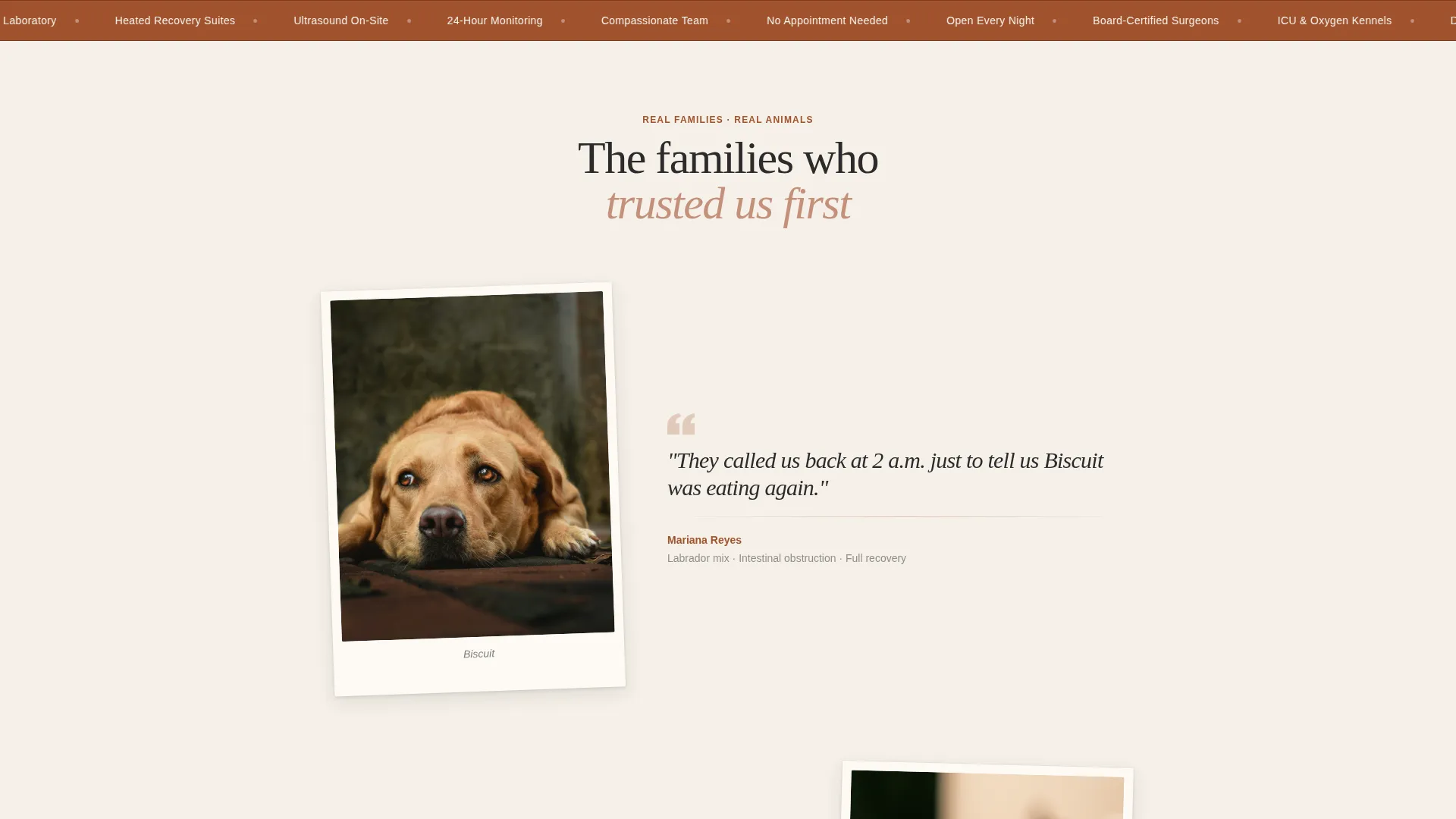
- A community gallery section with polaroid-style photo and first-person quote pairings
- A mobile-pinned intake form and a pulse-animated tap-to-call button for immediate outreach
Feature list
This template delivers a focused set of sections and interactive moments, each grounded in the real experience of a late-night emergency visit.
Full-Screen Video Header
The header fills the entire viewport with a warm-graded, handheld hospital walkthrough. The footage guidance covers a vet tech placing a beagle on a recovery blanket, a doctor greeting a nervous German shepherd, and a family's moment of relief. A single line of text fades in over the footage to anchor the emotional tone immediately.
Community Gallery Layout
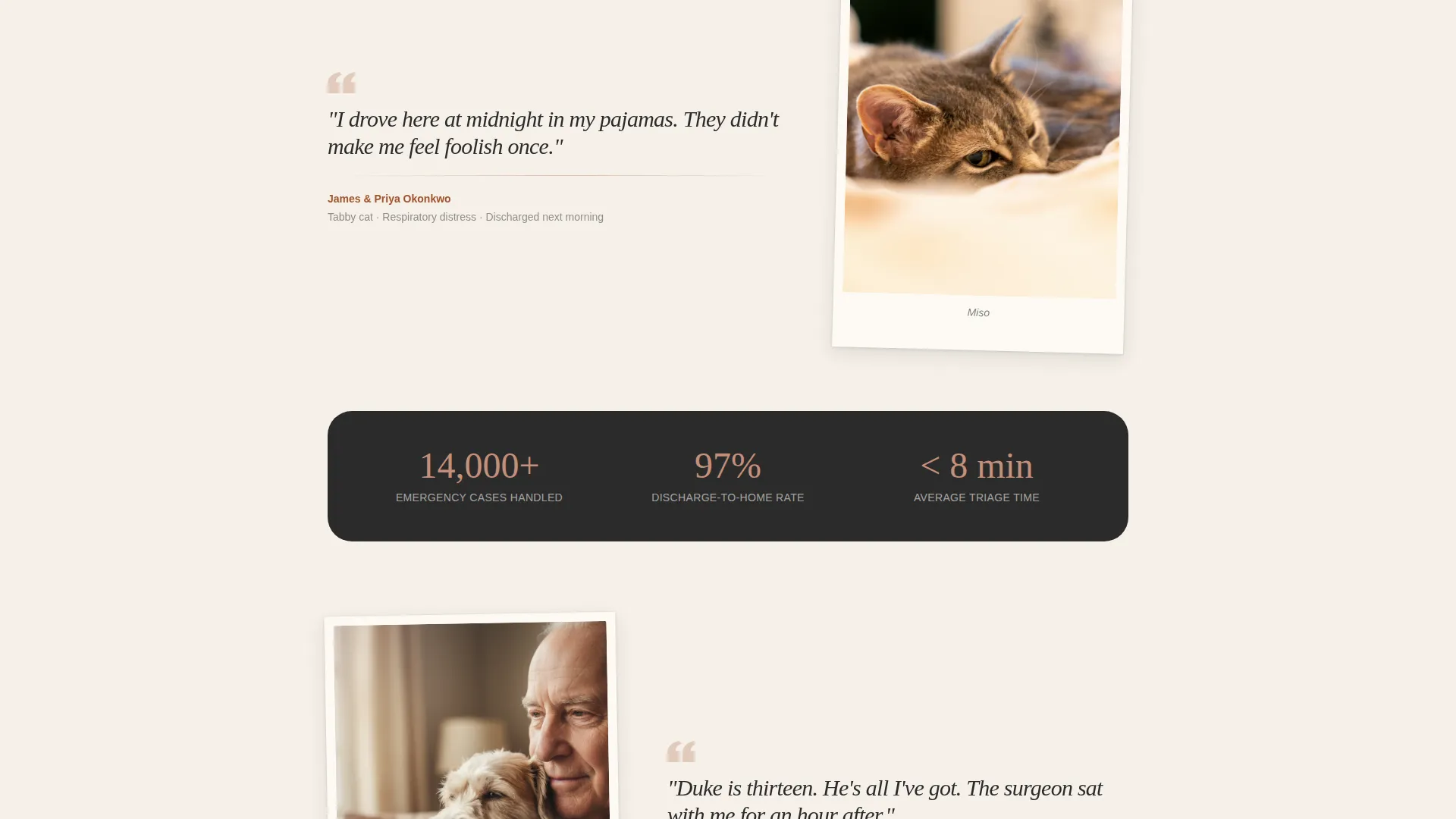
After the header, the page becomes a living wall of recovery stories. Each story block pairs a polaroid-style pet photo with a short first-person quote from a real family. This rhythm of emotional proof repeats down the page, building cumulative trust with every scroll.
Clinical Trust Signal Sections
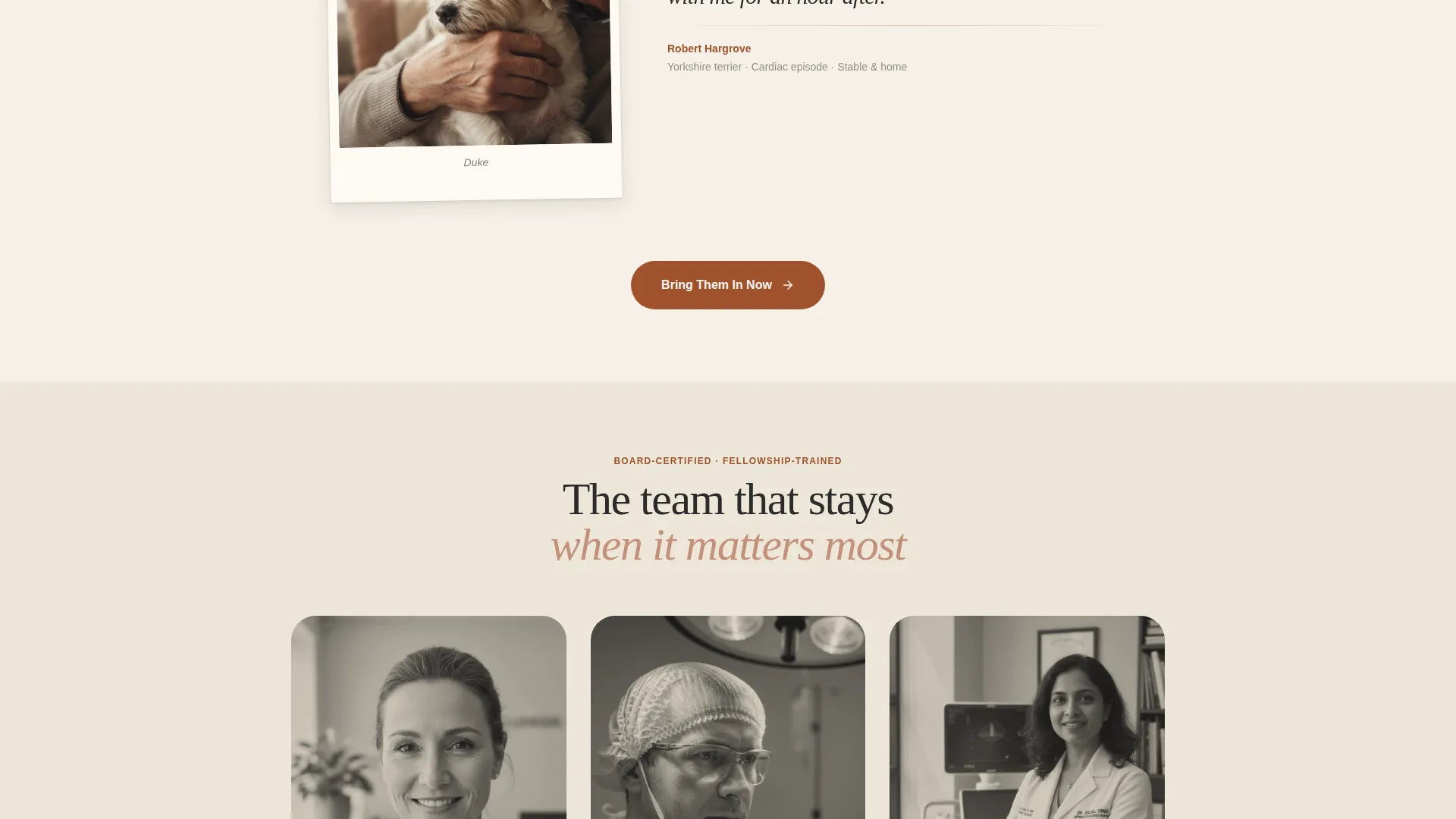
Between story blocks, the template weaves in practical credibility markers. These include board-certified surgeon credential callouts, equipment photos of the intensive care unit and oxygen kennels, and a live status indicator showing the hospital is open now.
Streamlined Intake Form
The primary call to action opens a minimal intake form. Fields include pet name, species selection for dog, cat, or exotic animals, a one-line emergency description, and a phone number for a callback. No appointment calendar is needed because this is emergency medicine.
Pulse-Animated Call Button
A secondary contact path sits alongside the intake form. The tap-to-call button uses a pulse animation to draw attention without feeling alarming. On mobile, it stays accessible without competing with the primary intake flow.
Repeating Mobile-Pinned Call to Action
The primary button, labeled "Bring Them In Now," pins to the bottom of the mobile viewport and repeats after every third story block on all devices. This placement ensures the action step is always one tap away, no matter how far a visitor has scrolled.
Page sections overview
| Section | Purpose |
|---|---|
| Full-Screen Video Header | Opens with warmth and instant emotional grounding |
| Hero Text Overlay | Delivers the core message before the scroll begins |
| Story Block One | Pairs a pet photo with a family recovery quote |
| Trust Signal Strip | Shows surgeon credentials and open-now status |
| Story Block Two | Continues the community gallery rhythm |
| ICU Equipment Photos | Builds clinical confidence with real facility imagery |
| Story Block Three | Third emotional proof moment in the gallery flow |
| Intake Form Panel | Collects pet details for an immediate callback |
| Tap-to-Call Button | Offers a direct phone path with pulse animation |
| Repeating call to action Block | Keeps "Bring Them In Now" present throughout the scroll |
Design & branding system
The Parchment and Rust color system was chosen to lower a visitor's heart rate before they read a single word. Warm, familiar tones signal safety at a moment when everything else feels urgent.
- Parchment cream (#F5F0E8) covers dominant backgrounds, keeping each section open and breathable
- Aged rust (#A0522D) is used for headlines and primary buttons, providing clear hierarchy without aggression
- Deep charcoal (#2B2B2B) handles all body text, while soft clay rose (#C4907A) marks section dividers and hover states
Mobile & speed optimization
The layout is a single-column flow, which means it reads cleanly on a phone screen without any reordering or layout shifts. Mobile-specific decisions are built into the template structure.
- The primary call-to-action button pins to the bottom of the mobile viewport for instant access
- The intake form uses minimal fields, reducing tap friction for someone filling it out in a parking lot
- Video and image sections follow the warm-graded visual direction, keeping the page feeling cohesive on any screen size
How this template helps you convert
Every design and copy decision in this template works toward one outcome: a visitor who arrives frightened leaves feeling confident enough to walk through the door or tap the button.
- The video header creates immediate emotional alignment, showing real care in action before any text makes a claim about it
- The alternating rhythm of family stories and clinical trust signals answers both the heart and the mind, removing the two most common reasons someone hesitates
- The pinned call to action and low-friction intake form reduce the steps between "I need help" and "someone is already calling me back"
Other information about this template
This template is part of the Family First theme collection and uses the Community Gallery creative direction alongside a Full-Screen Video background header concept. It was designed specifically for the emergency veterinary niche within the broader Pet and Animal category.
- The template style is Single Column Flow, making it straightforward to customize section by section
- The landing page direction is Booking and Scheduling, with the intake form as the primary conversion path
- Color tokens, section spacing, and button states are all defined within the Parchment and Rust color system for consistent visual editing
Theme
Family First
Creative direction
Community Gallery
Color system
Parchment & Rust
Style
Single Column Flow
Direction
Booking/Scheduling
Page Sections
Full-screen Video Background Header
Community Gallery Story Blocks
Clinical Trust Signal Sections
Streamlined Emergency Intake Form
Pulse-animated Tap-to-call Button
Mobile-pinned Repeating Call to Action
Related questions
Does this template include an appointment calendar?
Can I use this template if my clinic also offers routine care?
Is the video footage included with the template?
Can the intake form fields be changed?
How does the community gallery section work?