Tutoring Center Marketing Booking Website Template
Tutoredge is an editorial-style tutoring center landing page built for lead generation. It leads with animated grade-improvement data, walks parents through three student case studies, and closes with a low-friction four-field diagnostic booking form. The Cloud Canvas color system and Executive Suite design give every section the calm authority parents need before making the call.
by Rocket studio
Quick summary
Tutoredge is a single-page tutoring center landing page built around one goal: turning anxious parents into booked diagnostic appointments. It opens with a live data sequence showing real grade improvement, moves through three escalating student case studies, and ends at a four-field form that takes thirty seconds to complete.
Who this template is for
This template is designed for tutoring centers and private academic coaching practices that work with school-age students. It speaks directly to the parents making the enrollment decision, not the students themselves.
- Independent tutoring centers serving middle school, high school, and college-prep students
- Private academic coaches running grade recovery or test preparation programs
- Tutoring practices looking to convert paid search traffic into booked consultations
What problem this template solves
Most tutoring center pages fail parents at the moment of highest anxiety. They show smiling stock photos and generic promises instead of proof. Parents arrive already worried, and a vague page sends them straight back to the search results.
- Parents need evidence before they commit, not reassurance wrapped in marketing language
- Generic layouts cannot communicate the credibility a credentialed tutoring practice has earned
- A four-field lead form buried under irrelevant content loses the parent who was almost ready to book
What you get with this template
The template delivers a complete, editorial-magazine-style landing page structured around data storytelling and case study narrative. Every section is sequenced to build trust before asking for a commitment.
- An animated header data sequence counting upward to a real grade-improvement figure
- Three full student case study sections, each with a problem, method, and measurable result
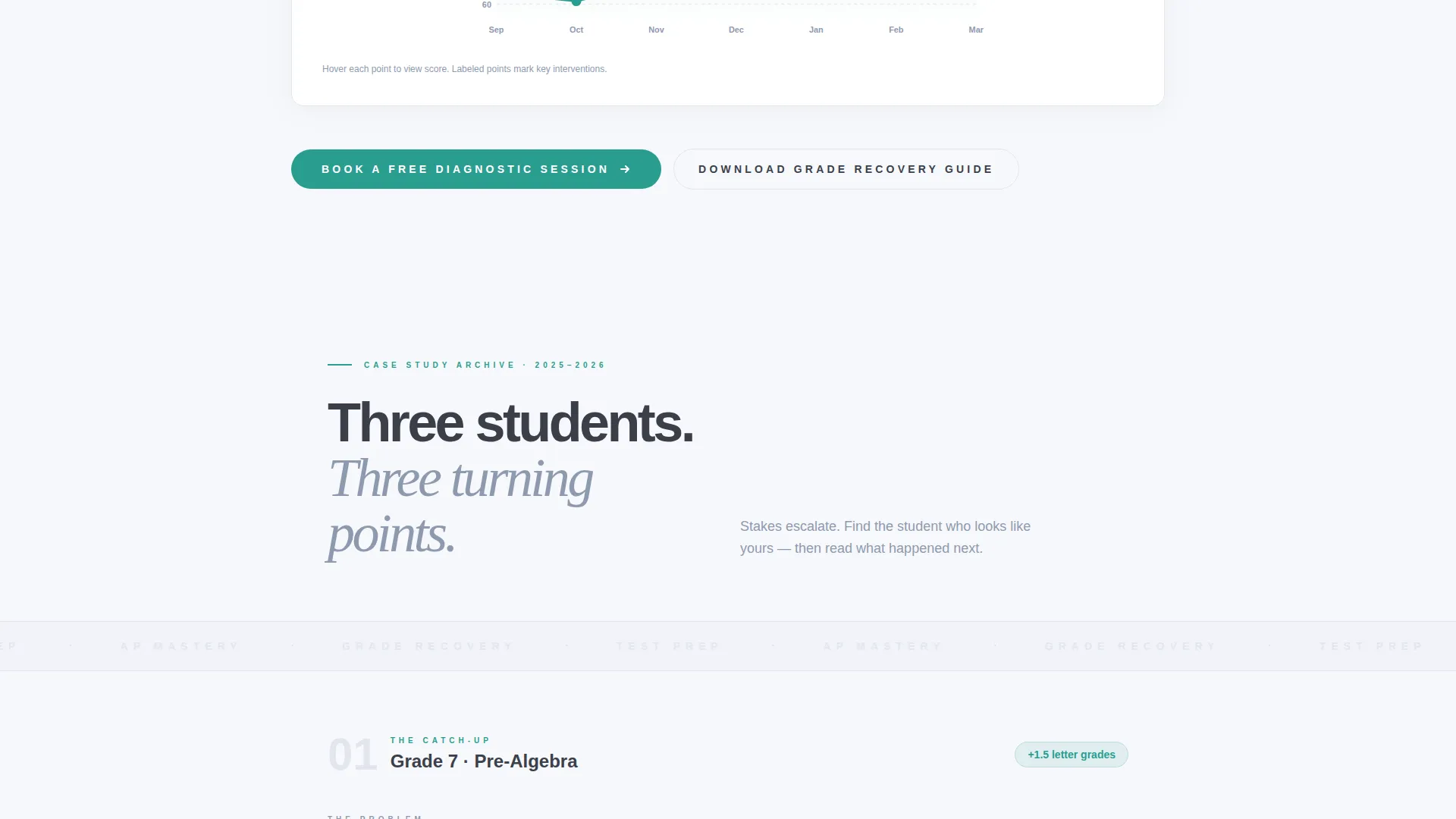
- Two primary call-to-action placements and one secondary PDF-gate path for hesitant parents
Feature list
This template is built around a small number of deliberate, high-impact components. Each one earns its place on the page.
Animated Grade Improvement Counter
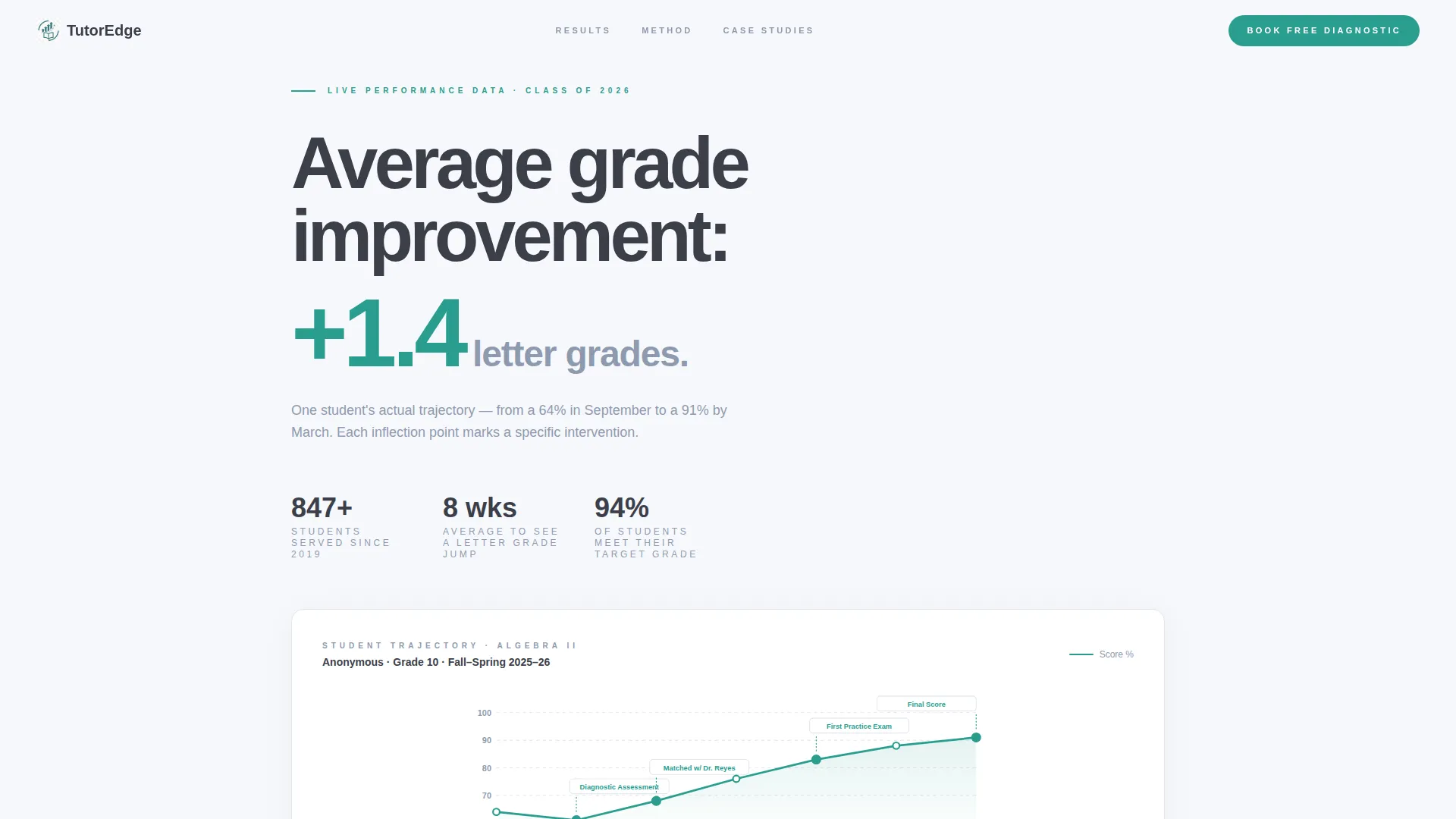
The header opens with a typographic animation that counts upward in real time, landing on the center's average grade improvement figure. It is the first thing a parent sees, and it leads with proof rather than promise.
Student Trajectory Line Chart
Below the counter, a minimal line chart traces one student's score from September to January. Each data point is labeled with the specific intervention that caused the improvement, turning a chart into a narrative.
Three-Part Case Study Sections
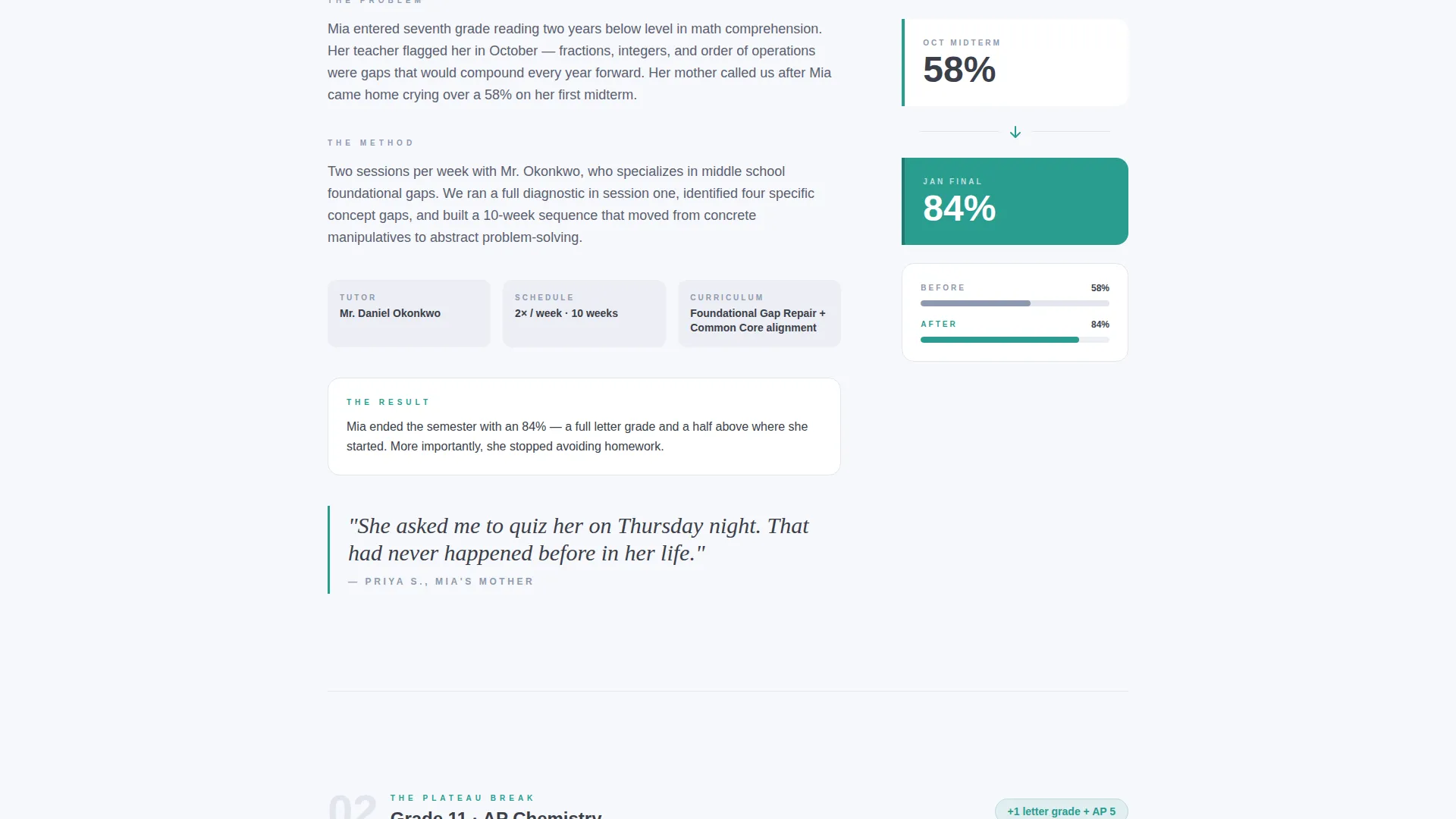
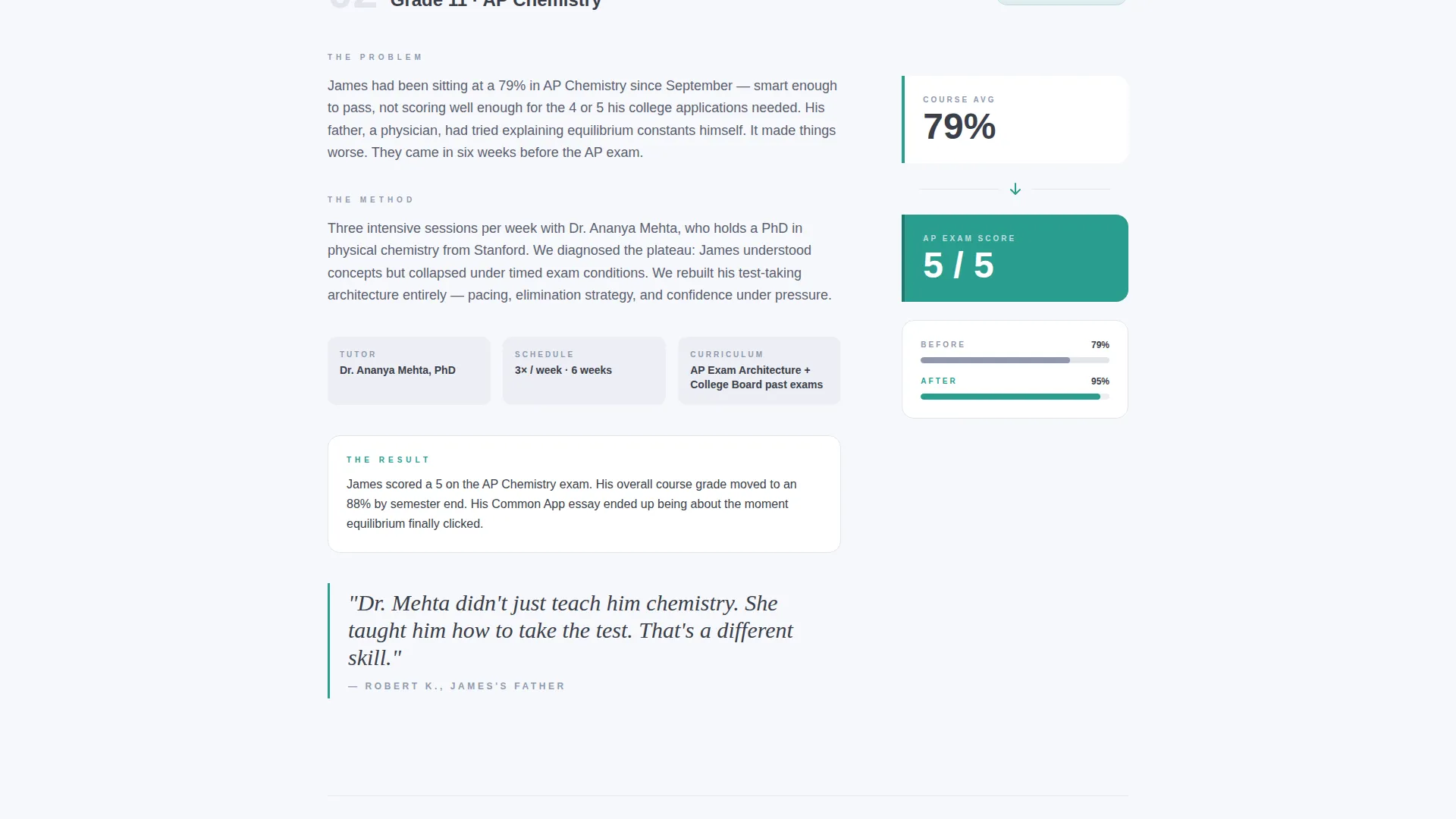
Each case study is structured as a problem, a method, and a result. The three stories escalate in stakes: a middle schooler catching up, an Advanced Placement student breaking through a plateau, and a senior whose standardized test retake changed their admissions outcome.
Staggered Pull Quotes with Data Panels
Parent pull quotes are positioned against score-progression data visualizations. The layout alternates between editorial text and data, giving the page the rhythm of a magazine feature rather than a standard sales page.
Four-Field Lead Capture Form
The primary form asks for the student's first name, current grade level, the subject they are struggling with most, and the parent's phone number. Two fields use dropdowns to reduce typing. The whole form takes roughly thirty seconds to complete.
Secondary PDF Download Path
Parents who are not yet ready to call can request a downloadable grade recovery guide. This secondary conversion path captures leads from the hesitant segment without pressuring them toward the phone.
Page sections overview
| Section | Purpose |
|---|---|
| Animated Data Header | Opens with live grade-improvement counter and minimal line chart |
| First Case Study | Middle school grade recovery story with problem, method, and result |
| First call to action Block | Primary booking form placed directly after the header data sequence |
| Second Case Study | Advanced Placement plateau breakthrough with score progression panel |
| Parent Pull Quote | Staggered editorial quote against data visualization |
| Third Case Study | Senior SAT retake story leading to admissions outcome |
| Second call to action Block | Primary booking form repeated after the final case study |
| PDF Download Gate | Secondary lead path offering the grade recovery guide |
Design & branding system
The visual identity follows an Executive Suite theme built on the Cloud Canvas color system. The palette is deliberately restrained so that every accent carries real weight.
- Background tones stay in the cumulus white (#F7F8FC) to brushed graphite (#3B3F4A) range, with quiet slate blue (#8E9AAF) used for supporting text and structural elements
- Decisive teal (#2A9D8F) appears only on calls to action, data highlights, and progress indicators, making every accent feel earned
- Typography is clean and editorial, with no stock photography anywhere on the page; data visualizations and typographic layouts carry the entire visual load
Mobile & speed optimization
The layout is designed to stay readable and purposeful on smaller screens. The editorial structure translates well to a vertical scroll, which mirrors how most parents will read the page.
- Case study sections and data panels restack cleanly for single-column mobile viewing
- The four-field form is built for thumb-friendly interaction, with dropdown fields reducing the amount of manual input required
How this template helps you convert
The page is engineered so that by the time a parent reaches either call to action, they have already seen three students who looked like theirs and came out the other side.
- The animated header leads with a specific, real improvement figure rather than a general claim, giving skeptical parents an immediate reason to keep reading.
- The three case studies escalate in stakes and specificity, so the parent most worried about college applications reaches the most relevant story just before the second booking form appears.
Other information about this template
This template was built for the tutoring center marketing category under Professional Services. It is specifically suited to grade recovery positioning and test preparation conversion pages. A few additional points worth knowing:
- The editorial magazine theme and split-screen layout influence create a page that reads more like a curated feature article than a typical service advertisement
- The template is designed for Google Ads landing page use, meaning the layout prioritizes immediate relevance and fast orientation for traffic arriving from paid search
- The secondary PDF download path functions as a softer conversion for parents who are researching rather than ready to book, capturing a segment that a single hard call to action would lose
- The case study narrative creative direction makes this template a strong fit for tutoring centers that have documented student outcomes they are proud to share
Theme
Editorial Magazine
Creative direction
FAQ-Driven
Color system
Charcoal & Amber
Style
Split Screen (50/50)
Direction
Partnership/B2B
Page Sections
Animated Grade Improvement Counter
Student Trajectory Line Chart
Three Escalating Case Study Sections
Staggered Pull Quote and Data Layout
Four-field Diagnostic Booking Form
Secondary PDF Download Gate
Related questions
Can I replace the sample case studies with my own student stories?
Do I need to provide my own data for the animated header counter?
What if a parent is not ready to book a diagnostic session?
How many times does the booking form appear on the page?
Is this template suitable for a test preparation practice rather than general grade recovery?



