Valve — Trusted Septic Maintenance Landing Page Template
The Pump Documented Compliance Septic Service landing page template is built for Sydney-based septic businesses targeting compliance-driven clients in the Hills District and Hawkesbury. It combines a press mentions header, a transparent step-by-step service walkthrough, and an animated comparison table to earn visitor trust before every booking call to action.
by Rocket studio
Quick summary
This landing page template turns a septic inspection business into an open file. Every section reveals one more layer of the service process, from the booking confirmation through to the final compliance certificate. The design feels like a freshly printed inspection report: authoritative, ordered, and impossible to argue with.
Who this template is for
This template is built for septic service operators who need their website to do serious credibility work before the phone rings. It suits a specific type of trade business that works in compliance-heavy territory.
- Septic pump-out contractors serving rural acreage properties across Sydney's outer suburbs
- Plumbers and licensed inspectors who need a landing page that displays their credentials clearly
- Business owner operators managing multiple vacuum trucks who want scheduling, job details, and trust signals all in one place
What problem this template solves
Most septic service websites look like they were built in a spare hour. They list a phone number, name a few suburbs, and call it done. That approach fails the exact customers who need the most reassurance.
- A homeowner holding a council compliance notice needs to see that your team follows documented inspection procedures, not just that you own a truck
- A property manager comparing contractors across multiple listings needs to see a full septic tank inspection checklist, clear pricing, and proof that every job produces a filed certificate
- A real estate agent chasing a pre-sale report needs to assess your turnaround speed and document quality before they pick up the phone
What you get with this template
The template delivers a complete, single-page layout built around the Transparent Process creative direction. Every section is ordered to build a case before the call to action appears.
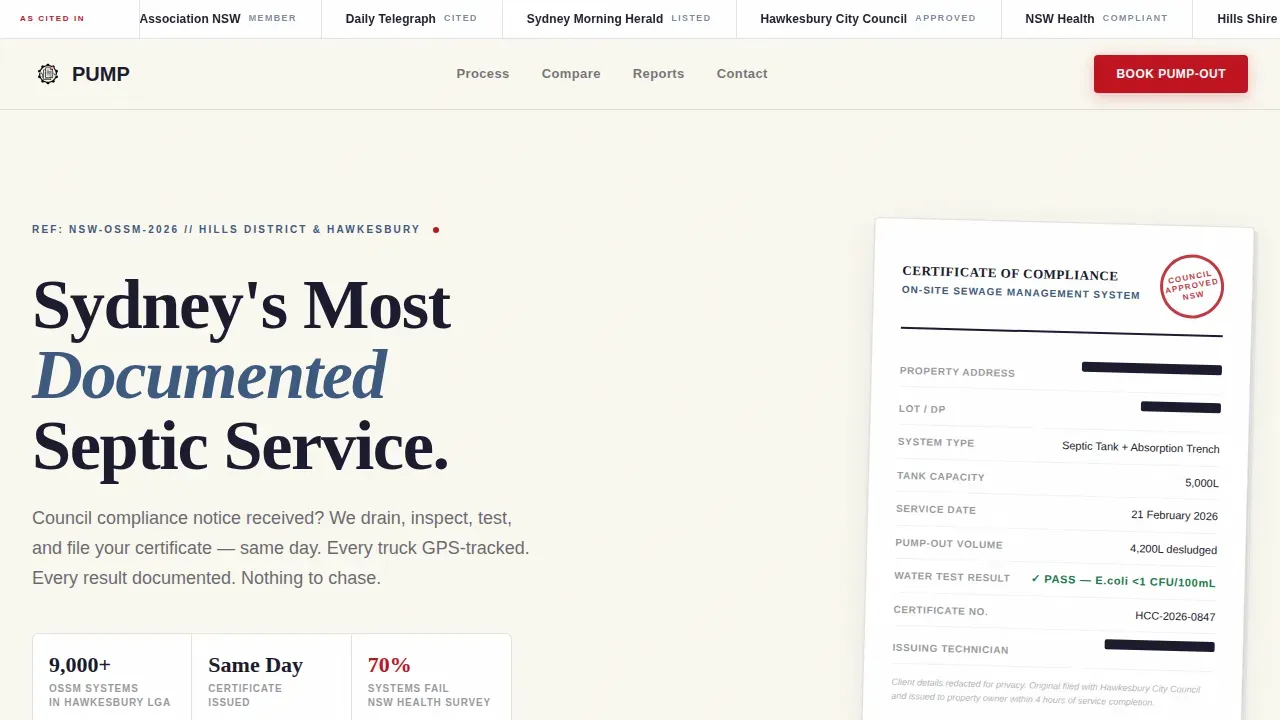
- A press mentions bar, a compliance certificate thumbnail, and a heavy serif hero headline that opens with authority
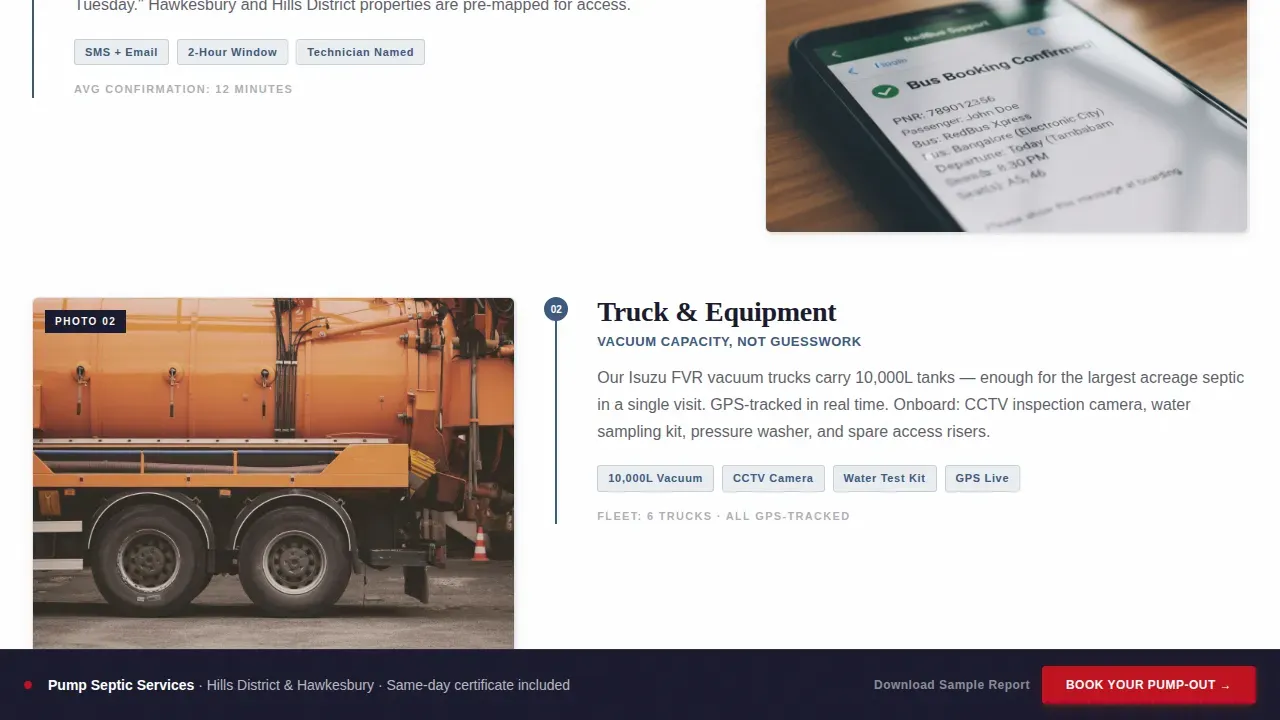
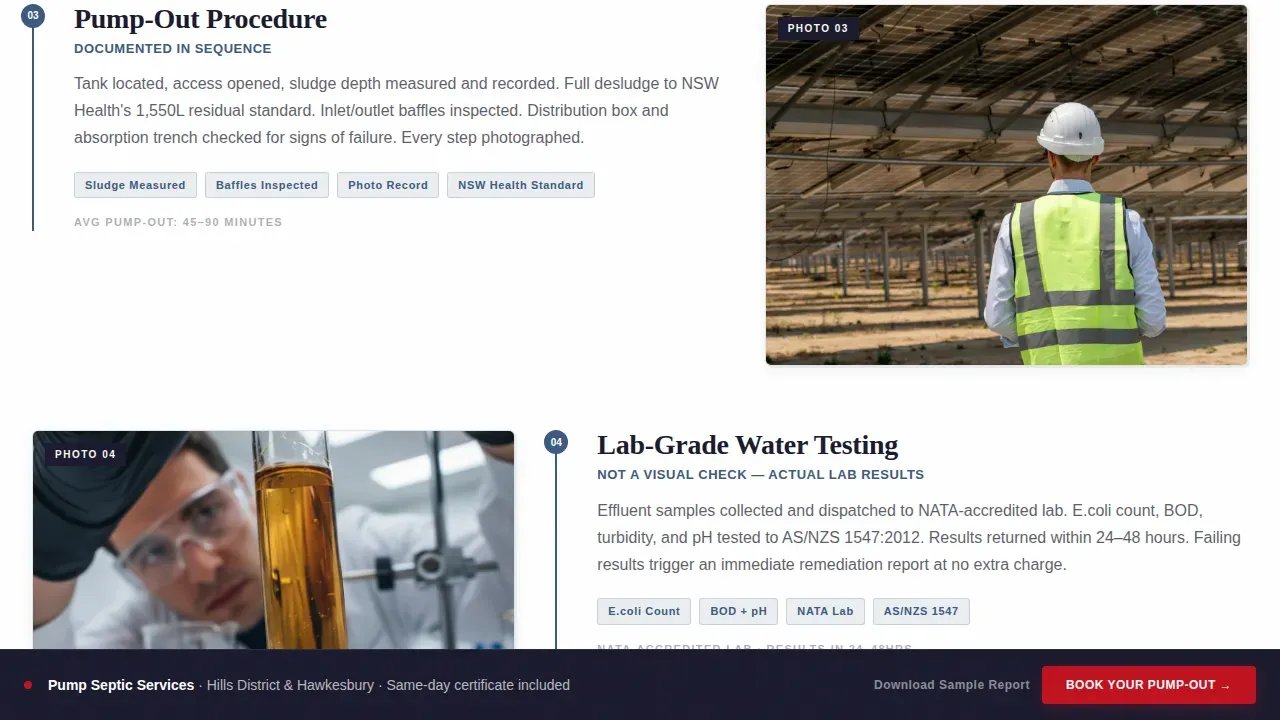
- A step-by-step service walkthrough that lets visitors inspect each stage, from the dispatch board confirmation through pump-out to the water test results and final form
- An animated comparison table that lines your company against typical competitors across eight compliance-critical rows, with checkmarks that animate in on scroll
Feature list
This template is designed to fill a specific commercial need. The features below reflect exactly what is built into the layout.
Press Mentions Header Bar
A horizontal scroll bar sits above the hero headline. It displays logos from local mastheads and trade publications to establish credibility before the visitor reads a single word of body copy.
Compliance Certificate Thumbnail
The hero section includes a real thumbnail of a completed compliance certificate with client details redacted. This is the most direct trust signal on the page. No stock imagery, no illustration, just documented proof of service output.
Transparent Process Walkthrough
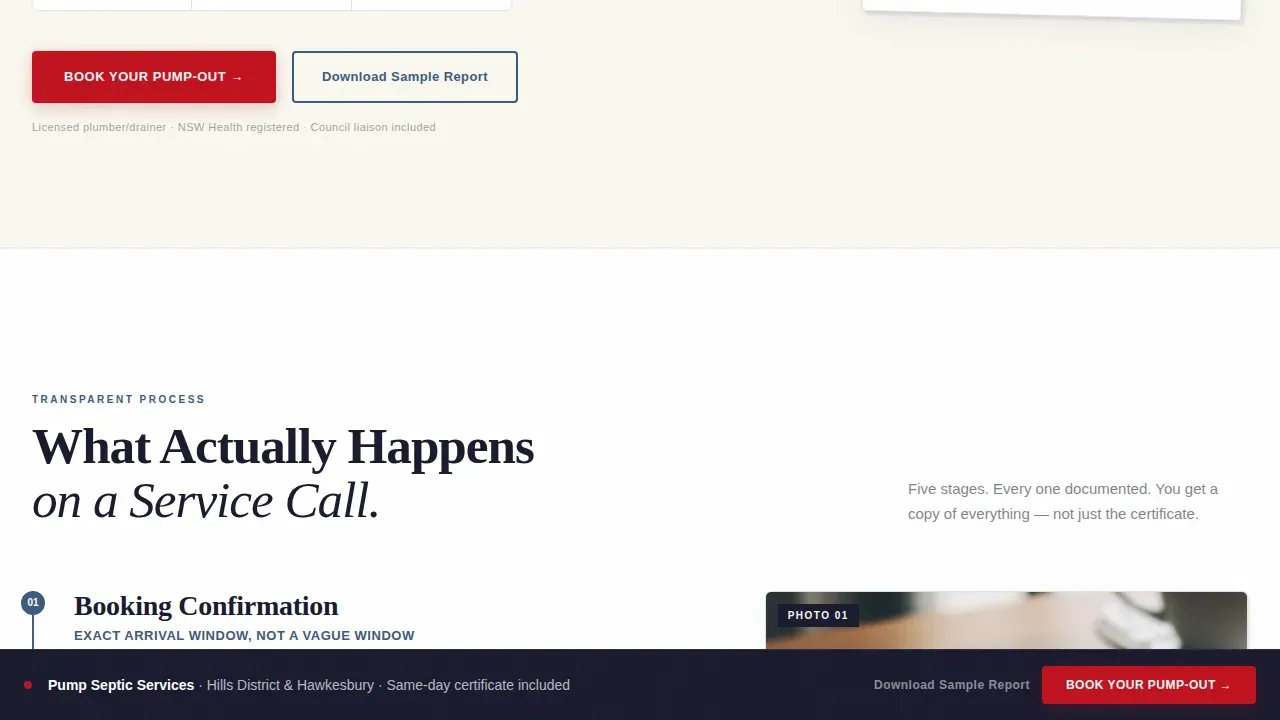
Each scroll section peels back one layer of a real service call. The sequence moves from booking confirmation with an exact arrival window, through truck and equipment details, to a numbered photo sequence of the pump-out, then lab-grade water test results, and finally the compliance document. Visitors assess the full process before they commit.
Animated Comparison Table
The comparison table anchors the middle of the page. It lines the company against competitors across rows covering same-day certificate delivery, GPS-tracked trucks, council liaison inclusion, and weekend surcharge policy. Each cell uses a checkbox or a cross. GSAP scroll reveals animate the rows in on scroll.
Dual Call to Action System
The primary call to action reads "Book Your Pump-Out" and appears after the comparison table and again in a sticky footer bar. A secondary path offers "Download Sample Report" as a PDF gate for property managers who need to evaluate service quality before committing.
Postcode Pre-Filter Booking Link
Clicking the primary call to action passes the visitor through to a scheduling page pre-filtered to their postcode. This reduces friction at the final step and helps the business manage routing and dispatch board assignments efficiently.
Page sections overview
| Section | Purpose |
|---|---|
| Press Mentions Bar | Displays media and trade publication logos for instant authority |
| Hero Headline | Heavy serif headline with compliance certificate thumbnail |
| Transparent Process | Step-by-step service call walkthrough across five scroll sections |
| Comparison Table | Animated side-by-side competitor matrix with eight compliance rows |
| Social Proof | Named testimonials by suburb and role with specific inspection outcomes |
| Primary Call to Action | "Book Your Pump-Out" button linked to postcode-filtered schedule page |
| PDF Gate Section | "Download Sample Report" secondary conversion path for property managers |
| Sticky Footer Bar | Persistent booking bar visible across the full page scroll |
| Footer | Linear single-row footer with contact details and policy links |
Design & branding system
The visual identity follows a Corporate Precision theme built on the Ink and Paper color system. Every design decision reinforces the feeling of a document you can trust.
- Color palette: document black (#1A1A2E) for body text, council-letterhead cream (#FAF8F0) for backgrounds, carbon-copy blue (#3D5A80) for structural elements, and compliance-stamp red (#C1121F) reserved for calls to action and urgent callouts
- Typography: Fraunces serif for all headlines to create document-grade authority, DM Sans for body text and interface elements to keep the reading form clean and legible
- Authentic visuals only: the template uses real certificate images with redacted client details, no stock photography, no hero illustration
Mobile & speed optimization
The template is built desktop-first to serve property managers and homeowners researching at a kitchen table. Full mobile support is included so no visitor is left without a functional, fast-loading experience on any device.
- Server Components handle all static content sections to minimize JavaScript payload and keep the page fast for every user
- The sticky footer call to action bar and the comparison table both adapt cleanly to smaller screen sizes so the core conversion path stays accessible on mobile
- GSAP animations are scoped to medium intensity so they enhance the scroll experience without creating performance drop on lower-powered devices
How this template helps you convert
This template earns the click by showing every deliverable before it asks for the commitment. The conversion architecture is sequential and deliberate.
- The press mentions bar and compliance certificate thumbnail fill the first visible screen with authority signals, so the visitor trusts the business before they scroll
- The Transparent Process walkthrough lets every customer assess what they will actually receive, reducing the hesitation that kills bookings on generic trade websites
- The comparison table and dual call to action system complete the job by making the booking decision feel logical rather than a leap of faith
Other information about this template
This is a pump documented compliance septic service landing page template designed for a very specific intersection: a compliance-driven Sydney septic business that needs its website to function as a pre-qualification document for high-anxiety clients.
- The template supports display of state and local license numbers, certifications, and environmental agency approvals in a dedicated compliance badge section
- Credential display areas are designed to highlight staff as State-Licensed Inspectors or Certified Pumper-Technicians to build trust with visitors searching for qualified contractors
- The comparison table format lets users determine at a glance whether the company meets the standards they need before they fill in any form or make contact
- Testimonial blocks are structured to highlight specific outcomes: inspection date, suburb, compliance result, and whether the job was completed before a settlement deadline
- The PDF gate form for "Download Sample Report" can help the business manage client data and service history by collecting property details at the point of download
- The septic tank inspection checklist format used across the walkthrough sections reflects best practices: verify customer information, interview about system history, assess the drain field and leach field, measure distances from the house to the septic tank, take liquid samples if required, document findings, and file the completed form
- The page layout supports a link to the privacy policy near data collection areas so users sharing property details know their information is protected
- Plumbers and contractors who want to modify the brand color or update the checklist sequence can do so without restructuring the full page layout
- The postcode routing functionality on the booking call to action helps the business optimize dispatch board assignments without manual follow-up
- The schedule page integration and sticky footer bar create multiple low-friction opportunities to begin the booking process, which can improve revenue per site visit
Theme
Corporate Precision
Creative direction
Transparent Process
Color system
Ink & Paper
Style
Comparison Table
Direction
Click-Through
Page Sections
Press Mentions Header Bar
Compliance Certificate Hero Thumbnail
Transparent Process Scroll Walkthrough
Animated Competitor Comparison Table
Dual Call to Action with PDF Gate
Sticky Footer Booking Bar
Related questions
What inspection documentation does this template help display?
Can this template support multiple service locations?
Is this template suitable for property managers as well as homeowners?
How does the animated comparison table work?
What credentials can I display using this template?



