Mobile Vet Referral Landing Page Template
Vetrefer is a single-page referral landing page built for mobile veterinary practices. It guides satisfied pet owners to share their experience with neighbors, using a warm editorial design, an FAQ-driven scroll layout, and a click-through referral flow. No forms to fill out. Just one amber button that sends a pre-filled sharing link to someone they trust.
by Rocket studio
Quick summary
Vetrefer is a referral landing page template designed for mobile veterinary practices. It converts grateful pet owners into active referrers through a transparent, FAQ-driven layout. The page uses a warm charcoal and amber editorial style, a single click-through referral action, and clear answers to every question a referring client actually asks.
Who this template is for
This template is built for mobile veterinarians who already have happy clients and want a structured way to turn those relationships into referrals. It suits practices where the personal nature of the service is the strongest selling point.
- Mobile vet practice owners who serve pet owners at home
- Veterinary marketers running a word-of-mouth referral program
- Independent mobile vets looking to grow a local client base through trusted recommendations
What problem this template solves
Most referral pages fail because they feel transactional. They lead with rewards and bury the emotional case for sharing. For a mobile vet, the real currency is trust, and the page needs to reflect that.
- Pet owners feel unsure what their referred friend will actually receive
- Referring clients want to know the terms clearly before sharing their name
- Practices lose referrals because there is no dedicated, share-ready landing page to send
What you get with this template
This template gives you a complete, single-page referral experience built entirely from the source brief. Every design choice reinforces the warmth and credibility of a home-visit veterinary practice.
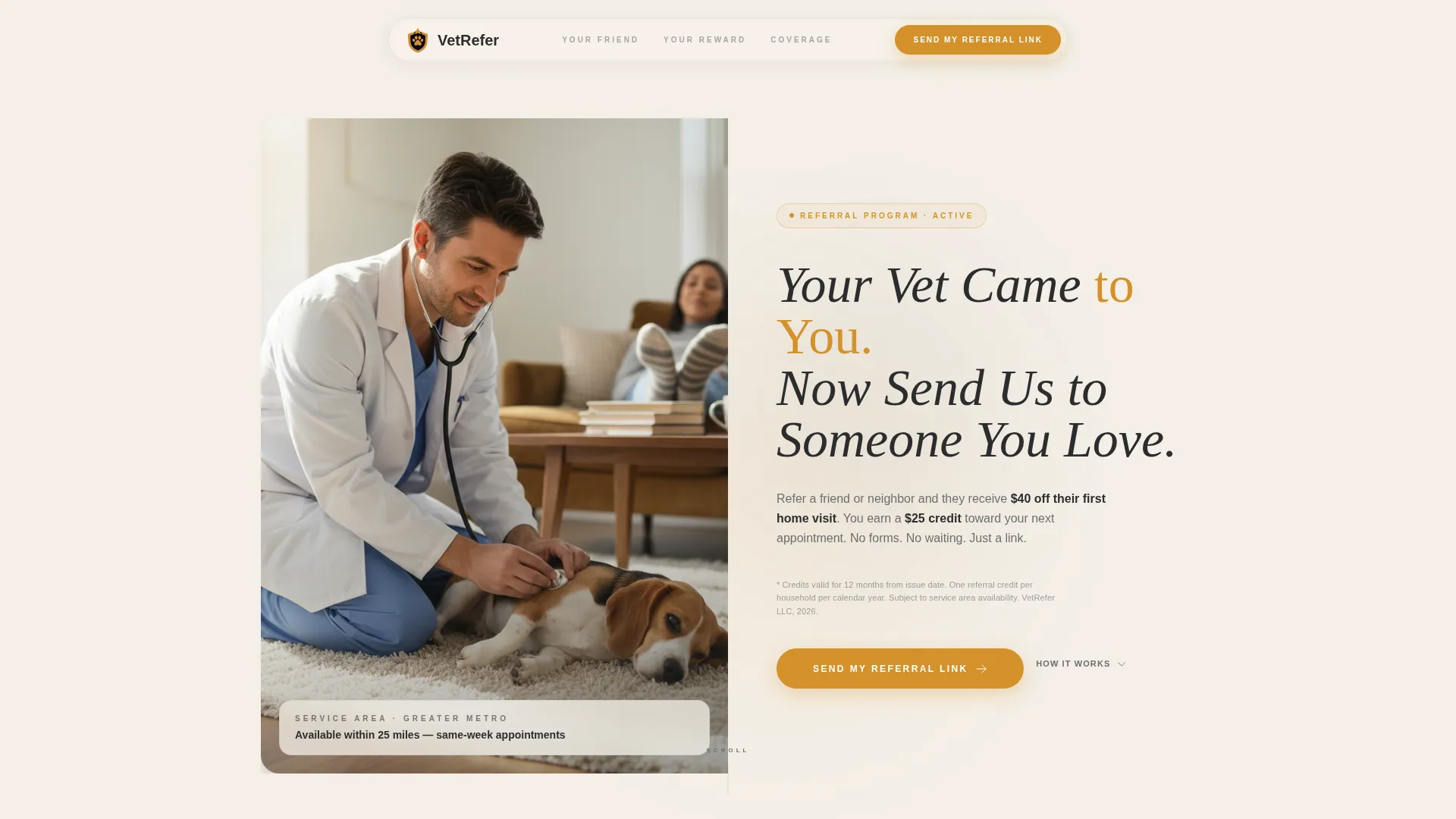
- A half-page photo and text header with editorial serif headline and a program summary line in graphite
- An FAQ-driven scroll layout where every section answers one real client question completely
- A click-through referral button that repeats after every third FAQ block, leading to a pre-filled sharing screen
Feature list
This template delivers a focused set of features, each tied directly to the referral journey a mobile vet client takes from reading to sharing.
Half-Page Editorial Header
The header splits into two halves. The left holds a warm, knee-height photograph of a vet on a living room rug with a calm dog. The right carries the headline "Your Vet Came to You. Now Send Us to Someone You Love." in a confident editorial serif. A single line of program terms sits beneath in soft graphite.
FAQ-Driven Scroll Layout
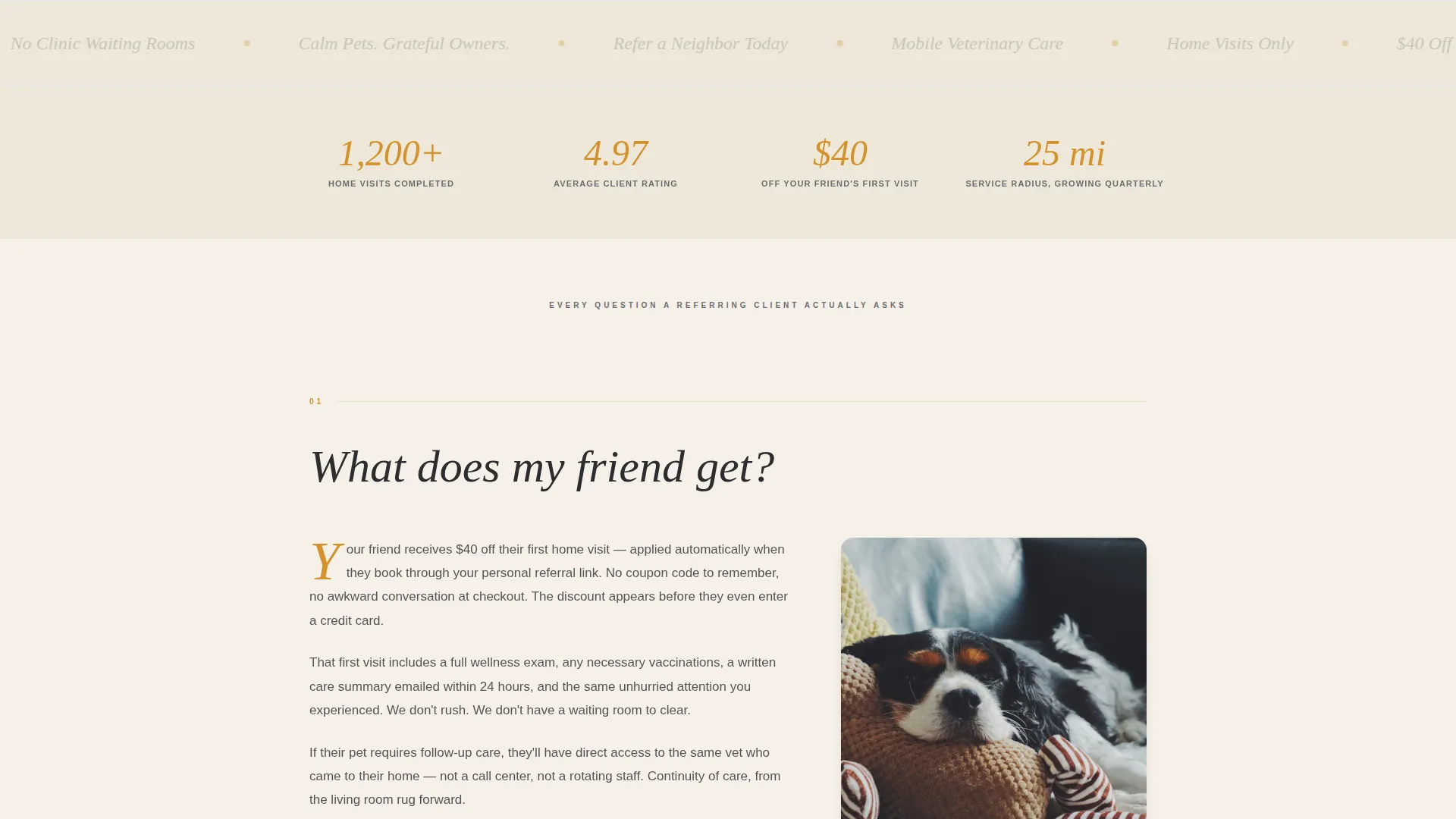
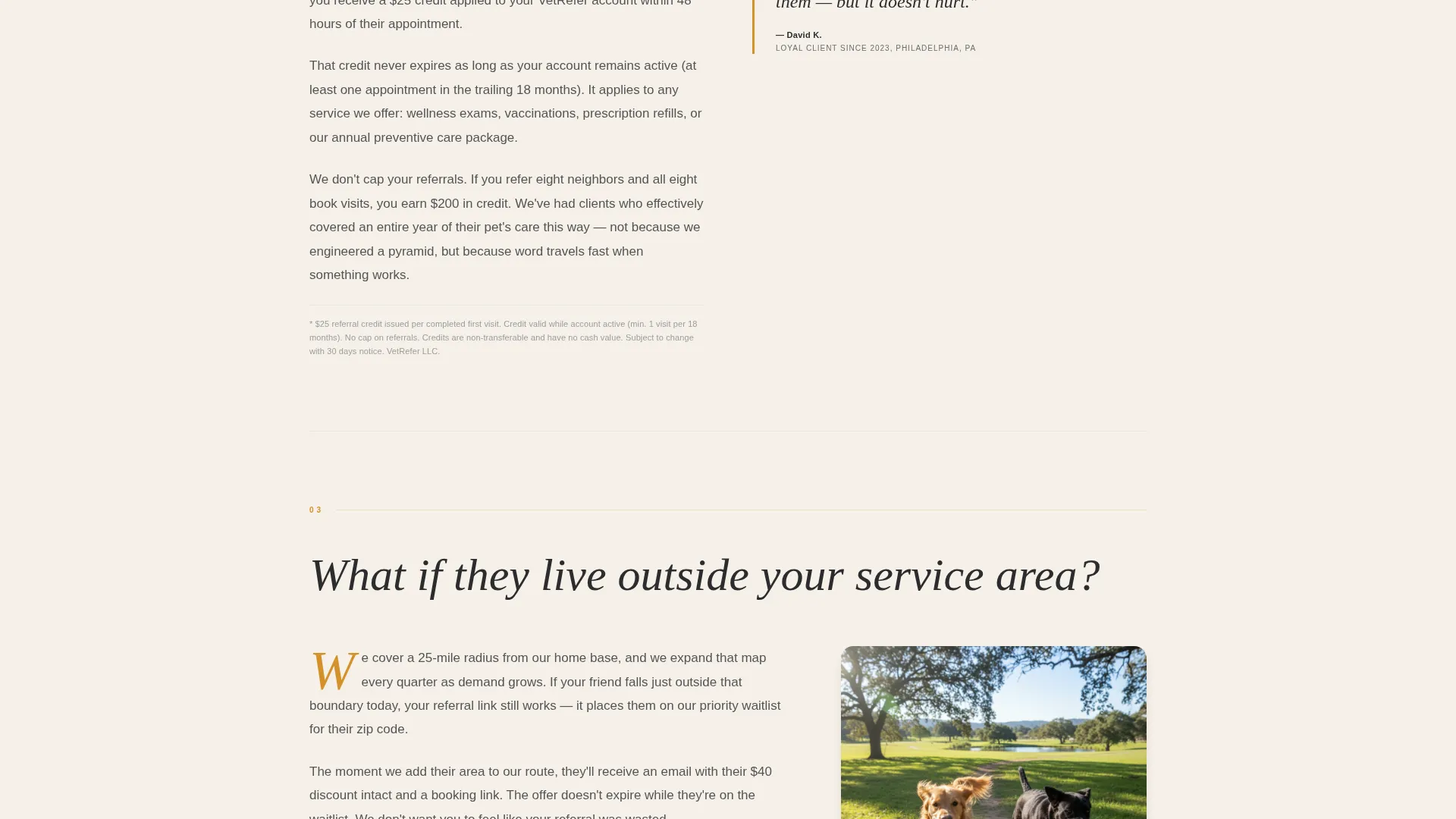
Every section below the fold is structured as a question a referring client actually asks. Questions like "What does my friend get?", "Do I earn anything?", and "Is there a limit?" unfold in clean magazine columns. Amber drop caps open each answer block, and the rhythm mimics flipping through a well-designed pamphlet.
Repeating Click-Through Referral Button
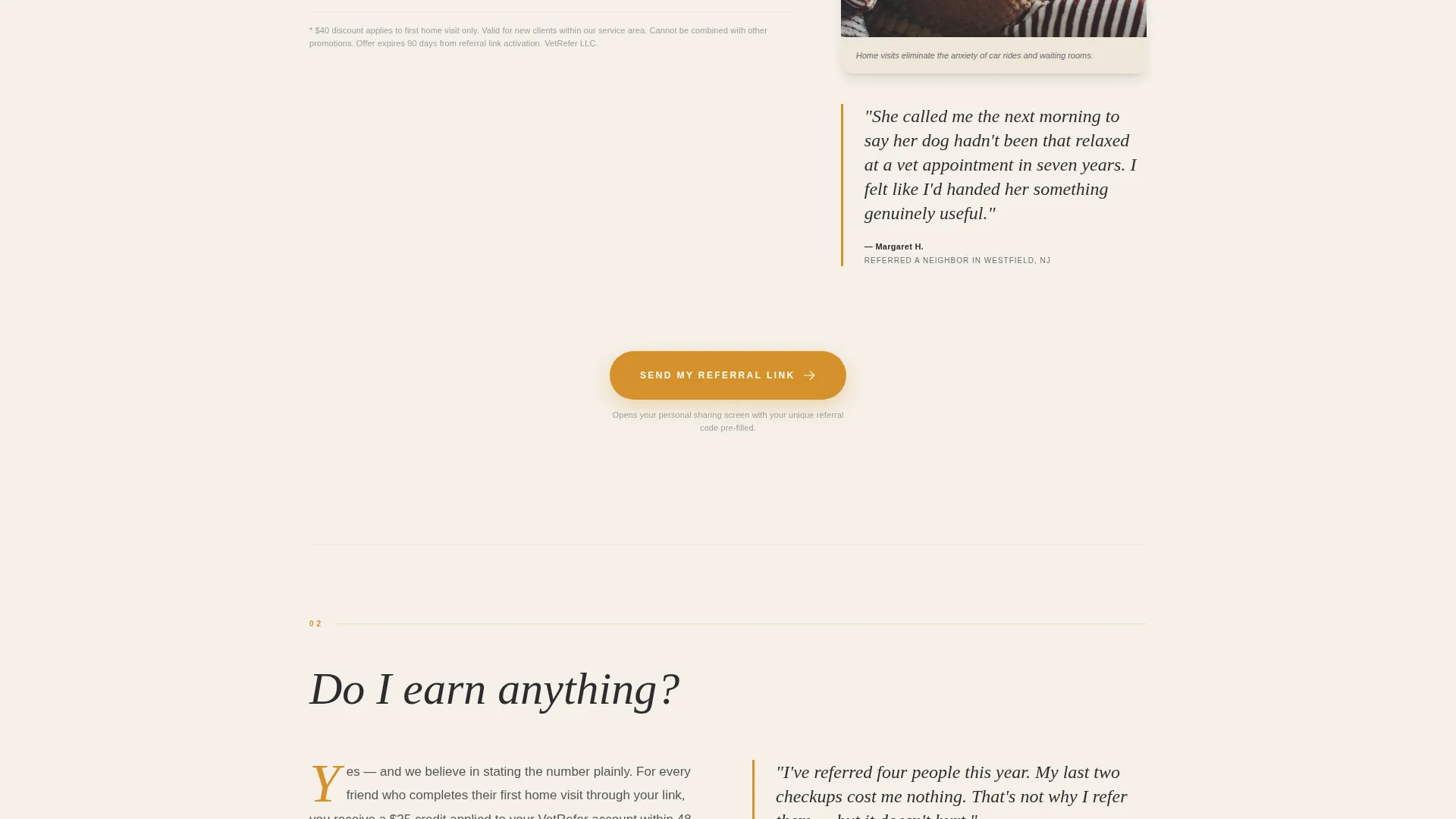
The primary call-to-action button, "Send My Referral Link," appears first beneath the header. It then repeats after every third FAQ entry. Each instance uses a wide amber button sized for confident tapping. The click carries the visitor to a pre-filled sharing screen with their unique referral code.
Pull-Quote Testimonial Interrupts
Occasionally between FAQ answers, a pull-quote testimonial from a real referrer breaks the column rhythm. These quotes are styled with amber borders and reinforce trust at the exact moment a reader may feel uncertain about sharing.
Inline Legal Disclosure Styling
Every FAQ answer includes the specific dollar amount, the exact expiration window, and a one-line legal disclosure. The fine print is styled to actually be read, not ignored. It sits in small but legible graphite text, reinforcing the template's Legal Shield credibility tone.
No-Form Click-Through Flow
No form lives on this page. The entire referral action is handled through a single button click. This reduces friction and keeps the experience feeling personal rather than bureaucratic.
Page sections overview
| Section | Purpose |
|---|---|
| Editorial Header | Introduces the referral program with a warm photograph and headline |
| Program Terms Line | Sets clear expectations with one brief sentence beneath the headline |
| Primary call to action Button | Triggers the referral sharing flow immediately after the header |
| FAQ Block One | Answers "What does my friend get?" in full |
| FAQ Block Two | Answers "Do I earn anything?" with specific reward details |
| Repeating call to action Button | Re-engages readers mid-scroll after every third FAQ |
| FAQ Block Three | Answers "What if they live outside your service area?" |
| FAQ Block Four | Answers "Is there a limit?" with expiration and cap details |
| Pull-Quote Break | Builds peer trust with a styled referrer testimonial |
| Final call to action Button | Closes the page with the share action repeated one last time |
Design & branding system
The visual identity follows a Legal Shield editorial tone. It feels authoritative without being cold, and domestic without being informal. Every color and type choice reinforces the trustworthiness of a personal, home-visit service.
- Deep charcoal (#2B2D2F) for body text and section dividers, warm parchment (#F5F0E8) as the primary background, amber honey (#D4912A) on buttons and pull-quote borders, and soft graphite (#6B6E72) for secondary type
- Editorial serif headlines carry the confident tone of a well-produced magazine spread
- Amber drop caps open each FAQ answer block, and amber borders frame pull-quote testimonials throughout the scroll
Mobile & speed optimization
The page is designed as a single-column scroll on smaller screens. Every interactive element, especially the referral button, is sized and spaced for comfortable use on a phone held in one hand.
- Wide amber buttons are sized for confident one-thumb tapping without zooming
- The FAQ scroll layout keeps content digestible in short, single-question segments on any screen size
- No forms or multi-step interactions means the page loads lean and the referral action stays immediate
How this template helps you convert
This template is built around one conversion goal: getting a satisfied pet owner to tap the referral button and share their unique link. Every design and copy decision supports that single action.
- The editorial header establishes emotional credibility before any ask is made, so the reader arrives at the button already warm to the idea of sharing.
- The FAQ layout removes doubt question by question, so by the time the reader reaches the third or fourth call to action button, there is nothing left to hesitate about.
- The no-form click-through flow means the referral action takes one tap, reducing drop-off at the most critical moment in the funnel.
Other information about this template
This template is categorized under Professional Services with a focus on mobile vet marketing. It is designed as a content and resource landing page, meaning the layout prioritizes information clarity over lead capture forms.
- The template style draws from editorial magazine design, using structured spreads rather than a typical hero-and-features format
- The charcoal and amber color system gives the page a warm authority that suits professional services with a personal delivery model
- This template works well for any mobile veterinary practice running a structured referral incentive program, whether reward-based or relationship-based
Theme
Corporate Precision
Creative direction
Team & People
Color system
Plum Executive
Style
Comparison Table
Direction
Content/Resource
Page Sections
Half-page Editorial Header
Faq-driven Scroll Layout
Repeating Click-through Call to Action
Pull-quote Testimonial Blocks
Inline Legal Disclosure Styling
No-form Referral Flow
Related questions
Can I customize the FAQ questions for my own referral program terms?
Does this template include a referral tracking or link-sharing system?
How many times does the referral button appear on the page?
Is this template suitable for a practice that also has a physical clinic location?
Can I add more testimonial pull-quotes throughout the page?



