Trusted Telecom Services Landing Page Template
Signal is a sidebar companion landing page built for a senior-level telecommunications strategy consultancy. It pairs a typographic authority header with a fixed scroll-tracking sidebar and gated resource downloads. The design targets C-suite decision-makers in spectrum acquisition, network modernization, and telecom mergers and acquisitions, converting high-intent visitors through personalized PDF bundle delivery.
by Rocket studio
Quick summary
Signal is a single-page sidebar companion template for a telecommunications strategy consultancy serving C-suite executives. It leads with a viewport-scale typographic header, introduces senior advisors through their authored resources, and gates premium content behind a smart intake form. Every design choice reinforces boardroom authority and drives qualified downloads.
Who this template is for
This template is built for senior consulting practices operating at the top of the telecommunications industry. It suits firms whose clients face irreversible, nine-figure strategic decisions and who need a web presence that commands immediate credibility.
- Telecom strategy consultancies advising on spectrum acquisition, network sunset, or private 5G deployment
- Advisory firms serving chief technology officers, chief financial officers, and board members at carriers, tower companies, and mobile virtual network operators
- Boutique practices that lead with intellectual property, such as authored frameworks and whitepapers, rather than case study carousels
What problem this template solves
Most professional services pages feel like brochures. They list credentials without proving depth, show headshots without showing thinking, and bury the real offer behind generic contact forms. For a consultancy working on decisions where regulatory mistiming costs nine figures, that presentation gap destroys trust before a conversation begins.
- Visitors cannot assess advisor expertise without seeing the actual work product, so the template surfaces redacted excerpts and unlocked charts to prove depth before asking for an exchange
- High-value prospects resist generic lead forms, so the template qualifies intent through a single radio selector that routes the right PDF bundle to the right challenge
- The consultancy's intellectual capital is scattered and unseen, so the sidebar keeps every resource visible and reachable at all times during the scroll
What you get with this template
Signal delivers a complete, conversion-ready landing page structured around gated intellectual property and advisor-level credibility. Every section is purposeful and every interaction is tied to a specific download outcome.
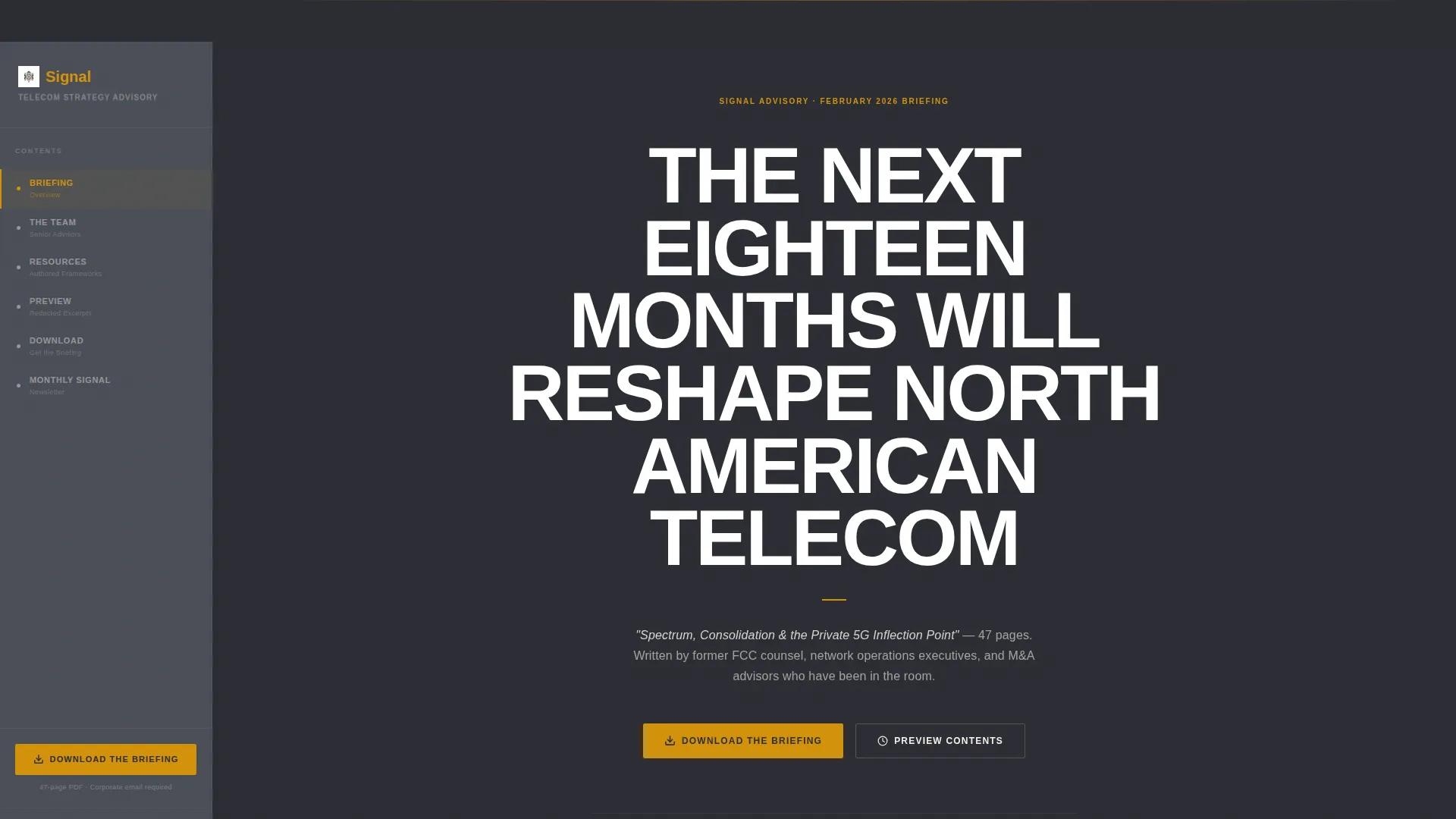
- A giant typographic header section naming the featured whitepaper and its page count, with no imagery or animation distracting from the authority of the copy
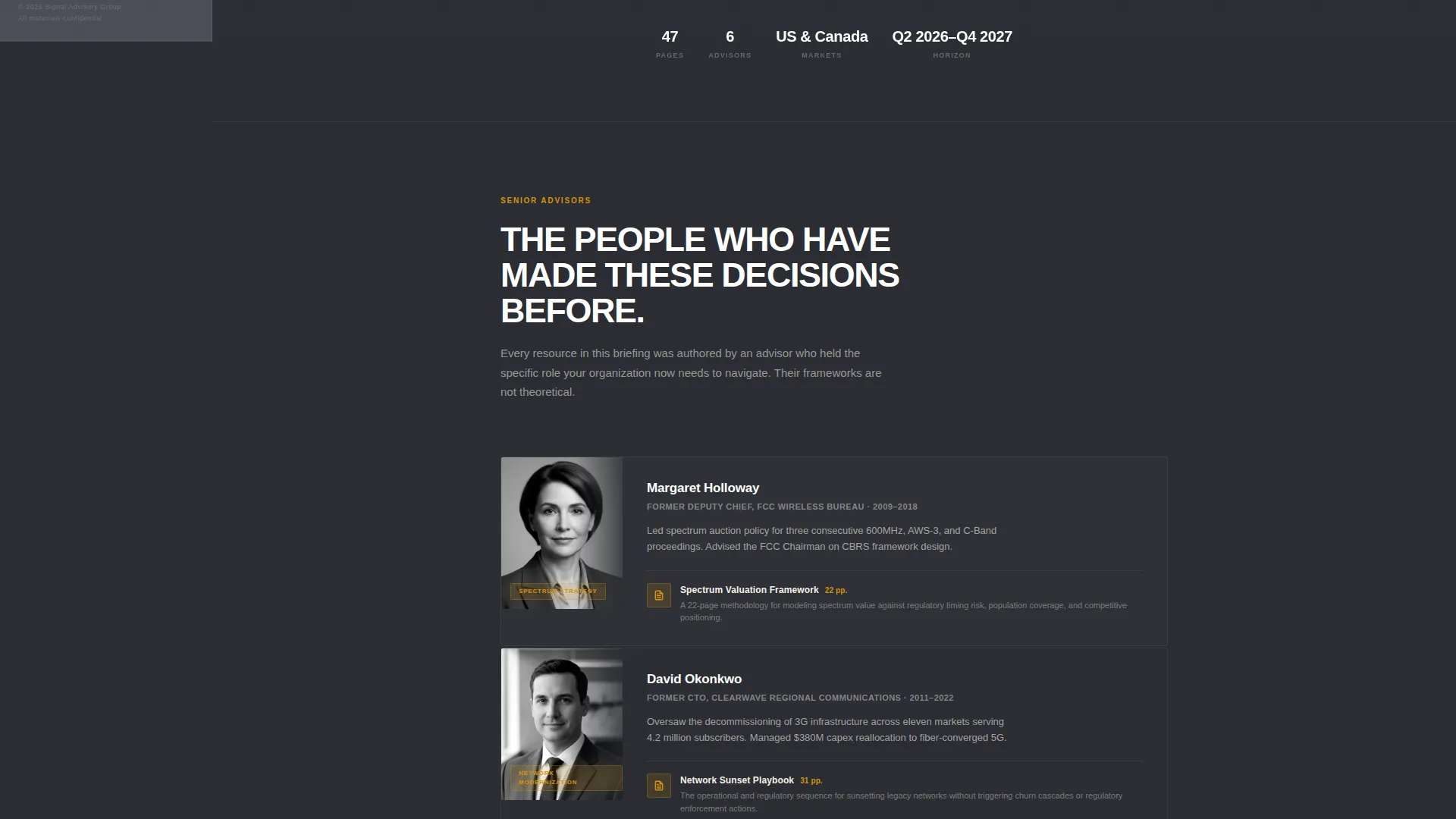
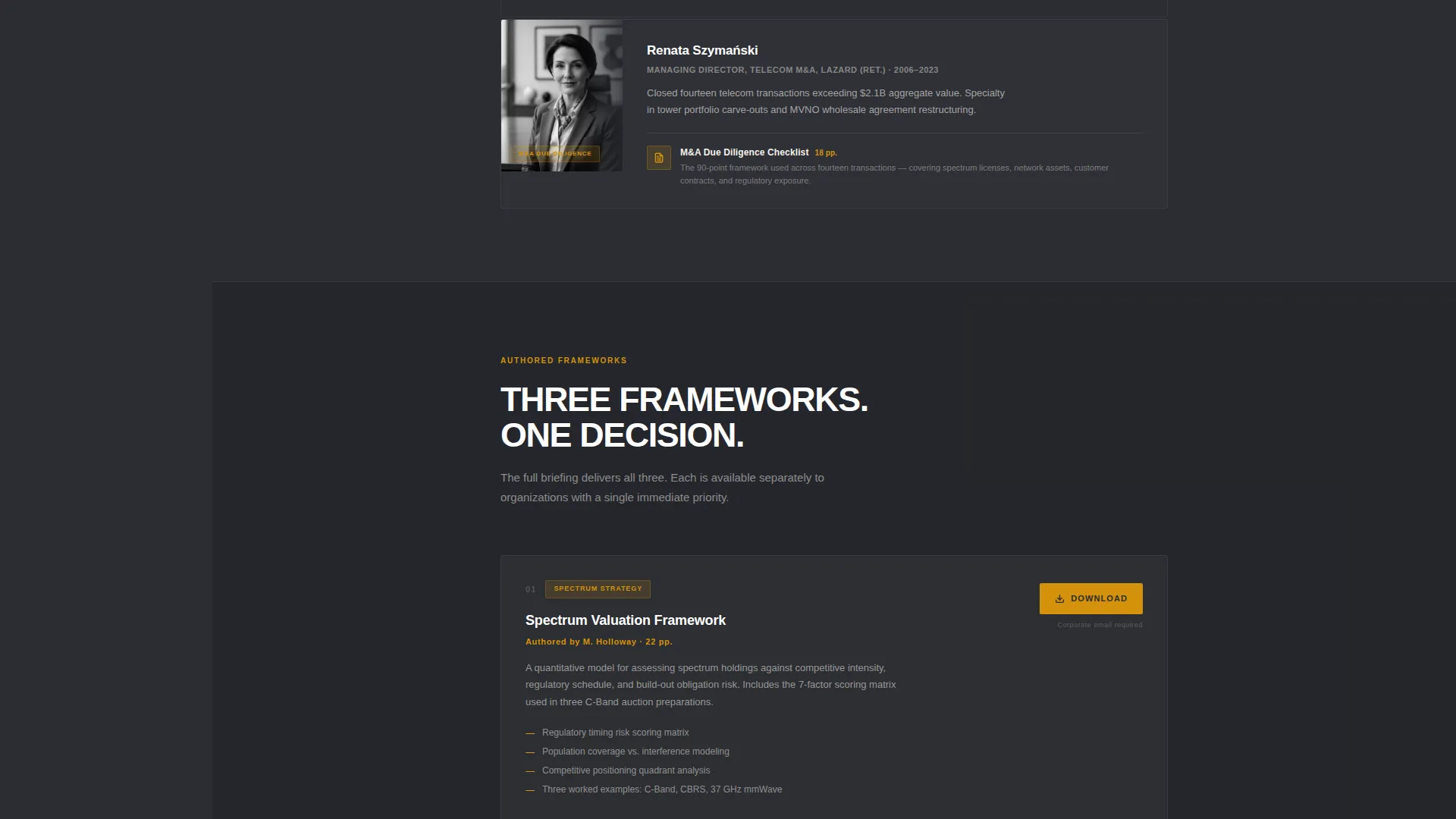
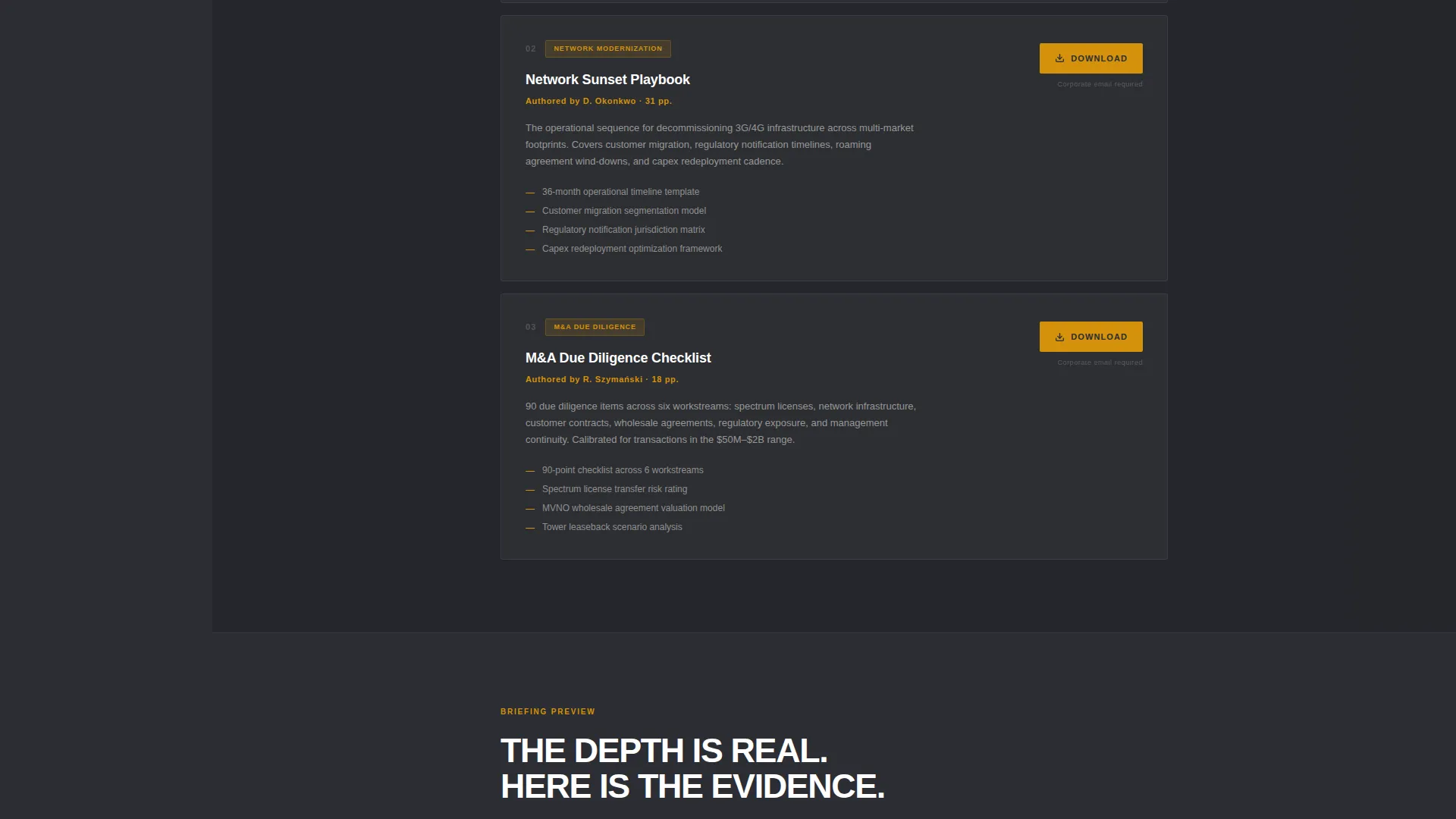
- Advisor profile sections that pair desaturated formal portraits with the specific PDF resource each senior advisor authored, including a spectrum valuation framework and a network sunset playbook
- A dual conversion path combining a primary gated download form and a lower-commitment newsletter subscription option for visitors not ready to identify themselves
Feature list
This section details the core built-in components that make Signal work as a high-trust resource delivery page.
Viewport-Scale Typographic Header
The header uses white condensed sans-serif type at a size that dominates the full viewport against an unbroken charcoal background. A single subline names the downloadable whitepaper and its page count. There are no images, no animations, and no decorative elements. The authority is entirely typographic, designed to produce the same effect as a premium strategy firm's cover page.
Fixed Scroll-Tracking Sidebar
The persistent sidebar is set in brushed graphite and functions as a live table of contents. It tracks the visitor's scroll position and highlights the current section. Visitors can jump directly to any advisor or associated resource without scrolling back to the top, keeping the download call to action always in view.
Advisor-Led Resource Sections
Each content section introduces one senior advisor alongside the specific resource they authored. The layout pairs a tight, desaturated formal portrait with a resource title, a brief advisor credential note, and the redacted excerpt block. This structure lets visitors evaluate the thinking before committing to the download exchange.
Redacted Excerpt Preview Blocks
Each resource includes a visible teaser: section headers are fully readable, body text is blurred, and one chart per resource is unlocked. This preview approach demonstrates that real depth exists inside the full document without giving it away. It is the page's primary trust mechanism before the form.
Personalized PDF Delivery Form
The primary intake form collects corporate email first, then job title and company name, then a single radio selector asking which challenge is most urgent: spectrum strategy, network modernization, or mergers and acquisitions due diligence. The selection routes the appropriate PDF bundle to the respondent, making the exchange feel relevant rather than generic.
Secondary Newsletter Subscription Path
Visitors not ready to submit full contact details can subscribe to the monthly Signal newsletter using only an email address. This lower-friction path keeps a secondary conversion option available without diluting the primary download offer or cluttering the page layout.
Page sections overview
| Section | Purpose |
|---|---|
| Giant Typographic Header | Establishes authority and names the featured whitepaper |
| Whitepaper Subline | States the document title and page count beneath the headline |
| Fixed Sidebar Navigation | Tracks scroll and surfaces the amber download call to action at all times |
| Advisor: Spectrum Framework | Introduces the former FCC policy director and the spectrum valuation PDF |
| Advisor: Network Sunset Playbook | Introduces the CTO who decommissioned two networks across eleven markets |
| Redacted Excerpt Blocks | Previews resource depth with blurred text and one unlocked chart each |
| Primary Download Form | Collects corporate email, title, company, and challenge selector |
| Secondary Subscribe Path | Captures email-only opt-in for the monthly newsletter |
Design & branding system
Signal uses an Executive Suite color system built around four precise values that work together to signal authority at every level of the page. The palette is restrained by design: warmth appears only when it carries meaning.
- Boardroom charcoal (#2B2D33) covers the primary background and the header, brushed graphite (#4A4E57) fills the persistent sidebar, and warm parchment (#F5F0E8) surfaces content reading areas
- Aged amber (#D4920B) is used exclusively for active sidebar states, download icons, and the single call-to-action button, so every flash of amber is a signal to act
- Typography follows a condensed white sans-serif at headline scale and a readable body weight for content sections, keeping the typographic hierarchy sharp and boardroom-appropriate
Mobile & speed optimization
The layout is built to remain functional and credible on smaller screens without sacrificing the design intent that makes the template feel authoritative. The sidebar behavior adapts to viewport size so the conversion path stays accessible.
- The fixed sidebar collapses gracefully on mobile viewports so it does not obscure content, while the amber download button remains pinned and tappable
- Advisor sections reflow to a single-column layout on narrow screens, keeping portraits, credentials, and excerpt previews in a logical reading order
- The form fields are sized and spaced for touch input, reducing friction for executives accessing the page from a phone between meetings
How this template helps you convert
Signal is structured around a progressive trust architecture. It earns credibility before it asks for anything, then offers two clearly separated paths based on how ready the visitor is to identify themselves.
- The redacted excerpt previews and unlocked charts prove that the full resources contain real, specific insight, which justifies the exchange of contact details and removes the main objection to submitting the form
- The radio selector on the intake form makes the download feel personalized and immediately useful, increasing the likelihood that the visitor completes the form and that the delivered bundle matches their actual situation
- The secondary newsletter option captures visitors who are evaluating the firm but not yet ready to declare a challenge, keeping them in a lower-commitment relationship that can develop over time
Other information about this template
Signal is categorized under Professional Services with a focus on telecommunications consulting. It is designed as a sidebar companion landing page, a template style that suits content-heavy advisory practices where multiple resources need to be discoverable without overwhelming a single page.
- The template is suited to telecommunications compliance consultants and broader telecom strategy practices that publish original research or policy analysis
- The Corporate Precision theme and sidebar companion structure reflect the expectations of an audience that reads lengthy regulatory filings and detailed financial models as a matter of routine
- The intersection match between the Professional Services category and the telecommunications consulting subcategory is scored at nine out of ten, reflecting a strong alignment between the template's design choices and the niche's credibility requirements
- The page works equally well for practices focused on a single service line and for multi-advisor firms that need each expert's work product to stand independently within a unified brand
Theme
Corporate Precision
Creative direction
Logo Wall Authority
Color system
Plum Executive
Style
Sidebar Companion
Direction
Content/Resource
Page Sections
Viewport-scale Typographic Header
Fixed Scroll-tracking Sidebar
Advisor-led Resource Sections
Redacted Excerpt Preview Blocks
Personalized PDF Delivery Form
Dual Conversion Path Design
Related questions
Can I customize the advisor sections to match my firm's actual team?
How does the personalized PDF delivery work in practice?
Can the sidebar call-to-action button be updated to reflect a different offer?
Is the secondary newsletter subscription path separate from the main form?
Does the redacted excerpt layout require a pre-blurred PDF image asset?



