Emergency Auto Mechanic Landing Page Template
Wrench is a single-column lead generation landing page built for emergency auto mechanic services. It uses a case study narrative structure to walk visitors through real repair stories before asking for contact details. The monochrome steel palette and educational tone build trust fast, turning a panicked driver into a confident caller.
by Rocket studio
Quick summary
Wrench is a single-column flow landing page for emergency auto mechanic services. It leads with press trust signals and a tight diagnostic photograph, then walks visitors through three real repair case studies before presenting a lead capture form. The design is calm, authoritative, and built to convert stranded drivers into booked appointments.
Who this template is for
This template is built for auto repair shops that handle emergency calls around the clock. It suits businesses that want to earn trust through transparency rather than promotional copy.
- Independent mechanics and garage owners who take after-hours calls
- Small fleet managers who need a fast, credible contact page for drivers
- Auto service shops that want to differentiate by explaining repairs, not just listing prices
What problem this template solves
Most auto mechanic pages show a phone number and a stock photo of a lifted car. That approach fails stranded drivers who need to trust a shop before they hand over their keys at midnight.
- Visitors arrive panicked and leave without calling because nothing proves competence
- Generic pages offer no context about what a repair actually involves or costs
- Emergency callers need a fast way to describe symptoms, not fill out a multi-step form
What you get with this template
You get a fully structured, single-page layout that guides a distressed visitor from doubt to contact in one continuous scroll. Every section is designed to reduce anxiety and build mechanical credibility.
- A press mentions trust bar with outlet logos and a quoted headline at the top
- Three scroll-through case study sections, each covering a real emergency from symptom to completed repair
- A sticky mobile lead form with a plain-language symptom field, vehicle selector, urgency toggle, and photo upload path
Feature list
This template packages several purposeful components into one focused layout.
Press Mentions Trust Bar
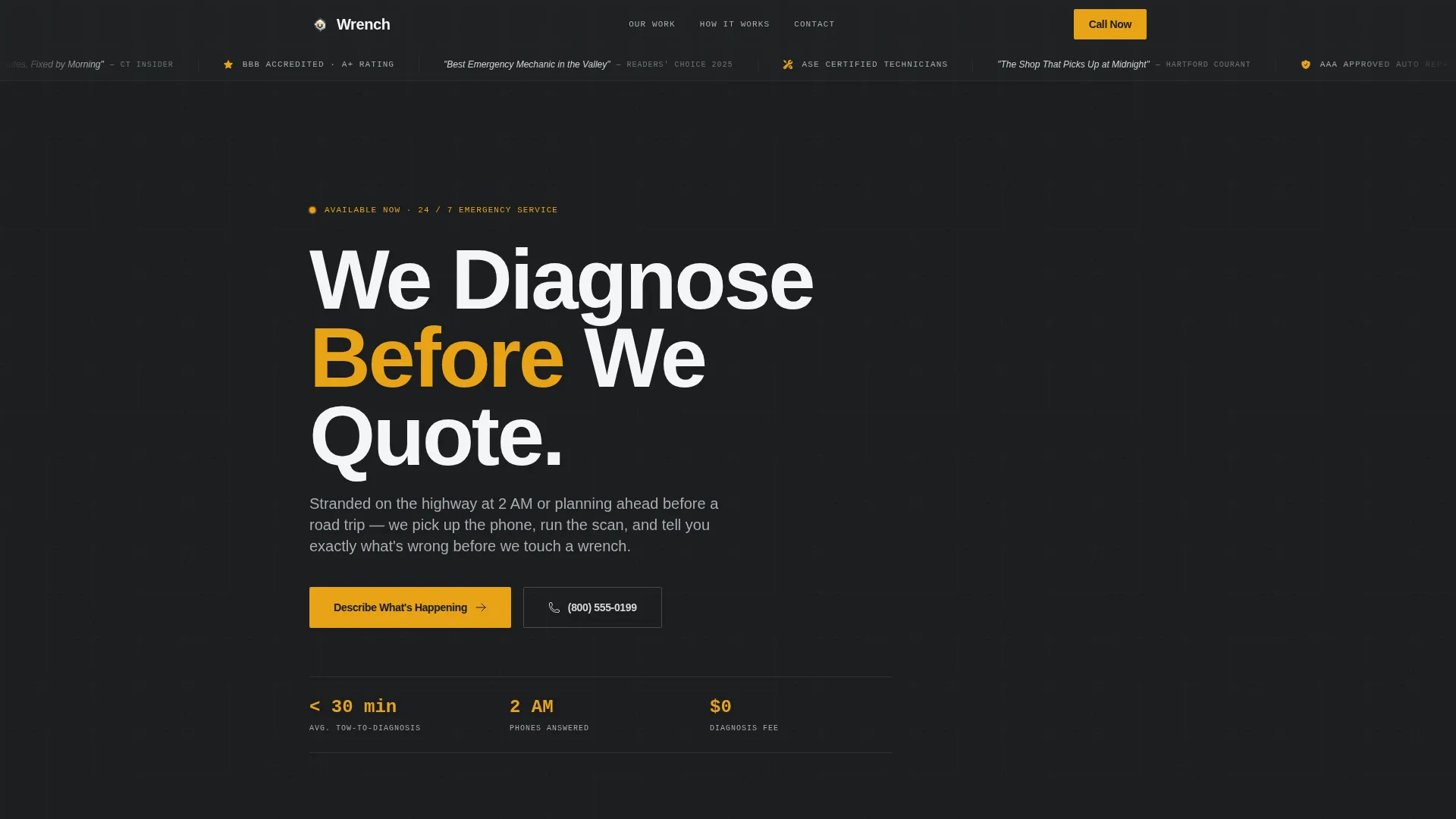
The header opens with a horizontal bar of local news outlet logos, AAA affiliate badges, and a pull quote from a regional newspaper. This trust signal appears before the headline, so credibility is established before a single claim is made.
Diagnostic Hero Section
Below the trust bar sits a single high-contrast photograph of a mechanic's hands holding a diagnostic tablet plugged into an engine bay, with amber On-Board Diagnostic (OBD-II) codes glowing on screen. The headline "We Diagnose Before We Quote" fades in beneath it, setting the tone for the entire page.
Case Study Narrative Scroll
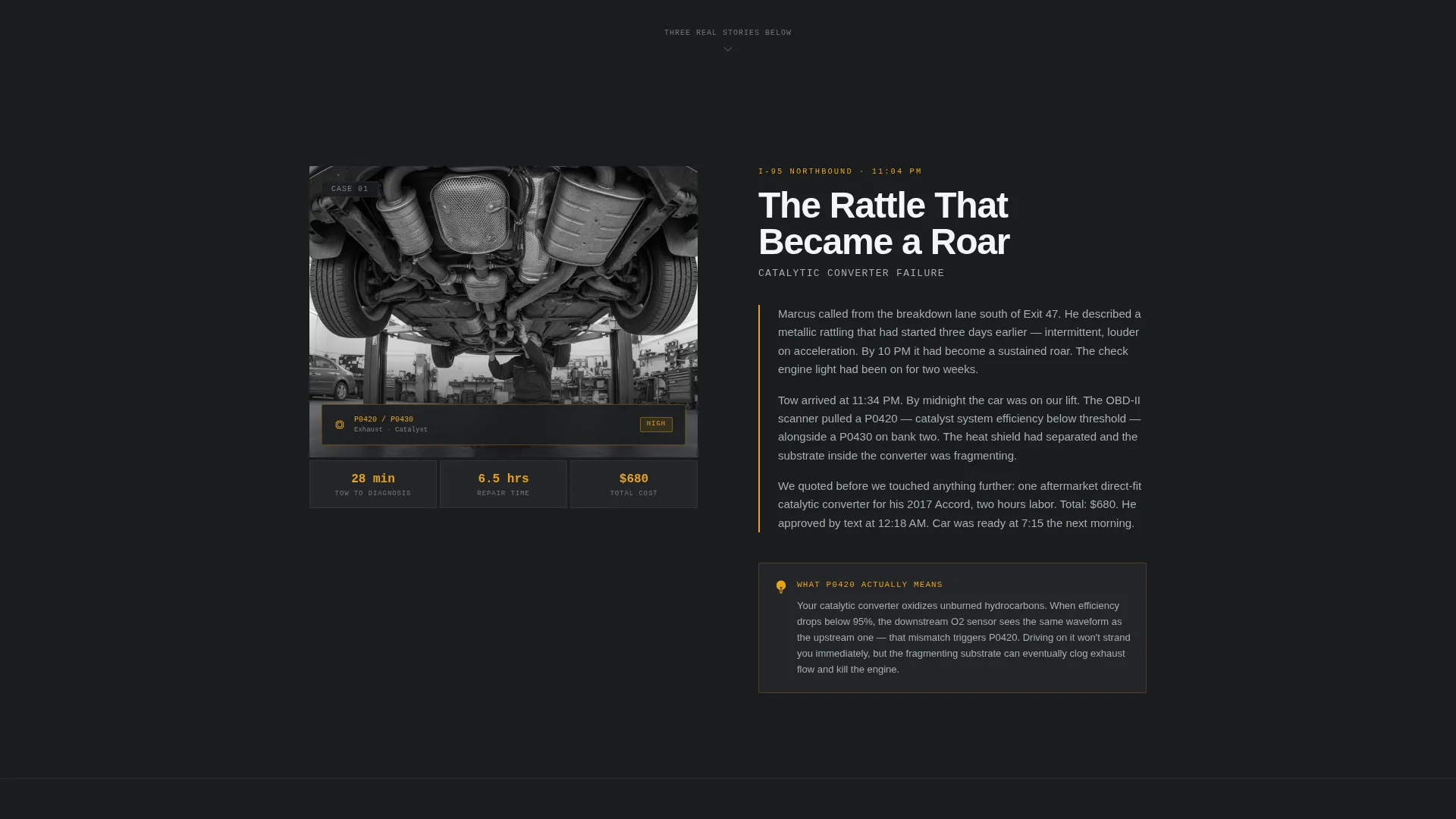
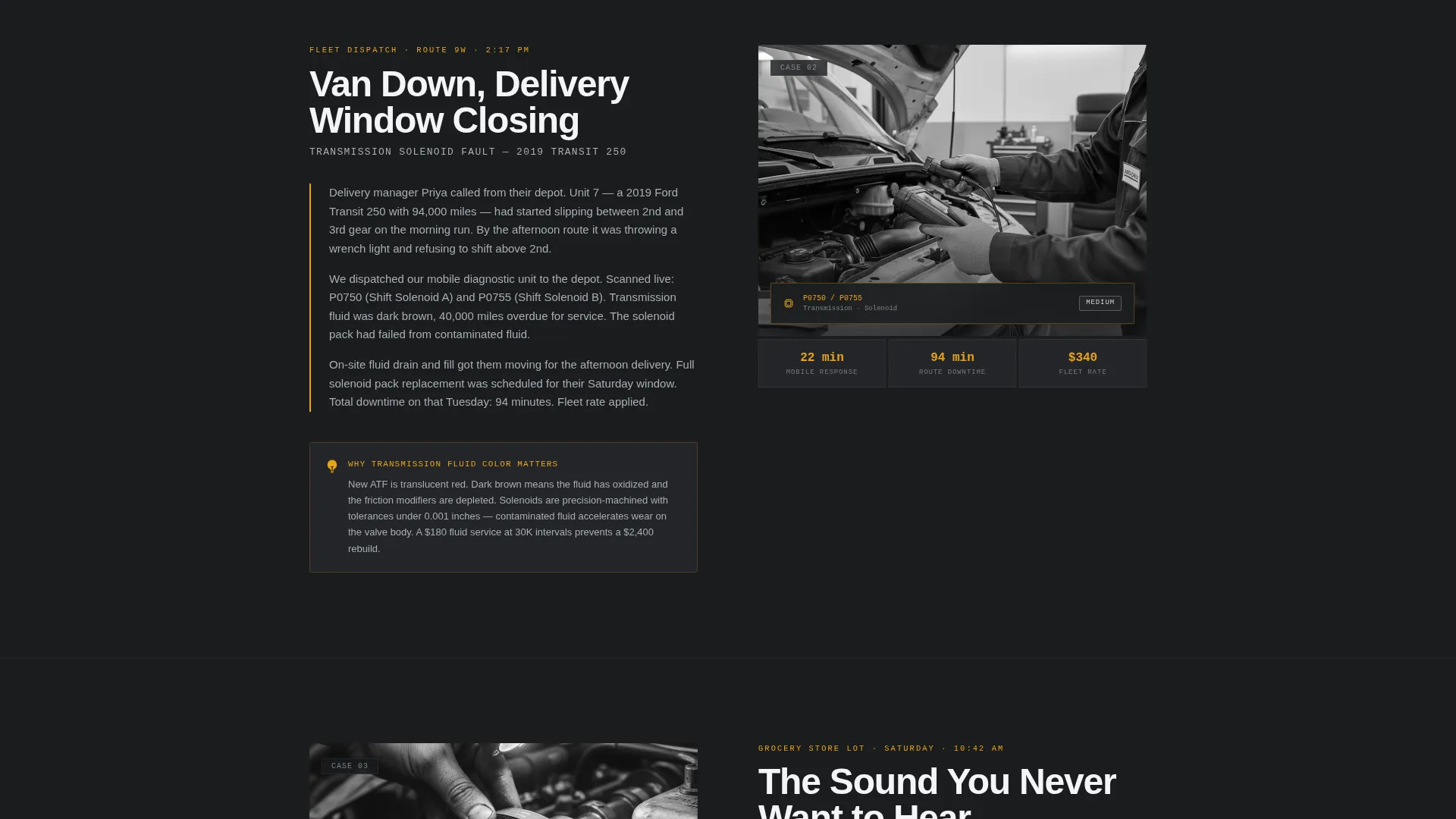
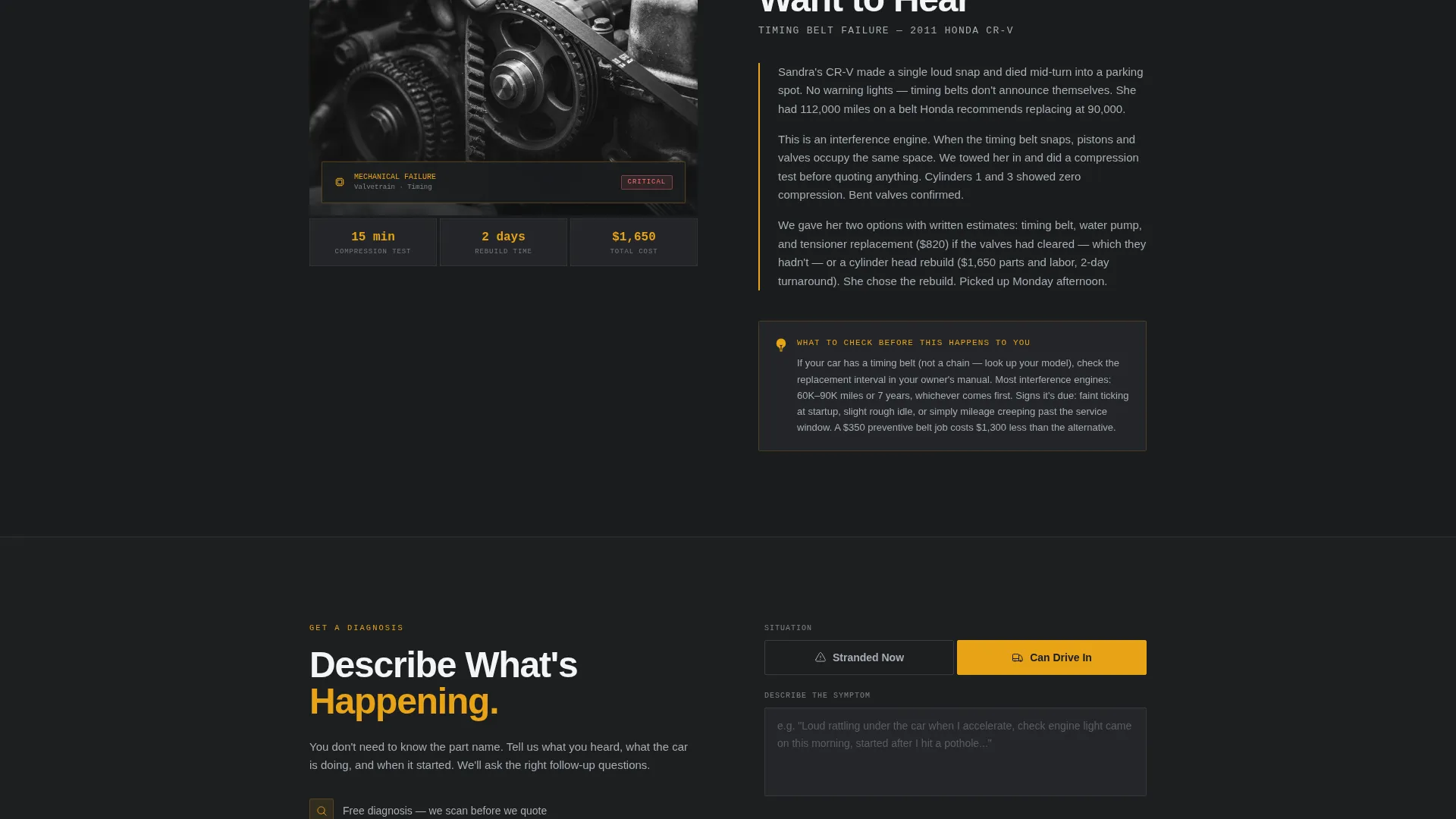
Three sequential sections each tell one real emergency repair story. Each narrative covers what the driver heard, what the tow looked like, what the diagnostic revealed, the repair cost, and the time to completion. The stories get progressively more detailed, teaching the reader what dashboard lights mean and why repairs cost what they do.
Symptom-First Lead Form
The primary call to action is a form that opens with a free-text area for the driver to describe the problem in plain language. It then collects vehicle year, make, and model via dropdown, an urgency toggle between "Stranded Now" and "Can Drive In," and a phone number field.
Sticky Mobile Call-to-Action Bar
On mobile, the primary call to action anchors to the bottom of the screen as a persistent bar labeled "Describe What's Happening." It stays visible throughout the scroll so visitors can act the moment they feel ready.
Text-a-Photo Secondary Path
A secondary button labeled "Text Us a Photo" opens the device's native camera app. This gives visitors who cannot describe the problem in words a fast, low-friction alternative route to make contact.
Page sections overview
| Section | Purpose |
|---|---|
| Press mentions bar | Establish credibility before the headline |
| Diagnostic hero image | Show hands-on competence immediately |
| Primary headline | Anchor the shop's diagnostic-first promise |
| Case study one | I-95 catalytic converter failure story |
| Case study two | Fleet van transmission code scenario |
| Case study three | Timing belt snap in parking lot |
| Lead capture form | Collect symptom, vehicle, urgency, and phone |
| Text-a-photo button | Offer a visual, camera-based contact path |
| Sticky mobile bar | Keep the primary call to action visible on scroll |
Design & branding system
The visual identity follows an Educational Guide theme built on a Monochrome Steel color system. The palette draws from a clean, well-lit service bay rather than a branded showroom.
- Core colors: shop-floor charcoal (#2B2D30), brushed aluminum (#A8ADB3), and lift-rack silver (#D6D9DC) for all structural elements
- Diagnostic-scan amber (#E8A317) reserved strictly for calls to action and warning callouts, keeping it visually distinct and urgent
- Typography and layout reflect a calm, tool-organized shop floor with high contrast between sections for easy scanning
Mobile & speed optimization
The template is designed around the reality that most emergency visitors arrive on a phone, often with limited patience and limited signal. Every layout decision reflects that context.
- The sticky bottom bar keeps the lead form accessible without requiring a scroll back to the top
- Sections are single-column throughout, eliminating horizontal complexity on small screens
- The "Text Us a Photo" button triggers the device's native camera directly, removing the need for any additional app or upload workflow
How this template helps you convert
The page earns the lead by educating the visitor before it asks for anything. By the time a reader reaches the form, three case studies have already proven that this shop explains repairs honestly.
- The press trust bar and diagnostic photograph remove doubt in the first five seconds, before the visitor reads a single word of body copy.
- Each case study answers the questions a nervous driver is already asking: what is wrong, how long will it take, and what will it cost?
- The form itself reduces friction by starting with plain-language symptom description rather than fields that require technical knowledge from the driver.
Other information about this template
This template fits within the Professional Services category and is specifically built for the auto mechanic emergency service niche. It is structured as a single-column flow landing page using a Case Study Narrative creative direction under an Educational Guide theme.
- The template style is intentionally minimal and non-promotional, designed to speak to commuters, parents, and small fleet operators under stress
- The amber accent color (#E8A317) is used sparingly to ensure warning callouts and call to action buttons carry real visual weight
- The header concept uses Press Mentions to frontload social proof, a pattern well suited to local service businesses competing on trust rather than price
Theme
Educational Guide
Creative direction
Case Study Narrative
Color system
Monochrome Steel
Style
Single Column Flow
Direction
Lead Generation
Page Sections
Press Mentions Trust Bar
Diagnostic Hero Section
Case Study Narrative Scroll
Symptom-first Lead Capture Form
Sticky Mobile Call-to-action Bar
Text-a-photo Secondary Path
Related questions
Can I use this template for a general auto repair shop, not just emergencies?
Do I need technical writing experience to fill in the case study sections?
How does the 'Text Us a Photo' button work?
Is the lead form suitable for both emergency and scheduled appointment requests?
Can I replace the press mentions bar with my own local media coverage?



