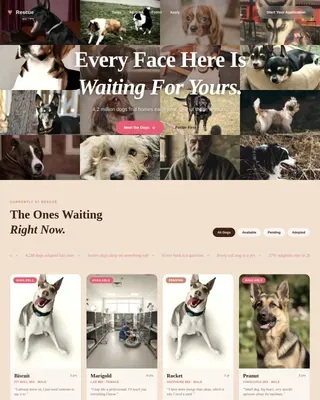
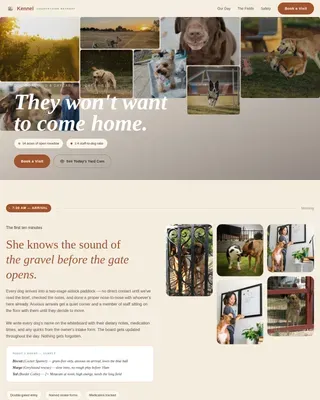
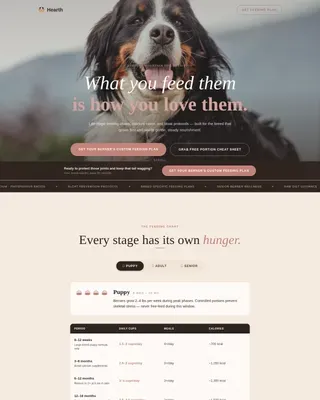
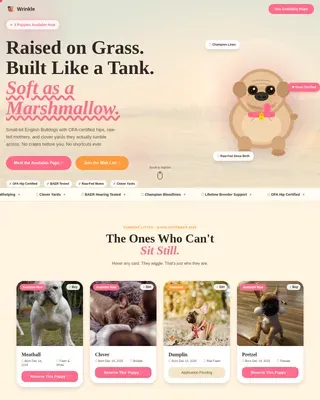
Training Landing Page Template for Pet Coaches
The Yorkie breed-specific training landing page is built for dog trainers and pet coaches who work with Yorkshire Terrier owners. It pairs a full-viewport lifestyle hero with a community gallery scroll, a two-step booking scheduler, and a warm Citrus Burst color system to turn anxious first-time Yorkie owners into confident, committed clients.
by Rocket studio
Quick summary
This single-page template helps Yorkshire Terrier training professionals book discovery calls with first-time Yorkie owners. A hero-dominant layout draws visitors in immediately, a scrolling community gallery builds trust through real owner stories, and a two-step free assessment scheduler converts interest into booked appointments without requiring any payment upfront.
Who this template is for
This template is built for dog trainers, pet behavior coaches, and Yorkshire Terrier specialists who want to attract new clients online. It suits anyone offering breed-specific guidance and needing a booking flow that qualifies leads before a paid session.
- Dog trainers and behavior coaches focused on small or toy breeds
- Yorkshire Terrier specialists offering free introductory consultations
- Pet service professionals who need a polished booking page without complex setup
What problem this template solves
First-time Yorkie owners are overwhelmed. They search for answers about barking, biting, and housebreaking but rarely find guidance that speaks to their specific dog. Generic training pages fail to build the trust these owners need before they commit to a service.
- Visitors bounce when they cannot find breed-specific reassurance quickly
- A generic contact form does not qualify the client or communicate value
- Without social proof, potential clients hesitate to book with a trainer they do not know
What you get with this template
The template delivers a complete, ready-to-customize landing page with a clear visual identity and a focused booking flow. Every section has a defined role, from the full-viewport hero to the sticky call-to-action bar that persists as the visitor scrolls.
- A hero-dominant layout with a lifestyle photograph header and a fade-in headline
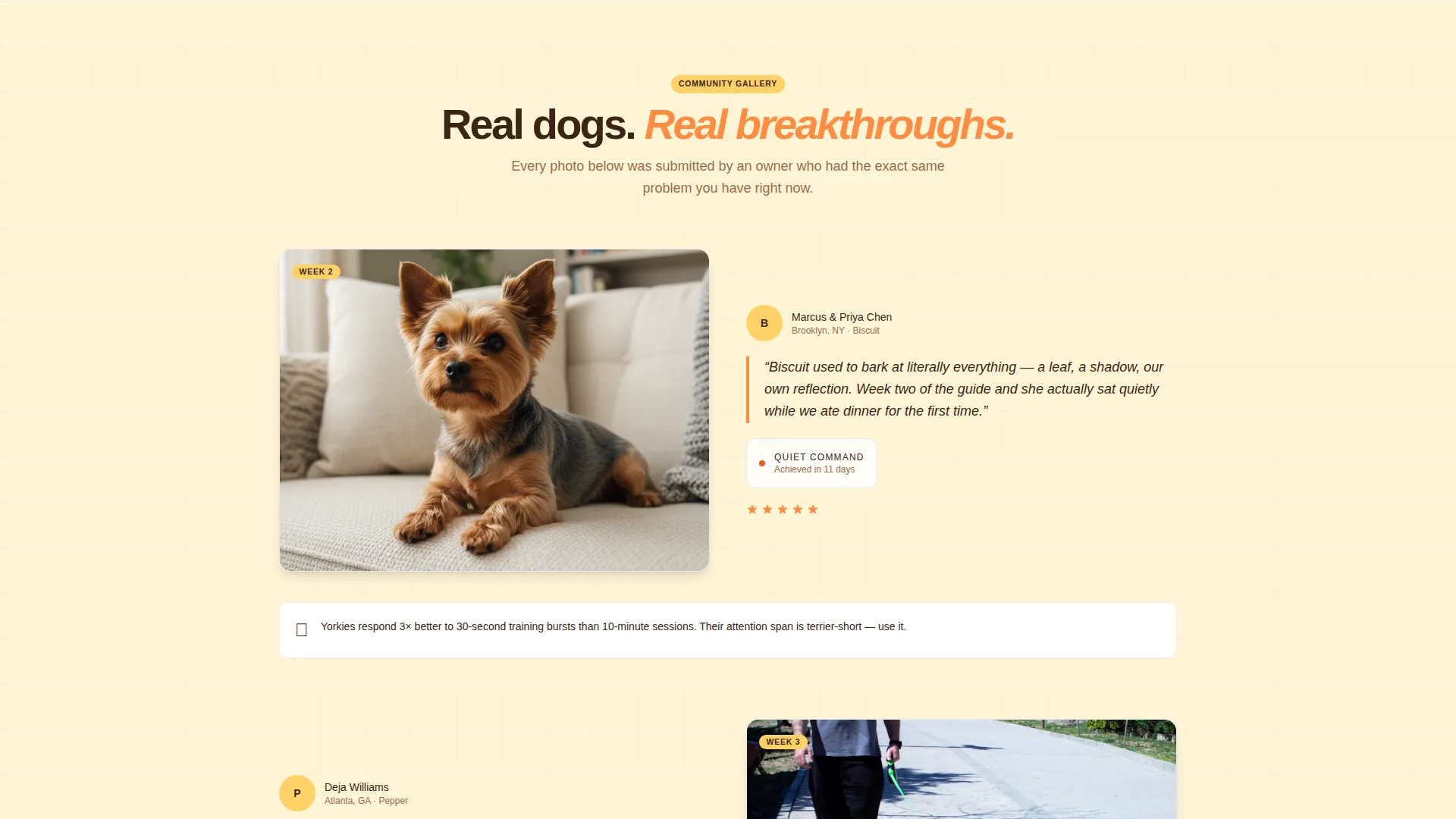
- A community gallery section alternating owner photos, quotes, and training milestone callouts
- A two-step inline scheduler for selecting a Yorkie's age, behavioral concern, and a 15-minute video call slot
Feature list
This template is built around five core capabilities drawn directly from the design brief. Each one serves the landing page's central goal: converting a curious Yorkie owner into a booked assessment call.
Full-Viewport Lifestyle Hero
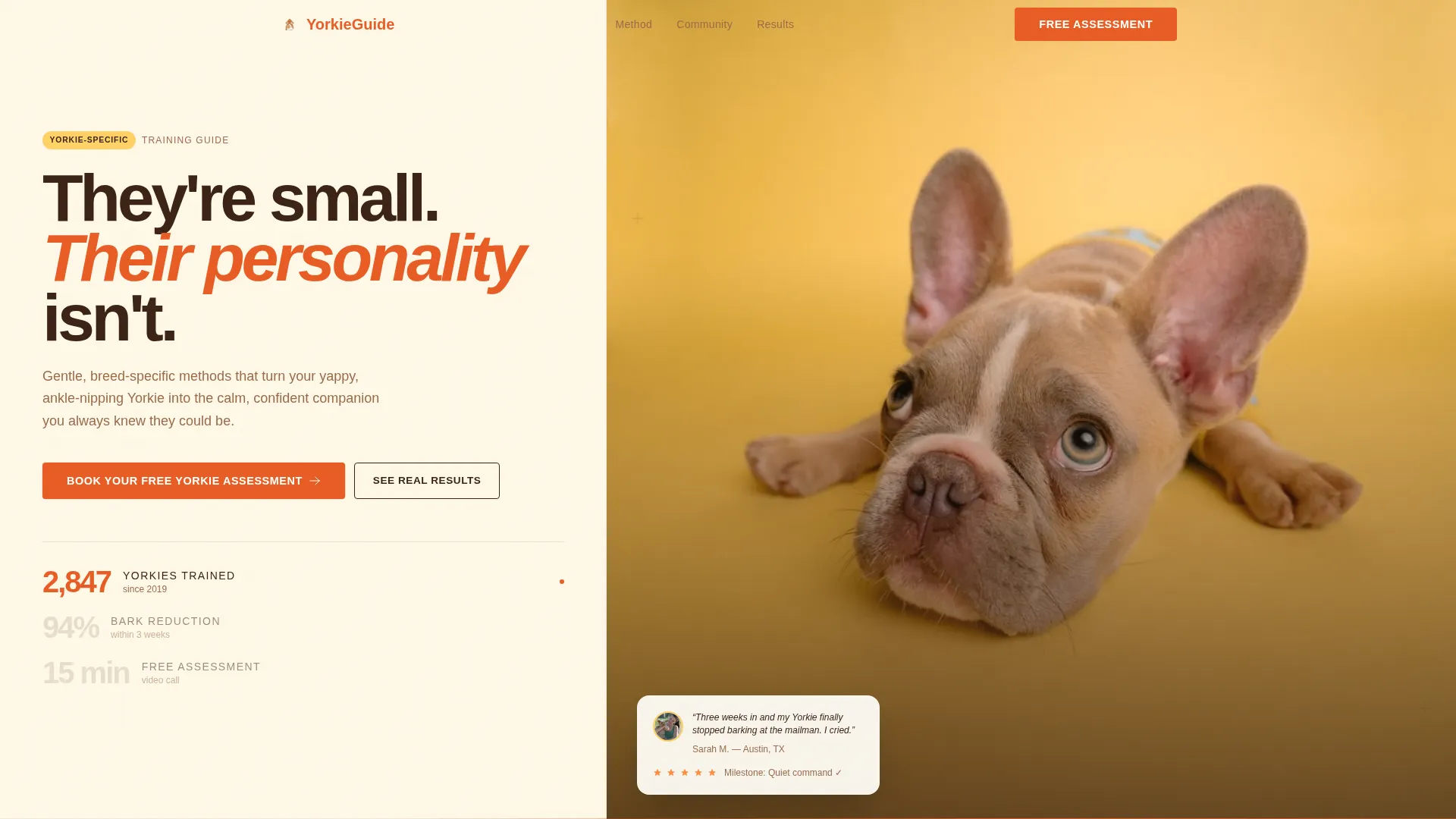
The header fills the entire screen with a warm, golden-hour living room image. A Yorkie mid-trot toward a laughing child anchors the scene, and a single fade-in headline reads "They're small. Their personality isn't." The image is styled to look candid and intimate, not like a studio shot.
Community Gallery Scroll
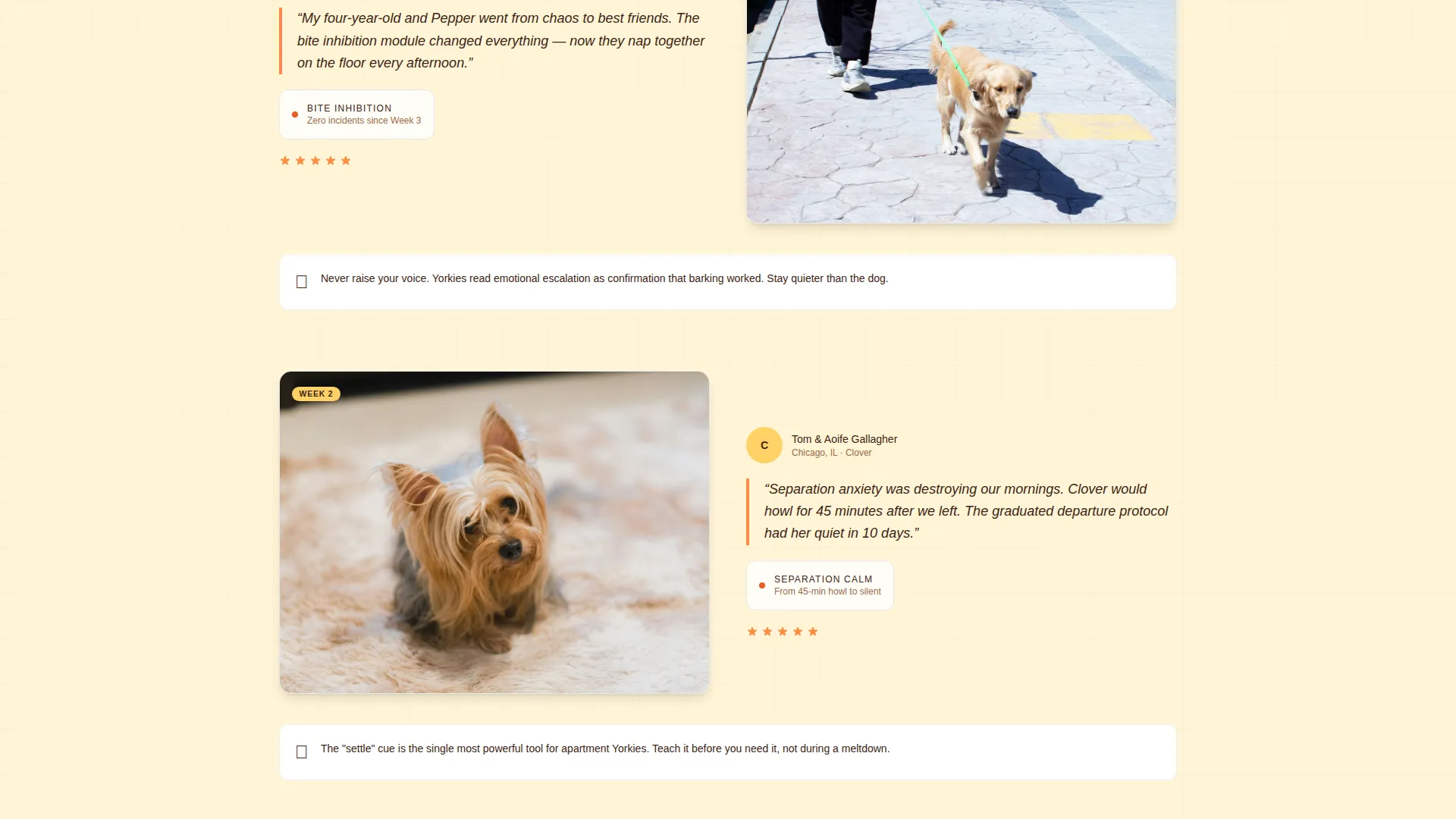
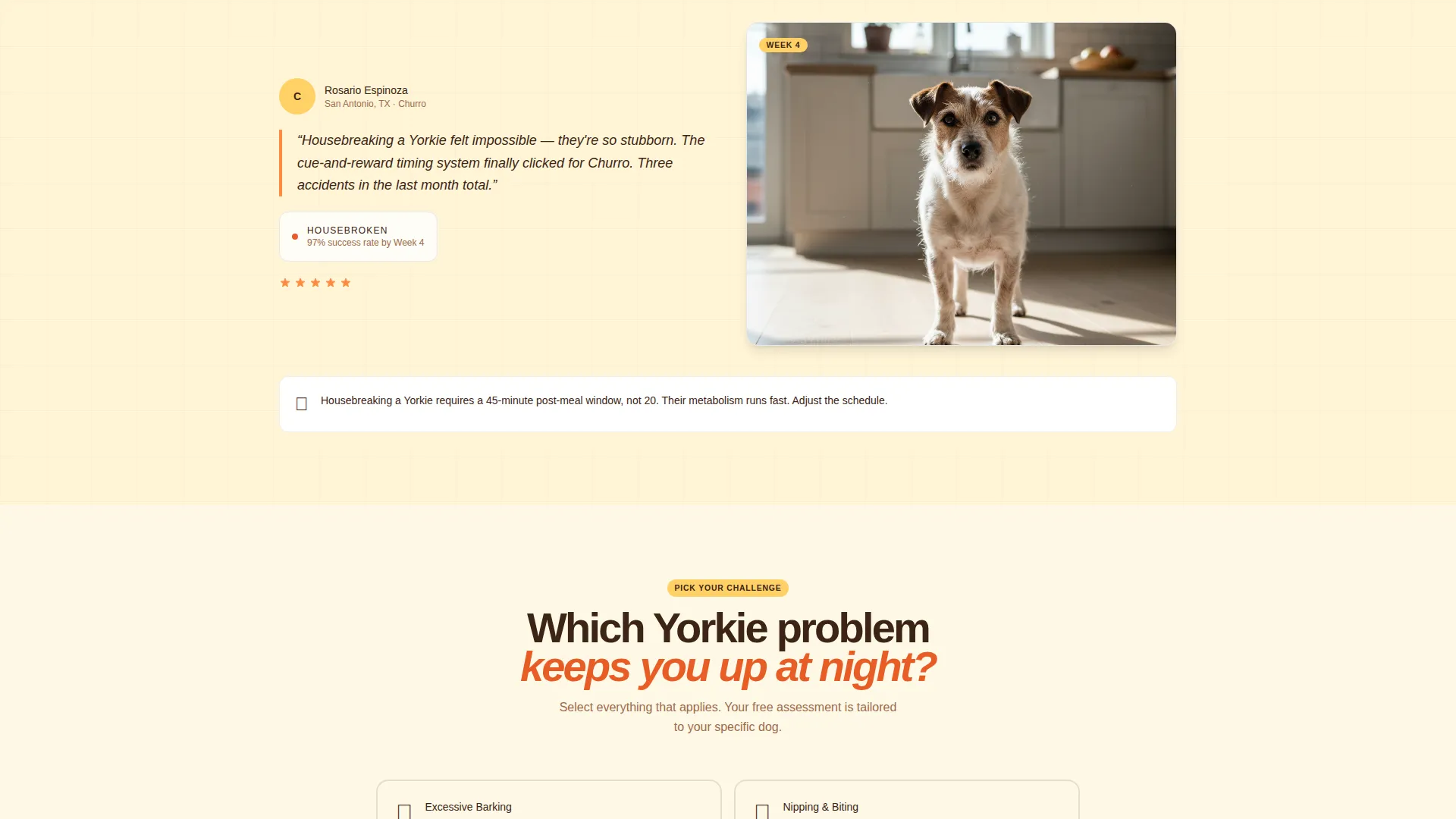
After the hero, the page becomes a living wall of real owner content. Each scroll unit pairs a submitted Yorkie photo with a short owner quote and the specific training milestone it represents. Bite-sized training tips alternate with these proof moments so visitors absorb both method and results as they scroll.
Two-Step Booking Scheduler
The primary call to action is "Book Your Free Yorkie Assessment" in clementine orange. Clicking it opens a two-step flow: step one lets the visitor select the Yorkie's age range and top behavioral concern using illustrated toggles (barking, biting, separation anxiety, housebreaking), and step two reveals available 15-minute video call slots. No payment is required.
Sticky Call-to-Action Bar
After the third scroll section, a sticky bar locks to the bottom of the screen. It keeps the booking prompt visible without interrupting the reading experience. Visitors who are ready to act can tap it at any point without scrolling back up.
Citrus Burst Color System
The template uses a cohesive palette built around sunny tangerine (#FF8C42), soft lemon (#FFD166), and warm cream (#FFF8E7) for backgrounds. Espresso brown (#3C2415) grounds body text and navigation, while clementine (#E85D26) highlights every button and interactive element for immediate visual clarity.
Page sections overview
| Section | Purpose |
|---|---|
| Full-Viewport Hero | Opens the page with lifestyle image and fade-in headline |
| Hero Call to Action | Places the first "Book Your Free Yorkie Assessment" button |
| Community Gallery | Alternates owner photos, quotes, and training milestones |
| Training Tip Blocks | Delivers bite-sized breed-specific guidance between gallery units |
| Two-Step Scheduler | Collects age range, behavioral concern, and preferred call time |
| Sticky Bottom Bar | Keeps the booking prompt visible after third scroll section |
Design & branding system
The visual identity follows a Family First theme. Every color and layout choice aims to feel like a warm Saturday morning at home, not a clinical pet services website. The palette and image direction work together to create immediate emotional familiarity.
- Colors: tangerine (#FF8C42), lemon (#FFD166), cream (#FFF8E7) backgrounds; espresso brown (#3C2415) for text; clementine (#E85D26) for buttons
- Header image direction: candid golden-hour living room, Yorkie in motion toward a child, no studio lighting
- Interactive elements: clementine accent on all buttons and toggles for consistent visual cues
Mobile & speed optimization
The hero-dominant layout and community gallery are structured for a smooth mobile viewing experience. Illustrated toggles in the scheduler are sized for touch interaction, and the sticky bar is designed to sit cleanly at the bottom of a phone screen without obscuring content.
- Touch-friendly illustrated toggles for behavioral concern selection in the booking flow
- Sticky bottom bar scaled for mobile viewports so it remains readable without covering key content
- Gallery units stack vertically on smaller screens to preserve the photo-quote-milestone rhythm
How this template helps you convert
The page is built around a single conversion goal: getting a Yorkie owner to book a free 15-minute video assessment. Every layout decision serves that goal without pressuring the visitor prematurely.
- The community gallery provides layered social proof before any ask, so the visitor arrives at the scheduler already trusting the service.
- The two-step scheduler reduces friction by breaking the booking into a quick concern-selection step and a simple time-slot pick, with no payment required at any point.
- The sticky call-to-action bar ensures the booking prompt is always one tap away, so a visitor who finishes reading a training tip can act immediately.
Other information about this template
This template belongs to the Pet and Animal category under the Yorkshire Terrier Services subcategory. It is designed specifically for the Yorkshire Terrier training guide niche and carries an intersection match score of 13, reflecting a tightly focused use case.
- Template style: Hero-Dominant (90/10), meaning the hero section occupies the dominant visual weight of the page
- Creative direction: Community Gallery, which prioritizes real owner photos and quotes over polished brand photography
- Intended niche: Yorkshire Terrier training guide for first-time owners dealing with barking, biting, separation anxiety, and housebreaking
- The free assessment flow is designed to earn trust and qualify commitment before any upsell conversation begins
Theme
Family First
Creative direction
Community Gallery
Color system
Citrus Burst
Style
Hero-Dominant (90/10)
Direction
Booking/Scheduling
Page Sections
Full-viewport Lifestyle Hero
Community Gallery Scroll
Two-step Booking Scheduler
Sticky Call-to-action Bar
Citrus Burst Color System
Related questions
Can I customize the hero image and headline?
Do I need a separate booking tool to use the scheduler?
Can I use this template for a breed other than Yorkshire Terriers?
What behavioral concerns are included in the scheduler toggles?
When does the sticky call-to-action bar appear?