Precision Rideshare & Taxi Booking Landing Page Template
Zonea is a precision rideshare landing page template built for professional ground transportation services. It combines a live-metrics header, an FAQ-driven editorial layout, and a pinned three-step booking form to serve executive assistants, hotel concierges, and event organizers who need reliable, on-time pickups across multiple metro zones.
by Rocket studio
Quick summary
Zonea is a single-page template designed for black car and licensed cab dispatch services operating across metro zones. The layout opens with a real-time stats wall, moves through editorial FAQ sections that address every booker objection, and closes every path with a pinned scheduling form. It is built for professionals who cannot afford a late car.
Who this template is for
This template speaks directly to ground transportation operators who serve business clients at scale. It is not built for casual ride-hailing apps. It is built for services where on-time reliability is the product.
- Executive assistants managing recurring airport transfers for corporate travelers
- Hotel concierges and conference organizers coordinating guest and speaker pickups
- Black car and licensed cab dispatch operators covering multiple city zones
What problem this template solves
Booking pages for ground transportation services often fail the people who matter most: professional bookers who need to see proof before they commit. A generic layout with a phone number and a contact form does not answer the questions a hotel concierge or executive assistant actually asks before scheduling a fleet run.
- There is no live proof that vehicles are active and available right now
- Service zone coverage is vague, leaving airport and venue bookings uncertain
- The booking path is too long or unclear for high-volume professional accounts
What you get with this template
Zonea delivers a focused, editorially structured landing page that earns trust before it asks for a booking. Every section is designed around a real decision that a professional booker faces. The template hands you a complete, ready-to-adapt page with no filler sections.
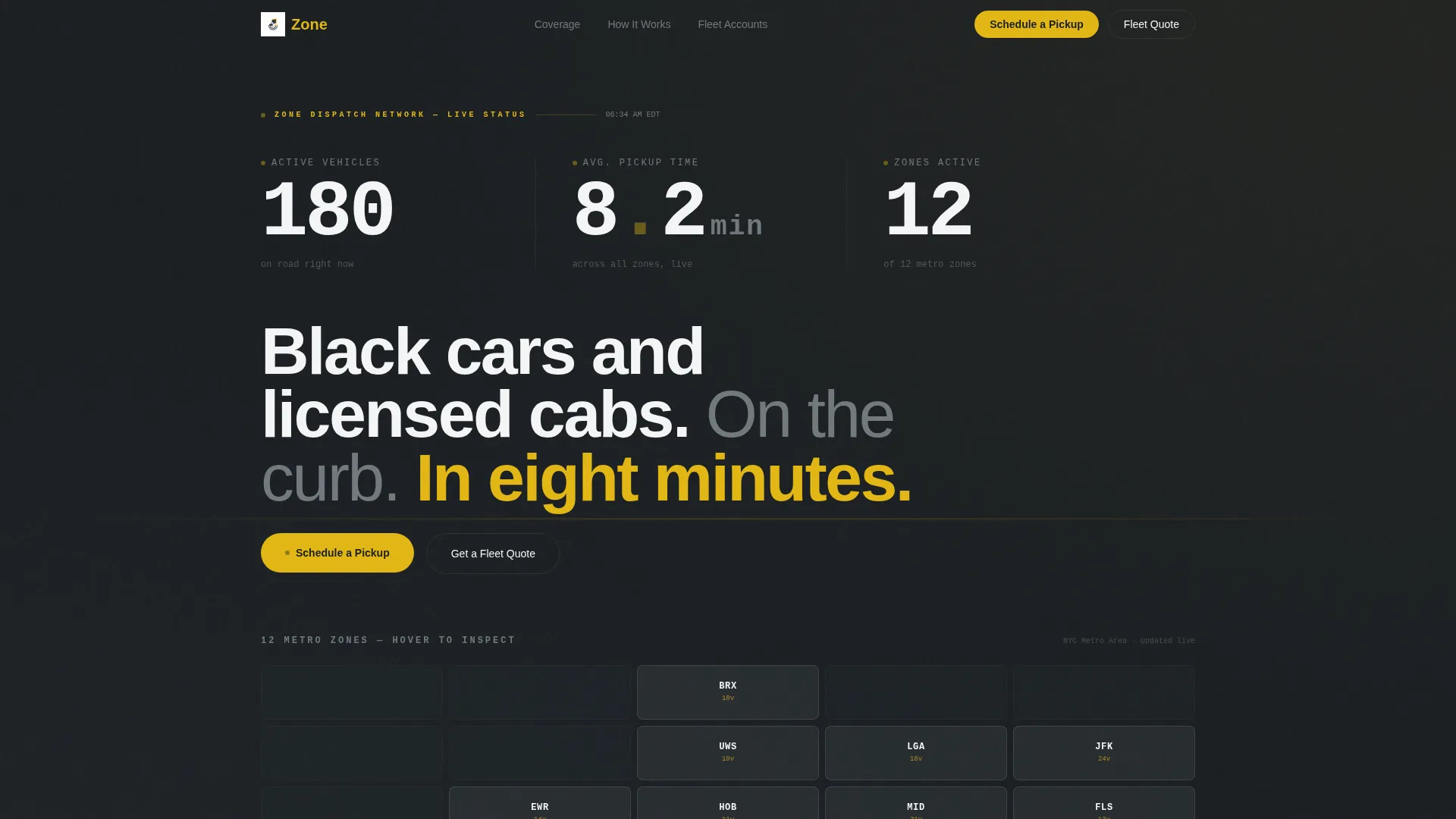
- A live-stats header with three real-time counters and an interactive metro zone map
- An FAQ-driven editorial body that answers logistical and trust objections in sequence
- A pinned three-step inline booking form and a secondary fleet quote path for corporate accounts
Feature list
This template is organized around three principles: show proof, answer objections, and make the booking frictionless. Each feature below maps directly to one of those principles.
Real-Time Stats Header
Three oversized counters display active vehicles on road, average pickup time in minutes and seconds, and zones currently covered. The numbers are rendered in a monospaced typeface at display scale against a deep asphalt background, with signal-yellow decimal points pulsing subtly to indicate live data.
Interactive Metro Zone Map
Below the counters, a minimal metro map renders all twelve service zones as clean geometric overlays. Each zone lights up chrome-bright on hover to reveal its dedicated fleet count and current wait estimate, giving bookers immediate geographic confidence before they schedule a pickup.
FAQ-Driven Editorial Layout
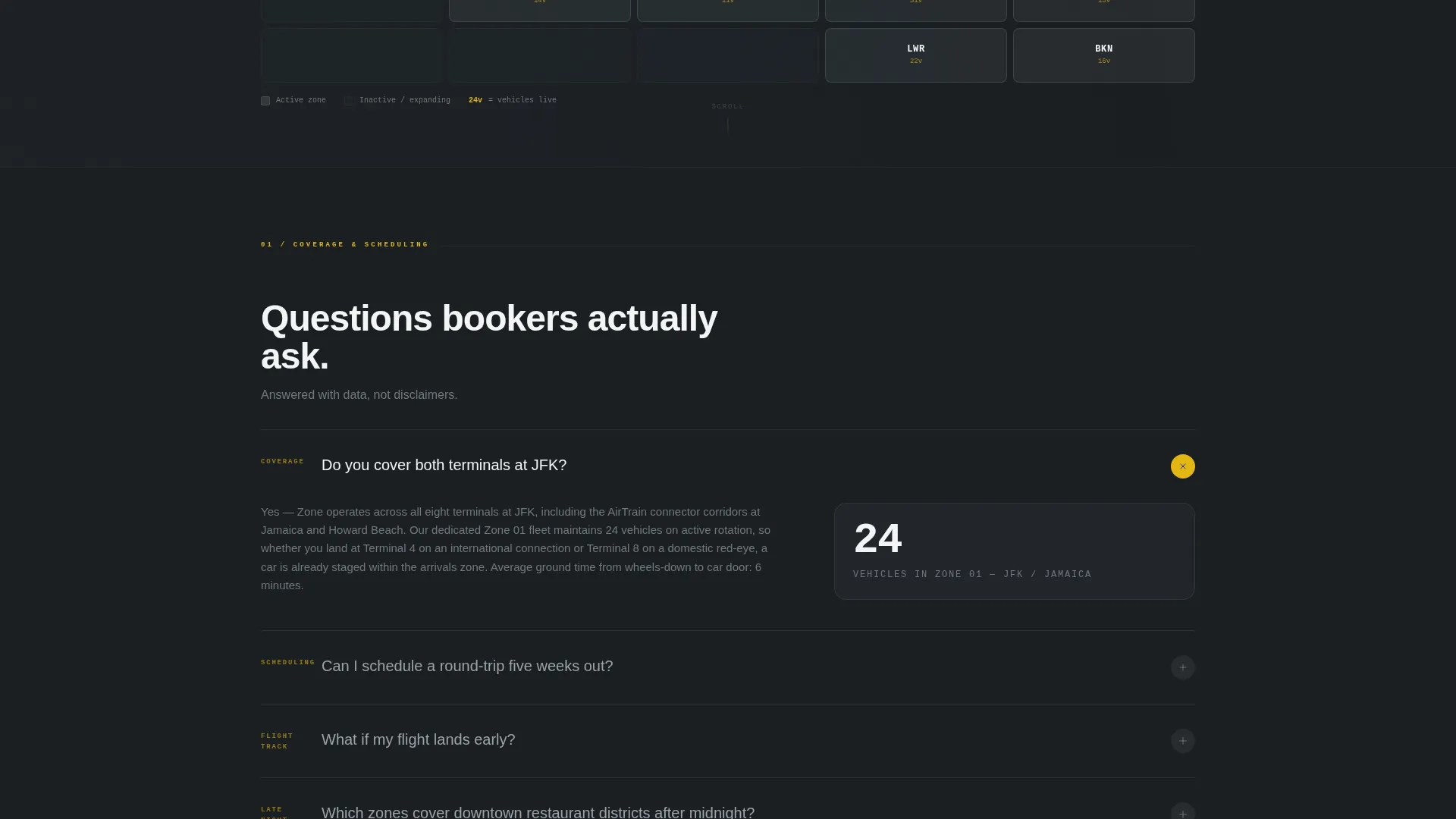
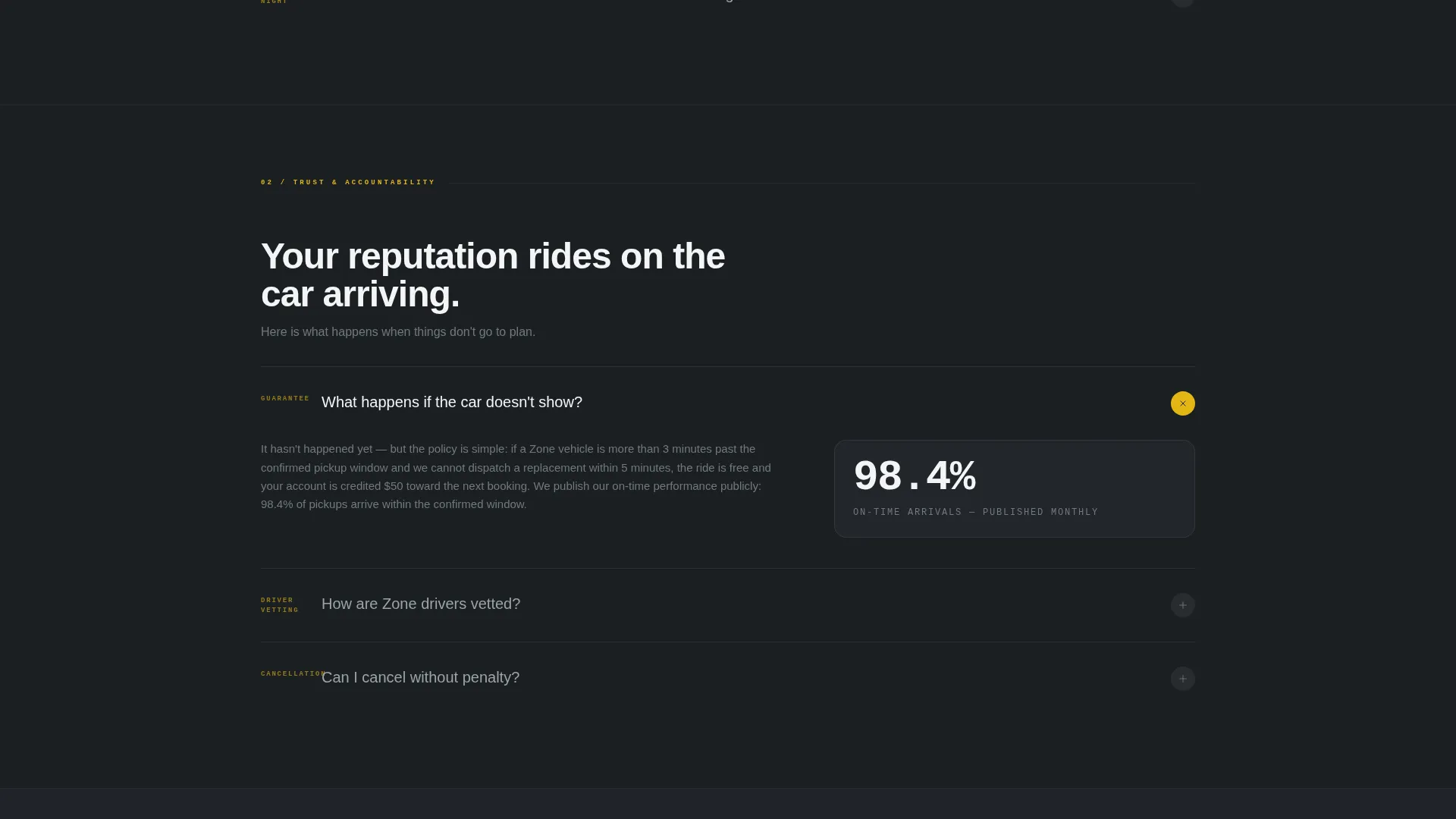
Each body section is framed as a real question a booker asks, from terminal coverage and advance scheduling to cancellation policy and driver vetting. Every question unfolds into a short authoritative paragraph paired with a supporting data point or zone detail, following an ask-answer-prove rhythm that resolves objections in order of urgency.
Pinned Booking Form
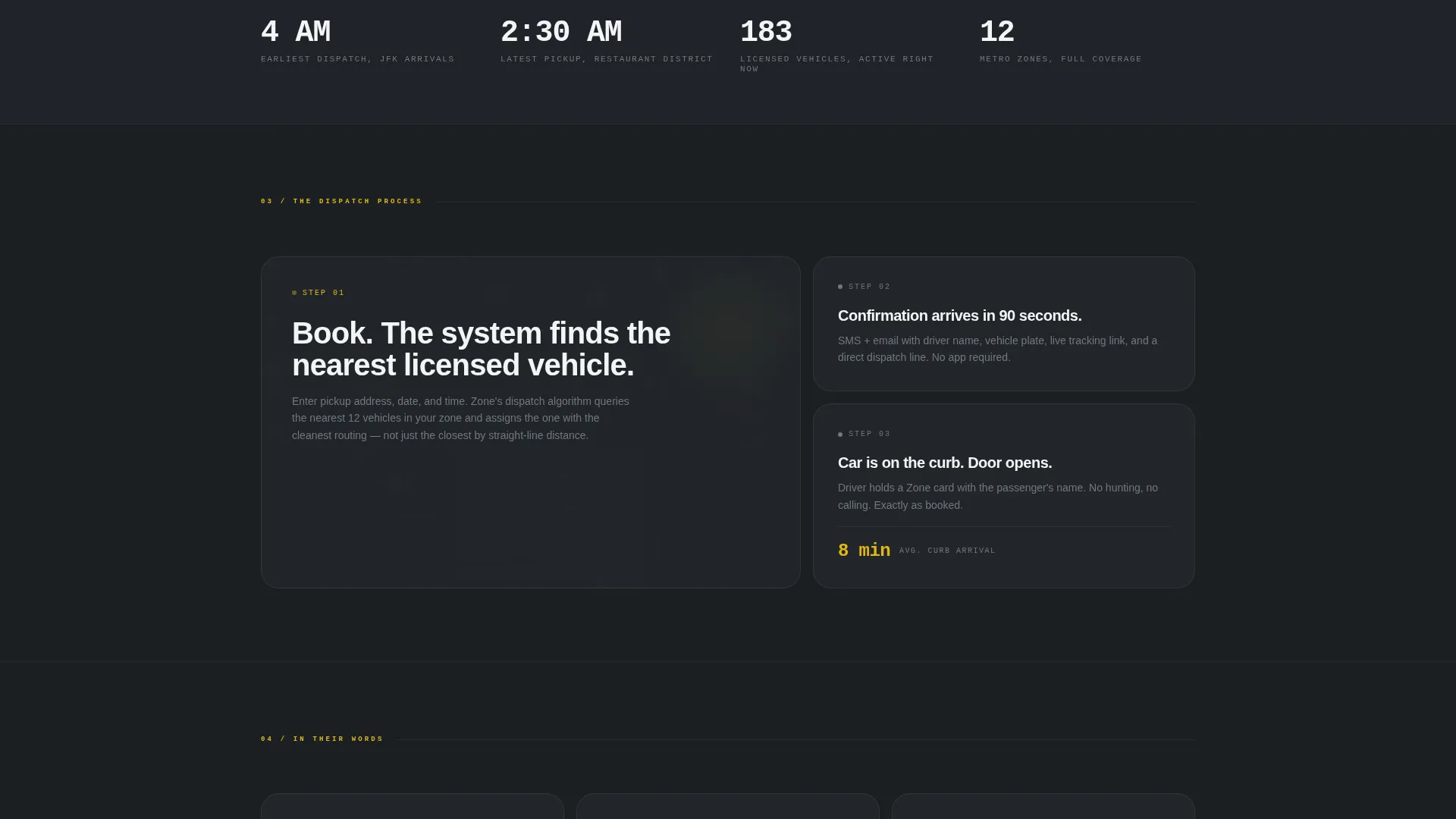
The primary call to action, "Schedule a Pickup," pins to the top navigation bar after the first scroll. It opens a three-step inline form: pickup address with zone auto-detect, a date-and-time selector defaulting to the next hour, and passenger count with an optional flight number field.
Corporate Fleet Quote Path
A secondary call to action, "Get a Fleet Quote," targets corporate accounts needing volume pricing. It runs parallel to the individual booking form, giving operations managers and concierge teams a dedicated path without cluttering the main scheduling flow.
Signal-Yellow Accent System
A single accent color, signal-yellow (#E2B714), is reserved exclusively for calls to action and live-status indicators. This focused use of color trains the eye to find booking triggers and live data at a glance, reducing hesitation and directing attention where it matters.
Page sections overview
| Section | Purpose |
|---|---|
| Stats Metrics Header | Display live vehicle count, average pickup time, and active zone tally |
| Metro Zone Map | Show geographic service coverage with per-zone fleet and wait data |
| Terminal Coverage FAQ | Answer airport-specific booking questions with authoritative detail |
| Advance Scheduling FAQ | Confirm round-trip and far-future booking capability |
| Flight Change FAQ | Explain what happens when a flight lands early or late |
| Logistics to Trust FAQs | Escalate from operational questions to cancellation and driver vetting |
| Schedule a Pickup Form | Collect pickup address, date-and-time, passenger count, flight number |
| Fleet Quote call to action | Route corporate accounts to volume pricing inquiry |
Design & branding system
The visual identity follows a Corporate Precision theme built around a Monochrome Steel color palette. The overall feeling is the dashboard of a luxury sedan at night: dark, legible, and precise, with every illuminated element serving a clear purpose.
- Core palette: deep asphalt (#1B1F23) for backgrounds, brushed chrome (#71797E) for secondary text and zone overlays, terminal white (#F4F5F6) for body copy, and signal-yellow (#E2B714) for calls to action and live indicators only
- Typography uses a monospaced typeface at display scale for counter figures, contrasting with clean editorial text for FAQ body sections
- The layout alternates between a left-aligned paragraph and a right-side data point or map detail, creating a consistent zigzag editorial rhythm throughout the page
Mobile & speed optimization
The template is structured so its most critical elements remain fully readable and actionable on smaller screens. The pinned navigation form and live-status header are designed to stay accessible throughout the scroll experience.
- The pinned "Schedule a Pickup" call to action remains visible in the navigation bar on all screen sizes after the initial scroll
- Counter figures and zone map overlays are sized for legibility at mobile viewport widths without requiring horizontal scrolling
- The three-step inline form is compact enough to complete comfortably on a phone screen, reducing drop-off for on-the-go bookers
How this template helps you convert
The page is engineered to move a skeptical professional booker from first impression to confirmed reservation. The conversion logic is layered deliberately: earn trust with live data, remove objections with editorial answers, then make the booking action impossible to miss.
- The live stats header gives immediate, visual proof that vehicles are active and zones are covered, earning the credibility that makes a first-time booker comfortable proceeding.
- The FAQ-driven editorial sections address every objection a professional booker carries, from terminal coverage and advance scheduling to cancellation terms and driver vetting, so no question is left unanswered before the form appears.
- The pinned booking form keeps the "Schedule a Pickup" action one tap away at every point in the scroll, eliminating the friction of searching for a contact path after reading through the page.
Other information about this template
Zonea is designed for rideshare and taxi service operators who position themselves above commodity ride-hailing. The template's structure and tone suit services that compete on reliability and professional account management rather than on price alone.
- The template covers a twelve-zone metro service model, making it adaptable for city-wide dispatch operations with airport, hotel, and venue coverage built into the zone map section
- The dual call-to-action structure, individual pickup scheduling alongside corporate fleet quoting, supports both single-booking clients and high-volume account managers from the same page
- The page style aligns with an Executive Suite theme, making it appropriate for black car services, licensed cab fleets, and ground transportation companies targeting corporate travel programs
Theme
Executive Suite
Creative direction
Logo Wall Authority
Color system
Navy Authority
Style
Zigzag/Alternating
Direction
Booking/Scheduling
Page Sections
Real-time Stats Header Wall
Interactive Metro Zone Map
Faq-driven Editorial Body
Pinned Three-step Booking Form
Corporate Fleet Quote Path
Signal-yellow Accent System
Related questions
Can I customize the service zones shown on the metro map?
Does the booking form include a field for flight numbers?
Is this template suitable for a smaller single-city taxi operation?
How does the FAQ editorial layout handle objections from first-time clients?
Can corporate accounts request volume pricing through this page?



