
An AI mobile app builder turns your idea into a working, deployable app in minutes. No large engineering team is required. This blog covers the top platforms, how they work, what to look for, and how teams are shipping faster today.
Can you build a mobile app without a developer?
Yes, and faster than most people expect.
Today, AI-driven platforms handle screens, backend logic, authentication, and cross-platform output automatically. Founders, product teams, and non-developers are shipping apps in hours, not months. According to Gartner, more than 65% of app creation in 2025 came from low-code and no-code platforms.
That shift speaks volumes about speed. This blog walks through the best platforms for creating apps fast, while still allowing for structure, logic, and long-term growth.
Why AI-Driven App Builders Matter for Modern Teams
The old way of building a mobile app felt slow, heavy, and code-intensive. Long cycles, endless code writing, and plenty of debugging were the norm. Today, AI tools reduce that load significantly.
These tools assist with writing code, generating screens, and shaping backend logic. They also suggest app ideas through natural language prompts. As a result, teams now move from idea to working app faster than ever before. AI eliminates repetitive tasks and lets people focus on planning, design, and user flow.
Moreover, these tools open the door for non-technical users. Many builders understand plain language and respond to prompts through AI agents. Those agents adjust layouts or workflows with simple sentences, meaning more people can shape products, not just developers.
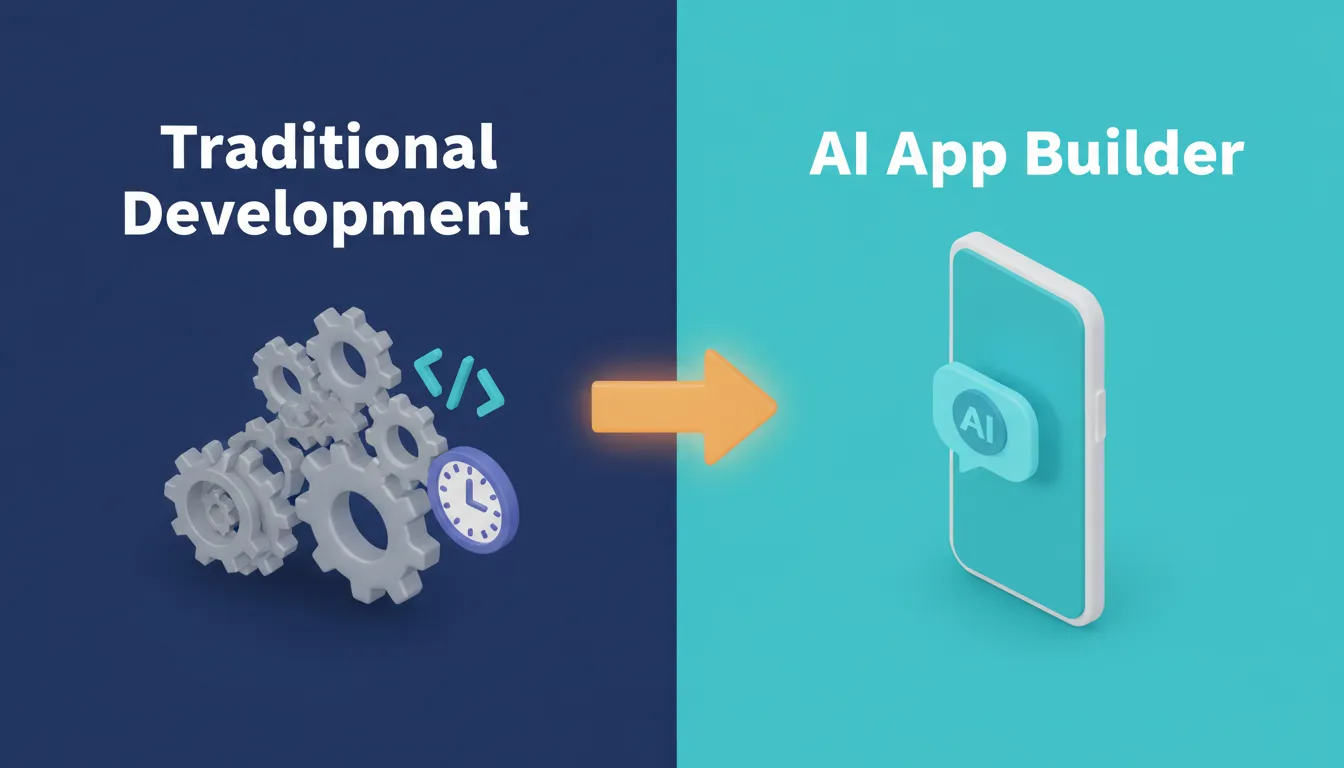
From Complexity to Clarity: How AI App Builders Change the Development Process
How Do AI App Builders Actually Work Behind the Scenes?
AI-driven platforms rely on components that can be dragged, arranged, and connected. They include a visual editor, smart suggestions, and generators that create layouts, screens, backend flows, and authentication systems based on your prompt.
When someone describes the data they want or the flow they need, the platform analyzes that prompt and predicts the structure. The output typically includes navigation, forms, screens, and automation. These builders can create web apps and mobile apps ready for the App Store or the Google Play Store. Some also offer full code export, giving teams every line of code used in the build.
For a practical walkthrough, the how to build a mobile app with AI guide covers the step-by-step process in depth alongside this comparison.
How an AI Mobile App Builder Converts a Prompt Into a Working App
The diagram below shows the typical flow from idea to deployed mobile app:
The end-to-end flow of an ai mobile app builder: from natural language prompt to cross-platform deployment.
Top AI-Driven Tools for Quick App Creation
Several platforms stand out for their speed, clarity, and AI-powered features. The tools below help teams build apps faster, test ideas, and reach the finish line with less friction.
1. Rocket
 Rocket is a full-stack ai mobile app builder used by 1.5 million people across 180 countries. It is backed by Salesforce Ventures and Accel. Rocket is built for founders, developers, and non-technical teams who want to go from idea to production-ready app without the usual complexity.
You describe your idea in plain language. Rocket reads the prompt, generates screens, builds the logic, and lays out the structure. Most apps generate in 1 to 3 minutes. What sets Rocket apart is that it surfaces the decisions that matter before generating. These include target users, key interactions, data model, and design direction. The first result reflects genuine product thinking, not a generic template.
Rocket is also a strong choice for building a mobile native app. It gives teams a full-stack, production-ready result from a single prompt.
What Rocket Builds
Rocket generates mobile apps in Flutter, producing iOS and Android apps from a single codebase. These apps are ready for App Store and Google Play submission. Web apps are built in Next.js. Both ship with:
- Real design systems, dark/light theming, fluid navigation, and staggered animations
- SEO-ready structure, WCAG accessibility compliance, and GDPR coverage, built in by default
- Staging and production environments with full version history and one-click rollback
- Built-in analytics tracking visitors, conversions, and Core Web Vitals after launch
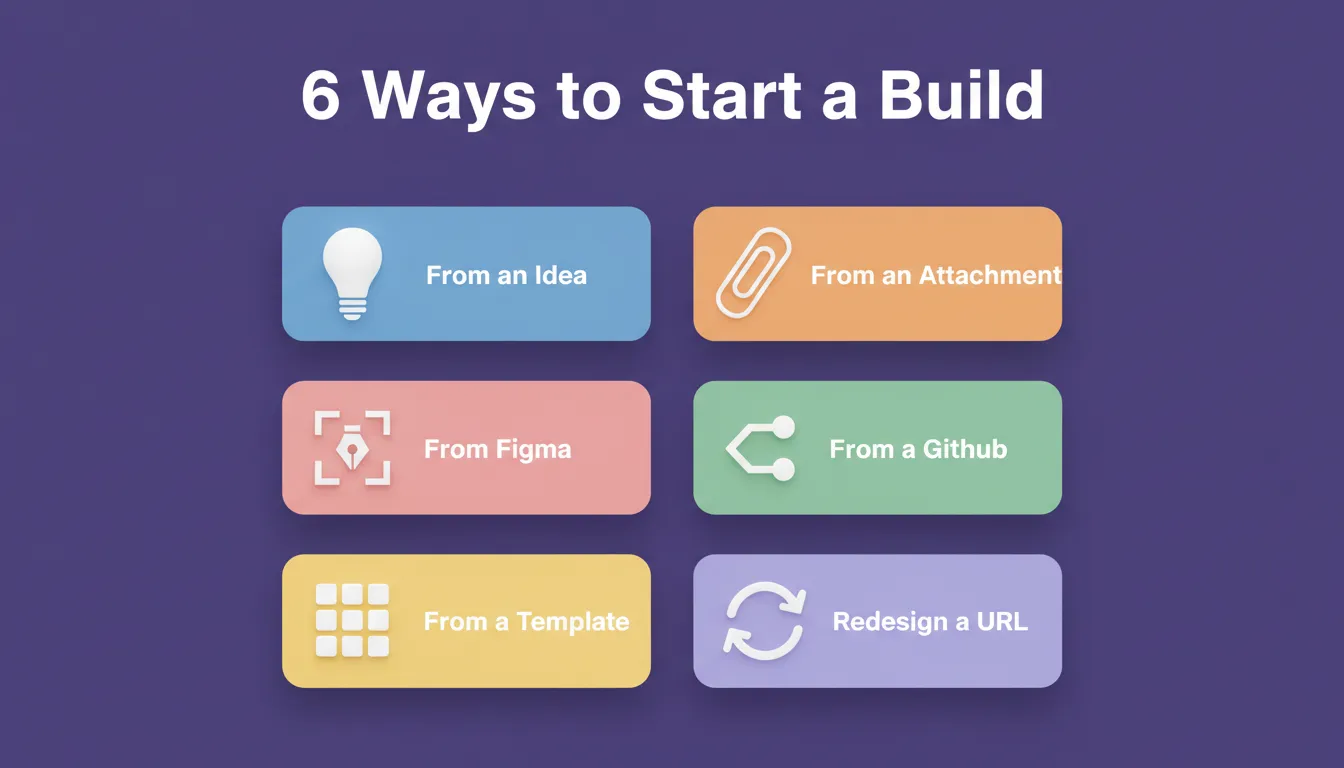
Six Ways to Start a Build
Unlike most builders that only accept a text prompt, Rocket offers six starting methods:
- From an idea: describe what you want in plain language
- From an attachment: upload a screenshot, wireframe, PDF, or spreadsheet
- From Figma: import a Figma design and convert it to working code
- From GitHub: import an existing Next.js TypeScript codebase and continue building
- From a template: start from a pre-built template (zero credits consumed)
- Redesign: provide a URL and transform an existing website into a new design
**
Three Ways to Iterate
After the first generation, you refine through three modes:
- Chat with Rocket: natural language instructions with no change limit
- Visual Edit: click any element in the live preview to change text, style, spacing, or layout directly
- Code: browse and modify the full source code (Flutter or Next.js) directly
Rocket also includes Solve for validating ideas before you build, Build for generating production-grade apps, and Intelligence for monitoring competitors continuously. All three connect through shared context, so the thinking before the build and the build itself happen in the same place.
25+ Built-In Integrations
Rocket connects Stripe, Supabase, OpenAI, Anthropic, Gemini, Google Analytics, PayPal, Mailchimp, Airtable, Notion, Linear, Mixpanel, Twilio, Resend, and more. You authenticate once and they flow into every build automatically.
Deploying Your Mobile App
| Distribution | Speed | Best For | Cost |
|---|---|---|---|
| Web Preview | Instant | Demos, stakeholder sharing | Included |
| APK Download | Minutes | Android device testing | Included with paid plan |
| Google Play Store | Days to weeks | Public Android release | $25 one-time developer account |
| Apple App Store | Days to weeks | Public iOS release | $99/year developer account |
Top Features Summary
- Prompt-based full-stack generation: Frontend, backend, and integrations from one description
- Figma to code: Convert Figma designs into responsive, production-ready mobile or web code
- Built-in backend and auth: Automatic database schemas, user authentication, API endpoints, and security
- Cross-platform output: iOS and Android from a single Flutter codebase
- One-click deployment: Launch instantly with custom domain support
- Full code export: Access, edit, and own all generated code
- Command-based controls: Use
/for quick actions and@to target edits from chat
2. FlutterFlow
 FlutterFlow is known for strong design tools and rapid prototyping. It suits teams building native mobile apps that need clean visuals and fast delivery. You can generate screens, test ideas, and adjust flows in minutes.
Key strengths include backend workflow support, quick test cycles, and a simple UI-building experience. It also supports importing Figma files, which is useful for teams already designing elsewhere. However, FlutterFlow requires more manual setup for backend logic compared to fully automated platforms.
3. Adalo
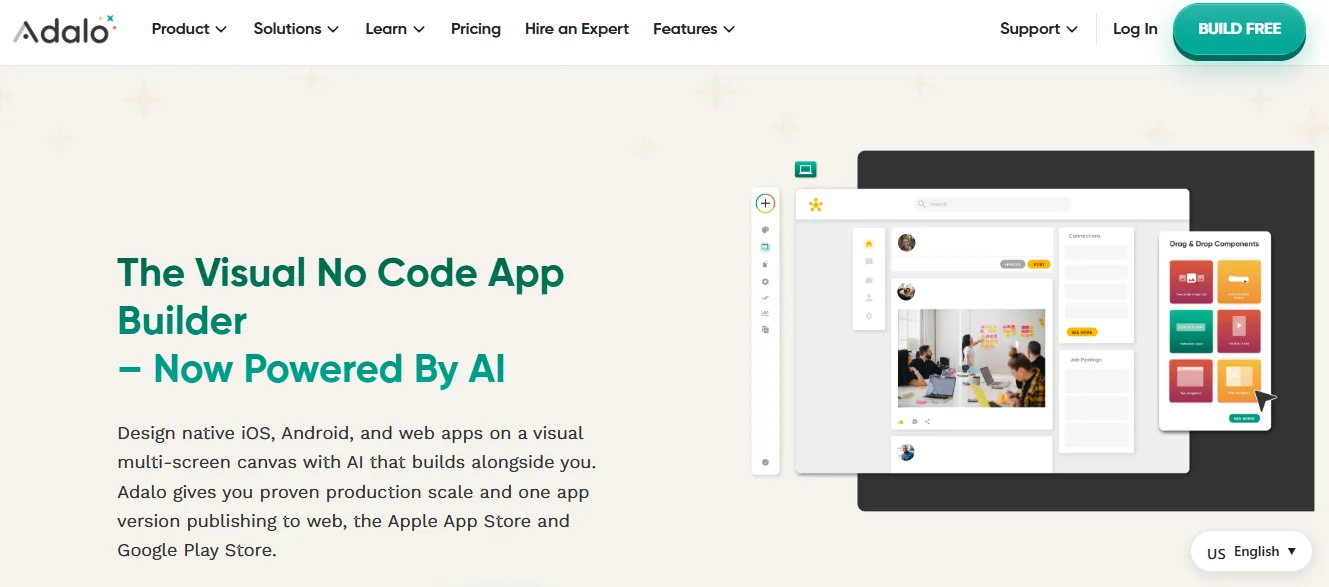 Adalo focuses on simplicity. It helps people create apps fast, publish fast, and move through edit cycles without guessing. Teams use it for lightweight builds, small business projects, or personal tools.
Its visual editor makes layout changes quick, and publishing to the Google Play Store and App Store feels straightforward. Adalo is popular among non-developers who want something close to native apps but without heavy engineering. That said, code access is limited, which makes it harder to scale beyond its built-in components.
4. AppSheet
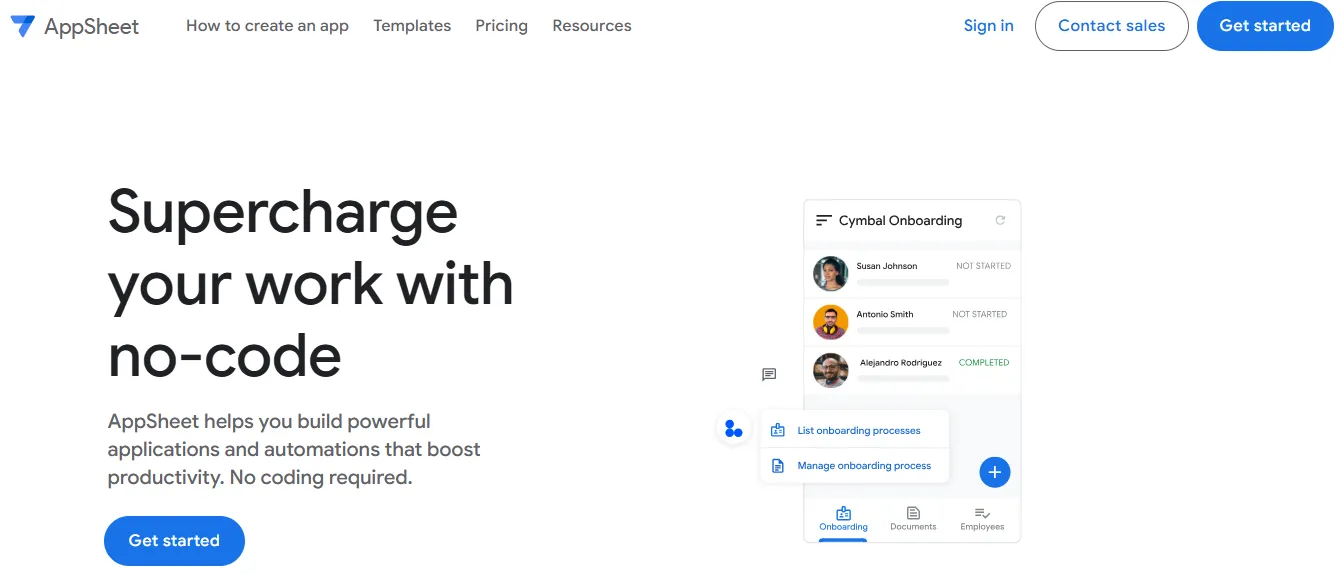 AppSheet is great for people who work with data. It helps teams build internal tools and business workflows without needing advanced technical steps. You can describe your idea using natural language, and it generates screens based on your data structure.
It works best for apps that automate repetitive tasks, track processes, or organize information. Because it pulls data from Google Sheets easily, teams already in Google's ecosystem feel right at home. However, AppSheet does not offer code export, which limits flexibility for custom builds.
5. Draftbit
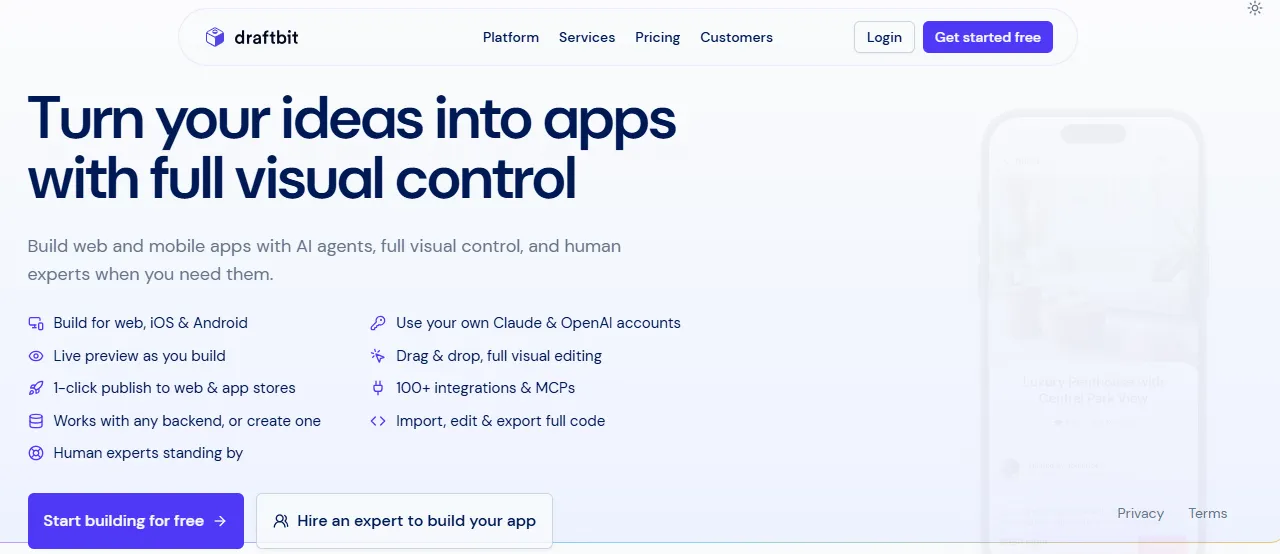 Draftbit gives more control over every part of the build. It is ideal for teams that want creative freedom or need to scale the app later. With full code export, teams can carry the project into full development.
Many founders start a project in Draftbit, then hand the exported code to developers for deeper customization. Overall, Draftbit suits teams wanting long-term flexibility and who are comfortable with a steeper learning curve.
6. Softr
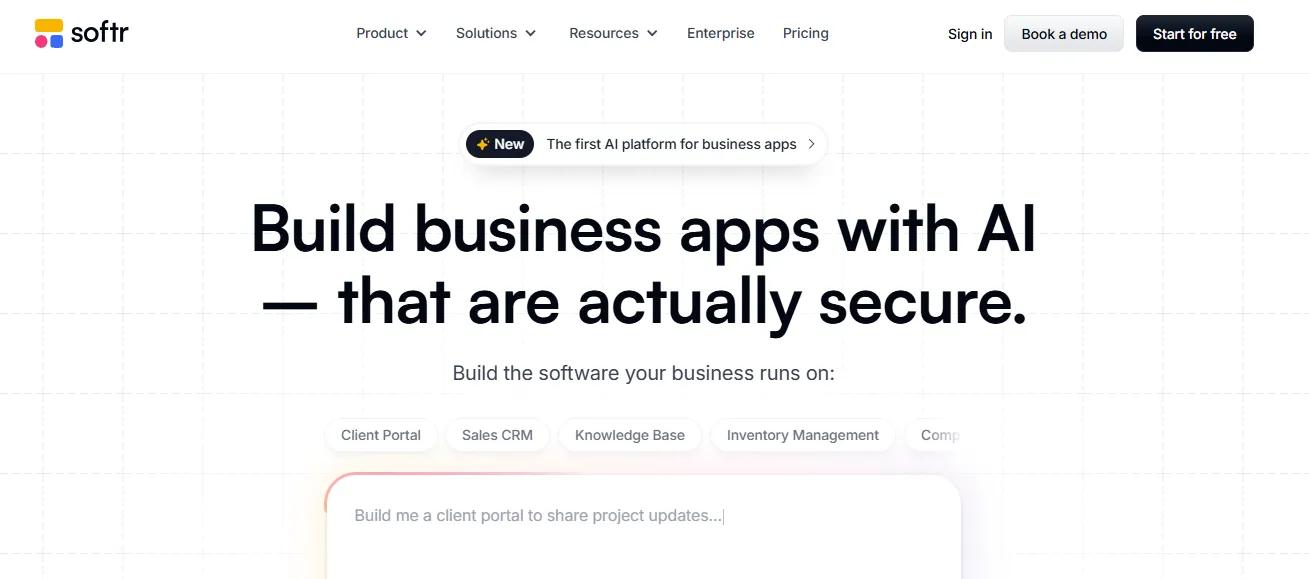 Softr focuses on data-driven web apps, dashboards, and portals. If someone works heavily with spreadsheets or databases, Softr makes the process easier.
People use it to create internal tools, membership portals, or reporting dashboards. Since it integrates well with Airtable and other data sources, teams can manage data visually and build clean solutions without much effort. Notably, Softr does not support native mobile app output.
Platform Comparison: AI Mobile App Builder Tools
| Platform | Mobile Framework | Code Access | No-Code Friendly | App Store Ready | Best Fit |
|---|---|---|---|---|---|
| Rocket | Flutter (iOS + Android) | Full export | Yes | Yes | MVPs + production apps |
| FlutterFlow | Flutter (iOS + Android) | Full export | Partial | Yes | Design-first mobile |
| Adalo | Native-like (limited) | Limited | Yes | Yes | Quick MVPs |
| AppSheet | Web-based | No | Yes | Limited | Internal tools |
| Draftbit | React Native | Full export | Partial | Yes | Production-level builds |
| Softr | Web only | No | Yes | No | Dashboards + portals |
Community Insight
Here is a perspective shared on Reddit about AI builders that many developers relate to:
"AI builders turned into my shortcut for testing new product ideas. I can sketch it, prompt it, and watch it turn into screens in minutes."
It reflects how modern creators think. Speed matters. Testing matters. These tools help people assess what works without long delays.
What to Consider When Selecting an AI App Builder
A lot goes into choosing the right mobile app builder ai tool. The decision affects how you maintain, scale, and hand off the app later. It is worth thinking through a few key factors before committing.
If you want flexibility, choose a tool that gives full code export. Rocket, FlutterFlow, and Draftbit all provide this. Adalo, AppSheet, and Softr do not. For mobile framework, Rocket and FlutterFlow generate Flutter apps, giving you a single codebase for both iOS and Android. Draftbit uses React Native. AppSheet and Softr are web-only.
For teams that need backend and integrations out of the box, Rocket includes automatic database schemas, authentication, and 25+ integrations. Other platforms require more manual configuration. If compliance matters, Rocket ships every build with WCAG accessibility compliance and GDPR coverage by default.
For teams working across multiple people, look for platforms with role-based access, shared context, and inline commenting. Rocket supports Admin, Creator, and Viewer roles with per-user credit allocation.
If you are evaluating no-code mobile app builders for rapid AI-based builds, that guide covers the evaluation criteria in more detail.
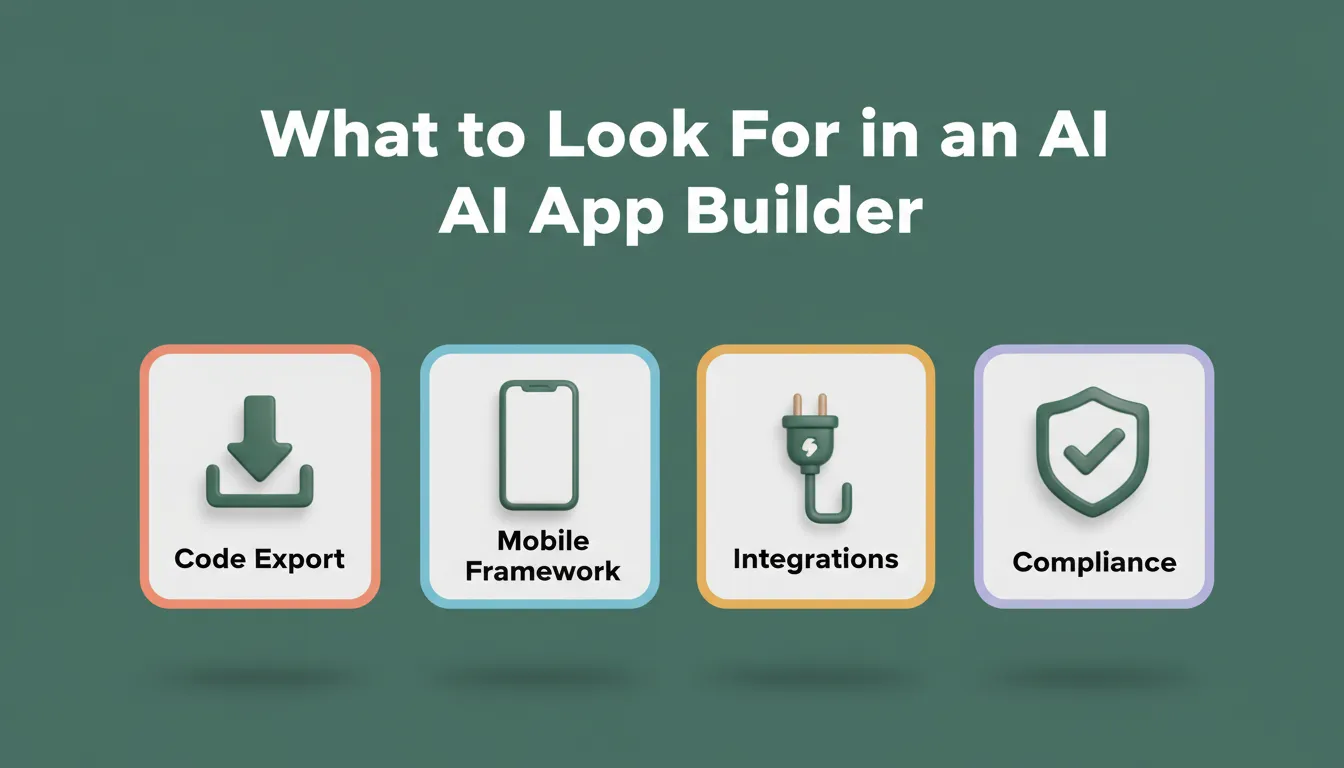
What to Look For in an AI App Builder: The 4 Criteria That Matter Most
Developer Account Costs for App Store Publishing
Publishing to the App Store or Google Play requires a developer account. Here is what to expect:
| App Store | Account Type | Cost | Notes |
|---|---|---|---|
| Google Play Store | Google Play Developer | $25 one-time | Required for public Android release |
| Apple App Store | Apple Developer Program | $99/year | Required for public iOS release |
| Web Preview | None required | Included | Instant sharing via link |
| APK Download | None required | Included with paid plan | Android testing only |
Who Should Use an AI Mobile App Builder?
Different user types get different value from these platforms. Founders and solopreneurs use ai app builders to validate ideas quickly without hiring a development team. Going from idea to testable product in hours changes what is worth trying.
Product managers and operators use them to build internal tools, dashboards, and customer portals without waiting for engineering resources. Developers and agencies use them to accelerate client work. Starting from a generated base and refining through code is faster than building from scratch. Full code export also means no lock-in.
Non-technical teams use them to create apps without writing a single line of code. Natural language prompts, visual editing, and template libraries make this accessible to anyone with a clear idea. If you are exploring this route, the best ai app builder for non-developers guide covers the right options for each skill level.
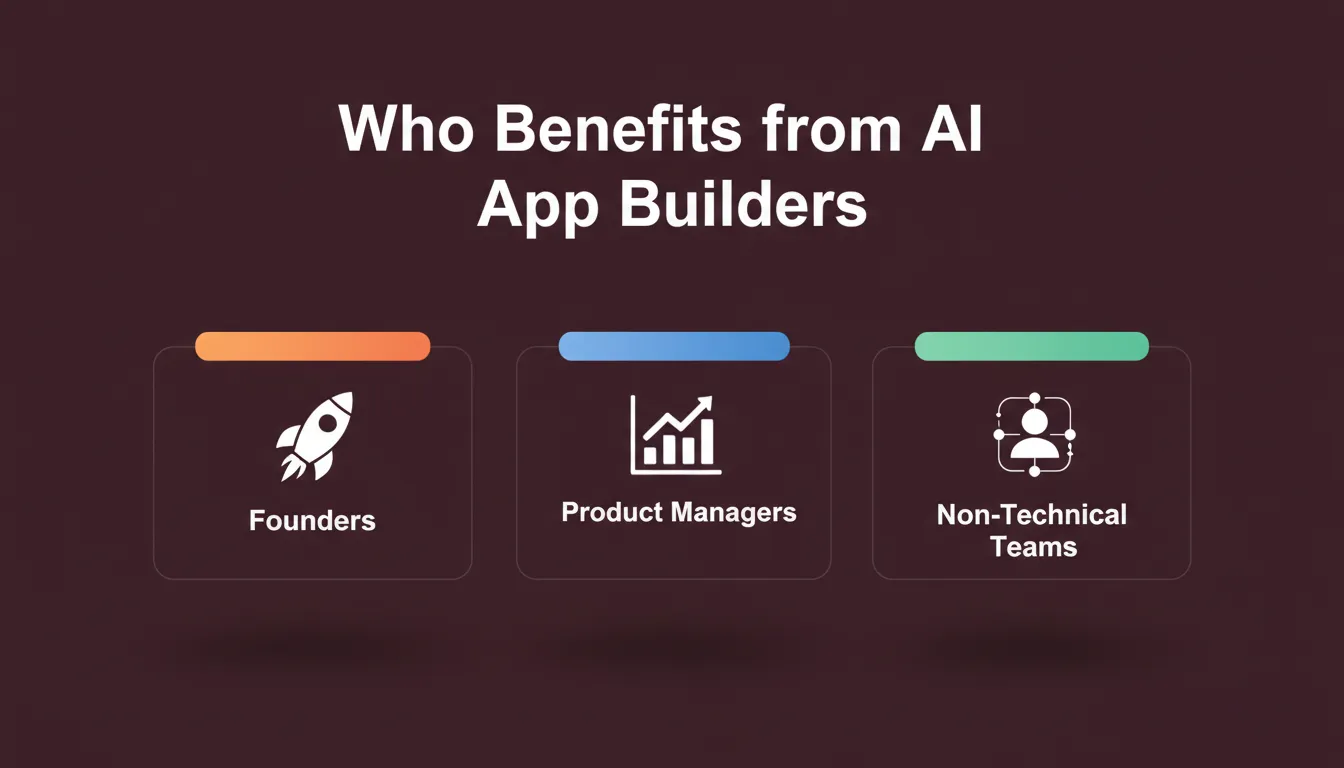
Who Benefits from AI App Builders: Three Distinct User Types
Best Workflow for Quick Creation
A simple flow helps reduce chaos and produce better results:
- Start by describing the idea in short, specific phrases. Include the app type, key screens, and target user.
- Use the 3 to 5 feature rule. List the most important features upfront, then add more through chat after the first generation.
- Let the ai app builder generate the base app.
- Review the live preview and interact with it like a real user.
- Refine through chat or visual edit, one change at a time.
- Add backend logic, integrations, and authentication.
- Test on a real device or simulator.
- Publish when it feels ready. Start with web preview, then move to app stores.
This flow encourages fast iteration and lets teams adjust without reworking everything from scratch. For a deeper look at how to build apps without coding, that guide covers the full process from prompt to deployment.
Real-World Impact of Modern Builders
Today, teams bring a working app to life even with limited coding experience. Small teams reach customers faster. Creators test the next big idea without investing months of work. Product teams respond to feedback in hours instead of weeks.
AI-driven builders handle tasks that once required full engineering involvement. These include database schema design, authentication flows, API integration, and deployment configuration. This does not replace great technical skills, but it helps teams move through early steps much faster.
As a result, more ideas get tested, more apps get created, and more users get value sooner.
The Right Builder Starts With the Right Thinking
The ai mobile app builder market is growing fast. Platforms are getting better at handling complexity, compliance, and cross-platform output with every release.
Choosing the right tool comes down to your idea, your team, and how you plan to grow. If you need code ownership, choose a platform that exports. If you need mobile-first output, choose one that generates Flutter or React Native. If you need the thinking and the building to happen in the same place, that is a different kind of platform entirely.
You have a product idea. Type it into Rocket, and the research, the architecture, the code, and the deployment follow. Start building on Rocket.new and go from prompt to production-ready app today.
Table of contents
- -Why AI-Driven App Builders Matter for Modern Teams
- -How Do AI App Builders Actually Work Behind the Scenes?
- -How an AI Mobile App Builder Converts a Prompt Into a Working App
- -Top AI-Driven Tools for Quick App Creation
- -1. Rocket
- -What Rocket Builds
- -Six Ways to Start a Build
- -Three Ways to Iterate
- -25+ Built-In Integrations
- -Deploying Your Mobile App
- -Top Features Summary
- -2. FlutterFlow
- -3. Adalo
- -4. AppSheet
- -5. Draftbit
- -6. Softr
- -Platform Comparison: AI Mobile App Builder Tools
- -Community Insight
- -What to Consider When Selecting an AI App Builder
- -Developer Account Costs for App Store Publishing
- -Who Should Use an AI Mobile App Builder?
- -Best Workflow for Quick Creation
- -Real-World Impact of Modern Builders
- -The Right Builder Starts With the Right Thinking