
The best Figma to code AI tools in 2026 turns your Figma design files into production-ready apps using AI. This guide covers 8 tools with verified features, real pricing, and a clear recommendation for teams who want to ship fast.
The best Figma to code AI tools in 2026 lets product teams turn design files into production-ready apps without writing every line manually. Over 65% of product teams now rely on AI-assisted code-generation workflows to speed up development. If you're still translating pixels into HTML and CSS by hand, these tools will change how you work.
What Does Figma to Code Really Mean?
At its core, Figma-to-code is about turning a Figma design into front-end code or even full-stack apps using AI-powered tools.
You start with Figma files. Then, these tools analyze your layout, auto layout, color palette, and components. After that, they generate code that matches your visual designs.
The real value comes when the generated code is production-ready, not just messy output. That's where the new wave of AI and code tools changes everything.
Why Everyone is Talking About Figma to Code in 2026
The shift is coming from real problems that teams face every day while building products. Once you see the gaps between design and development, it starts to make sense why these tools are getting so much attention.
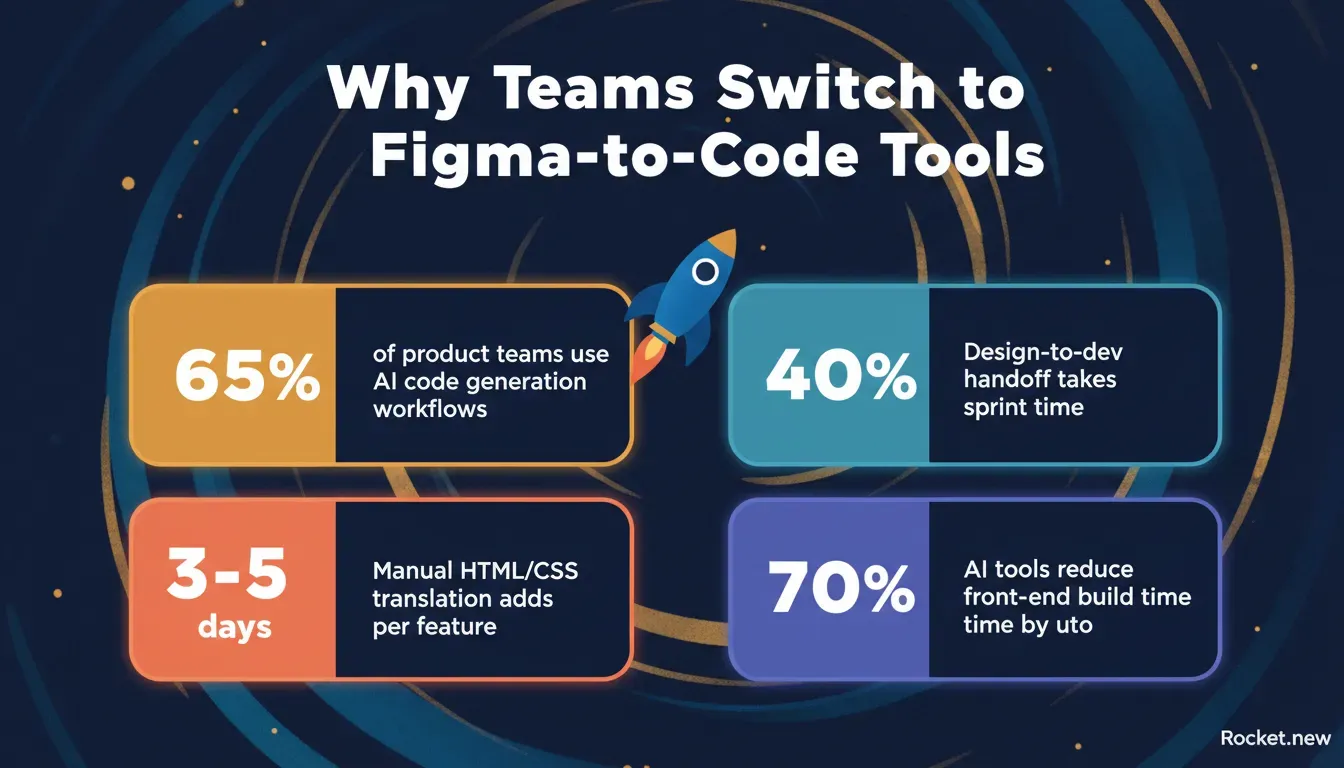 Key stats driving the shift to AI-powered Figma-to-code workflows in 2026.
- Designers are working faster than dev teams
- Too much context switching between the design tool and the dev stack
- Repetitive tasks like writing HTML and CSS again and again
- Need for pixel-perfect UI in less time
So, teams started using AI tools and code tools to bridge the gap. Now, Figma-to-code workflows are helping design and engineering teams collaborate more effectively.
Key Features to Look for in Figma to Code Tools
Before jumping into tools, here's what actually makes a Figma-to-code tool worth using. Not all tools give the same output, and some can save you hours while others might slow you down.
1. Code Generation Quality: You want clean code, not something you rewrite later. Output quality matters.
2. Component Mapping: Good component mapping means your Figma components turn into reusable code components. This saves hours of manual restructuring after export.
3. Responsive Behavior: The tool should understand auto layout and generate responsive behavior correctly.
4. Framework Support: Support for frameworks like React, React Native, and Flutter is a must for modern teams.
5. Developer Handoff: Smooth developer handoff with proper design specs and code export keeps teams aligned.
6. AI-Powered Features: Smart detection of layout, styling options, and structure separates good tools from great ones.
Tool Comparison at a Glance
Before diving deep, this table gives you a clear overview of how these best figma to code ai tools compare across the dimensions that matter most.
| Tool | Frameworks | Output Type | Free Plan | Best For |
|---|---|---|---|---|
| Rocket | React, Next.js, Flutter | Production-ready apps | Yes | Startups, MVPs, full apps |
| Builder.io | React, Vue | Production-ready React | Yes | Design-dev teams |
| Locofy | HTML/CSS, React | Clean front-end code | Yes | Fast prototypes |
| Anima | HTML/CSS, React, Vue | Interactive layouts | Yes | UI-heavy projects |
| TeleportHQ | Multiple frameworks | Structured HTML | Yes | Developer-led builds |
| Framer | React | Animated websites | Yes | Marketing sites |
| Supernova | React, Flutter, iOS | Design system sync | No | Enterprise teams |
| Zeplin | Handoff specs only | Design specs + snippets | Yes | Developer handoff |
The 8 Best Figma to Code AI Tools in 2026
1. Rocket
Rocket is the strongest choice for teams who want to go from Figma design to a fully deployed, production-ready app without getting stuck in heavy code setup. It goes beyond front-end code generation and builds complete apps with backend logic included.
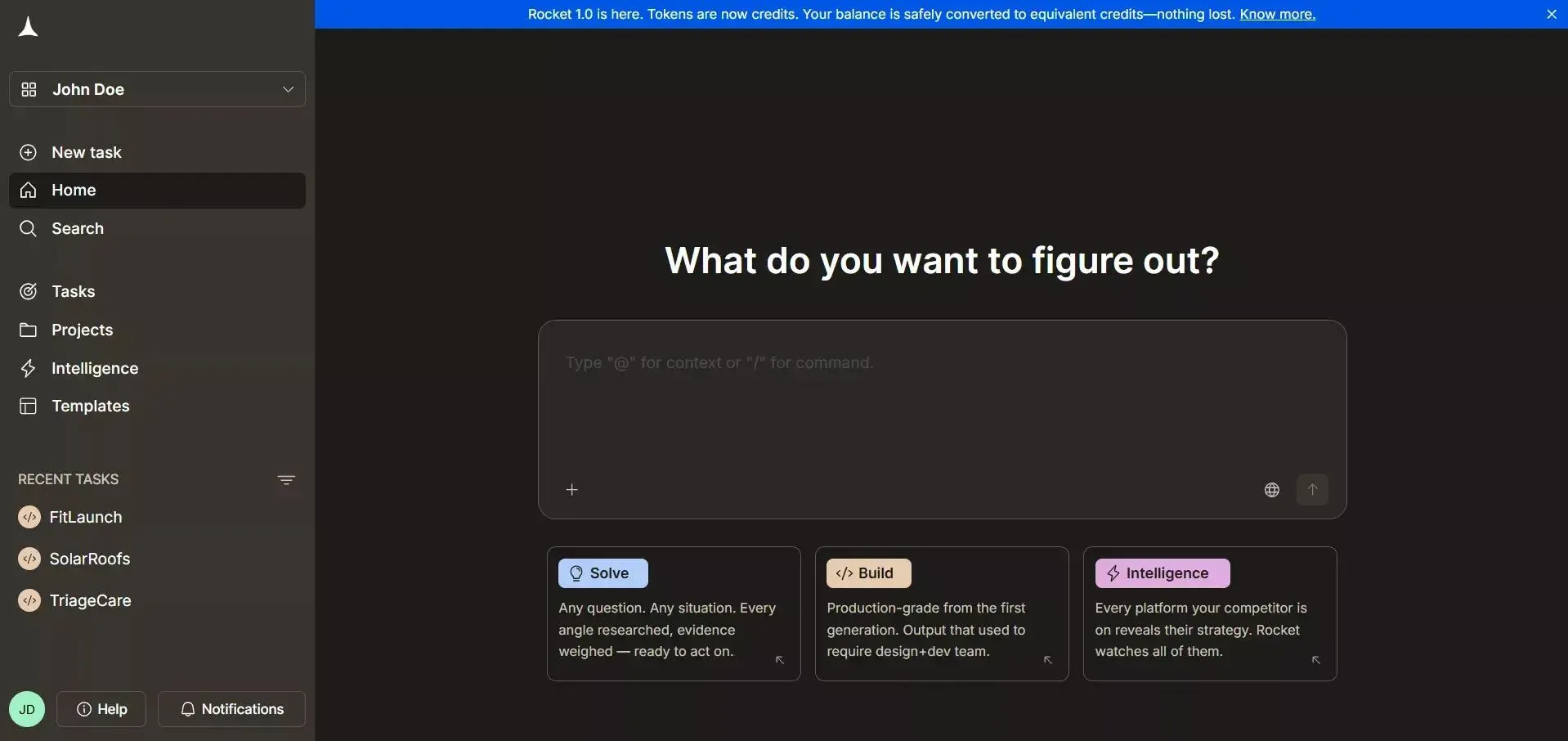 Rocket's Figma Import is the standout feature. You paste your Figma file URL directly into Rocket, and the AI reads your layout, auto-layout settings, component structure, and color palette. It then generates a fully functional, editable web app (React/Next.js) or mobile app (Flutter) with no plugin required and no manual mapping needed.
Rocket.new's Figma Import converts your design URL into production-ready React or Flutter code, preserving layouts, spacing, and components.
Features (verified from Rocket.new docs)
- Figma Import: Paste your Figma URL and convert designs into deployable React/Next.js or Flutter apps, with layouts, spacing, and components preserved
- Web and Mobile Output: Generates both web apps and Flutter mobile apps from the same Figma file
- AI-Powered Build: Describe changes in plain language, and the AI writes production code via chat-based editing
- Visual Edit: Click any element in the live preview to change text, style, or spacing without writing code
- **26+ Connectors:** Connect Stripe, Supabase, HubSpot, GitHub, and more with a single prompt
- Custom Domain: Publish with automatic HTTPS and a branded domain
- Code Export and GitHub Sync: Two-way GitHub sync for Next.js TypeScript projects
- Version History: Every build saves a version; roll back or deploy any version from chat
- Built-in Analytics: Zero-setup site analytics, Core Web Vitals, and SEO tools included
Use Cases
- MVP Builds: Small teams can convert Figma files into usable apps quickly and test ideas faster
- Startup Prototypes: Take a simple design file and generate code in days instead of weeks
- Internal Tools: Product teams can build dashboards and tools without heavy engineering effort
- Mobile Apps: Convert Figma designs into deployable Flutter apps for iOS and Android
Best For: Small teams, startups, and founders who want fast production-ready apps without a separate development team.
Rocket is the top pick among Figma-to-code AI tools in 2026 if speed and production quality matter. Its Figma Import is genuinely best-in-class for teams who want to go from design to deployed product without a lengthy development cycle. For a deeper look at how the Figma connector works, see the Figma connector documentation.
2. Builder.io
Builder.io is one of the best Figma tools for visual builds. It focuses on bridging design and code with a strong visual editor and is useful when you want control over both visual editing and structured code components.
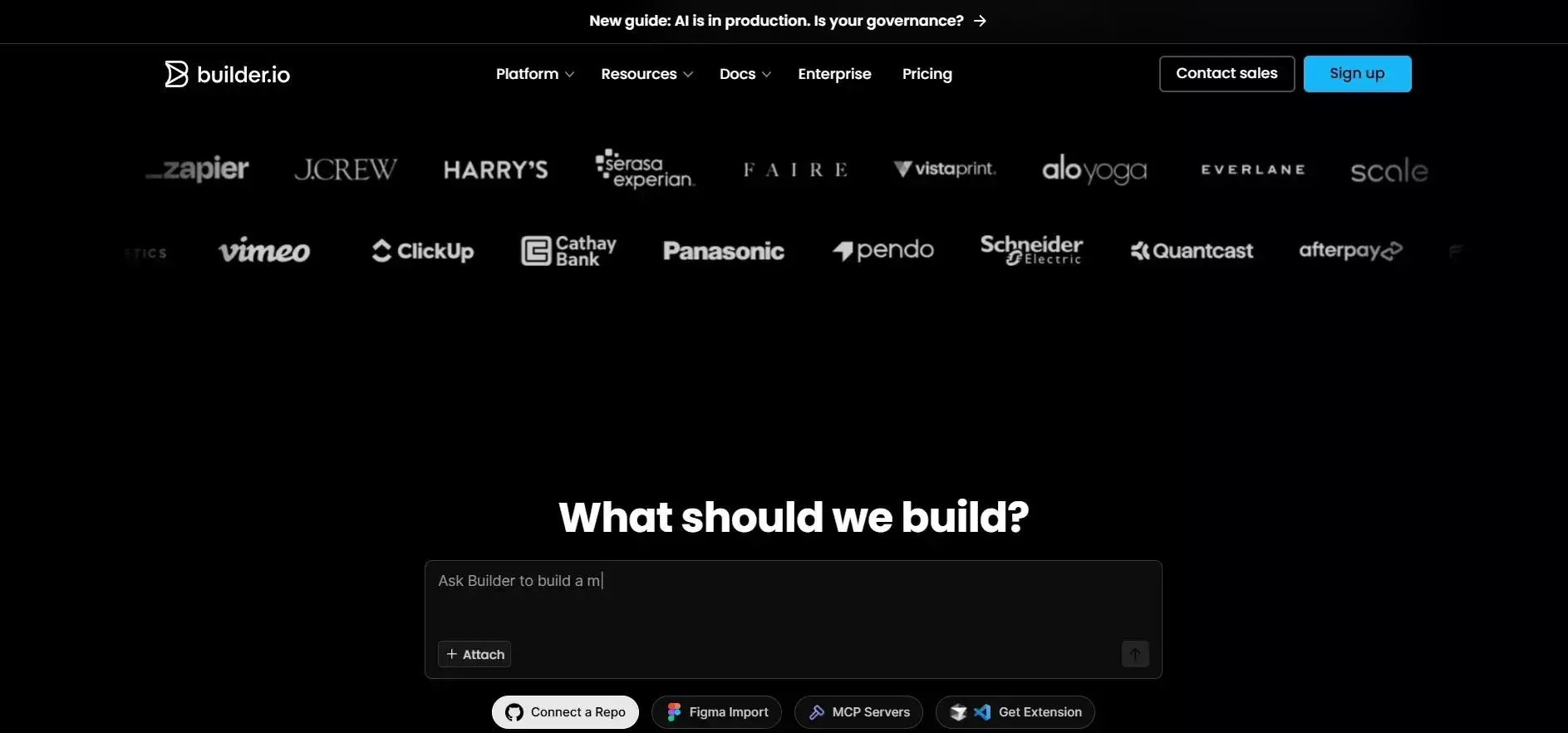 Builder.io gives you strong control over both design and development. It connects your Figma design with a powerful visual editor and works best when you want flexibility while still generating structured and reusable code components. For teams building AI-powered apps, it offers solid React output.
Features
- Visual editor for editing UI after code generation
- Strong component mapping from Figma layers
- Supports React and Vue output
- Works with existing component libraries
- Handles developer handoff with design specs
Best For: Designers working closely with developers and product teams.
Builder.io works well when you want a balance between visual control and structured code. If you're working with teams and need flexibility, this tool handles both design and development needs.
3. Locofy
Locofy is a popular Figma plugin focused on fast conversion. It helps generate code directly from Figma files and is a solid pick for quick front-end builds and HTML/CSS output.
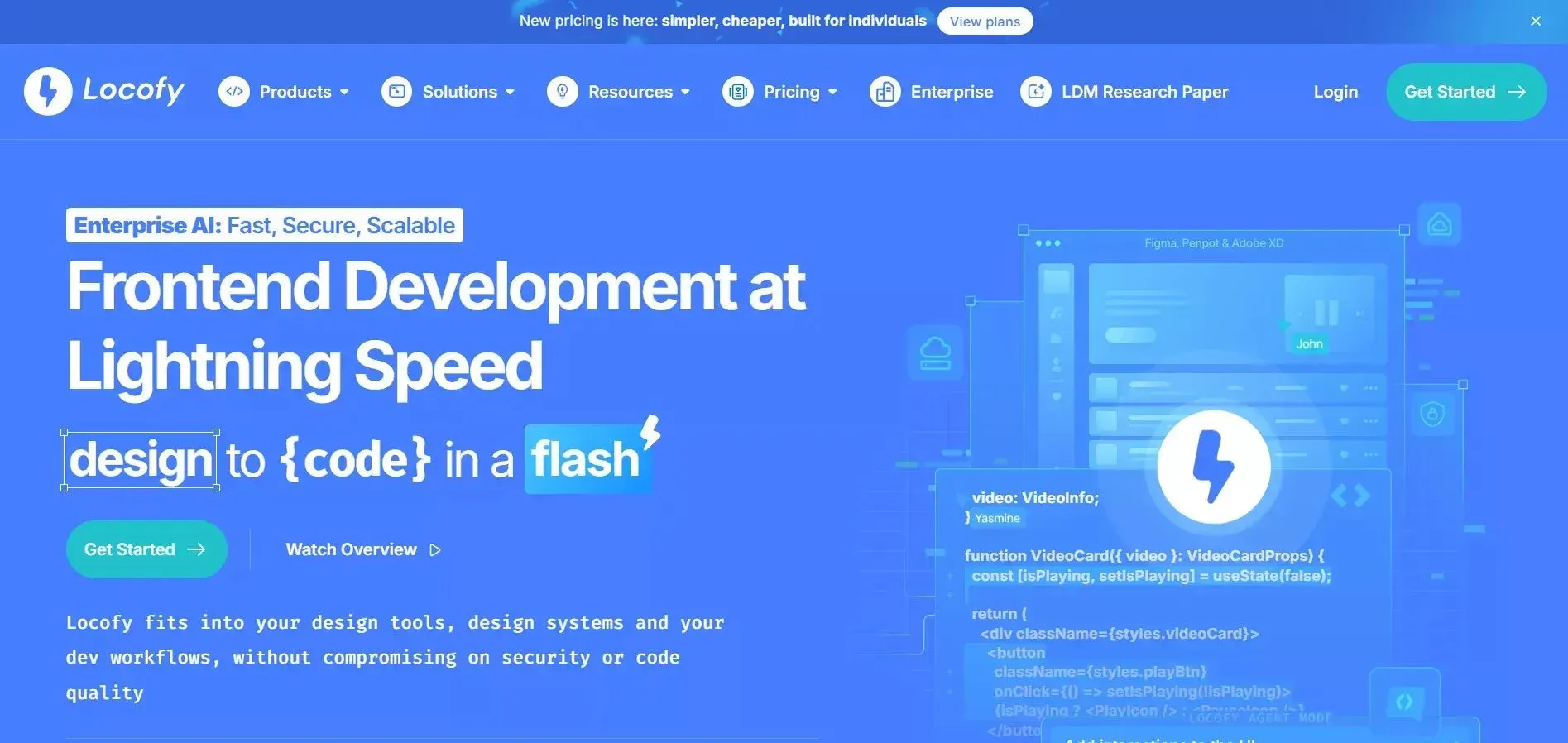 Locofy is all about speed and simplicity. It helps you convert Figma designs into front-end code quickly without much setup. It's a good choice when you want fast results and clean HTML/CSS output for smaller projects.
Features
- Auto layout detection from Figma frames
- Styled components support
- Clean code export with CSS modules
- Good responsive behavior generation
Best For: Small teams and fast-moving product teams.
Locofy is great for quick Figma-to-code tasks. It gets you from the design file to front-end code without much effort. If you want fast output and a simple workflow, it's a solid everyday tool.
4. Anima
Anima is a well-known Figma plugin for turning designs into working code. It focuses on UI accuracy and is great for prototypes with interactions and hover states.
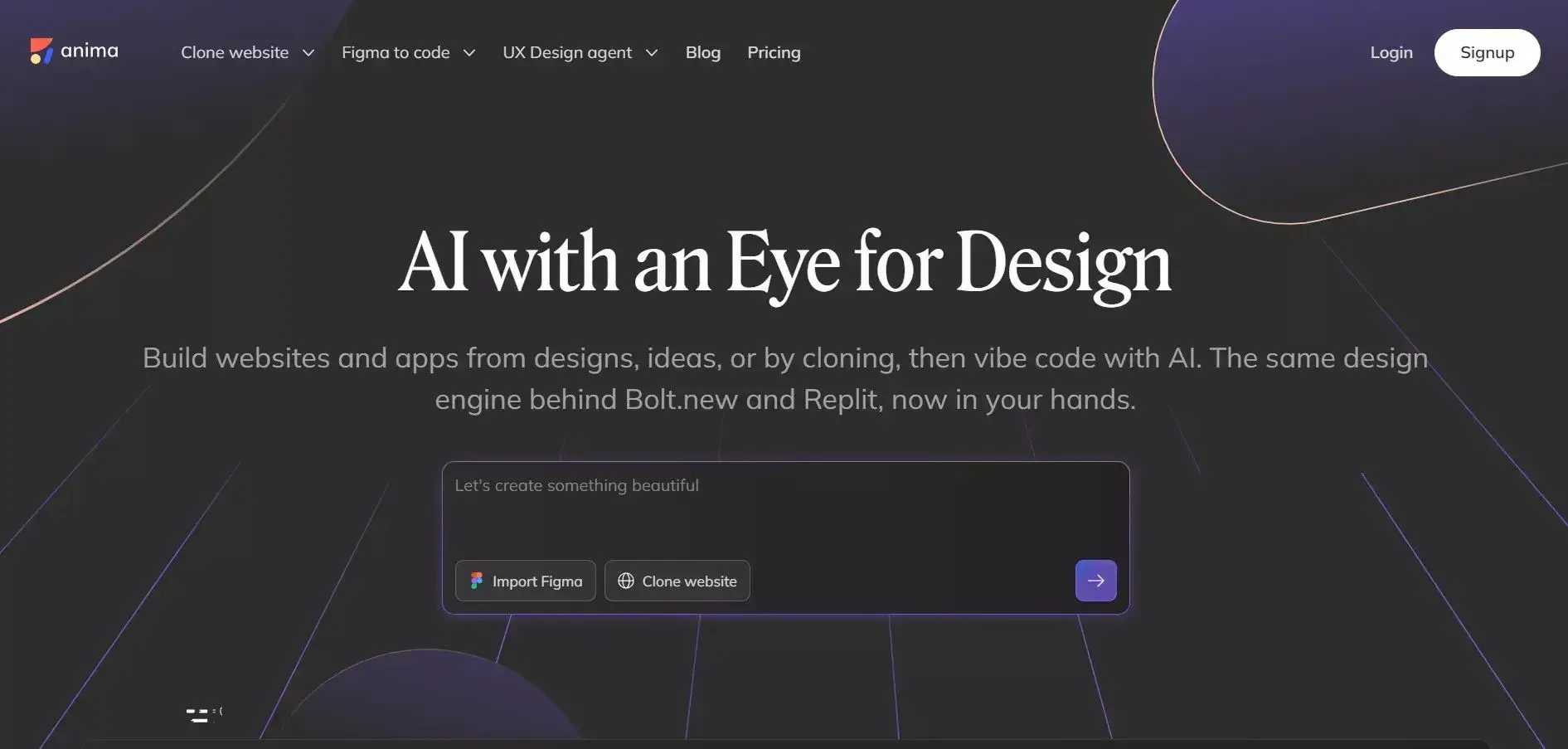 Anima focuses on turning visual designs into interactive layouts. It helps bring your Figma design closer to real user experience and is useful when you care about animations, hover states, and pixel-perfect UI.
Features
- Converts Figma design to HTML/CSS and React
- Handles hover states and micro-animations
- Supports React and Vue output
- Good developer handoff with specs
Best For: Designers working on UI-heavy projects.
Pricing: Free and paid plans available. Paid plans start at around $39/month for professional features.
Anima shines in UI-focused projects. It helps you bring Figma design to life with interactions and clean layouts. If your focus is on visuals and user experience, this tool does the job well.
5. TeleportHQ
TeleportHQ focuses on full-stack generation and structured output. It helps create apps from design files quickly and is useful when you want both front-end code and backend structure.
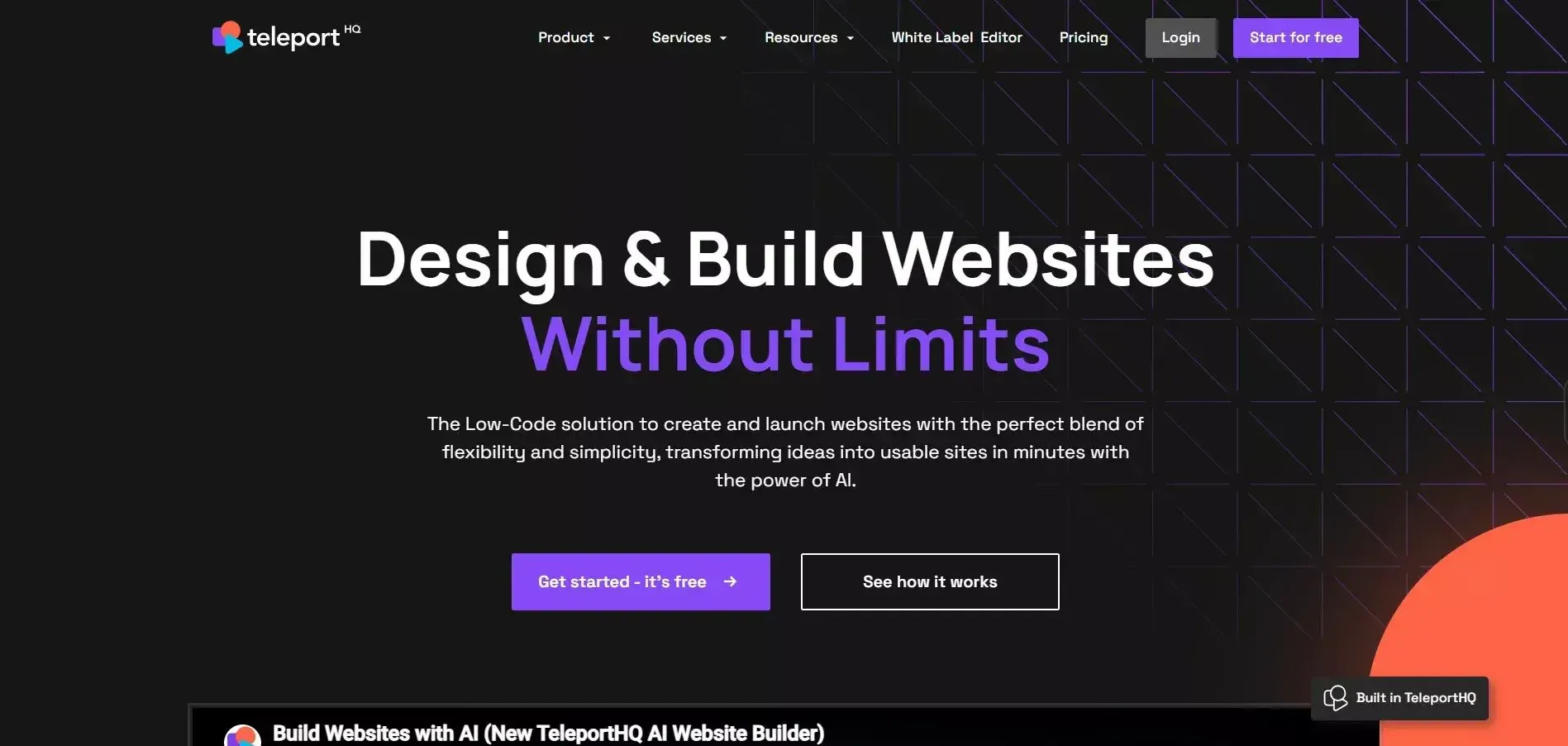 TeleportHQ is built for structured builds and scalability. It helps you generate code with more control over the final output and is helpful when you want both front-end and backend structure from your design file.
Features
- Production-ready HTML output across multiple frameworks
- Visual editor included for post-generation editing
- Works well with design system tokens
Best For: Developers looking for structured, multi-framework code generation.
TeleportHQ is a good option when you want more structured builds. If you're thinking beyond just UI and need scalable output, it's worth considering.
6. Framer
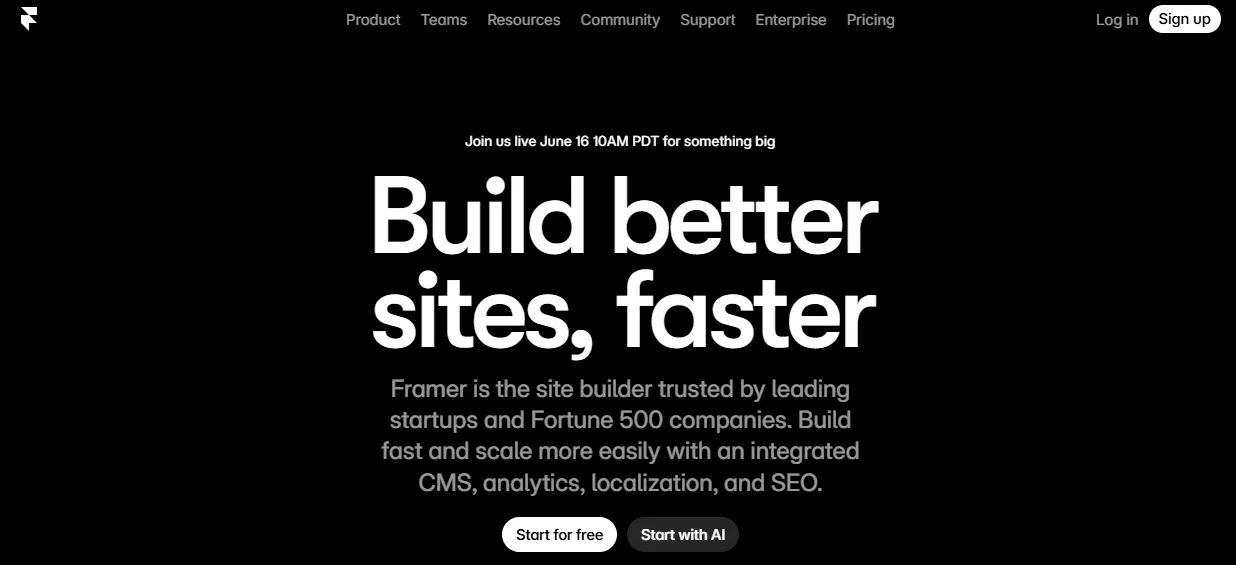
Framer bridges the gap between design and interactive web experiences. It's particularly strong for marketing sites and animated pages that need to go live fast.
 Features
- Figma import with component preservation
- Built-in CMS for content management
- Responsive design with breakpoints
- Animation and interaction tools
- One-click publishing
Best For: Marketing teams and designers building animated websites.
Pricing: Free plan available. Paid plans start at $5/month for basic sites, scaling to $15/month for CMS features.
7. Supernova
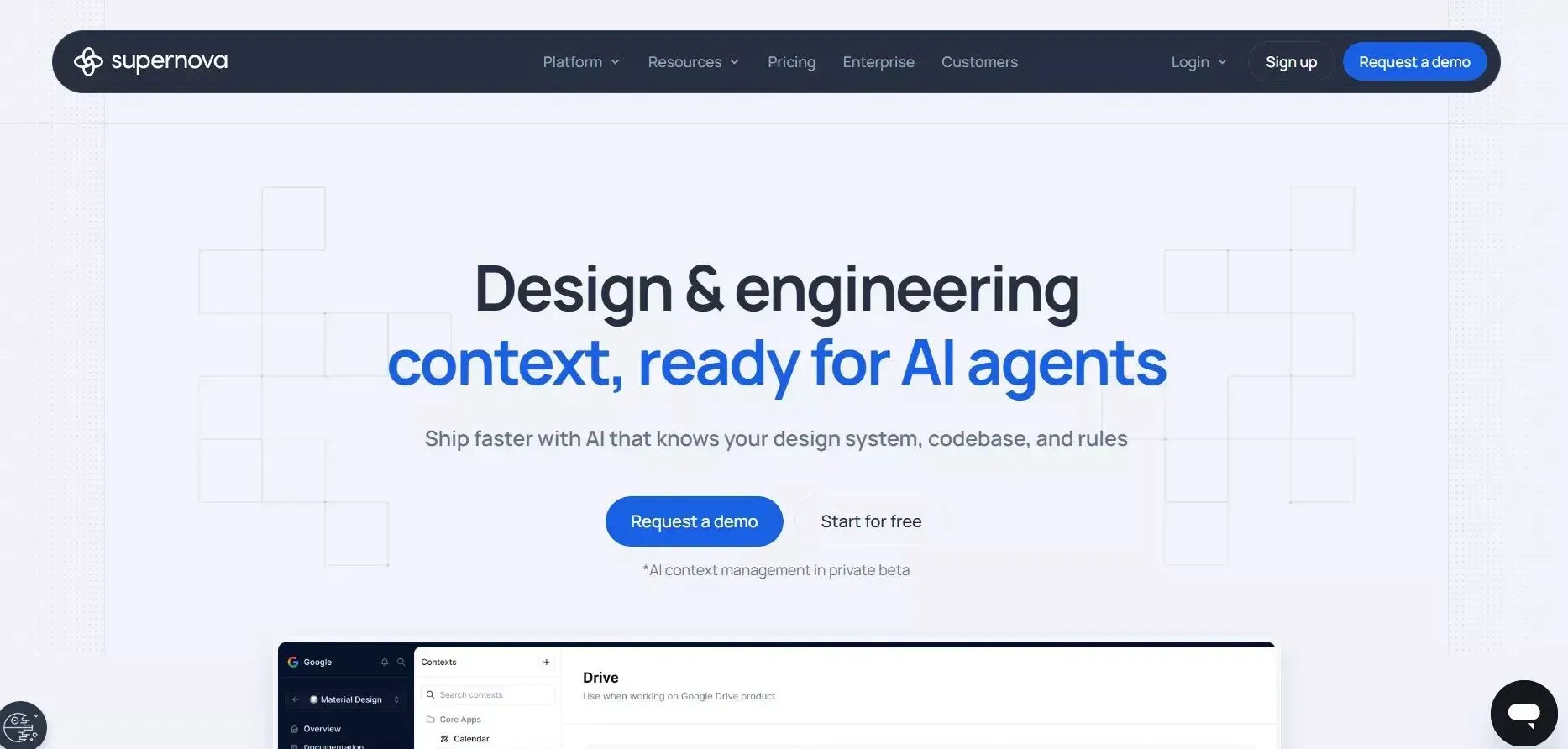
Supernova is purpose-built for design system teams. It syncs your Figma design tokens and components directly into code, keeping design and development in sync automatically.
 Features
- Design token sync from Figma
- Supports React, Flutter, iOS, and Android output
- Automated documentation generation
- Design system governance tools
Best For: Enterprise teams with established design systems.
8. Zeplin
Zeplin is the industry standard for developer handoff. While it doesn't generate full code, it extracts precise design specs, assets, and code snippets that developers use to build accurately.
 Features
- Precise spacing and sizing specs from Figma
- Color and typography extraction
- Code snippet generation for CSS, Swift, and Kotlin
- Collaboration and annotation tools
Best For: Teams focused on accurate developer handoff rather than automated code generation.
Feature Comparison Scorecard
Feature comparison across the top Figma-to-code tools. Rocket stands out with full app output, mobile support, and a free plan.
| Tool | Full App Output | Mobile Support | Free Plan | AI Backend | 26+ Integrations |
|---|---|---|---|---|---|
| Rocket | Yes | Yes | Yes | Yes | Yes |
| Builder.io | No | No | Yes | No | No |
| Locofy | No | No | Yes | No | No |
| Anima | No | No | Yes | No | No |
| TeleportHQ | No | No | Yes | No | No |
| Framer | No | No | Yes | No | No |
| Supernova | No | Yes | No | No | No |
| Zeplin | No | No | Yes | No | No |
Pricing Comparison: Figma to Code AI Tools
Understanding the cost of these Figma-to-code AI tools helps you make the right choice for your team's budget and scale.
All prices verified directly from each tool's official pricing page. Prices shown in USD on monthly billing unless noted.
Plan Overview
| Tool | Free Plan | Entry Paid Plan | Mid-Tier Plan | Top/Enterprise Plan | Pricing Model |
|---|---|---|---|---|---|
| Rocket.new | $0 (20 credits) | $25/mo (100 credits) | $50/mo (250 credits) | $250/mo (1,500 credits) | Credit-based, no per-seat fees |
| Builder.io | $0 (75 credits/mo) | $24/user/mo (Pro) | $40/user/mo (Team) | Custom (Enterprise) | Per user/seat |
| Locofy | $0 (7-day trial) | $40/mo (Hobby) | $80/mo (Pro) | Custom (Enterprise) | Per month flat |
| Anima | $0 (5 imports/day) | Credit-based (Starter) | Credit-based (Pro) | $500/mo (Enterprise, annual) | Credit-based |
| TeleportHQ | $0 (7-day trial) | $9/editor/mo (Professional) | Custom (Agency) | Custom (Enterprise) | Per editor/month |
| Framer | $0 (design only) | $5/mo (Basic, annual) | $15/mo (Pro, annual) | Custom (Enterprise) | Per site/month |
| Supernova | $0 (up to 5 users) | $20/seat/mo (Builder, Pro) | $35/seat/mo (Full, Pro) | Custom (Enterprise) | Per seat/month |
| Zeplin | $0 (1 project) | $13.75/mo (Basic, annual) | $12/seat/mo (Advanced, annual) | Custom (Enterprise) | Per project or per seat |
What You Get on the Free Plan
| Tool | Free Plan Includes | Figma Import on Free | Team Members on Free |
|---|---|---|---|
| Rocket | 20 credits, full Build access | Yes | Unlimited |
| Builder.io | 75 AI credits/mo, Figma plugin, GitHub connect | Yes (plugin) | Up to 5 users |
| Locofy | 7-day trial of Hobby features, 2,000 LDM tokens | Yes | Individual only |
| Anima | 5 Figma imports/day, 5 chat messages/day | Yes (limited) | Individual only |
| TeleportHQ | 1 project, 10 code views, 15k AI tokens | Yes (limited) | Collaboration included |
| Framer | Design tool only, no custom domain | No (paid only) | Up to 3 editors |
| Supernova | Up to 5 users, 2,400 AI credits/mo, Figma import | Yes | Up to 5 users |
| Zeplin | 1 project, 100 screens, handoff specs | Yes (plugin) | Unlimited members |
Key Differentiators at a Glance
| Feature | Rocket | Builder.io | Locofy | Anima | TeleportHQ | Framer | Supernova | Zeplin |
|---|---|---|---|---|---|---|---|---|
| No per-seat pricing | Yes | No | No | No | No | No | No | No |
| Credits never expire | Yes | No | No | No | No | No | No | No |
| Full app output (not just code) | Yes | No | No | No | No | No | No | No |
| Mobile app generation (Flutter) | Yes | No | No | No | No | No | Yes | No |
| AI backend logic included | Yes | No | No | No | No | No | No | No |
| 26+ third-party connectors | Yes | No | No | No | No | No | No | No |
| Built-in deployment + hosting | Yes | No | No | No | Partial | Yes | No | No |
| Competitive intelligence | Yes | No | No | No | No | No | No | No |
| Free plan with real usage | Yes | Yes | Trial only | Yes | Trial only | Design only | Yes | Yes |
| Annual discount | 20% | No | No | No | 50% | Yes | 22% | 2 months |
Value Summary
Rocket is the only tool in this list with no per-seat fees, credits that never expire, and a single platform that covers building, research, and competitive intelligence. At $25/month for the Pro plan, it delivers full app generation from Figma with unlimited team members included, making it the strongest value for teams who want to go beyond code export and ship complete, production-ready products.
All other tools charge per seat or per project, which adds up quickly as teams grow. Rocket's credit-based model means the whole team can collaborate without extra cost at every tier.
Pricing overview for the top Figma-to-code tools in 2026. Rocket offers the most value with a freemium model that includes full app generation.
Rocket stands out as the best value for teams who want to go beyond code generation and build complete, production-ready apps directly from their Figma files.
How the Design to Code Workflow Looks Now
What does the actual flow look like when you go from Figma to code today? It's much simpler than before, and most of the heavy lifting is handled by AI and smart code tools.
The five-step Figma-to-code workflow: from design file to live deployed app.
The better your Figma files and structure, the better the code output you get. Keep things clean, follow a design system, and let the tools handle the repetitive tasks while you focus on improving the final result.
For teams building no-code and low-code apps, this workflow removes the biggest bottleneck between design and shipping.
The Figma-to-Code Workflow Step by Step
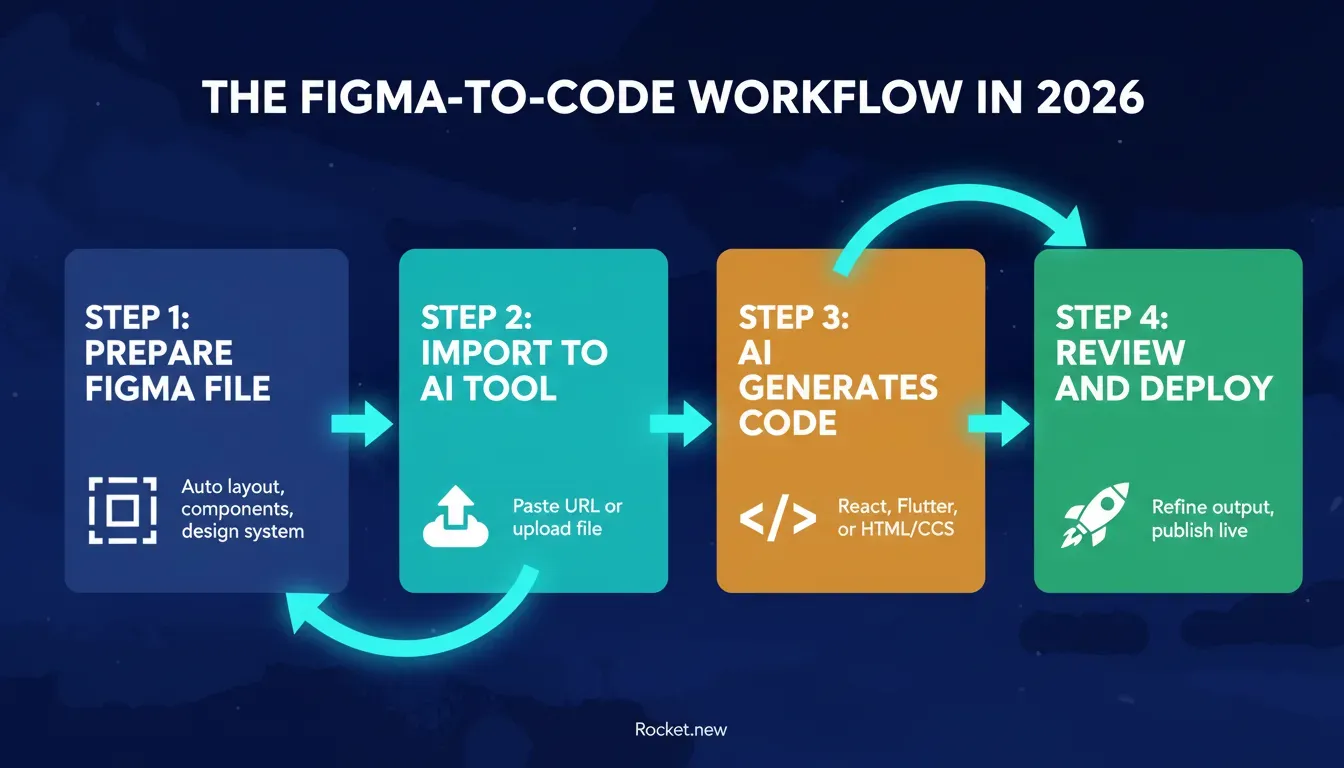 The four core steps of a modern Figma-to-code workflow using AI tools in 2026.
Step 1: Prepare your Figma file. Organize components, use auto layout, and follow your design system. Clean files produce cleaner code output.
Step 2: Import to your AI tool. Paste your Figma URL or upload the file. Tools like Rocket read the file directly with no plugin required.
Step 3: AI generates the code. The tool analyzes your layout and produces React, Next.js, Flutter, or HTML/CSS depending on your target platform.
Step 4: Review, refine, and deploy. Check the output, make adjustments using the visual editor or chat, then publish to a live URL.
Before and After: Figma Design to Generated Code
One of the most powerful aspects of modern Figma-to-code AI tools is the visual transformation they enable. Here is what the shift looks like in practice.
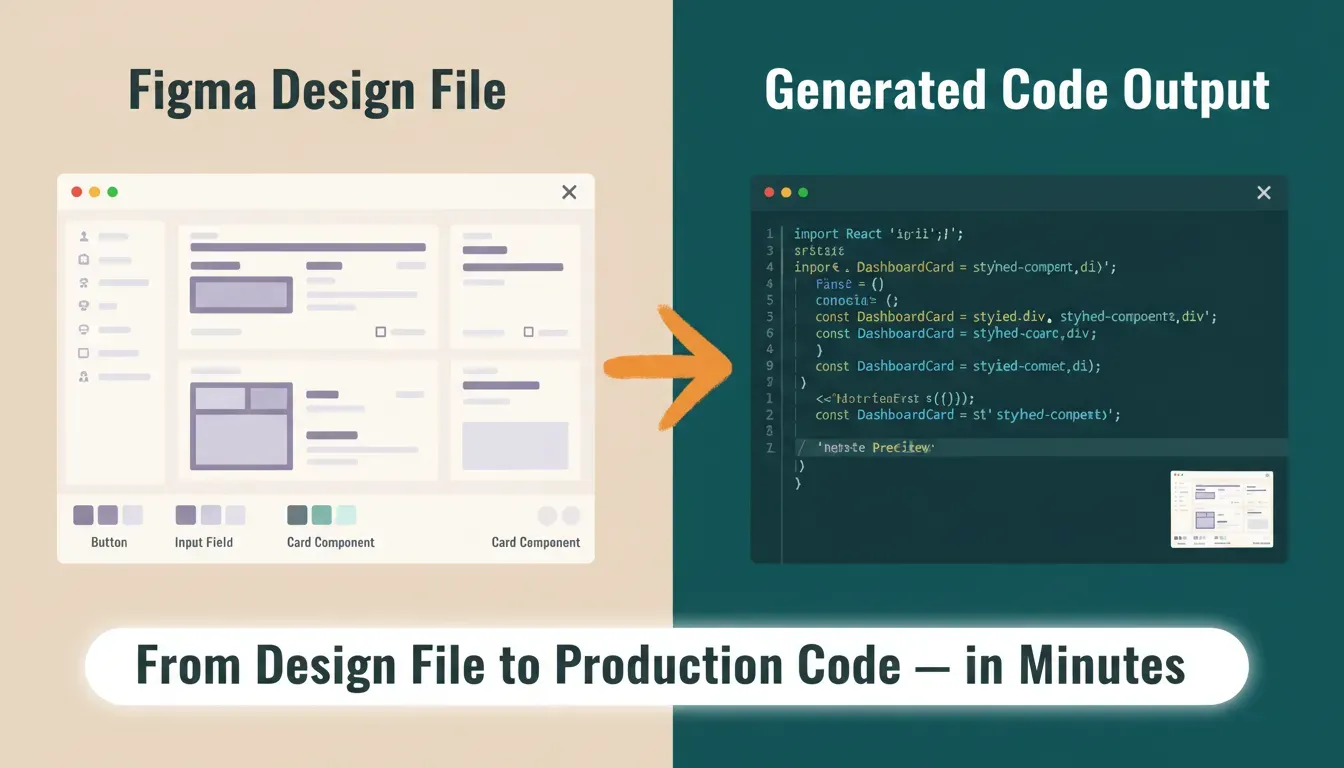 Left: a Figma design file with components and auto-layout. Right: the same layout as clean, deployable React code.
Before: A designer creates a pixel-perfect dashboard layout in Figma with auto layout, components, and a defined color palette. The design exists only as a visual file.
After: The same layout becomes structured React or Flutter components with responsive behavior, proper spacing, and reusable elements. What used to take days of manual coding now takes minutes.
This before-and-after gap is exactly why AI-powered Figma-to-code tools have become essential for modern product teams. According to research on developer productivity, developers using AI tools complete tasks significantly faster than those working without them.
Real Community Insight
"Design and code are starting to merge in a very real way… teams can convert working UI code into structured components without rebuilding everything manually." - LinkedIn
AI is not just speeding things up; it's changing how teams work together. The gap between design and development is getting smaller, but you still need to refine the output and structure it properly.
Think of AI as your assistant, not a replacement. It speeds things up, but your input is what makes the code actually usable. Teams building full-stack apps with AI consistently report that the combination of AI speed and human refinement produces the best results.
The Future of Figma to Code
Things are already moving fast, and the next phase of Figma-to-code AI tools is going to feel even smoother. AI is getting better at understanding design specs, visual designs, and even developer intent.
Soon, tools will:
- Generate new code with better logic and fewer errors on the first pass
- Reduce the need for manual refinement significantly
- Support more frameworks and platforms natively
- Work deeply with design tokens and dev mode
For a deeper look at how Rocket handles the full journey from Figma file to deployed product, see how to convert Figma design to code with Rocket.
Teams that want to go further can also explore building production-grade apps to understand what production-ready really means in practice.
From Figma Design to Real Apps
Turning a Figma design into real code still takes effort. Designers move fast, while developers often spend time catching up. Add repetitive tasks and constant back and forth, and the whole process slows down. This is where AI tools and smart code tools step in. They help generate code from Figma files, reduce manual work, and make the developer handoff smoother for both design and engineering teams.
The best Figma to code AI tools in 2026 helps you move from a simple design file to production-ready apps much faster. But they are not perfect. You still need to refine the output, improve code quality, and shape the final structure. Use these tools wisely, and they can seriously speed up your workflow.
If you're ready to stop manually translating designs into code and start shipping production-ready apps directly from your Figma files, Rocket.new is built for exactly that. Import your Figma design, let the AI handle the heavy lifting, and go from design to deployed product faster than any other tool in this list.
Start building with Rocket for free and see how fast you can go from Figma file to live app.
Table of contents
- -What Does Figma to Code Really Mean?
- -Why Everyone is Talking About Figma to Code in 2026
- -Key Features to Look for in Figma to Code Tools
- -Tool Comparison at a Glance
- -The 8 Best Figma to Code AI Tools in 2026
- -1. Rocket
- -Use Cases
- -2. Builder.io
- -3. Locofy
- -4. Anima
- -5. TeleportHQ
- -6. Framer
- -7. Supernova
- -8. Zeplin
- -Feature Comparison Scorecard
- -Pricing Comparison: Figma to Code AI Tools
- -Plan Overview
- -What You Get on the Free Plan
- -Key Differentiators at a Glance
- -Value Summary
- -How the Design to Code Workflow Looks Now
- -The Figma-to-Code Workflow Step by Step
- -Before and After: Figma Design to Generated Code
- -Real Community Insight
- -The Future of Figma to Code
- -From Figma Design to Real Apps