
Looking for the right no-code tool today? Explore how platforms differ for web, mobile, and internal tools, market growth trends, and practical guidance to choose the best builder for projects.
Which is the best no-code platform in 2026?
It really depends on what you want to build. Some no-code platforms are great for web apps, while others focus on mobile apps or internal tools. The space is growing fast, and more people are building without writing code.
According to Statista, the global low-code and no-code market is expected to reach around 65 billion U.S. dollars by 2027. That says a lot about where no-code is heading.
In this blog, you’ll have a clear idea of which no-code platforms fit your goals, how different code platforms compare, and how to choose the right app builder for your projects without confusion.
Why No Code is Everywhere Right Now?
No code is quickly becoming a core part of app development. It’s changing who can build apps and how fast ideas turn into real products
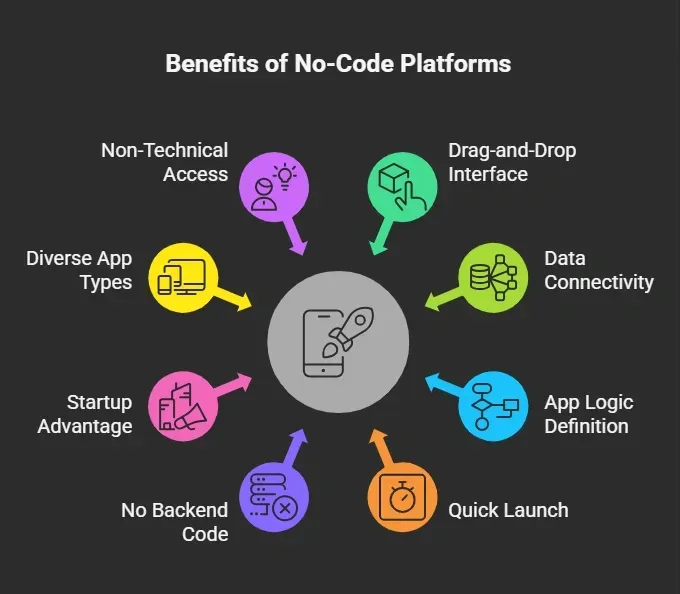 So, instead of spending months building, you can now create apps in days or even hours. That’s why no code platforms are growing so fast.
What Makes the Best No Code Platforms Stand Out?
Not all no code platforms are the same. Some are basic, while others can handle complex web apps and mobile app development. The difference comes down to the features they offer.
-
Easy app builder experience for smooth app development
-
Clean user interface for better usability
-
Support for web apps and mobile app builds
-
Strong backend logic to handle real app needs
-
Built in database or google sheets support
-
Workflow automation for repetitive tasks
-
User authentication for secure access
-
App store publishing for launching apps
-
Push notifications to engage users
-
API connections and api calls for flexibility
-
Ability to manage complex logic when apps grow
The best no-code platforms bring all these key features together while keeping the learning curve manageable. That balance is what makes a platform worth using.
Side-by-Side Breakdown of Top Platforms
Before we get into the details, here’s a quick snapshot of how these no code platforms compare. This will help you see which app builder fits your needs at a glance.
| Platform | Mobile App | Web Apps | Backend Logic | Learning Curve |
|---|---|---|---|---|
| Rocket.new | Yes | Yes | Strong | High |
| Bubble | No | Yes | Strong | Medium |
| Glide | Yes | Yes | Basic | Low |
| Adalo | Yes | Limited | Medium | Medium |
| FlutterFlow | Yes | Yes | Strong | Medium |
| Retool | No | Yes | Strong | Medium |
Each of these no code platforms offers a different balance between simplicity, flexibility, and control. Some are better for web apps, some for mobile app development, and others shine when building internal tools or handling complex logic.
So, instead of picking randomly, it’s better to understand how each no code app builder actually works in real scenarios.
Let’s look at each of them in detail.
Rocket.new:
Rocket uses natural language prompts to create apps. You describe your app idea in plain English, and the platform turns it into a working web app or a mobile app. This removes the usual friction of manually setting up structure, layouts, and backend logic.
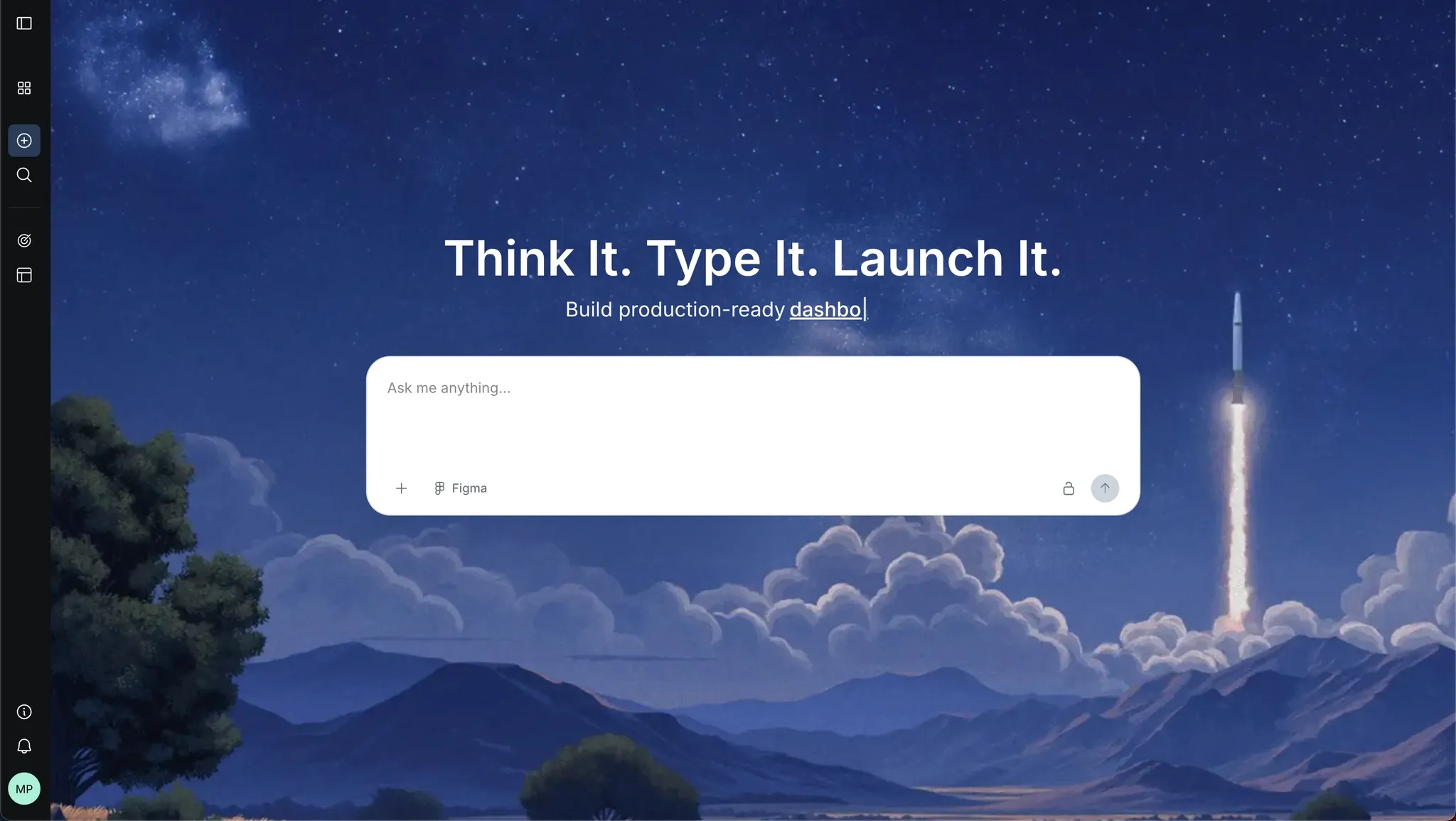 Designed for both web apps and mobile app development, Rocket.new doesn’t limit you to one format. You can create apps that work as web apps or build toward a native mobile app experience that can be pushed to Google Play or iOS App Store.
Key Features
-
Prompt to App Creation: Builds apps directly from single prompts
-
Figma Import: Converts design files into live, editable layouts
-
AI-Powered Backend: Automatically handles logic, data, and workflows
-
Reusable Components: Speeds up building with ready-to-use elements
-
Custom Domain Support: Publishes projects with a branded domain
-
Command-based actions: Use / and @ to run actions and quickly scope edits.
-
Live Preview: Shows instant updates while editing
-
Code Export: Allows developers to extend or customize later
Use Cases
Rocket.new works well for startup MVPs, client portals, internal tools, and mobile app projects. You can create apps from a simple app idea and scale with custom logic when needed.
Best For
-
Founders
-
Creators
-
Fast app development
Pricing
-
Free plan available
-
Paid plans for advanced features and enterprise security
Rocket.new feels like a glimpse into where modern no-code platforms are heading. It reduces the gap between idea and execution using AI app generation.
If you are someone who doesn’t want to deal with writing code but still wants functional apps with real backend logic, this is a strong starting point. It fits well for fast-moving creators, founders, and non technical users who want results quickly without a heavy learning curve.
Bubble:
One of the most flexible no code platforms, Bubble gives you deep control over app logic, workflows, and database management. It feels closer to traditional app development compared to most no code platforms.
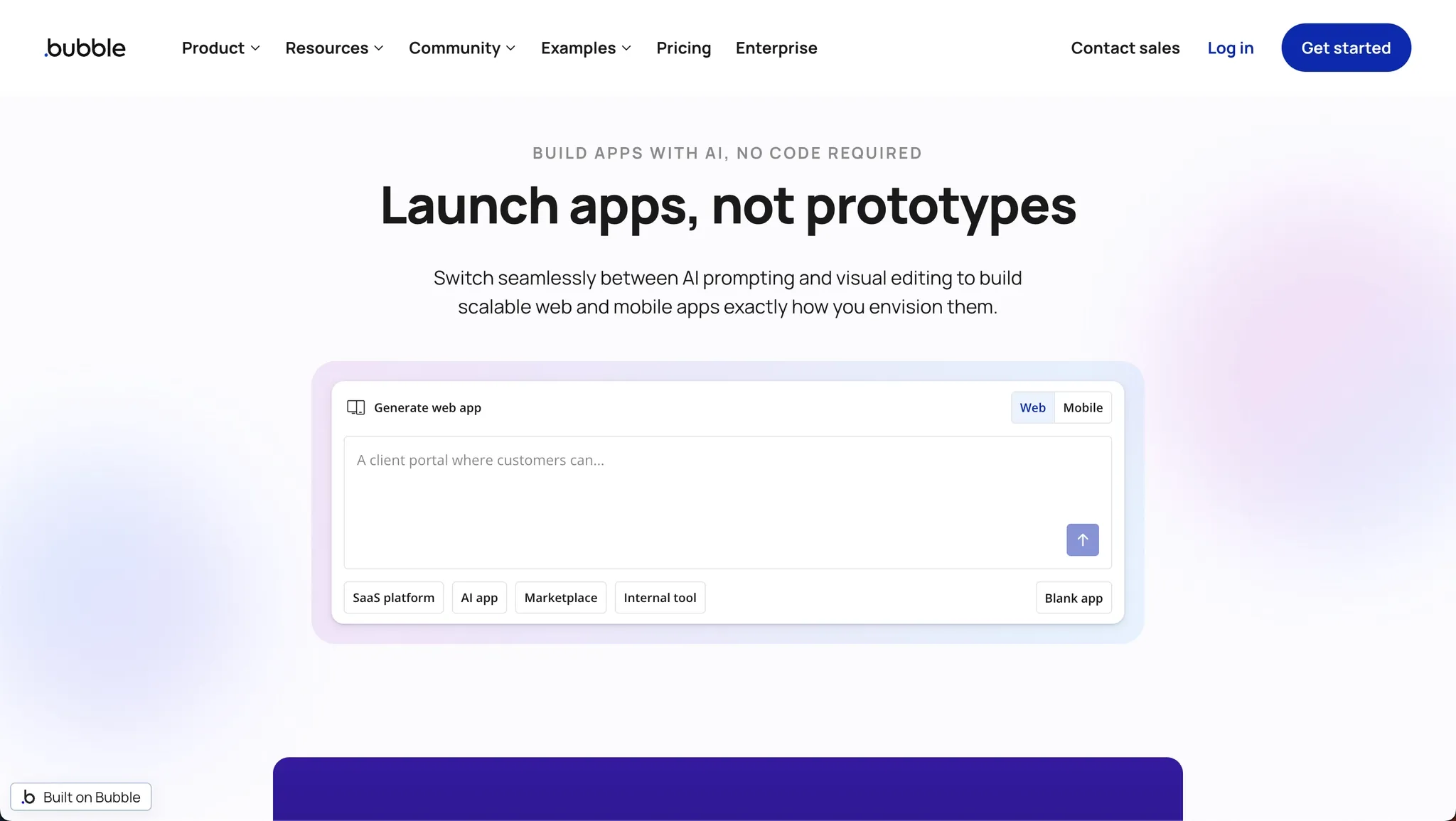
Strong focus on complex web apps, If your project involves dashboards, client portals, or multi-step workflows, Bubble handles complex logic better than most no code app builder tools.s
Key Features
-
Advanced backend logic
-
Built in database management
-
Custom logic support
-
Workflow automation
-
API connections
-
Visual builder
-
Supports complex web apps
-
Custom code support
Best For
-
SaaS apps
-
Client portals
-
Complex web apps
Pricing
-
Free tier available
-
Paid plans for scaling and performance
Bubble stands out among code platforms because of its depth. It is not the easiest to learn, but once you understand it, you can build complex web apps that feel like custom apps.
It’s a good choice for people who are serious about building scalable products without writing backend code but are okay with a slightly higher learning curve.
Glide:
Works directly with Google Sheets, Glide turns your spreadsheet data into a working app. If you already use Google Sheets, this feels natural and fast.
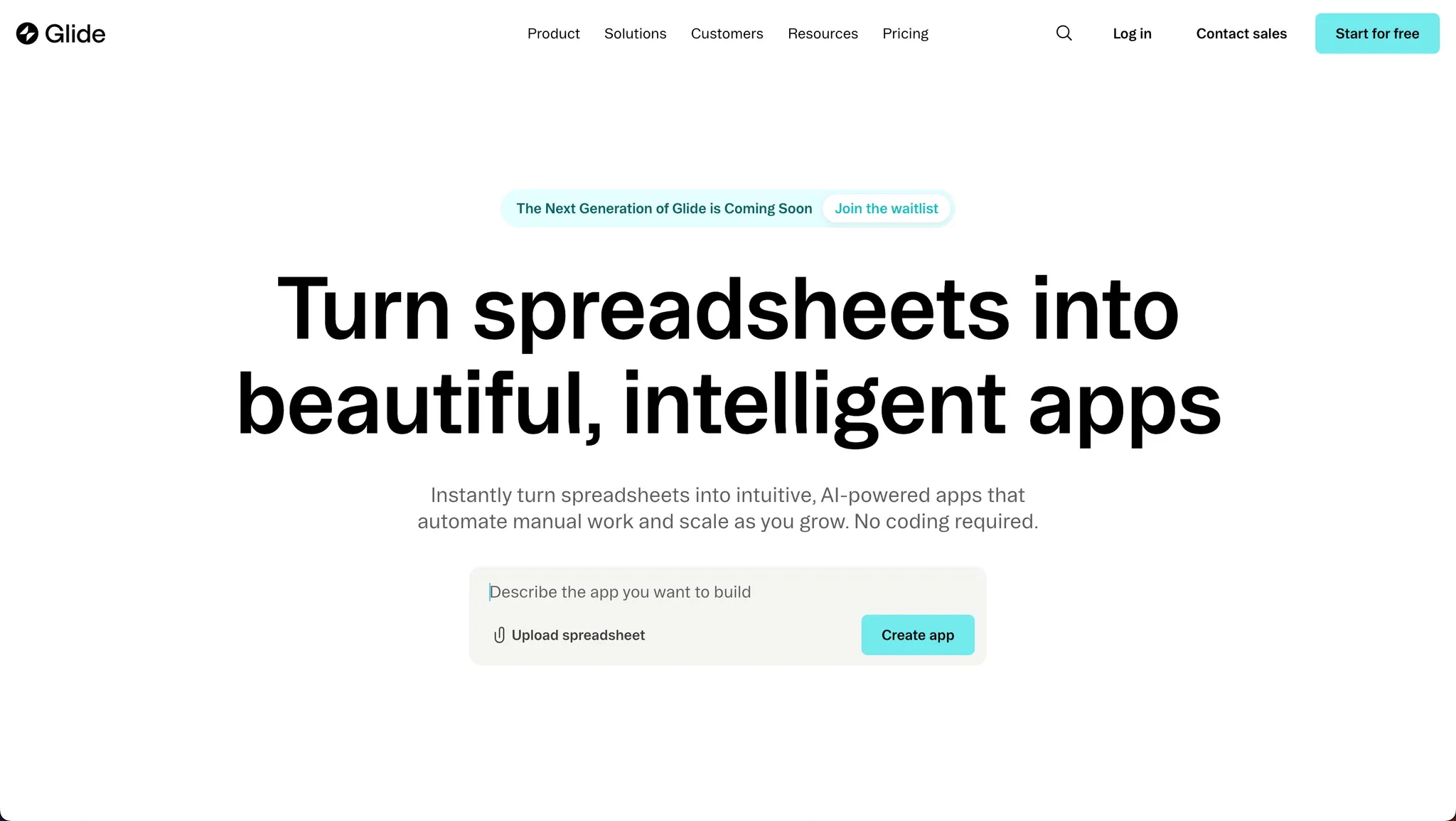 Great for simple apps and internal tools, it is ideal for internal dashboards, small tools, and simple apps that don’t require complex logic or heavy backend logic.
Key Features
-
Drag and drop interface
-
Spreadsheet data support
-
Fast app builder
-
Built in database via Google Sheets
-
Basic workflow automation
-
Simple user interface
Best For
-
Internal dashboards
-
Simple mobile apps
-
Quick prototypes
Pricing
-
Free tier available
-
Paid plans for more features
Glide is one of the best no-code platforms for speed and simplicity. It removes the complexity of app development and lets you focus on getting something working quickly.
If your goal is to create apps with minimal setup and low effort, Glide is a great entry point into the no-code world.
Adalo:
Built for mobile app development, Adalo is designed for building a mobile app from scratch without writing code. It focuses on creating apps that feel native.
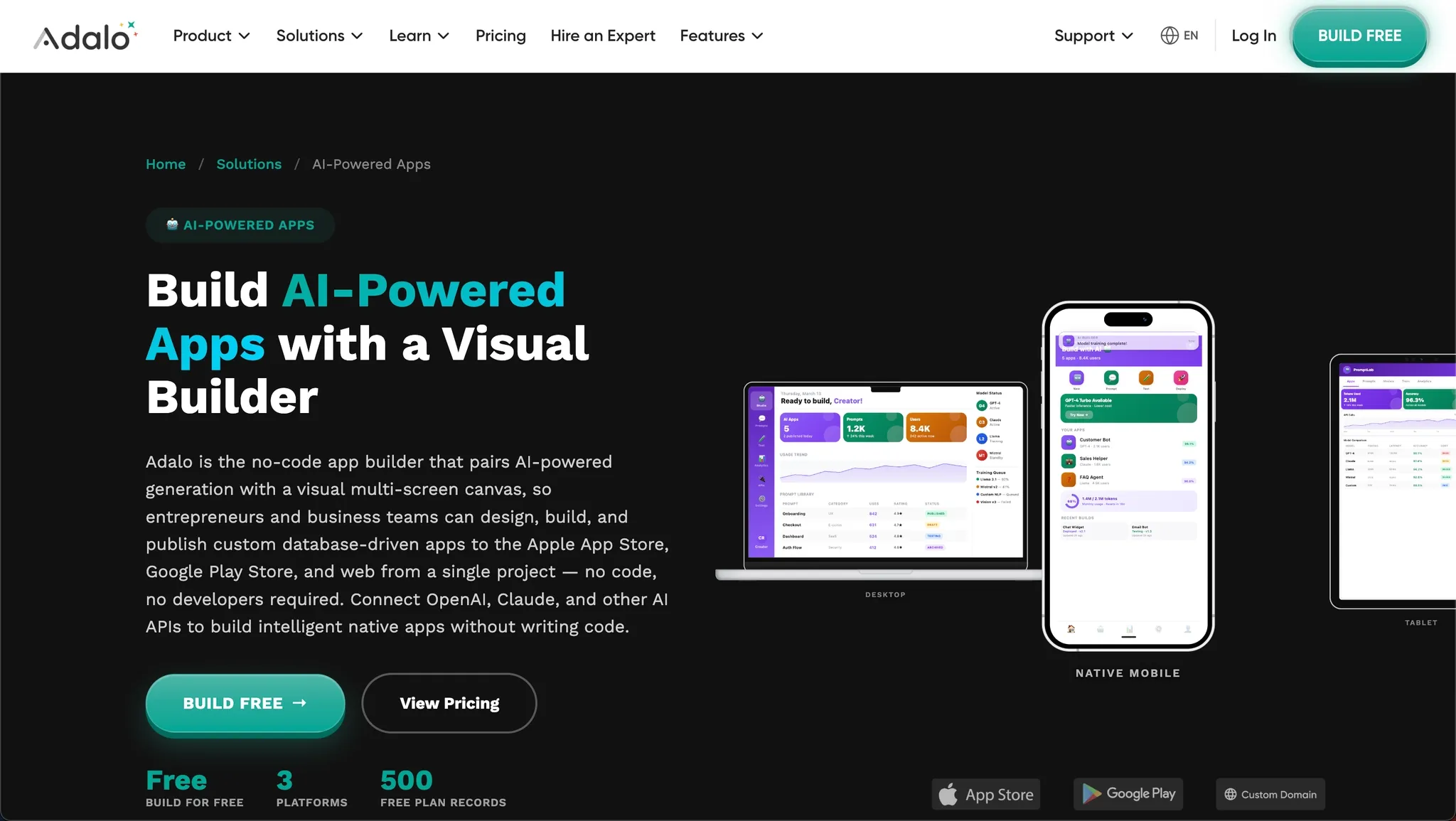 Supports native mobile app publishing. You can publish your apps directly to the Apple App Store and Google Play Store, which makes it appealing for startups.
Key Features
-
Drag and drop interface
-
Native mobile app builder
-
User authentication
-
Push notifications
-
App store publishing
-
Built in database
-
Custom logic
Best For
-
Mobile app startups
-
Client portals
-
Membership apps
Pricing
-
Free plan available
-
Paid plans for publishing and scaling
Adalo fits well for creators who want to build a mobile app without getting into complex code platforms. It gives a good balance between simplicity and functionality.
While it may not handle very complex logic, it works well for launching real apps with features like user authentication and push notifications.
FlutterFlow:
Built on Flutter for cross-platform apps, FlutterFlow uses Flutter under the hood, which means you can create apps for Android and iOS with a single setup.
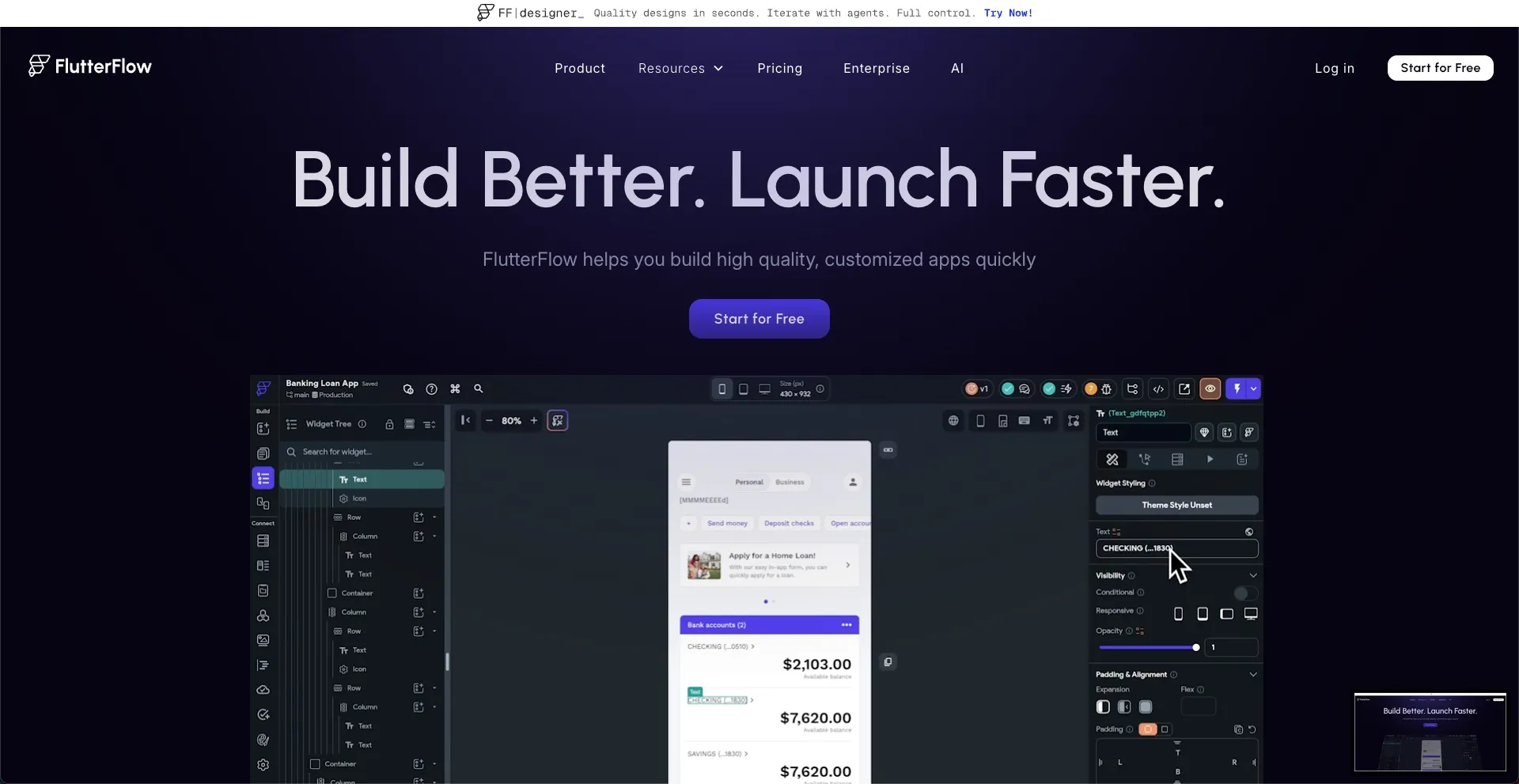
Combines no code and low code, allowing you to go beyond basic no code by adding custom code when needed. This helps when dealing with advanced logic or scaling.
Key Features
-
Visual builder
-
Native mobile app support
-
Web apps support
-
Backend logic handling
-
API connections
-
Push notifications
-
Generated code export
Best For
-
Android apps
-
iOS apps
-
Advanced mobile app projects
Pricing
-
Free tier available
-
Paid plans for advanced features
FlutterFlow is a strong choice if you want flexibility. It sits between no code and low code platforms, giving you room to grow.
You can start without writing code and later move into more advanced logic. It works well for developers and non technical users who want a balance between control and simplicity.
Retool:
Focused on internal business apps, Retool is not meant for public-facing apps. It is built specifically for internal tools used by teams.
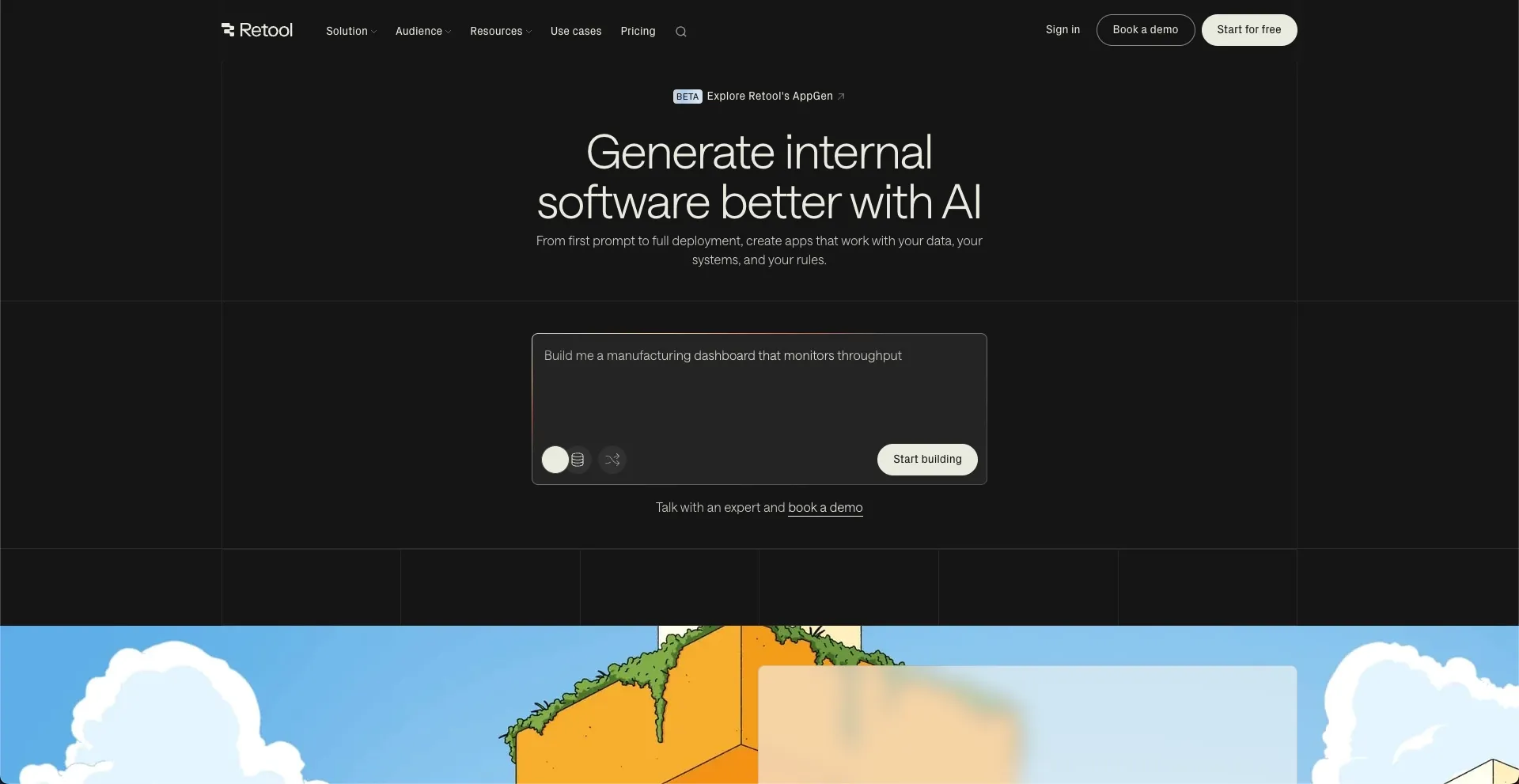 Connects to existing databases, You can pull data from existing databases and create internal dashboards quickly without rebuilding your data layer.
Key Features
-
Internal dashboards
-
Workflow automation
-
Database management
-
API connections
-
Strong backend logic
-
Built for internal tools
Best For
-
Internal tools
-
Admin panels
-
Internal dashboards
Pricing
-
Free plan available
-
Paid plans for enterprise security
Retool is one of the best no code platforms for internal tools and internal dashboards. It saves time by connecting directly to existing data and helping teams build functional tools fast.
If your goal is workflow automation or internal business apps, this platform does the job without unnecessary complexity.
Community Insight: What Builders Are Saying
Here’s a real take from Reddit:
“No code platforms are great for MVPs, but once you need complex logic, you’ll need low code or coding.”
No Code vs Low Code
No code and low code are closely related, but they are not the same. Understanding the difference helps you choose the right app builder.
-
No code platforms let you build apps without writing code
-
Low code platforms allow some custom code for advanced logic
-
Low code helps when handling complex logic or scaling apps
-
Most no code platforms now include some low code features
So, many modern code platforms now sit in between no code and low code, giving you flexibility as your app grows.
Where People Get Stuck and What Actually Works
Many people jump into no code expecting instant results. They start building apps fast but soon hit limits with complex logic, scaling, or managing backend logic. This happens because most no code platforms still require some understanding of app logic, even if you are not writing code. Without that, even simple apps can become hard to manage as they grow.
The fix is choosing the right app builder early. Tools like Rocket.new simplify this by handling backend logic and speeding up app development using AI. It helps you move from idea to real apps without confusion. The best no code platform 2026 is the one that fits your needs and grows with you over time.
Table of contents
- -Why No Code is Everywhere Right Now?
- -What Makes the Best No Code Platforms Stand Out?
- -Side-by-Side Breakdown of Top Platforms
- -Rocket.new:
- -Key Features
- -Use Cases
- -Best For
- -Pricing
- -Bubble:
- -Key Features
- -Best For
- -Pricing
- -Glide:
- -Key Features
- -Best For
- -Pricing
- -Adalo:
- -Key Features
- -Best For
- -Pricing
- -FlutterFlow:
- -Key Features
- -Best For
- -Pricing
- -Retool:
- -Key Features
- -Best For
- -Pricing
- -Community Insight: What Builders Are Saying
- -No Code vs Low Code
- -Where People Get Stuck and What Actually Works