
The no-code space in 2026 offers powerful Draftbit alternatives like Rocket.new, FlutterFlow, and Bubble, each balancing speed, flexibility, and code control. Evaluate backend depth, test demos, and match tools to your workflow to find the perfect platform for your project’s scale and vision.
Looking for the best Draftbit alternatives for 2026? The short answer is simple. Several strong platforms now help users build, design, and publish apps faster, with less code and more control. The no code platform market keeps growing every year. According to Statista, the global low code market is projected to reach over $65 billion by 2027.
That growth means more competitors, better features, and smarter tools for building mobile and web apps. So if Draftbit no longer feels like the perfect match, there are solid alternatives ready to step in.
Let’s break them down.
Why People Look for Alternatives?
Draftbit is a powerful tool for building mobile apps. It allows developers to generate React Native code and export projects. Still, some users want a different experience.
Some want simpler drag and drop controls. Others want deeper backend control. Some want clearer pricing. And some just want to start faster with fewer setup steps.
The no code platform space in 2026 is crowded with competitors. Each platform focuses on different needs. Some target designers. Some target developers. Others focus on business users who want to launch apps without touching code.
So choosing the right platform depends on what matters most. Speed? Custom logic? Design freedom? Scaling? Security? Let’s look at the top competitors.
Quick Comparison Table
Here’s a quick side-by-side comparison of the top Draftbit competitors in 2026. This table gives a fast overview so you can spot the right platform without reading a full breakdown first.
| Platform | Code Export | Mobile Support | Free Demo | Backend Depth |
|---|---|---|---|---|
| Rocket.new | Yes | Web and Mobile | Yes | High |
| Bubble | No | Web focus | Yes | High |
| FlutterFlow | Yes | iOS and Android | Yes | Medium High |
| Adalo | Limited | iOS and Android | Yes | Medium |
| Glide | No | Web | Yes | Low Medium |
| Thunkable | Limited | Android and iOS | Yes | Medium |
Each platform shines in a different way. Use this snapshot to narrow your options, then choose based on your project size, technical comfort, and long-term goals.
1. Rocket.new
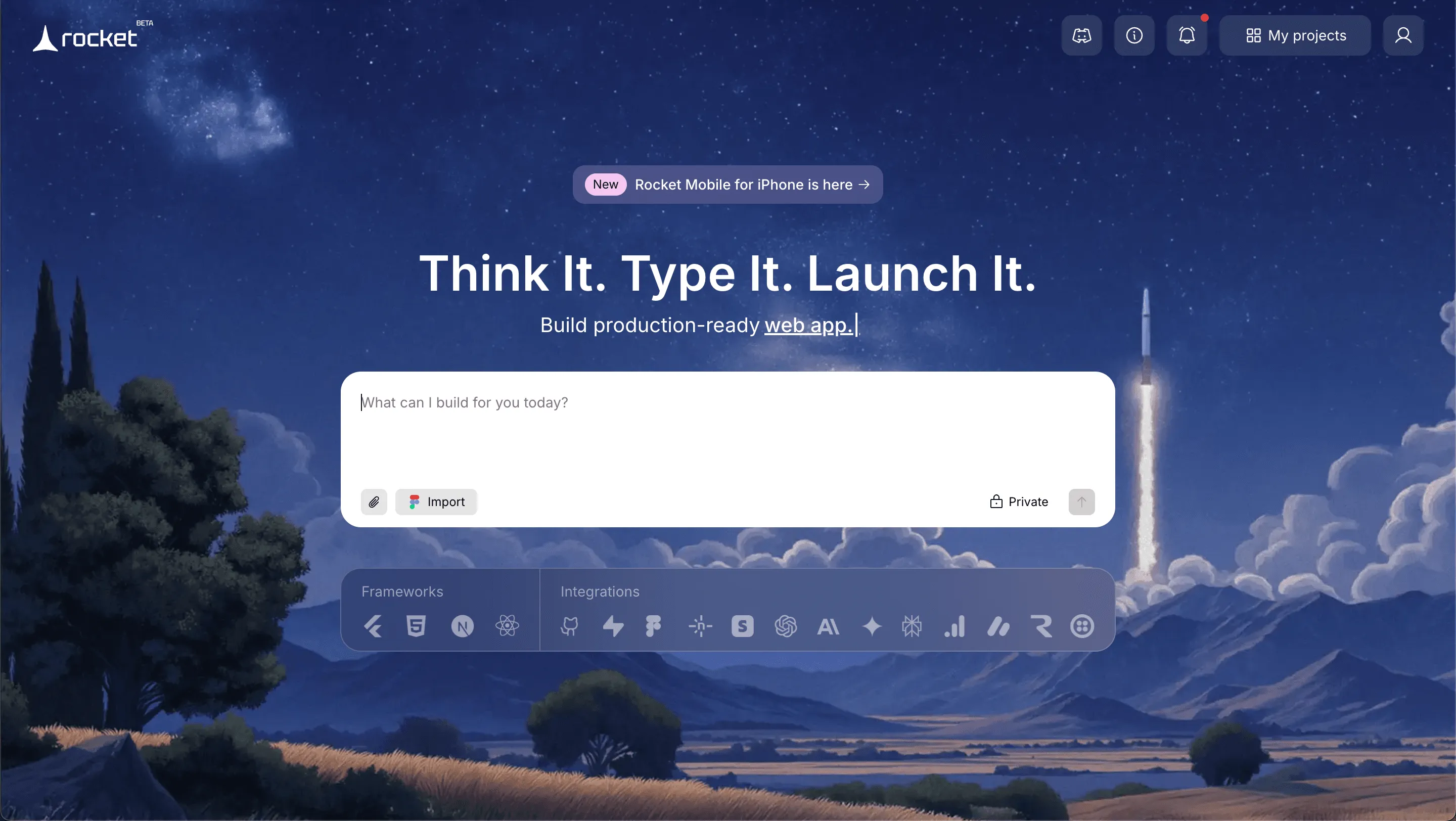
Rocket.new is gaining attention among competitors in 2026. It focuses on helping users generate full-stack web and mobile apps quickly while still giving access to real code. It sits between a no code platform and a traditional development tool.
Features
- Prompt to App Creation: Builds apps directly from single prompts
- Figma Import: Converts design files into live, editable layouts
- AI-Powered Backend: Automatically handles logic, data, and workflows
- Custom Domain Support: Publishes projects with a branded domain
- Code Export: Allows developers to extend or customize later
- Live Preview: Shows instant updates while editing
The platform allows users to start with AI and then manually refine the project. Developers can write custom code when needed.
Use Cases
Startup MVPs: Teams can start with a concept and generate a working prototype quickly. That helps validate the idea before heavy investment.
Internal Business Tools: Companies create dashboards or workflow apps to improve daily operations.
Client Projects: Agencies use the platform to build apps for clients while maintaining full control over backend and security settings.
Best For
- Startup MVP development
- Agencies building client apps
- Business teams building internal tools
- Developers who want exportable code
- Teams launching web and mobile products together
Pricing
Rocket.new offers a free demo so users can test the tool before paying. Pricing depends on usage, export needs, and project scale. Paid plans focus on professional development and scaling.
Rocket.new is a strong alternative for users who want both automation and code control. It is flexible, modern, and built for serious building.
2. Bubble
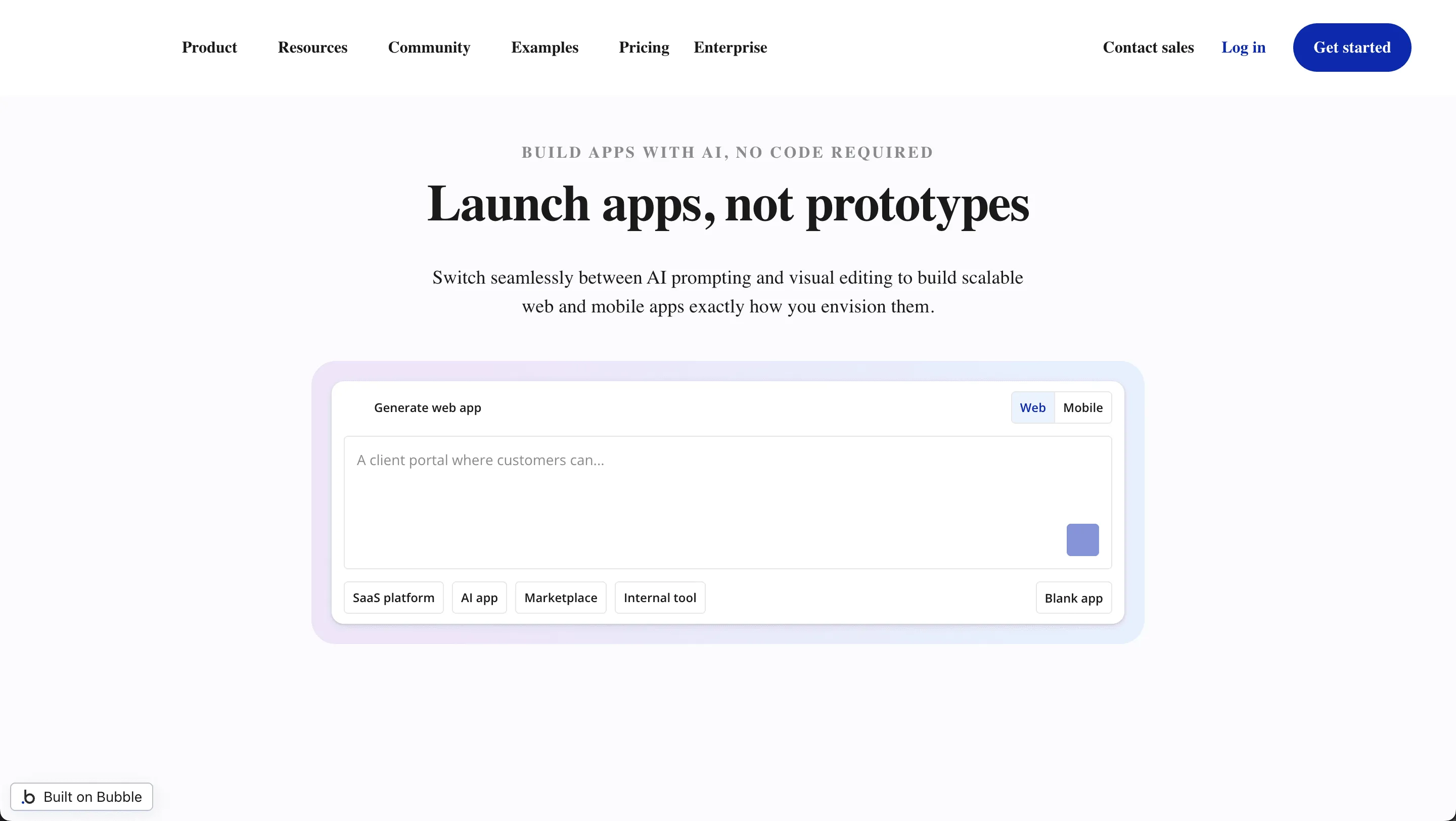
Bubble is a well-known no code platform focused mainly on powerful web apps. It stands out for strong backend workflows and deep customization options.
Features
- Visual editor with drag and drop
- Built-in database backend
- Workflow-based custom logic
- Plugin ecosystem
- Web publishing tools
Bubble allows users to create complex web apps without writing traditional code. It supports advanced logic and data structures.
Best For
- SaaS platforms
- Marketplaces
- Web-based startups
- Business dashboards
Pricing
Bubble provides a free demo tier. Paid pricing depends on app usage, server capacity, and scaling requirements.
Limitations
- No native iOS or Android export
- Learning curve can feel heavy at first
- Performance depends on the plan level
Bubble is ideal for web heavy projects where backend depth matters more than native mobile performance.
3. FlutterFlow
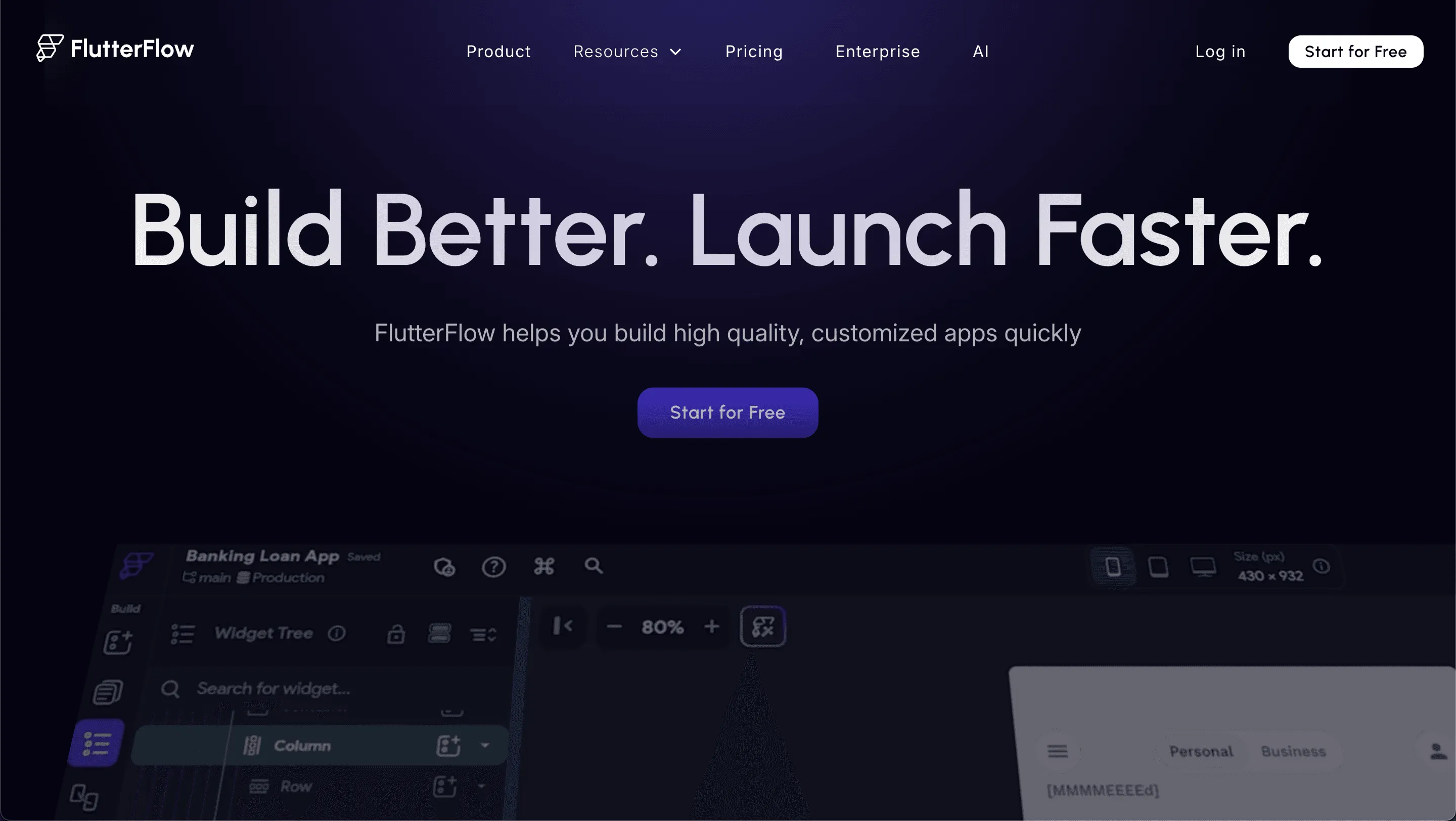
FlutterFlow is a mobile-first builder based on Flutter technology. It allows users to design visually while still exporting clean production-ready code.
Features
- Drag and drop interface
- Flutter code export
- Native iOS support
- API integration
- Backend connectivity
- Reusable components
FlutterFlow allows users to generate real Flutter code. Developers can modify it outside the platform.
Best For
- Cross-platform mobile apps
- Startups needing iOS and Android support
- Developers wanting export control
- UI focused designers
Pricing
FlutterFlow includes a free demo plan. Paid pricing unlocks full code export and advanced integrations.
Limitations
- Mainly focused on mobile, not complex web apps
- Advanced logic may require understanding Flutter
- Scaling large projects can require developer input
FlutterFlow works well for mobile-focused teams who want both visual design and real code access.
4. Adalo
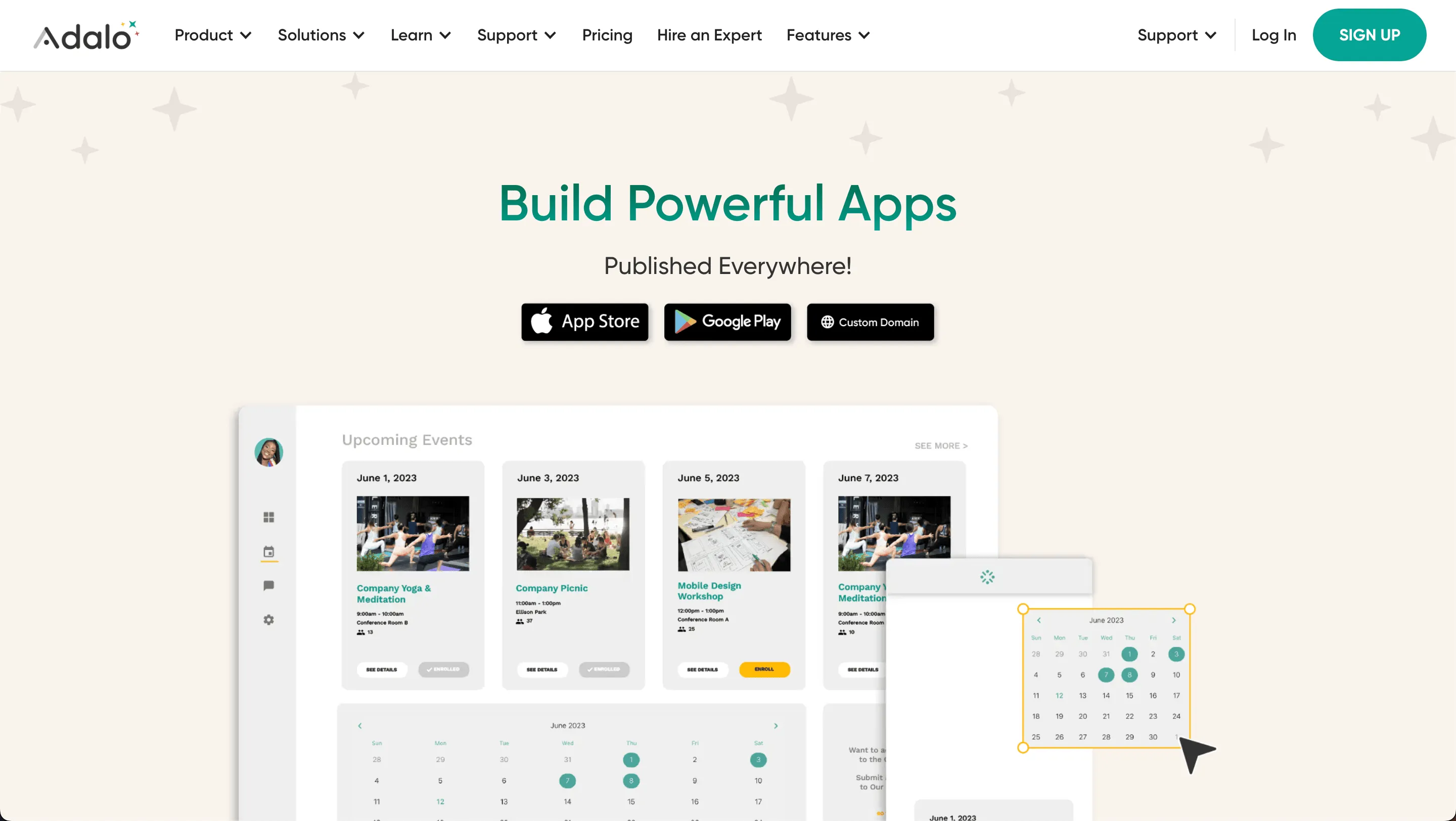
Adalo is designed for simplicity and quick app building. It helps beginners and small business users start mobile projects without technical stress.
Features
- Drag and drop builder
- Pre-built components
- Built-in database
- Simple backend logic
- Mobile publishing tools
The platform keeps things straightforward. Users can create apps without technical experience.
Best For
- Beginners
- Small business apps
- Simple mobile projects
- Quick prototypes
Pricing
Adalo offers a free demo plan. Paid pricing depends on publishing needs and monthly app usage.
Limitations
- Limited deep custom logic
- Code export options are restricted
- Not ideal for complex scaling
Adalo is great for simple apps and fast launches. It may not suit advanced development needs.
5. Glide
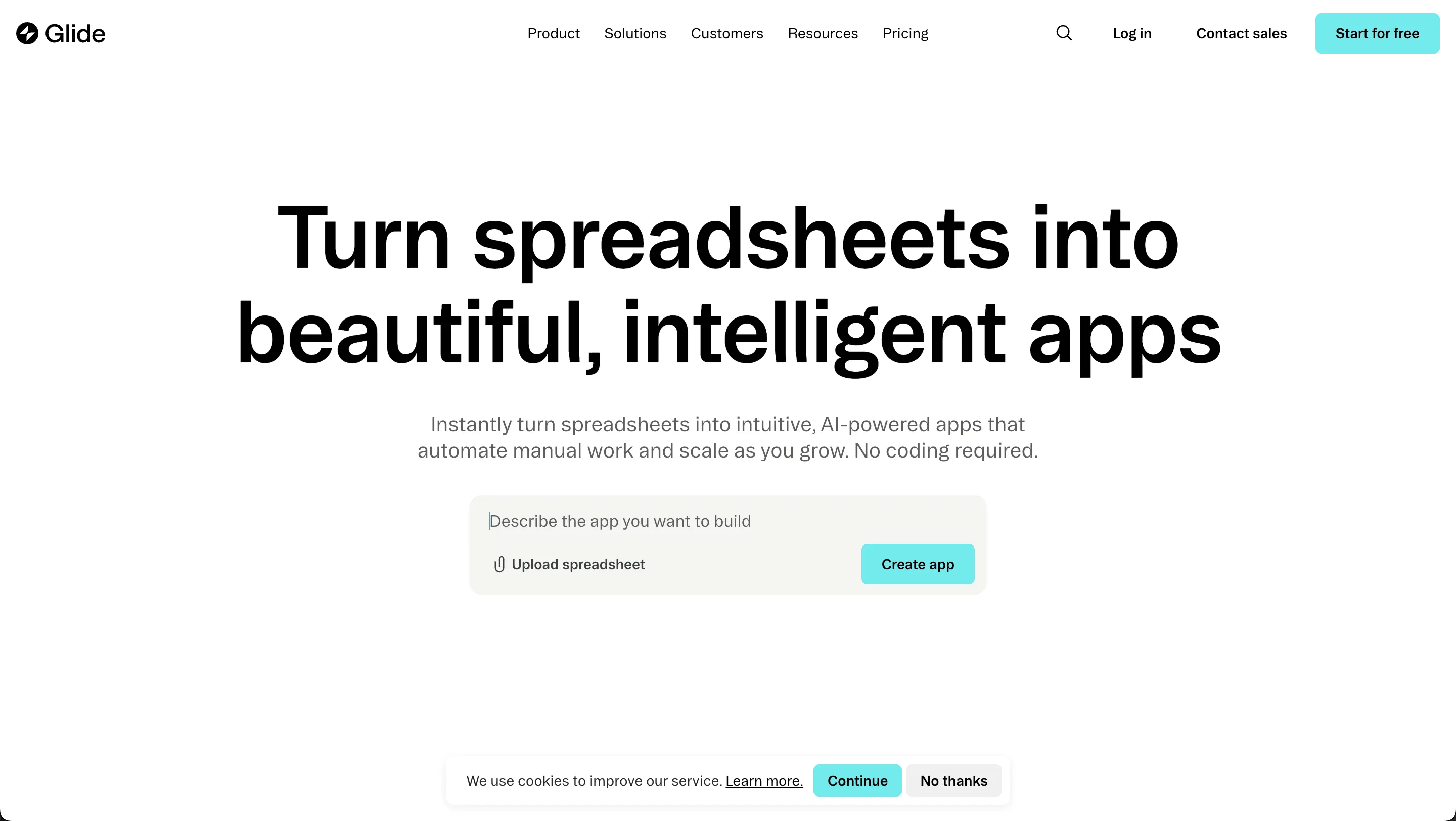
Glide turns spreadsheets into functional web apps in minutes. It is popular for internal tools and lightweight business dashboards.
Features
- Spreadsheet-based backend
- Drag and drop design
- Clean UI templates
- Web app publishing
- Simple data management
Users connect Google Sheets and generate apps instantly. It feels light and easy.
Best For
- Internal tools
- Business dashboards
- Quick admin apps
- Data display apps
Pricing
Glide includes a free demo tier. Pricing increases with usage, team size, and scale.
Limitations
- Limited native iOS and Android capabilities
- Not built for heavy custom code
- Backend flexibility is basic
Glide is perfect for quick, web-based tools. It is not designed for complex consumer mobile apps.
6. Thunkable
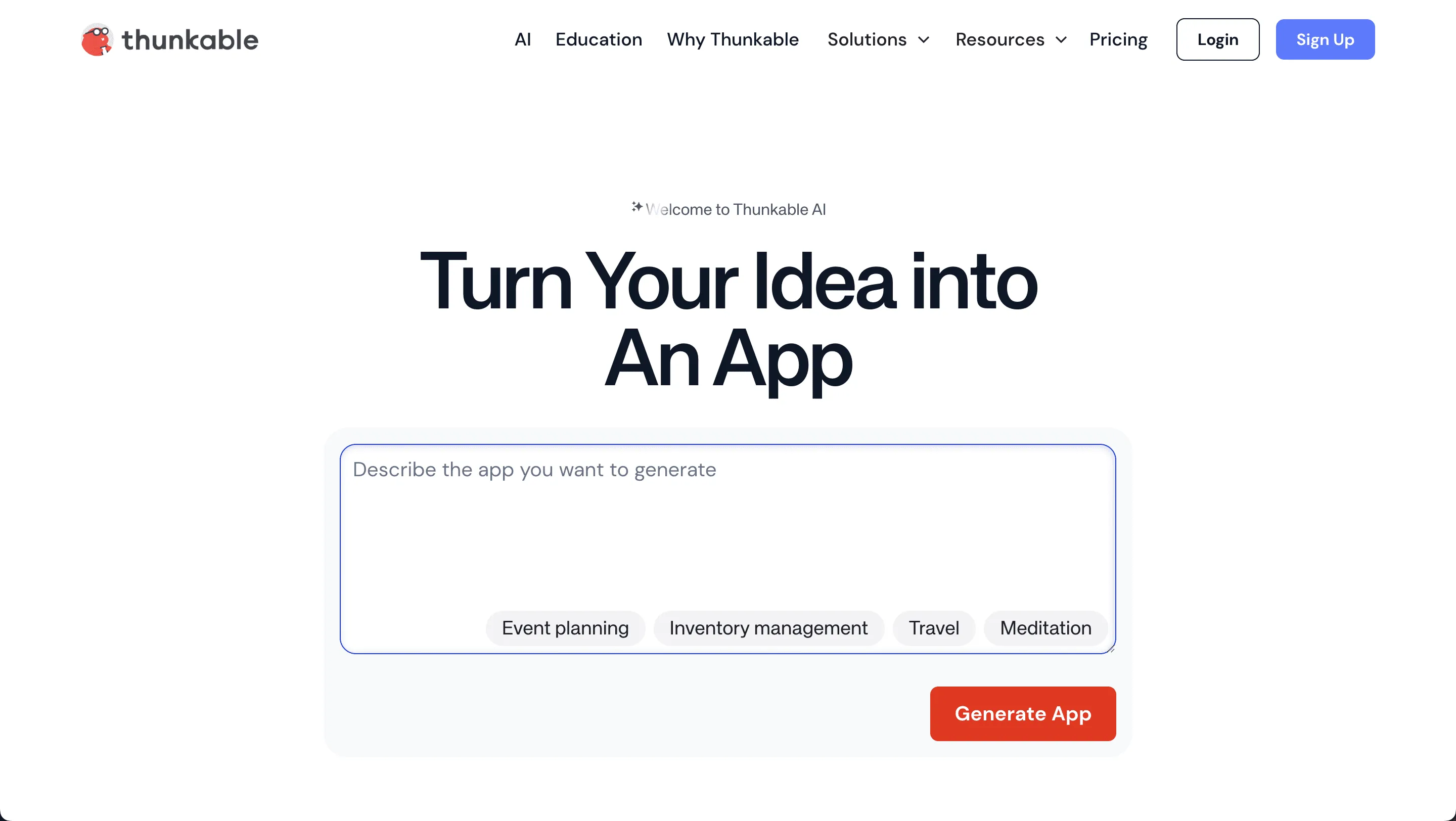
Thunkable uses visual logic blocks to build cross-platform mobile apps. It is beginner-friendly and focuses on fast Android and iOS development.
Features
- Drag and drop components
- Logic block system
- Android and iOS support
- API access
- Mobile publishing tools
Users can build apps visually and define logic using block-based actions.
Best For
- Educational projects
- Beginner mobile apps
- Android and iOS projects
- Quick mobile experiments
Pricing
Thunkable offers a free demo version. Paid pricing removes branding and enables full publishing control.
Limitations
- Limited complex backend capabilities
- Code export options are restricted
- Performance tuning can be limited
Thunkable works well for learning and basic app development. It may not be suitable for advanced scaling projects.
Community Insight
On Reddit, one user shared this about switching platforms:
“FlutterFlow gives more control over the UI and code export compared to Draftbit.”
Many users compare competitors based on code access and export freedom. Developers want ownership. Designers want control over layout. Business users want a faster time-to-market.
The pattern is clear. People want flexibility and depth without spending months learning complex systems.
How to Choose the Perfect Platform
Picking the right platform is not about following trends. It is about matching the tool to your project goals, technical comfort, and long term business vision.
Before making a decision, pause and ask the right questions.
What to Evaluate Before Choosing
- Backend Requirements: Does the project require extensive backend logic or complex workflows? If yes, choose a platform that supports advanced backend depth and custom logic.
- Code Ownership: Do you want to export clean code and maintain long-term control? Developers often prefer tools that allow full code export.
- Target Platforms: Are you building for iOS, Android, web, or all three? Some platforms specialize in mobile apps, while others focus more on web-based projects.
- Pricing Structure: Is pricing flexible as the project grows? Check how the platform handles scaling and feature upgrades.
- Speed vs. Customization: Do you need to launch quickly with drag-and-drop simplicity, or do you need deeper control over complex features?
- Security and Control: If your company handles sensitive data, choose tools that offer stronger security settings and backend customization.
Every platform has strengths. Some are built for speed. Others focus on scaling and technical depth. The smart move is simple. Match the platform to your business needs. Never force your project to fit inside a tool that limits growth.
Choosing the Right Draftbit Alternatives
Many users outgrow one platform. They need greater depth, clearer pricing, improved code export, or stronger backend controls. The market now offers several strong Draftbit alternatives. Each platform offers different features for building mobile and web apps.
The perfect platform depends on the project. Some tools focus on speed. Others focus on scaling. Some offer flexible code export. Others keep everything inside their system.
Take time to review features, pricing, and business goals. Test the free demo options. Start small. Then build bigger.
Table of contents
- -Why People Look for Alternatives?
- -Quick Comparison Table
- -1. Rocket.new
- -Features
- -Use Cases
- -Best For
- -Pricing
- -2. Bubble
- -Features
- -Best For
- -Pricing
- -Limitations
- -3. FlutterFlow
- -Features
- -Best For
- -Pricing
- -Limitations
- -4. Adalo
- -Features
- -Best For
- -Pricing
- -Limitations
- -5. Glide
- -Features
- -Best For
- -Pricing
- -Limitations
- -6. Thunkable
- -Features
- -Best For
- -Pricing
- -Limitations
- -Community Insight
- -How to Choose the Perfect Platform
- -What to Evaluate Before Choosing
- -Choosing the Right Draftbit Alternatives