
The top FlutterFlow alternatives are Rocket, Bubble, Adalo, Glide, SAP Build Apps, and Retool. Each solves a different problem. Rocket covers research, building, and competitor monitoring in one platform. Bubble handles complex web logic. Adalo and SAP Build Apps lead on native mobile. Glide turns spreadsheets into apps. Retool serves technical teams needing direct database access.
If you have been using FlutterFlow and something feels off, the logic is getting complicated, the backend is fighting you, or you just need the app to do more than FlutterFlow was designed for, you are not alone. A lot of teams hit that wall.
The good news is there are solid alternatives, and they are not all the same. Some are better for native mobile. Some are built for internal tools. One covers the whole arc from validating your idea to shipping the app to watching what competitors do after launch.
This guide breaks down six options honestly, including where each one falls short.
Why Teams Start Looking for FlutterFlow Alternatives
FlutterFlow does a few things well. Native mobile development with a visual interface, drag-and-drop layout, code export. For a certain kind of project, a clean mobile app with straightforward logic, it is a reasonable choice.
But teams run into friction when the business logic gets complex, and the visual editor starts fighting back. They need a web app alongside the mobile app and do not want two separate tools. Choosing the right tool based on long-term goals today can prevent costly rebuilds tomorrow.
According to Gartner, low-code development technologies have seen significant market growth year over year, with enterprise adoption accelerating across industries. The Forrester low-code market report confirms that platform selection is now a strategic decision, not just a tooling choice. And Statista data shows the global low-code development platform market is projected to grow significantly through the end of this decade.
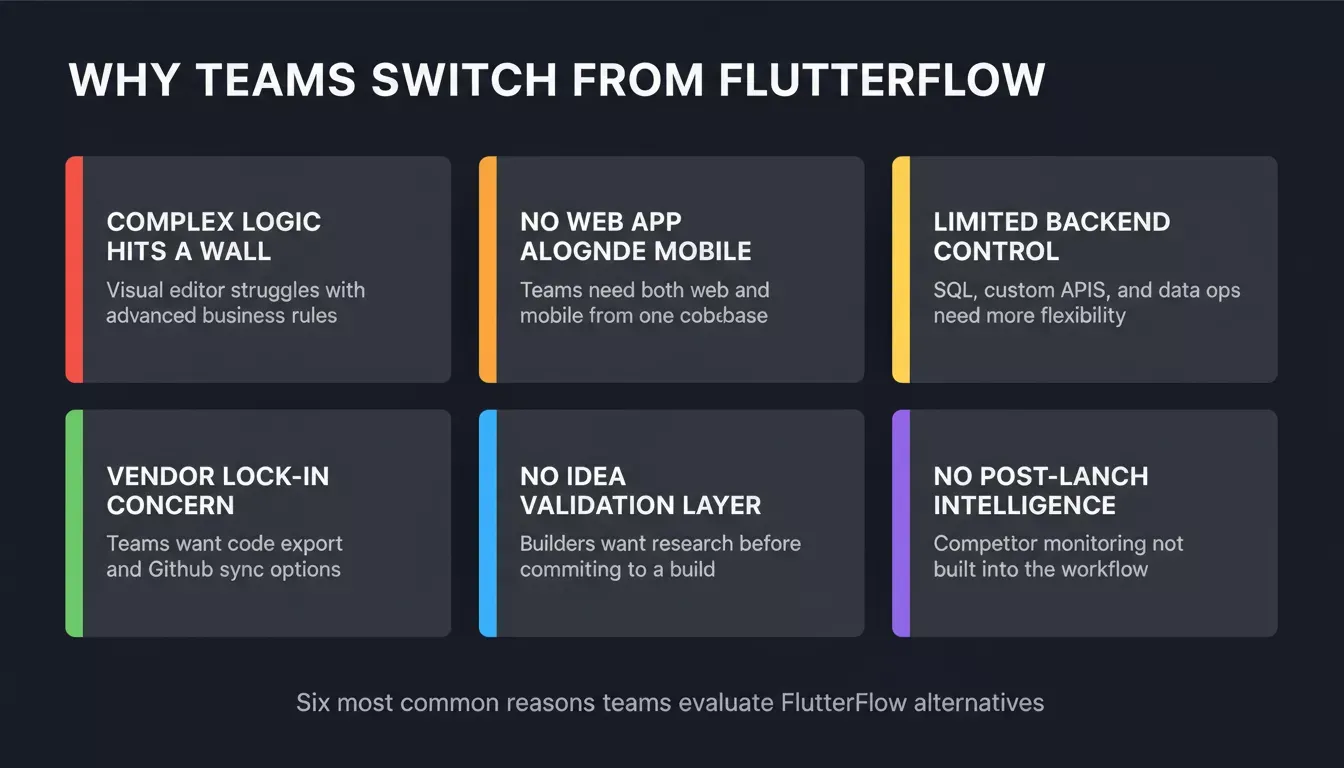
Six friction points that push teams to evaluate FlutterFlow alternatives.
Common reasons teams look for FlutterFlow alternatives: need better support for building internal tools, want easier data access from Google Sheets, need stronger support for web apps, require multi-platform deployment from a single platform, want a smoother path toward future custom development, and need to validate the idea before committing to a full build.
What to Check Before You Switch
Before picking a replacement, get clear on a few things. Does the app need to be native iOS and Android, or is a responsive web app good enough? How complex is the data model, simple lists or relational data with roles and permissions?
Does your team write code, or does it need to stay no-code end to end? Do you need the tool to help you figure out what to build, or do you already know? What happens after launch, do you need to track how competitors respond?
If you are new to low-code development, understanding the difference between no-code, low-code, and full-stack AI builders matters before you commit.
How to Choose: Decision Flowchart
Match your use case to the right platform before reading the full breakdowns below.
Best FlutterFlow Alternatives to Consider
1. Rocket
Most app builders start at the same place: you arrive with an idea, describe what you want, and they generate code. That is the whole product.
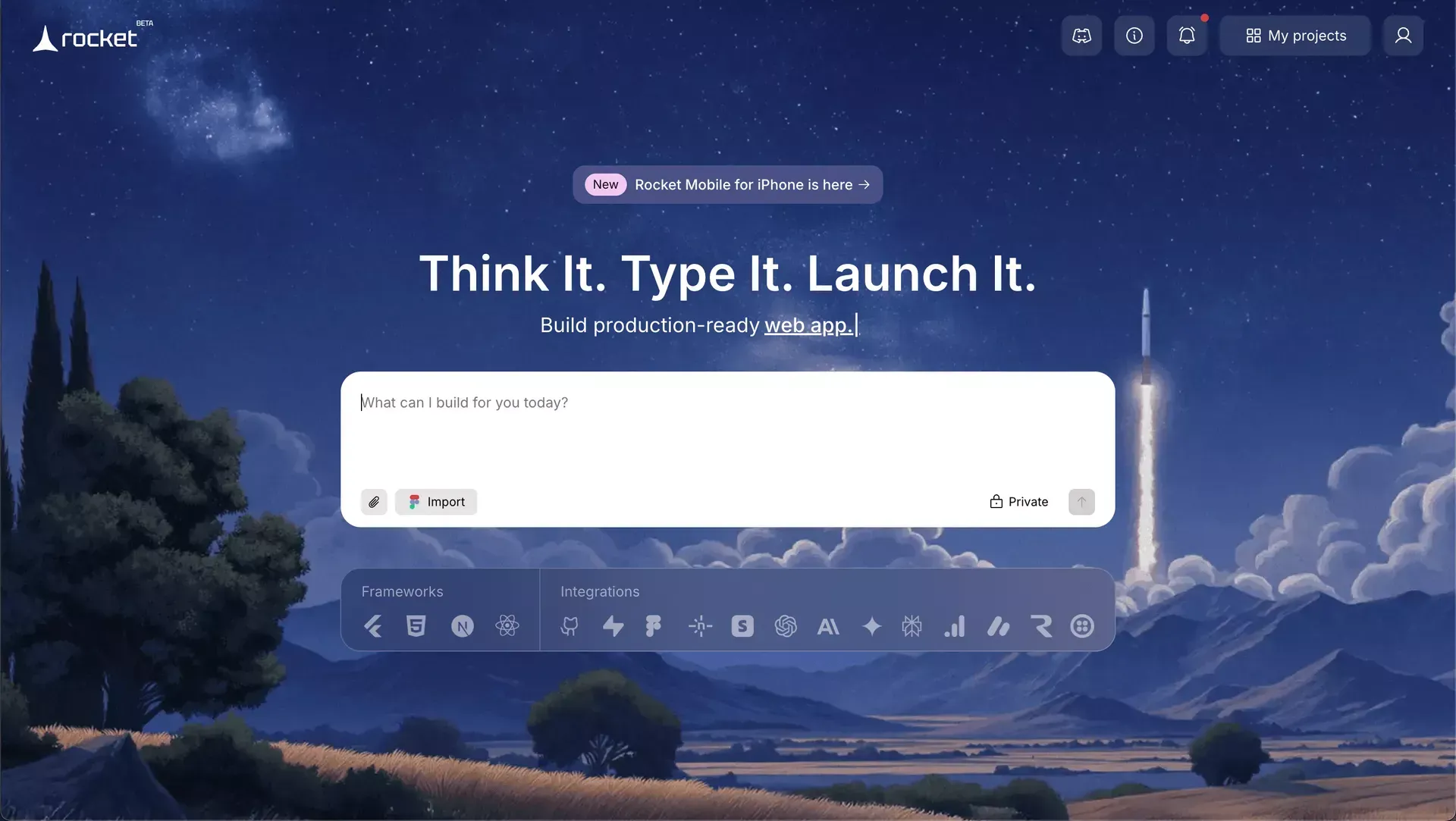
Rocket is built differently. It covers three things in one platform: validating what to build (Solve), building it (Build), and tracking what competitors do after you ship (Intelligence). The research output from Solve flows directly into the build task, so the first generation already reflects product thinking — you are not starting from a blank prompt.
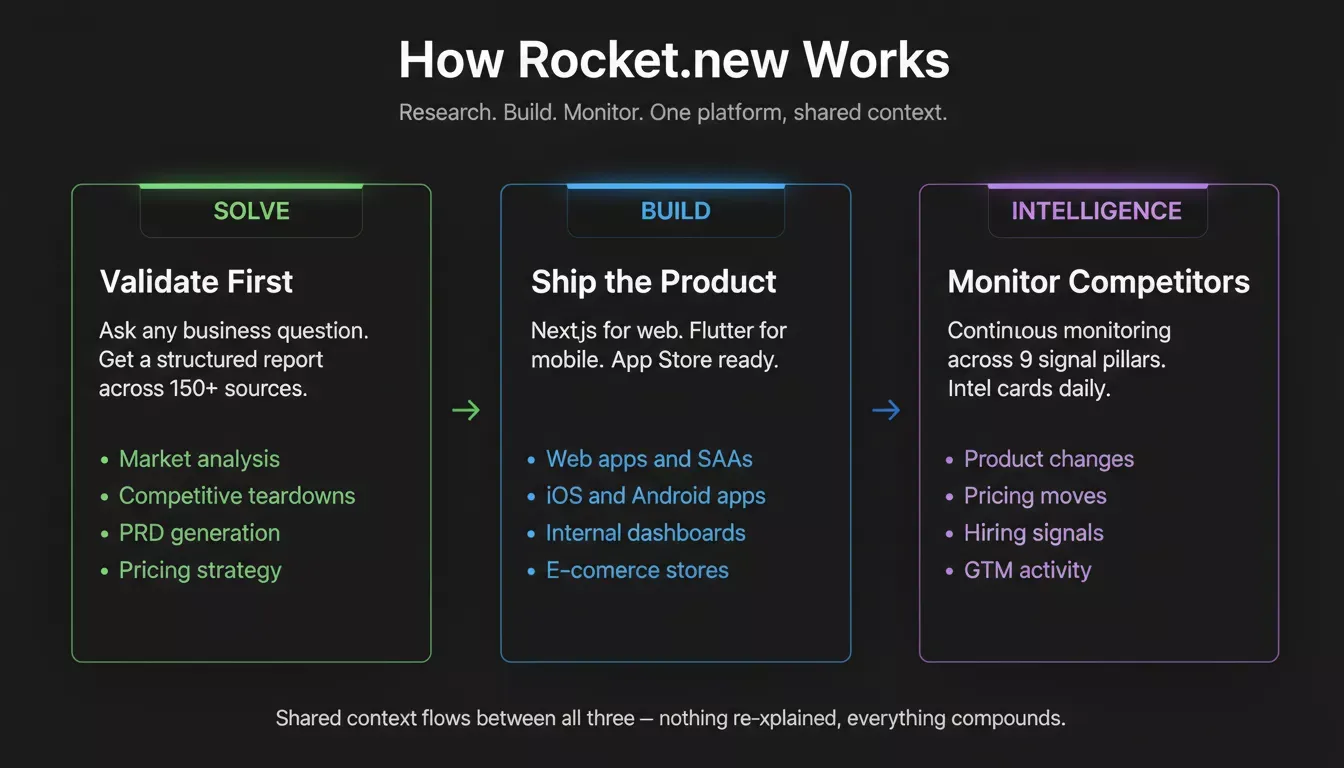
Rocket.new combines Solve, Build, and Intelligence in one shared-context platform.
Build generates web apps in Next.js and mobile apps in Flutter. The mobile apps are real Flutter builds, you can submit them directly to the Apple App Store and Google Play. Most apps generate in one to three minutes. You can start from a plain-language description, a Figma file, or an existing GitHub repository. Every build ships with WCAG accessibility compliance, GDPR coverage, and SEO-ready structure by default.
Solve takes any business question and returns a structured report covering market analysis, competitive landscape, risk, and execution path. It runs across 150+ sources simultaneously. The output covers 8 to 12 sections with findings tagged by signal strength.
Intelligence watches competitors continuously across nine signal categories: product changes, hiring patterns, pricing moves, GTM activity, social, press, reviews, website changes, and business and finance signals.
The three are connected through shared context. The Solve report that validated the direction is present when the build task opens. The competitive brief is present when the copy is written. Nothing gets re-explained.
What you get with Build (verified from official docs):
- Next.js for web, Flutter for mobile, framework assigned automatically
- Figma import: converts frames, auto-layouts, and component libraries into production-ready code
- GitHub two-way sync: connect an existing Next.js TypeScript repo and keep iterating
- 26+ integrations: Stripe, Supabase, Google Analytics, Airtable, Notion, Linear, HubSpot, Twilio, Mailchimp, and more
- Custom domain with automatic HTTPS
- Source code download
- Built-in analytics: visitors, conversions, Core Web Vitals
- WCAG accessibility compliance, GDPR coverage, and SEO-ready structure by default
- Staging and production environments, full version history, one-click rollback
- Advisor Agent: a built-in senior architect sub-agent that resolves error loops automatically
If you are evaluating whether to build production-ready mobile apps for iOS and Android, Rocket.new's Flutter output goes straight to app store submission without a separate dev environment.
| Plan | Price | Credits per month | What is included |
|---|---|---|---|
| Free | $0 | 20 (one-time) | Build: websites, landing pages, web apps, mobile apps |
| Pro | $25/mo | 100 | Build (all types) |
| Rocket | $50/mo | 250 | Build + Solve + Intelligence |
| Booster | $250/mo | 1,500 | Full suite + SSO, data localisation, premium support |
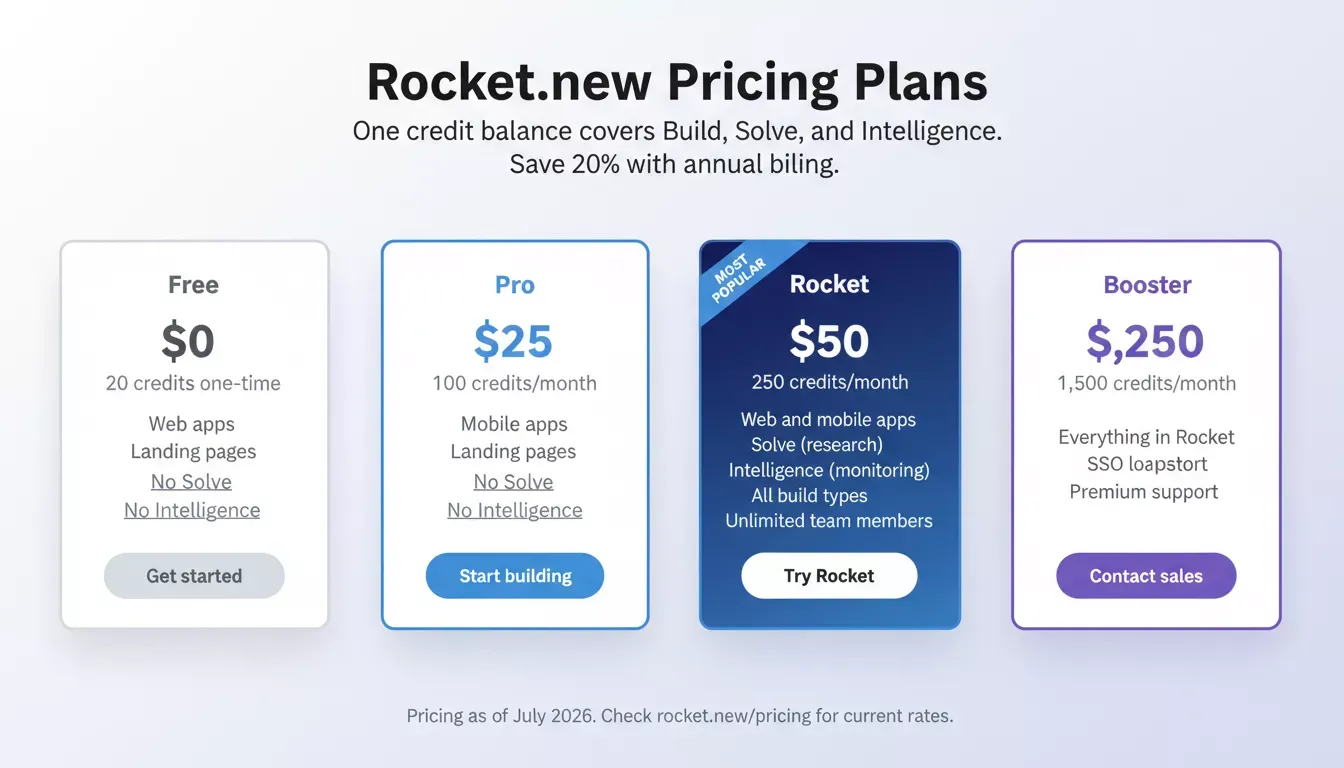
Rocket.new pricing as of July 2026. Annual billing saves 20%.
Where it falls short: Rocket.new's template and plugin marketplace is less mature than Bubble's, which has years of community-built plugins. Teams that need a very large pre-built component library may find Bubble's ecosystem richer today. Very complex custom backend logic may still need custom code for edge cases.
Best for: Teams that want to validate an idea before building, ship production-ready web and mobile apps, and monitor competitors after launch, all in one platform.
2. Bubble
Bubble is a no-code platform for building complex web applications with a visual logic editor. It has been around long enough to have a large community, a mature plugin marketplace, and real production apps running on it.
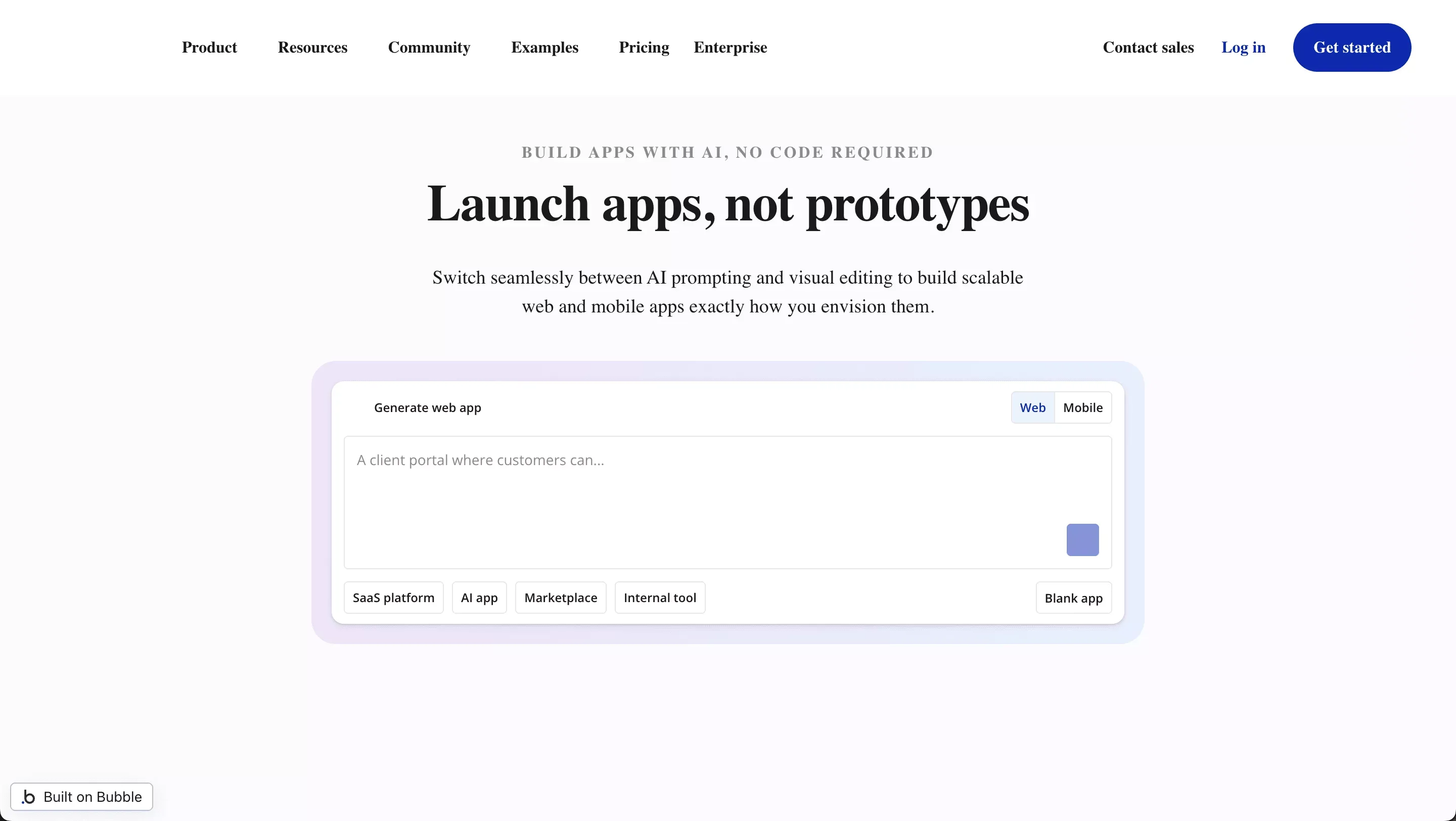
The visual logic editor is genuinely capable. You can build detailed business rules, multi-step workflows, and complex data relationships without writing code. The learning curve is real Bubble's logic system has its own mental model and it takes time to internalize.
If you are already evaluating Bubble alternatives for more backend control or mobile support, that comparison is worth reading alongside this one.
What it does well: Complex business logic without code, large plugin marketplace with hundreds of community-built integrations, built-in database with relational data support, API connections, hosting included, scales reasonably well for web apps.
Where it falls short: Bubble builds responsive web apps, not native iOS or Android apps. Pricing scales with usage and can get expensive as your app grows.
Best for: Complex web apps and business logic-heavy products where a large plugin ecosystem matters.
3. Adalo
Adalo is a no-code platform focused on native mobile apps. The interface is clean and the drag-and-drop editor is genuinely beginner-friendly. If you need to get a simple mobile app into the App Store without writing code, Adalo is one of the faster paths to get there.
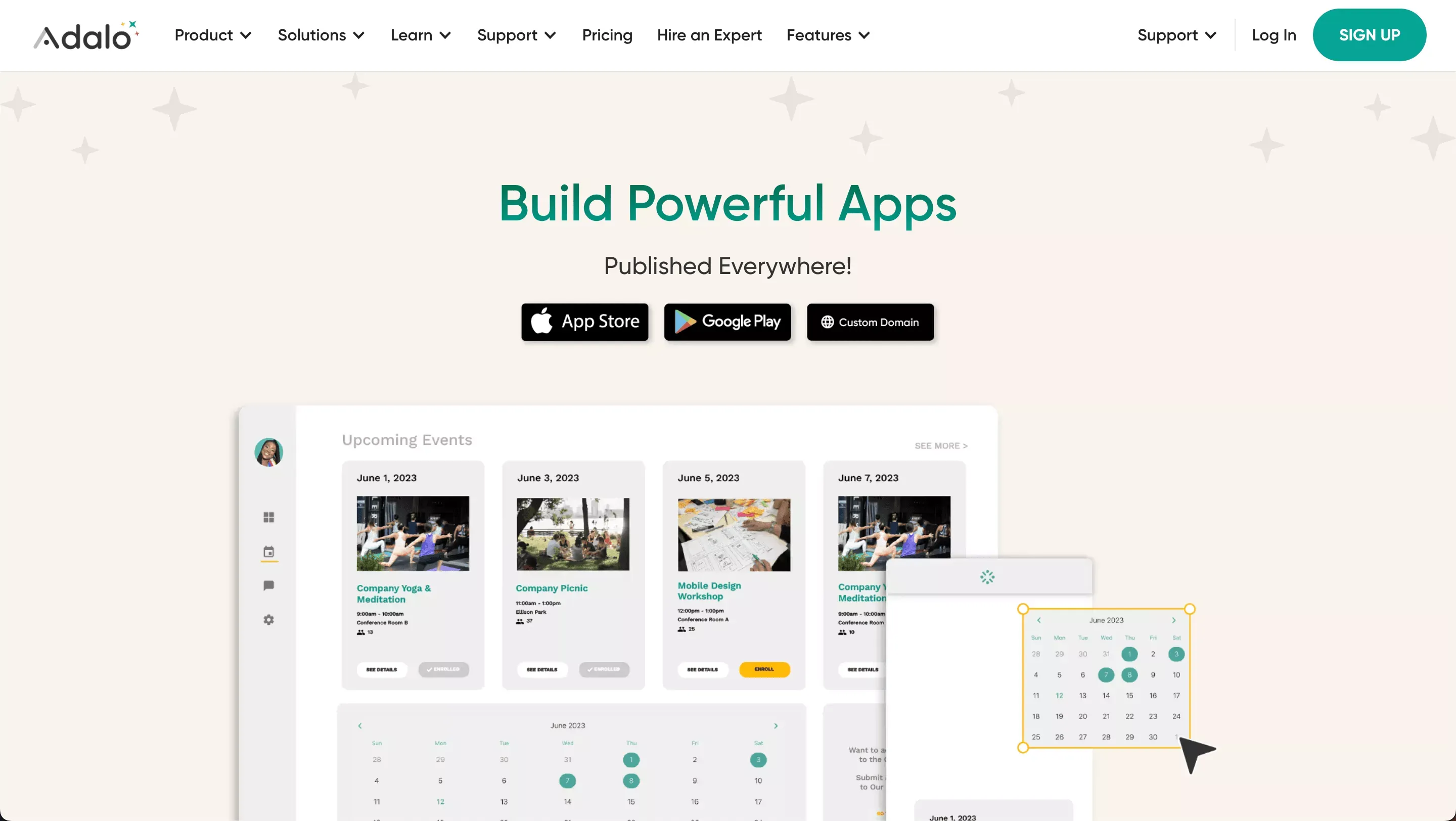
What it does well: Native mobile publishing to iOS and Android, push notifications, clean beginner-friendly interface, component marketplace for common UI patterns, reasonable learning curve for simple apps.
Where it falls short: Backend control is limited for anything beyond basic CRUD operations. Complex data logic requires workarounds.
Best for: Simple customer-facing mobile apps where speed to launch matters more than complex logic.
4. Glide
Glide turns Google Sheets data into apps. If your team already manages data in spreadsheets, Glide can turn that into a functional app in a few hours. The visual interface is clean and the learning curve is gentle.
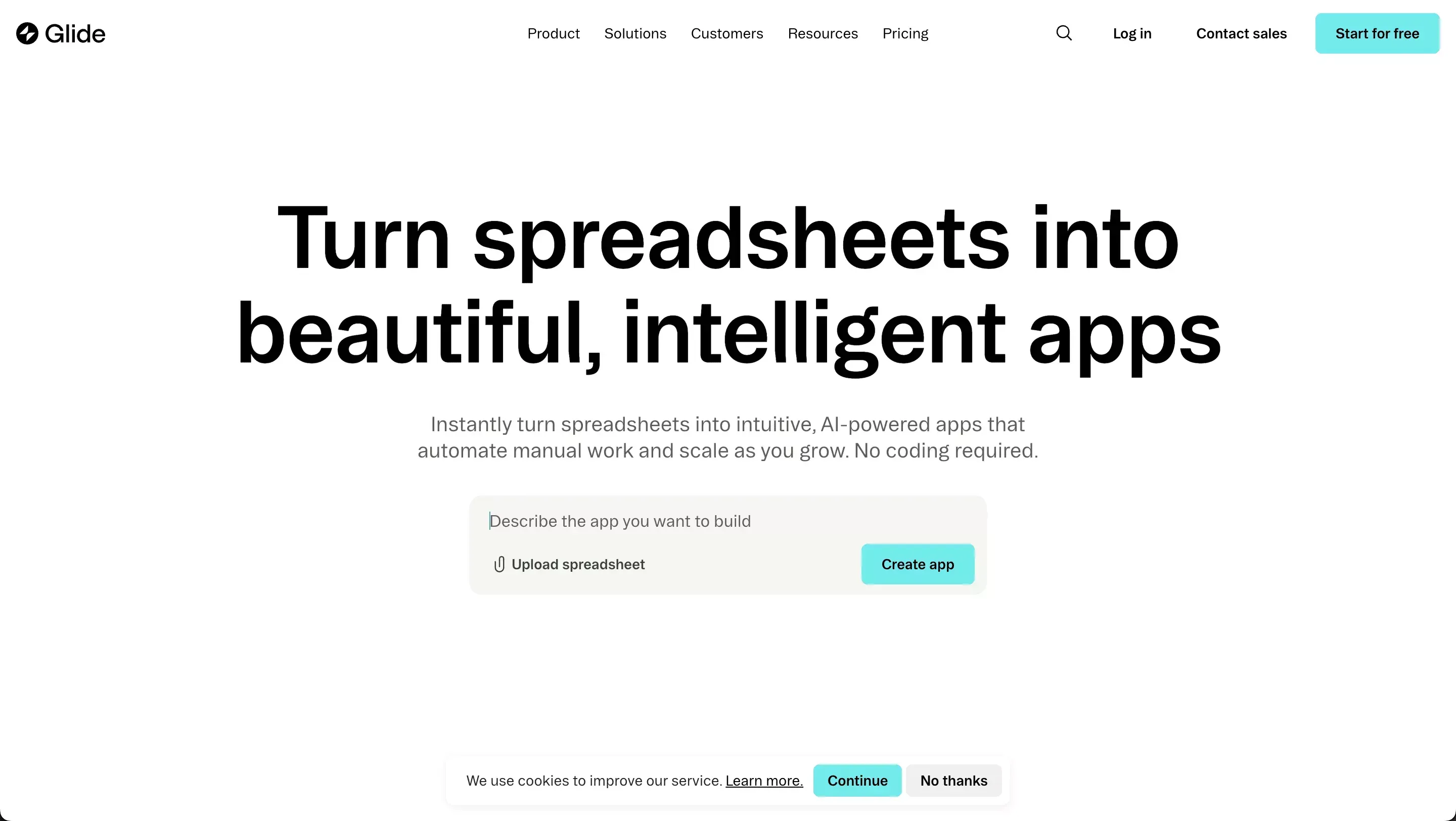
What it does well: Direct Google Sheets and Google Workspace connection, role-based data access, clean interface with low learning curve, automation rules for simple workflows, good for internal tools and client portals built from existing data.
Where it falls short: Deep customization is limited. Not designed for apps that need a custom database schema or complex backend operations.
Best for: Internal tools and client portals built from existing spreadsheet data, especially for teams already running on Google Workspace.
5. SAP Build Apps
SAP Build Apps is an enterprise-tier low-code platform. It supports native mobile and web apps, integrates with the SAP ecosystem, and is designed for organizations that need advanced security and structured business workflows. It is more low-code than no-code, technical teams can extend with custom code.
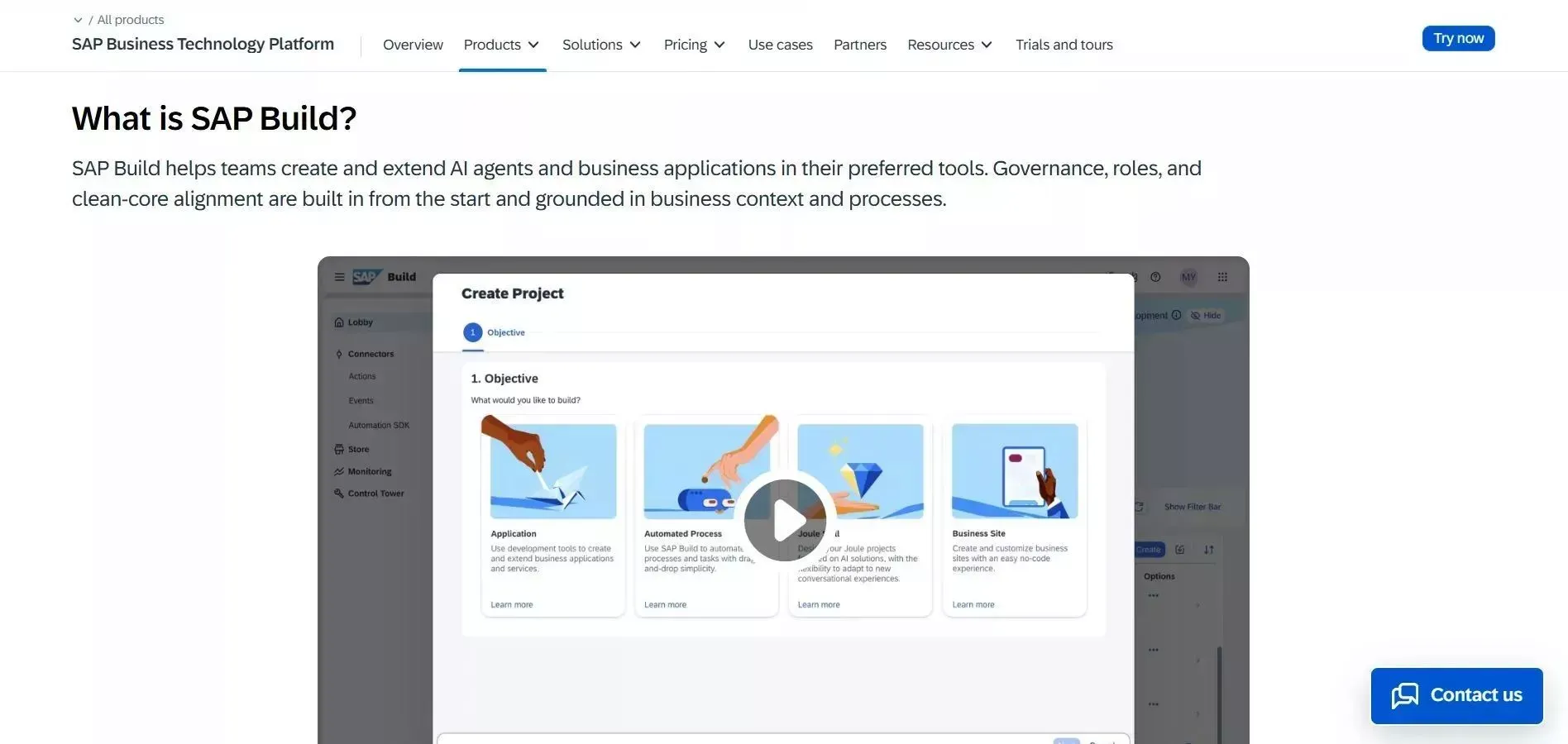
What it does well: Native mobile and web app support, enterprise-level security, strong business workflow capabilities, integration with the SAP ecosystem, custom code extensions, multi-platform deployment.
Where it falls short: Heavy for small teams or simple apps. Pricing is enterprise-tier. Steeper learning curve without SAP experience.
Best for: Enterprise internal tools and business apps, particularly for organizations already using SAP products.
6. Retool
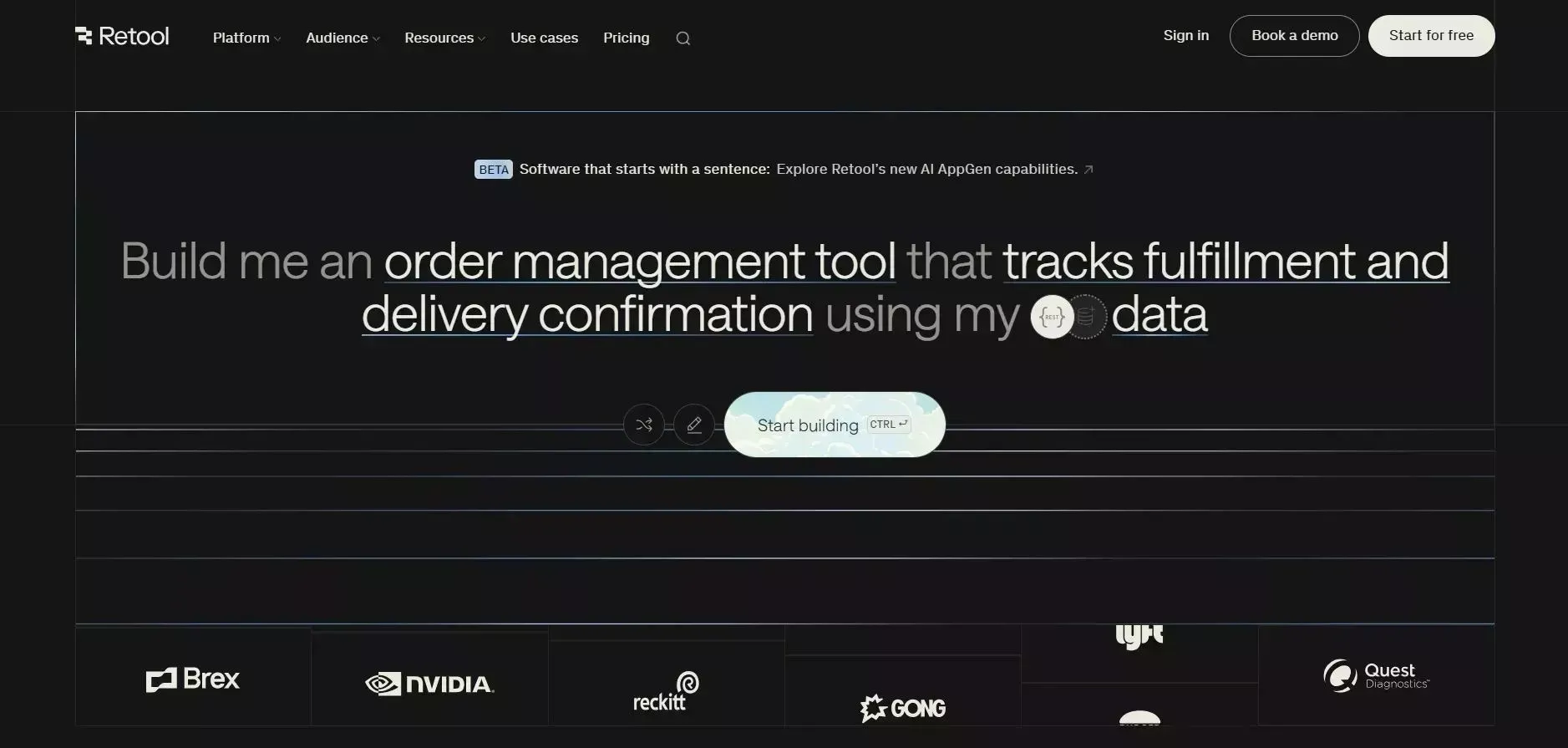
Retool is a low-code platform for building internal tools that connect directly to databases and APIs. It is designed for technical teams who need to build admin dashboards and data-heavy internal tools quickly. The drag-and-drop UI builder is fast to work with once you know what you are doing.
If you want to understand how AI-assisted tools compare when it comes to helping you build internal tools without a developer, that context is useful before committing to Retool's more technical approach.
What it does well: Direct SQL database connections, flexible API integrations, JavaScript support for custom logic, role-based access control, strong for data-heavy dashboards and admin panels.
Where it falls short: Not fully no-code, some JavaScript knowledge is required for anything beyond basic queries. Not designed for customer-facing apps or native mobile. Per-user pricing can get expensive.
Best for: Technical teams building internal tools and admin dashboards where direct database access is a requirement.
Quick Comparison Table
| Platform | Best For | Native Mobile | Web Apps | Internal Tools | Code Export | Research and Validation | Starting Price |
|---|---|---|---|---|---|---|---|
| Rocket | Research + build + monitor | Flutter, App Store ready | Next.js | Yes | Yes | Yes (Solve + Intelligence) | Free, $25/mo |
| Bubble | Complex web apps | No | Yes | Moderate | Limited | No | Free, ~$29/mo |
| Adalo | Simple native mobile | Yes | Basic | Basic | No | No | Free, $36/mo |
| Glide | Spreadsheet-based tools | Moderate | Yes | Yes | No | No | Free, $49/mo |
| SAP Build Apps | Enterprise internal systems | Yes | Yes | Yes | Yes | No | Enterprise |
| Retool | Technical internal tools | No | Yes | Yes | No | No | Free, $10/user/mo |
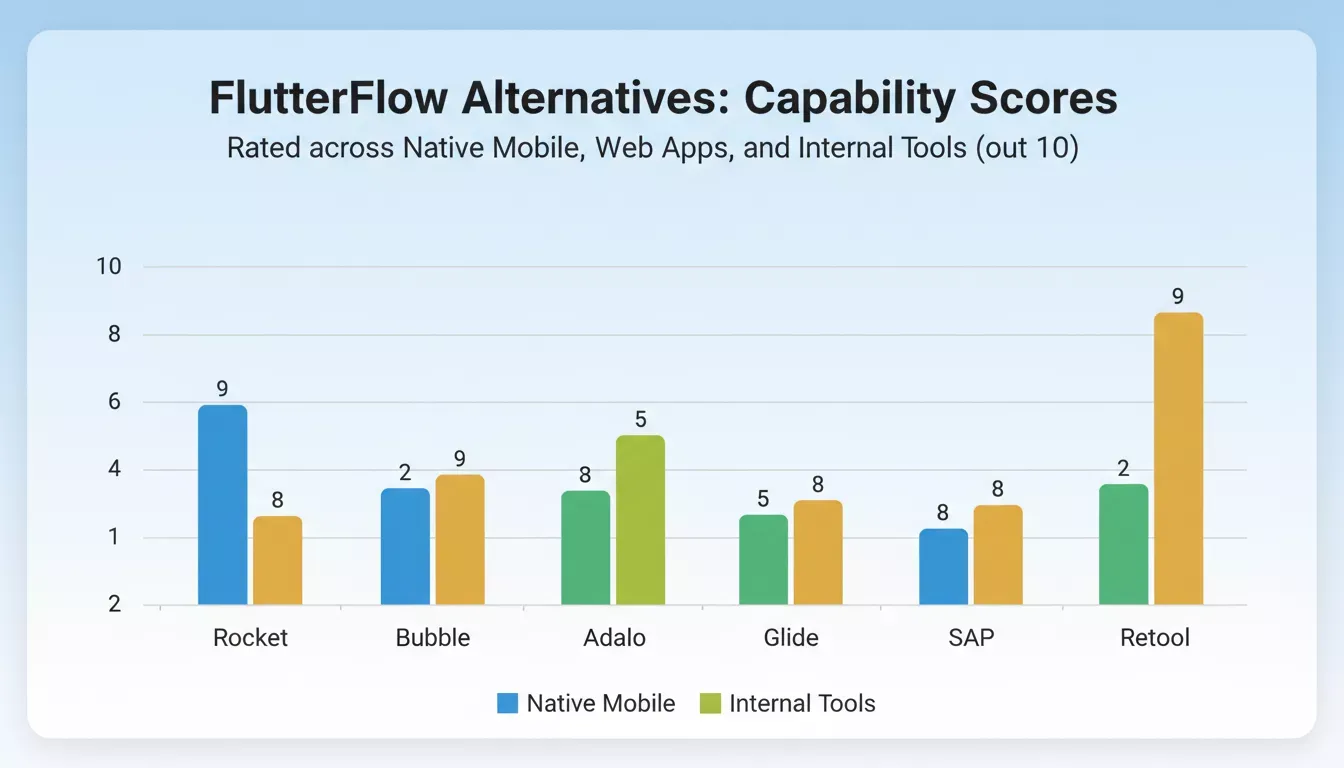
Capability scores across native mobile, web apps, and internal tools. Rocket.new leads on research and validation.
Community Insight
The FlutterFlow vs Bubble discussion on Reddit's r/nocode surfaces a consistent pattern:
FlutterFlow tends to win for mobile-first apps where Flutter's native performance matters, while Bubble tends to win for web apps with complex business logic. Teams that need both often end up evaluating platforms that handle multi-platform deployment from a single codebase.
Choosing the Right FlutterFlow Alternative
The most expensive mistake is not picking the wrong tool. It is picking the right tool for the wrong problem.
Pick Rocket if you need to validate the idea before building, ship web and mobile apps from one platform, and track what competitors do after launch. It is the only FlutterFlow alternative in this list that includes pre-build research (Solve) and post-launch competitive intelligence (Intelligence). If you want to see what this looks like in practice, the AI app builder page shows how the full workflow runs.
Pick Bubble if you are building a complex web app and want access to a large plugin ecosystem. Pick Adalo if you need a simple native mobile app. Pick Glide if your data already lives in Google Sheets. Pick SAP Build Apps if you are inside the SAP ecosystem. Pick Retool if you have a technical team that needs direct database connections.
Get clear on what you are actually building before you commit. A day of evaluation now saves weeks of migration later. If you want to explore how Rocket.new handles the no-code app builder use case specifically for startups, that comparison breaks it down further.
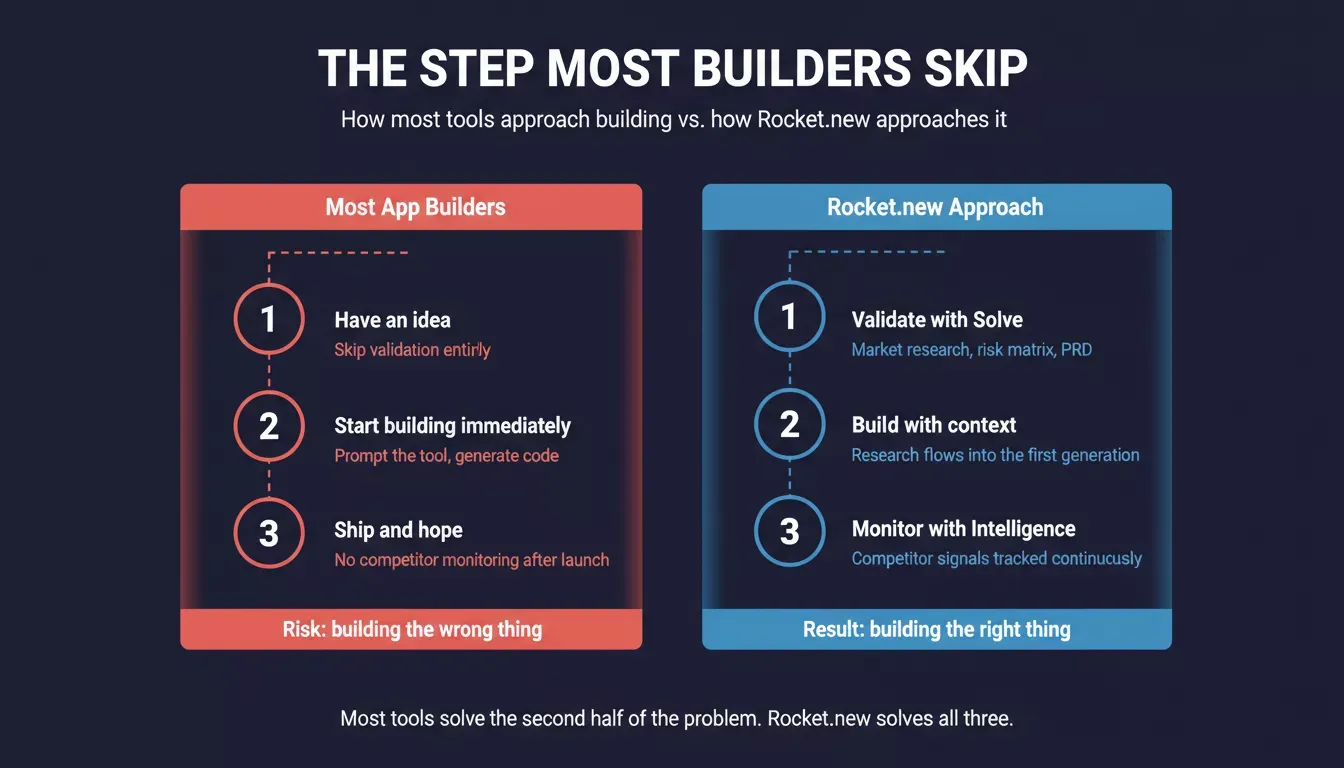
Most tools solve the second half of the problem. Rocket.new solves all three.
FlutterFlow Alternatives in a Nutshell
Many teams start building mobile apps or web apps and later realize the tool does not support complex logic, deep customization, or strong internal tools. The learning curve becomes steeper as apps grow. Vendor lock-in and limited code export add friction.
Compare FlutterFlow alternatives early. Check key features like native mobile support, client portals, backend control, and custom development options. Think about long-term plans, not just quick app creation. And consider whether you need a tool that only builds, or a platform that helps you figure out what to build first.
The right platform depends on the app idea, team skills, and growth plans. Strong evaluation today saves rework tomorrow.
Most teams pick a tool and start building. The ones that slow down for a day to evaluate properly, checking whether the tool fits the actual problem, not just the first version of it, rarely have to switch later.
Rocket is built for teams that want to get that decision right the first time. Research the market with Solve, build the product with Build, and track what competitors do next with Intelligence, all in one place.
Start for free on Rocket.new and see how the first generation looks when it starts from real product thinking.
Table of contents
- -Why Teams Start Looking for FlutterFlow Alternatives
- -What to Check Before You Switch
- -How to Choose: Decision Flowchart
- -Best FlutterFlow Alternatives to Consider
- -1. Rocket
- -2. Bubble
- -3. Adalo
- -4. Glide
- -5. SAP Build Apps
- -6. Retool
- -Quick Comparison Table
- -Community Insight
- -Choosing the Right FlutterFlow Alternative
- -FlutterFlow Alternatives in a Nutshell