

A data visualization dashboard converts raw business data into clear visual signals, helping teams spot trends, make faster decisions, and improve outcomes. This guide covers what makes a great dashboard, real examples, and how to build a custom one with AI.
A data visualization dashboard turns complex data into clear signals, helping teams spot patterns faster, make confident decisions, and improve customer outcomes through visual clarity.
If your team is still guessing from spreadsheets, this guide shows exactly what changes when you switch to a proper dashboard setup.
What Is A Data Visualization Dashboard?
A data visualization dashboard is a single screen that pulls raw data from multiple sources and presents it visually, so anyone can understand what is happening at a glance.
Think of it like a cockpit instrument panel. Wind speed, altitude, fuel, and heading all in one view, no digging required. A dashboard does the same for your business: it takes numbers from your CRM, sales tools, analytics platforms, and financial systems and turns them into charts, graphs, and KPI cards that tell a coherent story.
A good dashboard doesn't show every number ever collected. It shows the right numbers, in a visual format that makes patterns obvious without any explanation.
Why Everyone Is Talking About Dashboards
If you've ever been in a meeting where someone says, "Let's look at the dashboard," this is what they mean: a way to present data so that patterns jump out without squinting at spreadsheets.
So, why the buzz?
- Data without context is just noise. Dashboards add the context.
- Dashboards help teams stop guessing and start seeing trends.
- They make data-driven decisions feel normal, not scary.
Studies report that 82% of teams gain a better understanding of their data, while 60% see quicker gains in customer experience when visuals guide decision-making.
A dashboard isn't a pile of pictures stuck together. It's a tool for informed decisions guided by visuals that make sense to humans.
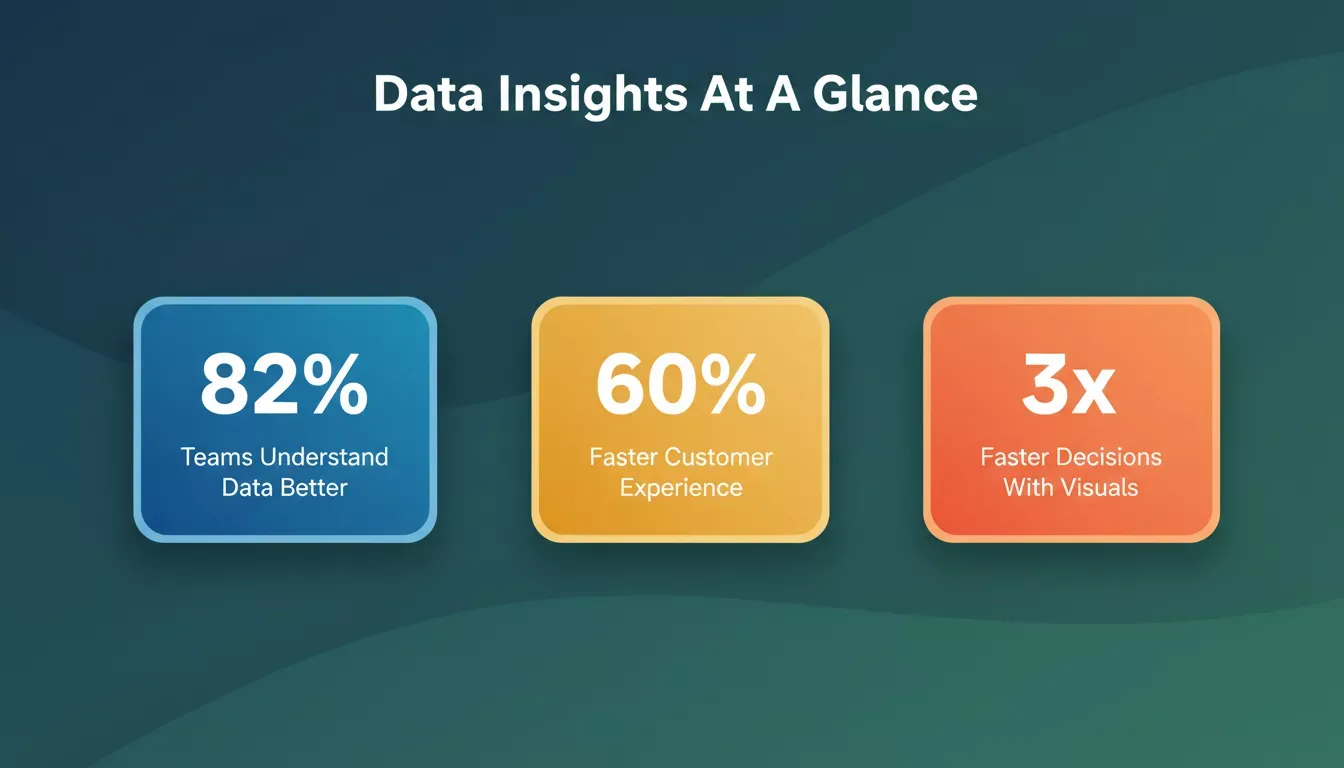
Visual data consistently outperforms raw numbers when it comes to team comprehension and decision speed.
How Dashboards Turn Data Into Insight
This is where the quiet work happens. It's not flashy, but it's what separates a helpful dashboard from a confusing one.
The data visualization pipeline: from raw sources to actionable insights.
1. Collecting The Right Data
Dashboards need data sources: your CRM, sales systems, social platforms, web apps, financial tools, and spreadsheets. Each source feeds data points into the dashboard. If you've ever opened a spreadsheet with a thousand columns and felt your eyes hurt, this is the step where dashboards take over and make those numbers feel human.
2. Organizing Before Visualizing
Before anything gets shown, data needs cleaning. That means removing duplicates, updating stale values, and combining different sources into something meaningful. Without this step, even the best data visualization tools can't help much.
3. Choosing The Right Layout
A dashboard designer picks where charts go, what colors to use, and how data is grouped. No one wants a cluttered screen. A dashboard should show patterns, not pester you with unrelated figures.
When these three steps work together, the dashboard stops feeling like a report and starts feeling like a guide. That's when insights feel obvious, not forced.
What Makes A Good Data Visualization Dashboard?
Not all dashboards are created equal. Some make you say "wow," others make you say "what am I looking at?"
1. Clear Visuals
If a chart needs a long explanation, it's not doing its job. Good visuals explain themselves in seconds.
- Line charts show trends over time.
- Pie charts show parts of a whole at a glance.
- Bar charts compare values without confusing the viewer.
These visuals help you monitor business performance, like sales or campaign performance, instantly.
2. Focus On The Signal, Not The Noise
A good dashboard highlights key metrics, such as revenue trends and customer acquisition numbers. It surfaces issues quickly and filters out everything else. If a dashboard shows every metric you collect, people will stop looking at it.
3. Interactive Features
The best dashboards let you click to filter by time range, hover to see details, and drill into a specific data point. These interactive dashboards feel like conversations with your data. You ask something, and it answers.
When visuals stay clear, noise stays low, and interaction feels natural, a dashboard stops being something people tolerate. It becomes something they actually want to check.
Data Visualization Dashboard Examples That Hit The Mark
Here's a breakdown of different dashboard types and what they're built for:
| Dashboard Type | Good For | Example Visuals | Key Metrics |
|---|---|---|---|
| Social Media Dashboard | Campaign performance across platforms | Bar graphs, trend lines | Engagement rate, reach, clicks |
| Google Analytics Dashboard | Website traffic and conversion overview | Line charts, maps | Sessions, bounce rate, conversions |
| Ecommerce Dashboard | Sales, revenue, average order value | Pie charts, KPI cards | Revenue, cart abandonment, AOV |
| Executive Dashboard | High-level business performance | Summaries, top KPIs | Revenue growth, NPS, churn rate |
| Financial Reporting Dashboard | P&L, cash flow, budget vs. actual | Waterfall charts, gauges | Gross margin, burn rate, EBITDA |
These data visualization dashboard examples show how visuals help teams focus on what matters. Each one serves a different audience, from data analysts to busy executives.
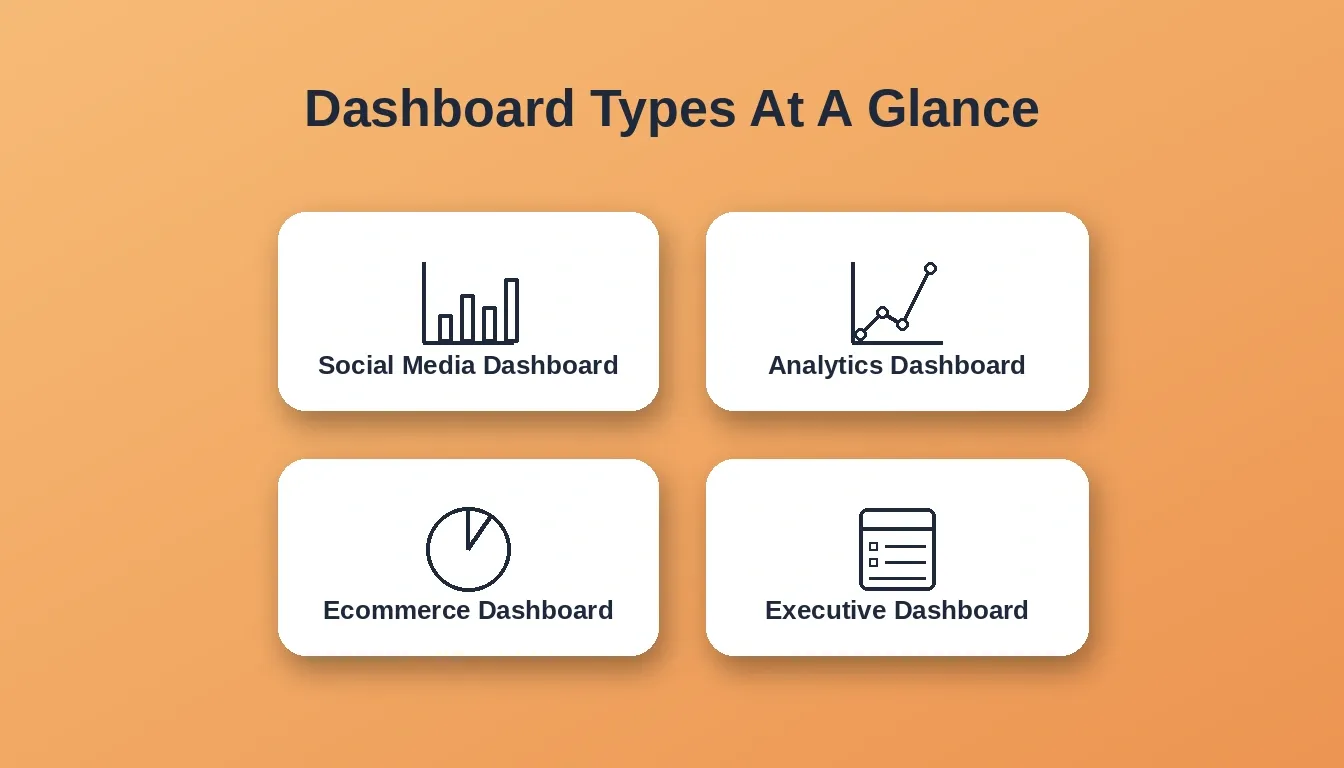
Different teams need different dashboards. Matching the dashboard type to the audience is what makes it useful.
Real Speak From The Community
Here's something a dashboard builder shared on Reddit.
"I designed something clean, intuitive, and focused on the key metrics that actually matter… but the client keeps asking to add more and more stuff… Now the dashboard looks like an Excel sheet on steroids. It defeats the purpose of having a dashboard in the first place."
When dashboards try to please everyone, they usually end up confusing everyone. The best dashboard for data visualization is the one that shows less, not more.
What You Can Track With Dashboards
When done right, dashboards help you watch website traffic trends as they happen, sales performance and profit margins, and marketing campaign success and ad spend efficiency. Running data-driven teams without dashboards is like driving with a blindfold. You might move forward, but good luck knowing where you're headed.
According to Gartner's research on analytics, organizations that operationalize data visualization into daily workflows consistently outperform peers on decision speed and market responsiveness.
Build Your Own Custom Data Visualization Dashboard With AI
Most teams don't need another BI subscription. They need a dashboard built exactly for their workflow, connected to the data sources they already use.
Rocket.new is an AI app builder that generates production-ready web applications from a plain-language description. One of its built-in build categories is Dashboard, with example prompts designed specifically for teams that want to visualize metrics, track KPIs, or build internal reporting tools.
Here's what that looks like in practice:
- Describe your dashboard in plain language: "Build a sales performance dashboard connected to our CRM showing revenue by region, conversion rate by rep, and deal pipeline by stage."
- Rocket generates a working Next.js web app with the UI, data model, navigation, and logic already in place.
- Connect it to your existing data sources: Mixpanel, Airtable, Notion, Linear, Google Analytics, Supabase, and 25+ other integrations. Authenticate once and flow directly into the build.
- Iterate through chat, visual editing, or direct code access. No change limit.
The result is a custom data visualization dashboard that reflects your actual data structure, not a generic template someone else designed.
Rocket also ships every build with built-in analytics out of the box: visitor counts, conversion tracking, and Core Web Vitals performance monitoring start collecting data the moment the app goes live, with zero additional setup.
This approach is fundamentally different from subscribing to a BI tool and mapping your data to someone else's chart library. You own the app, the code, and the design. And because Rocket generates production-grade Next.js code, the dashboard can scale, integrate, and be extended by a developer whenever the team is ready.
Teams that want to go further can also use Rocket's internal tools capabilities to build OKR trackers, customer health monitors, and compliance dashboards, all connected to the same data layer.
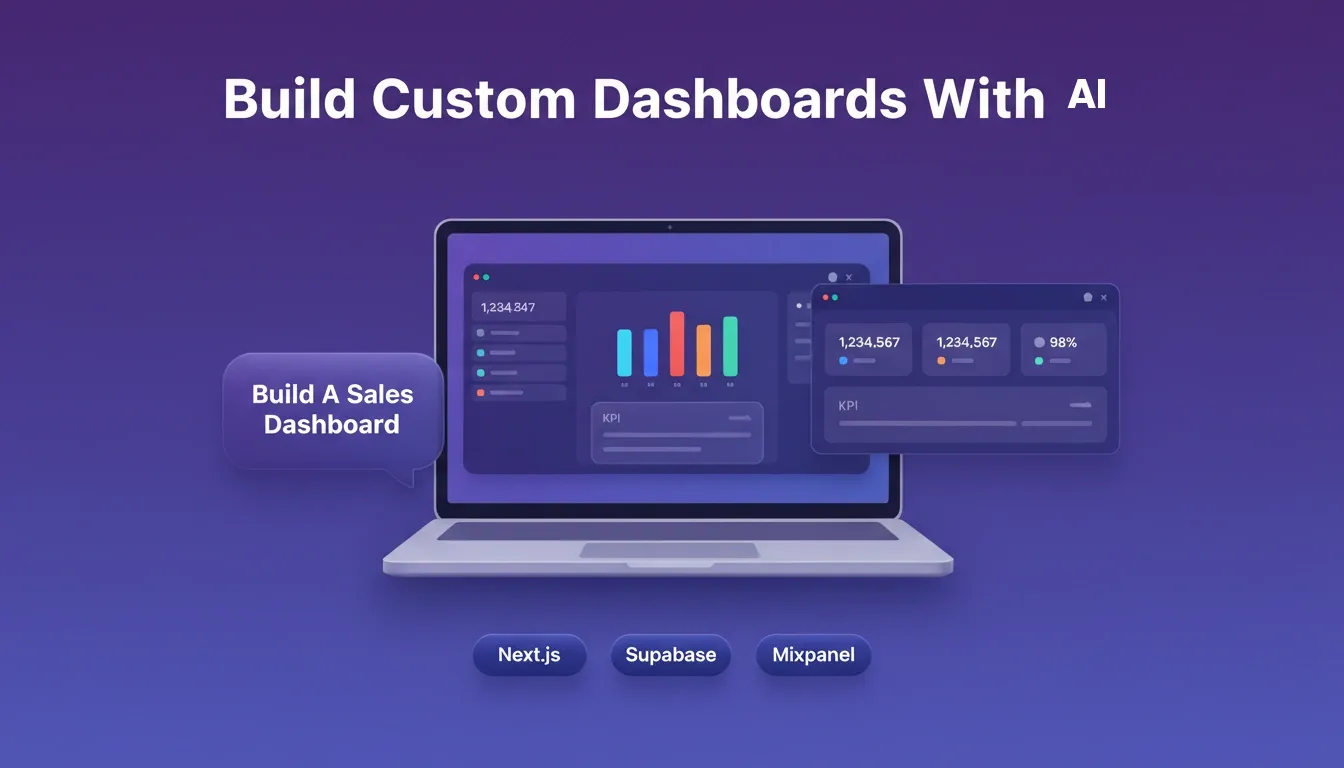
Rocket.new generates a working, deployable dashboard app from a plain-language description, connected to your existing data sources.
How Dashboards Help Your Business Grow
Dashboards turn guessing into knowing. Here's how they make a real difference:
- Spot trends quickly: Real-time data highlights performance shifts immediately. A drop in conversion rates? You see it now.
- Catch opportunities early: A spike in sales revenue or traffic doesn't go unnoticed. You can act before competitors do.
- Make data-driven decisions: Dashboards help teams move from intuition to insight, guiding smarter planning and faster responses.
- Focus on what matters: Instead of drowning in numbers, dashboards deliver clean, actionable visuals that keep your team on track.
- Improve outcomes across the board: From marketing campaigns to sales performance, dashboards help teams respond faster and achieve better results.
Dashboards aren't just pretty charts. They're your team's shortcut from confusion to clarity. The better the dashboard, the faster everyone knows what's working, what's not, and where to focus next.
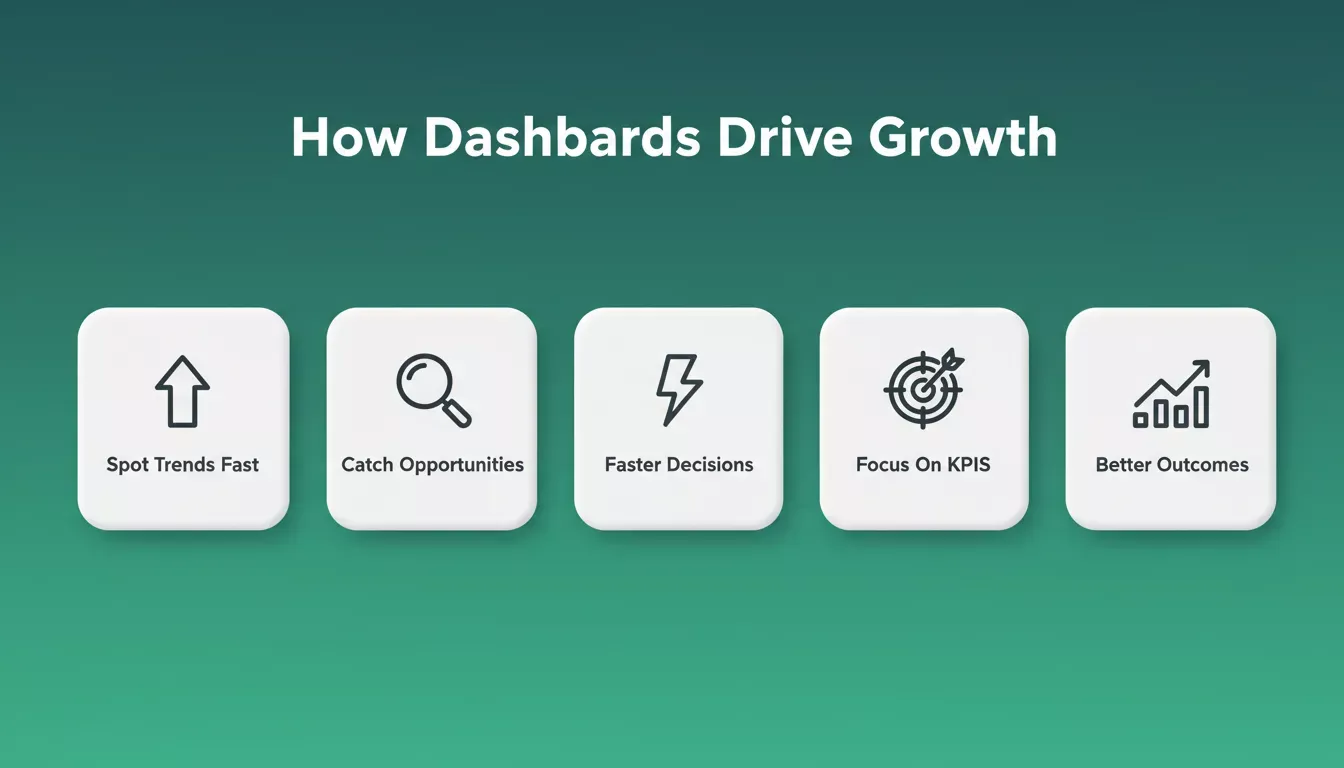
A well-built data visualization dashboard delivers five compounding business advantages.
A Data Visualization Dashboard That Guides Growth
A data visualization dashboard helps teams make smarter decisions, stay aligned, and clearly see performance, all in a simple, visual way.
It takes raw, tangled numbers and turns them into clean, actionable insights that actually make sense. No more squinting at spreadsheets or guessing what the data means. Every time the dashboard opens, your team can move from "huh?" to "ah, got it" in seconds.
With the right dashboard for data visualization, data stops feeling like a maze and becomes a map that points directly to growth.
Stop waiting for a BI tool to support your exact data model. Describe the dashboard your team actually needs and let Rocket.new build it. Start building for free and turn your data into a working app today.
Table of contents
- -What Is A Data Visualization Dashboard?
- -Why Everyone Is Talking About Dashboards
- -How Dashboards Turn Data Into Insight
- -1. Collecting The Right Data
- -2. Organizing Before Visualizing
- -3. Choosing The Right Layout
- -What Makes A Good Data Visualization Dashboard?
- -1. Clear Visuals
- -2. Focus On The Signal, Not The Noise
- -3. Interactive Features
- -Data Visualization Dashboard Examples That Hit The Mark
- -Real Speak From The Community
- -What You Can Track With Dashboards
- -Build Your Own Custom Data Visualization Dashboard With AI
- -How Dashboards Help Your Business Grow
- -A Data Visualization Dashboard That Guides Growth

