AI design generators help businesses create professional logos quickly without advanced design skills. By writing clear prompts, testing multiple styles, and refining the best options, users can generate scalable, brand-ready logos in minutes.
Can an AI design generator help craft better logos quickly?
Yes, these tools let you enter an idea and generate logos in minutes. With creative prompts and smart options, you get real logo design help in record time.
According to industry data, more than 83% of creatives report using AI tools in their design process at least once a week, helping speed up visual work and idea generation.
If you need a logo that feels right for your brand but don’t have deep design skills, AI design generator platforms can be a massive help. They offer AI graphic designs that come from simple prompts, and you can iterate until you find something that clicks.
Let’s see how to use these tools for logos, achieve better results, and keep your creative process fun.
Why Use an AI Design Generator for Logos?
A traditional logo process takes time, design theory, and sometimes a high-priced designer. But AI design tools help close that gap.
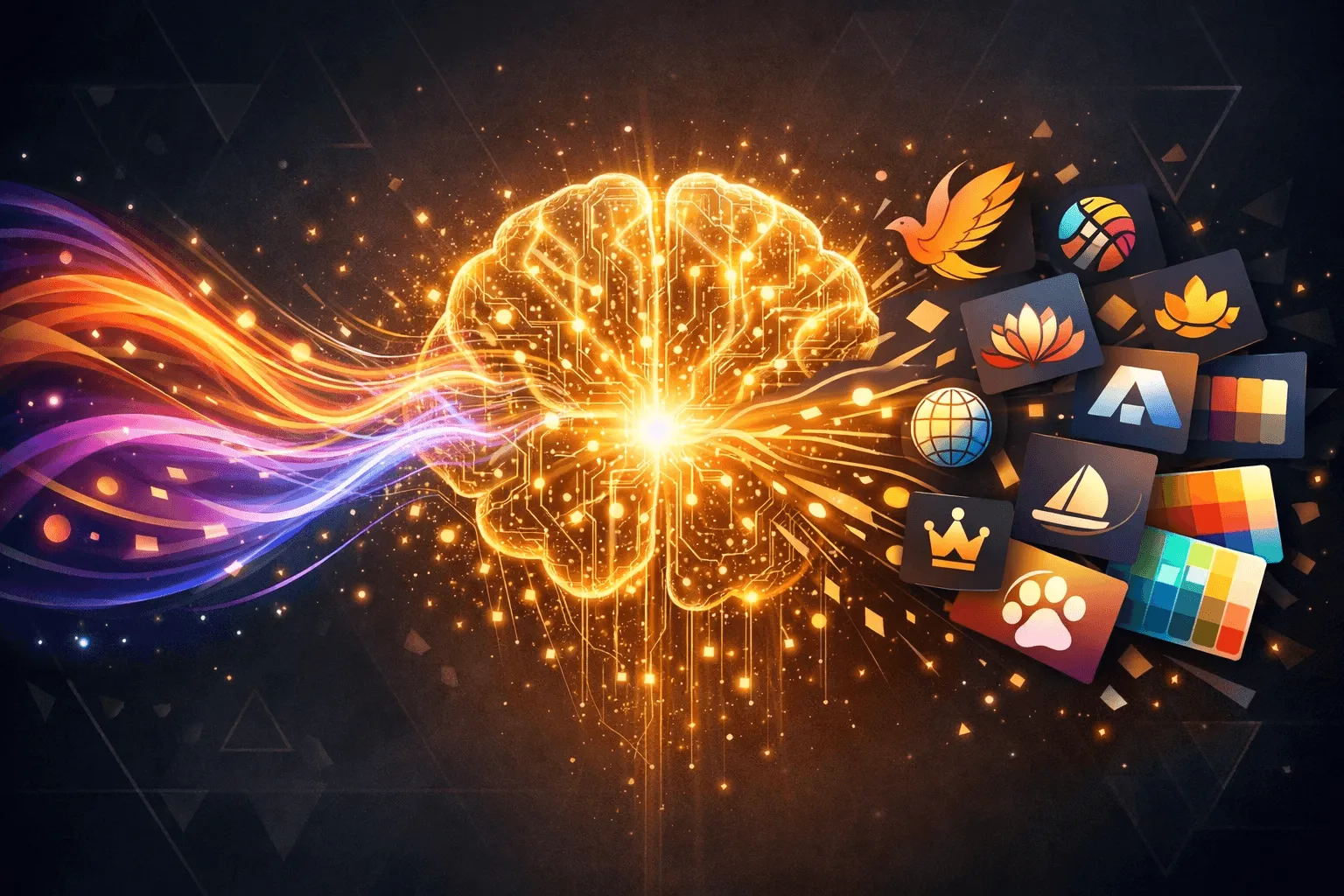
These generators use artificial intelligence to interpret your text prompts and generate images, including logos, icons, fonts, color palettes, and subtle style tweaks.
They run on AI-powered tools and engines and often include built-in styles such as modern, vintage, minimal, and bold. That means even beginners can start and quickly see options.
The benefits include:
- Fast ideas in minutes, not days
- Less reliance on deep design skills
- Helps jump-start your creative workflow
- Let's you make multiple choices before committing
Plus, many AI logo generators now offer vector downloads, which is important for scaling your logo in real work, like merchandise or branding assets.
Pick the Right AI Tools for Your Logo
So, how many AI designs should you try? The short answer is as many as you need to feel confident — but starting with 5–20 variations is a smart move.
Here’s a quick comparison of common options for logo design:
| Tool Category | Best for | Notes |
|---|---|---|
| AI logo maker | Quick logos | Simple brands, small business logos |
| AI design generator | Full brand visuals | Logos + banners + social media graphics |
| AI image generator | Concept art | Great for mood and style exploration |
| AI graphic design generator | Multi-asset design | Logos, posters, branded visuals |
This table helps you match your task to the right tool. For straight logo work, an AI logo maker or AI design generator is usually ideal.
How to Use an AI Design Generator for Logos?
An AI design generator works best when treated like a creative partner, not a magic button. The results depend heavily on the input given.
Clear ideas, playful testing, and small tweaks lead to stronger logos. Rushing through the steps often results in designs that feel generic. Taking a few extra minutes here can save hours later.
1. Start with a Clear Prompt
Alright, here’s the key. The more specific your text prompt, the sharper your results.
Ask yourself:
- What style do you want?
- What colors represent the brand?
- Any symbol ideas?
For example, a prompt like “Create a minimal flat logo with a rocket and bold blue text for a tech startup.”
gives the generator useful hints.
This first step makes your AI-generated images more relevant.
2. Try Different Styles
Now, ask for variants in different styles. Ask for minimalist, 3D, or textured versions.
Some generators even let you choose different styles before hitting generate. Play around. Think of each variant as a rough sketch, but done by AI tools.
This part can be fun. Ask for 10–20 designs, then pick a few winners.
3. Refine the Best Options
Once you have logo choices, see what feels right. Look at:
- Simplicity
- Color meaning
- Font clarity
- Scalability (logo should work big and small)
Often, AI design tools let you tweak colors, icons, and layouts right there. That means you don’t have to go back to square one if something’s just a little off.
Play with edits until the logo feels right for your vibe.
4. Export and Use
Now comes the practical bit. Make sure your logo export gives you:
- High-resolution files
- Vector formats for print and scaling (SVG or EPS)
- Versions with transparent background
You may want logo versions for web, print, signage, and T-shirts, and many generators handle that.
This step-by-step flow keeps the logo process simple and flexible. The goal isn’t to land the perfect logo on the first try.
It’s to test ideas fast, spot what works, and shape the design until it fits the brand’s personality. When guided well, an AI design generator turns quick experiments into logos that actually feel intentional.
Common Mistakes
Alright, this is where things usually go sideways. People rush the process and end up with logos that feel… meh.
Here are a few common slip-ups to watch out for.
- Too Busy Designs: When a logo tries to say everything at once, it ends up saying nothing. Too many elements make it look messy, especially on small screens like favicons. Simple almost always wins.
- Weak Color Choices: Colors aren’t just decoration. They trigger feelings. Blue feels calm and trustworthy. Red feels bold and energetic. Random color choices can confuse people, so pause and consider the emotion the brand should convey.
- Ignoring Human Feedback: Just because an AI generator spits out a logo doesn’t mean people will like it. Real opinions matter. Show it to friends, customers, or teammates and actually listen. If three people squint at it, that’s a sign.
Avoiding these mistakes helps the logo feel intentional, not accidental. The goal isn’t just to have a logo that exists; it’s to have one people remember.
Community Insight
A Reddit user shared a real experience with logo tools:
“Creating a simple logo with free AI tools is easy and doesn’t require any design skills… Most tools ask for your brand or business name and then generate options you can customize.”
Rocket.new: Bringing AI-Generated Logos into Real Designs
Rocket.new doesn’t replace an AI design generator. Instead, it handles what usually comes next. Turning a logo into something usable inside a real product.
Once a logo is created with an AI design generator, Rocket helps place it into real layouts quickly. Instead of manually wiring pages, headers, or navigation, the platform builds structured screens where logos naturally live.
This matters because a logo that looks good on a white background can fall apart inside an actual interface.
Rocket.new helps teams:
- Test how a logo looks in real UI, not just on a blank canvas
- Check spacing, contrast, and visibility across screens
- Keep branding consistent across pages
Using Commands to Update Logos Instantly
Rocket.new supports simple commands that make visual updates painless.
/update-app-logo: This command lets teams replace or update the app logo across the project without manually modifying layouts. No digging through files. No guessing which screen still has the old version.
It’s especially helpful when:
- A logo gets revised after feedback
- Multiple logo versions are being tested
- Branding needs quick alignment across screens
This aligns well with an iterative design flow, where logos evolve rather than remain static.
Top Features :
- Prompt to App Creation: Builds apps directly from single prompts
- Figma Import: Converts design files into live, editable layouts
- AI-Powered Backend: Automatically handles logic, data, and workflows
- Custom Domain Support: Publishes projects with a branded domain
- Code Export: Allows developers to extend or customize later
- Live Preview: Shows instant updates while editing
Simple Tips for Better Results Every Time
This part is about polishing, not reinventing. Small tweaks to how prompts are written and feedback is used can significantly affect the final outcome.
- Be clear and specific in your prompts
- Try a handful of AI-generated logos first
- Ask for mood, colors, and style hints up front
- Use human feedback before finalizing
- Export in multiple formats to cover all uses
Follow these tips, and the process feels less like trial and error and more like controlled experimentation. A few thoughtful steps can turn a basic draft into a logo that actually holds up in real use.
AI Design Generator for Logos
Traditional logo design can be slow and intimidating without design skills. Use an AI design generator to get AI-generated designs fast. Prompt clearly, review options, then tweak. Split simple and complex logo styles to see what fits best.
Using an AI design generator for logos can save time, spark creative ideas, and produce professional results as long as you guide the tool well and mix human judgment with creative prompts.
Table of contents
- -Why Use an AI Design Generator for Logos?
- -Pick the Right AI Tools for Your Logo
- -How to Use an AI Design Generator for Logos?
- -1. Start with a Clear Prompt
- -2. Try Different Styles
- -3. Refine the Best Options
- -4. Export and Use
- -Common Mistakes
- -Community Insight
- -Rocket.new: Bringing AI-Generated Logos into Real Designs
- -Using Commands to Update Logos Instantly
- -Top Features :
- -Simple Tips for Better Results Every Time
- -AI Design Generator for Logos