
Framer is a strong design tool, but growing teams consistently hit its limits. This blog covers the top Framer alternative options, covering features, pricing, and what each platform actually delivers for designers and teams.
Are there tools that work better than Framer for designers and teams?
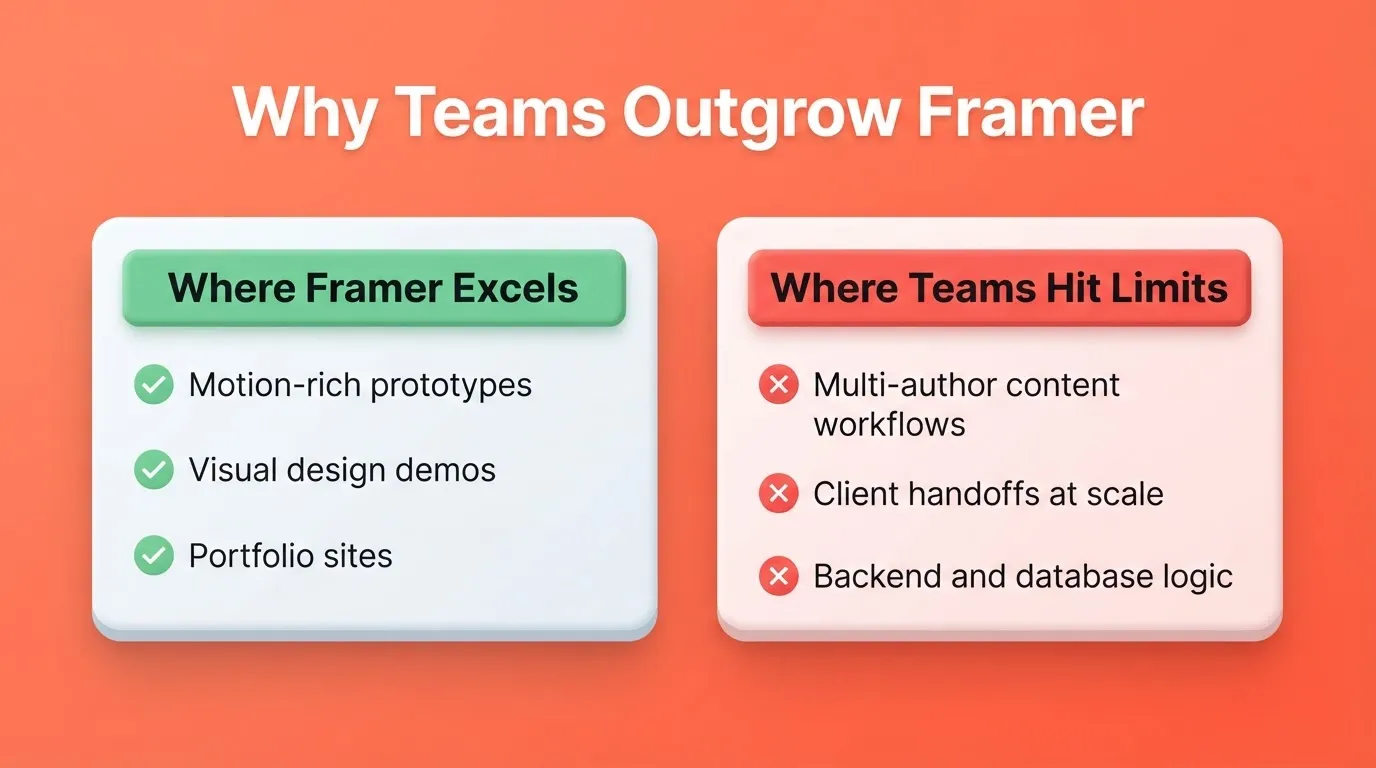
Yes. Framer excels at rapid visual design and motion-heavy prototypes. But many teams outgrow it once projects scale.
Designers and marketers often need stronger collaboration, content management, and long-term website governance. Studies show 94% of first impressions are design-driven. Also, 38% of visitors leave if the layout feels poor.
When workflows break down, design quality suffers.
Here are the best Framer alternatives to help designers and teams choose tools that support growth.
Why Designers Look Beyond Framer
Framer excels at motion-heavy layouts, quick prototypes, and interactive demos. That's not the issue. The problem starts when projects grow.
Many designers notice limitations once they move past one-page sites or portfolio work. Teams often need better content management, easier blog and page workflows, more control over website content, support for multiple clients, and real e-commerce features.
This is where a Framer alternative becomes compelling. Some tools focus on visuals only. Others deliver functional websites that support marketing teams, product launches, and business growth.
What Makes A Strong Framer Alternative
Before listing tools, it helps to define what actually matters. A strong website builder should help designers and teams create websites without friction. It should support design flexibility, offer a proper content management system, and include built-in features like hosting and analytics.
It should also support custom code when needed and stay accessible for most users.
Good tools balance visual freedom with structure. That's the difference between a design tool and a real website-building platform.
Quick Comparison
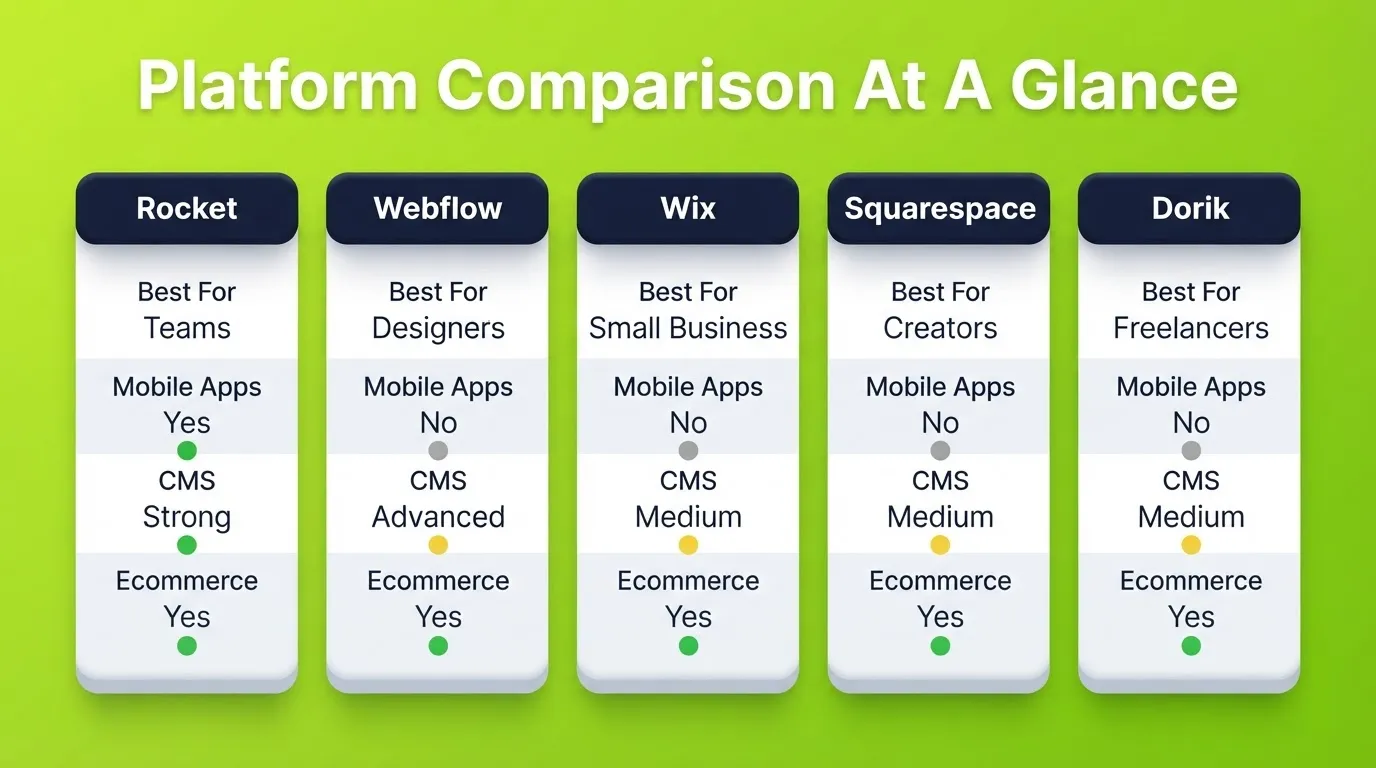
Here's a clean overview of how popular tools stack up as a Framer alternative.
| Tool | Best Use | Platform Type | Ecommerce | SEO Tools | CMS Strength |
|---|---|---|---|---|---|
| Rocket | Teams and startups | AI full-stack builder | Yes | Built-in | Strong |
| Webflow | Designers and agencies | Visual website builder | Yes | Strong | Advanced |
| Wix | Small businesses | AI website builder | Yes | Strong | Medium |
| Squarespace | Creators and stores | Website builder | Yes | Good | Medium |
| Dorik | Freelancers | Website building tool | Yes | Basic | Medium |
This table highlights why designers don't rely on a single platform indefinitely. Each tool solves a different problem at a different scale.
Rocket: Build From Research, Not Just A Prompt

Rocket is a vibe solutioning platform, not just a website builder. It combines strategic research, AI app building, and competitive intelligence in one place. You describe what you want, and Rocket generates a production-ready product.
What makes it different from other Framer alternatives is where it starts. Most tools begin at the design step. Rocket begins before it, with Solve, which validates your idea, maps the market, and produces structured research before a single line of code is written.
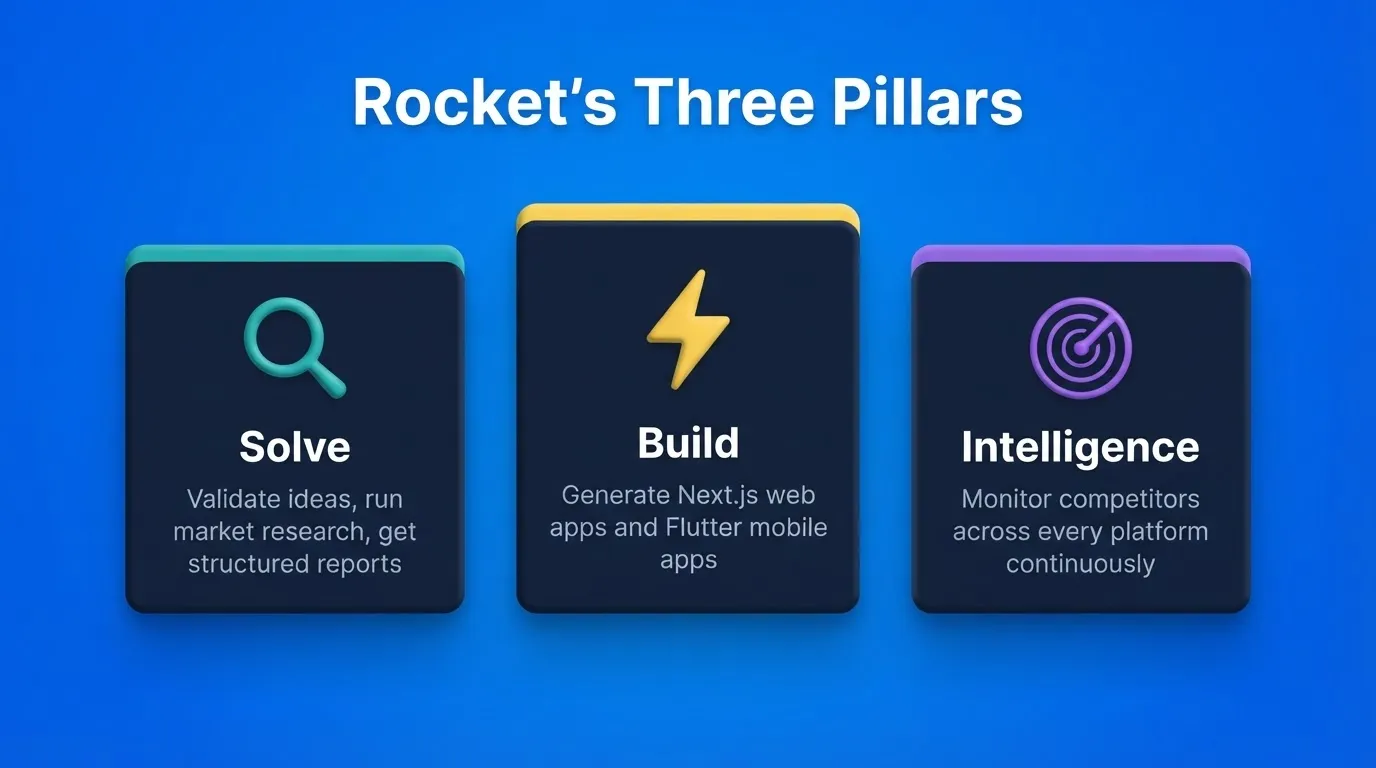
Three Pillars
Solve turns any business question into a structured report with data, insights, and a clear recommendation. You type the problem. Rocket researches it, covers every angle, and delivers findings ready to present.
Build generates production-ready web apps in Next.js and mobile apps in Flutter from natural language. Describe your idea, and Rocket plans the architecture, writes the code, and shows a live preview. Every build ships with SEO-ready structure, WCAG accessibility compliance, and GDPR coverage by default.
Intelligence monitors competitors continuously. It reads their website, social media, ad activity, reviews, press coverage, and job postings. Then it tells you what all of it means together.
Key Features
- Natural language builder: describe your idea, Rocket generates UI, logic, and structure
- Figma-to-code conversion: import a Figma file and get working, production-ready code
- GitHub integration and full code export for complete ownership
- 25+ integrations: Stripe, Supabase, Notion, Linear, Airtable, Mailchimp, Mixpanel, OpenAI, and more
- Visual Edit: click any element in the live preview to change text, style, or layout
- Version history with one-click rollback and staging environments
- Team workspaces with role-based access (Admin, Creator, Viewer) and inline comments
Rocket Pricing
| Plan | What's Included |
|---|---|
| Free | Start building immediately, no credit card required |
| Build | Web and mobile app generation with credits |
| Solve + Build | Research plus full-stack generation |
| Solve + Build + Intelligence | Full platform with competitive monitoring |
Credits are the usage currency. One balance covers Solve, Build, and Intelligence. Unused credits roll over month to month.
Webflow: Control Without Chaos
 Webflow remains one of the most popular Framer alternatives for professional designers. It combines visual design, layout control, and a powerful CMS. Unlike Framer, Webflow supports large content libraries and structured data using CMS collections.
Key Features
- Pixel-perfect design tools with strong layout control
- Advanced CMS with structured collections for content-heavy sites
- Clean code output without manual coding
- Full custom code access when needed
- Solid SEO tools built into pages
Webflow also supports Figma designs. This helps teams move from design to launch without rebuilding layouts. That said, Webflow has a steep learning curve and pricing scales quickly for teams managing multiple client sites.
Webflow Pricing
| Plan | Monthly (Billed Yearly) | Best For |
|---|---|---|
| Starter | Free | Exploring the platform |
| Basic | $15/mo | Simple sites without CMS |
| Premium | $25/mo | Content-rich sites with CMS |
| Team | $2,500/mo | Growing organizations |
Wix: Fast, Friendly, And Business Ready
 Wix is often underestimated. As an AI website builder, Wix helps small businesses and creators build full websites in hours rather than weeks.
Key Features
- Drag-and-drop editor with clear controls
- Built-in marketing tools and email flows
- Strong SEO tools built directly into pages
- Reliable ecommerce features for online stores
- Works well for small businesses and solopreneurs
Wix is ideal when speed matters more than deep layout control. It's also very beginner-friendly, which helps non-designers publish confidently. The AI site generator can produce a working site from a short description.
Wix Pricing
| Plan | Monthly (Billed Yearly) | Best For |
|---|---|---|
| Light | $17/mo | Basic sites, 2 GB storage |
| Core | $29/mo | Growing sites, 50 GB storage |
| Business | $39/mo | Full ecommerce, 100 GB storage |
| Business Elite | $159/mo | Scale, unlimited storage |
Squarespace: Clean Design With Commerce
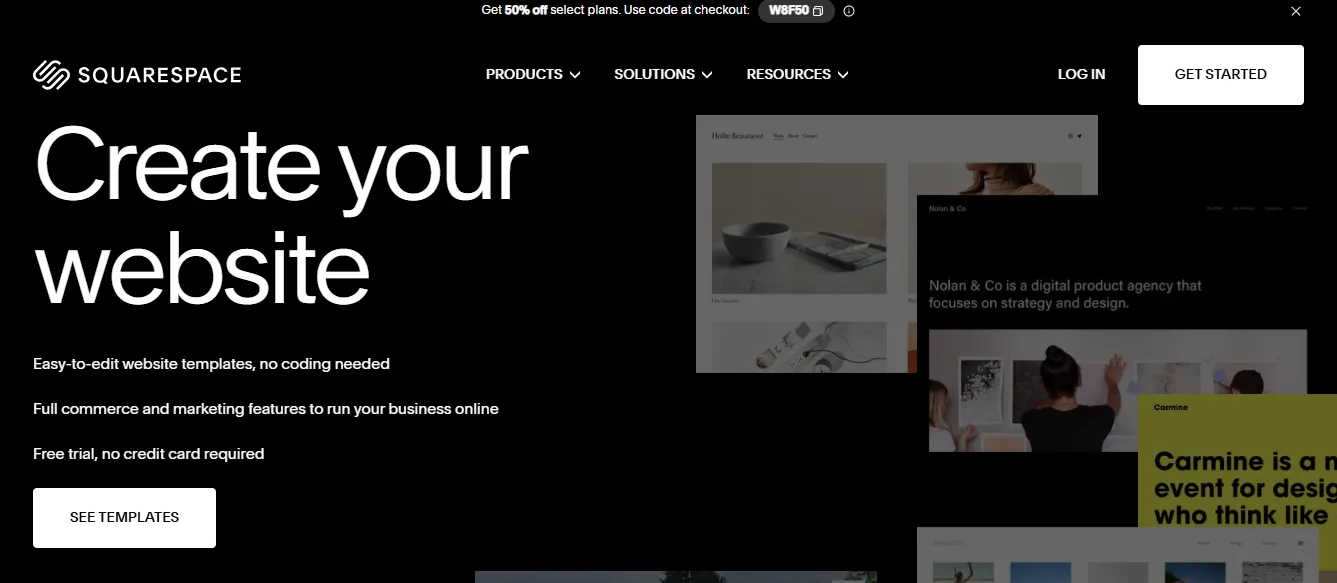 Squarespace focuses on design clarity and structure. It's popular among photographers, consultants, and creators who want polished websites without managing complex systems.
Key Features
- Polished templates for site design
- Integrated online stores with inventory management
- Built-in analytics and marketing tools
- Simple content editing for non-technical users
- Reliable performance for most use cases
Squarespace trades flexibility for consistency. That works well for teams that value clarity over complexity. It's less suited for teams that need custom backend logic, mobile apps, or heavy content workflows.
Squarespace Pricing
| Plan | Monthly (Billed Yearly) | Best For |
|---|---|---|
| Basic | $16/mo | Personal and simple sites |
| Core | $23/mo | Growing businesses |
| Advanced | $49/mo | Advanced commerce and analytics |
Dorik: Affordable And Practical
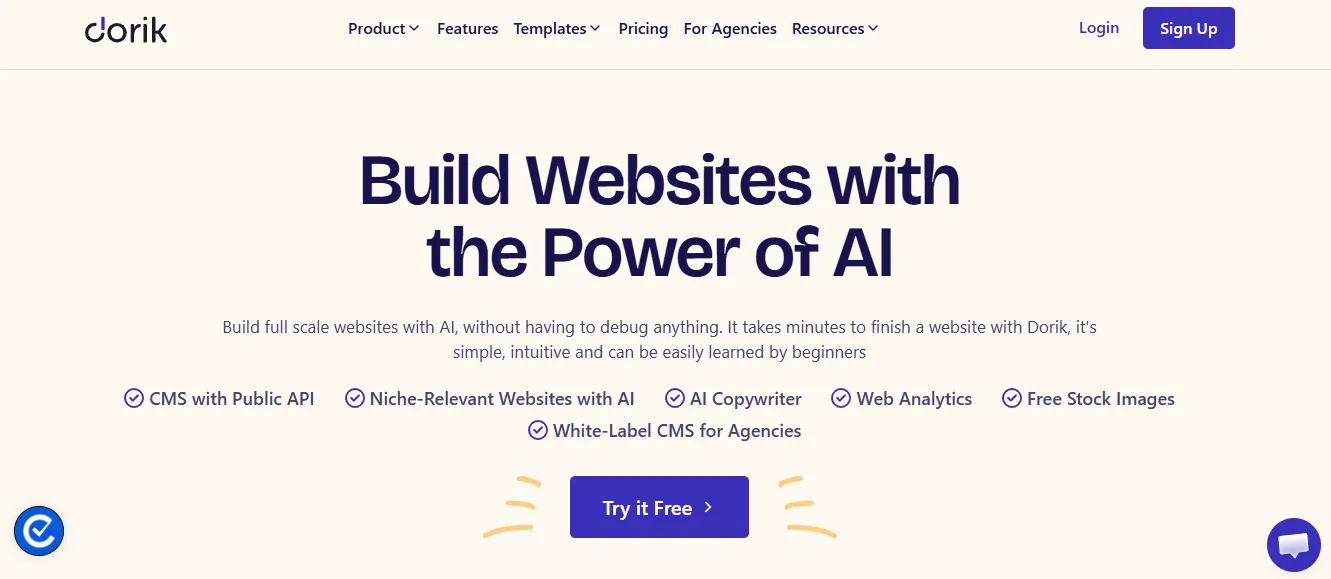 Dorik is a lesser-known Framer alternative, but it solves a real problem. Freelancers managing multiple clients often want a simple building platform that doesn't eat into profits.
Dorik Strengths
- AI-generated layouts for fast starts
- Drag-and-drop interface
- White-label options for agencies
- Decent content management tools
- Affordable pricing for freelancers and small teams
Dorik handles landing pages, business sites, and personal projects well. It's a practical choice for freelancers who prioritize margin over advanced features.
Dorik Pricing
| Plan | Monthly (Billed Yearly) | Best For |
|---|---|---|
| Personal | $20.75/mo | 1 domain, 25 pages |
| Business | $41.5/mo | 3 domains, unlimited pages |
| Agency | $79/mo | Unlimited domains and collaborators |
Community Insight: Real Talk From Designers
Here's a real quote from Reddit that reflects what designers experience as projects grow:
"We use Framer a lot, but as projects grow, it starts to feel limiting. Client handoffs are clunky, and the workarounds don't match the experience Framer promises."
This reflects a common pattern. Tools that perform well in demos don't always scale smoothly into real, ongoing workflows where clients, content, and handoffs matter.
Framer Vs Other Website Builders
Before choosing a platform, teams often wonder how Framer compares to other website builders. Comparing strengths helps determine which tool best fits your project, team, and workflow.
Here's the simple breakdown:
- Framer excels at prototyping and rapid visual design
- Webflow offers deep design flexibility and a powerful CMS
- Wix focuses on speed and business tools
- Rocket builds full-stack apps and websites from validated research
No single tool fits everyone. That's why designers test other website builders before settling.
Choosing The Right Tool
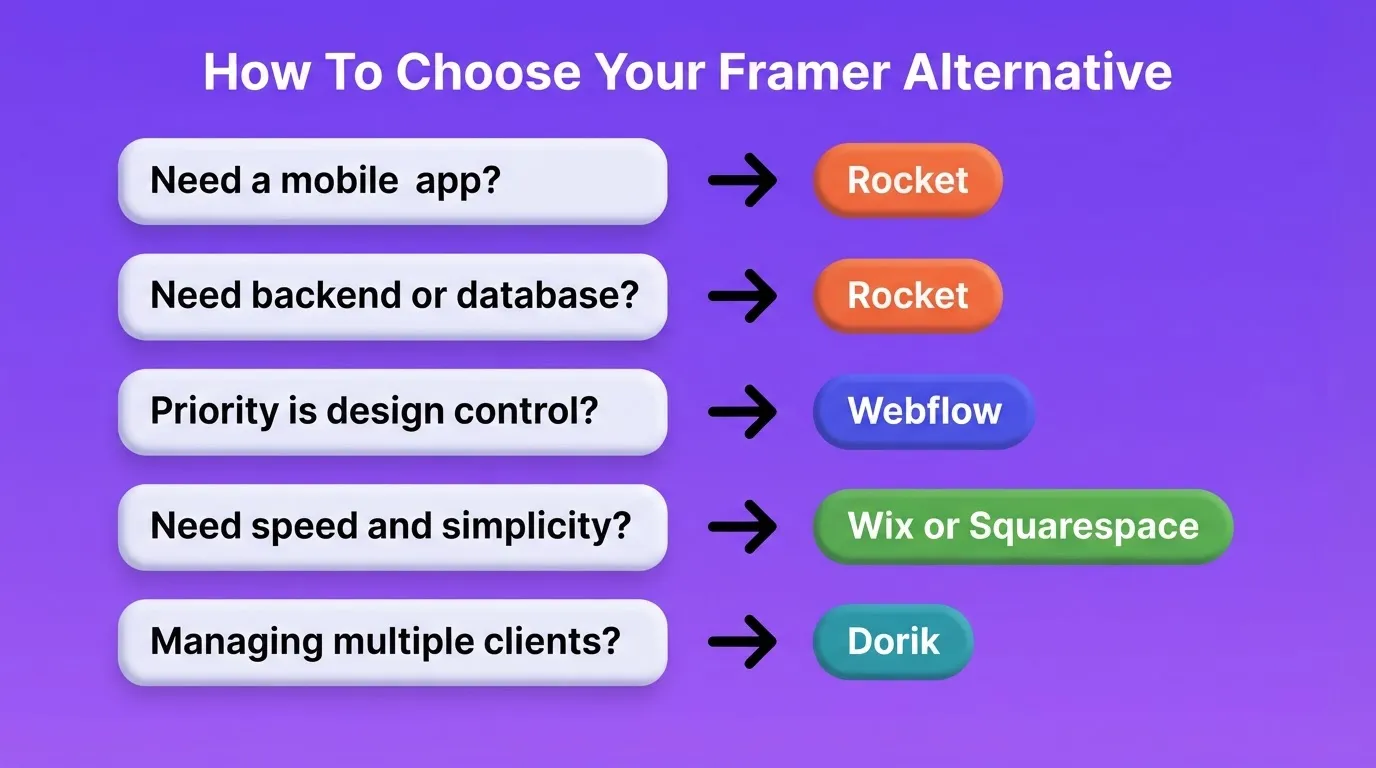
How do teams determine which platform is the best fit? A few key questions make the decision easier.
- Do you need a mobile app alongside your website? Only Rocket builds native iOS and Android apps from the same platform.
- Does your site need backend logic or a database? Rocket supports full-stack generation with Supabase integration.
- How important is design control vs. speed of launch? Webflow offers more control. Wix and Squarespace offer more speed.
- Do you need full code ownership? Rocket exports full source code and syncs with GitHub.
- Are you a freelancer managing multiple clients? Dorik's white-label options and pricing make it a strong fit.
Choosing The Right Framer Alternative
Framer works well for visuals and quick demos, but many teams struggle once content, pages, and clients grow. Platforms like Webflow, Wix, and Rocket help teams create scalable websites with better structure, content control, and business tools.
The right Framer alternative supports growth, teamwork, and clarity without forcing designers into rigid systems.
The Right Tool Grows With Your Team
The Framer alternative you choose today shapes how your team builds tomorrow. Framer remains a strong choice for design-led prototyping. But as teams scale, the need for structured content management, backend logic, and real collaboration becomes unavoidable.
Tools like Webflow, Wix, Squarespace, and Dorik each solve specific parts of that gap. Rocket addresses the full arc, from validating what to build, to generating production-ready web and mobile apps, to monitoring the market as you grow.
As AI-powered building becomes the standard, the platforms that combine thinking and building in one place will define how the next generation of products gets shipped. Start building with Rocket and see what that looks like in practice.
Table of contents
- -Why Designers Look Beyond Framer
- -What Makes A Strong Framer Alternative
- -Quick Comparison
- -Rocket: Build From Research, Not Just A Prompt
- -Three Pillars
- -Key Features
- -Rocket Pricing
- -Webflow: Control Without Chaos
- -Key Features
- -Webflow Pricing
- -Wix: Fast, Friendly, And Business Ready
- -Key Features
- -Wix Pricing
- -Squarespace: Clean Design With Commerce
- -Key Features
- -Squarespace Pricing
- -Dorik: Affordable And Practical
- -Dorik Strengths
- -Dorik Pricing
- -Community Insight: Real Talk From Designers
- -Framer Vs Other Website Builders
- -Choosing The Right Tool
- -Choosing The Right Framer Alternative
- -The Right Tool Grows With Your Team