
Outgrowing your app builder is a sign of progress. The right Thunkable alternatives give you stronger backend control, real integrations, and a clear path to production without starting from scratch.
What happens when the tool that got you started stops being enough?
Most app builders hit the same ceiling. The drag-and-drop blocks stop covering your backend logic. The database struggles with complex relationships. Publishing to both iOS and Android becomes a separate project. This is the Thunkable ceiling. It is not a flaw, but a natural limit.
According to Gartner's low-code/no-code forecast, 70% of new applications will use low code or no code technologies by 2025. That growth has created a wide market of alternatives, each solving a different slice of the problem.
This blog breaks down the top Thunkable alternatives by use case, so you can match the right tool to your build requirements.
What to Look For in a Thunkable Alternative
Before comparing platforms, it helps to define what "better" actually means for your situation. The right Thunkable alternative depends on four key variables.
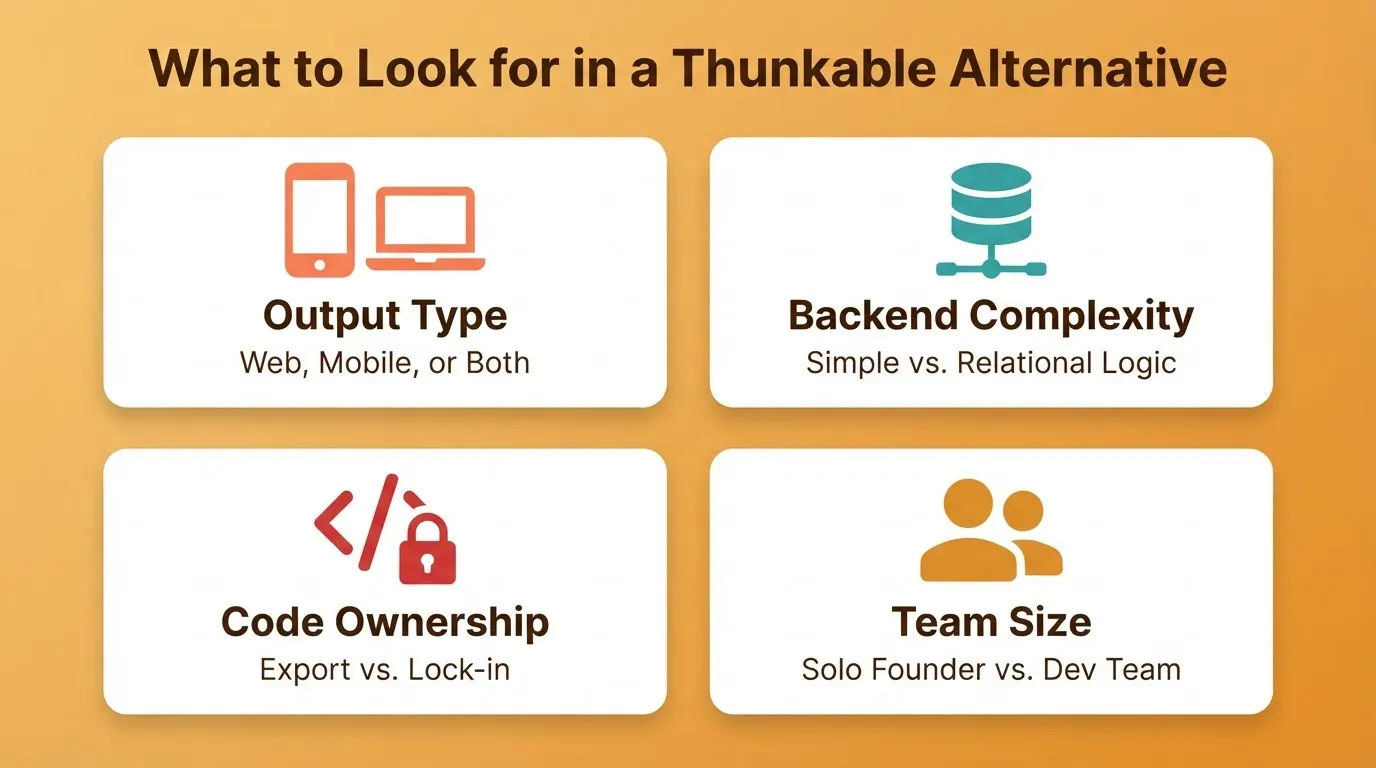
Output type. Are you building a web app, a native mobile app, or both? Some platforms excel at one and compromise on the other.
Backend complexity. Simple apps with basic data storage have different needs than apps with relational databases, user authentication, and payment flows.
Code ownership. Do you need to export, edit, or own the underlying code? Some platforms lock you in, while others give you full access.
Team size and technical level. A solo non-technical founder has different needs than a two-person team with one developer.
Use these four variables to filter the options below.
Quick Comparison: Top Thunkable Alternatives
| Platform | Best For | Code Access | Web Apps | Native Mobile | Starting Price |
|---|---|---|---|---|---|
| Rocket | AI-speed full-stack builds | Full (Next.js + Flutter) | Yes | Yes (Flutter) | $0 |
| Bubble | Complex web apps and SaaS | No export | Yes | Wrapper only | $0 |
| Adalo | Simple native mobile apps | No | Limited | Yes (iOS + Android) | $0 |
| Glide | Spreadsheet-driven internal tools | No | Yes | Web-based | $0 |
| FlutterFlow | Developer-grade mobile and web | Full Flutter export | Yes | Yes (Flutter) | $0 |
Rocket: Describe the App, Ship the App
Rocket is a Vibe Solutioning platform that combines research, building, and competitive monitoring in one product. For teams switching from Thunkable, the Build pillar is the primary entry point. You describe what you want, and Rocket generates a fully functional app with UI, navigation, logic, and production-ready code.
Web apps are built in Next.js. Mobile apps are built in Flutter, ready for App Store and Google Play submission. The code is fully viewable and editable. You can also sync to GitHub for version control and team collaboration.
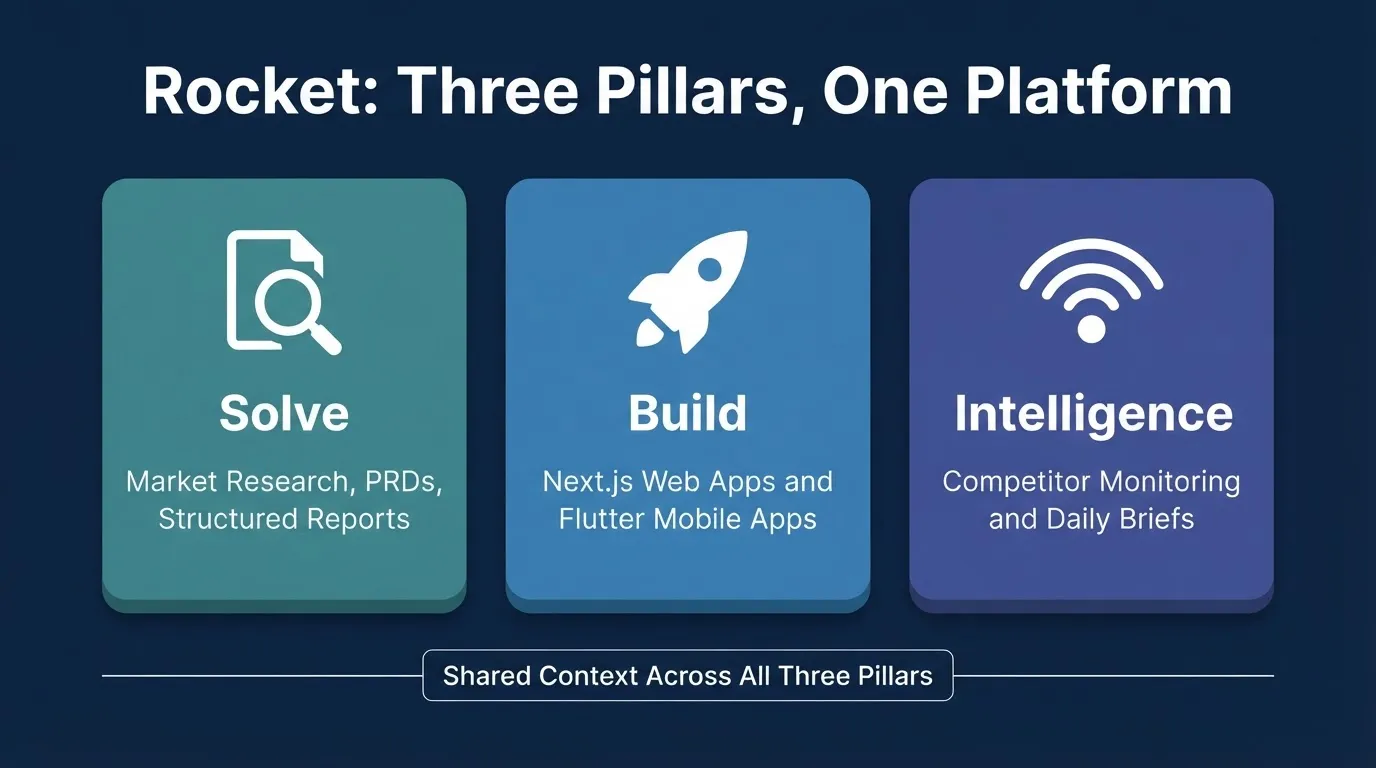
Rocket: Three Pillars, One Platform
With an AI-powered builder, you describe the app in plain language. The platform then handles the architecture, the code, and the integration wiring automatically.
Picture this: you need a booking system with user accounts, a scheduling interface, payment processing, and email confirmations. In a traditional no-code tool, that means connecting four separate services and debugging the handoffs between them. With Rocket, you describe the outcome in one prompt and the platform takes it from there.
What Rocket Builds
Rocket handles web apps, mobile apps, SaaS dashboards, internal tools, e-commerce stores, and landing pages. Starting points include a plain-language prompt, a Figma file, a screenshot or wireframe, a template, or an existing GitHub repository.
Relevant Integrations
Rocket connects to 25+ services out of the box. These include Stripe, Supabase, OpenAI, Figma, GitHub, Netlify, HubSpot, and Google Workspace. You connect once, then describe the feature you want in chat. Rocket generates the UI, backend logic, and API calls automatically.
Rocket Pricing
| Plan | Price | Credits Per Month | What Is Included |
|---|---|---|---|
| Free | $0 | 20 (one-time) | Build apps + Light Solve |
| Pro | $25/mo | 100 | Build + Light Solve |
| Rocket | $50/mo | 250 | Build + Full Solve + Competitive Intelligence |
| Booster | $250/mo | 1,500 | Build + Full Solve + Intelligence + Premium Support |
Annual billing saves 20%. All paid plans include unlimited team members.
Best For
Founders who need to validate an idea and build the product in the same workflow. Teams building internal tools, SaaS dashboards, or customer-facing mobile apps. Technical users who want AI-assisted speed with full code access.
Limitations
Vague prompts trigger a clarification step before building begins. Prompt clarity directly affects output quality. Advanced custom native code integrations may still need developer involvement.
Bubble: Deep Backend Control for Complex Web Apps
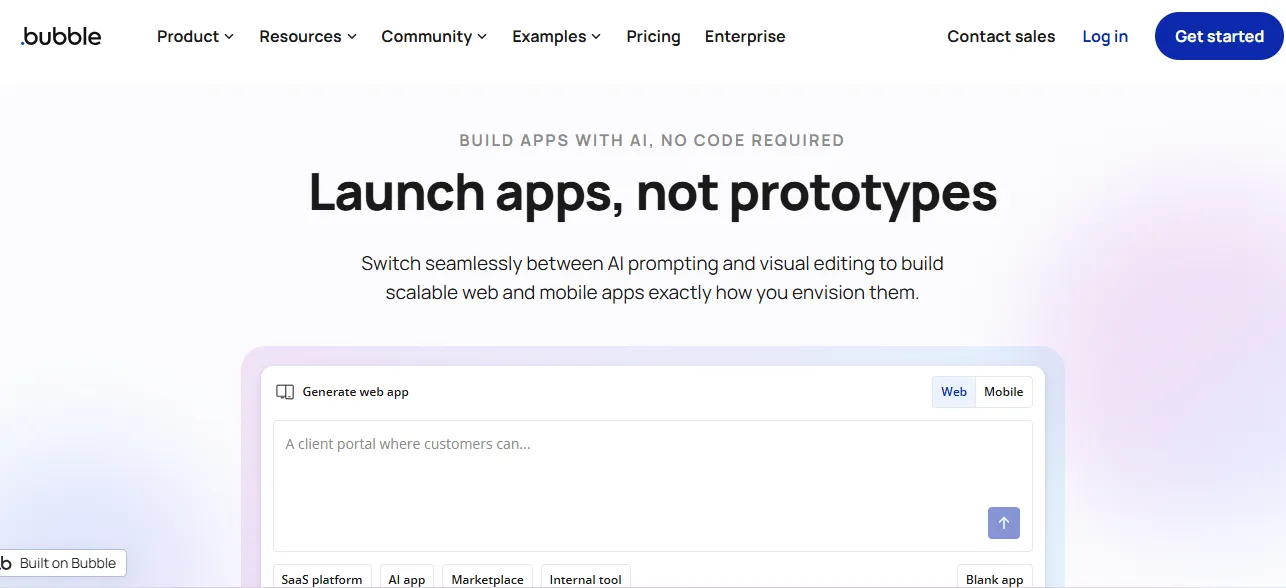 Bubble is the go-to no-code platform when backend complexity is the primary requirement. It is built around a visual workflow editor that lets you define data types, set up conditional logic, and connect external APIs without writing code.
The platform is web-first. Native mobile apps are not natively supported. Mobile output requires a wrapper approach, which means the app runs in a browser shell rather than as a true native experience.
Bubble performs best when the data model is the core of the product. Marketplaces, SaaS platforms with multi-user roles, and internal tools with intricate workflow automation are where it shines.
Bubble Pricing
| Plan | Price (Billed Annually) | Notes |
|---|---|---|
| Free | $0 | Development version only |
| Starter | $59/mo | Custom domain, live website |
| Growth | $209/mo | Version control, 2 app editors |
| Team | $549/mo | 5 editors, sub apps |
| Enterprise | Custom | Dedicated infrastructure |
Best For
Teams building complex web applications where the data model is the core of the product. Technical founders who are prepared for a significant learning investment.
Limitations
Plan for several weeks to become productive on Bubble. Workload-based pricing means costs scale with traffic in ways that are hard to predict. There is no code export, so you cannot move your app off the platform.
Adalo: Native Mobile Apps Without Code
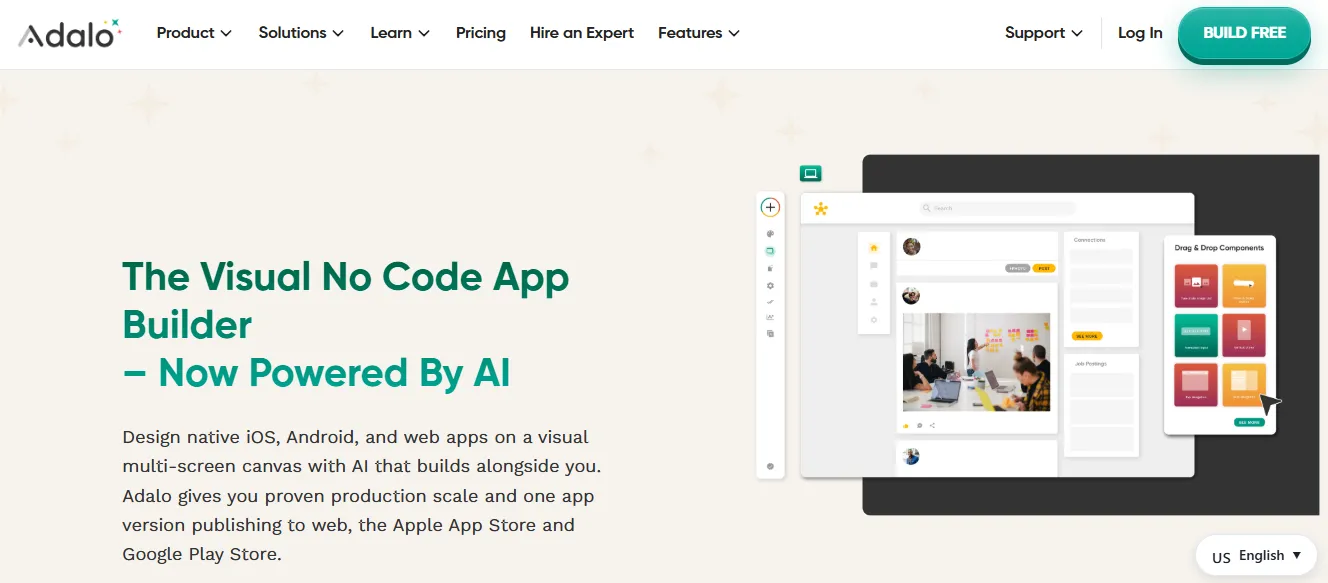 Adalo is purpose-built for mobile app development. It produces true native iOS and Android apps that you can submit directly to the App Store and Google Play. The builder is visual and drag-and-drop, making it accessible to non-technical founders.
The tradeoff is depth. Adalo's backend is relatively simple. Complex logic or deep API integrations can quickly hit the platform's limits.
Adalo works well for apps with a clear, contained scope. A booking app for a local service business, a simple membership app, a directory, or a community platform with basic social features are all good fits.
If you are exploring no-code mobile app builders for rapid builds, understanding the difference between native output and web-based wrappers is worth your time before committing.
Adalo Pricing
| Plan | Price (Monthly) | Price (Annual) | Notes |
|---|---|---|---|
| Free | $0 | $0 | 500 records per app, unlimited test apps |
| Starter | $36/mo | $18/mo | 1 published app, app store publishing |
| Professional | $52/mo | $26/mo | 2 published apps, push notifications |
| Team | $160/mo | $80/mo | 5 published apps, version history |
Best For
Non-technical founders who need native mobile publishing quickly. Apps with a well-defined, moderate scope where speed matters more than deep customization.
Limitations
There is no code export. The app lives on Adalo's infrastructure. Complex backend logic is difficult or impossible to implement. Performance can degrade with larger datasets.
Glide: Internal Tools from Spreadsheets
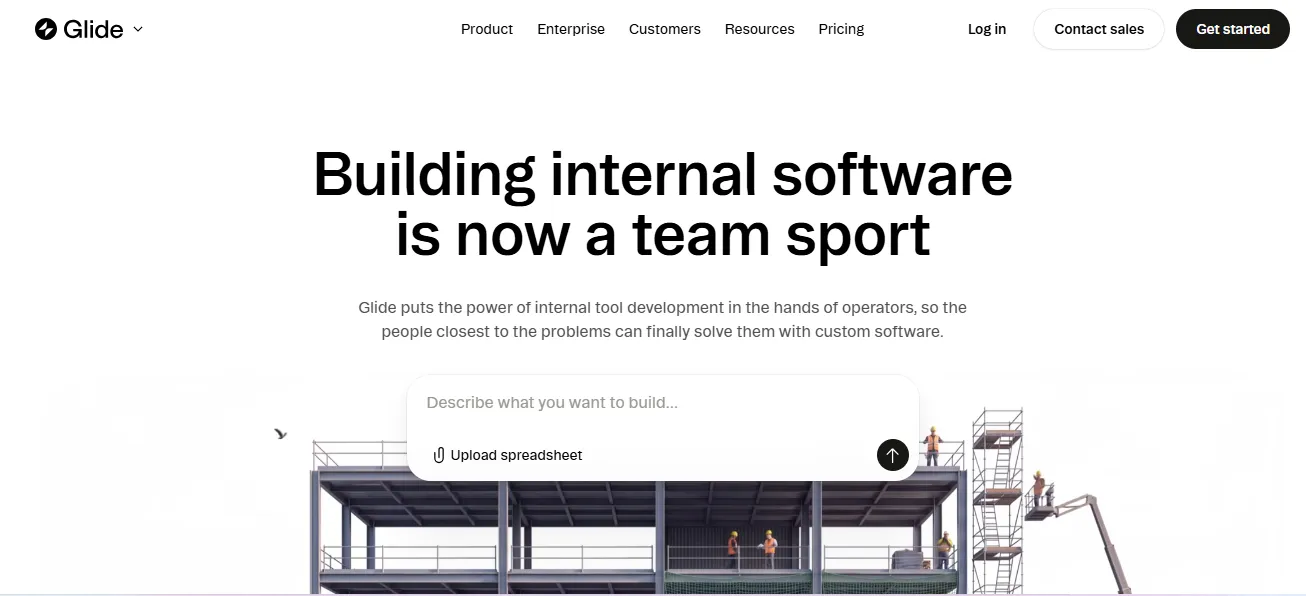 Glide, now operating as GlideOS, occupies a specific niche: turning spreadsheet data into functional apps. If your team already manages data in Google Sheets or Airtable, Glide can wrap that data in a clean interface within hours.
Glide is best understood as a data visualization and interaction layer, not a full app builder. It is not designed for apps with complex logic, native mobile publishing, or deep backend customization.
Field service apps, inventory trackers, employee directories, and simple approval workflows are common use cases. It is not the right tool for customer-facing apps or anything that requires logic beyond what a spreadsheet formula can handle.
Glide Pricing (GlideOS)
| Plan | Price | Notes |
|---|---|---|
| Free | $0 | Limited credits, 0 published apps |
| Basic | $25/mo | 2 published apps, 100 credits |
| Plus | $50/mo | 5 published apps, 250 credits |
| Pro | $125/mo | Unlimited apps, 5+ members |
| Enterprise | Custom | SSO, dedicated support |
Best For
Internal operations teams that need a better interface for data that already lives in spreadsheets. Simple approval workflows, field service apps, and lightweight internal tools.
Limitations
There is no native iOS or Android publishing. Apps run in a browser. Backend logic is limited to spreadsheet-level operations. UI customization is constrained by Glide's component library.
FlutterFlow: Developer-Grade Mobile and Web Builds
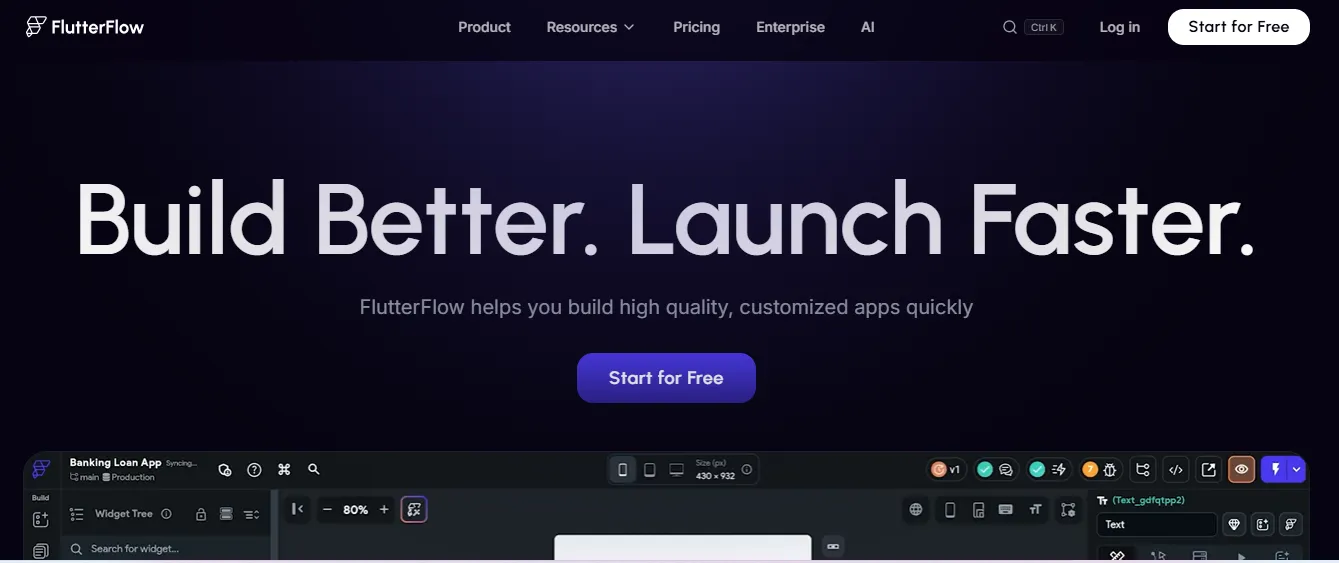 FlutterFlow sits at the technical end of the no-code spectrum. It is built on Flutter, Google's cross-platform UI framework. It targets developers and technical founders who want the speed of a visual builder without giving up code ownership.
The output is real Flutter code that you can export, modify, and deploy independently. GitHub sync is built in. Firebase and Supabase integrations are native to the platform.
If you have a developer on the team or plan to hire one, FlutterFlow gives them a codebase they can actually work with.
FlutterFlow Pricing
| Plan | Price (Monthly) | Notes |
|---|---|---|
| Free | $0 | No code export, up to 2 projects |
| Basic | ~$39/mo | Code export, custom domain, APK download |
| Growth | ~$80/mo | GitHub integration, 2 collaborators |
| Business | ~$150/mo | Up to 5 collaborators, Figma import |
| Enterprise | Custom | SSO, dedicated support |
Prices shown in USD equivalent. Regional pricing applies.
Best For
Technical founders and developers who need native mobile output, full code ownership, and a codebase that can be extended or handed off. Projects that start as visual builds and need to evolve into fully custom codebases.
Limitations
Backend setup with Firebase or Supabase is required. The platform is not self-contained. The free plan does not include code export. The learning curve is steeper than purely visual builders.
How to Choose the Right Thunkable Alternative
So, how do you narrow it down? Start with your primary build requirement, then work through the questions below.
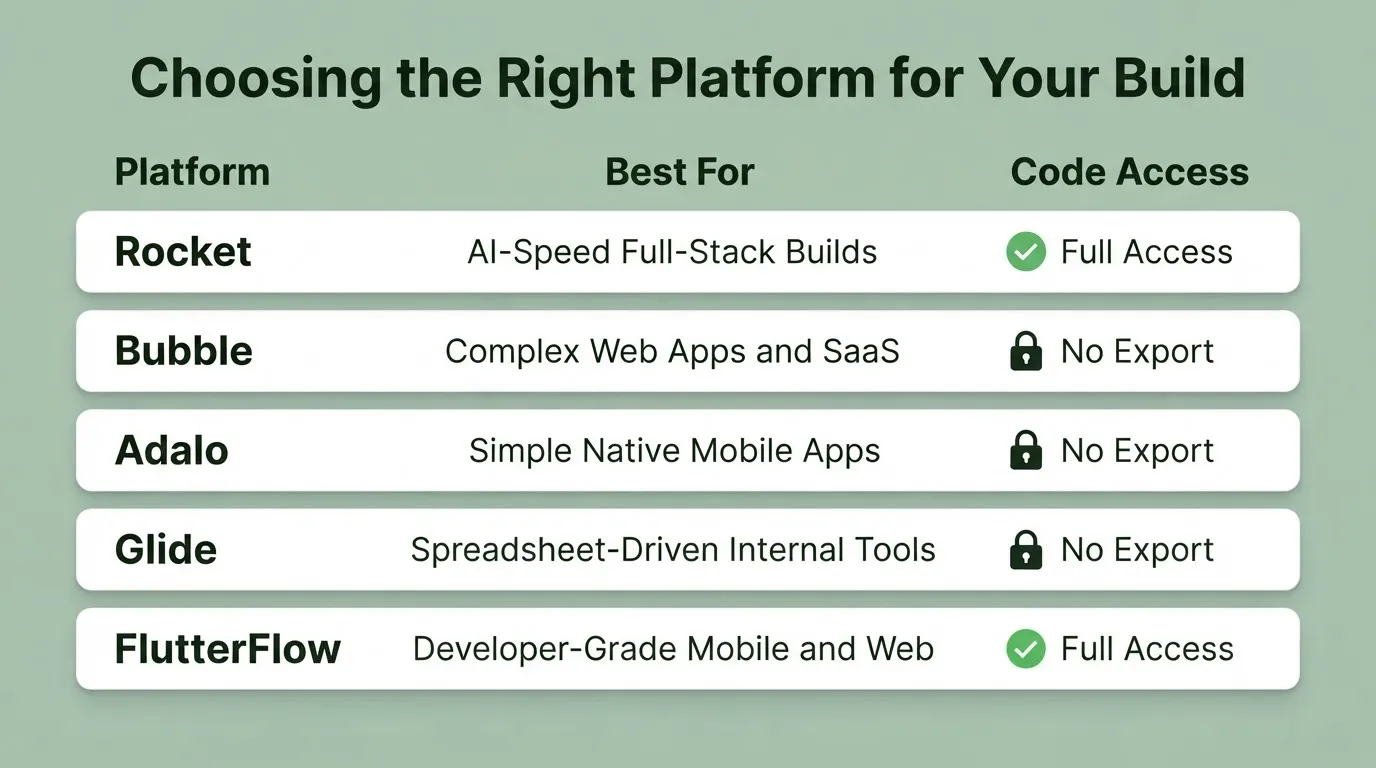
Match your primary requirement to the platform that handles it best.
The Decision Framework
Choose Rocket if you need to build fast, want production-ready code without a developer, and need both web and mobile from one platform. You can also use Solve to validate your idea before building, all within the same workflow.
Choose Bubble if your app's core value is in complex backend logic, you are building for web only, and you are prepared for a significant learning investment.
Choose Adalo if you need native mobile publishing quickly, the app scope is simple and well-defined, and you do not need code access.
Choose Glide if your data already lives in Google Sheets or Airtable and you need a better interface for an internal operations team.
Choose FlutterFlow if code ownership is non-negotiable, you have or plan to hire a developer, and you need native mobile performance.
The Questions That Matter
Will the app need to scale? Platforms with workload-based pricing can become expensive at scale. Flat monthly pricing is more predictable.
Who maintains the app long-term? If it is a non-technical team, avoid platforms that require developer involvement to make changes.
What happens if you need to migrate? Platforms without code export create vendor lock-in. Platforms with code export give you an exit path.
Does the app need to be in the App Store? Not all platforms produce true native apps. Glide and Bubble produce web-based experiences that run in a browser, not native app store submissions.
What Real Builders Say
Community discussions reveal patterns that feature lists do not. Thunkable consistently appears in threads about learning app development and building early prototypes. The friction shows up when apps grow.
"Thunkable is the no-code app development software. What's your experience with it? How hard is the learning curve? Have you deployed any app with it?" — r/nocode on Reddit
The replies reflect a common arc: positive experience for simple apps, frustration when complexity increases. The most common reasons builders switch are backend limitations, the need for better API integrations, and wanting to publish to both iOS and Android without managing separate builds.
Research from MIT Technology Review confirms that AI-driven development tools are compressing build timelines across industries. That is why AI-powered alternatives have become the fastest-growing category in this space.
The Rise of AI-Powered App Builders
The category of thunkable alternatives has expanded significantly with AI-powered platforms. The core difference is how work gets done.
In a traditional no-code builder, you configure the app by connecting components, setting up logic visually, and wiring integrations manually. In an AI-powered builder, you describe what you want. The platform then generates the configuration, the code, and the integration logic automatically.
This shift changes the economics of app development in three meaningful ways.
Speed. A booking app that takes two weeks to configure in a traditional no-code tool can be generated in hours with a well-structured prompt.
Complexity ceiling. AI-powered builders handle more complex requirements because the generation layer abstracts away the manual configuration. You describe the outcome, not the steps.
Iteration cost. Changing a feature in a traditional no-code tool often means reconfiguring multiple connected components. In an AI builder, you describe the change in chat and the platform updates the relevant code.
The tradeoff is prompt quality. AI builders perform best when the input is specific. Vague prompts produce generic results, but this is a skill that improves quickly with practice.
Migrating from Thunkable: What to Expect
If you are actively switching from Thunkable, the migration process depends on which alternative you choose. Here is a quick breakdown of what each path looks like.
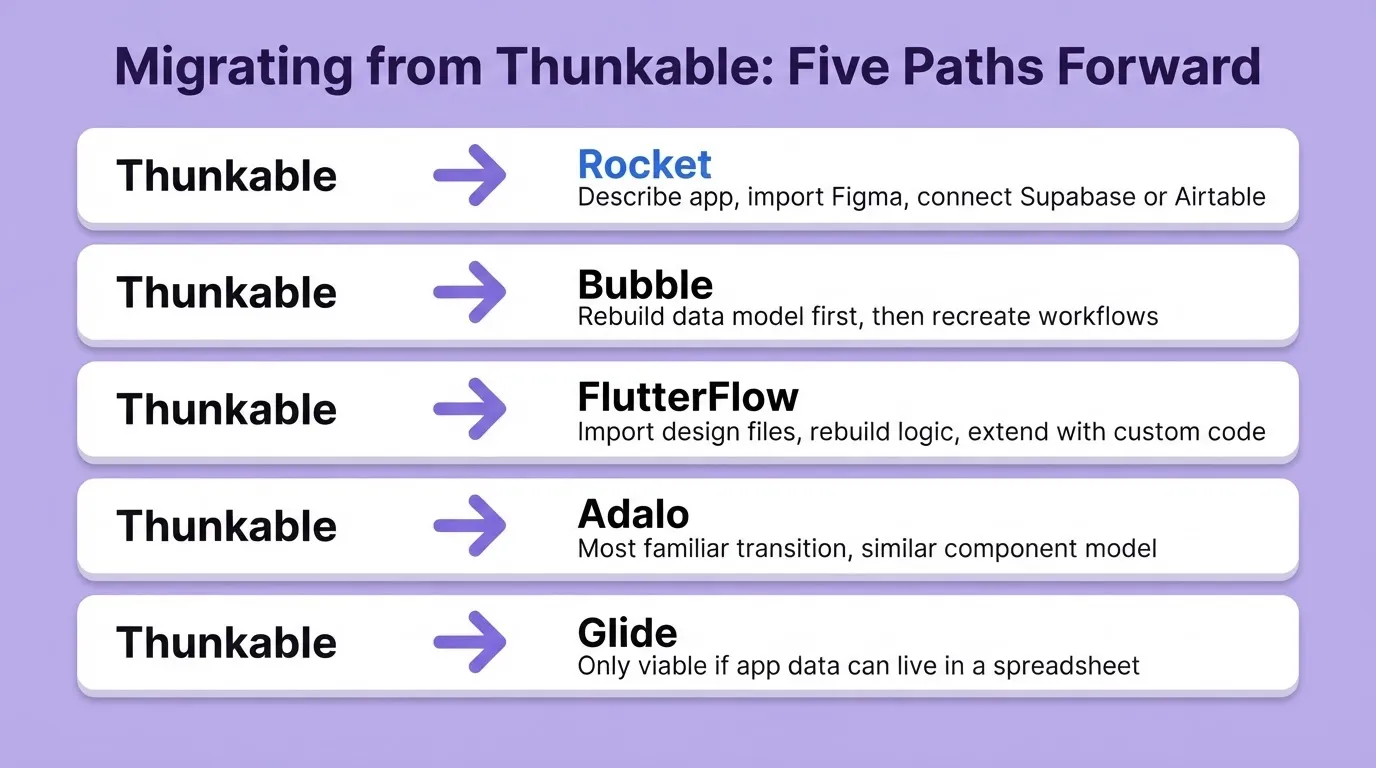
To Rocket: Start fresh with a prompt describing your existing app's core functionality. Use Figma import if you have design files. Connect existing data sources via the Supabase or Airtable connectors. The build generates new production-ready code. There is no direct migration of Thunkable blocks.
To Bubble: Rebuild the data model first, then recreate workflows. Bubble's data structure is fundamentally different from Thunkable's block-based logic. Expect a full rebuild rather than a migration.
To FlutterFlow: Import existing design files if available. Rebuild the app logic using FlutterFlow's visual components. The Flutter output means you can extend with custom code where needed.
To Adalo: Adalo's component model is similar in concept to Thunkable, making it the most familiar transition. Rebuild screens using Adalo's component library and reconnect your data.
To Glide: This path is only viable if your app's data can live in a spreadsheet. Export your Thunkable data to Google Sheets and build the interface in Glide.
1.5 million people have tried Rocket across 180 countries. Many of them started exactly where you are, with an app that outgrew its first platform. If you want to track how your market and competitors are evolving while you build, Intelligence runs that monitoring automatically in the background.
The Right Thunkable Alternative Starts With the Right Question
The no-code and AI app builder market keeps growing. The Thunkable alternatives available today are more capable than ever. Whether you need native mobile performance, deep backend control, spreadsheet-driven internal tools, or AI-assisted full-stack builds, there is a platform built for that specific problem.
The smartest move is to match the tool to the job, not the other way around. As AI-powered builders continue to close the gap between idea and production, the cost of switching platforms keeps dropping. There has never been a better time to build the right way from the start.
Describe your next app to Rocket and see what gets built.
Table of contents
- -What to Look For in a Thunkable Alternative
- -Quick Comparison: Top Thunkable Alternatives
- -Rocket: Describe the App, Ship the App
- -What Rocket Builds
- -Relevant Integrations
- -Rocket Pricing
- -Best For
- -Limitations
- -Bubble: Deep Backend Control for Complex Web Apps
- -Bubble Pricing
- -Best For
- -Limitations
- -Adalo: Native Mobile Apps Without Code
- -Adalo Pricing
- -Best For
- -Limitations
- -Glide: Internal Tools from Spreadsheets
- -Glide Pricing (GlideOS)
- -Best For
- -Limitations
- -FlutterFlow: Developer-Grade Mobile and Web Builds
- -FlutterFlow Pricing
- -Best For
- -Limitations
- -How to Choose the Right Thunkable Alternative
- -The Decision Framework
- -The Questions That Matter
- -What Real Builders Say
- -The Rise of AI-Powered App Builders
- -Migrating from Thunkable: What to Expect
- -The Right Thunkable Alternative Starts With the Right Question