Advanced Government Software Privacy Policy & Terms Website Template
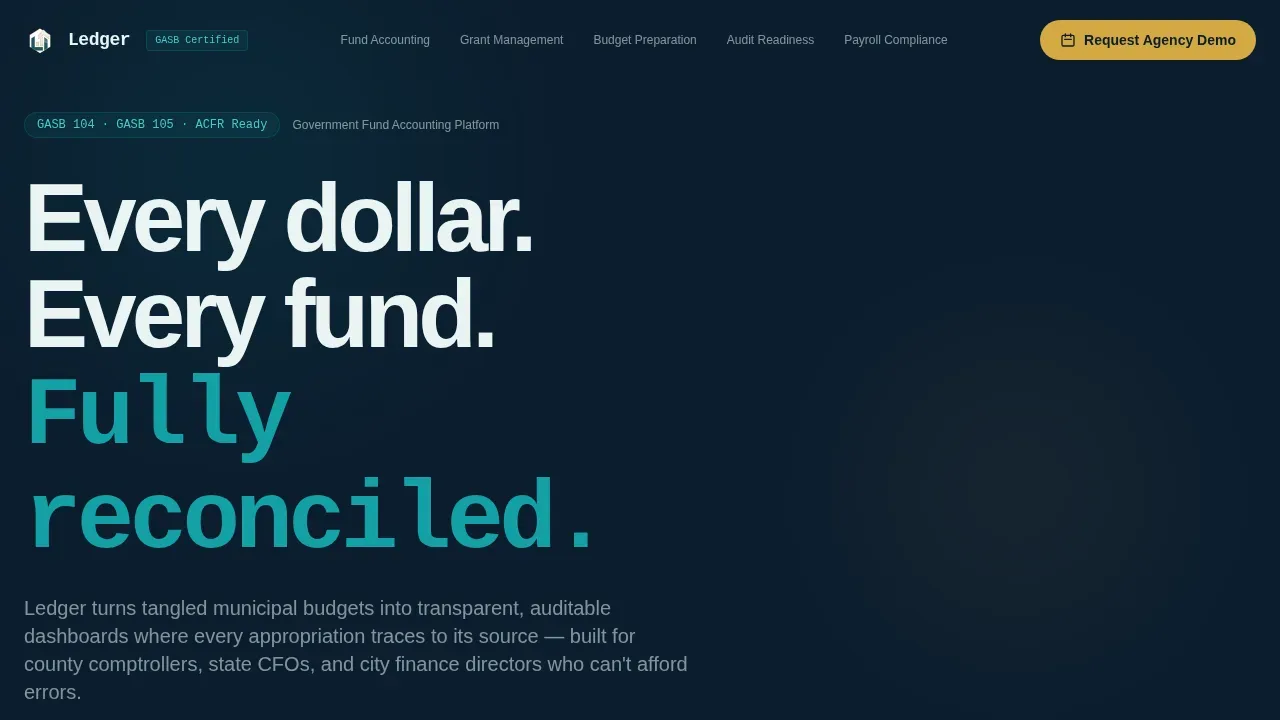
Ledger is a hub-and-spoke government accounting software landing page template built for public sector finance teams. It combines animated Stats/Metrics counters, a frosted-glass general ledger dashboard preview, and five spoke sections covering fund accounting, grant management, budget preparation, audit readiness, and payroll compliance. Every section opens with a hard metric and closes with a lead-capture call to action.
by Rocket studio
Quick summary
Ledger is a single-page, anchor-nav landing page template purpose-built for government accounting software. It greets visitors with three animated counters, surfaces a live-style general ledger dashboard, and walks procurement committees through five evidence-packed spoke sections. The result feels like a freshly balanced trial balance: every column aligned, every claim backed.
Who this template is for
This template is built for government SaaS vendors selling fund accounting platforms to public sector finance professionals. Whether you are pitching to a county comptroller or a state agency CFO, the structured format speaks their language fluently.
- County comptrollers and city finance directors managing CAFR deadlines
- State agency CFOs defending fund balances before legislative committees
- Government software vendors targeting procurement officers and finance teams
What problem this template solves
Government finance teams deal with complex general ledger entries, interfund reconciliation, and GASB pronouncements simultaneously. A generic SaaS landing page cannot address that depth. Procurement committees need evidence, not marketing slogans. This template closes that gap.
- Static pages fail to show how a general ledger account connects to appropriation lines
- Buyers need proof, not promises, before booking a demo or signing a contract
- Existing templates ignore the distinction between restricted and unrestricted fund accounts
What you get with this template
You get a complete, ready-to-customize hub-and-spoke landing page designed around Stats-First Impact creative direction. Every section is built to carry financial data credibly and convert skeptical procurement leads into demo requests.
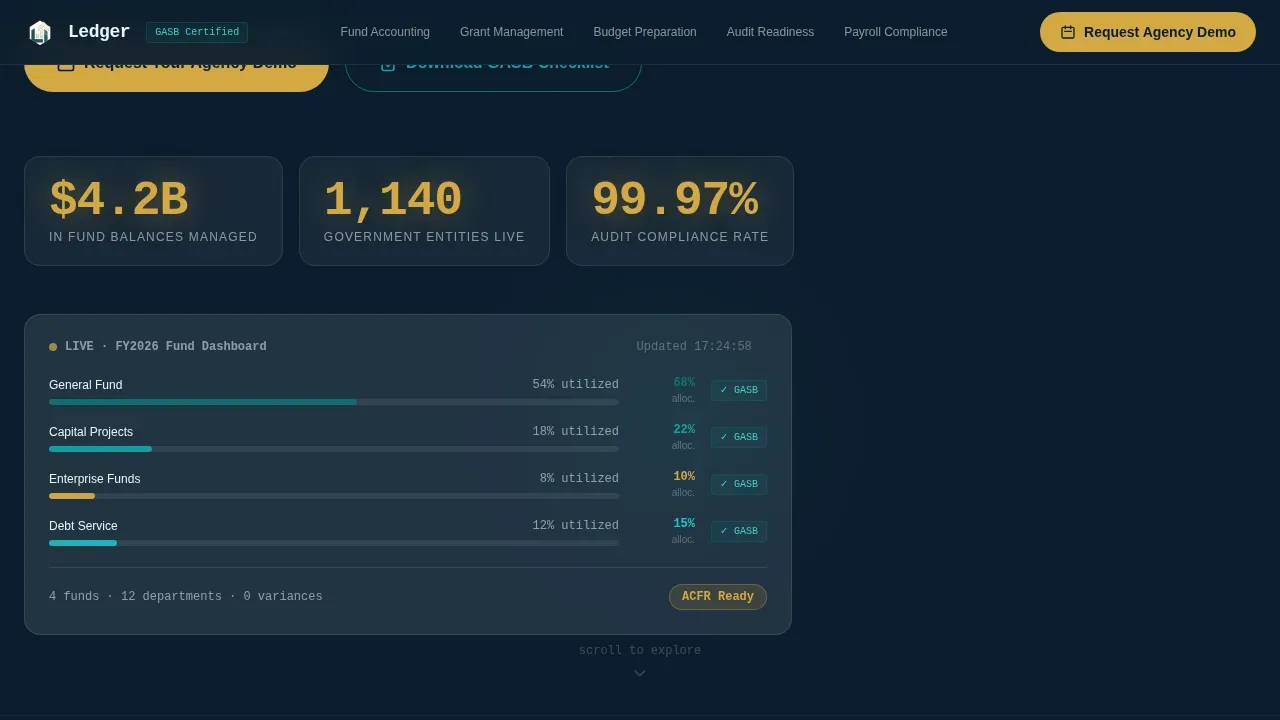
- An animated Stats/Metrics hero with three oversized counters and a frosted-glass general ledger dashboard preview
- Five spoke sections covering fund accounting, grant management, budget preparation, audit readiness, and payroll compliance
- A progressive lead-capture form collecting entity type, budget range, current accounting system, and work email
Feature list
This template ships with a focused set of purpose-built sections and interactive components drawn directly from the source brief.
Animated Stats Wall Hero
The hero section opens with three upward-counting metrics rendered in monospaced type against midnight navy. Numbers animate on load, confirming systems nominal before a visitor reads a single word of body copy. A frosted-glass panel beneath the counters displays a miniaturized general ledger dashboard with general fund, capital projects, and enterprise fund allocation bars.
Hub-and-Spoke Anchor Navigation
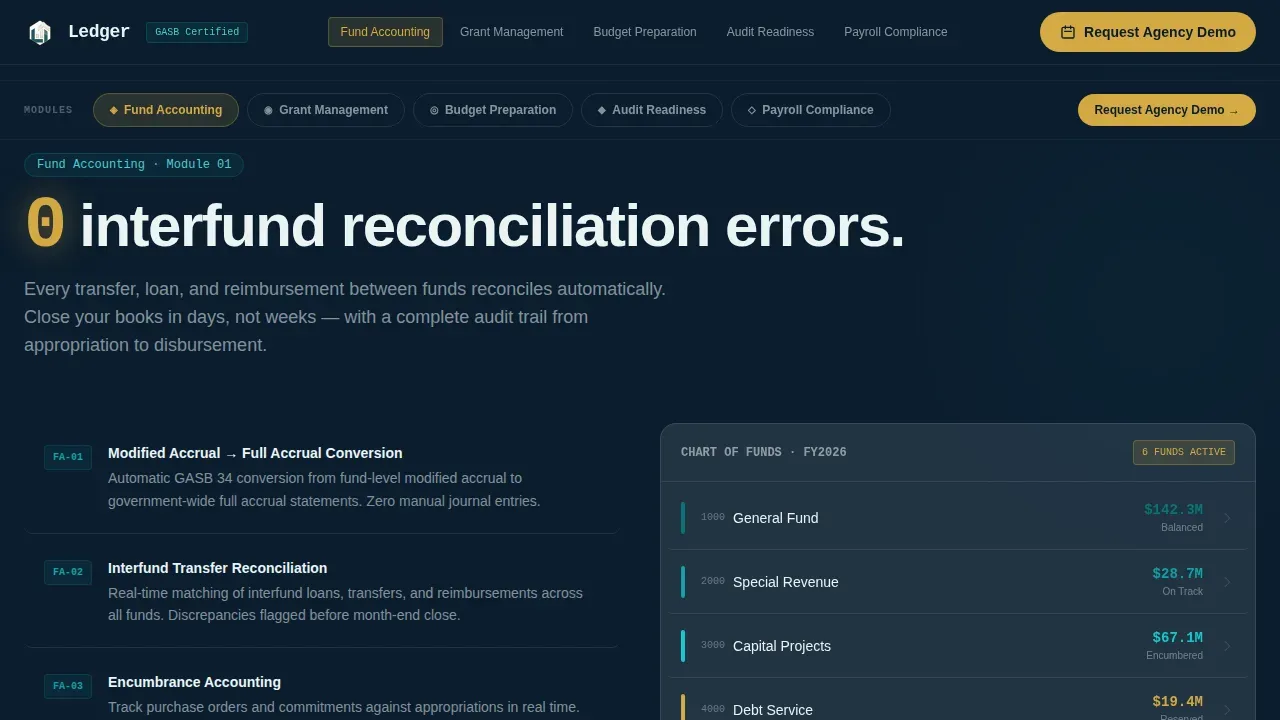
A persistent anchor nav pins to the top of the page. Each nav item links directly to one of the five spoke sections: Fund Accounting, Grant Management, Budget Preparation, Audit Readiness, and Payroll Compliance. Active-state indicators render in catalyst gold, giving accountants and finance directors immediate orientation across a long-scroll page.
Stats-First Spoke Sections
Every spoke opens with a hard metric before any descriptive copy. For example, budget preparation leads with a claim that reduces CAFR preparation from 14 weeks to 6. Each spoke then unfolds into a glass-panel feature walkthrough with annotated dashboard screenshots, building an evidence wall section by section.
Progressive Lead-Capture Form
The primary call-to-action button reads "Request Your Agency Demo." One click reveals just entity type and work email fields. Subsequent steps collect annual operating budget range and current accounting system, reducing friction at the first interaction while still gathering the data your sales team needs.
Gated PDF Secondary Path
A secondary conversion path offers a downloadable GASB Compliance Checklist for prospects not yet in a buying cycle. The gate collects name and role, capturing leads for nurture sequences without requiring a full demo commitment from early-stage visitors.
Tech Glass Visual System
Frosted-glass panels, breathing allocation bars, counter animations, parallax scrolling, and hover states on every card are all included. The visual system is consistent across all five spoke sections, creating a cohesive government operations center aesthetic throughout the page.
Page sections overview
| Section | Purpose |
|---|---|
| Hero Stats Wall | Opens with animated counters and a frosted-glass general ledger dashboard preview |
| Anchor Navigation | Persistent hub nav linking all five spoke sections with gold active states |
| Fund Accounting Spoke | Leads with interfund reconciliation metric and glass feature walkthrough |
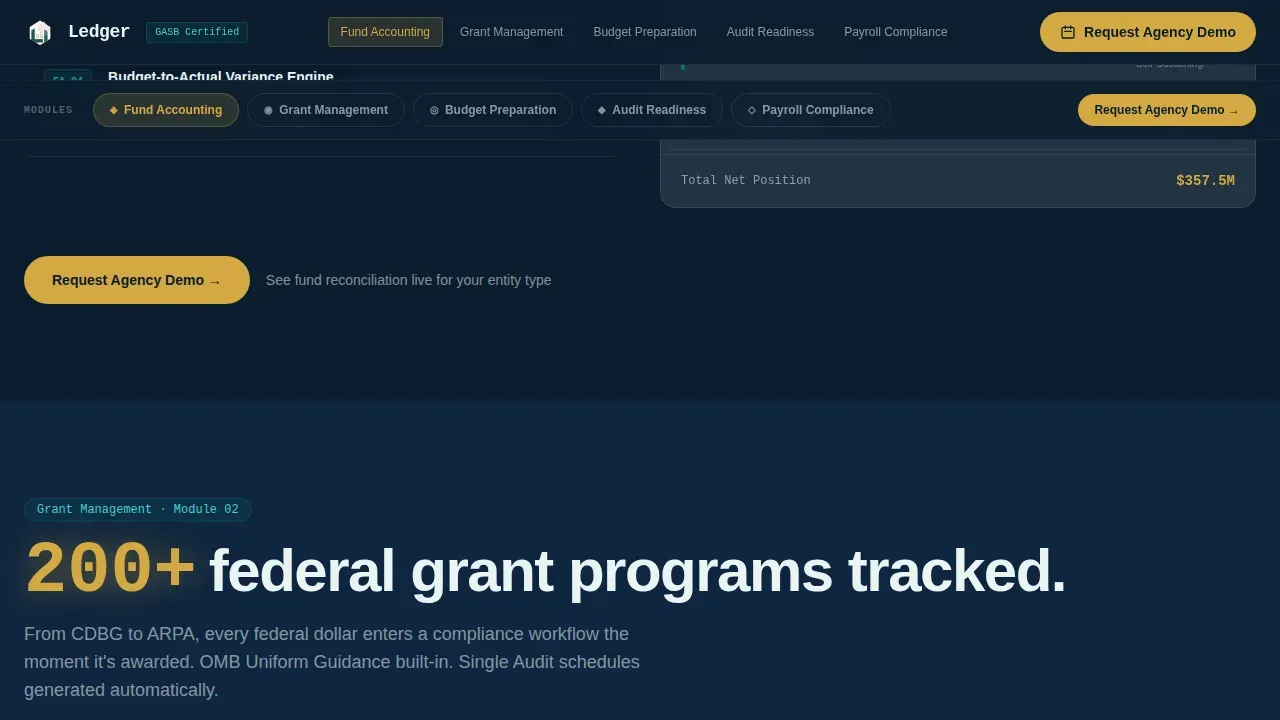
| Grant Management Spoke | Highlights federal grant tracking capability and allocation panel |
| Budget Preparation Spoke | Shows CAFR timeline reduction with a comparison dashboard |
| Audit Readiness Spoke | Covers automated GASB standard tracking and audit trail viewer |
| Payroll Compliance Spoke | Presents payroll fund accuracy metric and compliance checklist |
| Demo Request Form | Progressive multi-step form for lead capture |
| PDF Gated Checklist | Secondary conversion path for early-stage prospects |
| Footer | Horizontal layout with contact and navigation links |
Design & branding system
The template uses a Tech Glass theme anchored by the Teal Catalyst color system. The palette evokes a modern government operations center viewed through glass at dusk: teal screens glowing against dark walls, gold status lights confirming everything nominal.
- Deep civic teal (#0D7377) as the primary brand anchor across section headers and interactive elements
- Midnight governance navy (#0B1D2E) as the page background, providing high contrast for white frosted-glass panels (#EAF4F4)
- Catalyst gold (#D4A843) reserved exclusively for call-to-action buttons, active nav indicators, and key metric highlights
Mobile & speed optimization
Although the template is designed desktop-first for government finance users on workstations, it includes a mobile fallback layout to maintain usability across devices. The build separates server-rendered static components from client-rendered animations.
- Static sections use server components for fast initial load; animations use client components
- Counter animations, parallax effects, and glass panel reveals are scoped to avoid layout shifts on mobile
- The anchor nav collapses gracefully on smaller screens to keep navigation accessible
How this template helps you convert
The entire page is built around one goal: turning a skeptical procurement committee into a booked demo. The Stats-First Impact creative direction means every spoke section delivers proof before it asks for anything.
- The animated counters establish credibility in the first three seconds, before a visitor scrolls past the hero section.
- Each spoke section closes with the "Request Your Agency Demo" call-to-action button, repeating the conversion prompt at natural decision points across the full-length page.
Other information about this template
This template is a purpose-built design asset, not a live software platform. It provides the visual structure and interaction patterns needed to market a government accounting product effectively.
- The general ledger dashboard shown in the hero is a design preview, not a connected accounting system. Actual financial data integration depends on the software being marketed.
- The template is built with JetBrains Mono for terminal-style numbers and DM Sans for body copy, giving financial figures the same authority as entries in a real accounting ledger template.
- Accountants and procurement officers reviewing the page will recognize familiar terms: chart of accounts, journal entry, trial balance, accounts receivable, accounts payable, asset accounts, liability accounts, and balance sheet, because the copy uses government fiscal terminology throughout.
- A general ledger template like this one helps prospective buyers understand how the underlying software organizes all the accounts, records each journal entry by transaction date, and tracks current balance and running totals across an accounting period.
- The template is not intended to provide legal or financial advice of any kind. It is a marketing design resource.
- Teams accustomed to free general ledger templates in formats like Excel will find the visual language here familiar but elevated for a professional government software pitch.
- The accounting ledger language used across the spoke sections covers core concepts: debit and credit columns, total debits and total credits, account number, account name, account type, journal reference, balance calculations, prepaid expenses, and financial records.
- This ledger transparent municipal fund accounting landing page template can be adapted for vendors serving cities, counties, state agencies, and special districts across the United States.
- Buyers evaluating government accounting software use this type of page to determine whether a vendor understands GASB compliance, interfund organization, and the need for accurate accounting records before booking a call.
- Whether your prospects are comparing enterprise platforms or moving away from spreadsheet-based general ledger templates, this design gives them the structured evidence they need to generate financial reports, assess overall financial health, and make informed decisions.
Theme
Tech Glass
Creative direction
Stats-First Impact
Color system
Teal Catalyst
Direction
Lead Generation
Page Sections
Animated Stats-wall Hero Section
Hub-and-spoke Anchor Navigation
Stats-first Spoke Sections
Progressive Demo Request Form
Gated PDF Secondary Conversion
Tech Glass Visual System
Related questions
Who is this landing page template designed for?
What sections are included in this template?
Can I customize the metrics and copy in the spoke sections?
Does this template include actual accounting software or a live general ledger?
Is this template suitable for a small business accounting software pitch?



