Allocate - Precision Insurance Landing Page Template
Allocate is a hub-and-spoke anchor-nav landing page template built for insurance asset management firms. It combines a dark terminal aesthetic with animated data visuals, a sticky left-rail navigation, and a structured download flow targeting institutional buyers. The layout guides CIOs, investment teams, and CFOs from investment thesis to proof, then to a portfolio console app download.
by Rocket studio
Quick summary
Allocate is a single-page, anchor-nav landing page template designed for institutional insurance asset managers. It uses a deep navy and signal cyan color system, animated data panels in the header, and a spoke-section layout that walks professional buyers through strategy, mechanics, performance, and platform before delivering a primary app download call to action.
Who this template is for
This template is built for firms that manage insurance capital on behalf of institutional clients. The layout and tone are calibrated for a technically literate, results-driven audience with real fiduciary pressure.
- Chief Investment Officers at mid-market property and casualty carriers
- Investment teams at life insurers managing asset-liability management constraints
- Chief Financial Officers at mutual insurers focused on surplus return and risk-based capital ratios
What problem this template solves
Insurance asset managers struggle to communicate precision and credibility to buyers who distrust hype. A generic landing page loses CIOs and CFOs in seconds. This template solves the trust gap before the call to action ever appears.
- Prospects leave before reaching a call to action because early sections feel shallow
- Regulatory fluency and performance evidence are buried instead of front-loaded
- App download flows fail because they ask for commitment before establishing proof
What you get with this template
You get a complete, single-page hub-and-spoke layout with every structural element and design detail pre-built. Each section is ready to populate with your firm's real data, metrics, and methodology.
- A sticky left-rail anchor navigation linking to Strategy, Duration Matching, Regulatory Overlay, Performance, and Platform sections
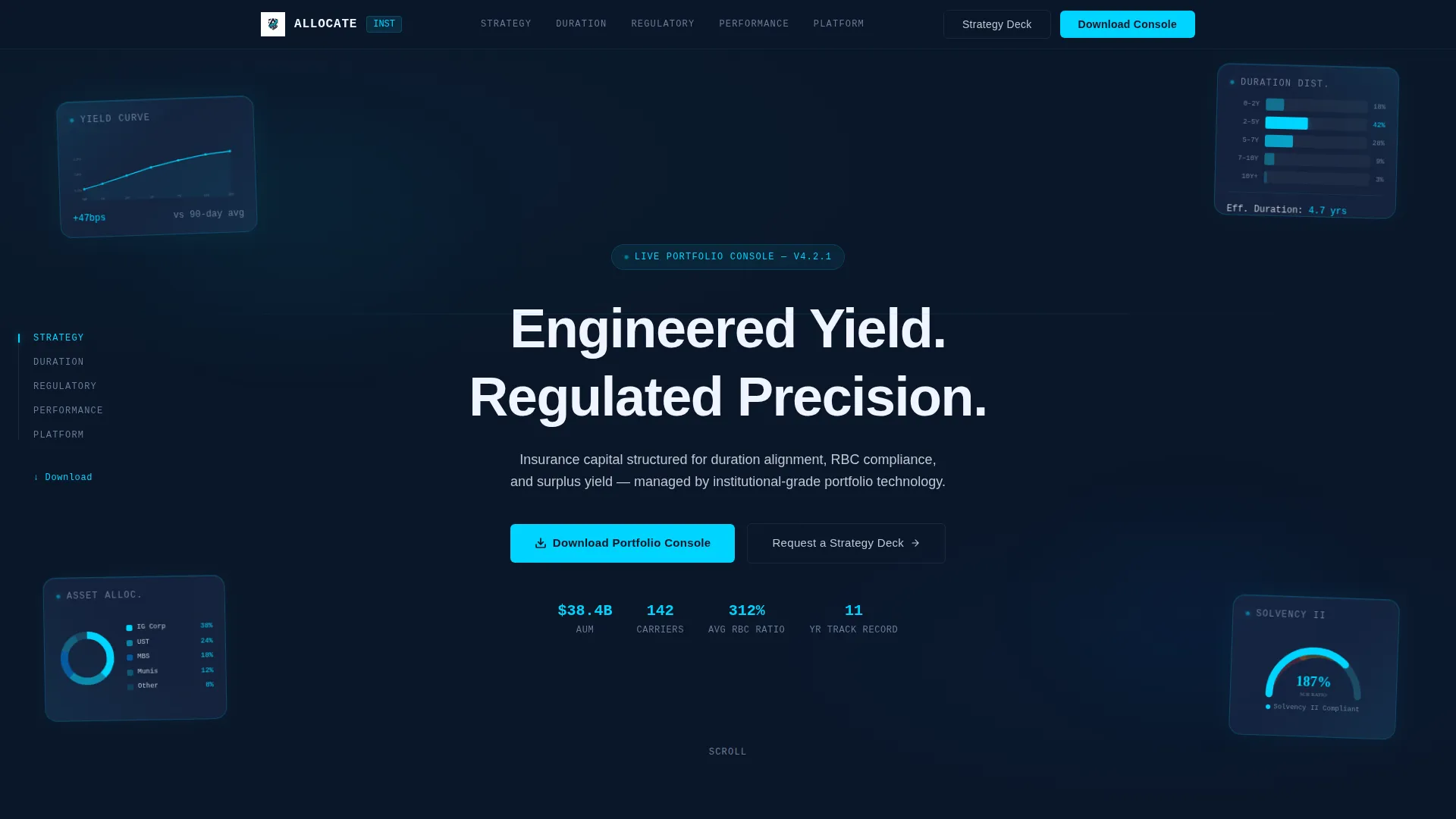
- A cinematic header with four animated dark glass data panels displaying a yield curve, a duration distribution bar, an asset allocation donut, and a Solvency II ratio gauge
- A gated app download flow collecting corporate email, firm type, and assets under management range before revealing iOS, Android, and desktop download buttons
Feature list
This section covers the core built-in capabilities that make Allocate distinct from a generic financial landing page template.
Animated Dark Glass Header Panels
Four translucent, frosted-glass rectangles float over the deep navy background at subtle parallax angles. Each panel displays a different live data artifact. Cyan light refracts along panel edges as the cursor moves, and a self-typing headline centers the visual.
Sticky Left-Rail Anchor Navigation
A persistent left-rail navigation keeps the spoke labels visible throughout the full scroll experience. Anchor indicators light up in signal cyan as each section enters view. The primary call-to-action button is pinned inside the nav so it is always reachable.
Scroll-Triggered Chart Animations
Charts animate on entry as each section scrolls into view. Allocation bars fill to their values and percentage counters tick upward in real time. Motion is constant but disciplined, reinforcing the sense of live institutional data.
Spec Sheet Section Layout
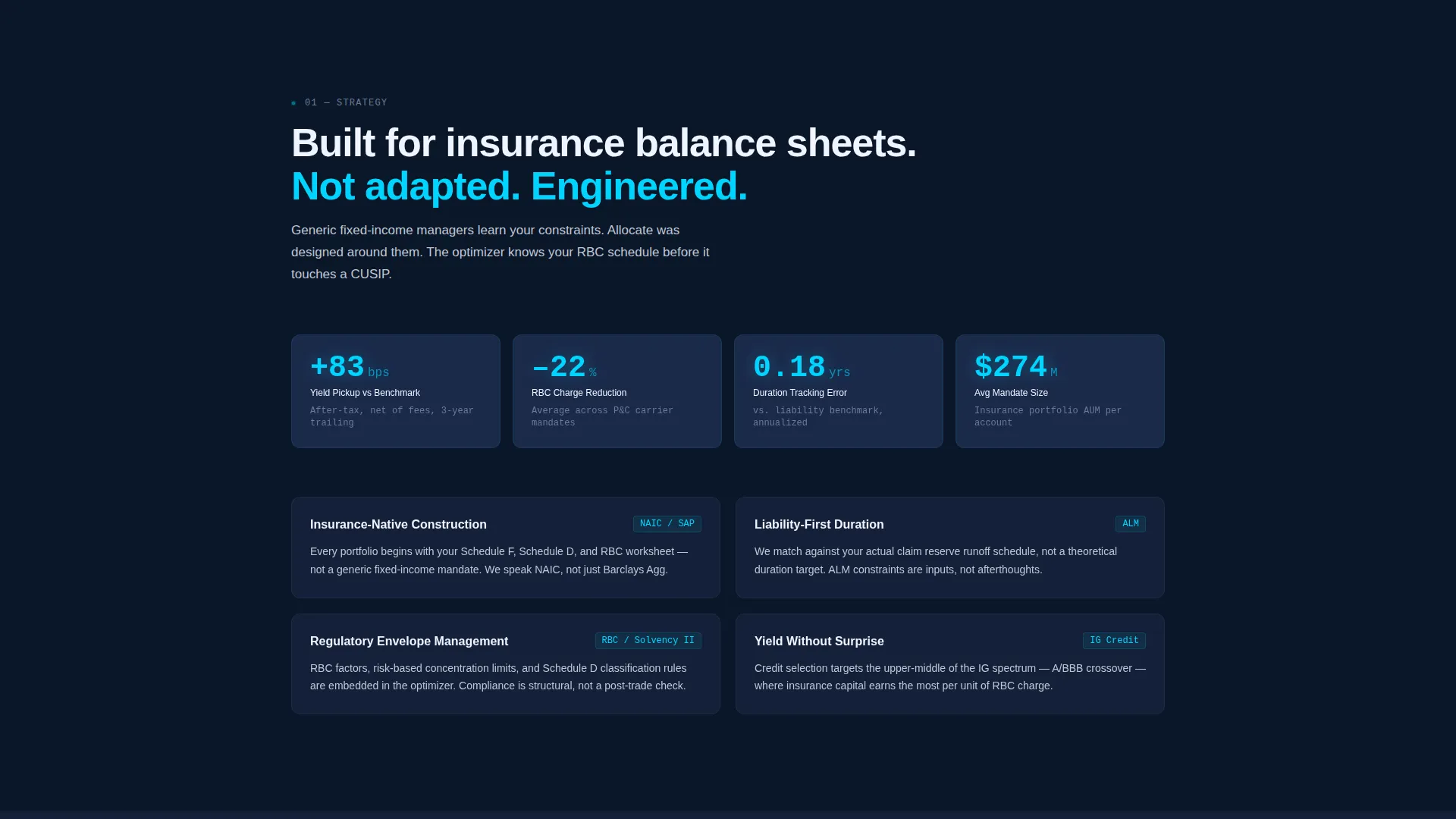
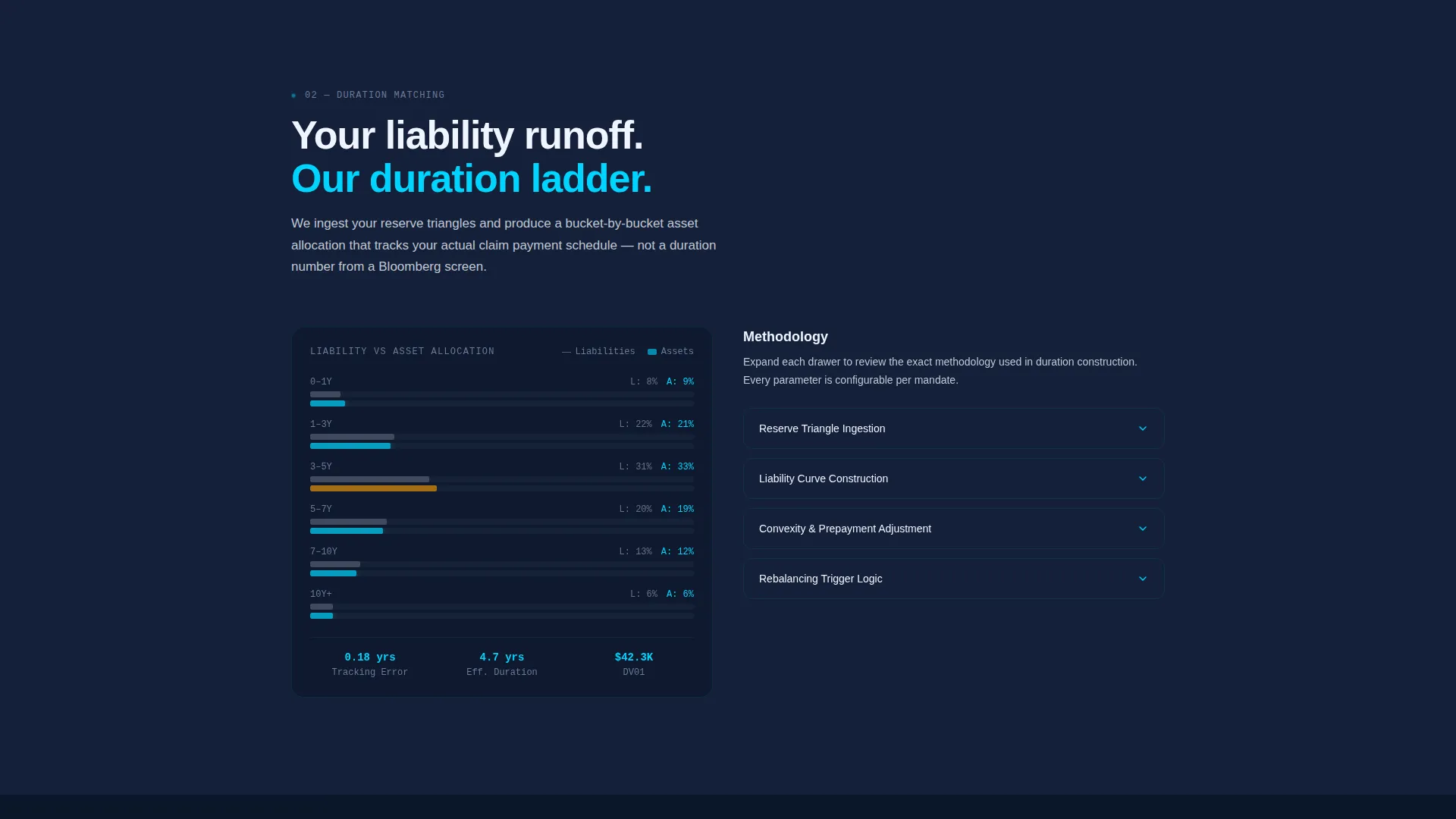
Each spoke section reads like a Bloomberg function page: dense but scannable, with key metrics displayed in oversized cyan type and supporting context in silver body text. Expandable detail drawers let analysts access full methodology without cluttering the primary view.
Structured App Download Flow
The download call to action appears three times across the page: in the header, pinned in the anchor nav, and as a full-width closing section. The flow gates platform-specific download buttons behind a short form asking for corporate email, firm type, and assets under management range.
Secondary Strategy Deck Path
A secondary conversion path offers a "Request a Strategy Deck" option for prospects not ready to install the app. This keeps softer leads in the funnel without diluting the primary download intent.
Page sections overview
| Section | Purpose |
|---|---|
| Header with panels | Establishes brand authority and frames the investment thesis visually |
| Strategy spoke | Presents the firm's core investment philosophy and approach |
| Duration Matching spoke | Explains the structural mechanics of asset-liability alignment |
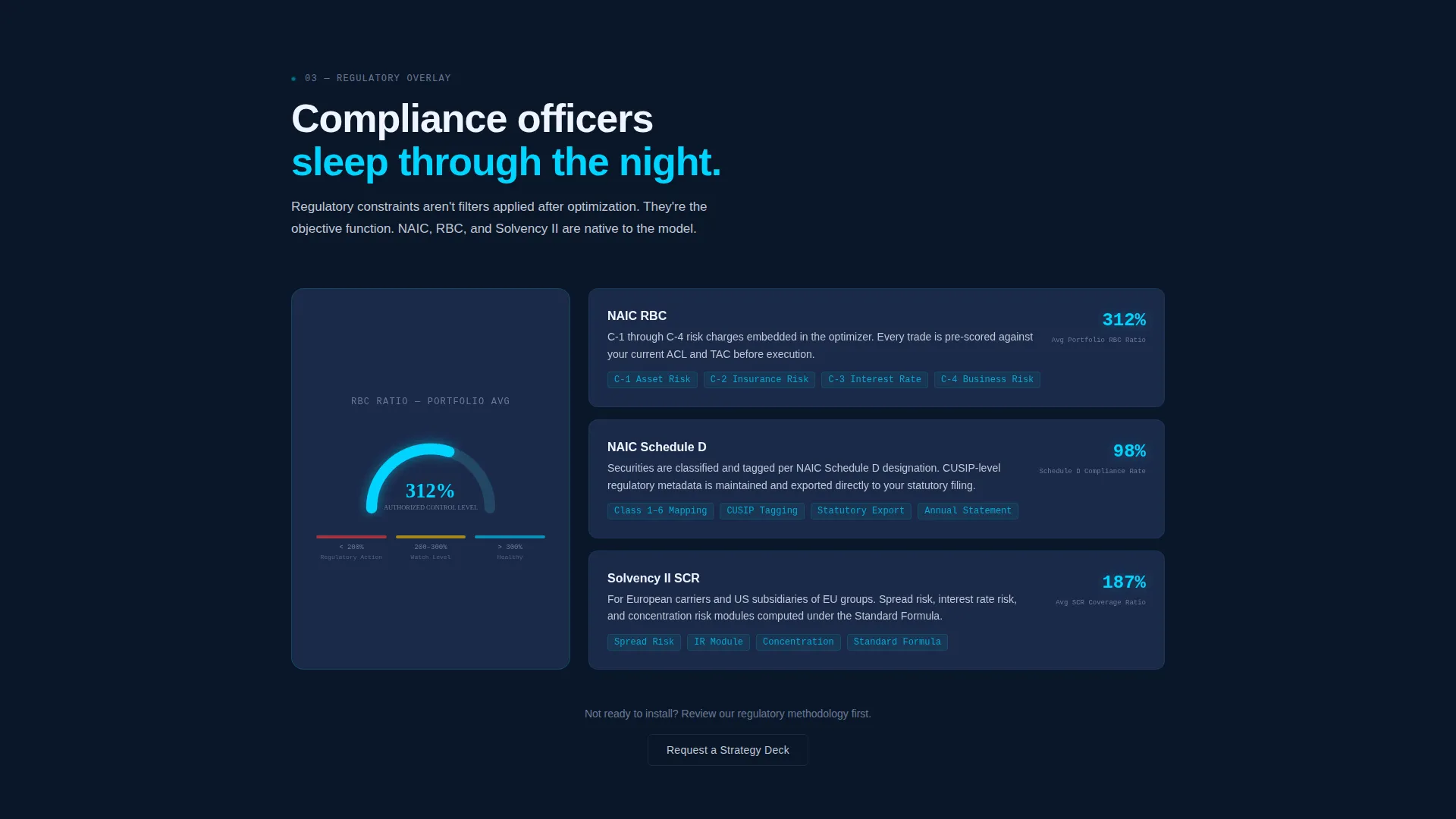
| Regulatory Overlay spoke | Demonstrates regulatory fluency and compliance discipline |
| Performance spoke | Delivers audited track record data and basis-point evidence |
| Platform spoke | Shows portfolio manager tooling through app interface screenshots |
| App Download section | Drives the primary conversion with a gated download flow |
Design & branding system
The visual identity follows a Dynamic Motion theme built entirely within a Midnight Blue color system. Every layer of the design creates depth through tonal variation rather than high-contrast breaks, so the page feels like a live trading terminal rather than a marketing brochure.
- Deep terminal navy (#0A1628) as the primary background, institutional slate (#1B2A4A) for card and panel surfaces, and cool silver (#C0C7D4) for body text and data labels
- Signal cyan (#00D4FF) used sparingly on anchor nav indicators, chart highlights, call-to-action pulses, and hover states so every cyan element reads as actionable
- Frosted glass panel treatments, parallax tilt angles, inertia-based cursor response, and a self-typing headline deliver the Dynamic Motion theme throughout the header
Mobile & speed optimization
The template is built to perform on the devices that institutional buyers actually use. Consultants, analysts, and executives frequently review materials on mobile before desktop follow-up.
- Responsive layout adapts the hub-and-spoke structure for smaller screens without dropping animated data artifacts
- Anchor navigation collapses gracefully on mobile so the sticky call-to-action remains accessible throughout the scroll
- Scroll-triggered animations are designed to activate on entry rather than on page load, keeping initial rendering light
How this template helps you convert
The conversion architecture is deliberately escalating. Performance evidence and regulatory fluency appear before the call to action, so the download request feels earned rather than premature.
- Front-loaded data panels and oversized metric displays establish credibility in the first viewport, reducing early bounce from skeptical institutional buyers.
- The sticky anchor nav with a pinned download button keeps the primary call to action visible at every scroll depth, so a decided visitor never has to search for the next step.
- The gated download form qualifies leads by firm type and assets under management range before revealing platform-specific download links, delivering better intent signals.
Other information about this template
This template is categorized under Technology and Insurance Software, with a niche focus on insurance asset management. It is a strong fit for firms positioning their platform against legacy fixed-income advisory models.
- The Hub and Spoke anchor nav structure is well suited for content-dense, single-page presentations where institutional buyers need to jump between technical sections without losing context
- The Spec Sheet creative direction aligns with how insurance investment professionals already process information: structured, metric-dense, and methodology-transparent
- The App Download landing page direction supports both direct install conversion and softer lead capture through the secondary strategy deck request path
- The template style works for new platform launches, institutional sales enablement pages, and conference-linked landing pages where a firm needs to make a rapid, high-trust first impression
Theme
Dynamic Motion
Creative direction
Spec Sheet
Color system
Midnight Blue
Style
Hub & Spoke (Anchor Nav)
Direction
App Download
Page Sections
Animated Dark Glass Header Panels
Sticky Left-rail Anchor Navigation
Scroll-triggered Chart Animations
Spec Sheet Spoke Layout
Gated App Download Flow
Secondary Strategy Deck Path
Related questions
Can I replace the placeholder data with my firm's real metrics?
Is the app download form customizable for different firm types?
Does the template work without motion or animation?
Who is the intended end-user of the portfolio console app shown in the template?
Can this template support a localized or translated version of the page?



