Design System & Component Library Reviews & Social Proof Website Template
Vault is a Bold Brutalist brand asset library landing page template built for digital asset management platforms. It uses a split-screen, report-style layout to pair hard brand-management statistics with platform features. Deep graphite tones, electric sky-blue accents, and monospaced typography create a serious, industrial presence that earns trust through evidence before asking for a click.
by Rocket studio
Quick summary
Vault is a single-page, split-screen landing page template designed for brand asset library platforms. It follows an Industry Report creative direction, pairing stark statistics with product feature panels. The Bold Brutalist visual system uses deep graphite, cold slate, and electric sky-blue to create a monolithic, high-trust presentation that moves visitors from diagnosis to decision.
Who this template is for
This template is built for teams that manage large volumes of digital asset files and need a landing page that reflects the seriousness of that work. It speaks directly to decision-makers who are tired of chasing the right file across scattered folders and shared drives.
- Brand managers at enterprise or mid-market companies overseeing multiple regional teams
- In-house creative directors and creative teams policing asset usage across departments
- Agency partners and marketers who need approved assets fast, often outside business hours
What problem this template solves
A disorganized asset management system leads to missed deadlines, rogue Pantone usage, and outdated logos appearing in live campaigns. Brand teams waste hours on a digital treasure hunt through shared drives, old emails, and stale Dropbox folders instead of doing real work. This template gives that problem a face and a fix.
- Teams circulate outdated logos and off-brand media files because there is no single source of truth
- Approval bottlenecks slow down marketing teams when permissions are unclear or buried
- File format chaos means agency partners cannot find the right file in the right asset type before a print deadline
What you get with this template
You get a fully structured, desktop-first landing page template that organizes the brand asset library argument across five scroll sections. The layout is built to store the case for your platform, section by section, until the evidence is overwhelming.
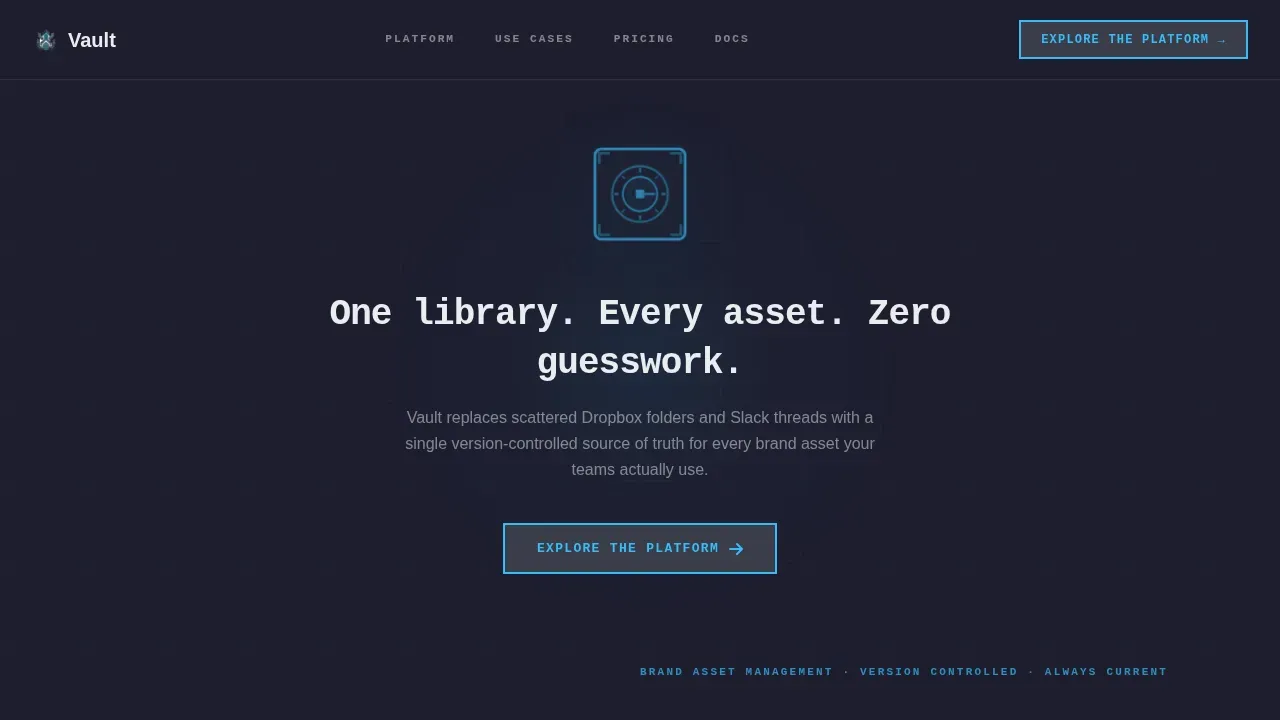
- A dark full-bleed hero with a glowing logomark, monospaced headline, and a single click-through call to action
- Four 50/50 data split sections, each pairing a brand-management statistic with a corresponding platform feature panel
- A linear single-row footer and two strategically placed calls to action that link to an interactive product tour
Feature list
This template ships with a focused set of design and layout features, all grounded in the source brief. Every element is built to communicate the value of a centralized brand asset library with clarity and authority.
Dark Full-Bleed Hero with Glow Pulse
The hero section fills the full viewport in deep graphite. A single vector logomark floats center-screen with a soft sky-blue glow radiating outward at 40% opacity. The glow pulses once, subtly, on load. A monospaced headline reads: "One library. Every asset. Zero guesswork." One call-to-action button sits below it, styled in electric sky-blue on a slate base with a brutalist hard border.
50/50 Data Split Layout
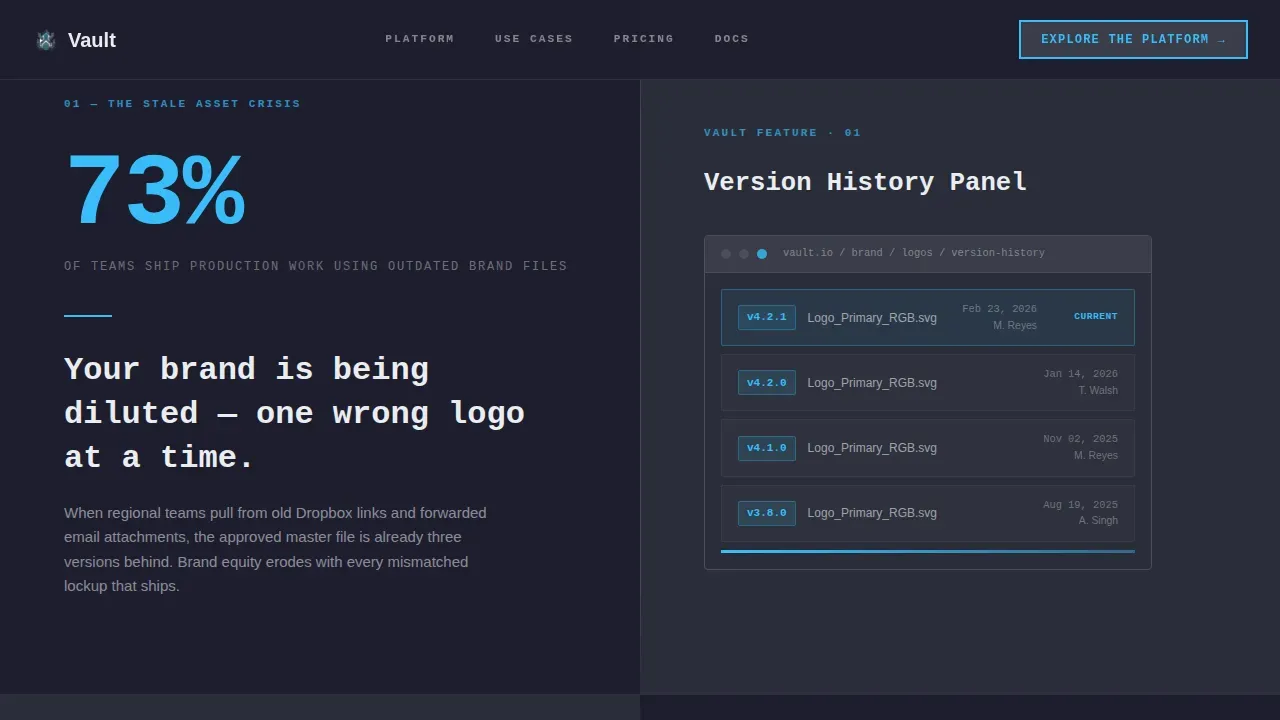
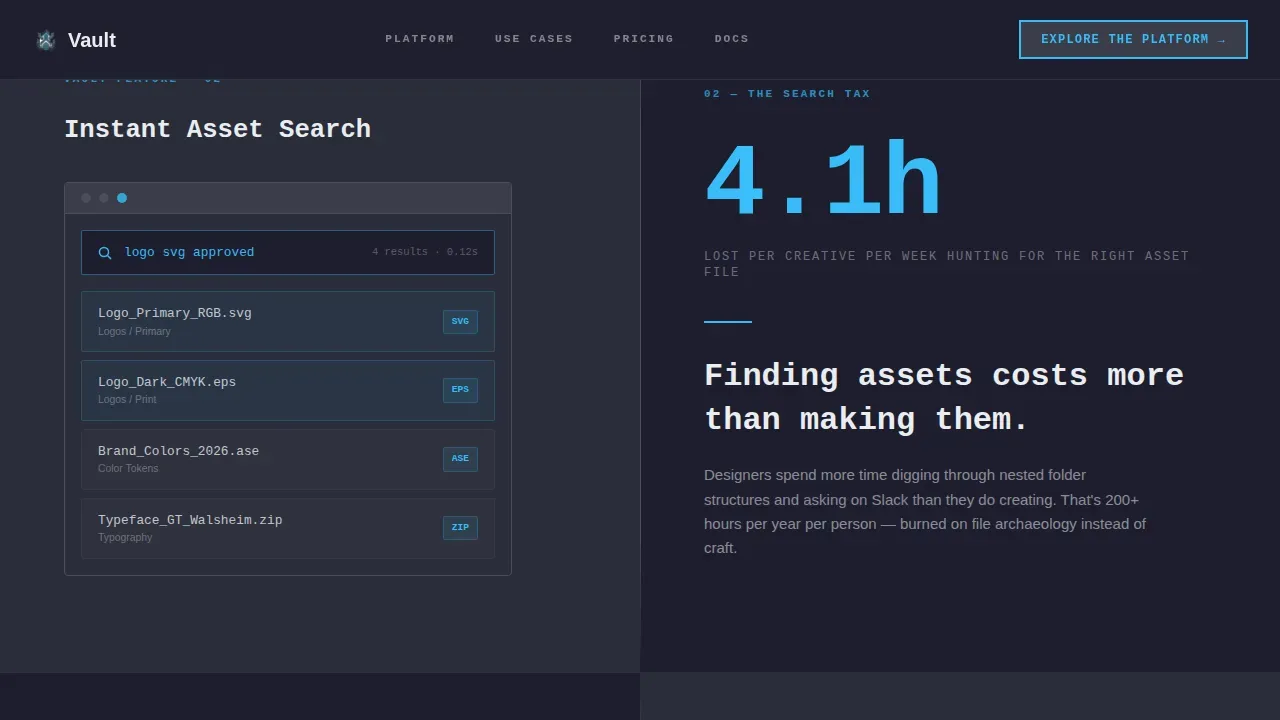
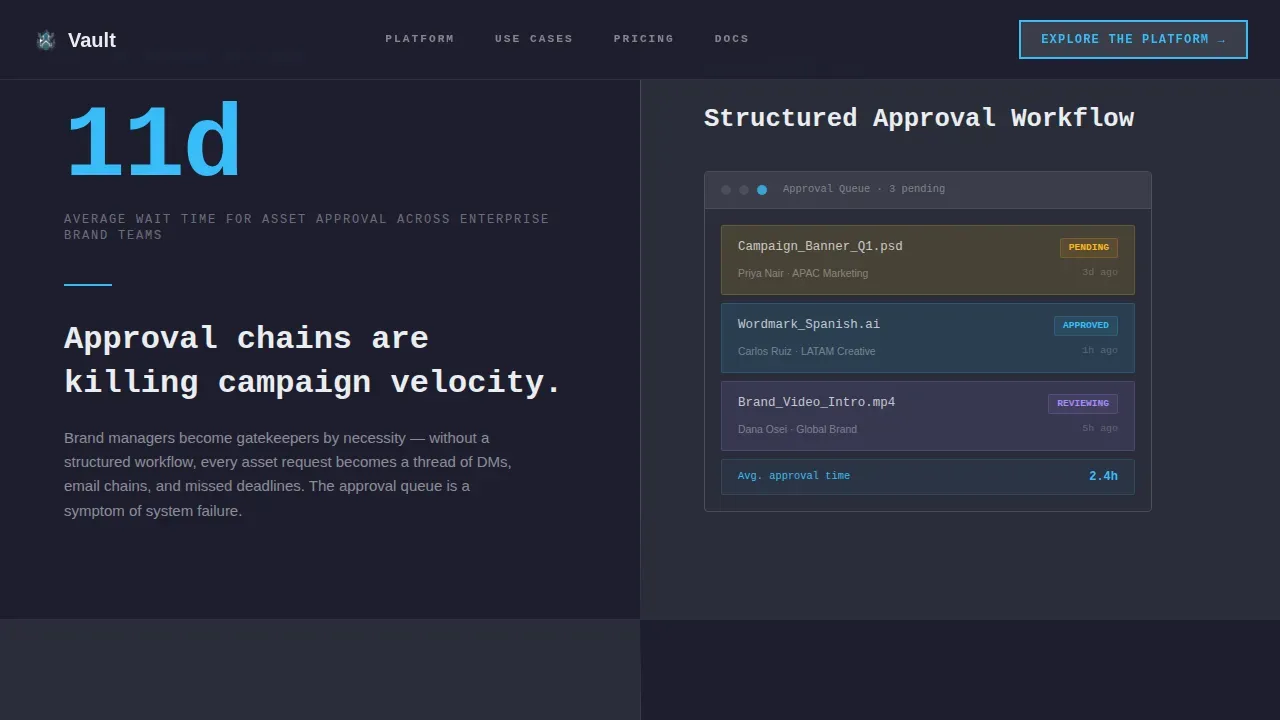
Each content section divides the screen equally. The left panel presents a stark, real-world statistic about brand asset management pain. The right panel shows the platform feature that eliminates that pain. Sections cover version history, instant search, permissions and workflow, and format library. The scroll reads like a state-of-brand white paper, building a cumulative argument with every section.
Scroll-Triggered Reveals and Staggered Entrances
Sections animate into view as users scroll. Each split-screen pair enters with a staggered reveal, giving the page a sense of deliberate pacing. The report-style cadence feels considered and weighty, matching the tone of the digital asset management subject matter.
Metadata-Ready Visual Structure
The template layout supports visual organization by category, file type, and asset type. Section panels are designed to display product screenshots showing version history panels, advanced search interfaces, and format libraries. This mirrors how a real brand asset library organizes logos, media assets, videos, presentations, and documents.
Click-Through Call-to-Action System
Two calls to action appear on the page: one after the hero, one anchored after the final data split. Both use the same brutalist button style. There is no form on this page. The call to action leads visitors directly to an interactive product tour, removing friction and keeping the conversion path clean.
Bold Brutalist Typography System
Headlines use JetBrains Mono for a monospaced, industrial precision feel. Body copy uses DM Sans for clean readability. Chalk white text sits on graphite and slate surfaces. Electric sky-blue owns every link, hover state, and interactive element, so users always know where to look and what to click.
Page sections overview
| Section | Purpose |
|---|---|
| Hero with Glow | Headline, logomark, and primary call to action |
| Data Split One | Outdated files stat versus. version history panel |
| Data Split Two | Asset search time versus. instant search feature |
| Data Split Three | Approval bottleneck versus. permissions and workflow |
| Data Split Four | Format chaos versus. format library and final call to action |
| Linear Footer | Single-row footer with minimal navigation |
Design & branding system
The Slate and Sky color system is built for maximum contrast and zero visual noise. Every design decision reinforces the idea that this platform is where brand assets live with structure and control.
- Deep graphite (#1E1E2E) dominates all backgrounds; cold slate (#3A3D4A) defines card planes and dividers; electric sky (#38BDF8) owns every interactive element
- Chalk white (#EAEDF0) is the only text color, ensuring readability across all surfaces without exception
- JetBrains Mono drives headline typography for industrial precision; DM Sans handles body copy for clear, comfortable reading
Mobile & speed optimization
The template is desktop-first by design, reflecting how brand managers and creative teams actually work. The 50/50 split-screen layout is optimized for large screens where both panels are visible simultaneously.
- Static sections use server components to keep the base page lightweight and fast to render
- Client-side components handle scroll-triggered animations and hover states without blocking the main content load
- Mobile responsiveness is preserved so users can preview and share asset links from any device when needed
How this template helps you convert
This template does not rely on a form or a hard sell. It builds trust through the weight of evidence, then opens a door. The conversion logic is structured and deliberate.
- The hero establishes the value of a centralized brand asset library instantly, with a headline and glow that commands attention before a single word of body copy is read.
- Each data split section tightens the argument, turning brand-management pain points into a clear case for the platform, so visitors arrive at the call to action already convinced.
- The brutalist call to action button, placed twice, is impossible to miss and easy to click, directing visitors to a product tour rather than a form, reducing commitment friction at the most critical moment.
Other information about this template
This template is part of a broader category of digital asset management landing page templates designed for brand asset library platforms. It is a strong fit for teams moving away from scattered google drive folders and shared drives toward a proper asset management system.
- The layout supports on brand templates by locking logos and color usage within clearly defined visual zones, showing visitors exactly how a brand asset library maintains governance
- Teams can use this template to communicate how users tag assets with metadata, organize by file type and asset type, and find assets through advanced search or natural language search
- The vault centralized brand asset library landing page template is specifically designed for platforms where brand asset library important decisions are made at the organizational level, making it a direct fit for enterprise digital asset management buyers
- Marketers, employees, and agency clients who interact with a digital asset library daily will recognize the real-world pain points called out in each data split section
- The template communicates how a platform helps teams store, organize, manage, and maintain all your digital assets in one searchable hub, replacing scattered media files, brand guides, and branded content spread across disconnected systems
Theme
Bold Brutalist
Creative direction
Industry Report
Color system
Slate & Sky
Style
Split Screen (50/50)
Direction
Click-Through
Page Sections
Dark Full-bleed Hero with Glow Pulse
Four Split-screen Data Sections
Scroll-triggered Reveal Animations
Metadata-ready Visual Panels
Dual Click-through Call-to-action Placement
Bold Brutalist Typography and Color System
Related questions
What page sections does this template include?
Can I customize the statistics and product screenshots in the split sections?
Does this template include a sign-up form?
Who is this template best suited for?
What makes this template different from a generic product landing page?



