Campus - Powerful Educationproperty Landing Page Template
Campus is a scroll-reveal landing page template built for education property management platforms. It uses a Data Command visual theme with an Electric Indigo color system to present district-wide facilities data in a way that feels urgent, credible, and immediately useful. The template drives app downloads through six progressive data reveals that surface real operational pain before asking for any commitment.
by Rocket studio
Quick summary
Campus is a single-page, scroll-reveal landing page template for education property management platforms. It opens with a live-style code snippet header, escalates through six progressive data reveals, and closes on a dual app download call to action. The design feels like mission control, dark surfaces, electric indigo highlights, and data that earns your trust before the pitch arrives.
Who this template is for
This template is built for teams selling facilities management software directly to school district decision-makers. It speaks the language of operations budgets, deferred maintenance, and capital planning cycles.
- Facilities directors managing dozens of buildings and competing repair priorities
- Chief Financial Officers defending capital budgets before school boards
- Operations managers responsible for after-hours emergency response across large campuses
What problem this template solves
School district operations teams carry enormous complexity with fragmented tools. A boiler failure, a lease renewal, and a deferred roofing backlog all live in different spreadsheets and inboxes. This template gives education property management platforms a landing page that proves they understand that complexity before asking for a download.
- Visitors arrive skeptical; the stats-first scroll structure earns trust through data before making any product claim
- Decision-makers need to see district-scale relevance immediately, not a generic software pitch
- The sandbox demo path lets cautious buyers explore the platform without commitment
What you get with this template
You get a complete, ready-to-customize scroll-reveal landing page designed around the education property management use case. Every section is built to surface a specific operational pain and resolve it with a data reveal.
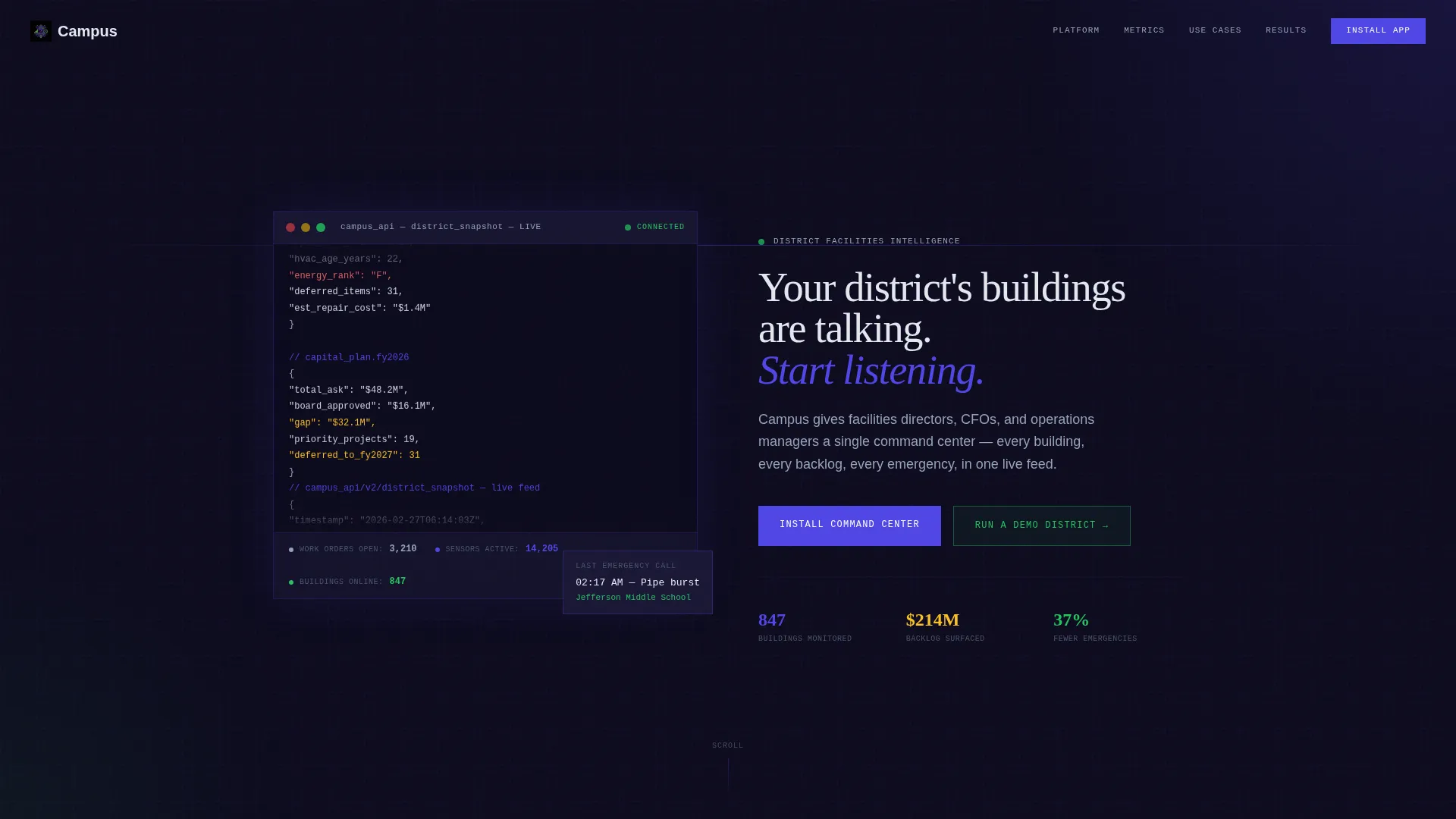
- A terminal-style code snippet header with animated, ticking data fields that set the tone instantly
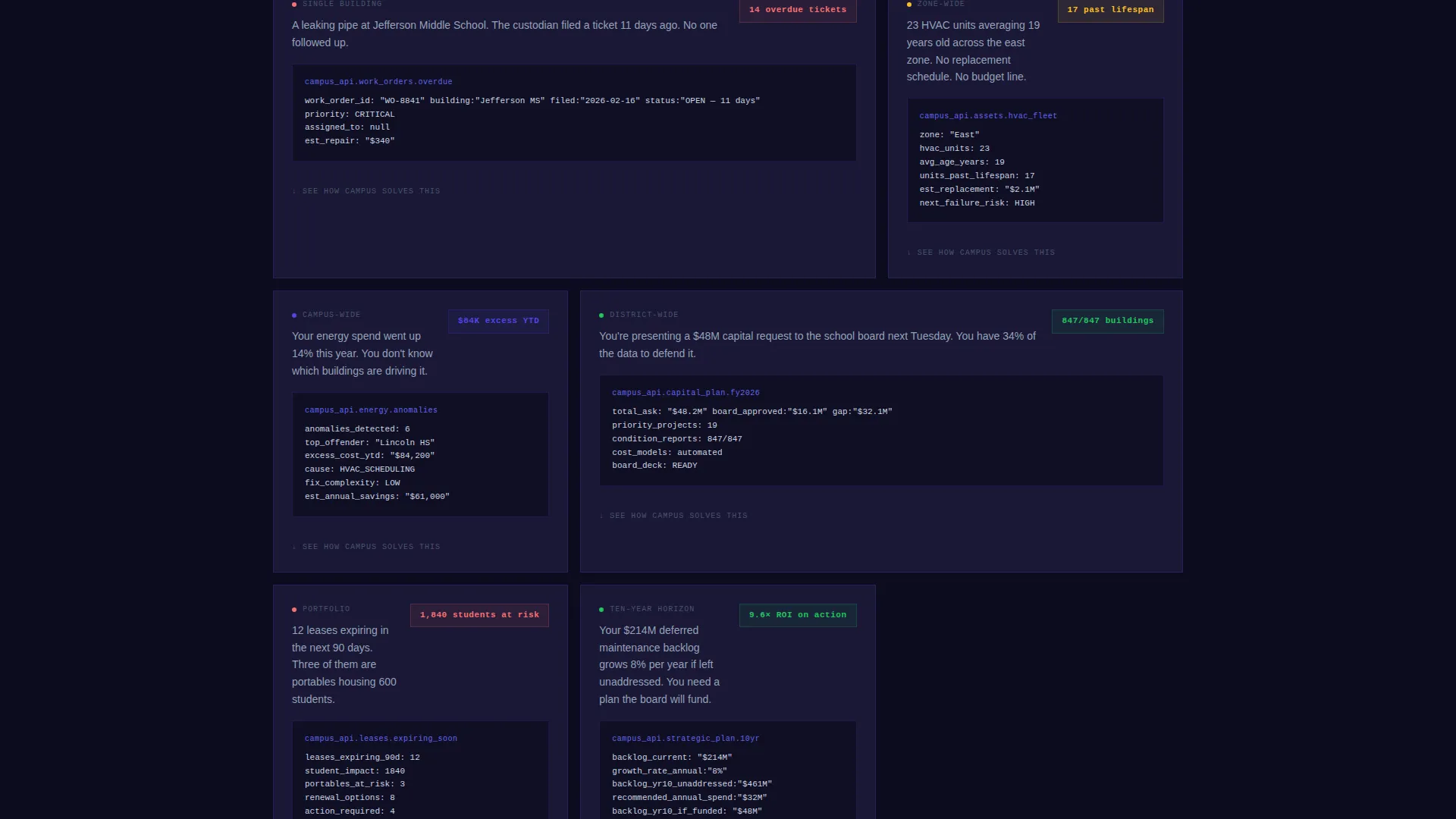
- Six progressive scroll sections that each expose one problem and one platform response
- Dual app download calls to action paired with a "Run a Demo District" sandbox path
Feature list
This template is built around deliberate, functional design decisions. Each feature serves the goal of converting a skeptical facilities professional into an engaged app installer.
Animated Code Snippet Header
The header renders a structured data block styled like an API response. Fields such as building_count, deferred_maintenance_backlog, and work_orders_open tick and update on screen, signaling live system awareness from the very first second.
Stats-First Scroll Reveal
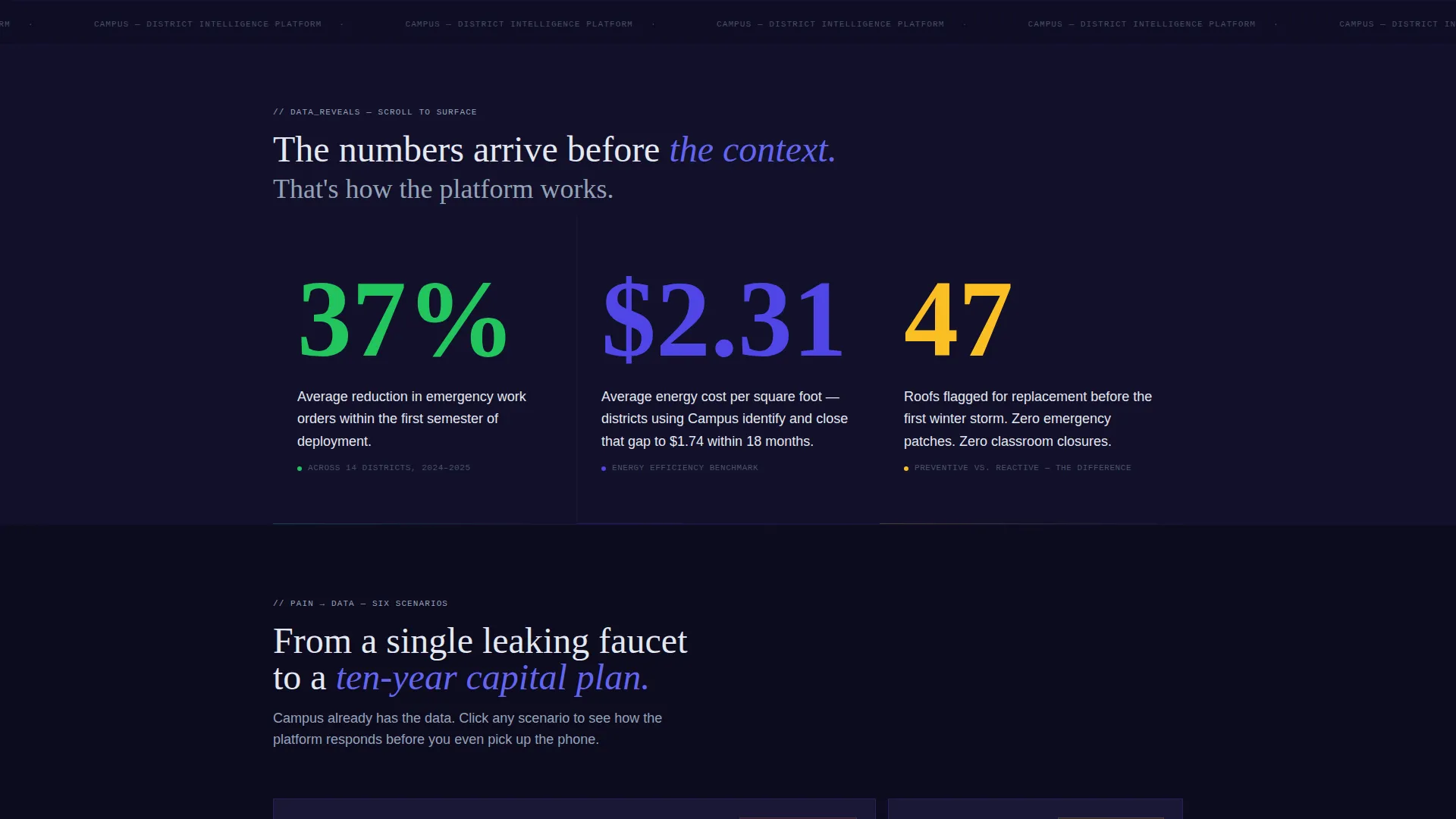
Each scroll section leads with a large, isolated data point. The number appears alone before its context fades in beneath it. This creates a rhythm of curiosity and resolution that keeps visitors reading further down the page.
Six Progressive Data Reveals
The page escalates in scope across six sections, moving from a single leaking faucet to a district-wide energy audit to a ten-year capital plan. Each reveal is tied to a specific operational pain that the target audience recognizes immediately.
Dual App Download Call to Action
The primary conversion point pairs "Install the Command Center" with App Store and Google Play badges styled in indigo outline. The visual treatment makes the download feel like an access point to a live system, not a marketing ask.
In-Browser Sandbox Demo Path
A secondary call to action invites visitors to "Run a Demo District," loading a sandbox environment pre-populated with dummy data modeled on a realistic 60-building district. This gives cautious buyers a way to evaluate the platform without installing anything first.
Data Command Color System
The Electric Indigo palette is applied functionally across the entire page. Deep terminal black forms the base, electric indigo pulses through data lines and active states, cool slate handles secondary text, and phosphor green marks positive status indicators.
Page sections overview
| Section | Purpose |
|---|---|
| Code Snippet Header | Opens with animated API-style data fields to establish live-system credibility |
| Headline Reveal | Fades in a single human statement beneath the data block to anchor the emotional hook |
| Data Reveal 1 | Surfaces the first isolated statistic before its operational context appears |
| Data Reveal 2 | Escalates from building-level problem to campus-wide energy cost context |
| Data Reveal 3 | Introduces deferred maintenance backlog scale with district-wide framing |
| Data Reveal 4 | Shifts to lease renewal and facilities scheduling complexity |
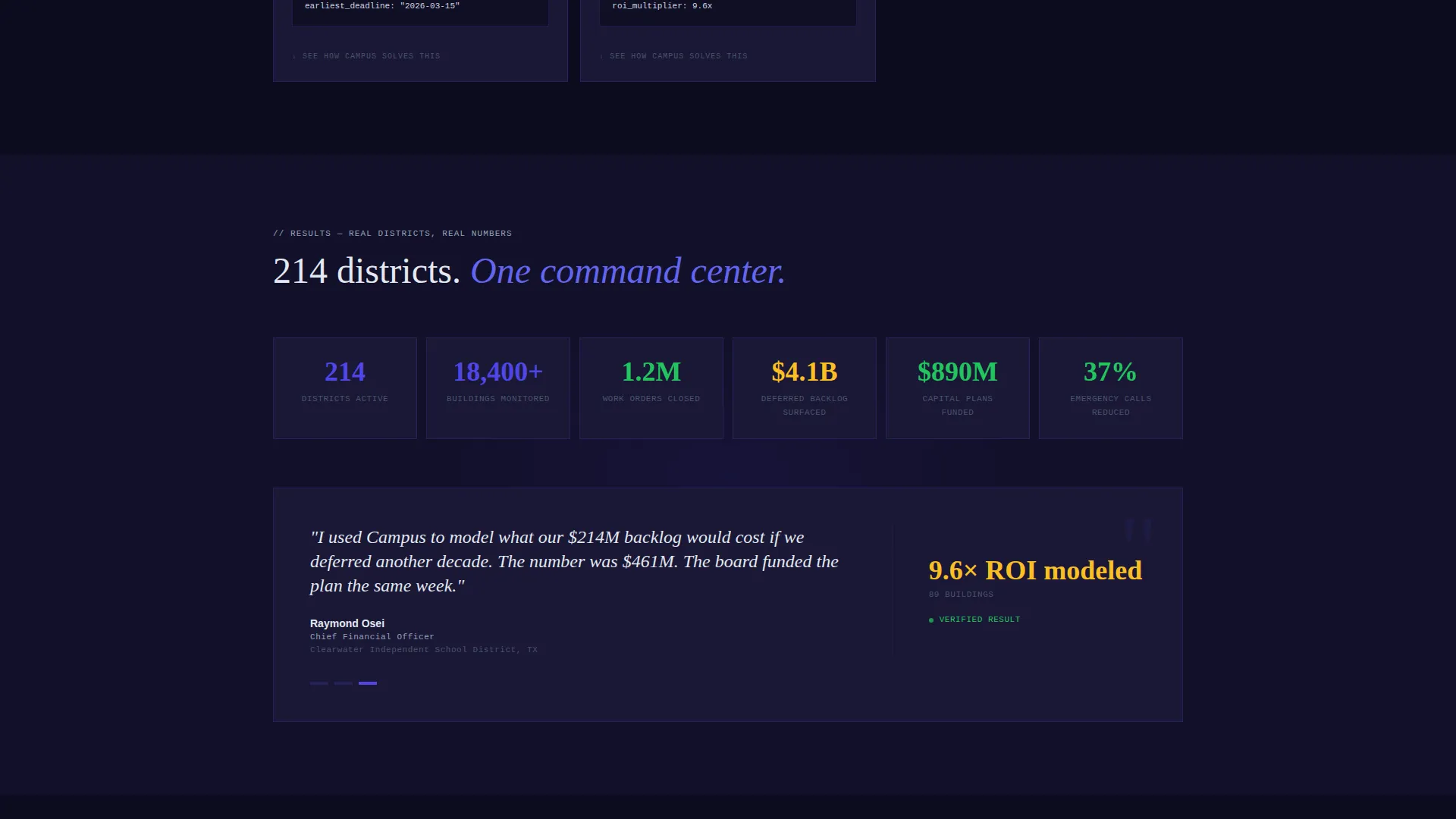
| Data Reveal 5 | Presents emergency work order reduction as a measurable platform outcome |
| Data Reveal 6 | Zooms out to a ten-year capital plan view across the full district map |
| App Download call to action | Delivers dual app badges and the sandbox demo path as the primary conversion moment |
Design & branding system
The visual identity follows a Data Command theme. Every color in the palette is earned by the data it represents, with nothing added for decoration alone.
- Deep terminal black (#0D0B1E) as the base surface, electric indigo (#4F46E5) for active states and data lines, cool slate (#94A3B8) for secondary text and grid rules, and phosphor green (#22C55E) for positive status indicators
- Monospace typography in the header code block gives the interface a live-feed terminal quality
- The overall aesthetic feels like a mission control room at 6 AM: dark, focused, and every element already on
Mobile & speed optimization
The scroll-reveal structure is designed to feel responsive and intentional on any screen size. Progressive disclosure keeps the page light in terms of visible complexity at any single moment.
- Each section reveals one data point at a time, reducing visual overload on smaller screens
- The indigo glow effects and dark palette translate cleanly to mobile displays without losing contrast or hierarchy
How this template helps you convert
The conversion strategy is built into the scroll structure itself. Visitors are not asked to trust the platform upfront; they are shown data first and given a reason to want more before the call to action appears.
- Six escalating data reveals create a growing sense of recognition in the target audience, so by the time the app download appears, the visitor already feels the product understands their district
- The in-browser sandbox demo removes the barrier for buyers who need to see before they install, giving the page two distinct conversion paths for two different buyer mindsets
Other information about this template
This template is well suited for education technology product launches, facilities management software campaigns, and district operations platform promotions. It can also support capital planning software, school building maintenance apps, and district-wide asset management tools looking to reach operations audiences.
- The template is built as a single landing page and is not a multi-page website structure
- The scroll-reveal format works with most modern web frameworks and page builders that support animation triggers
- The sandbox demo section can be adapted to point to any existing demo environment or iframe-based preview tool
- This template is a strong fit for campaigns targeting school district RFP cycles, end-of-fiscal-year budget decisions, and back-to-school infrastructure planning seasons
Theme
Data Command
Creative direction
Stats-First Impact
Color system
Electric Indigo
Style
Scroll Reveal (Progressive)
Direction
App Download
Page Sections
Animated Code Snippet Header
Stats-first Scroll Reveal
Six Progressive Data Reveals
Dual App Download Call to Action
In-browser Sandbox Demo Path
Data Command Color System
Related questions
Who is the Campus template designed for?
What makes this landing page different from a generic software template?
Can I replace the demo data with my own platform numbers?
Does this template support two separate conversion paths?



