Digital Arts Academy Comparison Table Landing Page
Canvas is a single-page comparison table landing page for a digital arts academy. It guides visitors through a personalized quiz, then walks them down a curriculum-inspired scroll path. Three membership tiers are compared at each stage, and the primary call to action invites visitors to reserve a seat at a free live Open Studio workshop.
by Rocket studio
Quick summary
Canvas is a warm, studio-inspired comparison table landing page built for a digital arts academy. It opens with a personality quiz, then leads visitors through a vertical curriculum journey. At every stage, three membership tiers sit side by side. The page ends with a single clear action: reserve your seat at a free live workshop.
Who this template is for
This template is built for digital arts schools and online creative academies that teach skills like illustration, concept art, and motion design. It works best when you need to present multiple membership tiers clearly and guide visitors toward a free event registration before asking them to commit.
- Career-changers exploring creative education for the first time
- Homeschool parents searching for structured art and design curriculum
- Self-taught illustrators ready to learn from a mentor and level up their work
What problem this template solves
Most creative education landing pages ask visitors to compare pricing tables before they feel any emotional connection. Visitors leave without choosing a plan because nothing speaks to where they actually are in their journey. This template solves that by leading with a personal quiz and building trust through a visual curriculum path before any tier comparison appears.
- Generic pricing pages fail to speak to learners at different experience levels
- Visitors drop off when they cannot see how the curriculum maps to their current skills
- A single rigid call to action misses visitors who are curious but not yet ready to pay
What you get with this template
You get a fully structured single-page layout with a quiz-driven introduction, a scrollable curriculum timeline, embedded comparison tables, student work samples, and a focused event registration form. Every element is designed to guide a specific type of learner toward the right next step.
- A three-door illustrated quiz header that personalizes the page experience on selection
- Three-tier comparison tables placed at multiple scroll stages, reflecting Free Community Track, Guided Studio, and Mentored Atelier options
- A primary registration form with first name, auto-filled quiz result, and a visual calendar picker for session time
Feature list
This template includes purpose-built components that work together to guide visitors from curiosity to commitment.
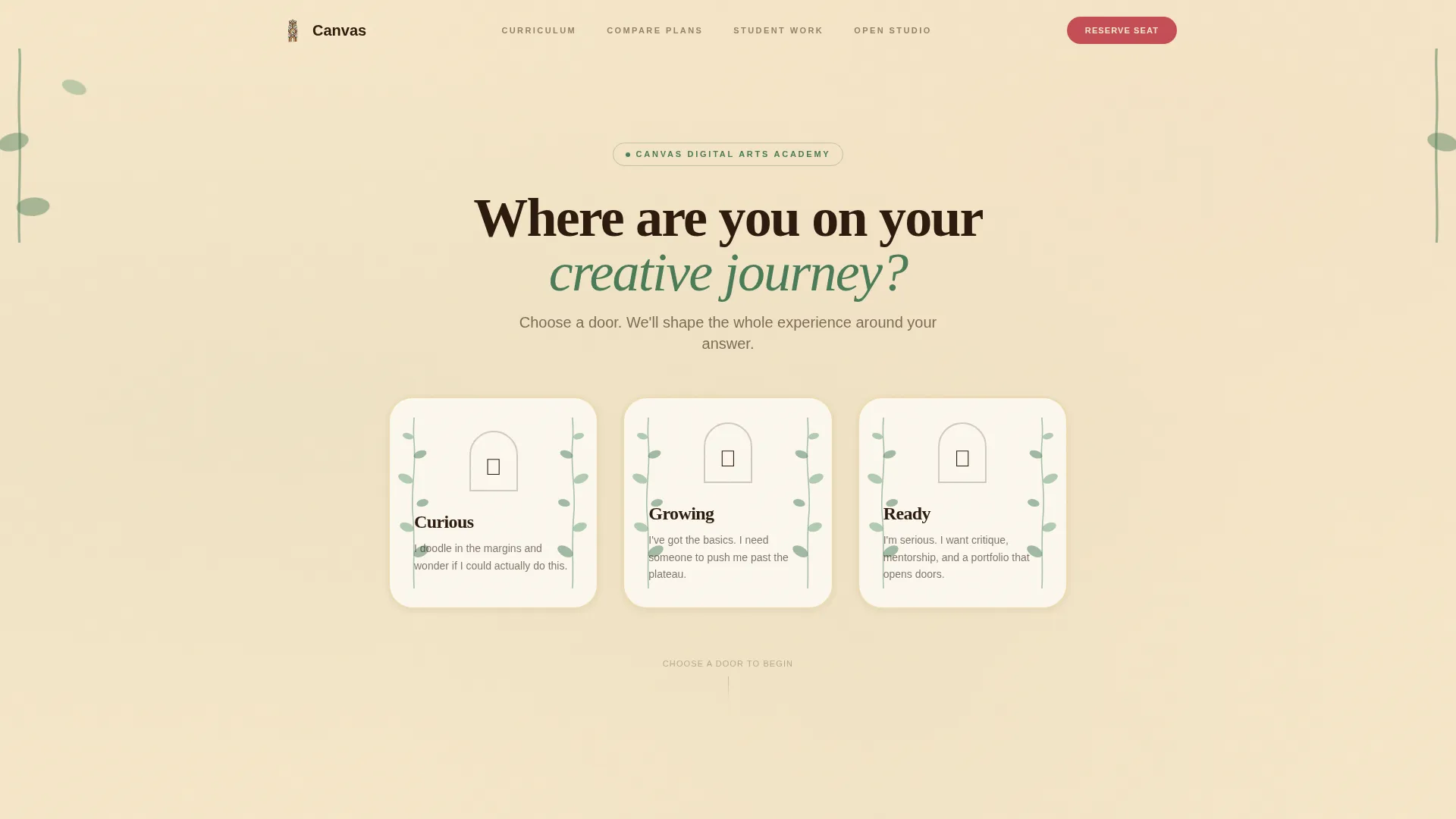
Illustrated Quiz Starter Header
The page opens with a single illustrated question over a textured parchment background. Three hand-drawn doors labeled Curious, Growing, and Ready sit side by side. Climbing vine animations loop softly around each door. Choosing a door tints the entire page experience to match the visitor's self-identified stage.
Personalized Comparison Tables
Comparison tables appear at multiple points along the scroll path. Each table contrasts three membership tiers: Free Community Track, Guided Studio, and Mentored Atelier. Columns grow richer in features as visitors scroll deeper, mirroring the natural progression of a student's skills.
Timeline Progression Scroll Path
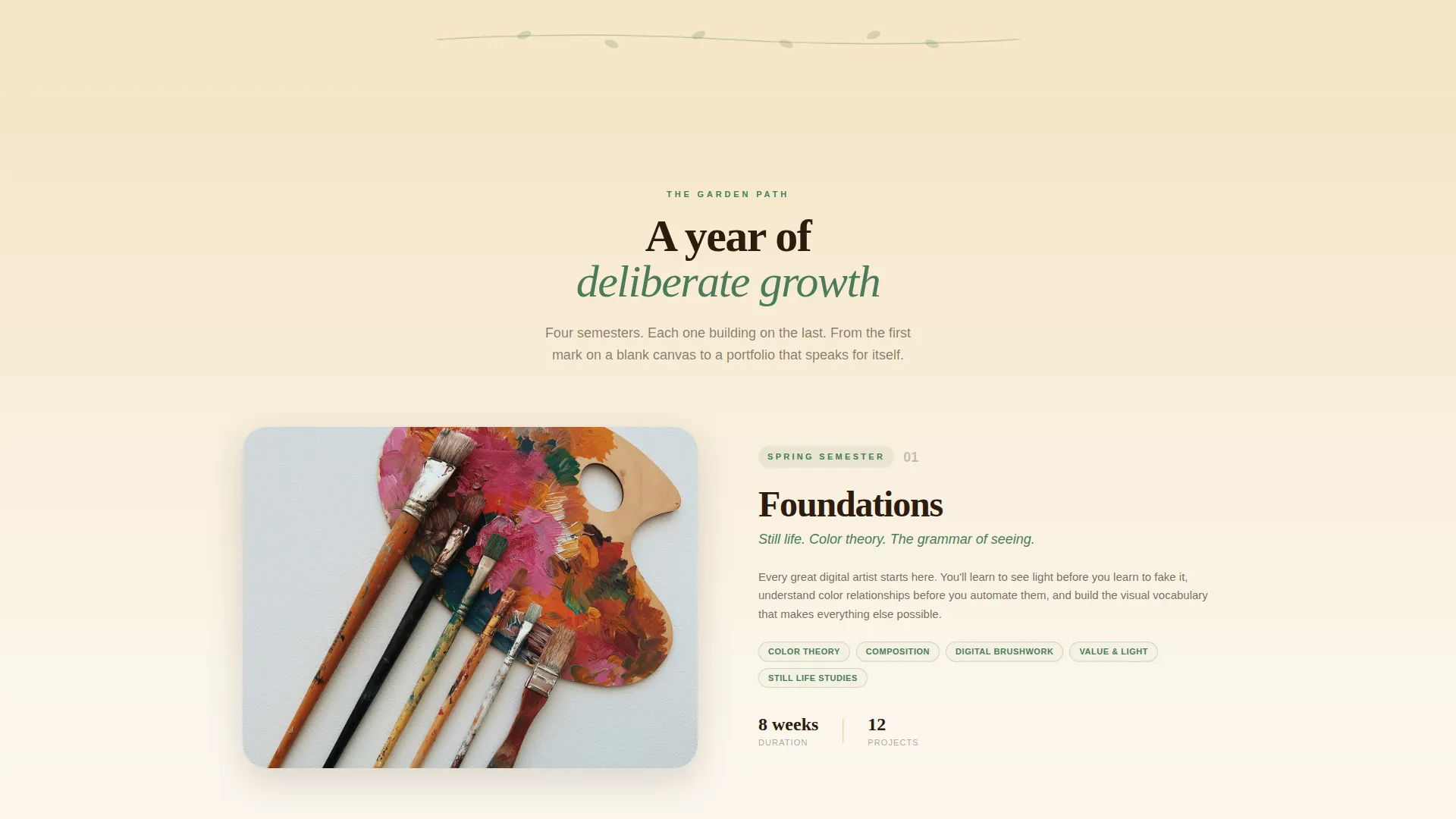
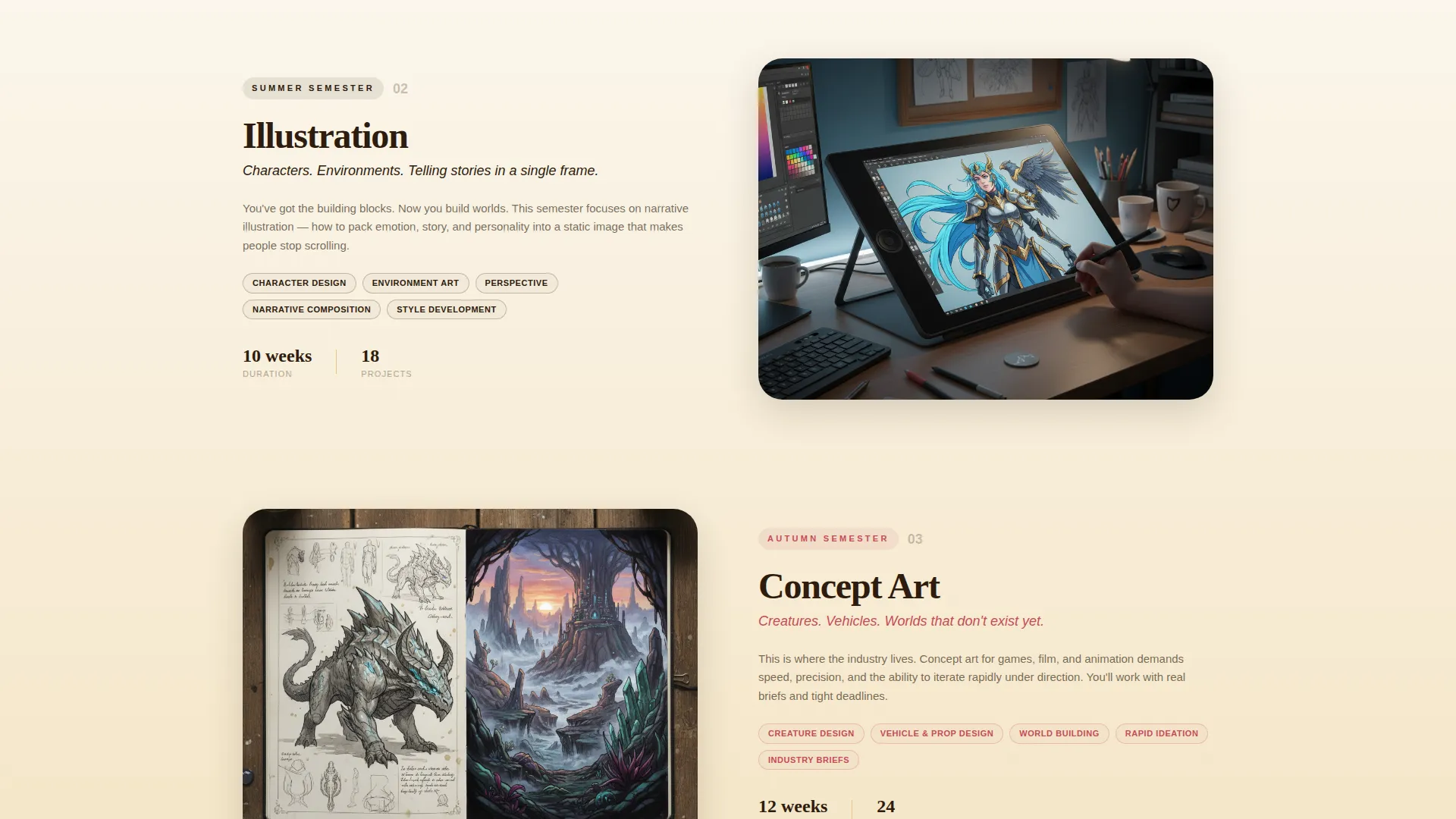
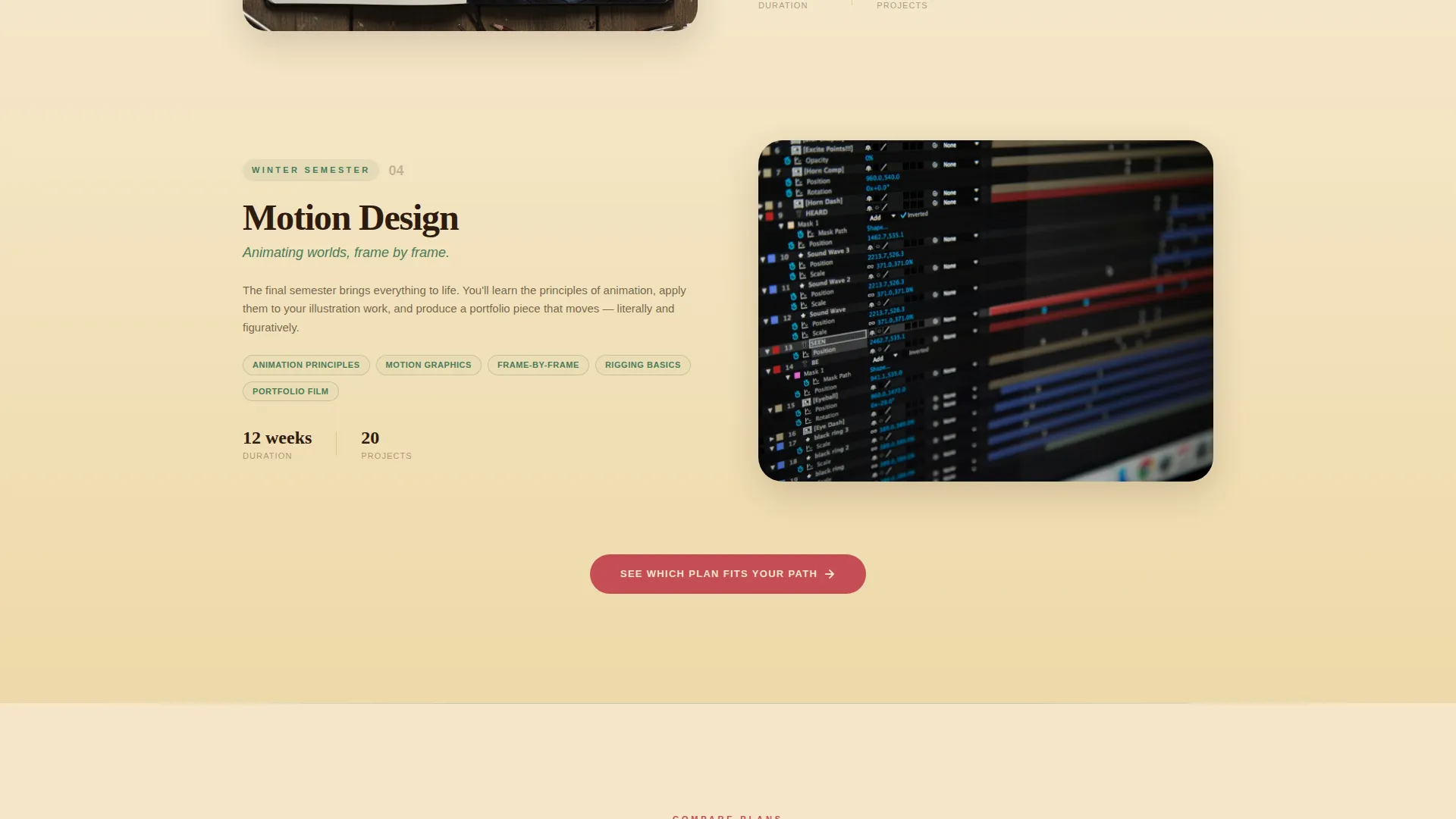
After the quiz, the page scroll becomes a vertical garden path. Each section represents a semester of the curriculum, moving from foundational skills like still life and color theory at the top down to advanced specializations like concept art and motion design at the bottom.
Student Work Sample Gallery
Student work samples are placed alongside each comparison table. The samples are arranged chronologically so the improvement from early fundamentals to advanced work is immediately visible. This gives prospective students a concrete sense of the progress they can expect.
Stage-Personalized Calls to Action
Each visitor sees urgency copy matched to their quiz answer. Curious visitors see "See what you'll make in your first week." Growing visitors see "Pick up where you left off." Ready visitors see "Your mentor is waiting." A secondary path labeled "Compare Plans Side by Side" sits below each comparison table.
Open Studio Registration Form
The primary call to action is "Reserve Your Seat at Open Studio," linking to a free live workshop event. The form collects first name, auto-filled quiz result, and preferred session time through a visual calendar picker. This keeps the commitment low and the first step inviting.
Page sections overview
| Section | Purpose |
|---|---|
| Quiz Starter Header | Opens the page and personalizes the visitor journey |
| Curriculum Timeline Path | Guides the scroll through semester-by-semester learning stages |
| Fundamentals Comparison Table | Contrasts three tiers at the foundational skill level |
| Student Work Samples | Shows visible progress from beginner to intermediate work |
| Intermediate Comparison Table | Contrasts three tiers at the growing-skills stage |
| Advanced Specializations Table | Contrasts three tiers at concept art and motion design level |
| Advanced Work Samples | Demonstrates student outcomes at the highest curriculum stage |
| Open Studio Registration | Collects visitor details for the free live workshop event |
| Secondary Enrollment Path | Offers direct plan comparison for visitors ready to enroll |
Design & branding system
The visual identity follows a Community Hearth theme built on a Botanical color palette. The overall feel is like a well-loved sketchbook pressed between the pages of a field guide: earthy, alive, and lit by late-afternoon sun.
- Parchment (#F5E6C8) covers most backgrounds; deep loam (#2D1B0E) anchors all body typography
- Living fern (#4A7C59) marks section transitions and progress indicators along the curriculum scroll path
- Berry (#C44D56) is reserved for buttons and interactive highlights, drawing the eye only where a decision lives
Mobile & speed optimization
The layout is designed to stay readable and navigable on smaller screens. The quiz doors, comparison tables, and registration form each adapt to narrower viewports without losing their visual hierarchy.
- Comparison tables reflow so tier columns remain scannable on mobile without horizontal scrolling
- The visual calendar picker and quiz interaction are touch-friendly for phone and tablet users
- Vine animations are kept lightweight, using a slow loop that avoids heavy rendering on lower-powered devices
How this template helps you convert
The page is engineered around a single low-friction entry point: a free live workshop. Every design and copy decision builds toward that one action.
- The quiz creates immediate personal investment before any pricing information appears, so visitors feel seen rather than sold to.
- Stage-matched urgency copy (unique to each quiz answer) keeps the call to action relevant whether the visitor is a first-time explorer or someone ready to enroll in the Mentored Atelier tier today.
- The secondary "Compare Plans Side by Side" anchor below each table catches visitors who are ready to move faster, so no enrollment-ready visitor is left without a next step.
Other information about this template
This template is part of a broader set of education-focused landing page designs suited to creative academies, digital arts programs, and skills-based online schools.
- The template style is Comparison Table, making it practical for any school that offers tiered membership or course access levels
- The header concept is a Quiz Starter, which can be adapted for other self-assessment or learning-path scenarios beyond digital arts
- The creative direction is Timeline Progression, useful for any curriculum where visible growth over time is a core part of the value story
- The landing page direction is Event Registration, making it a strong fit for academies that use free workshops or open studio events as their primary lead-generation tool
- The theme is Community Hearth, evoking a sense of shared creative space that resonates with learners who value belonging alongside skill-building
Theme
Community Hearth
Creative direction
Timeline Progression
Color system
Botanical
Style
Comparison Table
Direction
Event Registration
Page Sections
Illustrated Quiz Starter with Door Selection
Multi-stage Comparison Tables
Vertical Curriculum Timeline
Chronological Student Work Samples
Stage-personalized Calls to Action
Open Studio Event Registration Form
Related questions
Can I change the three membership tier names in the comparison tables?
Does the quiz actually personalize the page, or is it just decorative?
Can I use this template if I only offer one or two membership tiers?
Is the registration form connected to any booking or event system?
Can this template work for a non-arts education program?



