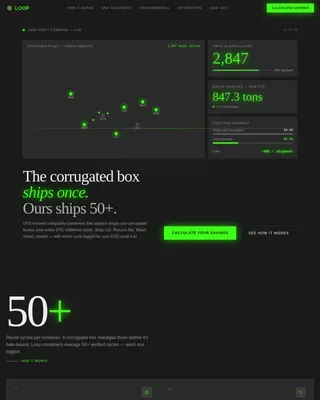
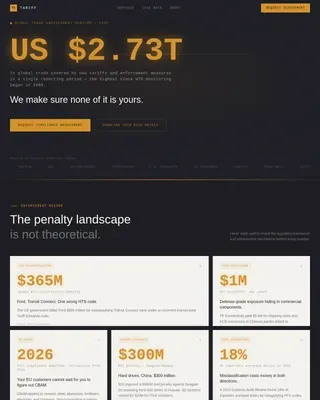
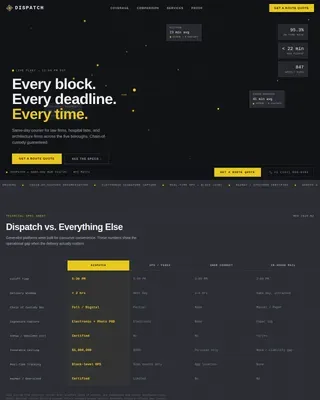
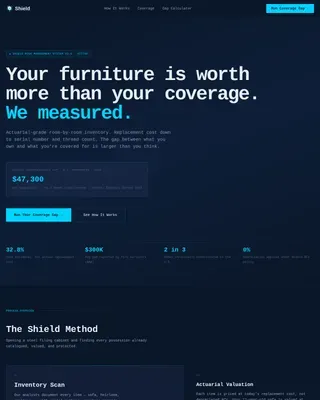
Freight & Cargo Professional Website Template
Cargo is a single-column air freight forwarder landing page built around a Data Command aesthetic. It pairs an animated global route map with spec-heavy capability sections to prove operational depth before asking for a lead. The template targets pharmaceutical, automotive, and e-commerce supply chain professionals who need hard numbers, not marketing prose, before committing to a freight partner.
by Rocket studio
Quick summary
Cargo is a lead generation landing page for air freight forwarders. It opens with an animated Mercator map showing live route arcs between major cargo hubs, then scrolls through transit tables, temperature tolerances, customs clearance data, and a warehouse network overview. Every section is designed to build operational credibility before the quote form appears at the bottom.
Who this template is for
This template is built for air freight forwarders and logistics companies that serve demanding, data-literate clients. If your buyers evaluate forwarders on documented performance rather than brand promises, this page speaks their language.
- Pharmaceutical procurement managers who need temperature-controlled lane documentation
- Automotive supply chain directors managing just-in-time delivery windows
- E-commerce operations leads coordinating large-volume, multi-continent product drops
What problem this template solves
Most logistics landing pages rely on vague capability claims and generic visuals. Procurement managers and supply chain directors see through that immediately. They need proof of route coverage, transit times, and clearance performance before they will enter a single field into a form.
- Generic freight pages fail to communicate operational specificity
- Buyers leave before reaching the quote form because trust is never established
- No structured path exists for researchers who are comparing forwarders but not yet ready to quote
What you get with this template
This template gives you a full single-column landing page structured around operational proof. Each scroll block adds a new layer of evidence, moving the visitor from awareness to qualified lead without friction.
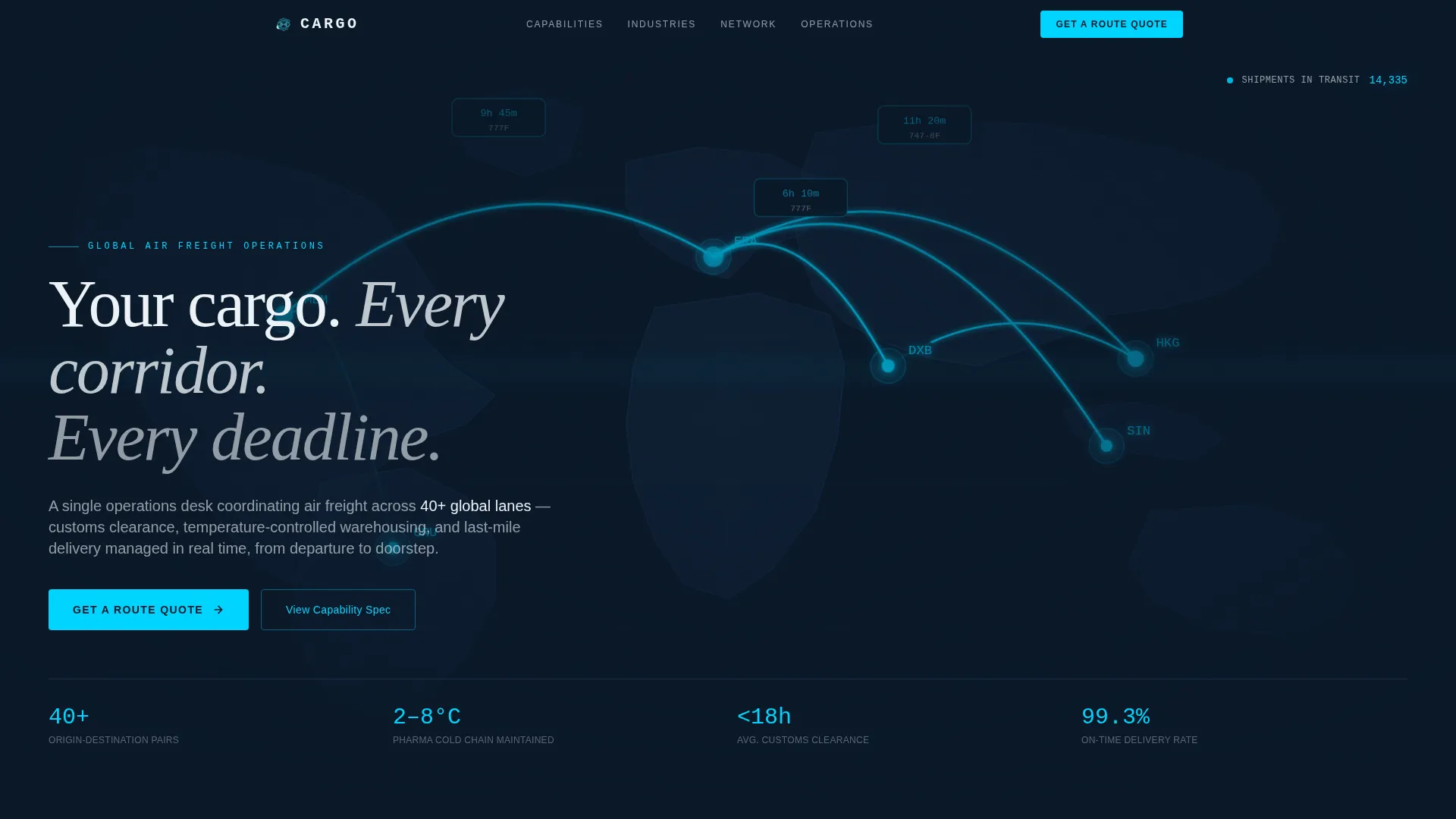
- An animated SVG world map hero with glowing route arcs, a live shipment counter, and a headline block
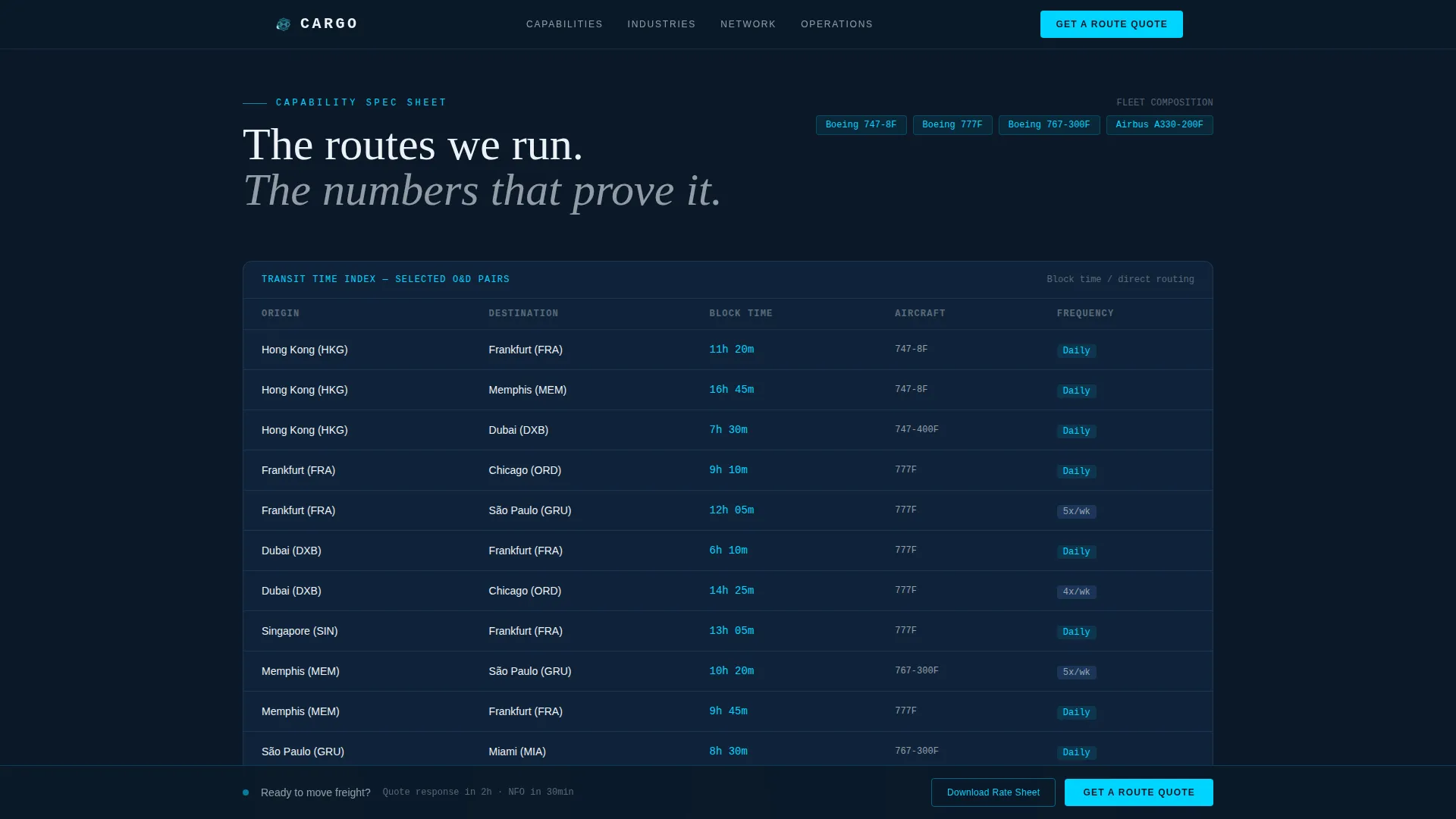
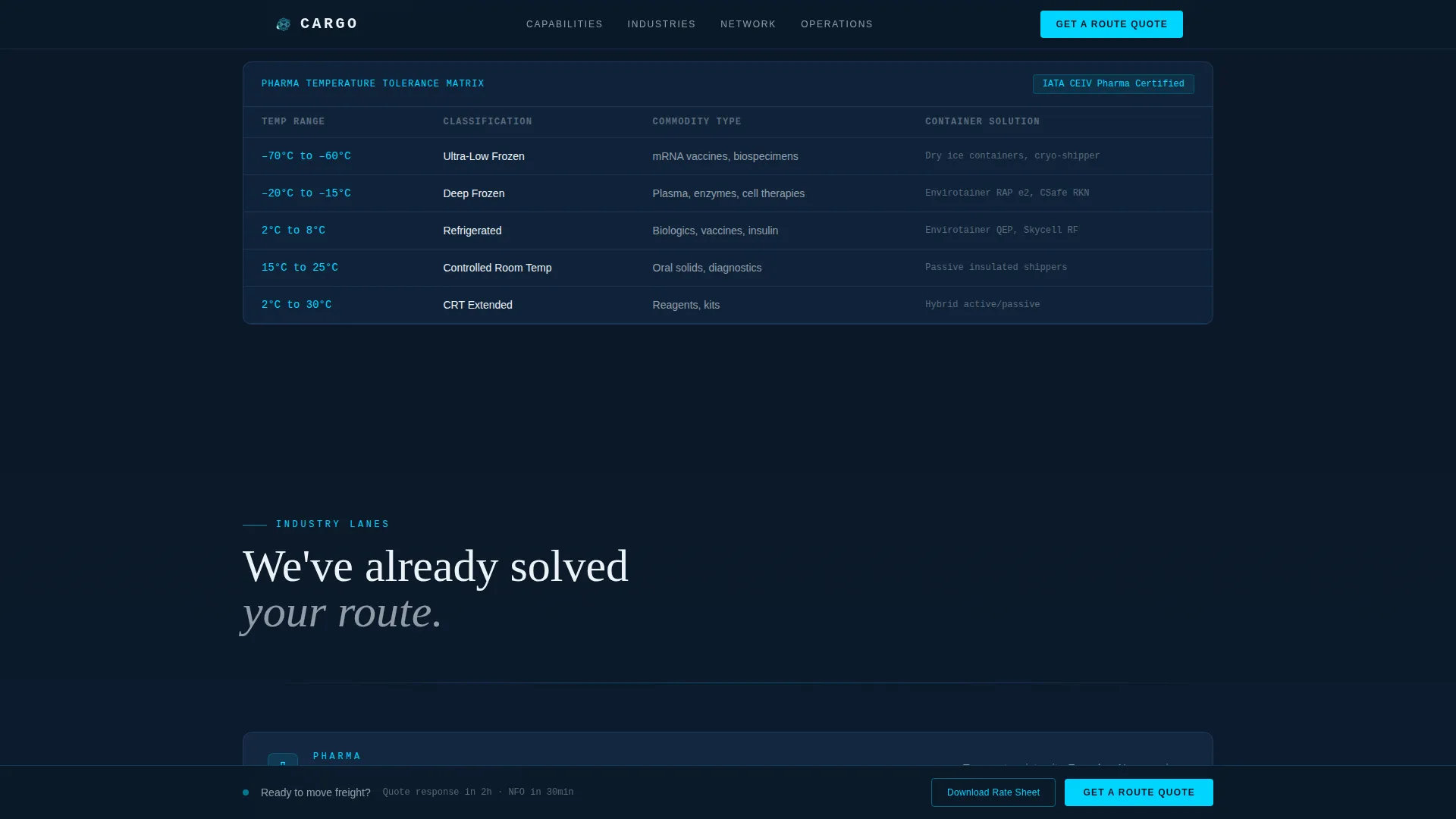
- Spec sheet sections covering transit time tables, aircraft types, temperature tolerances, customs clearance averages, and warehouse network data
- A dual-path conversion setup: a primary route quote form and a secondary gated lane rate sheet download
Feature list
This template is built around six core capabilities that work together to earn trust and capture leads.
Animated Global Route Map Hero
The full-viewport header renders a dark Mercator projection with cyan route arcs pulsing between Hong Kong, Frankfurt, Memphis, Dubai, and São Paulo. Each arc displays a data tag with transit time and aircraft type. The map shifts perspective with a slow parallax tilt, and a live counter displays shipments currently in transit before the headline resolves.
Capability Spec Sheet Sections
Each scroll section functions as a discrete capability block with hard numbers. Transit time tables cover 40 origin-destination pairs. Temperature range tolerances support pharmaceutical cold-chain lanes. Customs clearance averages are shown by country in hours. Warehouse locations are listed with square footage and certification details.
Industry Lane Blocks
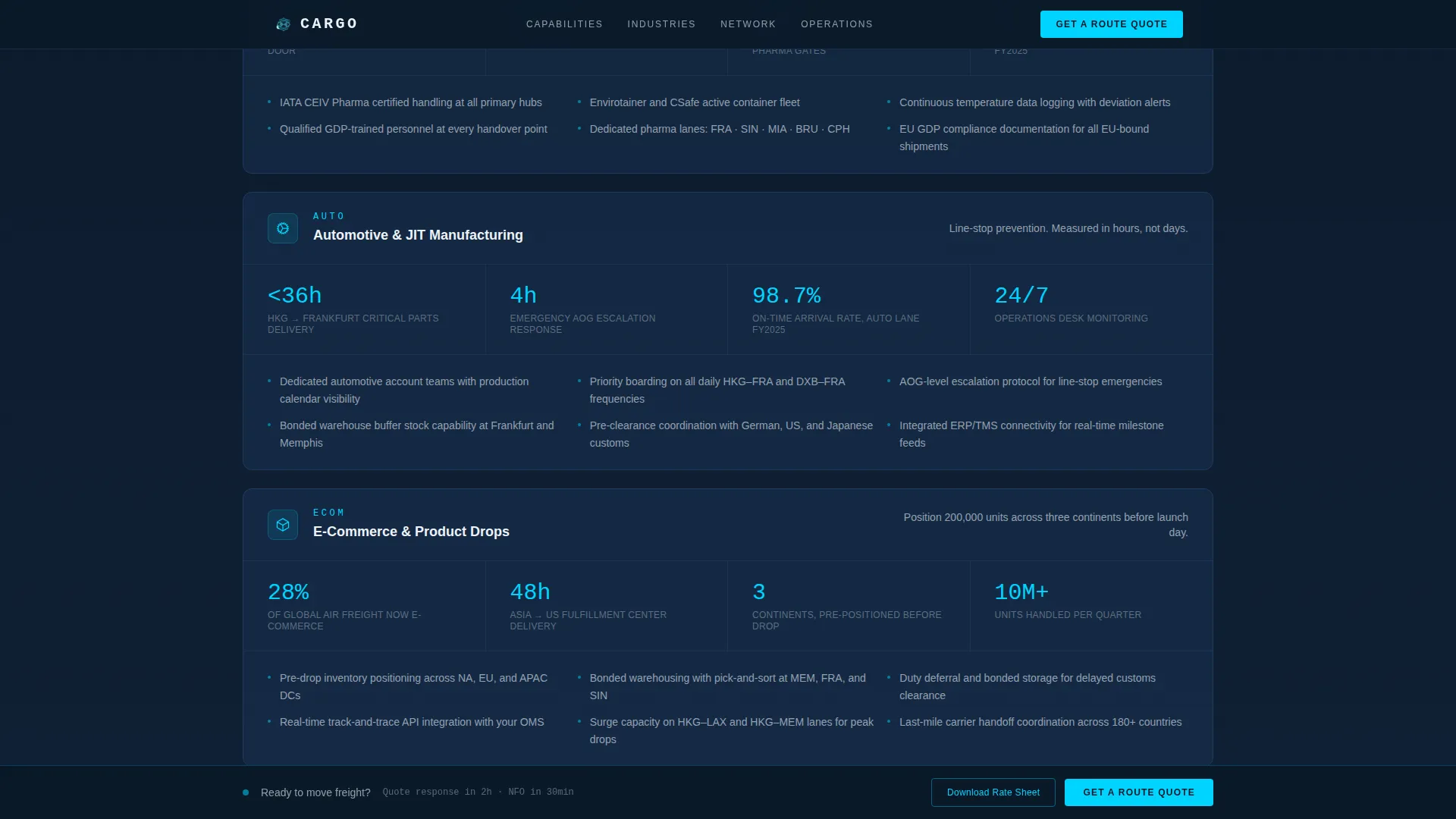
Three dedicated industry sections address pharmaceutical, automotive, and e-commerce use cases with figures specific to each vertical. Each block presents the operational proof that matters most to that buyer type, making the page feel directly relevant rather than generic.
Sticky Quote Bar and Base Form
A sticky bottom bar appears after the hero section with a "Get a Route Quote" call to action. The bar persists through the spec scroll, so the conversion path is always one tap away. At the page base, a full-width form collects origin city, destination city, commodity type, estimated weight in kilograms, and required delivery window.
Gated Lane Rate Sheet Download
A secondary conversion path offers a downloadable lane rate sheet in exchange for a company email address. This captures researchers who are comparing forwarders but are not yet ready to request a full quote, extending lead capture beyond the primary form.
GSAP Scroll Reveal Animations
Each section enters the viewport with a GSAP-powered scroll reveal. Route tag hover states activate on the map. The counter animates upward on load. These interactions reinforce the control tower aesthetic and keep the data-heavy layout feeling live rather than static.
Page sections overview
| Section | Purpose |
|---|---|
| Hero Map | Animated route map with stat counter and headline |
| Capability Spec Sheet | Transit tables, aircraft specs, temperature data |
| Industry Lane Blocks | Pharma, automotive, and e-commerce use cases |
| Operations Data | Customs clearance averages and warehouse network |
| Quote Form | Route quote form and gated lane rate download |
| Footer | Linear single-row footer with key links |
Design & branding system
The visual identity follows a Data Command theme built on the Navy Authority color system. The palette feels like a freight operations dashboard running through the night: dark, focused, and precise, where every bright element signals something is actively moving.
- Colors: deep operations navy (#0B1929) as the primary background, tactical slate (#1E3A5F) for card surfaces and section dividers, radar-screen cyan (#00D4FF) for route lines and interactive accents, clearance white (#EDF2F7) for body text and key metrics
- Typography: DM Mono for all data and numerical values, Manrope for interface and body text, Fraunces for display headlines
- Visual tone: control tower at night, relentless specificity, every bright element carries operational meaning
Mobile & speed optimization
The template is designed desktop-first for operations managers working at workstations, but the single-column layout adapts cleanly to mobile viewports. Animated elements are handled through client components to keep static sections fast.
- Server Components render all static spec sections for predictable load behavior
- Client Components handle GSAP animations, the counter, and interactive form states
- The single-column flow ensures a linear reading path on any screen width
How this template helps you convert
The page is structured so that every scroll interaction builds the case for the forwarder before a single form field appears. Conversion happens because trust is earned through data, not claimed through copy.
- The animated hero and live shipment counter establish scale and credibility within the first viewport, reducing bounce before the spec content begins.
- The spec sheet scroll layers transit times, temperature tolerances, clearance averages, and warehouse data section by section, so by the time the quote form appears, the visitor already believes the route is covered.
- The dual-path conversion setup captures both immediate leads through the quote form and research-stage prospects through the gated lane rate sheet download.
Other information about this template
This template is part of a logistics and supply chain template collection designed for freight and cargo businesses operating at an international scale. It is a strong fit for companies building or refreshing their digital presence in the air freight forwarding niche.
- Template style: single column flow, desktop-first, responsive to mobile
- Localization defaults: English language, United States Dollar pricing, international hub references, 24-hour time format
- Animation level: high, using SVG arc animations, GSAP scroll reveals, parallax perspective, and counter animation
- Interactivity: sticky call-to-action bar, interactive route quote form, hover states on route data tags
- The footer follows Pattern 1, a linear single-row layout
- This template is purpose-built for lead generation, not brand storytelling or product catalogs
Theme
Data Command
Creative direction
Spec Sheet
Color system
Navy Authority
Style
Single Column Flow
Direction
Lead Generation
Page Sections
Animated Global Route Map Hero
Capability Spec Sheet Sections
Industry Lane Blocks
Sticky Quote Bar and Base Form
Gated Lane Rate Sheet Download
GSAP Scroll Reveal Interactions
Related questions
Who is this landing page template designed for?
Can I update the transit tables and route data with my own numbers?
What does the gated lane rate sheet download do?
What fields does the route quote form include?
Does the sticky quote bar stay visible throughout the scroll?