Caseload - Powerful Education Management Landing Page Template
Caseload is a bento grid landing page template built for education case management platforms. It leads with a live-style metrics dashboard and an embedded Caseload Capacity Calculator, then unfolds into compliance tracking tiles, documentation tools, and a lead-generation form. The design uses a deep Midnight Blue palette with signal teal accents to keep every data point clear and every call to action visible.
by Rocket studio
Quick summary
Caseload is a single-page bento grid landing page template designed for education case management platforms. It opens with a rendered stats dashboard, hands visitors a free capacity calculator before asking for anything, and closes with a focused lead-generation form. The Tech Glass visual identity keeps the page calm, instrument-lit, and built for trust.
Who this template is for
This template is built for education technology teams and platforms serving K-12 districts. It speaks directly to the people managing student caseloads at scale, and to the vendors building tools for them.
- Special education coordinators managing hundreds of Individualized Education Program (IEP) files and compliance deadlines
- School counselors and district administrators who need audit-ready documentation fast
- Education software companies looking to generate qualified demo leads from district buyers
What problem this template solves
Professionals in special education and student support work under serious documentation pressure. A generic product landing page does not reflect the urgency or complexity of their day. This template closes that gap by presenting the product as a structured, data-forward solution from the first scroll.
- Visitors arrive skeptical and time-poor, so the page earns their attention with a free tool before making any ask
- Compliance-focused buyers need to see numbers, not promises, and the stats dashboard delivers that instantly
- Lead forms that ask for contact details too early lose district buyers, so this template leads with identity fields first
What you get with this template
You get a complete, ready-to-customize bento grid landing page layout. Every section is designed and positioned to move a district buyer from awareness to demo request without friction.
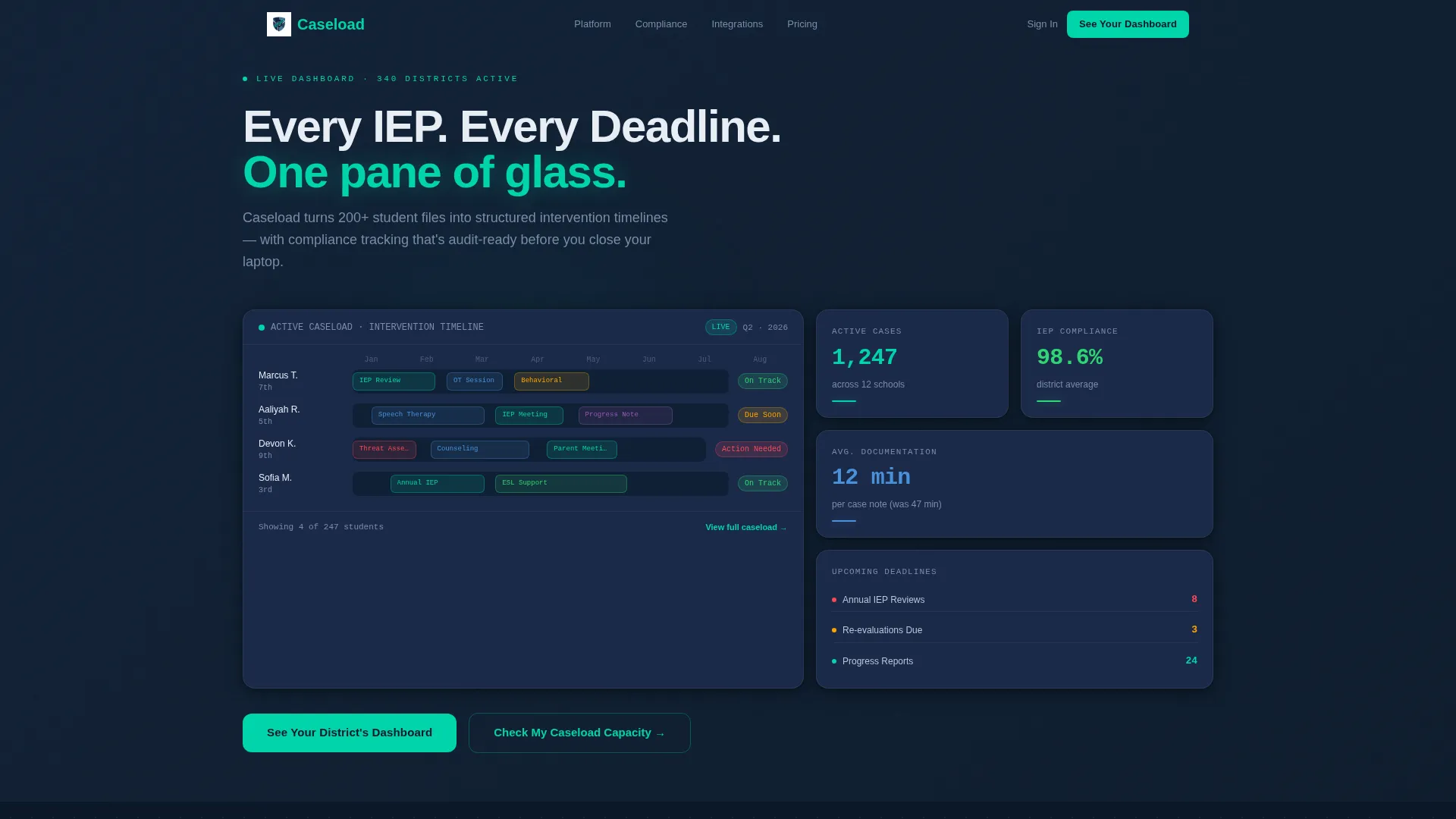
- A rendered live-stats header cluster with three frosted-glass metric cards and a student timeline Gantt view
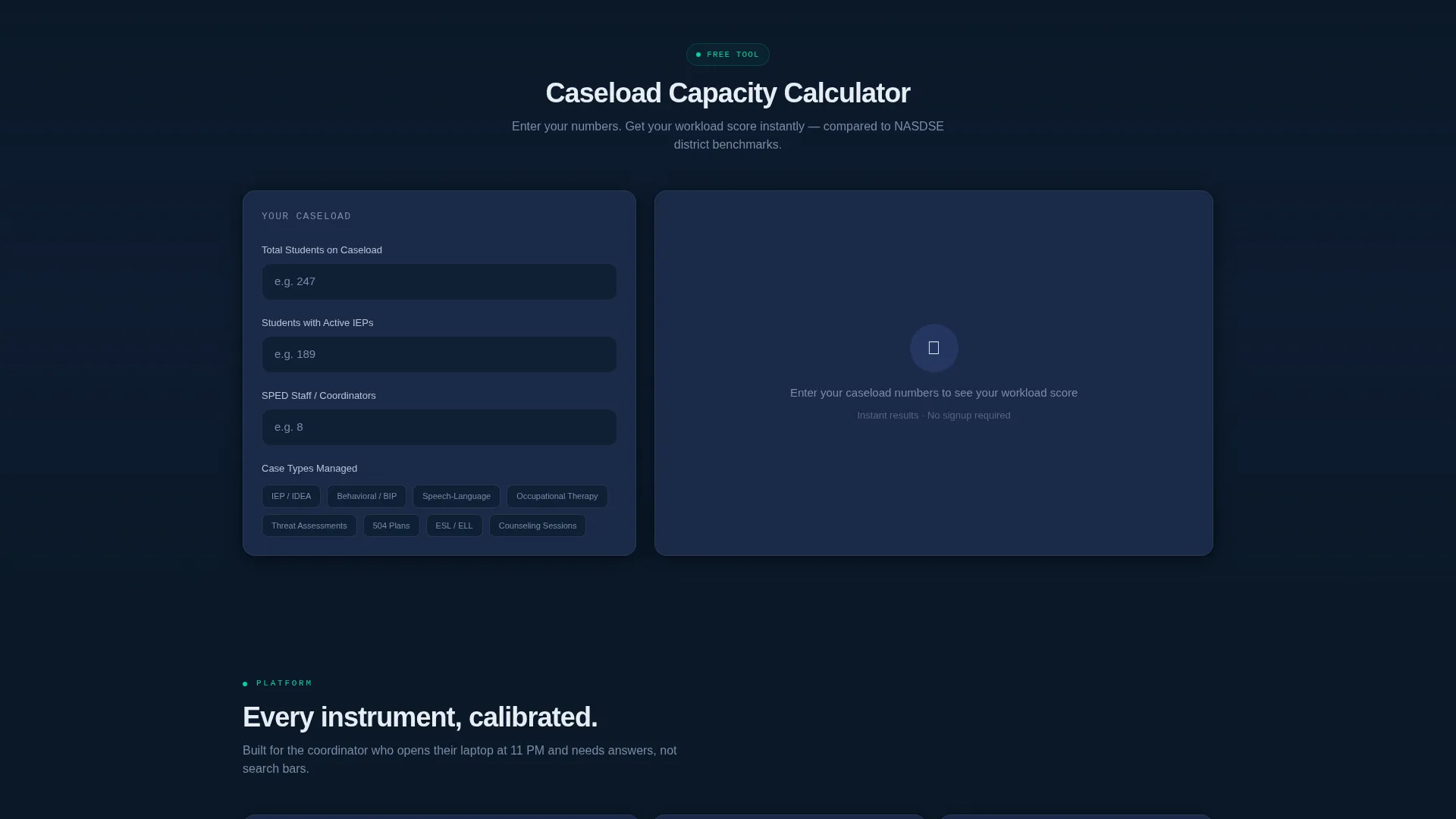
- An embedded Caseload Capacity Calculator with instant workload scoring and district benchmark comparison
- A structured lead-generation form and a secondary gated PDF download path for lower-intent visitors
Feature list
This template includes purposefully designed components built around the real workflow of education case management buyers.
Live Stats Header Dashboard
The header renders as an active user interface panel, not a screenshot. Three frosted-glass cards display metrics such as active case counts, IEP compliance rates, and average documentation time. Micro-animations count up the numbers on scroll-in, making the data feel current and credible.
Embedded Capacity Calculator
Visitors input their student count, case types, and staff size directly on the page. The tool returns an instant workload score with a red, yellow, or green rating and a comparison against district benchmarks. This interactive component earns the scroll before any lead capture begins.
Bento Grid Section Layout
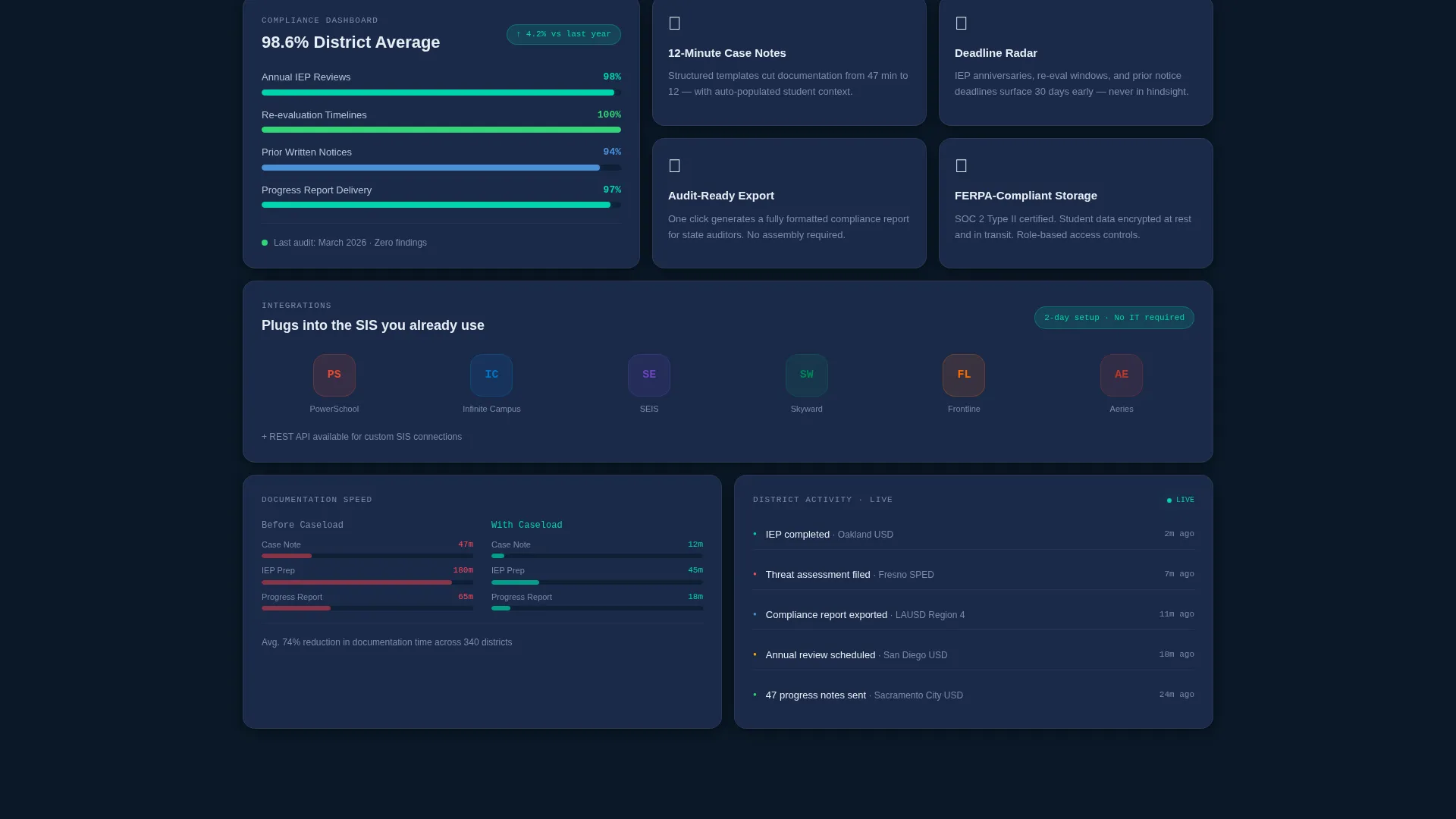
The page unfolds in asymmetric bento clusters after the calculator. Each cluster lights up a new area of the product: compliance tracking, documentation speed, integration logos, and social proof. The layout guides the eye without feeling like a list of features.
Student Timeline Gantt Tile
The largest tile in the header cluster shows a student intervention timeline. Color-coded blocks represent IEP reviews, behavioral incidents, counseling sessions, and compliance deadlines stacked in a Gantt-style view. This makes the core product value visible without a single word of explanation.
Lead Generation Form with Role Dropdown
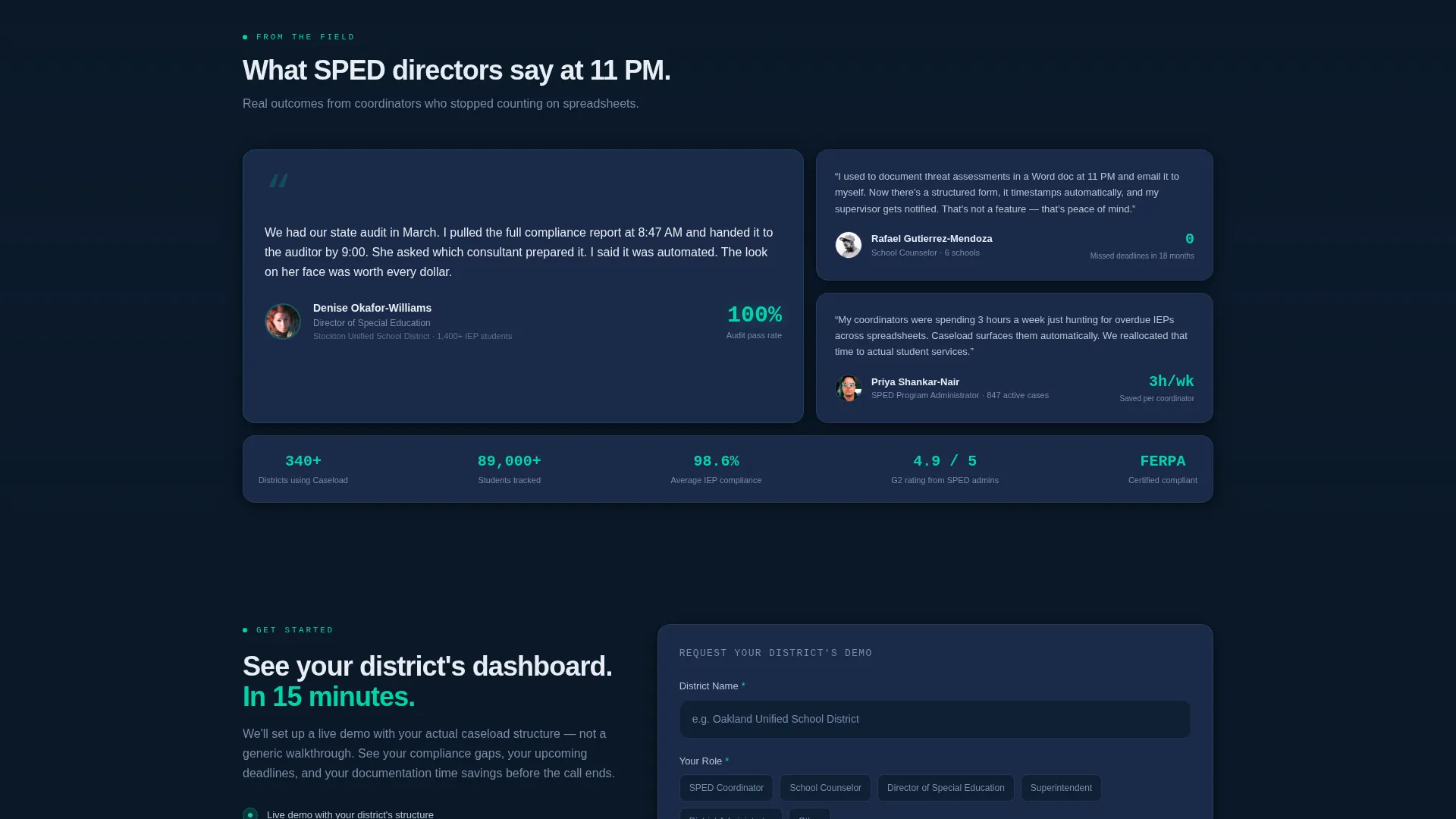
The primary form captures district name, role, approximate caseload size, and work email in that sequence. The role dropdown includes options for Special Education Coordinator, Counselor, Director, and Superintendent. Leading with identity fields reduces form abandonment before the email ask.
Secondary PDF Download Path
A gated compliance checklist download offers a lower-commitment conversion path for visitors not ready to book a demo. It captures only email and role, giving the platform a way to nurture buyers at an earlier stage.
Page sections overview
| Section | Purpose |
|---|---|
| Stats Dashboard Header | Opens with rendered metric cards and a student timeline tile to establish immediate credibility |
| Capacity Calculator | Interactive tool below the fold that scores workload and compares to benchmarks before any lead ask |
| Compliance Tracking Tiles | Bento cluster showing IEP and deadline tracking features in visual card format |
| Documentation Speed Comparison | Highlights time-to-document gains using data-forward design tiles |
| Integration Logos Block | Displays compatible student information system logos to signal ecosystem fit |
| Testimonial Card | Single featured quote from a special education director with title and district size for context |
| Primary Lead Form | Captures district name, role, caseload size, and work email to qualify demo requests |
| PDF Checklist Offer | Secondary conversion block for lower-intent visitors, gating a compliance checklist PDF |
| Persistent Mobile call to action Bar | Sticky bottom bar on mobile keeping the primary call to action visible throughout the scroll |
Design & branding system
The visual identity follows a Tech Glass theme built on a Midnight Blue color system. The palette is designed to feel like a cockpit instrument panel: dark, calm, and precise.
- Core colors include deep terminal navy (#0B1929) for backgrounds, polished slate (#1B2A4A) for card surfaces, frosted glass white (#E8EDF4) for body text and labels, and signal teal (#00D4AA) reserved for interactive elements, active status badges, and call-to-action buttons
- Frosted glass depth shadows give each bento card a layered, dimensional feel without heavy visual noise
- Teal is used sparingly and intentionally, appearing only where attention is required, keeping the overall layout calm and scannable
Mobile & speed optimization
The bento grid layout is structured to restack cleanly on smaller screens. The mobile experience preserves the most important conversion elements without crowding the display.
- The persistent bottom bar keeps the primary call to action visible on mobile throughout the entire scroll
- Bento tiles restack in a single-column flow on narrow viewports, keeping content readable and tap targets appropriately sized
- Micro-animations on the stats cards are triggered on scroll-in, so they fire at the right moment regardless of device
How this template helps you convert
Every design decision in this template is oriented around moving a cautious district buyer toward a qualified demo request.
- The Capacity Calculator hands visitors immediate value before asking for anything, building enough trust to earn the lead form scroll
- The form field order leads with district name and role before requesting an email address, reducing drop-off at the most sensitive ask
- The secondary PDF download path captures visitors who are not yet ready for a demo, creating a second conversion lane so no qualified interest is lost
Other information about this template
This template is built inside a bento grid structure using the Tech Glass theme and is designed specifically for education case management platform marketing pages. It pairs well with student information system integrations and compliance-focused positioning.
- The template references integration logo placement for student information systems, making it suitable for platforms that connect with tools like PowerSchool, Infinite Campus, or SEIS
- The Caseload Capacity Calculator component is a front-end embedded tool built into the page layout, not a third-party widget dependency
- The template is categorized under Technology and Education Software, making it relevant for EdTech vendors targeting K-12 district administrators and special education teams
- Color tokens and card styles are defined consistently across all bento tiles, making brand customization straightforward for design teams
Theme
Tech Glass
Creative direction
Calculator/Tool First
Color system
Midnight Blue
Style
Bento Grid
Direction
Lead Generation
Page Sections
Live Stats Metrics Header
Embedded Caseload Capacity Calculator
Asymmetric Bento Grid Layout
Student Timeline Gantt Tile
Role-first Lead Generation Form
Secondary Gated PDF Download
Related questions
Who is this landing page template designed for?
What does the Capacity Calculator component do?
Can I update the numbers shown in the stats dashboard header?
Does the template include more than one conversion path?
Is this a single-page layout or a multi-page template?



