SaaS Post-Signup Activation & Onboarding Website Template
Catalyst is a scroll-reveal SaaS thank-you landing page built to turn a fresh signup into an activated user instantly. It combines a dark full-bleed teal-glow header, a pulsing activation timeline, and progressive before-versus-after comparison panels to keep momentum building from the first scroll to the final call to action.
by Rocket studio
Quick summary
Catalyst is a single-page, scroll-reveal SaaS thank-you landing page template. It opens with a full-bleed void black header and a teal radial glow, then guides new signups through a momentum-building sequence: an animated activation timeline, progressive before-versus-after comparison panels, and repeat calls to action that make opening the dashboard feel like the only logical next step.
Who this template is for
This template is built for SaaS product teams and founders who want their post-signup moment to do real work. It fits anyone who knows that the seconds after a user clicks "Start Free" are critical and wants the confirmation page to reflect that urgency.
- SaaS founders and solo developers launching a new product or trial flow
- Marketing leads managing onboarding funnels and post-signup conversion
- Product teams who want a thank-you page that activates users, not just acknowledges them
What problem this template solves
Most SaaS thank-you pages are passive. They confirm the signup and step aside, leaving new users to drift toward their inbox and never return. Catalyst solves the activation gap that opens between confirmation and first meaningful product use.
- New signups leave the page before reaching the dashboard because there is nothing pulling them forward
- Teams with no clear post-signup path lose momentum at the exact moment a user is most motivated
- A generic confirmation page misses the window to establish value before doubt sets in
What you get with this template
You get a fully designed, scroll-reveal landing page ready to be customized with your product's copy, colors, and call-to-action links. Every section is laid out with intentional visual hierarchy so the page works without additional design effort.
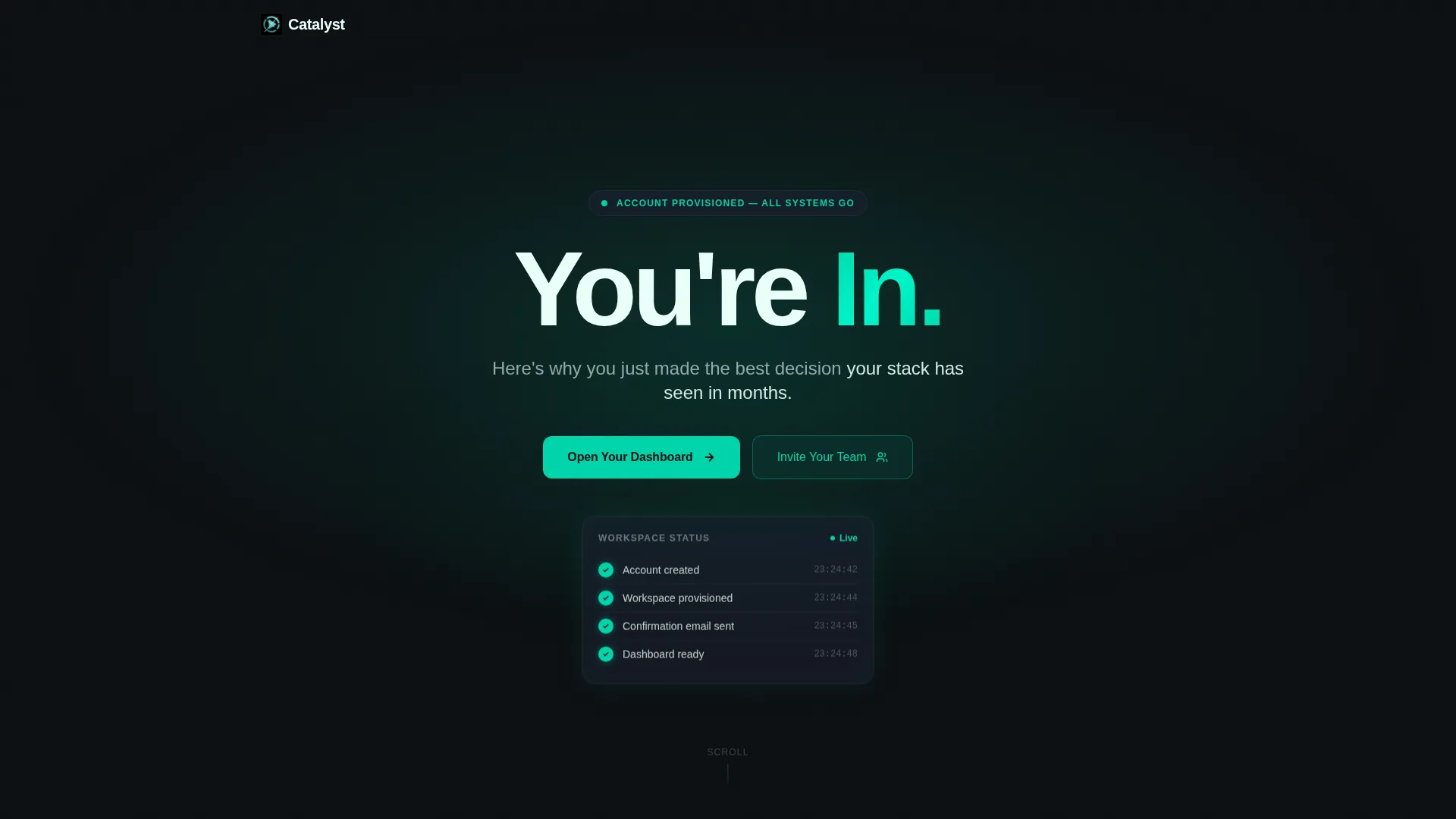
- A dark full-bleed header with a teal radial glow and bold "You're In." headline treatment
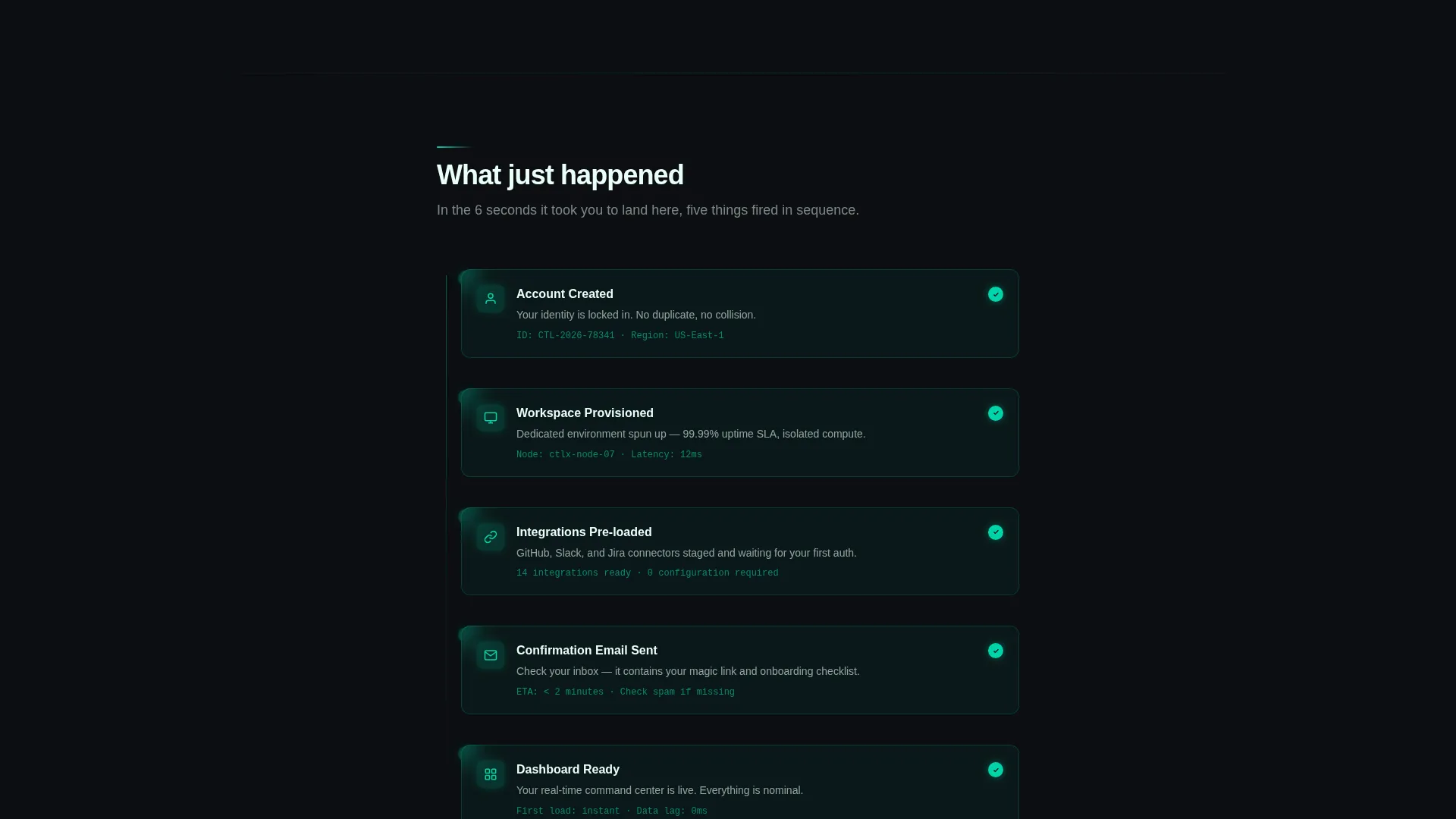
- A pulsing three-step activation timeline revealing account creation, email confirmation, and workspace provisioning
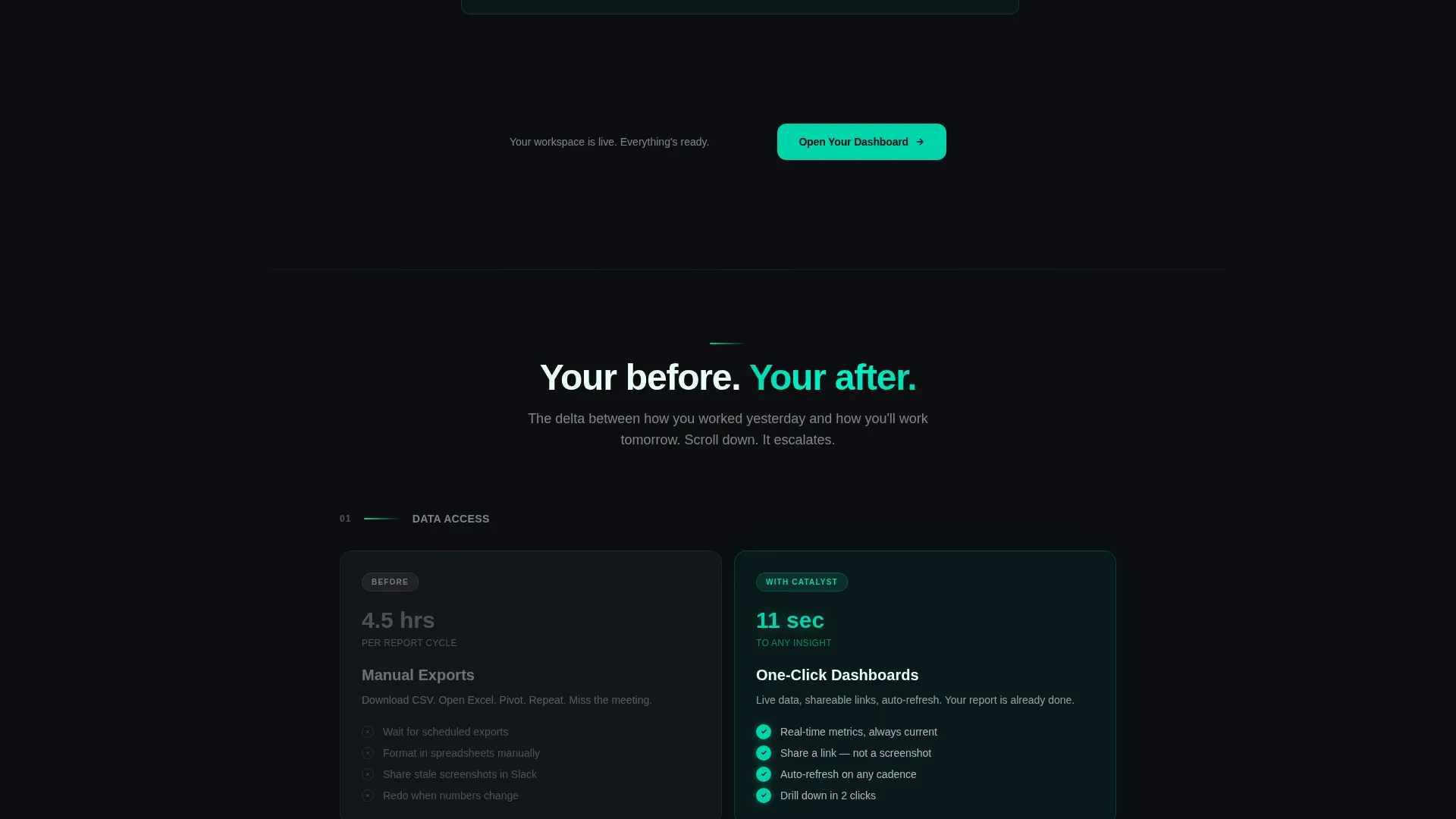
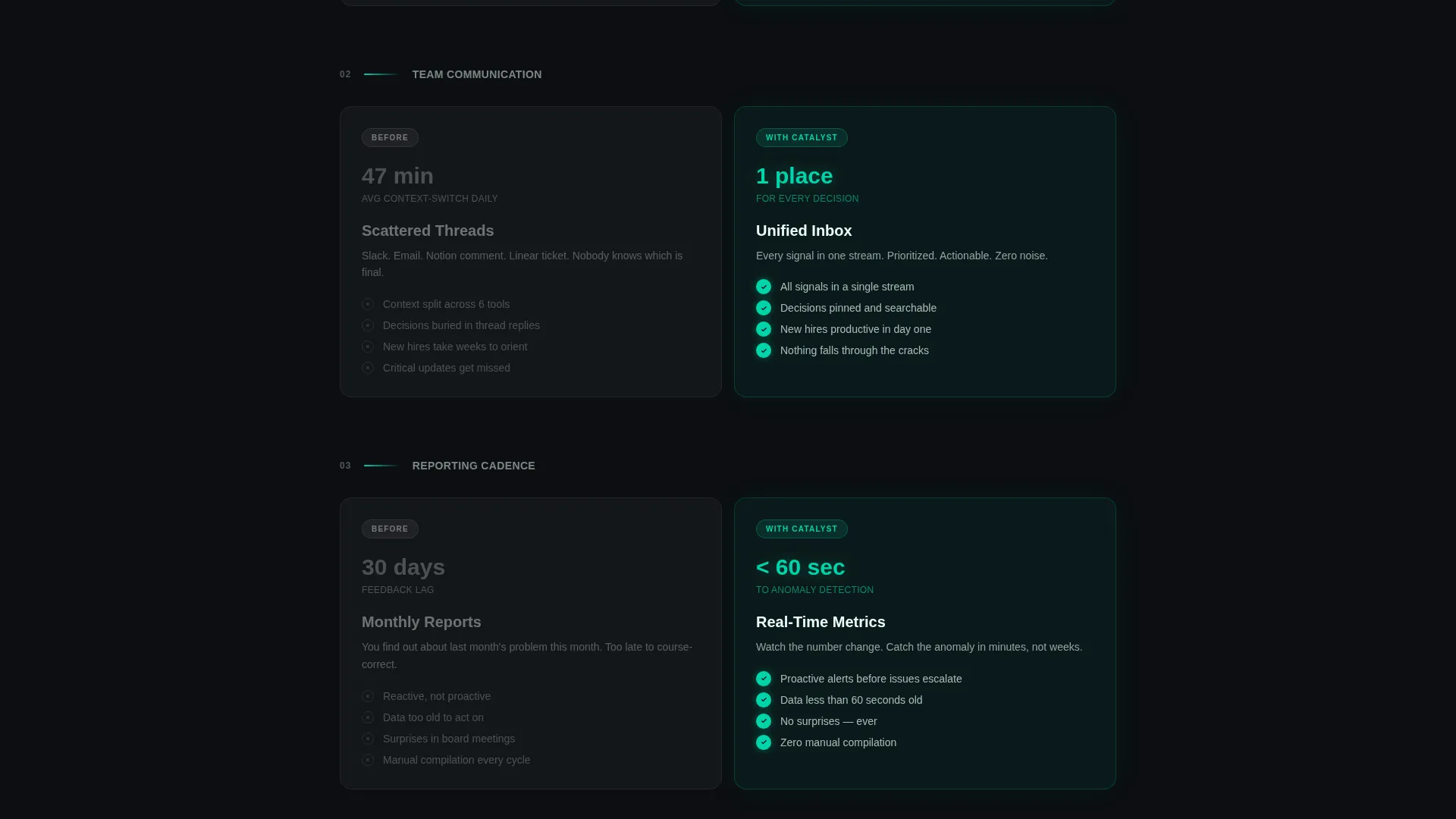
- Progressive before-versus-after comparison panels with muted graphite "before" columns and glowing teal "after" columns
- A primary "Open Your Dashboard" call to action that repeats after every comparison pair
- A secondary "Invite Your Team" path with an email input field and a repeater for adding additional addresses
Feature list
This template is built around the idea that forward motion should never stop after a signup. Every design and layout decision serves that single goal.
Scroll Reveal Progressive Layout
Each section animates into view as the visitor scrolls down the page. This creates a sense of kinetic pacing that mirrors the feeling of a launch sequence rather than a static confirmation screen.
Dark Full-Bleed Glow Header
The header fills the entire viewport with void black and a single teal radial glow blooming from the center. The headline "You're In." appears in oversized signal white with a subline that materializes below it, using only light, type, and confident phrasing.
Pulsing Activation Timeline
A three-step timeline lights up progressively as the visitor scrolls. It covers account creation, email dispatch, and workspace provisioning, turning what could feel like a waiting state into visible proof that things are already moving.
Before-Versus-After Comparison Panels
Side-by-side panels slide in with kinetic urgency. The "before" column is styled in muted graphite and the "after" column glows in teal. Each comparison pair escalates from convenience gains to competitive advantage, building stakes with every scroll.
Repeating Primary Call to Action
The "Open Your Dashboard" button appears in the header and resurfaces after every comparison pair. The teal glowing style keeps it visually prominent without interrupting the narrative flow of the page.
Team Invite Secondary Path
A secondary section frames team invitations as a multiplier move. It includes a single email input field and a repeater component for adding multiple addresses, lowering the barrier to immediate collaborative use.
Page sections overview
| Section | Purpose |
|---|---|
| Full-Bleed Header | Confirms signup and sets launch-energy tone |
| Activation Timeline | Shows the three onboarding steps in progress |
| First Comparison Panel | Contrasts manual exports with one-click dashboards |
| Second Comparison Panel | Contrasts scattered threads with a unified inbox |
| Third Comparison Panel | Contrasts monthly reports with real-time metrics |
| Dashboard call to action Block | Drives the primary click to open the product |
| Team Invite Section | Encourages immediate team expansion as a next step |
Design & branding system
The visual identity is built around a Teal Catalyst color system that feels like a mission control screen at the moment of launch. Dark backgrounds create focus, and teal pulses through every interactive and confirmation element to signal that things are working.
- Void black (#0B0E11) as the base background, deep graphite (#1A1F2E) for layered section depth, reactor teal (#00D4AA) for calls to action and progress indicators, and signal white (#EAFFF8) for all primary text
- Teal dominates confirmation checkmarks, timeline progress dots, call-to-action buttons, and the glowing "after" column in every comparison panel
- No illustrations or stock photography; the design relies entirely on light, typography, and color contrast to communicate confidence and momentum
Mobile & speed optimization
The template is designed with a single-column scroll flow that adapts naturally to smaller screens. The full-bleed header, timeline, and comparison panels all reflow cleanly for mobile visitors without losing visual impact.
- The comparison panels stack vertically on mobile so the before-and-after contrast remains clear on narrow screens
- The repeating call-to-action button stays prominently visible across all screen sizes, keeping the primary action always within reach
- Lightweight visual effects, including the teal radial glow and scroll-reveal animations, are designed to perform without heavy asset dependencies
How this template helps you convert
Catalyst is structured to remove every reason a new signup might close the tab before taking action. The page sequence treats the confirmation moment as the beginning of engagement, not the end of acquisition.
- The activation timeline immediately answers "what happens next" and replaces uncertainty with visible progress, keeping the visitor engaged through the first scroll
- The escalating comparison panels build personal stakes by connecting product value to the visitor's specific frustrations, making inaction feel like wasted runway before the dashboard button reappears
Other information about this template
Catalyst is one template within a broader high-velocity SaaS landing page template family. It is built as a standalone single-page thank-you screen and does not require a multi-page setup to function effectively.
- The template style is Scroll Reveal (Progressive), meaning animations trigger on scroll rather than on page load
- The creative direction is Launch Energy, and the layout direction follows a Comparison/Versus structure throughout the middle sections
- The header concept is classified as Dark Full-Bleed+Glow, which is a distinct design pattern suited to dark-mode SaaS product experiences
- This template sits within the Technology category under SaaS Company Website Templates and is specifically designed for the SaaS company thank-you page niche
- The theme is Startup Velocity, which informs every copy and layout decision, from the bold headline treatment to the escalating stakes in the comparison panels
Theme
Startup Velocity
Creative direction
Launch Energy
Color system
Teal Catalyst
Style
Scroll Reveal (Progressive)
Direction
Comparison/Versus
Page Sections
Scroll Reveal Progressive Animations
Dark Full-bleed Glow Header
Pulsing Activation Timeline
Before-versus-after Comparison Panels
Repeating Dashboard Call to Action
Team Invite Multiplier Section
Related questions
Can I use this template for a free trial confirmation page?
Do I need to provide my own copy, or is placeholder copy included?
How does the before-versus-after section work in practice?
Is the team invite section required, or can I remove it?
Does this template include the dashboard or product screens it references?



