Political Science Education Advanced Professional Website Template
The Civics landing page template is a hub and spoke layout built for a political science video lesson library. It guides families, students, and citizenship learners through animated ten-minute lessons on constitutional topics. Warm indigo and amber visuals create a schoolroom-meets-living-room feel, while free embedded lessons and a curriculum map form give visitors a reason to engage before signing up.
by Rocket studio
Quick summary
This is a single-page hub and spoke landing page template for a political science video lesson library. It leads visitors through a structured learning path, from foundational playlists to topic clusters, using anchor navigation that keeps every scroll purposeful. Two free inline lessons and a no-gate primary call to action build trust before any form appears.
Who this template is for
This template is built for educators and content creators who teach civics and government to mixed audiences. It fits anyone launching a structured video learning resource that needs to speak clearly to families, exam students, and adult learners at the same time.
- Homeschool parents building a government curriculum from scratch
- AP Government students preparing for spring exams
- Immigrant families working through citizenship and naturalization preparation
What problem this template solves
Most civics and political science content online is either too dry for younger learners or too simplified for serious study. This template solves the problem of presenting constitutional and government topics in a way that feels approachable without dumbing down the content.
- It replaces jargon-heavy resources with short, animated lessons anyone can follow
- It removes the barrier of a costly textbook by offering free embedded video lessons upfront
- It gives every visitor a clear path forward, whether they are a parent, a student, or preparing for a naturalization exam
What you get with this template
You get a fully structured landing page with anchor navigation that acts as a learning path for visitors. The layout is organized into progressive spoke sections, each answering one key question a new visitor would ask before pressing play.
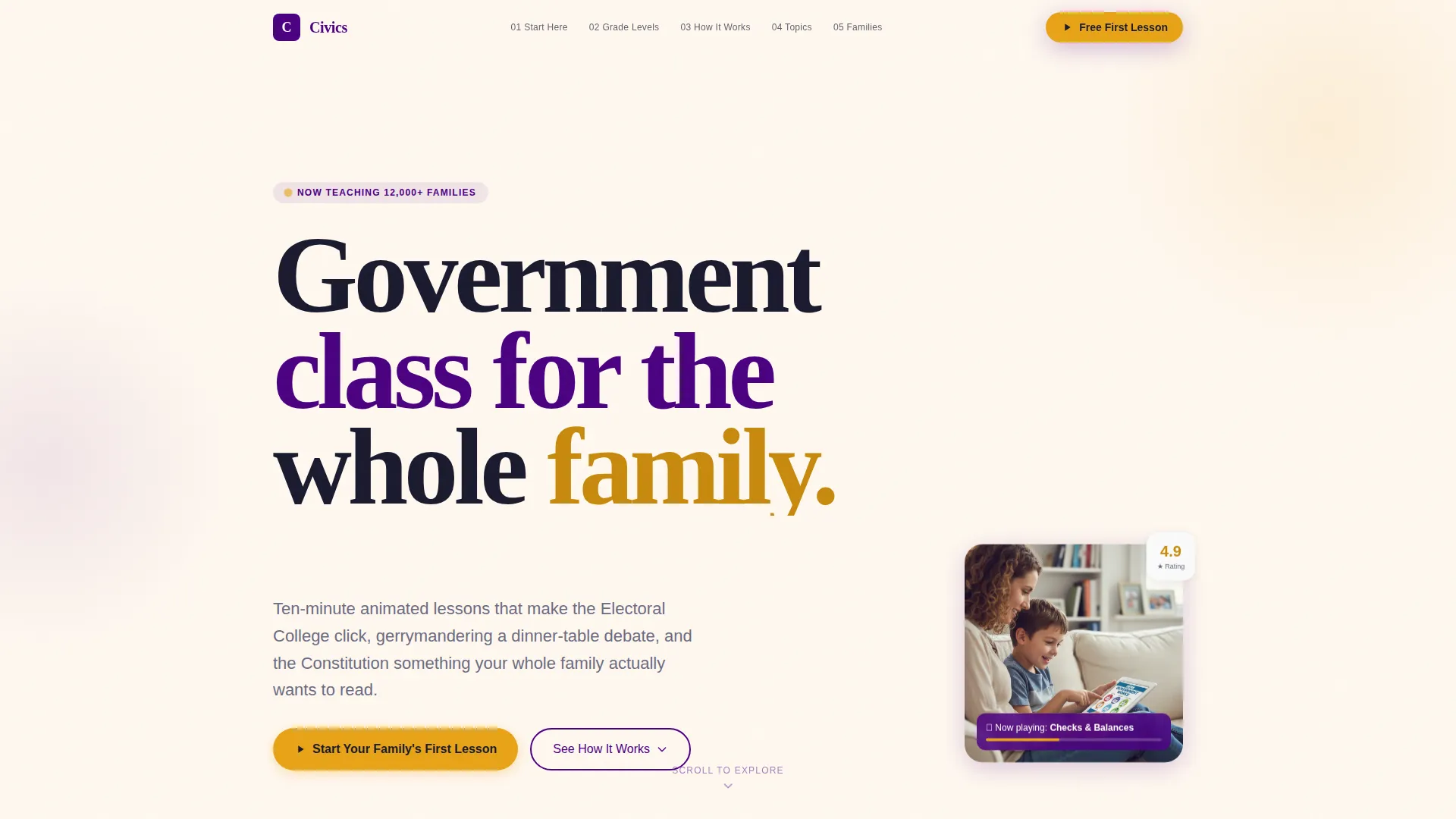
- A stats header with three animated counters and a looping parent-child illustration
- A step-by-step guided scroll with numbered breadcrumbs mirroring the anchor nav
- Two embedded inline video lessons, a twelve-cluster topic grid, and a two-path conversion setup
Feature list
This template packs purposeful components that work together to earn visitor trust and guide them toward action.
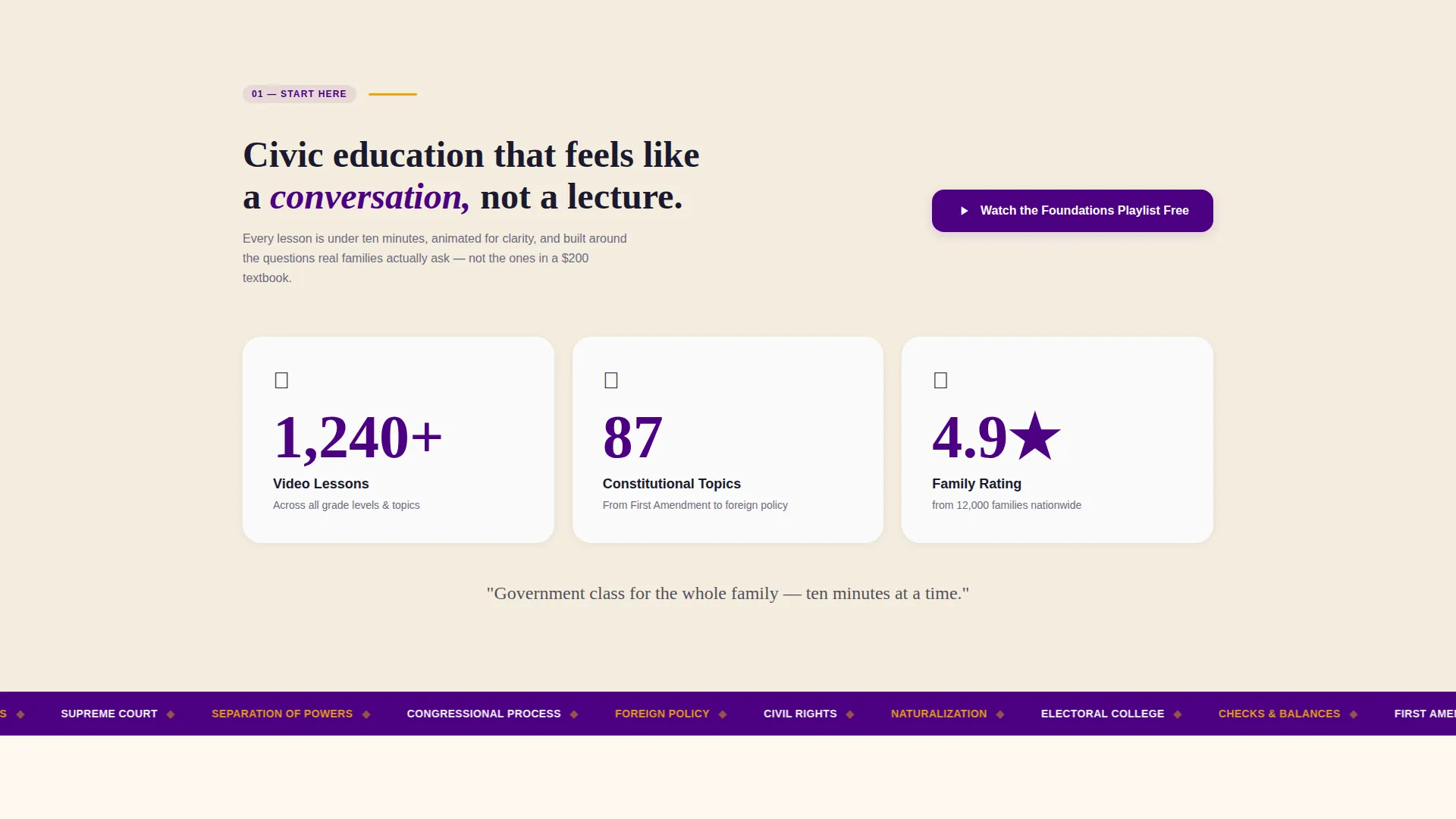
Animated Stats Header
Three oversized counters tick upward against a parchment background, showing lesson count, constitutional topics covered, and family ratings. A looping illustration of a parent and child watching a lesson together adds warmth directly beneath the numbers.
Anchor Navigation Rail
A persistent anchor nav sits along the page and mirrors the numbered breadcrumbs inside each section. Visitors always know exactly where they are in the learning journey without scrolling back to the top.
Progressive Learning Path Scroll
Each spoke section answers one question a new visitor naturally asks. The scroll moves from "Where do I start?" through curriculum maps, lesson walkthroughs, topic clusters, and family testimonials in a logical sequence.
Twelve-Topic Subject Grid
A spoke grid covers twelve subject clusters, from Federalism to Foreign Policy. Each cluster is clickable and links to an anchor-connected mini-catalog, letting visitors explore topics relevant to their specific learning goal.
Dual Inline Video Players
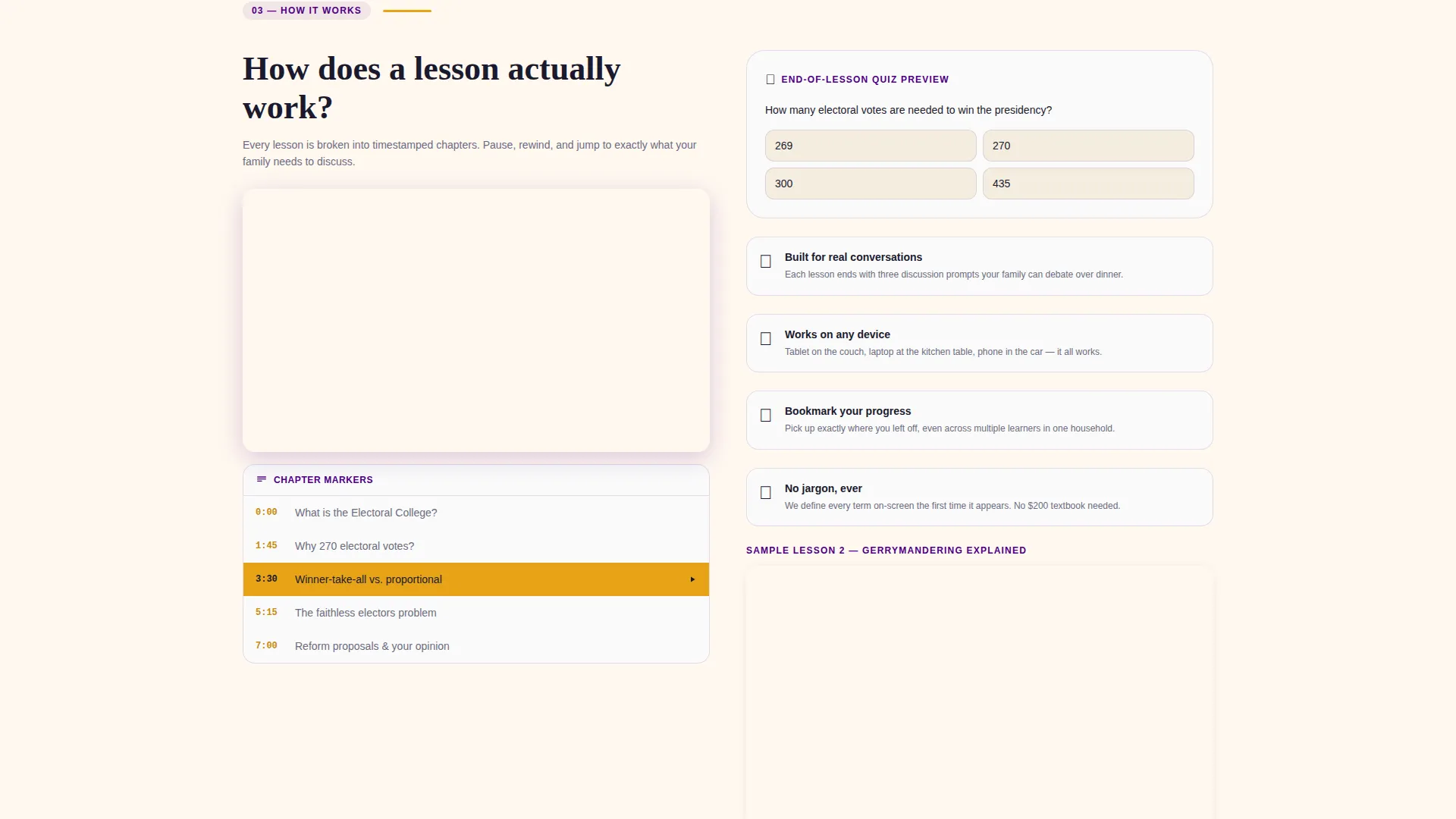
Two full sample lessons are embedded and playable directly on the page. Visitors can watch real content, including chapter markers and an embedded quiz preview, before any form or signup appears.
Two-Path Conversion Setup
The primary call to action sends visitors directly to a free foundational video with no signup required. A secondary path offers a curriculum map download behind a lightweight form asking only for first name, email, and learner type.
Page sections overview
| Section | Purpose |
|---|---|
| Stats Metrics Header | Builds authority with animated counters and a warm parent-child illustration |
| Anchor Navigation Rail | Keeps visitors oriented throughout the full page scroll |
| Foundations Playlist Spoke | Answers "Where do I start?" with a beginner video playlist |
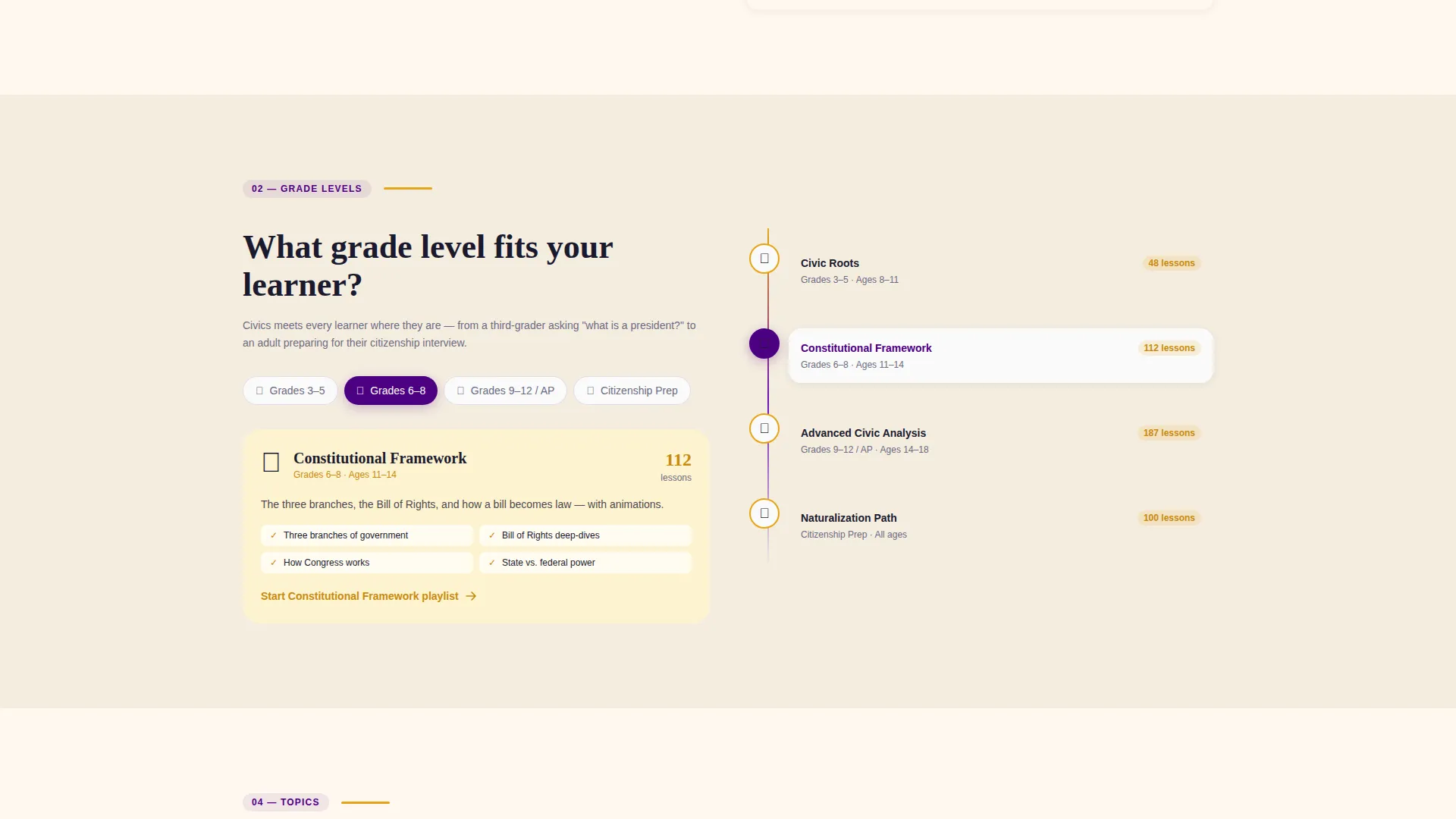
| Curriculum Map Spoke | Shows age-branched grade-level paths for different learner types |
| Lesson Walkthrough Spoke | Demonstrates how a lesson works with chapter markers and quiz preview |
| Topic Cluster Grid | Presents twelve subject clusters in a clickable spoke grid |
| Family Testimonials Spoke | Shares video testimonials from homeschool, AP, and naturalization learners |
| Free Lesson Embed | Proves teaching quality with two inline playable sample lessons |
| Curriculum Map Form | Captures first name, email, and learner type for the curriculum download |
| Primary call to action Section | Drives clicks to the free foundational lesson with no signup gate |
Design & branding system
The visual identity follows a Family First theme built around an Electric Indigo color system. The palette balances institutional authority with everyday warmth, making the page feel like a trusted classroom and a comfortable living room at once.
- Deep civic indigo (#4B0082) anchors the navigation rail and section headers for a sense of structure and trust
- Soft parchment cream (#FFF8F0) fills content backgrounds, and warm hearth amber (#E8A317) highlights play buttons and progress indicators
- Chalk-white (#FAFAFA) card surfaces keep individual lesson and topic cards clean and easy to scan
Mobile & speed optimization
The hub and spoke layout is designed to remain easy to navigate on smaller screens. The anchor nav collapses gracefully, and each spoke section is self-contained so mobile visitors can jump directly to the content most relevant to them.
- Numbered breadcrumbs inside each section reduce reliance on the nav rail for orientation on mobile
- The inline video players and topic grid are structured to reflow cleanly into a single-column mobile layout
- The lightweight conversion form asks for only three fields, keeping the mobile sign-up experience friction-free
How this template helps you convert
This template is built around a give-first philosophy. Visitors receive real value before they are ever asked for anything in return, which makes every conversion feel earned rather than pushed.
- Two full inline lessons play without any gate, so visitors can judge the teaching quality for themselves before deciding to go further.
- The primary call to action links to a free foundational video with no signup required, removing the biggest friction point for first-time visitors.
- The secondary form asks for only three fields and delivers a tangible resource, a full curriculum map, making the exchange feel fair and low-risk.
Other information about this template
This template is suited to any creator building a structured political science education resource for a broad, mixed audience. It was designed with the specific needs of homeschool families, exam-prep students, and adult civic learners in mind, but the framework adapts to other educational video library projects as well.
- The twelve-topic grid structure can be updated to reflect any subject cluster set relevant to the creator's curriculum
- The learner type field in the form ("parent, student, educator, citizenship prep") helps creators segment their audience from the first interaction
- The template is built as a single landing page, not a multi-page site, so all content and navigation live within one continuous scroll
Theme
Family First
Creative direction
Step-by-Step Guide
Color system
Electric Indigo
Style
Hub & Spoke (Anchor Nav)
Direction
Content/Resource
Page Sections
Animated Stats Header with Illustration
Persistent Anchor Navigation Rail
Progressive Spoke Scroll Structure
Twelve-cluster Topic Subject Grid
Dual Embedded Inline Video Players
Two-path Conversion Layout
Related questions
Does this template require visitors to sign up before watching a lesson?
Who is this landing page template designed for?
What information does the curriculum map form collect?
How does the anchor navigation work on this page?
Can the twelve-topic subject grid be updated for a different curriculum?



