Minimalist Fashion Pre-Launch Website Template
Clasp is a minimalist accessories landing page built for pre-launch waitlist capture. It pairs a cinematic overlap layout with a Neo-Retro Ruby & Chrome color system. The page guides design-conscious visitors through three product frames, cuffs, chains, and rings, then earns the email with a persistent waitlist form and a secondary lookbook offer.
by Rocket studio
Quick summary
Clasp is a single-page waitlist template for a minimalist jewelry brand. It uses a cinematic scroll sequence, layered product cards, and a restrained Ruby & Chrome palette to build desire before asking for anything. The primary goal is email capture segmented by product interest, all within a layout that feels editorial and intentional.
Who this template is for
This template is built for founders and creatives who understand that restraint is a design choice. It suits anyone launching a considered product to an audience that notices the details others miss.
- Pre-launch accessory or jewelry brands building a waitlist before going live
- Independent designers releasing a limited or debut collection to a design-conscious audience
- Gift-market brands targeting buyers who treat minimal luxury as a personal statement
What problem this template solves
Most coming-soon pages waste the pre-launch window by showing nothing. They ask for an email before giving visitors any reason to care. This template solves that problem by letting the product carry the narrative first.
- Visitors arrive with no brand context, and the cinematic scroll sequence builds that context frame by frame
- Standard waitlist forms collect emails without segmenting interest, making launch communication generic
- Generic launch pages fail design-led audiences who read visual signals as carefully as written copy
What you get with this template
You get a fully structured single-page layout built around three core moments: visual seduction, brand declaration, and waitlist conversion. Every section has a defined job, and nothing is included without purpose.
- A full-bleed hero with a letterpress brand-name stamp animation that opens the experience without a headline
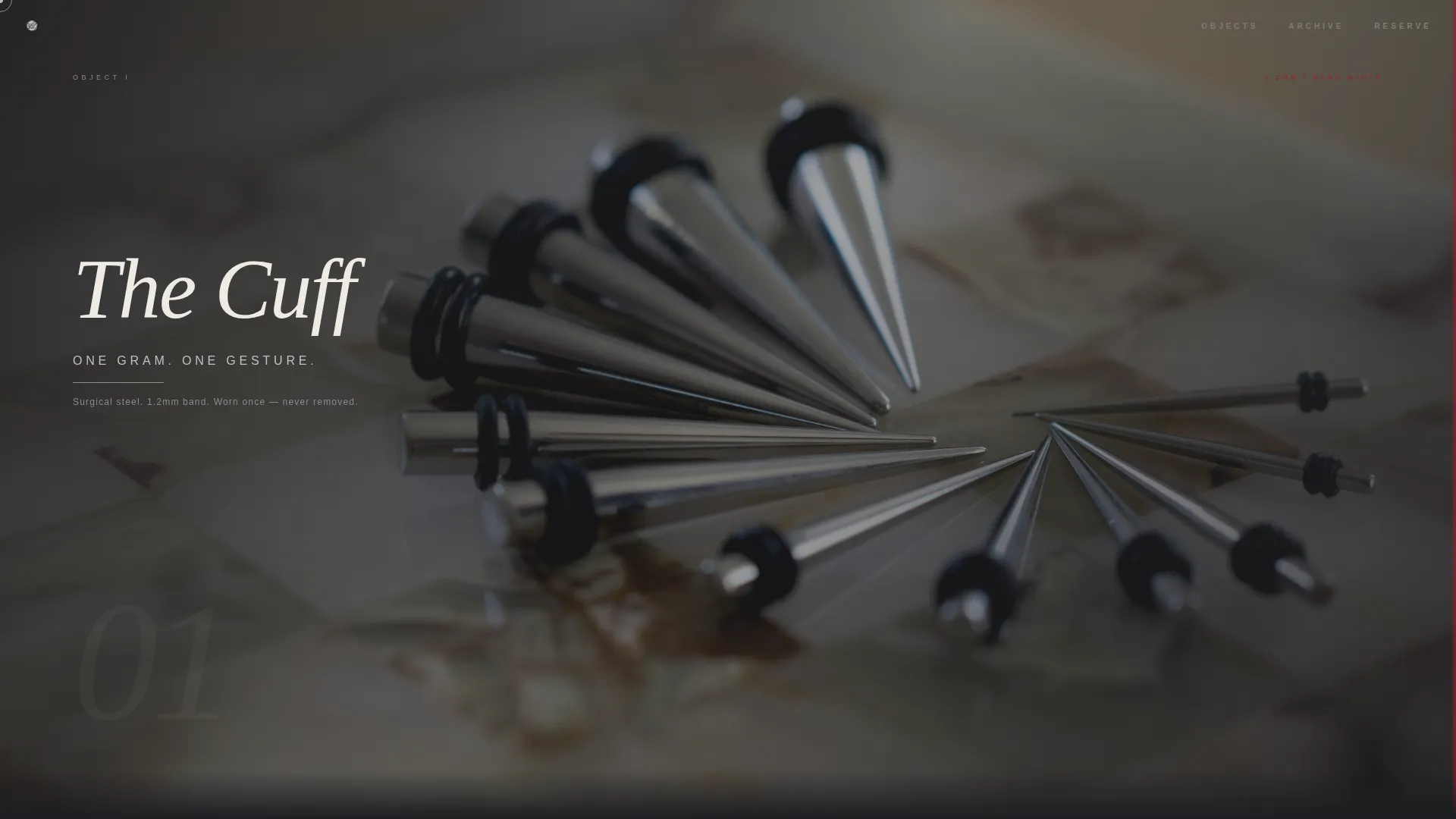
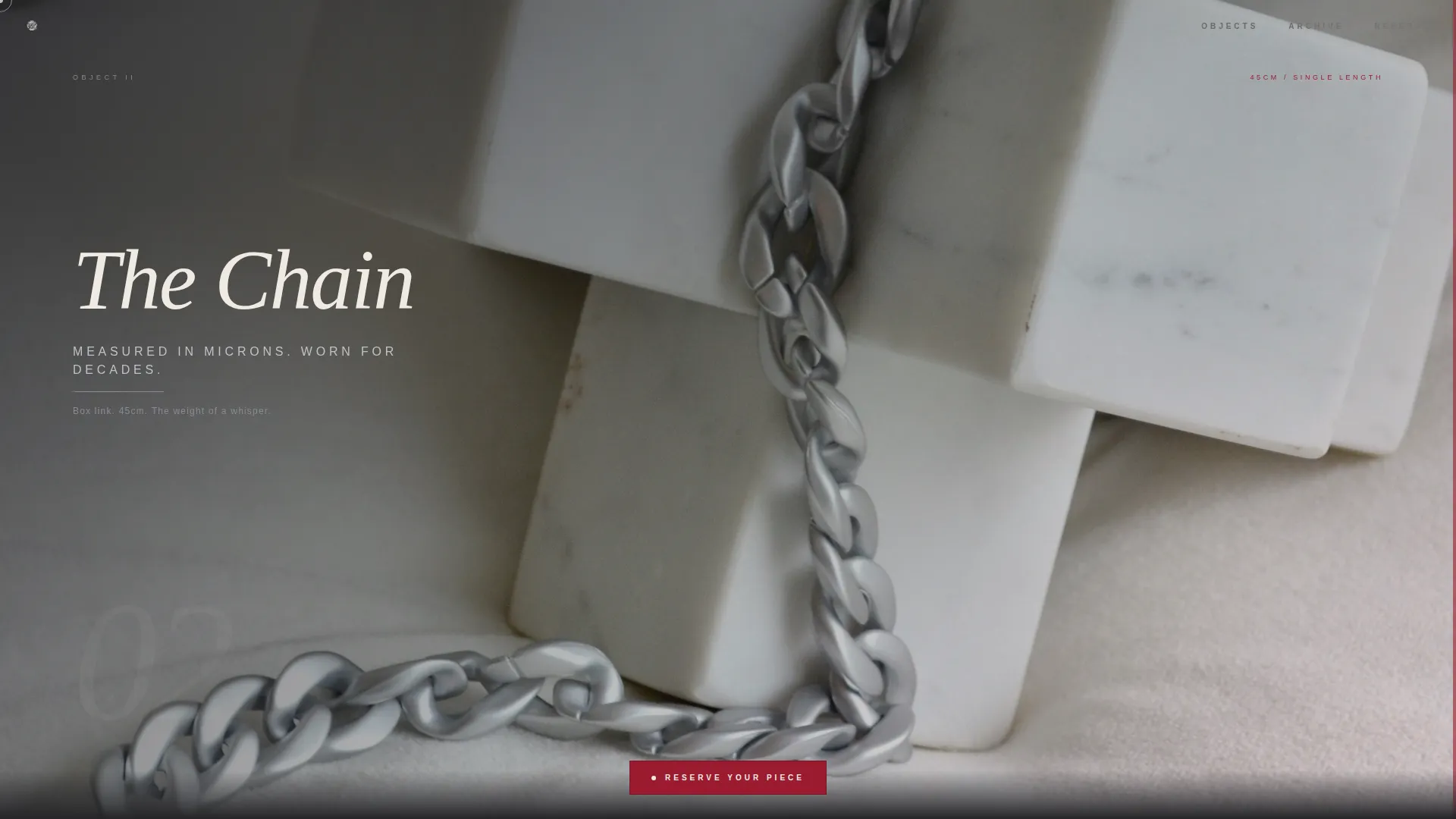
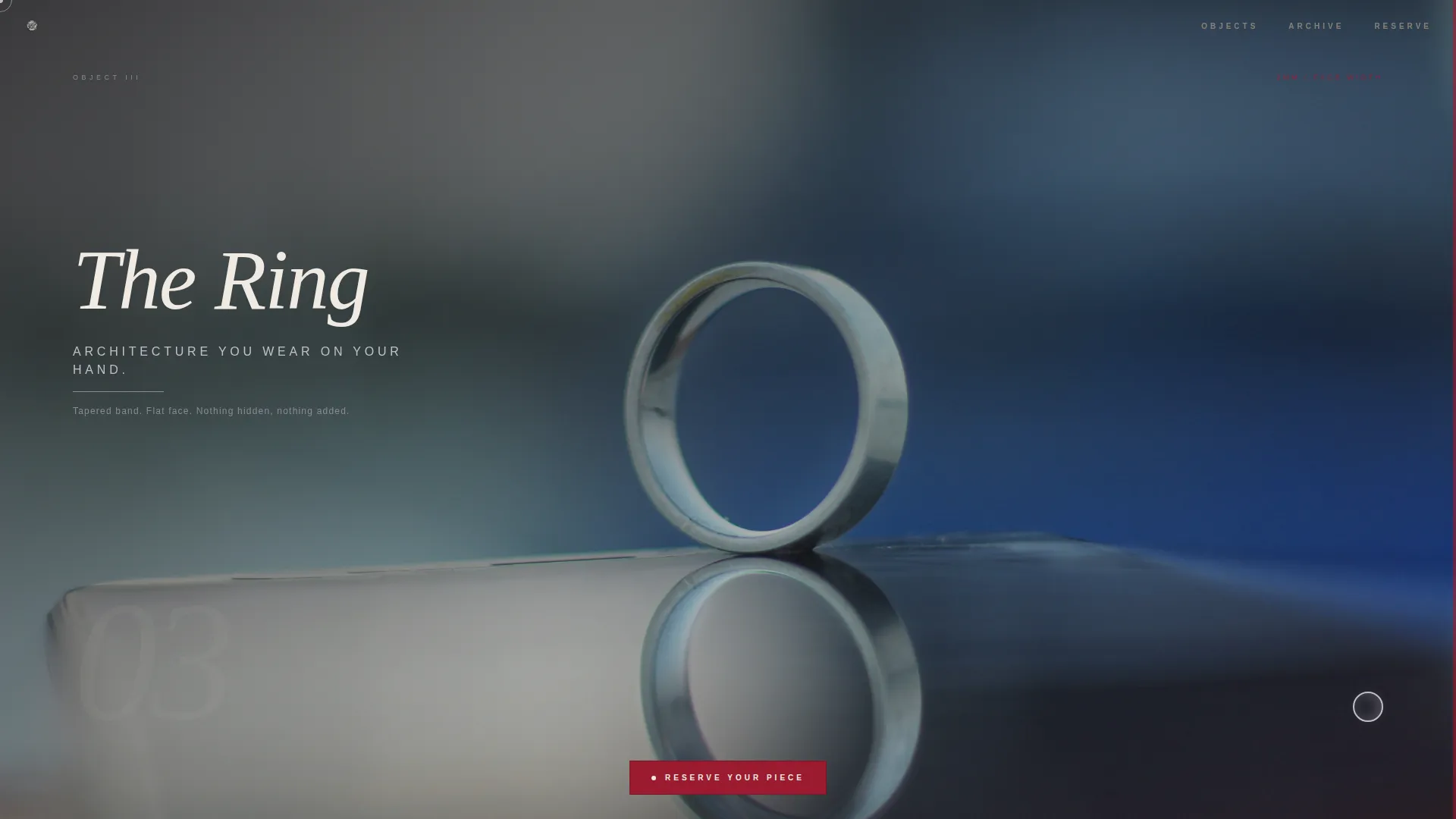
- Three scroll-linked product frames (cuff, chain, ring) that slide over each other as layered cards with progressively lighter backgrounds
- A persistent floating waitlist button, an expanding email form with a category toggle, and a secondary lookbook capture link
Feature list
This template is designed to deliver a high-impact pre-launch experience through carefully scoped interactions and a disciplined visual system.
Letterpress Hero Animation
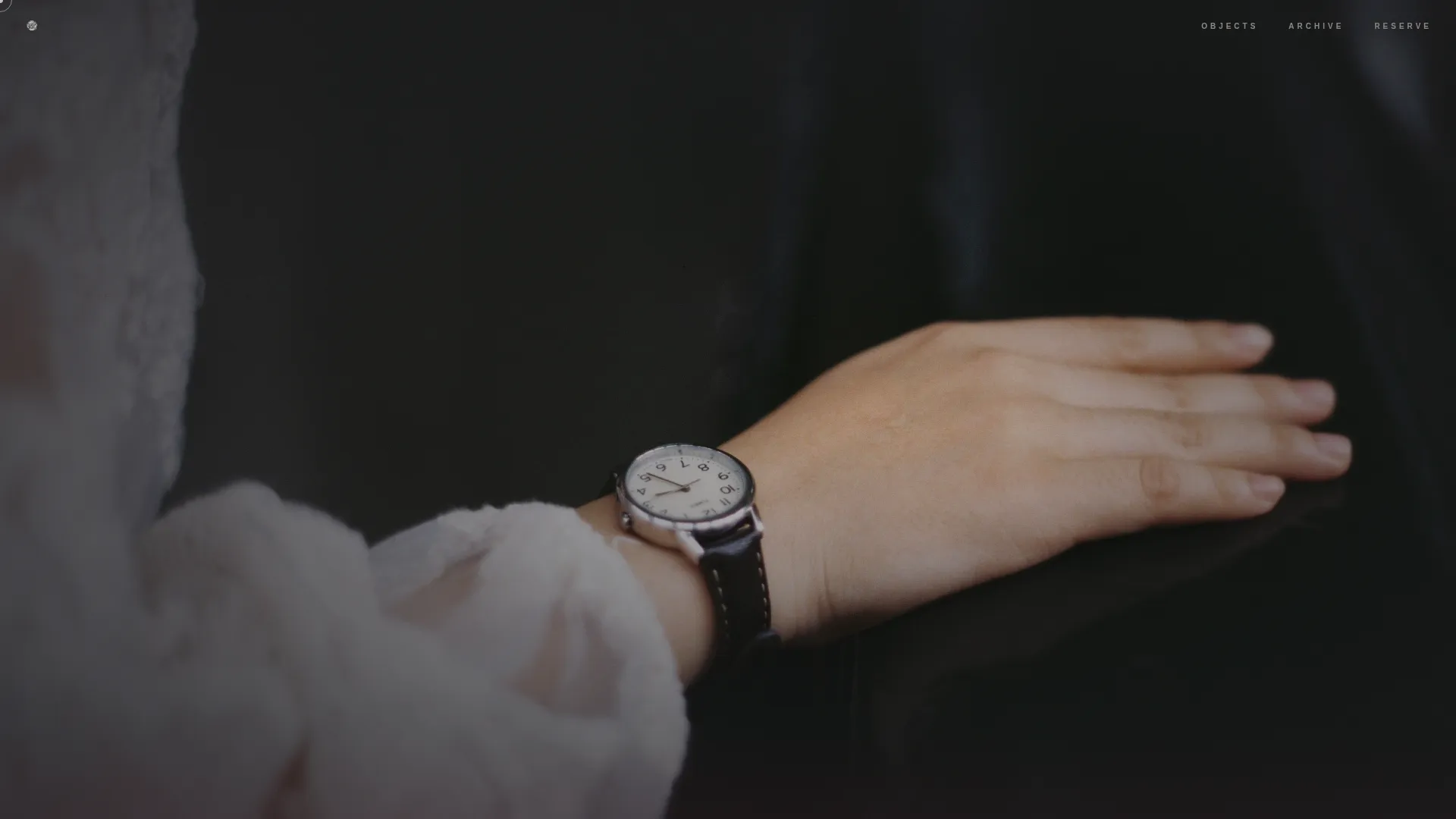
The brand name stamps itself onto a full-bleed wrist photograph one character at a time. No headline appears on load. The image holds for a beat, then the type arrives in pearl, giving the opening frame the weight of a reveal rather than a welcome.
Scroll-Linked Layered Product Cards
Three product frames use an overlap layout where each card slides over the previous one as the visitor scrolls. Backgrounds shift from dark charcoal to progressively lighter tones, so the page moves from shadow into clarity as the visitor descends.
Cinematic Micro-Animations
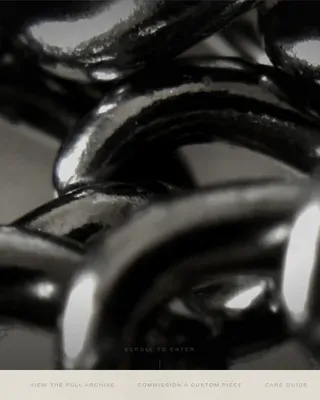
Between product frames, individual elements respond to scroll with precision. A chain sways on scroll, a ring catches a glint, and single-line chrome declarations appear in isolation. Every animation is timed to feel like a paused film reel, not a loading state.
Persistent Floating Waitlist Button
A ruby-red pill button anchors itself to the viewport after the second product frame and follows the visitor down the page. It stays present without interrupting the experience, appearing only once the visitor has already engaged with the product sequence.
Expanding Email Form with Category Toggle
On first click, the waitlist form asks only for an email address. It then expands to reveal a single three-option toggle, Cuffs, Chains, or Rings, so the brand can segment interest before launch without overwhelming the visitor with fields.
Secondary Lookbook Capture Link
A pearl-text link beneath the waitlist form offers a downloadable PDF lookbook in exchange for the same email address. This gives undecided visitors a lower-commitment conversion path and catches buyers who want to browse before they commit.
Page sections overview
| Section | Purpose |
|---|---|
| Full-Bleed Hero | Opens with a wrist photograph and a timed letterpress brand-name animation |
| Cinematic Product Sequence | Three layered cards for cuff, chain, and ring scroll through a lightening background progression |
| Chrome Declaration Lines | Single-line copy between product frames sets the brand tone in chrome-silver type |
| Waitlist Call to Action | Persistent ruby pill button with expanding email form and category interest toggle |
| Secondary Lookbook Link | Pearl-text link offering a PDF lookbook as a softer conversion path |
| Manifesto Strip | Closing brand statement positioned above the footer to leave a lasting impression |
| Minimal Footer | Extreme-minimal footer pattern with no distracting links or secondary navigation |
Design & branding system
The visual identity follows a Neo-Retro editorial direction. The palette is built on four values that each carry a specific role across the layout.
- Charcoal (#1A1A1D) floods the background layers and gives every element the negative space it needs to breathe
- Ruby (#9B1B30) bleeds through on accent panels, hover states, the floating button, and scroll-triggered card reveals
- Chrome silver (#C0C0C8) runs across product surfaces, divider lines, and the declaration copy between frames
- Pearl (#F0EBE3) carries all typographic contrast, using DM Serif Display in italic for headlines and Manrope for labels and body text
Mobile & speed optimization
The template is built desktop-first, with mobile parity ensuring the photography and animation system translate without loss. The scroll-linked interactions are handled by GSAP ScrollTrigger, and micro-interactions use CSS to stay lightweight.
- Product photography is given room to breathe at every viewport width, with no cropping that breaks the editorial framing
- The persistent floating button and expanding form are designed to function cleanly on touch screens without layout shifts
How this template helps you convert
This template earns the conversion by showing before it asks. The sequence is deliberate: the visitor experiences three products in their imagination before the waitlist button becomes prominent.
- The cinematic scroll sequence holds attention through the full product story before any call to action appears, so the email request arrives when desire is already present
- The category toggle inside the form captures segmented interest at the point of sign-up, giving the brand actionable data for a more relevant launch communication
- The lookbook link offers a second, lower-friction path for visitors who are curious but not yet ready to commit, reducing the number of people who leave without engaging
Other information about this template
This template is part of a broader set of overlap and layered landing page designs built for editorial and lifestyle brands. It suits anyone who wants a pre-launch page that functions as a brand statement, not just a placeholder.
- The Neo-Retro theme, cinematic sequence direction, and Ruby & Chrome color system are all set as intersection-matched design decisions within the template
- The footer uses an extreme-minimal pattern with no secondary navigation, keeping exit paths to an absolute minimum
- No social proof elements are included by design; the restraint is intentional and aligned with the brand's pre-launch positioning
- The template is scoped to English-language copy with no pricing displayed, reflecting a waitlist-only launch state
Theme
Neo-Retro
Creative direction
Cinematic Sequence
Color system
Ruby & Chrome
Style
Overlap/Layered
Direction
Waitlist/Coming Soon
Page Sections
Letterpress Hero Name Animation
Scroll-linked Layered Product Cards
Cinematic Micro-animations
Persistent Floating Waitlist Button
Expanding Email Form with Category Toggle
Secondary Lookbook Capture Path
Related questions
Can I change the product categories in the waitlist toggle?
Does the template display any pricing?
How does the lookbook link work alongside the main waitlist form?
Is this template suitable for a brand with only one product category?
What animation approach does the template use?