Conduit — DevSecOps Platform Landing Page Template
Pipeline is a dashboard-style DevSecOps newsletter landing page built for security-minded engineering teams. It features an interactive DevSecOps Maturity Score tool, a dark full-bleed header with animated network visuals, and a friction-light lead capture form. The design runs on a Midnight Blue color system that feels like a live security operations center monitor at midnight.
by Rocket studio
Quick summary
Pipeline is a single-page, lead generation landing page for a DevSecOps-focused weekly newsletter and community. It pairs a striking terminal-dark visual identity with an interactive maturity assessment tool that earns subscriber trust before asking for anything. The result is a focused, high-signal page built for engineers who take application security seriously.
Who this template is for
This template is built for teams and creators running security-focused developer content, communities, or newsletters. It speaks directly to an audience that lives inside pipelines and incident queues.
- Platform engineers integrating security tooling into continuous integration workflows
- Application security leads reporting risk posture to leadership
- Site reliability engineers who have recently taken on security responsibilities alongside their core role
What problem this template solves
Generic newsletter sign-up pages do not earn trust from technical audiences. Engineers who deal with zero-day advisories, software bill of materials (SBOM) reports, and vulnerability scoring systems need proof of value before they hand over their work email.
- Visitors leave without converting because the content value is never demonstrated upfront
- Generic forms ask for too much information and feel misaligned with a developer audience
- Static landing pages cannot communicate the depth or relevance of technical content
What you get with this template
You get a complete, ready-to-customize single-page layout that combines a bold visual identity with an interactive conversion tool. Every section is designed to earn attention and build credibility with a security-engineering audience.
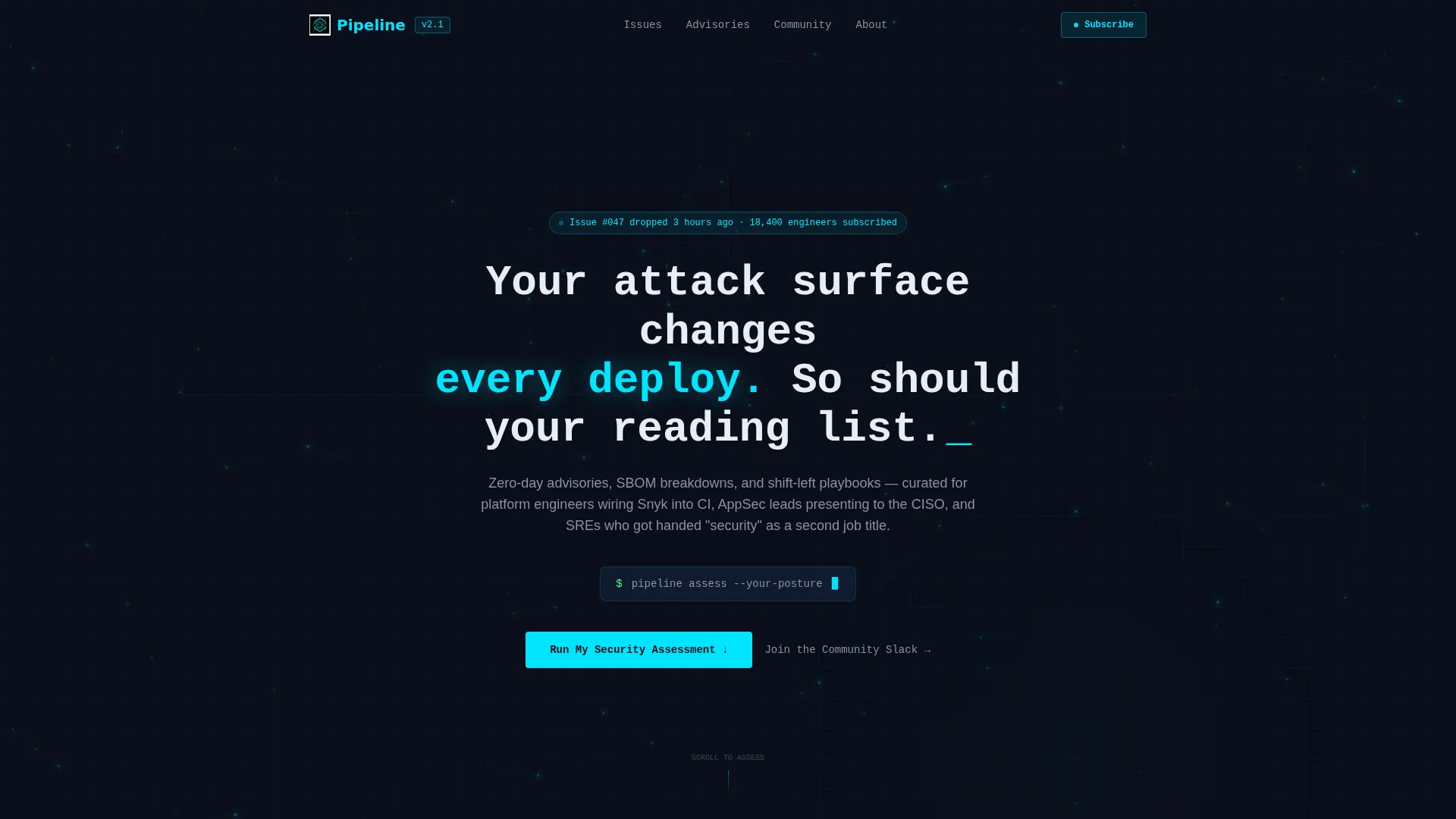
- A dark full-bleed header with an animated node-and-edge network background and a radial cyan glow effect
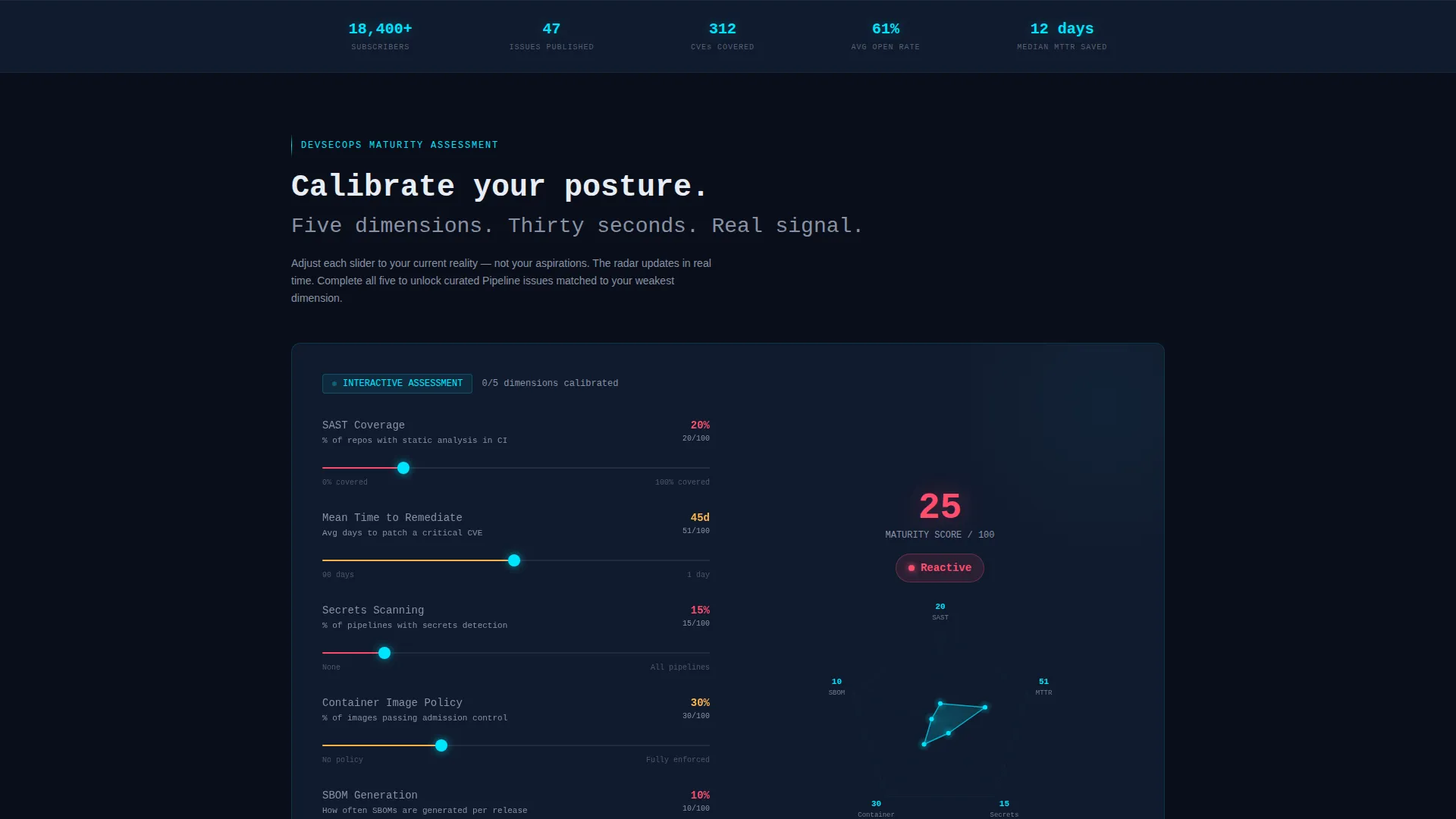
- An interactive five-slider DevSecOps Maturity Score assessment with a live radar chart output and maturity tier labeling
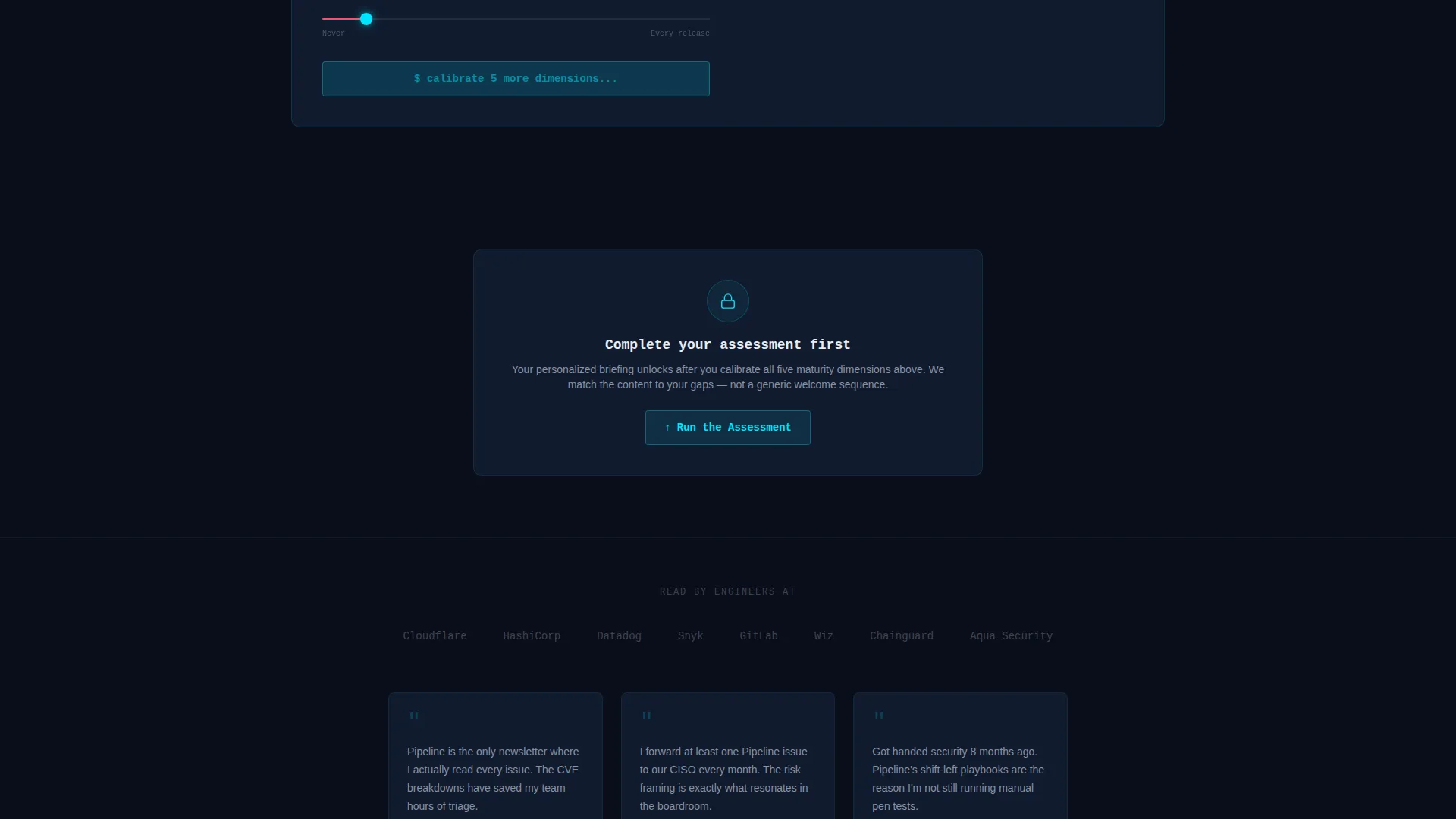
- A gated "Get My Personalized Briefing" call-to-action that only unlocks after the assessment is completed
Feature list
This template delivers a tightly scoped set of interactive and visual features grounded in the DevSecOps use case.
Interactive Maturity Assessment Tool
Five sliders let visitors rate their current security posture across Static Application Security Testing (SAST) coverage, mean time to remediate, secrets scanning adoption, container image policy enforcement, and SBOM generation frequency. Results render as a real-time radar chart with spring-physics animation, giving visitors an immediate, personalized output.
Maturity Tier Labeling System
The assessment outputs one of three maturity tier labels: Reactive, Proactive, or Embedded. The label helps visitors self-identify their security program stage and sets context for the newsletter content recommendations that follow.
Personalized Content Reveal
After the assessment is complete, the page surfaces curated newsletter issues matched to the visitor's weakest security dimension. This content reveal happens before any form is shown, demonstrating the newsletter's value on the visitor's own terms.
Gated Single-Field Lead Form
The primary call-to-action, "Get My Personalized Briefing," unlocks only after the tool is completed. The form asks for a work email address only, reducing friction to a single field and keeping the sign-up experience aligned with how engineers prefer to engage.
Animated Dark Full-Bleed Header
The header fills the full viewport in void-black with a soft radial cyan glow pulsing from center. Thin animated node-and-edge lines drift slowly in the background. A monospace headline ends with a blinking cursor, and the subheadline fades up after a brief delay.
Community Slack Secondary Path
A secondary text link beneath the fold invites visitors to join a community discussion space rather than subscribe to the newsletter. This gives socially motivated visitors an alternative conversion path without disrupting the primary lead generation flow.
Page sections overview
| Section | Purpose |
|---|---|
| Full-Bleed Header | Establishes brand tone and hooks attention with animated visuals and headline |
| Maturity Score Tool | Delivers interactive self-assessment with live radar chart output |
| Personalized Content Reveal | Shows matched newsletter issues based on the visitor's weakest dimension |
| Lead Capture Form | Collects a single work email to unlock the personalized briefing |
| Community Slack Link | Offers a secondary path for visitors who prefer discussion over reading |
Design & branding system
The visual identity runs on a Midnight Blue color system styled to evoke a security operations center display at midnight. Every color choice and motion element reinforces the terminal-dark, high-focus atmosphere the template is built around.
- Void-black (#0A0E1A) as the primary background, deep command-line navy (#111B2E) for card surfaces, electric scan-line cyan (#00E5FF) for live accents and hover states, and muted terminal gray (#8892A4) for body text
- Monospace typography throughout, with a blinking cursor on the hero headline and a fade-up animation on the subheadline
- Dynamic Motion theme expressed through spring-physics slider animations, drifting node-and-edge background lines, and a pulsing radial glow in the header
Mobile & speed optimization
The template is designed with a layout that translates cleanly across screen sizes while preserving the immersive dark visual experience. The interactive tool and animated elements are structured to stay functional and readable on smaller viewports.
- The dashboard-style grid layout adapts to narrower screens without breaking the radar chart or slider controls
- Animations use spring-physics easing, which is designed to feel smooth rather than processor-heavy
- The single-field form keeps the mobile conversion path as simple as the desktop experience
How this template helps you convert
The conversion architecture here is built around earned access rather than upfront friction. Visitors do not encounter a form until they have already received value from the tool.
- The maturity assessment gives visitors a personalized output first, creating investment in the result before any ask is made.
- The gated call-to-action only appears after the tool is complete, so the sign-up moment feels like a natural next step rather than an interruption.
- The single-field form and the secondary Slack path together cover two distinct visitor motivations, maximizing the chance that any given visitor finds a reason to stay connected.
Other information about this template
This section covers additional context that helps you understand the full scope and intent of the Pipeline template.
- The template is categorized under DevSecOps Technology and is designed specifically for the DevSecOps newsletter and community niche
- The Dashboard and Data Grid template style means the layout uses structured data panels and grid-based components that match the visual language of internal security tooling
- The header concept follows a Dark Full-Bleed with Glow approach, a pattern well suited to developer-focused brands that want to signal technical depth immediately
- The overall creative direction, Calculator and Tool First, is a recognized pattern for technical audiences who respond better to utility than to promotional copy
Theme
Dynamic Motion
Creative direction
Calculator/Tool First
Color system
Midnight Blue
Style
Dashboard/Data Grid
Direction
Lead Generation
Page Sections
Interactive Devsecops Maturity Assessment
Real-time Radar Chart Output
Gated Personalized Briefing Call to Action
Animated Terminal-dark Header
Curated Content Reveal by Dimension
Dual Conversion Path Design
Related questions
Who is this landing page template designed for?
Can I customize the five maturity assessment sliders?
Does the lead form collect more than an email address?
What does the maturity tier system output?
Is there a way to offer community access as an alternative to newsletter sign-up?



