Package Consolidation Service Landing Page Template
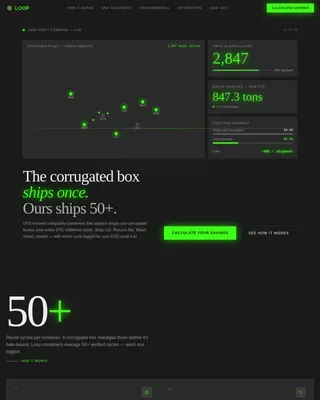
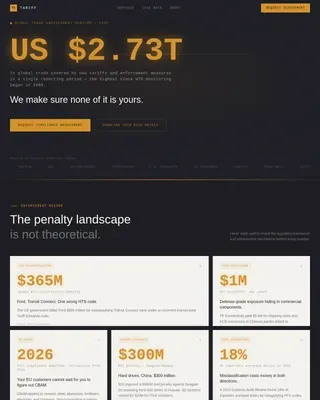
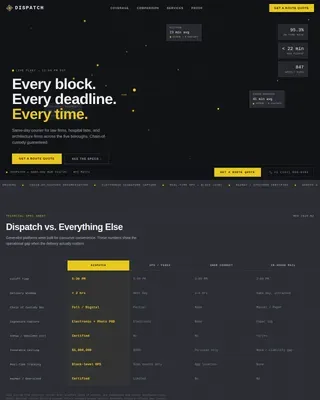
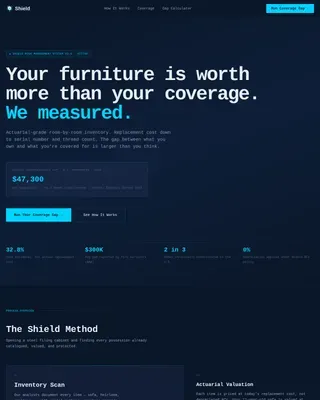
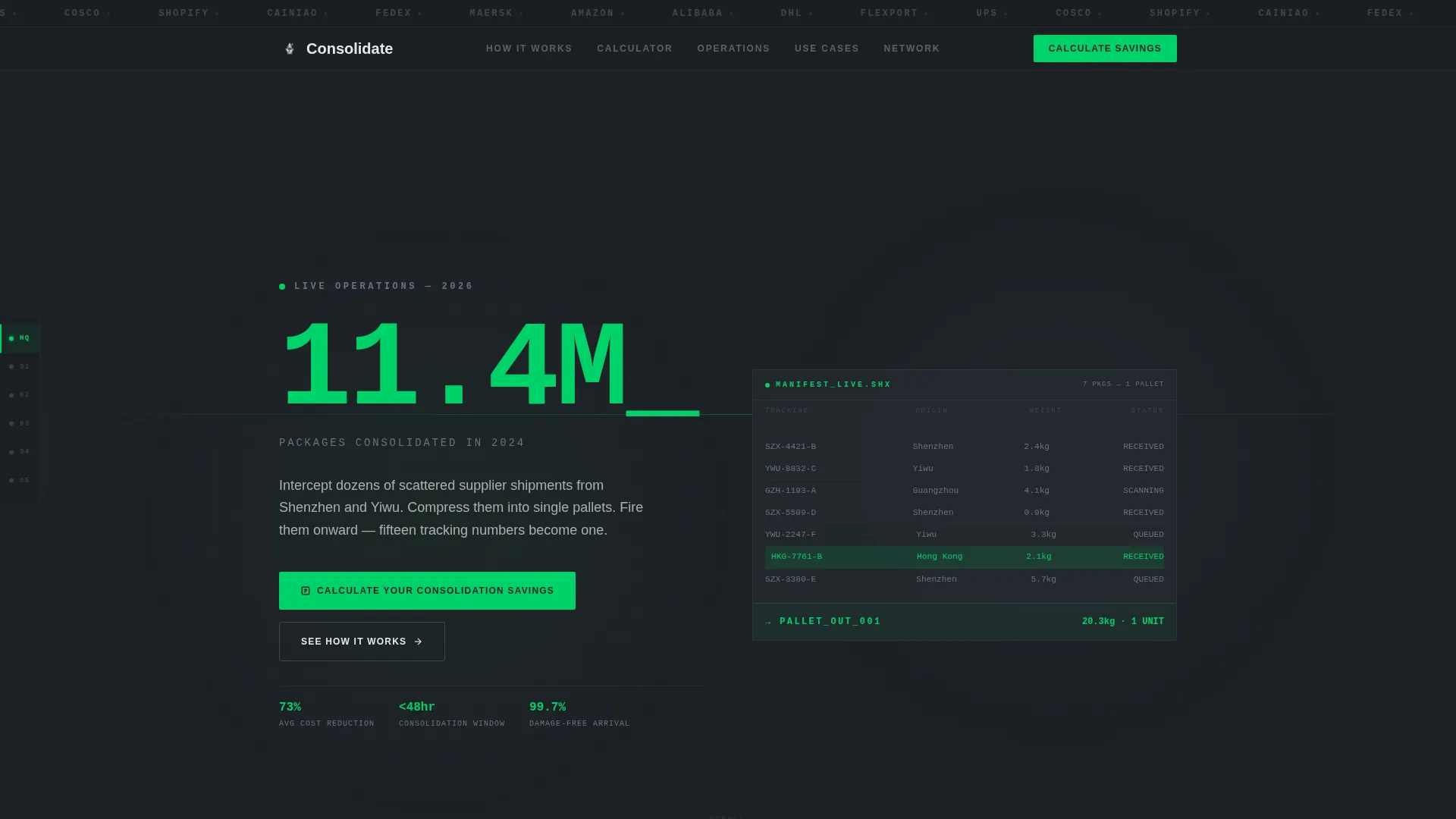
Consolidate is a hub-and-spoke landing page template built for package consolidation services. It opens with a scrolling carrier logo bar and a single oversized stat as its hero. Every section leads with a hard metric, a persistent anchor nav connects each spoke, and a three-step savings calculator drives lead generation before asking for contact details.
by Rocket studio
Quick summary
Consolidate is a single-page template designed for logistics operators who merge scattered shipments into single pallets. The layout follows a Data Command theme with a Monochrome Steel palette. Stats lead every section, a left-rail anchor nav stays pinned throughout, and the primary call to action is a live savings calculator that earns the lead before requesting it.
Who this template is for
This template is built for businesses that sell package consolidation as a service. It speaks directly to the operators who live inside tight logistics windows and need to prove value fast.
- E-commerce operators managing multi-supplier networks across overseas origins
- Amazon FBA (Fulfillment by Amazon) sellers who need precise inventory timing
- Freight brokers looking to capture margin in last-mile delivery
What problem this template solves
Most logistics service pages bury the value proposition under stock photography and vague copy. Buyers in this niche make decisions on numbers, not narratives.
- Scattered supplier shipments create multiple tracking numbers, unpredictable costs, and missed delivery windows
- Generic landing page templates lack the data-density and operational credibility this audience expects
- Standard lead forms ask for contact details before proving any value, reducing conversion rates
What you get with this template
You get a fully structured, single-page layout that puts proof first and contact requests second. Every design decision reinforces operational authority.
- A scrolling carrier and marketplace logo bar that establishes network reach before any headline appears
- A hub-and-spoke anchor navigation system pinned to the left rail throughout scrolling
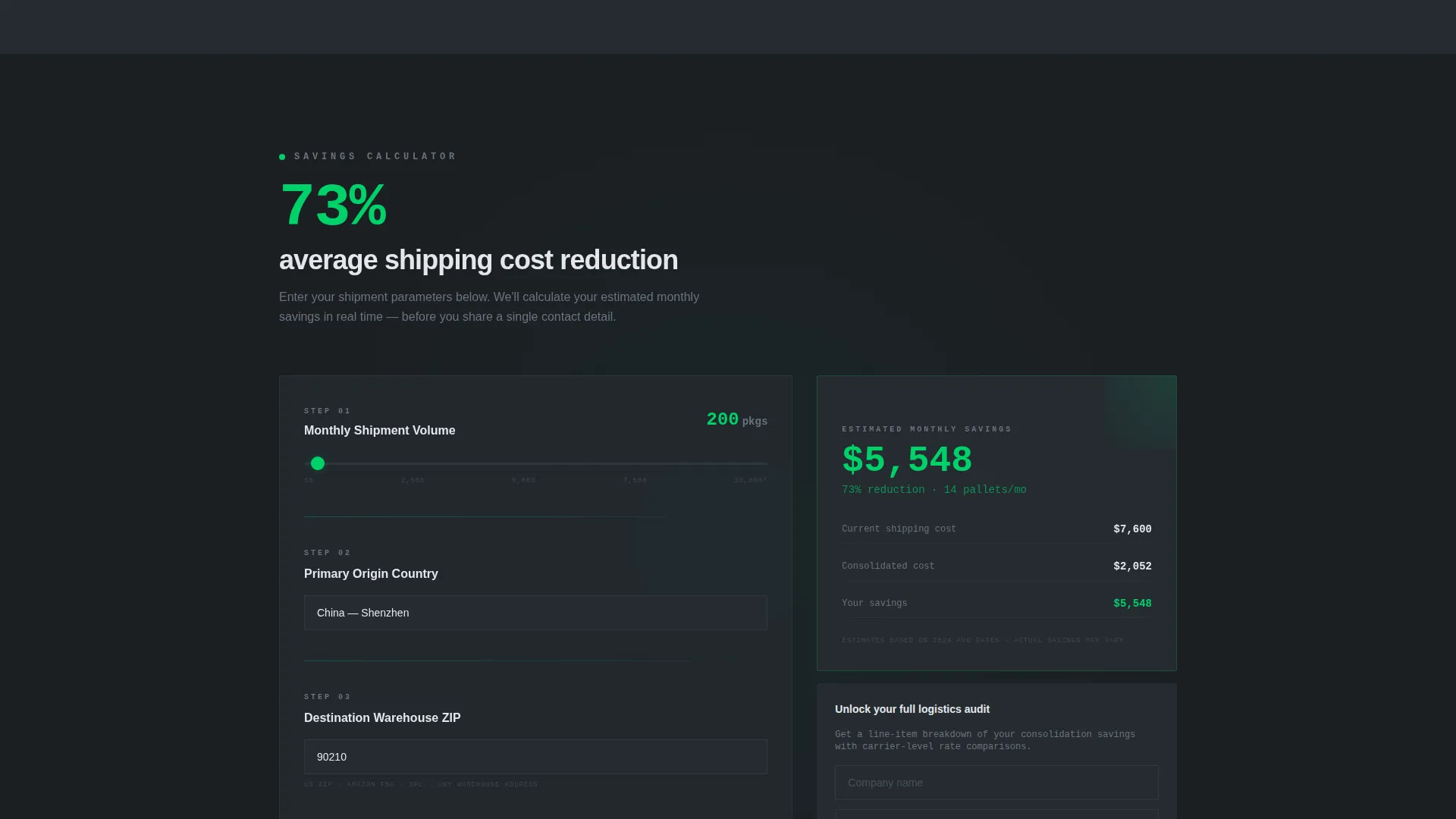
- A three-step consolidation savings calculator that returns an estimated cost range before requesting an email
Feature list
This template is built around one principle: show the math, then ask for the meeting. Each feature below is purpose-built to support that goal.
Scrolling Logo Bar Header
A horizontal ribbon of carrier and marketplace logos scrolls in grayscale against the cold-rolled dark background. It loads before any headline, establishing network credibility through recognition rather than claims.
Stats-First Section Design
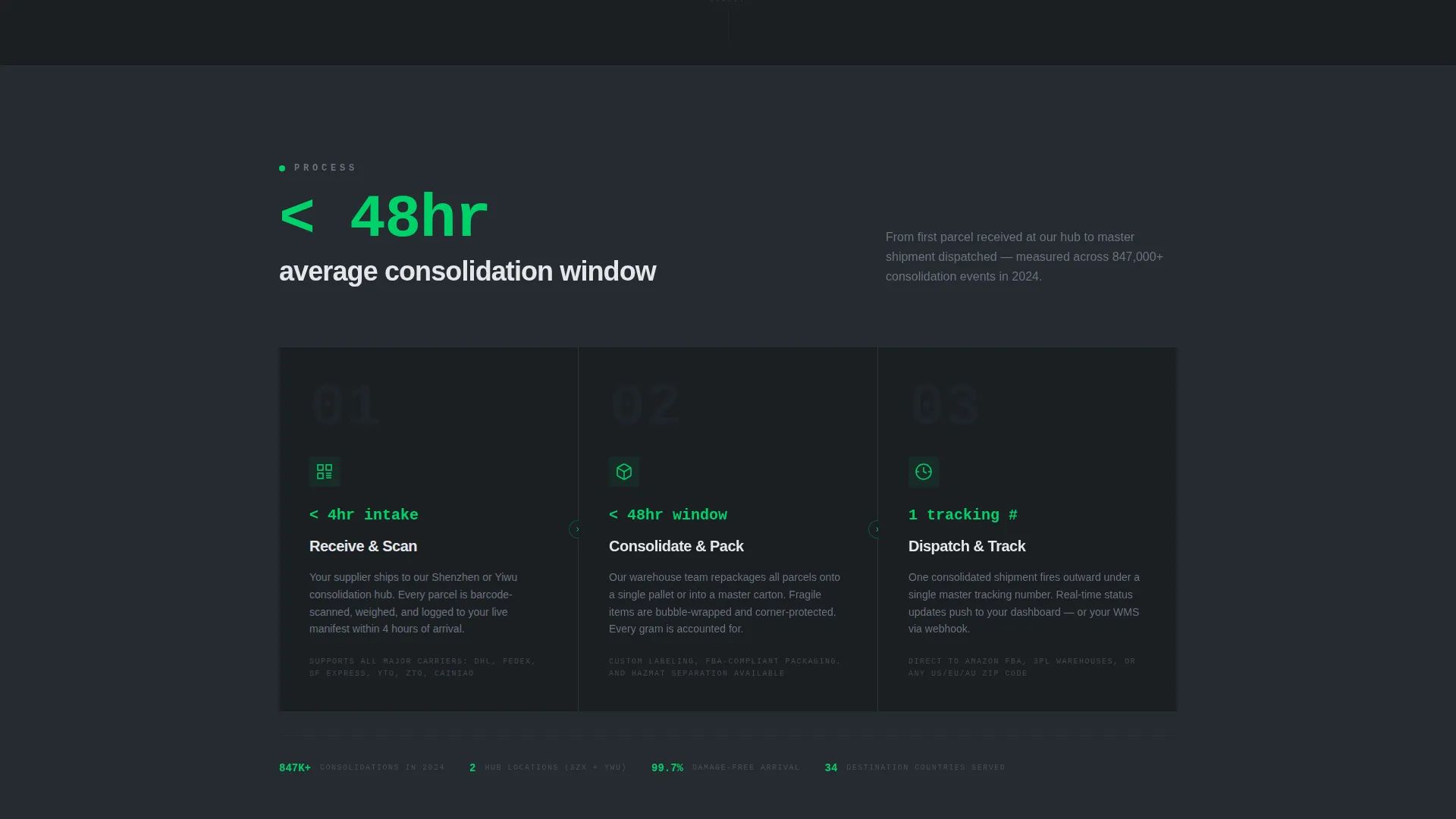
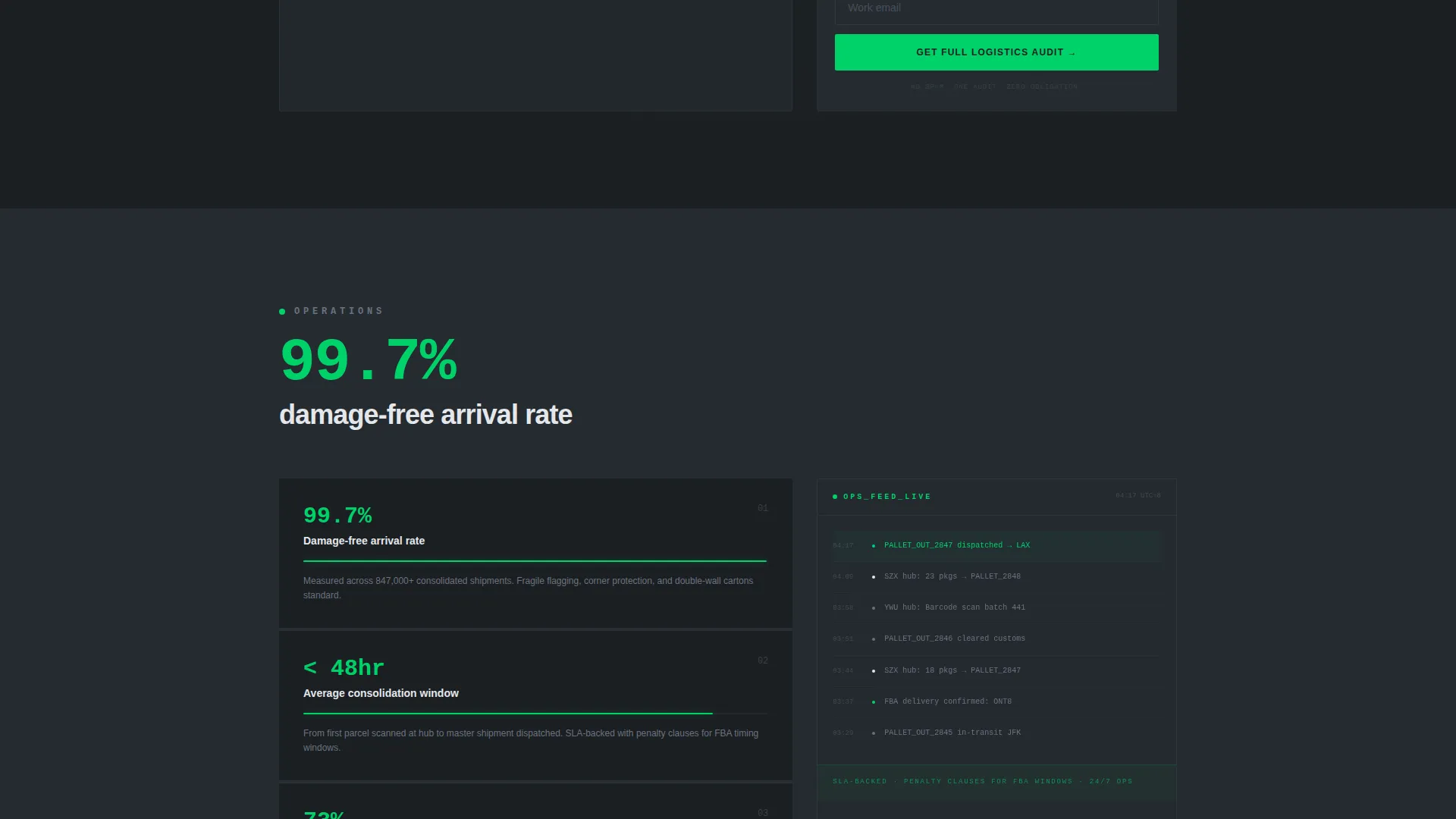
Each spoke section opens with a hard metric rendered in scanner-green type. Examples include "73% average shipping cost reduction," "less than 48-hour average consolidation window," and "99.7% damage-free arrival rate." Explanation follows the number, never the reverse.
Hub-and-Spoke Anchor Navigation
A persistent left-rail nav connects every spoke section back to the hub. Each nav node pulses in scanner green when its section is active. Scrolling the page feels like drilling into a live operations dashboard.
Three-Step Savings Calculator
The primary call-to-action section houses a calculator with three inputs: a shipment volume slider (50 to 10,000-plus), a primary origin country dropdown, and a destination warehouse ZIP code field. Results render in real time in green before a lead form appears.
Persistent Mobile Conversion Bar
On mobile, a fixed bottom bar stays visible throughout scrolling. It triggers a calendar scheduling embed for a consolidation strategy call, giving mobile visitors a direct conversion path without interrupting the page flow.
Click-to-Expand Case Study Links
Each stat is linked to a methodology breakdown or case study that unfolds on click. This lets interested buyers verify the numbers without leaving the page or losing their scroll position.
Page sections overview
| Section | Purpose |
|---|---|
| Logo Bar Header | Establish carrier network reach visually |
| Stat Hero Block | Lead with the primary volume metric |
| Hub Nav Rail | Anchor navigation pinned left throughout |
| Cost Savings Spoke | Show 73% cost reduction stat with context |
| Operations Spoke | Detail the sub-48-hour consolidation window |
| Trust and Quality Spoke | Present the 99.7% damage-free arrival rate |
| Savings Calculator Spoke | Capture leads via a three-step estimator |
| Strategy call to action Bar | Persistent mobile bar for scheduling calls |
Design & branding system
The visual identity uses a Monochrome Steel color system. Every color choice is functional rather than decorative, reinforcing the terminal-dashboard feel of a live warehouse manifest.
- Dark backgrounds use cold-rolled dark (#1B1F23); mid-tones use brushed aluminum (#6B7280); light surfaces use warehouse-floor light (#E5E7EB)
- Scanner-laser green (#00D26A) appears only on live data points, active nav nodes, call-to-action buttons, and calculator results
- Typography and layout prioritize information density, with no lifestyle photography and no warm or decorative elements
Mobile & speed optimization
The template is structured to work cleanly on mobile without losing its data-forward character. The hub-and-spoke layout adapts to vertical scrolling naturally.
- The persistent bottom bar surfaces the secondary conversion path on mobile without cluttering the main content flow
- The anchor nav collapses appropriately for smaller screens so users can still jump between spoke sections
- Calculator inputs use a slider and dropdown format that is straightforward to interact with on touch devices
How this template helps you convert
The conversion architecture is built on a simple premise: prove the value before requesting personal information. This approach reduces friction at every stage.
- The logo bar and oversized stat metric build credibility in the first viewport, before the visitor reads a single line of body copy
- The savings calculator delivers a personalized estimated result in real time, giving the visitor a concrete reason to share their company name and email
- The persistent mobile scheduling bar and the desktop calculator call to action create two separate, always-visible conversion paths that match how different visitors prefer to engage
Other information about this template
This template is a strong fit for logistics operators who want a professional, high-credibility web presence without building from scratch. A few additional details worth noting:
- The template style is Hub and Spoke with Anchor Navigation, which suits services with multiple distinct value pillars that benefit from non-linear exploration
- The Data Command theme and Monochrome Steel color system work well for any supply chain or freight service that wants to communicate operational seriousness
- The Stats-First Impact creative direction means all placeholder copy in the template is written around metric-led formatting, making it easier to drop in real numbers during customization
- The Lead Generation page direction is embedded in the layout structure, with the calculator spoke positioned as the primary destination from all anchor nav nodes
Theme
Data Command
Creative direction
Stats-First Impact
Color system
Monochrome Steel
Style
Hub & Spoke (Anchor Nav)
Direction
Lead Generation
Page Sections
Scrolling Carrier Logo Bar
Stats-first Spoke Sections
Pinned Hub-and-spoke Nav
Three-step Savings Calculator
Persistent Mobile Scheduling Bar
Click-to-expand Methodology Links
Related questions
Who is this landing page template designed for?
Can I customize the stats and metrics shown in each section?
How does the savings calculator work in this template?
Does the template include the scheduling embed for the mobile call to action bar?
Is this template suitable for a freight broker or third-party logistics operator?