Roofing Digital Presence Professional Website Template
This Bold Brutalist roofing knowledge base landing page is built for property managers, homeowners, and junior estimators who need honest, spec-level roofing data fast. Scroll-triggered material comparisons, progressive cost tables, animated lifespan timelines, and a two-step roof comparison tool make dense technical content easy to navigate and act on.
by Rocket studio
Quick summary
This is a single-page, scroll-reveal roofing knowledge base landing page built around an Industry Report cadence. It combines typographic authority, animated data modules, and two lead-capture paths into one brutalist-styled experience. Every section reveals progressively as the visitor scrolls, turning raw roofing intelligence into a guided, conversion-focused journey.
Who this template is for
This template is built for roofing-adjacent professionals and property owners who need reliable spec data and honest comparisons in one place. It suits both technical and non-technical readers who want answers without digging through scattered sources.
- Property managers overseeing large rooftop portfolios who need side-by-side material data
- Junior estimators building confidence reading roofing specs before pricing a job
- Homeowners diagnosing a roof problem and weighing repair versus full replacement
What problem this template solves
Roofing decisions are expensive and hard to reverse. Most online resources are either too vague for professionals or too technical for homeowners. This template solves the trust gap by presenting field-tested data in a structured, scannable format that works for both audiences.
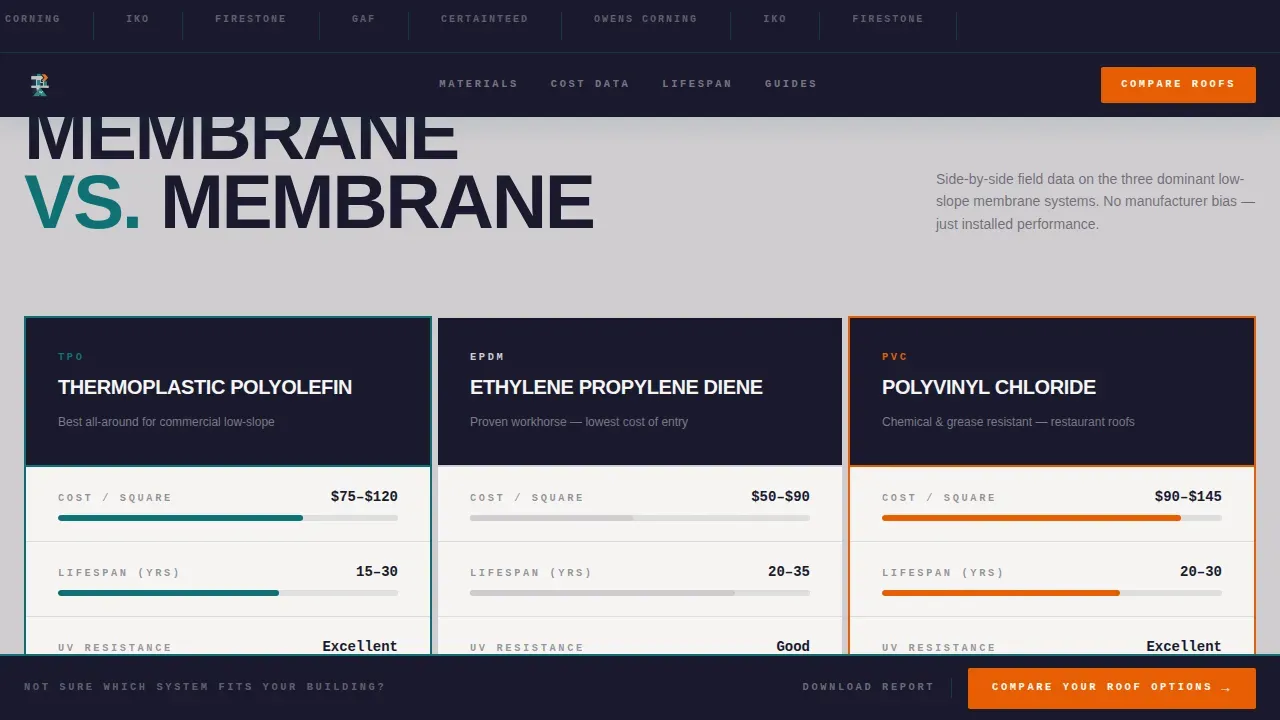
- There is no single source that puts TPO, EPDM, and PVC cost and lifespan data side by side in plain language
- Property managers waste time cross-referencing multiple documents to compare roofing systems across a portfolio
- Junior estimators have nowhere to build foundational knowledge that connects material specs to real-world pricing
What you get with this template
You get a fully structured, scroll-progressive landing page with every section pre-designed and ready to populate with your content. The template covers the complete roofing knowledge base experience from manufacturer credibility to lead capture.
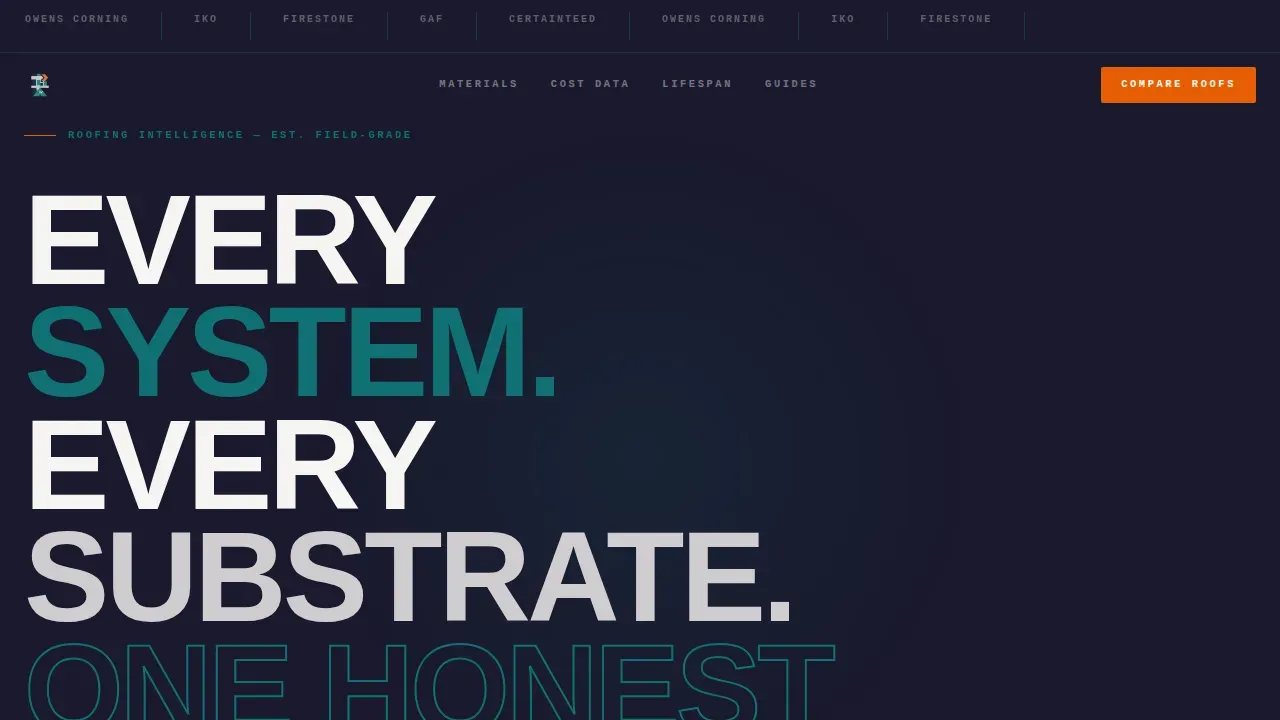
- A hero section with a logo bar parade and a brutalist condensed headline, no imagery required
- Animated comparison modules, progressive cost tables, and lifespan timeline bars that reveal on scroll
- Two built-in lead capture paths: a sticky comparison tool and an email-gated PDF report download
Feature list
This template includes a focused set of interactive and visual features drawn directly from the source brief. Each one serves a specific purpose in the scroll-progressive Industry Report experience.
Scroll-Triggered Material Comparison Module
Three roofing membranes, TPO (Thermoplastic Polyolefin), EPDM (Ethylene Propylene Diene Monomer), and PVC (Polyvinyl Chloride), are laid out in animated side-by-side stat columns. Columns animate in from opposing edges as the visitor scrolls, creating a page-turning white-paper effect.
Progressive Cost-Per-Square Table
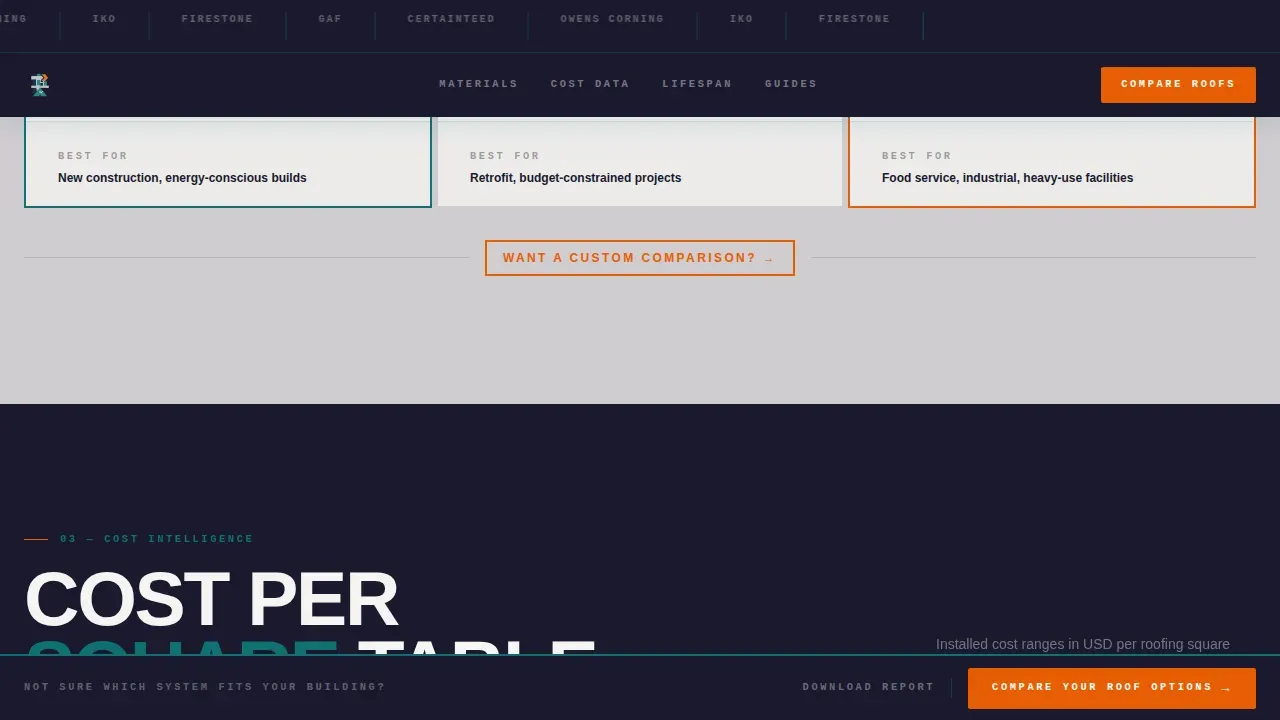
A scroll-fill table populates row by row as the visitor moves deeper into the page. Teal indicator bars fill each cell progressively, turning raw cost data into a visual experience that rewards continued reading.
Animated Lifespan Timeline Bars
Horizontal timeline bars animate outward per material to show projected service life at a glance. The visual rhythm lets readers compare durability without reading dense paragraphs.
Two-Step Roof Comparison Tool
A sticky bottom bar appears after the second section reveal and anchors the primary call to action. Clicking opens a two-step modal: first, select roof type and current material; second, choose up to three alternatives. The result is a personalized comparison card with estimated cost range, warranty length, and climate suitability.
Email-Gated PDF Report Download
A secondary lead capture path prompts visitors to download the full report in exchange for an email address and property-type field. This captures leads who prefer offline reference material and qualifies them by property type simultaneously.
Manufacturer Logo Bar Header
A horizontal parade of roofing manufacturer logos rendered in monochrome against an asphalt-black background opens the page. Each logo is separated by a thin teal rule, establishing institutional credibility before a single word of body copy is read.
Page sections overview
| Section | Purpose |
|---|---|
| Manufacturer Logo Bar | Establish credibility with industry names upfront |
| Brutalist Hero Headline | Set authoritative tone with no imagery needed |
| Material Comparison Module | Compare TPO, EPDM, and PVC side by side |
| Cost-Per-Square Table | Reveal pricing data progressively as user scrolls |
| Lifespan Timeline Bars | Visualize material durability across time |
| Lead Capture Section | Gate the PDF report and anchor the compare tool |
| Sticky Compare Bar | Keep primary call to action visible after scroll |
| Footer | Close with horizontal flow layout pattern |
Design & branding system
The visual identity follows the Teal Catalyst color system applied through a Bold Brutalist design language. The aesthetic is monolithic and industrial, with zero decorative flourish. Typography carries the authority that imagery typically would.
- Color palette: asphalt black (#1A1A2E) for backgrounds, industrial teal (#0F7173) for section dividers and data bars, poured-concrete gray (#D0CCD0) for reading surfaces, and signal orange (#E85D04) reserved strictly for calls to action and comparison highlights
- Typography: DM Sans in condensed display weight for headlines, JetBrains Mono for all data and spec-level text
- Layout approach: monolithic slabs of gray and black with teal cracking through section breaks, keeping dense data readable without visual fatigue
Mobile & speed optimization
The template is designed desktop-first to match how property managers and estimators typically work. Responsive behavior is built in so homeowners on mobile can still navigate the full knowledge base experience without losing content fidelity.
- Server Components power static sections like the hero, logo bar, and timeline, keeping initial load lean
- Client Components handle the interactive comparison tool modal, PDF gate form, sticky call to action bar, and FAQ accordion so interactivity loads only where needed
- Scroll animations use Intersection Observer so timeline bars and stat columns trigger only when they enter the viewport, avoiding unnecessary processing on load
How this template helps you convert
Every design and interaction decision in this template points toward one of two conversion outcomes: capturing a comparison tool interaction or gating a PDF download lead. The scroll-progressive structure keeps visitors engaged long enough to reach both.
- The sticky "Compare Your Roof Options" bar appears after the second section reveal and stays anchored throughout the rest of the scroll, so the primary call to action is never more than a glance away regardless of how deep the visitor reads.
- The "Download the Full Report" gate collects an email address and property-type field, qualifying each lead before they receive the offline content and giving the site owner a segmented contact list from day one.
Other information about this template
This template sits at the intersection of roofing digital presence and knowledge base publishing. It is built for the B2B and B2C roofing market and handles a mixed audience without diluting the experience for either group. A few additional details worth noting before you build:
- The footer uses Pattern 3 (Vercel Horizontal Flow layout) as specified in the design brief
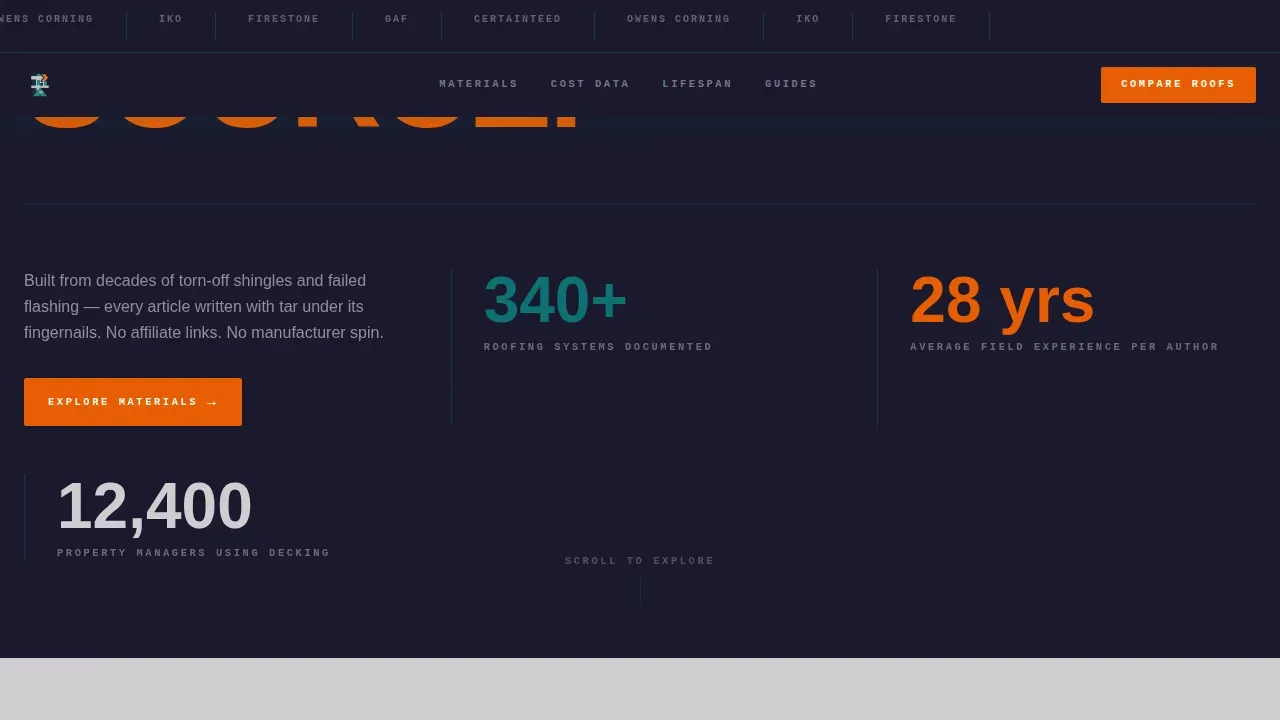
- Social proof elements include a manufacturer logo wall, field-sourced stat numbers, and a trusted-by count for property managers
- Measurements and pricing throughout the template use imperial units (roofing squares and linear feet) and United States dollar values
- The FAQ section within the page uses an accordion interaction component, matching the brutalist style while keeping the reading surface clean
- The comparison results card surfaces three data points per alternative: estimated cost range, warranty length, and climate suitability rating
Theme
Bold Brutalist
Creative direction
Industry Report
Color system
Teal Catalyst
Style
Scroll Reveal (Progressive)
Direction
Comparison/Versus
Page Sections
Scroll-triggered Material Comparison
Progressive Cost-per-square Table
Animated Lifespan Timeline Bars
Two-step Roof Comparison Tool
Email-gated PDF Report Download
Manufacturer Logo Bar Header
Related questions
Who is this landing page template designed for?
Can I use this template without technical roofing content already written?
How does the two-step comparison tool work?
What makes the lead capture setup useful for a roofing knowledge base?
Is this template suited to a desktop or mobile audience?



