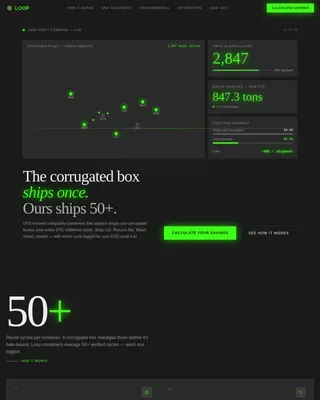
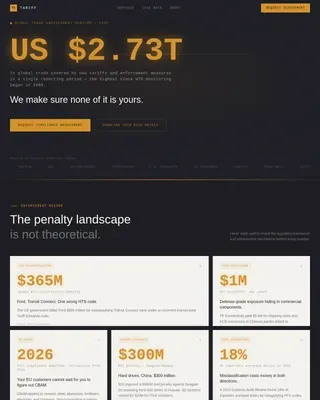
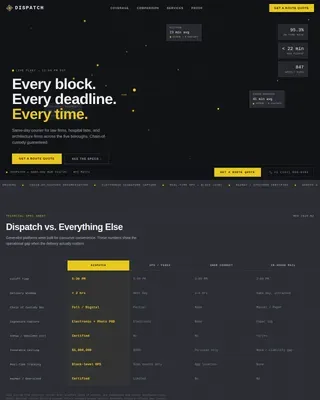
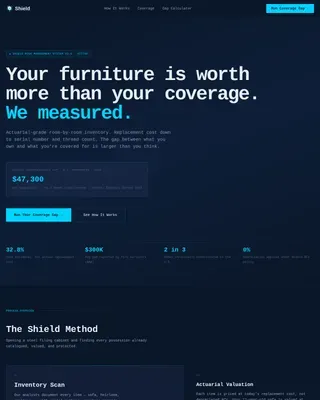
Warehouse & Distribution Cost Calculator Website Template
Vault is a zigzag landing page template built for document and records storage facilities. It targets law firm managers, hospital compliance officers, and accounting partners who need to justify offsite storage. The design uses a carbon fiber color system, a full-width facility schematic header, and a sticky cost calculator that turns storage math into an easy business decision.
by Rocket studio
Quick summary
Vault is a single-page, conversion-focused landing page template for physical document and records storage services. It pairs a diagrammatic facility schematic header with alternating comparison sections that pin in-office storage costs against professional vault storage. A sticky sliding calculator, barcode retrieval workflow, compliance specs, and a disaster recovery section guide visitors toward one clear action.
Who this template is for
This template is built for businesses that sell offsite document and records storage to regulated industries. It works especially well when the sales pitch depends on making a cost and security comparison impossible to ignore.
- Law firm office managers managing growing volumes of case files
- Hospital compliance officers preparing for audits under health data regulations
- Accounting partners whose office lease no longer has room for a physical file room
What problem this template solves
Professional storage facilities often struggle to explain their value in a way that lands quickly with busy decision-makers. A generic service page does not communicate the real cost of keeping boxes in-house, and it rarely builds the compliance confidence that regulated-industry buyers need before committing.
- Visitors leave without understanding the per-box versus per-square-foot cost difference
- Compliance credentials and retrieval processes are buried in text instead of shown clearly
- There is no interactive tool to help buyers calculate their own potential savings on the spot
What you get with this template
This template delivers a fully structured, single-page layout designed around a Comparison/Versus conversion engine. Every section is purpose-built to move a skeptical B2B buyer from awareness to action.
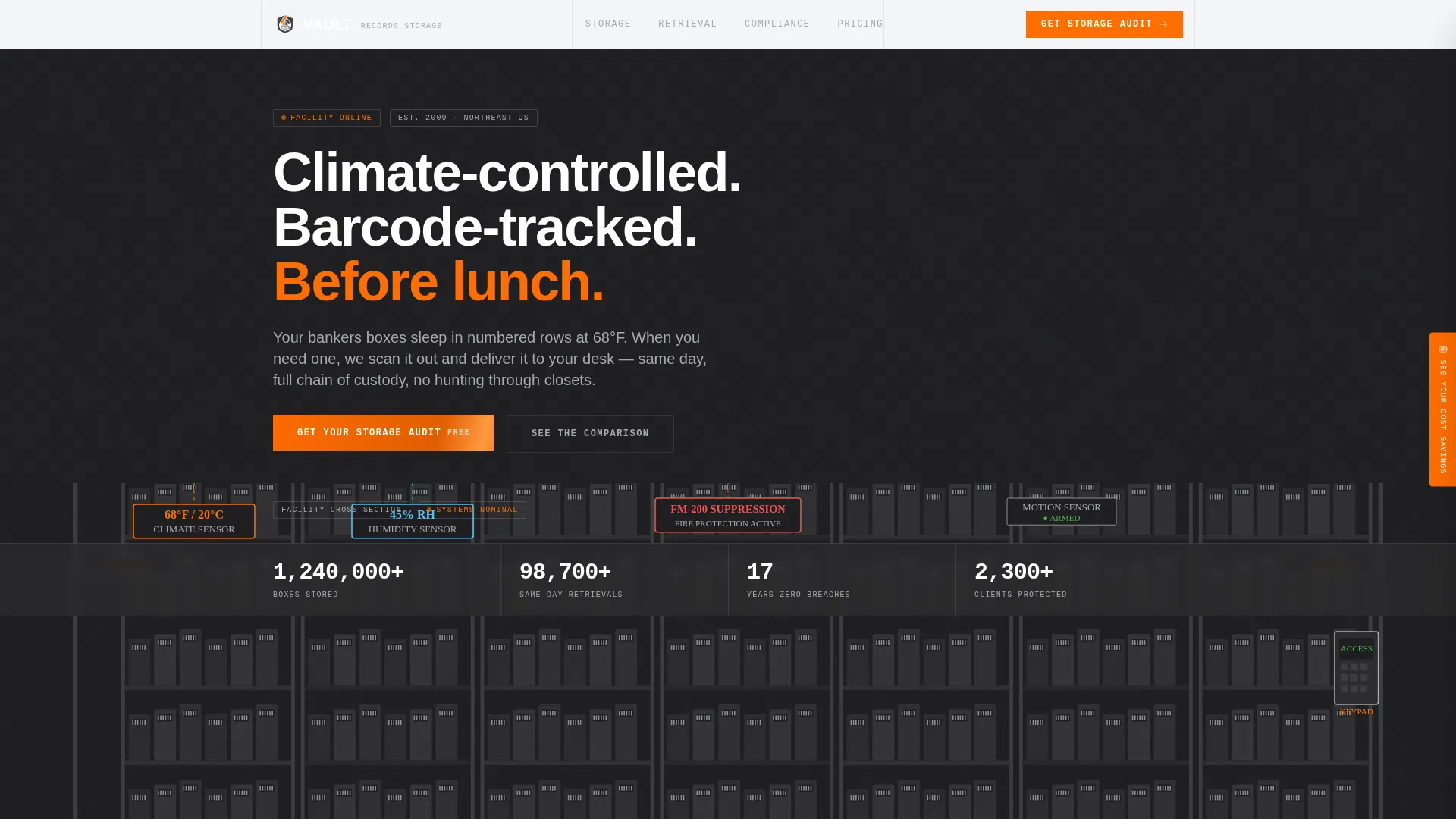
- A full-width facility schematic header with animated counters for boxes stored, same-day retrievals, and breach-free years
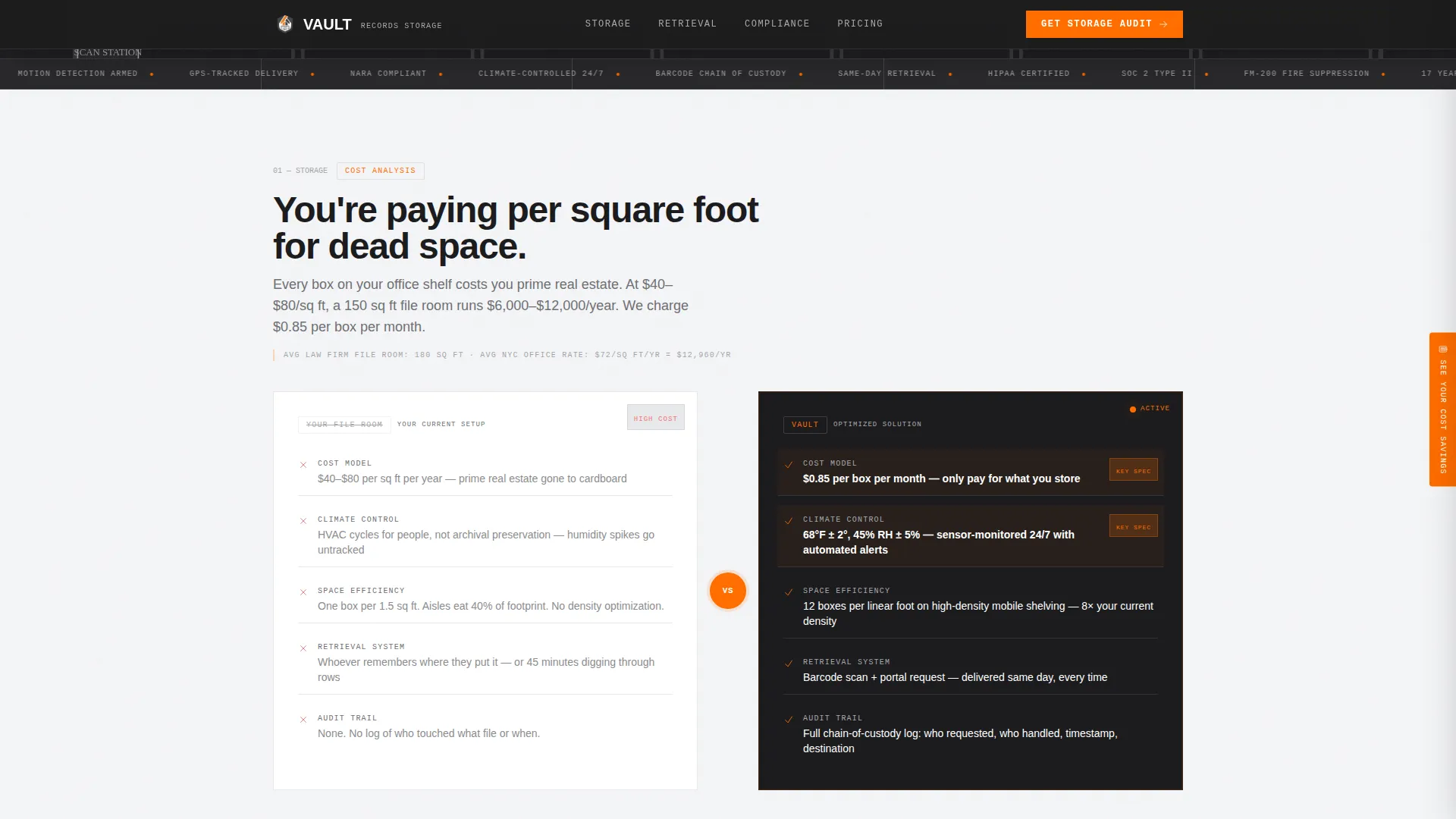
- Zigzag alternating sections that compare in-office storage to vault storage across cost, security, and compliance
- A sticky side tab that opens a sliding cost calculator with fields for box count, square footage cost, and retrieval frequency
Feature list
A paragraph introduces the feature set: every interactive and structural component in this template serves the core goal of making the storage decision feel obvious before the visitor reaches the call to action.
Facility Schematic Header
The header spans the full page width as a diagrammatic cross-section of a storage facility. It shows climate sensors reading 68°F and 45% relative humidity, security camera markers with 24/7 labels, fire suppression icons, and numbered shelf bays drawn in perspective. Animated counters tick upward for key operational metrics, replacing stock photography with precision engineering visuals.
Zigzag Comparison Sections
Each alternating section isolates one operational specification and places it directly against the in-office alternative. Backgrounds switch between deep graphite and archive white across sections. Signal orange highlights the vault side of every comparison, reinforcing the visual hierarchy without requiring extra copy.
Sticky Cost Calculator Panel
A side tab labeled "See Your Cost Savings" stays visible as the visitor scrolls. Clicking it opens a sliding panel where users enter their number of boxes, current cost per square foot, and retrieval frequency. The calculator generates an instant annual savings estimate based on their inputs.
Barcode Retrieval Workflow
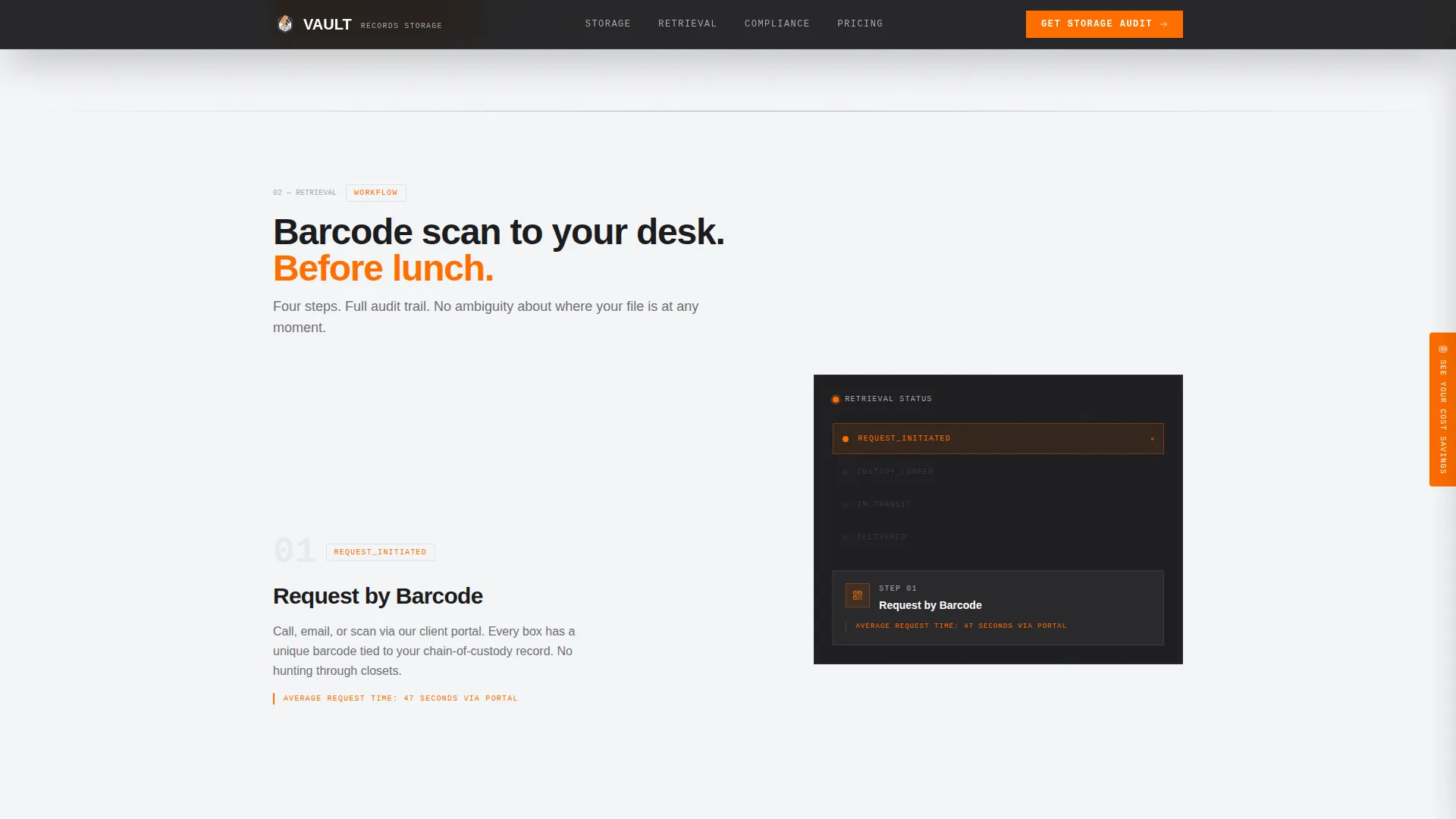
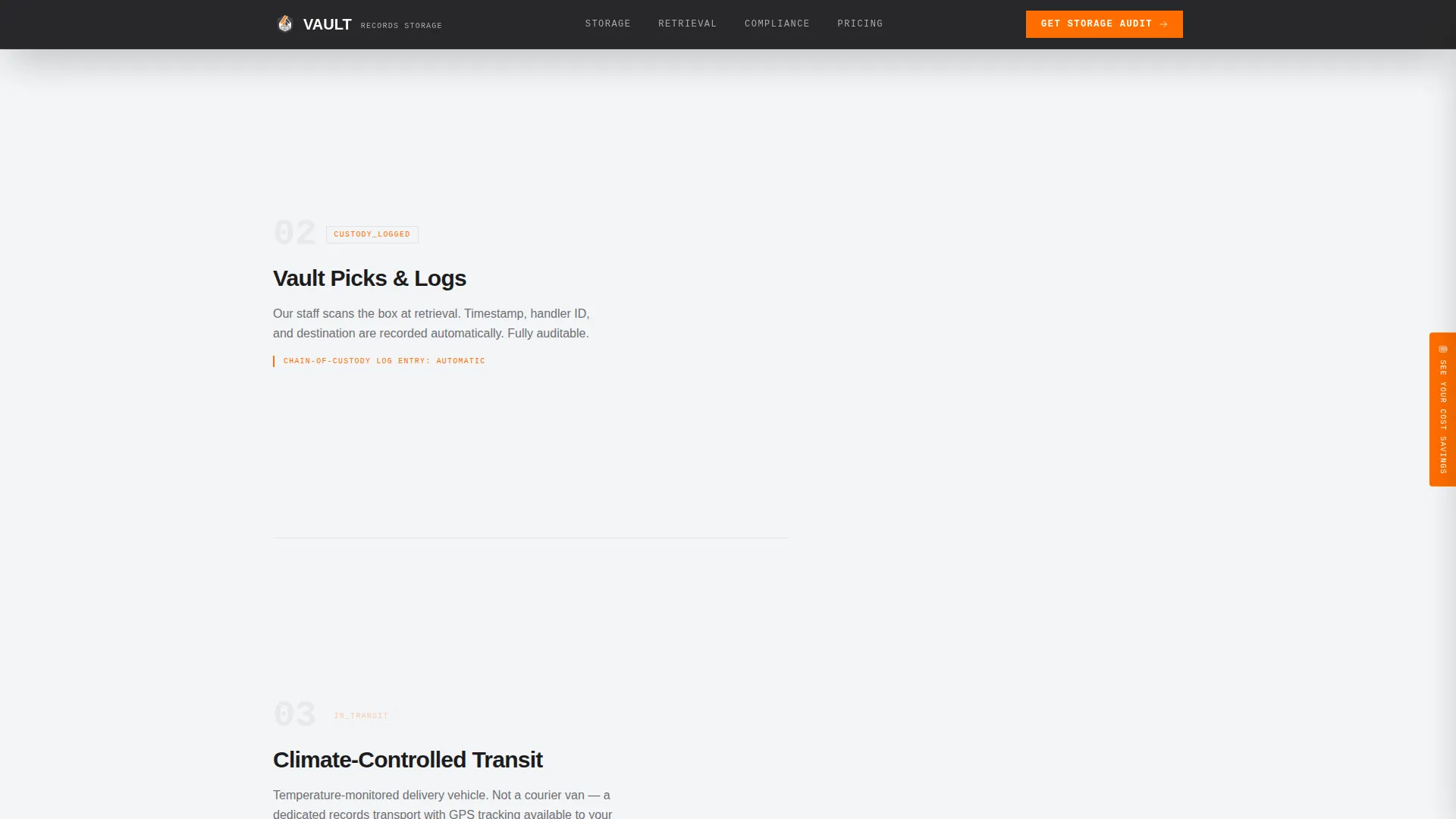
A dedicated section explains the scan-to-desk retrieval process using a sticky step pattern. It shows how a barcode scan triggers retrieval and how boxes reach the client's desk the same day. This section turns an operational detail into a concrete service promise.
Compliance and Certifications Grid
A structured certifications section presents security specifications and compliance credentials in a scannable grid format. This gives law firm managers and compliance officers the documentation confidence they need before making contact.
Gated PDF Spec Sheet
A secondary conversion path offers a downloadable specification sheet behind an email field. Visitors who are not ready to book a storage audit can still take a next step and enter the nurture flow without friction.
Page sections overview
| Section | Purpose |
|---|---|
| Hero Schematic Header | Display facility specs with animated counters |
| Stats Bar | Reinforce key metrics at a glance |
| Cost Comparison Zigzag | Compare closet costs to vault pricing |
| Retrieval Workflow Steps | Show barcode scan-to-desk process |
| Compliance Certifications Grid | Present security credentials clearly |
| Disaster Recovery Zigzag | Cover continuity and protection specs |
| Sticky Calculator Tab | Let visitors calculate their own savings |
| Gated PDF Download | Capture email via spec sheet offer |
| Primary Call to Action | Drive storage audit request |
| Footer | Single-row linear contact and links |
Design & branding system
The visual identity follows a Service Utility theme that feels like the inside of a server rack. Matte black surfaces carry structural weight, metallic labels organize information, and a single bright accent communicates action. Typography pairs DM Sans for headings with JetBrains Mono for all data, specs, and numeric callouts, reinforcing the industrial spec sheet logic.
- Deep graphite (#1C1C1E) is the primary background for dark-mode zigzag sections and the header
- Archive white (#F4F5F7) alternates as the background on light sections, with brushed aluminum (#A8A9AD) used for borders, dividers, and secondary text
- Signal orange (#FF6D00) is reserved exclusively for call-to-action buttons, comparison highlights, and data callouts
Mobile & speed optimization
The template is designed desktop-first to match the primary user profile of office managers and compliance officers working at their desks. It is also built to be fully responsive so the layout adapts cleanly on smaller screens without losing the comparison structure.
- The sticky calculator tab and sliding panel collapse gracefully on mobile viewports
- Zigzag sections restack vertically on narrow screens, keeping the left-versus-right comparison readable as a top-versus-bottom sequence
- Scroll-reveal animations and counter animations are scoped to client components, keeping static sections lean
How this template helps you convert
The page is structured as a progressive commitment builder. Each scroll section adds one more row to the mental comparison table the visitor is already constructing, so the call to action at the bottom arrives after the decision has already been made internally.
- The animated header metrics establish credibility immediately, so visitors arrive at the first comparison section already primed with proof points rather than skepticism.
- The sticky cost calculator lets visitors personalize the savings argument before they reach the primary call to action, making the "Get Your Storage Audit" button feel like confirmation rather than a cold ask.
- The gated PDF spec sheet gives hesitant buyers a lower-commitment entry point, capturing contact information from visitors who need more time before booking a full audit.
Other information about this template
This template is categorized under Logistics and Supply Chain, specifically in the Warehouse and Distribution subcategory with a focus on the document and records storage niche. It is built for USA-based B2B service providers, with all data formatted in USD and MM/DD/YYYY conventions. The intersection match score for this template's niche alignment is 13, indicating strong fit between the design system, creative direction, and target audience. The Spec Sheet creative direction means every section functions like a page from an engineering document rather than a traditional marketing layout.
- The template uses a Carbon Fiber color system, a Comparison/Versus landing page direction, and an Infographic header concept
- All localization defaults are set for United States markets with USD pricing references
- The page is intended for use as a single landing page, not a multi-page website
Theme
Service Utility
Creative direction
Spec Sheet
Color system
Carbon Fiber
Style
Zigzag/Alternating
Direction
Comparison/Versus
Page Sections
Facility Schematic Infographic Header
Zigzag Alternating Comparison Sections
Sticky Sliding Cost Calculator
Barcode Retrieval Workflow Section
Compliance and Certifications Grid
Gated PDF Spec Sheet Download
Related questions
What type of business is this template designed for?
Can I customize the cost calculator fields for my own pricing?
Does the template include compliance certifications content?
Is this template suitable for both desktop and mobile users?
What is the secondary conversion path on this landing page?