Online Skill Courses Advanced Professional Website Template
Draftpath is a sidebar companion landing page template built for architectural design online courses. It opens with an interactive skill-assessment quiz, guides visitors through a five-stage timeline progression, and closes with a personalised learning path. The design mirrors a clean SketchUp workspace, blending precision typography with a Soft Mist color system to build immediate credibility.
by Rocket studio
Quick summary
Draftpath is a single-page, quiz-driven landing page template designed for architectural 3D modelling courses. It uses a sidebar progress rail, scenario-based assessment questions, and a results-gated email capture to convert curious visitors into enrolled learners. The Corporate Precision visual theme keeps every element crisp, purposeful, and immediately trustworthy.
Who this template is for
This template is built for course creators, educators, and training businesses operating in the architectural design and 3D modelling space. If you teach software-based design skills and want a smarter alternative to a static sales page, Draftpath was designed with your audience in mind.
- Junior architects who need to build freelance-ready 3D modelling skills outside their primary firm workflow
- Interior designers and career-switchers who are self-teaching design software and want a structured learning path
- Course creators who want to qualify prospective students before presenting a curriculum or pricing offer
What problem this template solves
Most online course landing pages push visitors toward a single "buy now" decision before those visitors understand whether the course is right for them. That mismatch creates hesitation, high bounce rates, and low enrolment quality. Draftpath solves this by replacing passive scrolling with active participation.
- Visitors cannot passively skim past the value proposition because the quiz demands engagement from the first screen
- The sidebar progress rail makes the course depth tangible before any purchase decision is requested
- Email capture is deferred until after results are shown, so visitors feel informed rather than intercepted
What you get with this template
You get a complete, section-led landing page layout structured around a five-question skill assessment. Every visual and structural decision in the template supports one goal: turning an uncertain visitor into a qualified, motivated learner.
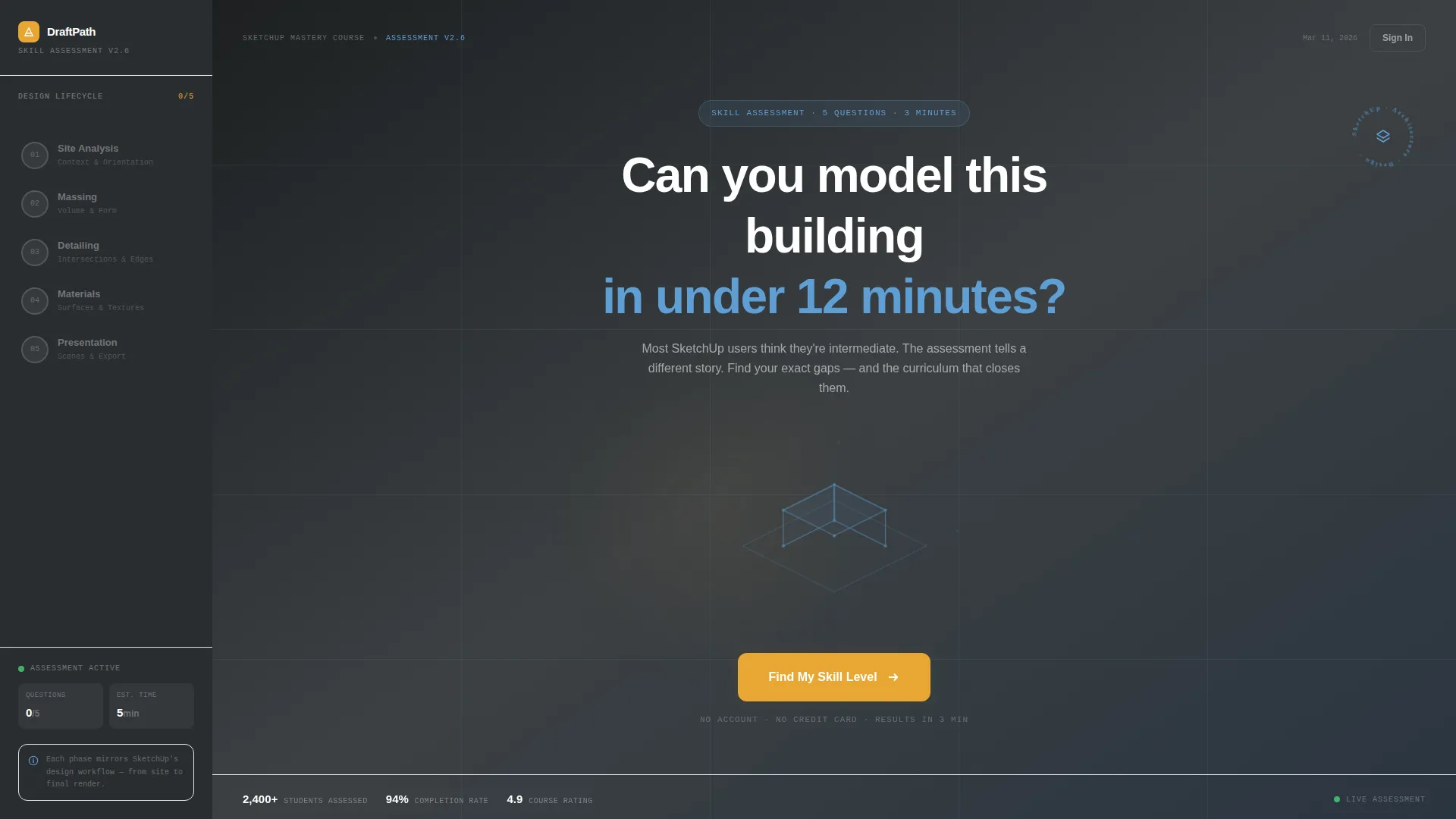
- A Quiz Starter header with an oversized provocative question, an animated isometric wireframe, and a pulsing amber call-to-action button
- A persistent dark sidebar showing a five-node vertical progress rail that fills with amber as each question is answered
- A results screen with a visible skill score, a "Send My Custom Curriculum" email capture prompt, and a free sample lesson unlock for beginner-level scores
Feature list
This section details the core built-in capabilities included in the Draftpath template layout.
Quiz Starter Header Block
The opening screen presents a single bold question in oversized drafting-graphite type against a vellum-white background. A slowly rotating isometric wireframe of a cantilevered residential home with a courtyard sits below it, rendered in construction-line blue with clean edges and visible vertices. A single amber button pulses beneath, serving as the sole entry point to the assessment.
Five-Stage Sidebar Progress Rail
The sidebar is styled as a persistent dark graphite column, echoing SketchUp's own tool tray. It displays five locked progress nodes corresponding to a building's design lifecycle: site analysis, massing, detailing, materials, and final presentation. Each answered question fills the next node with annotation amber, making course depth visible and motivating continued engagement.
Scenario-Based Question Panels
Each question panel presents a realistic architectural scenario using interactive SketchUp-style diagrams rather than stock photography. Questions are tied to specific software tasks, such as identifying the correct tool for a roof intersection, keeping the assessment grounded and immediately relevant to the learner's actual workflow.
Dynamic Wireframe Background
As the visitor answers each question, the isometric wireframe building in the background gains structural complexity. The model visually constructs itself across the five questions, creating a sense of progress and rewarding the visitor's effort with a satisfying design metaphor.
Results Screen with Gated Curriculum
After completing all five questions, the visitor sees a calculated skill score. The score is visible immediately, but the detailed module-by-module learning path is gated behind an email capture prompt framed as "Send My Custom Curriculum." Visitors scoring below intermediate are offered a free sample lesson as proof that the course meets them at their current level.
Embedded Profiling Quiz Flow
The quiz collects three data points naturally within the question flow: software version experience (Free, Pro, or Studio), primary discipline (architecture, interiors, landscape, or hobbyist), and self-rated confidence across five competencies. This profiling happens inside the quiz context, never as a separate registration wall.
Page sections overview
| Section | Purpose |
|---|---|
| Quiz Starter Header | Opens with a provocative skill question and animated wireframe to drive immediate quiz entry |
| Sidebar Progress Rail | Persistent five-node column tracks quiz advancement through a building's design lifecycle |
| Question Panel One | Site analysis scenario question with interactive SketchUp-style diagram |
| Question Panel Two | Massing scenario question with diagram and answer selection |
| Question Panel Three | Detailing scenario question advancing sidebar and background wireframe |
| Question Panel Four | Materials scenario question filling the fourth progress node |
| Question Panel Five | Final presentation scenario completing the assessment sequence |
| Skill Results Screen | Displays calculated score and prompts email capture for full curriculum delivery |
| Free Sample Unlock | Unlocks a sample lesson for visitors who score below intermediate level |
Design & branding system
The template follows a Corporate Precision theme using the Soft Mist color system. Every color choice has a deliberate role, and the overall palette is described in the brief as feeling like a freshly printed architectural sheet, the crispness of blue ink on translucent paper held up to morning window light.
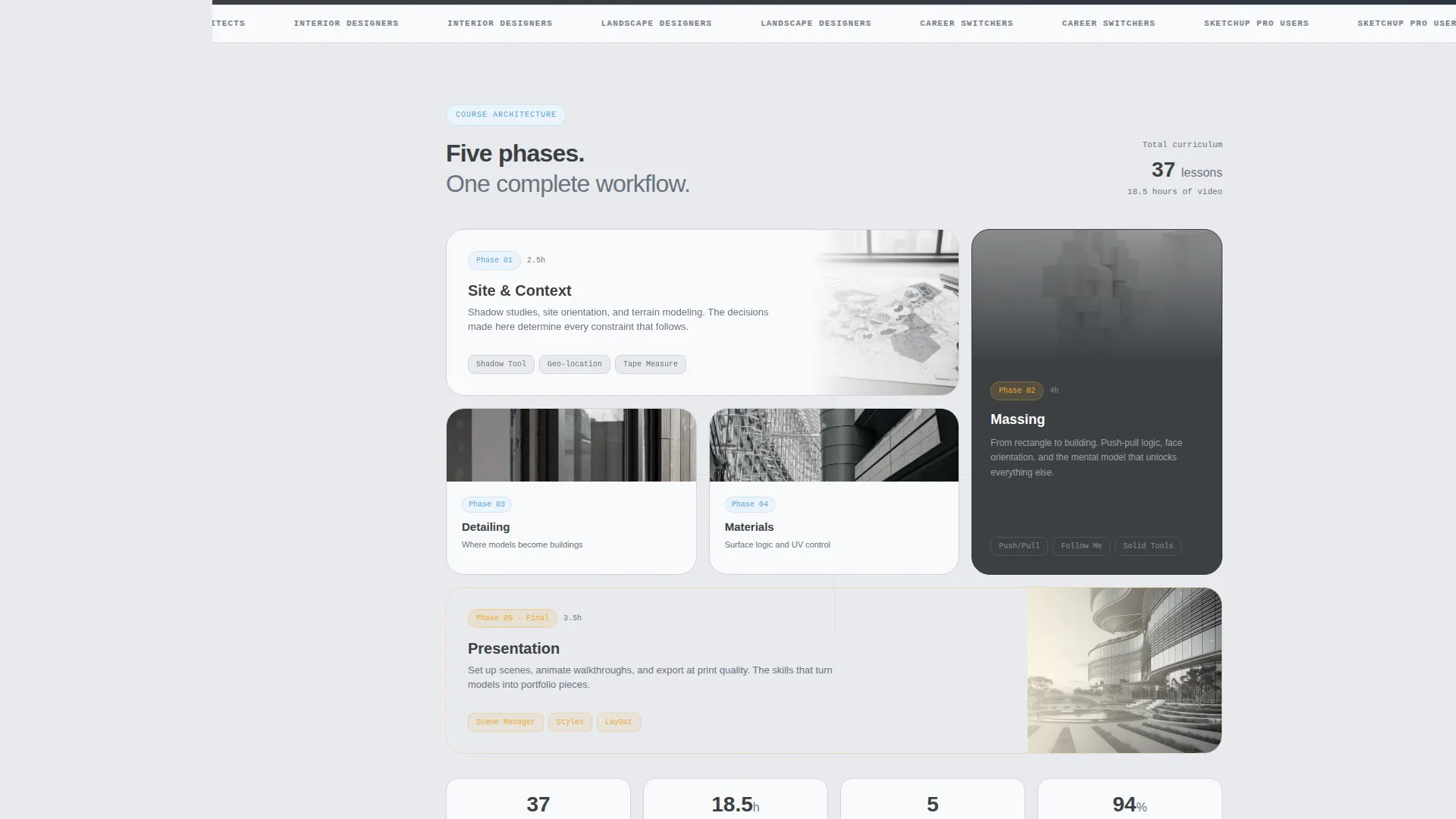
- Workspace gray (#E8EAED) serves as the primary background, drafting graphite (#3C4043) handles body text and structural elements, and construction-line blue (#5F9FD4) highlights interactive elements and progress indicators
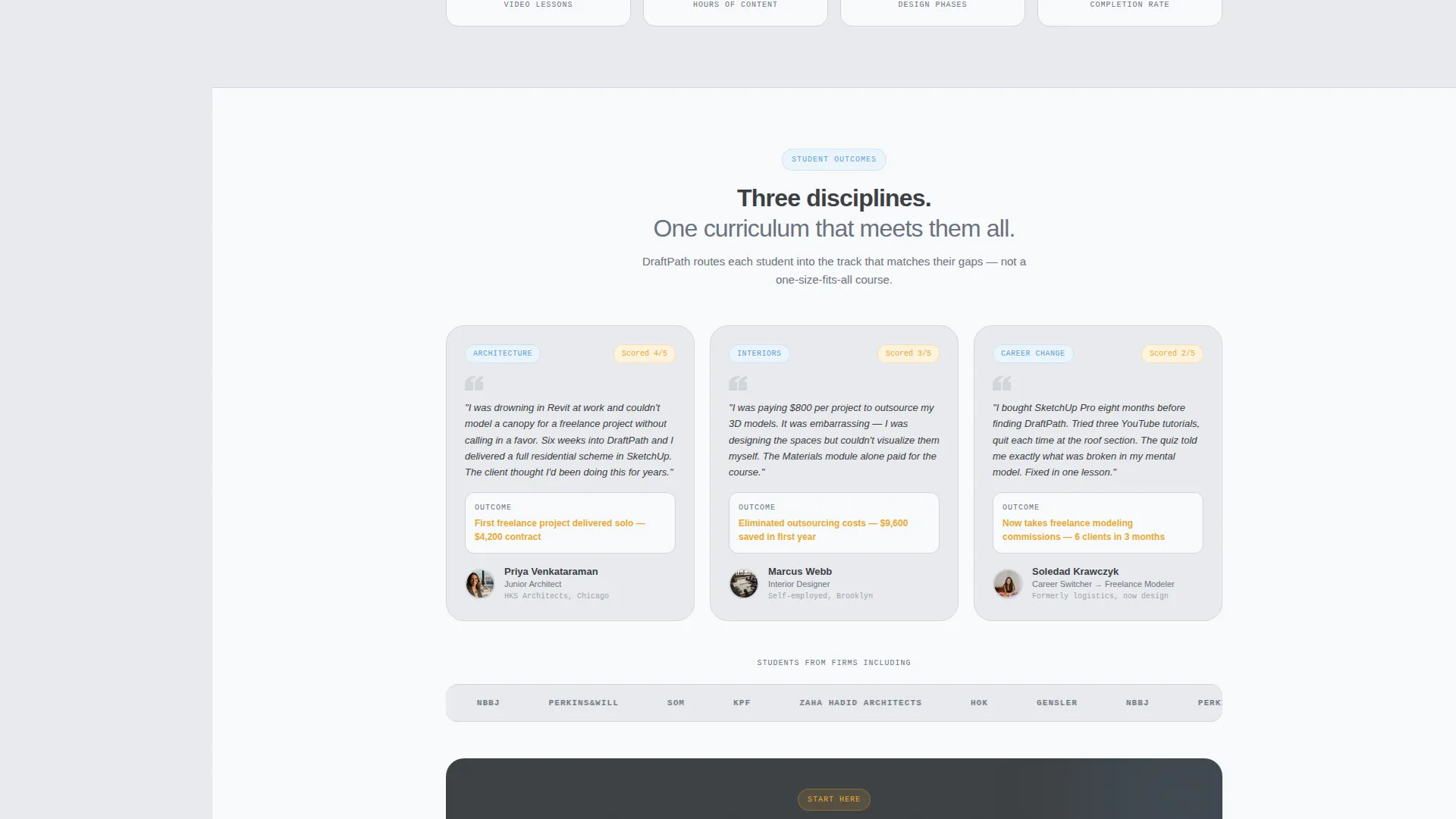
- Vellum white (#F8F9FA) is used for card surfaces to create depth and separation, while annotation amber (#E8A735) is reserved exclusively for calls to action and score markers
- The sidebar column sits in deep graphite to visually anchor the page like a tool tray, while the main content area breathes in mist and vellum for clarity and focus
Mobile & speed optimization
The template layout is built to maintain its structured sidebar-and-content relationship across different screen contexts. The quiz flow and progress rail are designed to remain coherent as viewport sizes shift.
- The sidebar progress rail collapses gracefully so that mobile visitors still experience the five-stage progression without losing navigational context
- Question panels with SketchUp-style diagrams are sized to remain legible and interactive on smaller screens without requiring horizontal scrolling
- The amber call-to-action button and email capture prompt maintain visual prominence at all screen widths, keeping conversion touchpoints accessible
How this template helps you convert
The template replaces the typical passive landing page scroll with a participatory experience that builds emotional investment before making any ask. Each structural decision is oriented toward a specific conversion moment.
- The Quiz Starter header immediately filters motivated learners from casual browsers, because only someone genuinely curious about their skill level will click "Find My Skill Level"
- The sidebar progress rail creates a sunk-cost momentum effect: by question three, the visitor has already invested effort and wants to see their score, making email capture feel like a natural reward rather than a barrier
- The results screen presents two conversion paths simultaneously, the full curriculum delivered by email for committed learners, and a free sample lesson for those who need proof first, ensuring no visitor leaves empty-handed
Other information about this template
This template is positioned within the Education and Training category, specifically under the Online Skill Courses subcategory, targeting the architectural design and 3D modelling instruction niche. It was built using a Sidebar Companion template style and a Timeline Progression creative direction, making it well suited for any course that benefits from showing learners a structured journey before asking for commitment.
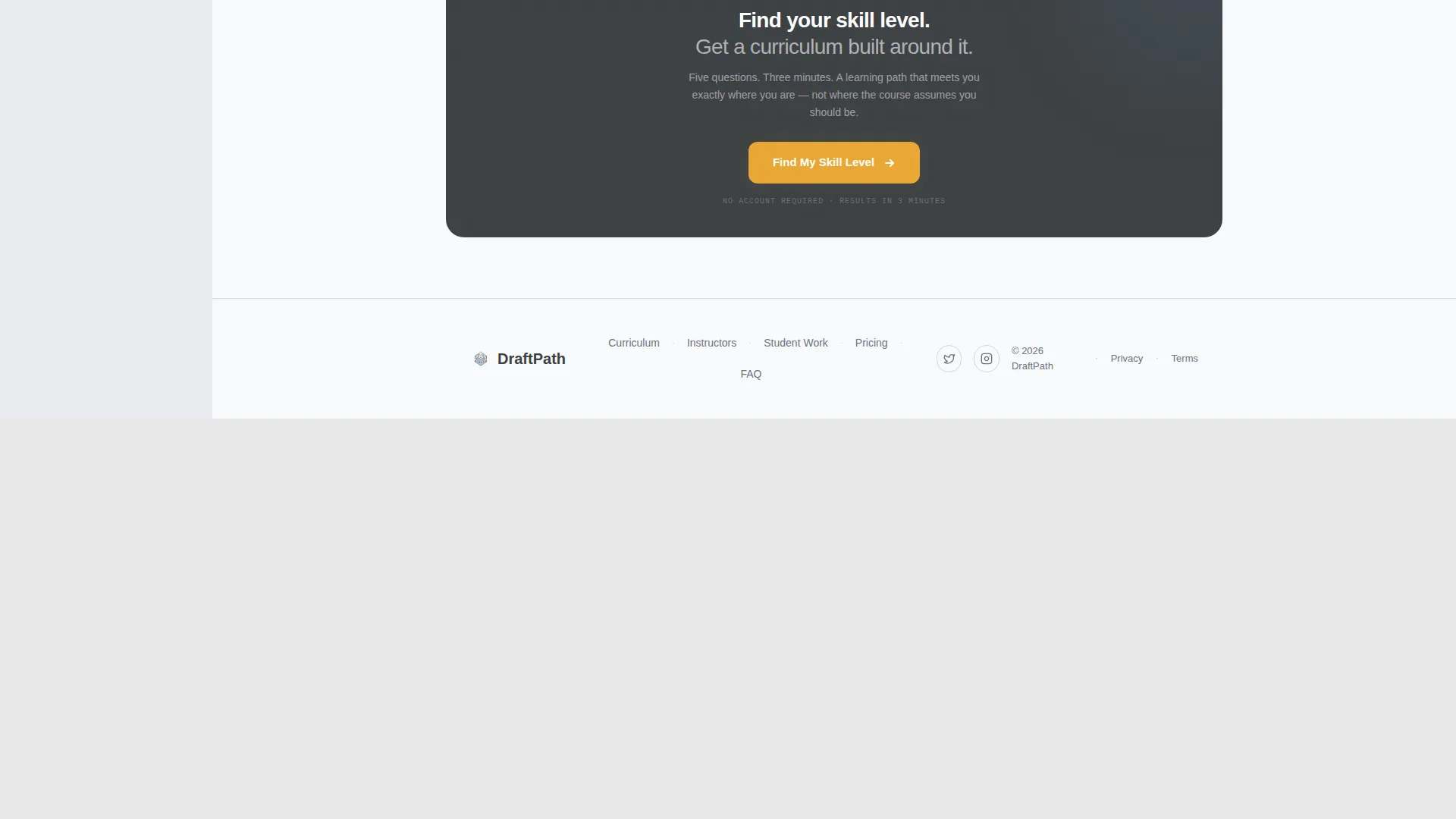
- The Quiz/Assessment landing page direction means the primary call to action shifts contextually: "Find My Skill Level" on the opening screen becomes "See My Learning Path" on the results screen
- The template supports course creators serving disciplines beyond architecture, including interior design, landscape design, and self-taught hobbyist learners, thanks to the embedded discipline-selection profiling within the quiz
- The Intersection Match Score for this template's category, subcategory, and niche combination is rated at 13, reflecting a tightly focused alignment between the template structure and the target course market
Theme
Corporate Precision
Creative direction
Timeline Progression
Color system
Soft Mist
Style
Sidebar Companion
Direction
Quiz/Assessment
Page Sections
Quiz Starter Header with Animated Wireframe
Five-node Sidebar Progress Rail
Scenario-based Question Panels
Constructing Wireframe Background
Gated Results and Curriculum Delivery
Embedded Learner Profiling Flow
Related questions
Can I use this template for a course on topics other than architectural 3D modelling?
Does the template include quiz scoring functionality?
When does the email capture appear in the quiz flow?
What makes the free sample lesson offer different from a standard lead magnet?
Is the sidebar always visible, or does it adapt on smaller screens?



