Fashion Tech & Innovation Pricing & Packages Website Template
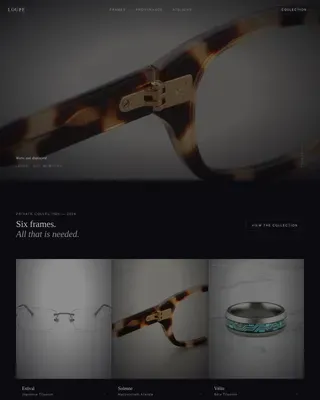
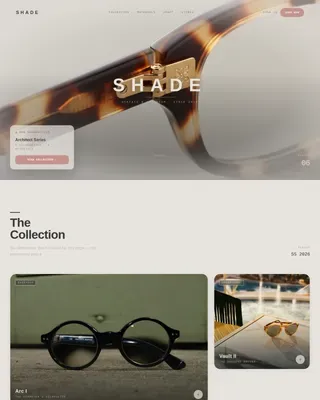
Drape is a Neo-Retro Gallery + Detail landing page template built for a 3D fashion design tool. It guides visitors through four seasonal moments, each showing real garment-sculpting capability, before delivering a pinned pricing bar and a free in-browser demo. The Holographic Chrome palette and macro close-up hero make every scroll feel like a premium editorial experience.
by Rocket studio
Quick summary
Drape is a single-page Gallery + Detail template designed for a 3D garment-sculpting tool. It opens on a hyper-detailed seam close-up, walks visitors through four seasonal design moments, and closes every loop with a pinned "Start Draping" call to action. The layout blends editorial drama with direct-sales clarity.
Who this template is for
This template speaks directly to the people building or marketing a 3D fashion design tool. It works equally well as a launch page or a standing product page.
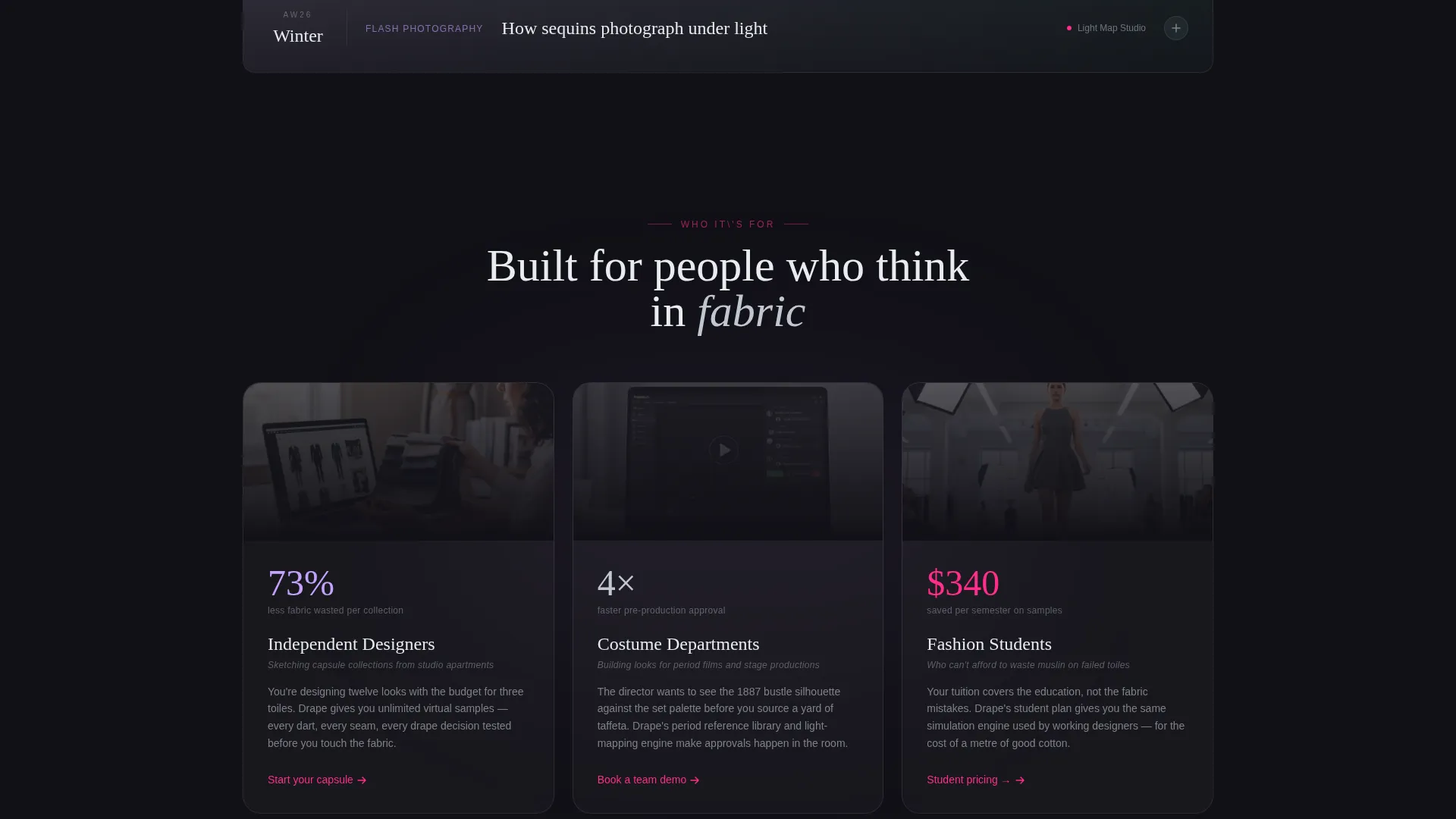
- Independent fashion designers who sketch capsule collections and need to show prospective users what the tool feels like before sign-up
- Costume departments and fashion students looking for an affordable, waste-free alternative to physical toile-making
- Founders and product teams who want a high-converting, visually distinctive page without starting from scratch
What problem this template solves
Most fashion-tech product pages either look like generic SaaS or like a mood board with no purchase path. Neither converts. Drape solves both sides of that problem at once.
- Visitors cannot easily imagine a 3D design tool from a screenshot alone, so the template uses expanding gallery moments to demonstrate real capability in context
- A single pinned pricing bar and a free-demo secondary path remove friction at exactly the right moment, after the first seasonal proof point has already built trust
What you get with this template
You get a complete, ready-to-customize landing page that balances editorial beauty with a structured sales flow. Every section has a defined job, and the visual system is already built.
- A macro close-up hero with slow camera drift and a single bold headline
- Four seasonal gallery moments, each expandable into a detail view with a short tool demonstration
- A pinned bottom bar with primary and secondary calls to action, plus a monthly/annual pricing toggle
Feature list
This section walks through the core built-in capabilities of the Drape template.
Macro Close-Up Hero Section
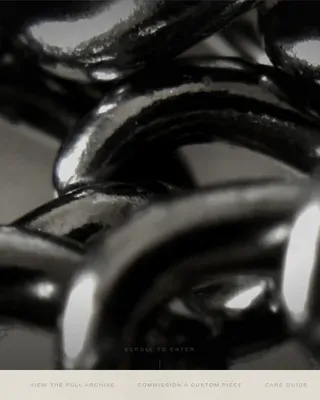
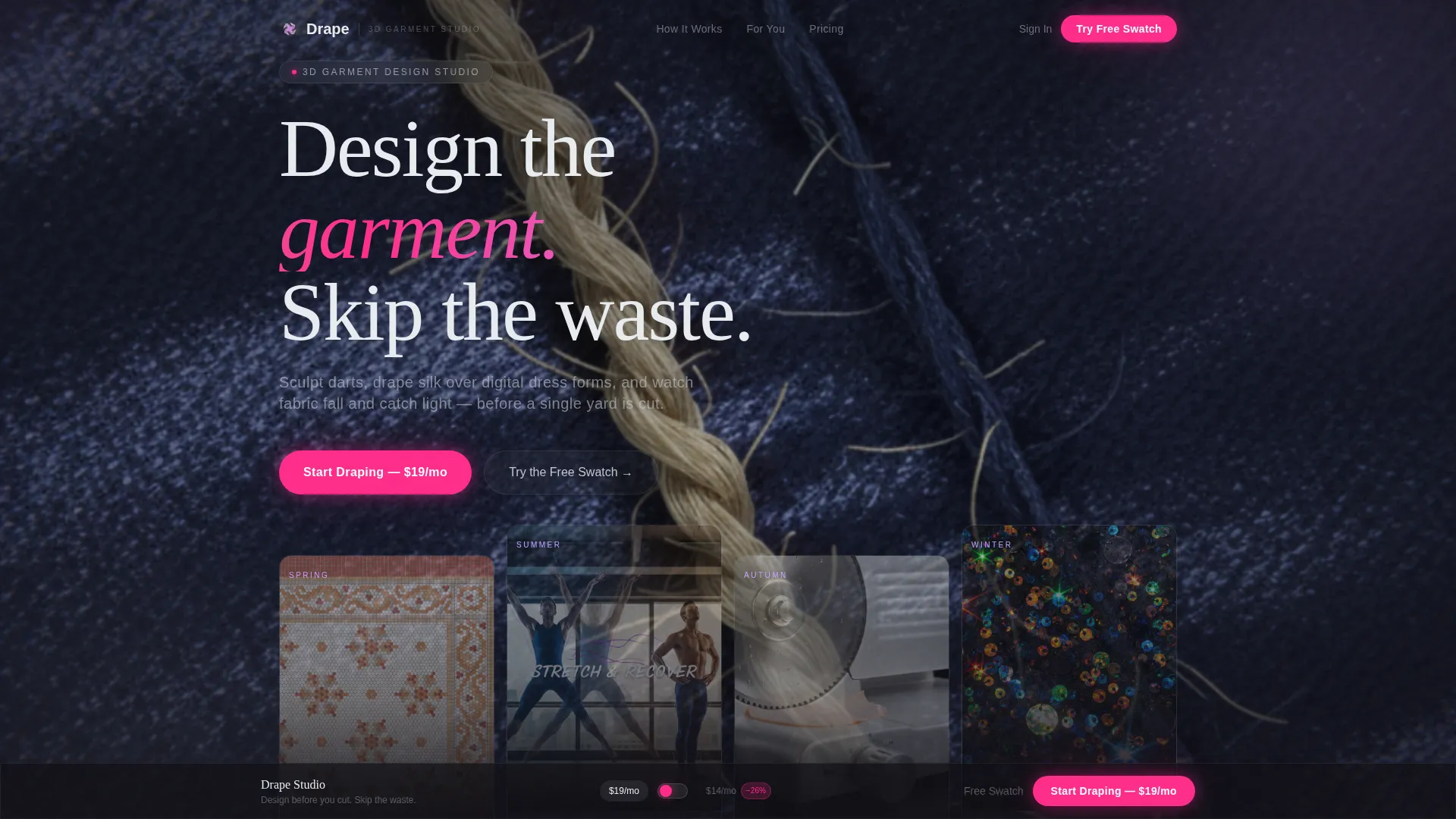
The header opens on a screen-filling, hyper-detailed render of a garment seam at 400% zoom. The camera drifts slowly, pulling back over two seconds to reveal a sculpted jacket rotating on a virtual dress form. A single thin, wide-tracked sans-serif headline reads: "Design the garment. Skip the waste."
Seasonal Gallery and Detail Flow
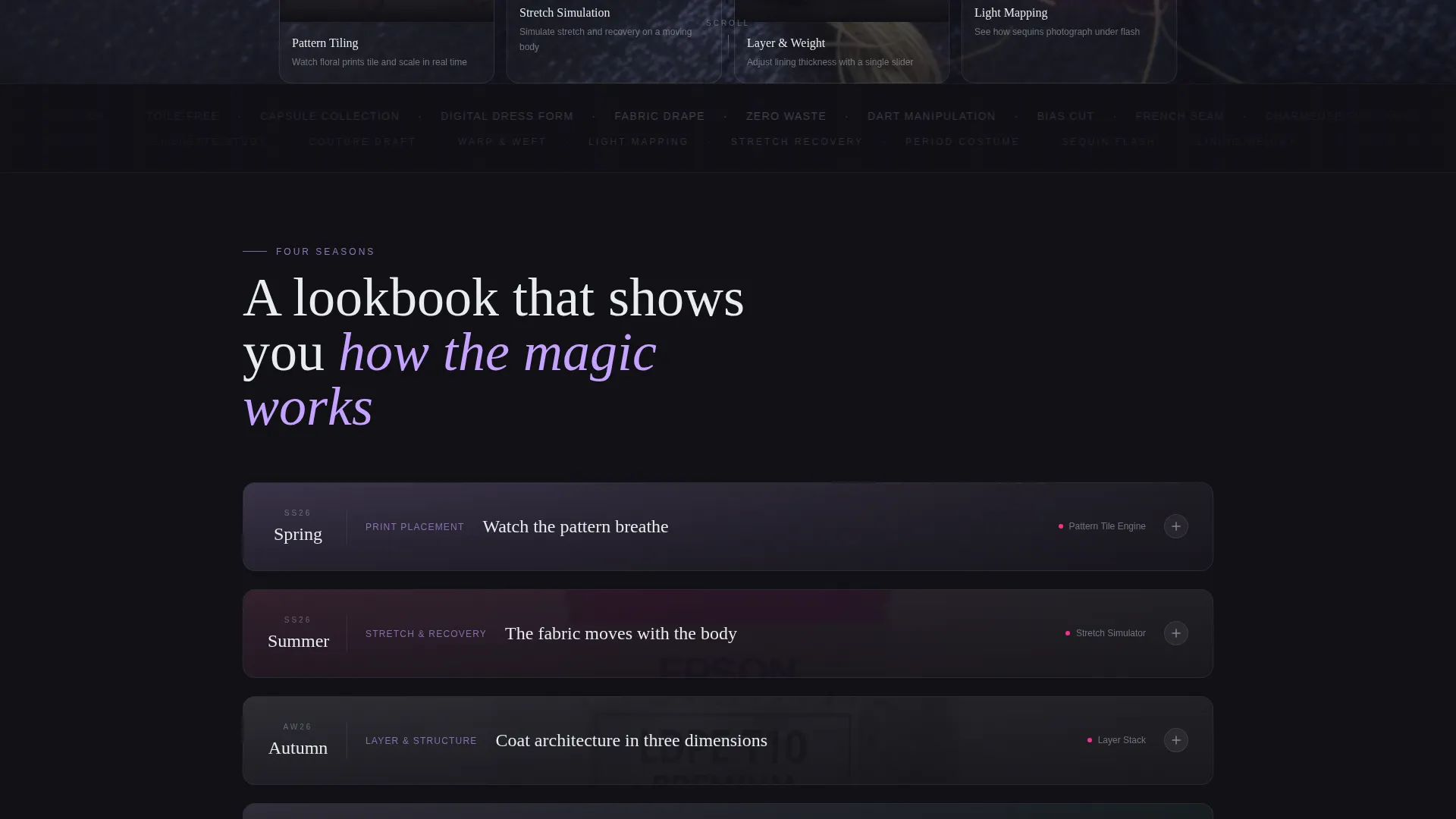
Four scroll sections each represent a distinct fashion moment tied to a real design problem. Spring shows a floral print tiling in real time. Summer simulates stretch on a moving body. Autumn uses a slider for layering and lining thickness. Winter maps how sequins photograph under flash. Each thumbnail expands into a detail view with a short demonstration.
Pinned Pricing Bottom Bar
After the first seasonal moment, a bottom bar appears and stays visible for the rest of the scroll. It presents the primary call to action and a monthly/annual pricing toggle, so visitors can evaluate cost without leaving the page flow.
Free Swatch In-Browser Demo Path
A secondary call to action invites visitors to try a limited in-browser demo. They drape one fabric on one form, creating just enough personal investment that closing the tab feels like abandoning their own design.
Holographic Chrome Visual System
The full color palette is pre-built and applied across every section. Liquid silver grounds backgrounds, deep black anchors type, prismatic lilac washes section dividers, and hot-foil magenta activates only on interactive elements, making every button and hover state feel intentional.
Lookbook-Style Scroll Rhythm
The page is structured like an editorial lookbook that interrupts itself to show the tool working. Each seasonal section builds proof before the next call to action moment, keeping the visitor in a forward-moving discovery loop rather than a passive scroll.
Page sections overview
| Section | Purpose |
|---|---|
| Macro Close-Up Hero | Opens on thread-level detail, reveals rotating jacket, delivers headline |
| Spring Design Moment | Shows real-time pattern tiling; expands into floral print demo |
| Summer Design Moment | Demonstrates stretch simulation on a moving body form |
| Autumn Design Moment | Presents layering slider for coat structure and lining thickness |
| Winter Design Moment | Maps sequin light behavior under flash photography conditions |
| Pinned Pricing Bar | Anchors primary call to action and monthly/annual toggle after first proof point |
| Free Swatch Demo | Secondary call to action path; limited in-browser draping experience |
Design & branding system
The Holographic Chrome system gives the page a feeling that sits precisely between analog nostalgia and digital precision. Every color has a fixed role, which makes the palette feel curated rather than decorative.
- Liquid silver (#C0C7D1) as subtle gradient backgrounds, deep VHS black (#111016) for all body and headline typography, and prismatic lilac (#C4A1FF) washing section dividers like refracted crystal light
- Hot-foil magenta (#FF2D8B) used exclusively for buttons and hover states, making every interactive element stand out with laser clarity against the silver and black base
- Typography uses thin, wide-tracked sans-serif styling throughout, reinforcing the Neo-Retro editorial tone without competing with the garment imagery
Mobile & speed optimization
The template is built with a mobile-first layout in mind, ensuring the immersive visual experience translates well across screen sizes.
- The macro hero, seasonal gallery thumbnails, and expandable detail views are structured to reflow cleanly on smaller screens without losing the editorial hierarchy
- The pinned pricing bar and call to action toggle are sized and positioned for comfortable thumb interaction on mobile devices
How this template helps you convert
Drape is structured around a deliberate trust-building sequence. Each step earns the next.
- The macro close-up hero stops the scroll immediately and frames the tool as something precise and premium, establishing emotional credibility before any feature claim is made.
- Four sequential seasonal moments each solve a specific designer problem, layering proof point on proof point so the pinned pricing bar appears only after the visitor already understands the tool's value.
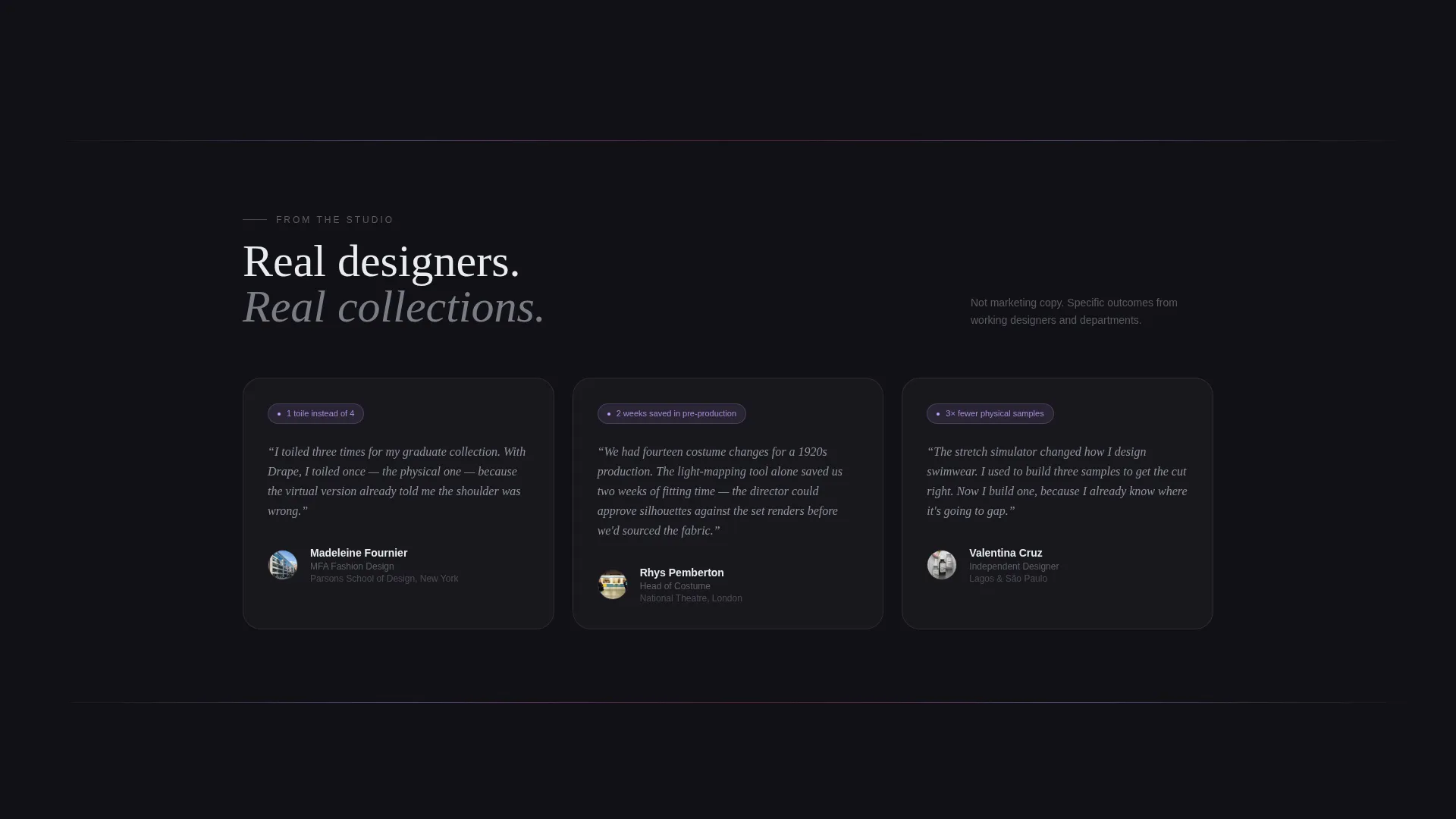
- The free in-browser swatch demo creates personal ownership before any commitment is asked, making the paid plan feel like a natural continuation of something the visitor has already started.
Other information about this template
This template is designed for the intersection of fashion technology and direct-sales conversion. A few additional details worth knowing before you customize it.
- The Neo-Retro theme draws visual inspiration from late-1980s high-fashion aesthetics, referencing the feel of chrome-heavy runway photography on expired film stock
- The Gallery + Detail template style means each seasonal moment functions both as a standalone proof point and as a navigational entry into a deeper demonstration view
- The landing page is built for a single-page flow, so all sections share one continuous scroll path with no separate destination pages required
- The pricing toggle between monthly and annual plans is built into the pinned bar, keeping price comparison friction-free and contained within the page
Theme
Neo-Retro
Creative direction
Seasonal/Moment
Color system
Holographic Chrome
Style
Gallery + Detail
Direction
Direct Sales
Page Sections
Macro Close-up Hero with Camera Drift
Four Seasonal Gallery and Detail Moments
Pinned Pricing Bar with Toggle
Free Swatch In-browser Demo
Holographic Chrome Color System
Neo-retro Editorial Typography
Related questions
Who is the Drape landing page template designed for?
What is the primary call to action on this template?
Can visitors try the tool before paying?
What does the seasonal scroll structure mean in practice?
Is this template built for a single-page flow or a multi-page site?