Physical Education Education FAQ Website Template
Drill is a single-column landing page template built for a kinesiology and physical education flashcard review app. It targets students preparing for certification and licensure exams with a focused, distraction-free design. The page uses a trust-first logo bar, FAQ-driven scroll structure, and a lead generation form to turn first-time visitors into signed-up reviewers.
by Rocket studio
Quick summary
Drill is a precision-built landing page for a physical education flashcard and review app. It opens with institutional trust logos, unfolds through a question-and-answer scroll, and closes every loop with a lead capture form. The result is a focused, exam-ready experience that earns signups by proving the product one card at a time.
Who this template is for
This template is designed for developers, educators, and product teams launching a study app aimed at students in kinesiology, exercise science, or physical education programs. It works equally well for solo founders and academic teams marketing a review tool to exam-bound students.
- Kinesiology undergraduates cramming for certification exams who need a fast, trustworthy study resource
- Physical education teacher candidates preparing for content knowledge licensure tests
- Athletic training students who need quick, reliable recall of exercise science principles at any hour
What problem this template solves
Students preparing for high-stakes exams often waste time digging through dense textbooks to confirm a single definition. They land on a product page and immediately ask: does this cover my exam? How many cards are there? Can I trust this content? Most landing pages bury those answers. This template surfaces them in the exact order students ask them.
- Vague product pages that leave students unsure if the app covers their specific exam domain
- Low signup rates caused by hesitation, unclear scope, and no way to preview content before committing
- Trust gaps between a new study tool and the established certification bodies students already respect
What you get with this template
You get a complete single-column landing page layout structured around a proven ask-answer-prove rhythm. Every section dissolves a specific hesitation before moving the visitor forward. The template includes every element needed to launch a flashcard app page, from the opening logo strip to the final sign-up form.
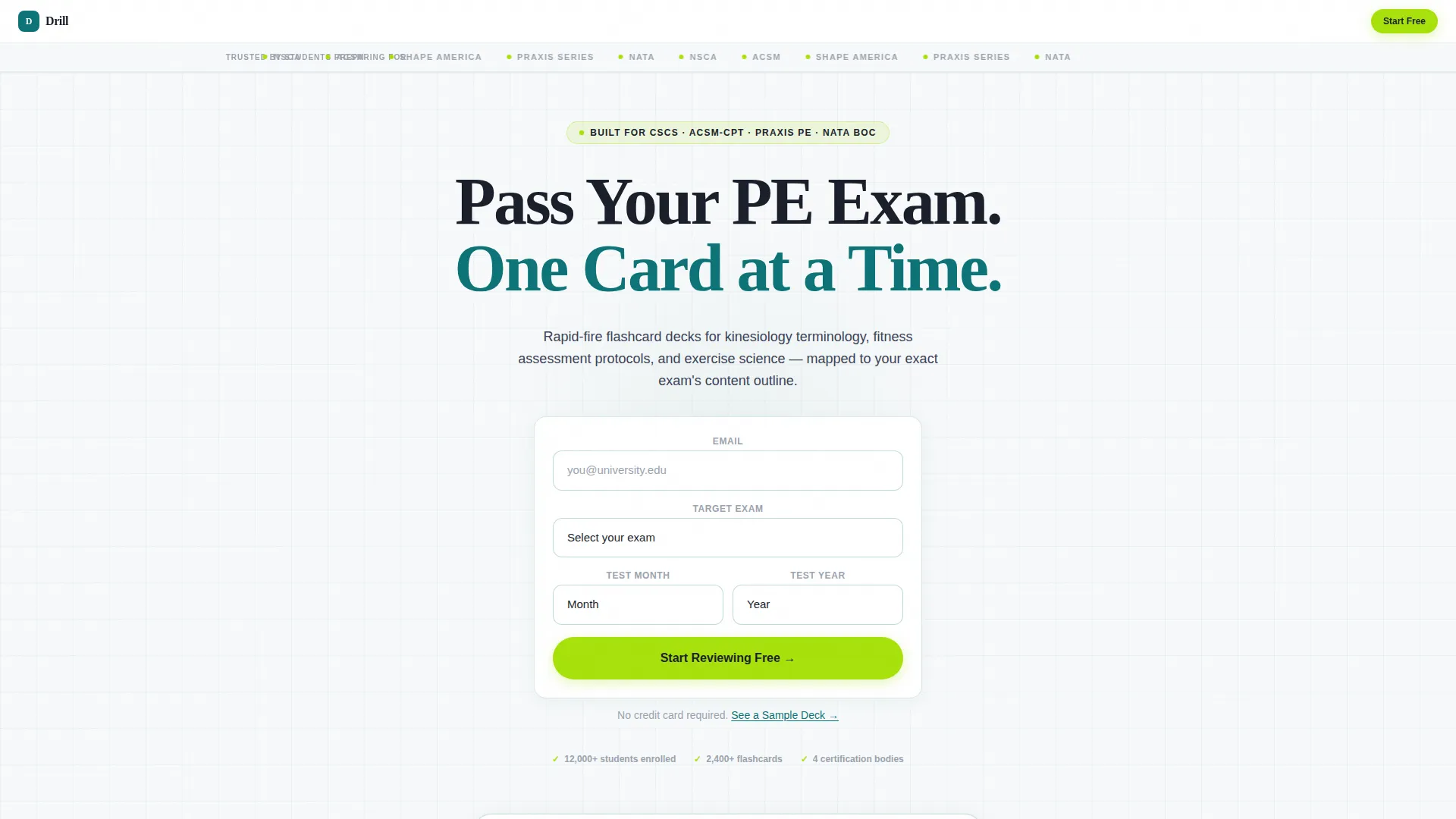
- A slim, confidence-building logo bar displaying trust marks from recognized certification and education organizations
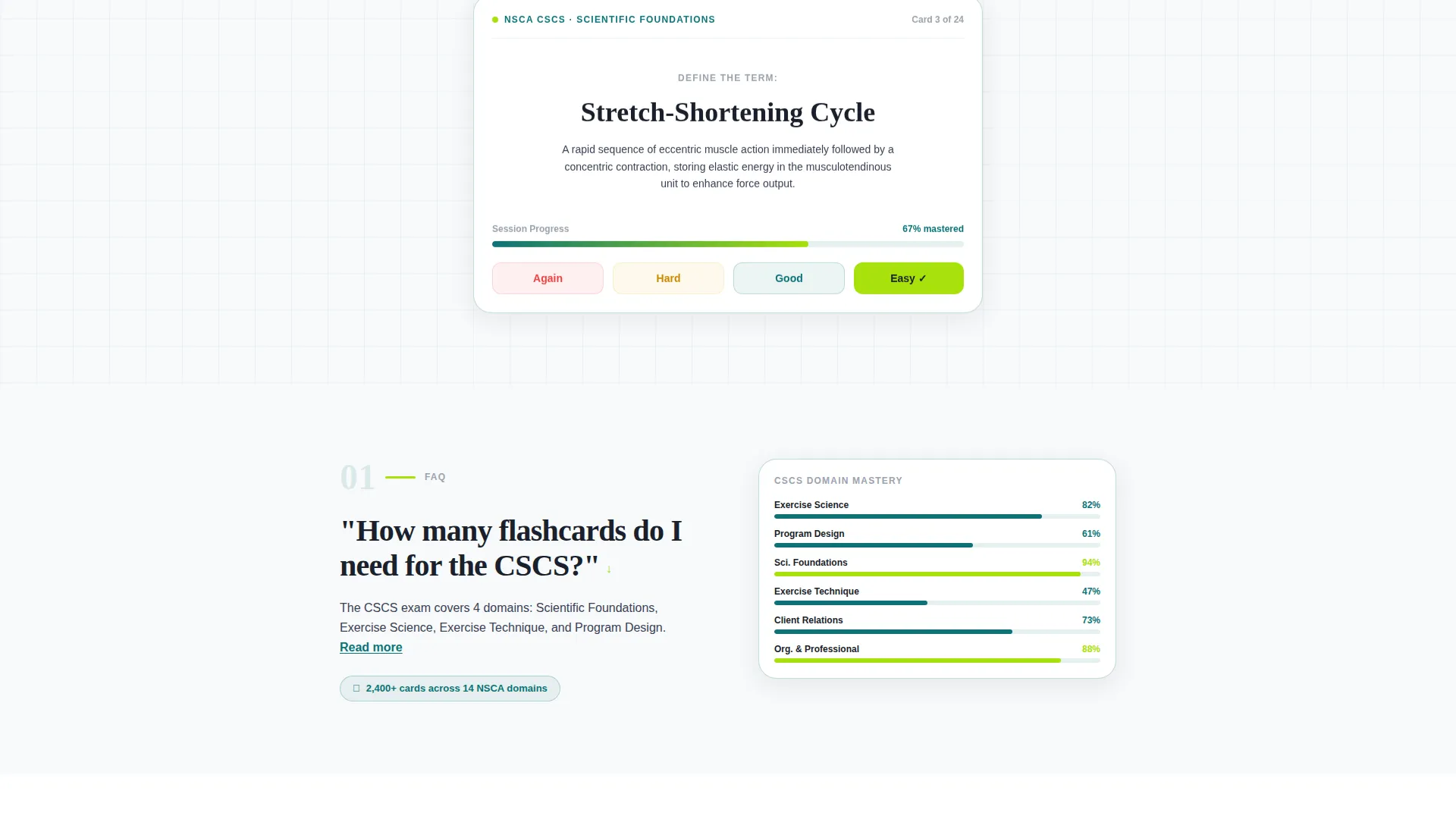
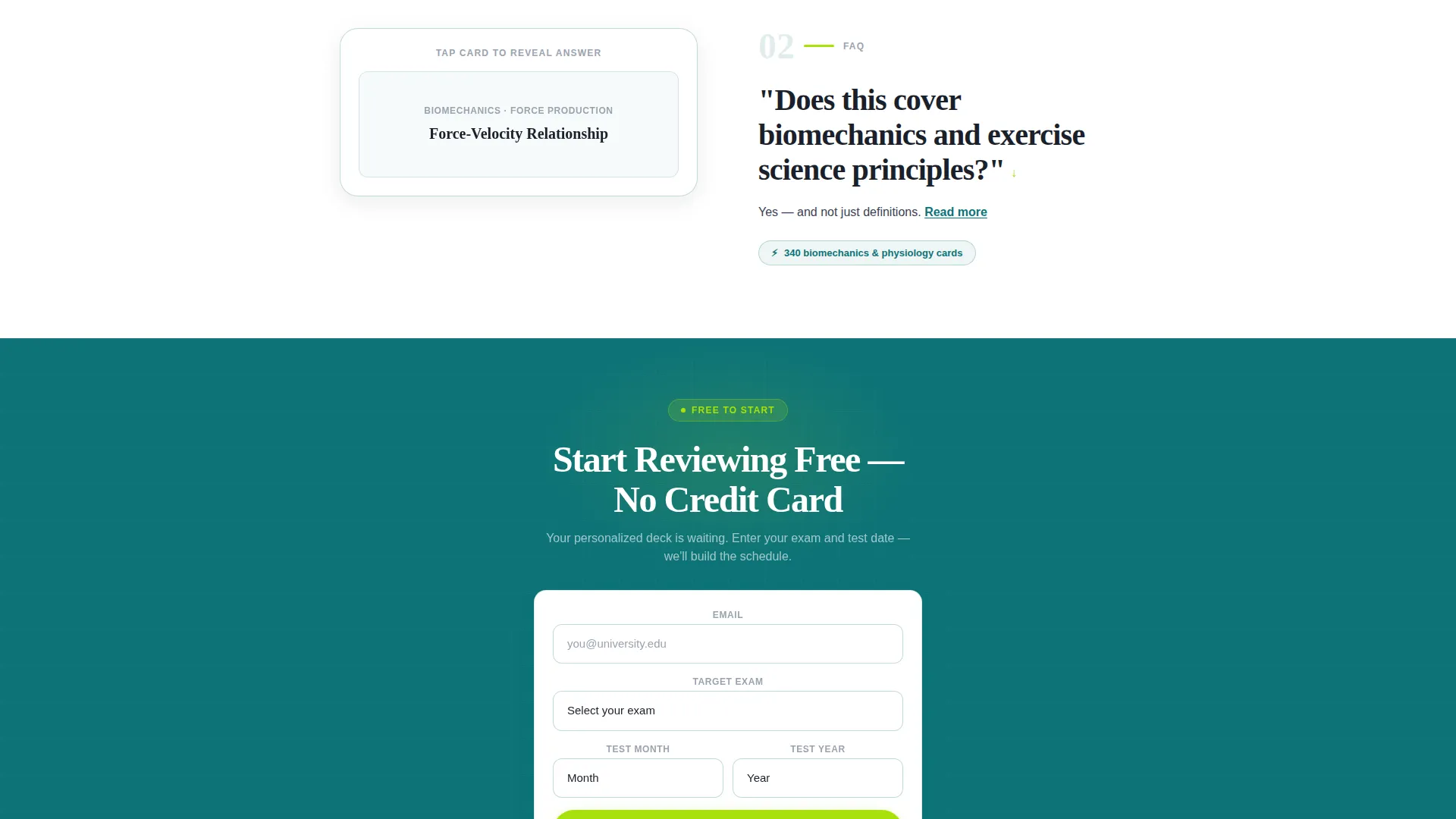
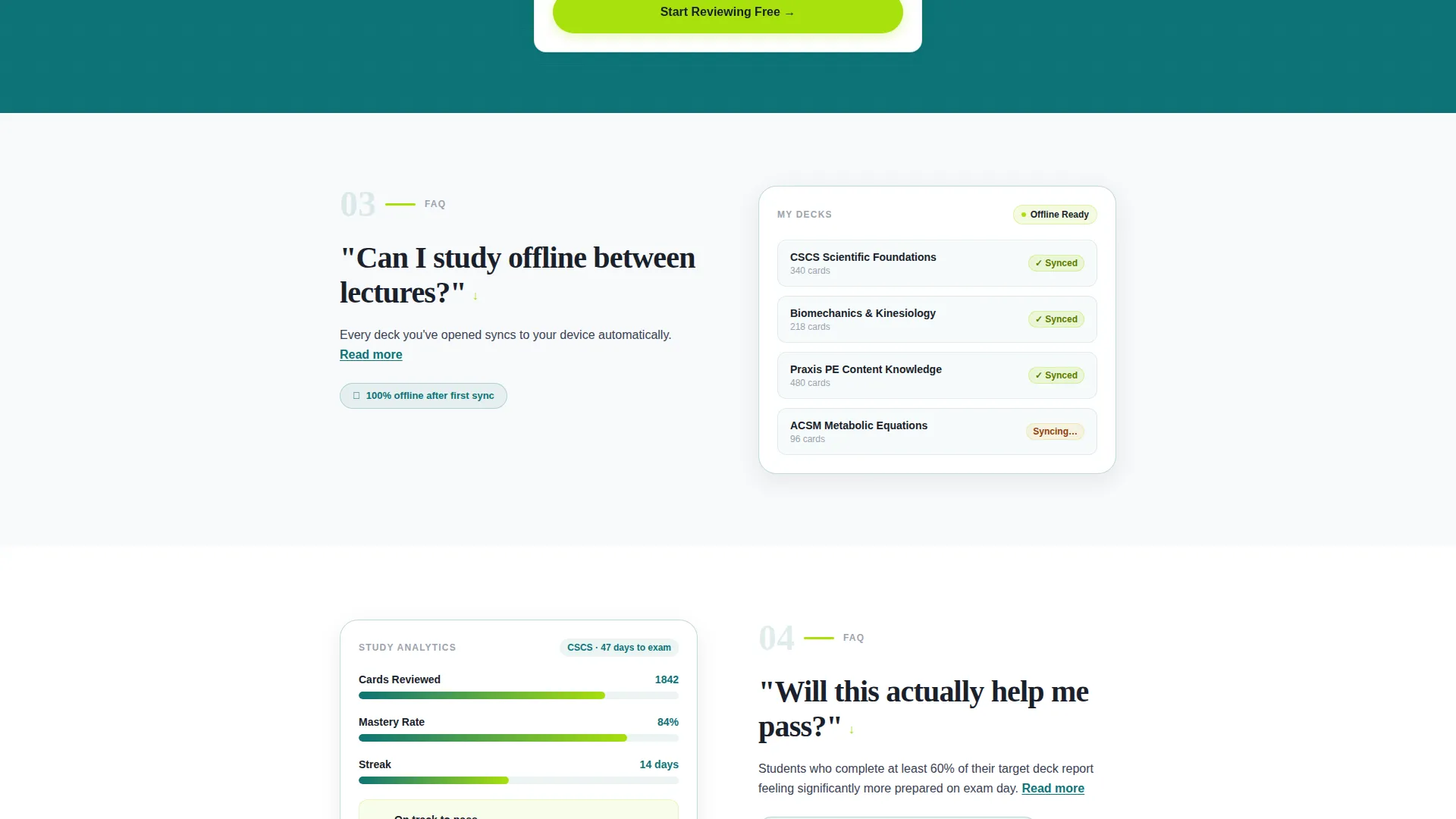
- An FAQ-driven scroll flow where each question anchors a section that answers with a short paragraph, a user interface screenshot placeholder, and a supporting micro-stat
- A lead generation form capturing email address, exam type selection, and test date for immediate onboarding personalization
Feature list
This template ships with six purpose-built components that work together as a focused conversion system.
Trust Logo Bar
A slim header strip presents institutional trust marks from certification and professional education bodies side by side. The horizontal layout reads immediately as credibility without requiring any copy to explain it.
FAQ-Driven Scroll Structure
Each page section opens with a real student question and closes with a short answer, a user interface screenshot slot, and a supporting micro-stat. The rhythm repeats as ask-answer-prove, dissolving hesitation section by section as the visitor scrolls.
Repeating Primary Call to Action
A catalyst lime "Start Reviewing Free" button appears beneath the header and repeats after every third FAQ section. Consistent placement keeps the conversion opportunity visible without interrupting the reading flow.
Three-Field Lead Capture Form
The form collects email address, exam type via dropdown, and target test date via a month-and-year picker. Three focused fields qualify urgency while personalizing the follow-up experience for each student.
Live Sample Deck Link
A secondary text link beneath the form opens a five-card live demo. The sample deck lets the product prove itself before the student commits an email address.
Micro-Stat Proof Points
Specific, scannable statistics appear inside each FAQ section to validate coverage claims at a glance. Examples include deck size and domain count, giving numbers that answer the depth question immediately.
Page sections overview
| Section | Purpose |
|---|---|
| Trust Logo Bar | Opens the page with institutional credibility from recognized exam and education organizations |
| Primary Headline | Anchors visitor intent with a single study-focused headline on a clean background |
| First call to action Block | Presents the primary sign-up button and secondary sample deck link immediately above the fold break |
| FAQ Section One | Answers the first student question with a paragraph, screenshot slot, and micro-stat |
| FAQ Section Two | Continues the ask-answer-prove rhythm with a second question and proof point |
| FAQ Section Three | Closes the first FAQ group with a third question before the call to action repeats |
| Repeat call to action Block | Re-presents the lead form and sample deck link after every third FAQ section |
| Final Lead Form | Collects email, exam type, and test date to personalize onboarding and qualify urgency |
Design & branding system
The Corporate Precision theme delivers a clinical, exam-booklet feel that students associate with serious study tools. The Teal Catalyst color system keeps every element purposeful with zero decorative noise.
- Deep instructional teal (#0D7377) and near-black study slate (#1A1F2B) carry all structural and typographic weight
- Clean whiteboard white (#F7F9FA) provides the open, distraction-free reading surface the headline sits on
- Catalyst lime (#A8E10C) appears exclusively on buttons, progress indicators, and interactive hotspots to signal every actionable element instantly
Mobile & speed optimization
The single-column flow is inherently suited to vertical scrolling on any screen size. No multi-column reflow is needed, and the layout stays readable from a phone between lectures or during a study break.
- Full-width column structure adapts cleanly to narrow phone screens without layout shifts
- No animations or imagery in key sections reduce visual complexity and keep the focus on text and stats
- Lightweight section structure with minimal decorative elements keeps page weight low by design
How this template helps you convert
The page is engineered around a student's natural decision journey, not a generic marketing funnel. Every design and copy choice is built to answer the next objection before the visitor thinks to leave.
- The logo bar establishes trust in the first second, signaling that the app was built for real, recognized exams before a single word of copy is read.
- The FAQ scroll structure maps directly to the questions students type into search engines, making the page feel like it was written specifically for them.
- The five-card live demo removes the final barrier to signup by letting students verify content quality before entering their email address.
Other information about this template
This template is part of the Drill product line, a study tool designed specifically for the physical education and kinesiology exam preparation space. It is paired with a Corporate Precision theme and the Teal Catalyst color system, both of which reinforce the focused, institutional tone appropriate for exam-oriented audiences.
- The template supports exam types including the Certified Strength and Conditioning Specialist credential, the American College of Sports Medicine Certified Personal Trainer credential, the Praxis Physical Education content knowledge test, and additional exam types via an open dropdown field
- The single-column, no-animation layout reflects the creative direction of the source brief and is intentional, not a limitation
- The page style suits product teams who want a credible, conversion-focused presence without a complex multi-page site build
Theme
Corporate Precision
Creative direction
FAQ-Driven
Color system
Teal Catalyst
Style
Single Column Flow
Direction
Lead Generation
Page Sections
Trust-first Logo Bar
Faq-driven Scroll Flow
Repeating Call to Action Button
Three-field Lead Form
Live Five-card Demo Link
Micro-stat Proof Blocks
Related questions
What kind of product is this landing page template designed for?
Does the template include a way to preview the app before signing up?
What does the lead capture form collect?
Can I edit the FAQ sections for my own exam categories and stats?
Who is the primary audience this landing page is built to attract?



