Intelligent API Management Landing Page Template
Gateway is a hub-and-spoke landing page template built for API management managed services. It features a cinematic dark interface, an interactive cost estimator header, and a mission-phase scroll sequence. Designed for engineering-led SaaS companies, it turns complex infrastructure value into a personal, numbers-driven case that moves technical decision-makers toward signing up.
by Rocket studio
Quick summary
Gateway is a single-page, anchor-nav landing page template built for API management managed services. It opens with a live cost estimator, flows through four mission-phase sections, and closes with a full-dashboard proof loop. Every scroll step builds trust with VP-level engineering leaders and DevOps teams until the "Calculate Your Migration" call to action feels obvious.
Who this template is for
This template is purpose-built for teams selling or promoting an API management managed service to a technical, senior audience. The layout, language structure, and interactive features all assume a buyer who reads architecture diagrams before pricing pages.
- VP-level engineering leaders at mid-market SaaS companies managing 200 or more active endpoints
- DevOps teams replacing homegrown NGINX configurations with a centralized control plane
- CTOs preparing investor-grade architecture documentation before a Series B funding round
What problem this template solves
Most infrastructure service pages either over-explain the technology or hide behind a generic pricing table. Neither approach works for senior engineers who need to justify a platform decision to a board. Gateway solves this by making the cost delta personal and visible within the first ten seconds of the visit.
- Visitors see their own usage numbers in the estimator, not a one-size-fits-all price card
- The page removes the gap between "I understand the product" and "I can calculate my ROI"
- Engineering-grade proof accumulates across each scroll phase, reducing the need for a follow-up sales call
What you get with this template
You get a fully structured, dark-themed landing page built around a staged ignition scroll sequence. Every section is a distinct mission phase, each revealing a capability of the API management platform through motion and data-driven visuals.
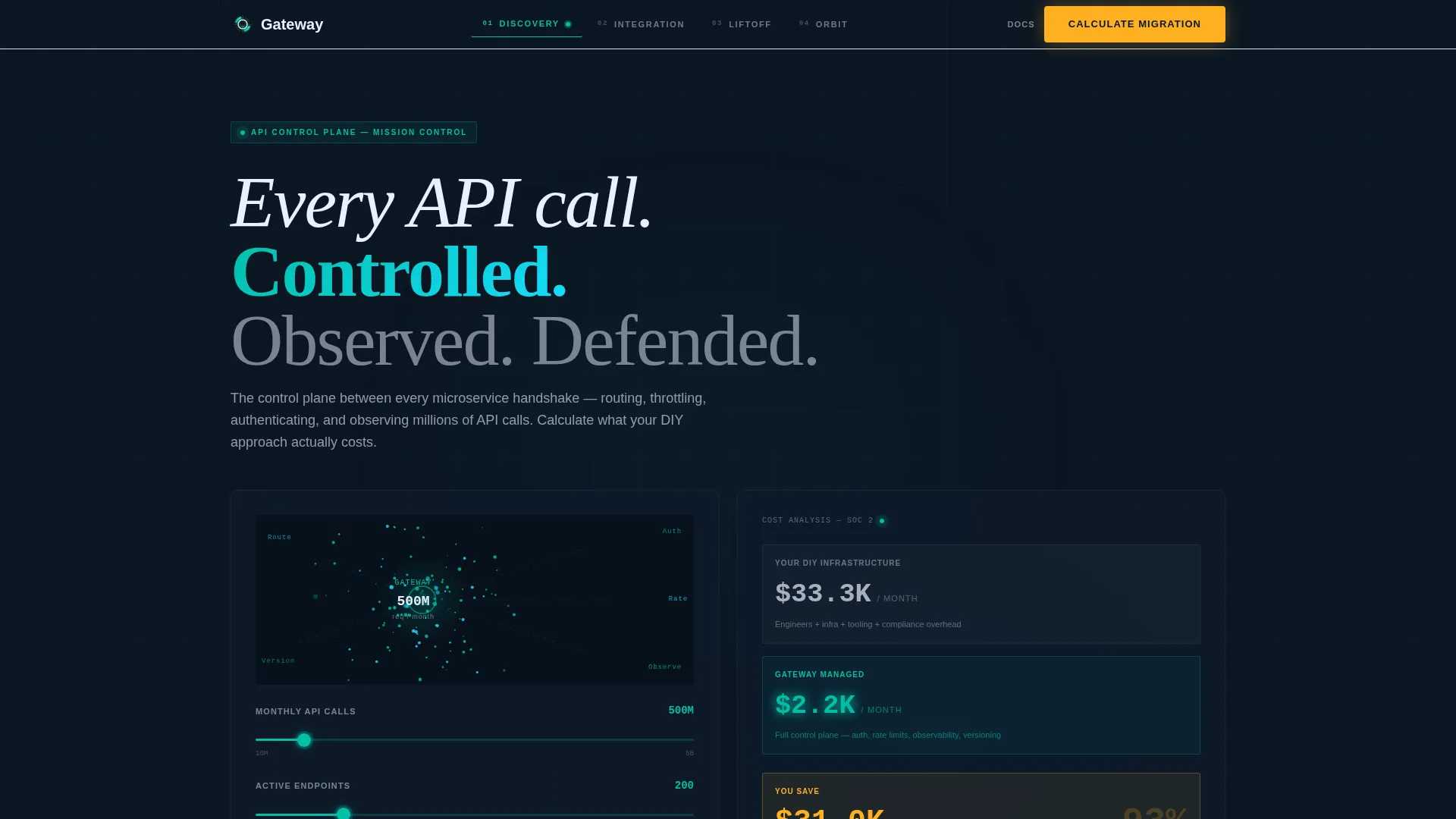
- A header estimator panel with sliders for monthly API calls, active endpoint count, and compliance tier
- Four hub-and-spoke content sections (Discovery, Integration, Liftoff, Orbit) with a persistent anchor navigation bar
- A closing dashboard proof loop showing a live counter climbing to one million requests with zero errors
Feature list
Gateway delivers a focused set of interactive and structural features drawn directly from its design brief. Each one serves the core goal: earning the click from a technical buyer who trusts data over marketing copy.
Interactive Cost Estimator Header
A dark, cinematic panel lets visitors drag sliders for monthly API calls (ranging from 10 million to 5 billion), number of active endpoints, and compliance tier (SOC 2, HIPAA, or PCI). The right panel renders a real-time cost comparison between estimated do-it-yourself infrastructure spend and the managed service price, with the savings delta highlighted in amber.
Animated Particle Network Transition
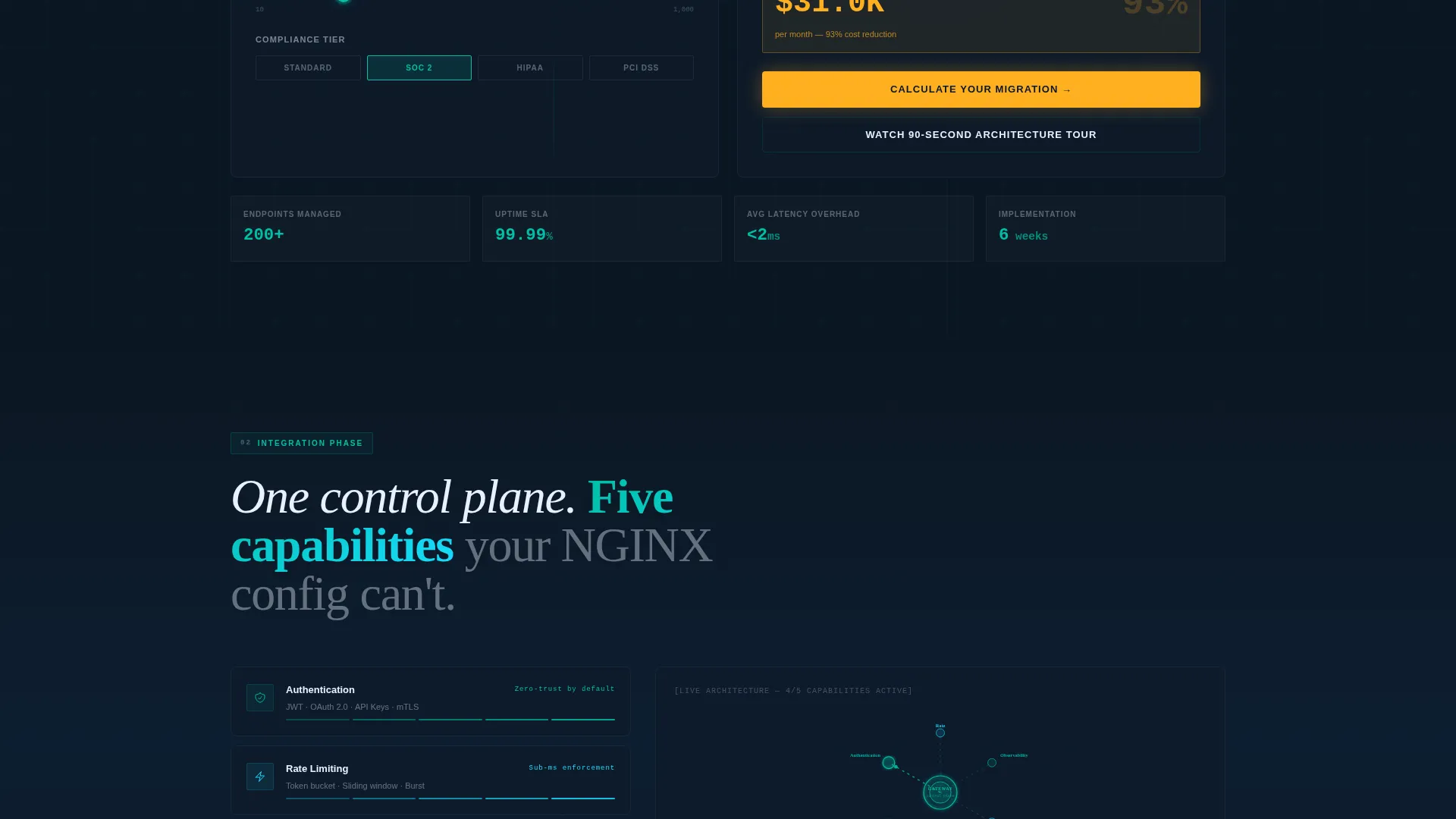
As the visitor scrolls past the estimator, the particle traces from the header compress into an expanding architectural diagram. Each spoke of the hub-and-spoke layout animates into view, illustrating a core capability: authentication, rate limiting, observability, and versioning, with micro-animations of data packets moving through each node.
Mission-Phase Anchor Navigation
A persistent navigation bar tracks the visitor's position across four named phases: Discovery, Integration, Liftoff, and Orbit. Each phase functions like a flight checklist item, ticking active as the visitor scrolls through, giving a clear sense of progress and reducing page abandonment.
Persistent Floating Call to Action
After the second spoke section, a floating "Calculate Your Migration" button remains visible as the visitor scrolls. Clicking it routes to a dedicated signup page, and the estimator values carry over as URL parameters so the visitor's usage profile pre-fills on arrival.
Inline Video Modal Path
A secondary conversion path, labeled "Watch the 90-Second Architecture Tour," triggers an inline video modal. The modal plays a brief architecture walkthrough and ends on the same primary call to action, keeping both visual learners and fast readers on the same conversion route.
Live Dashboard Proof Loop
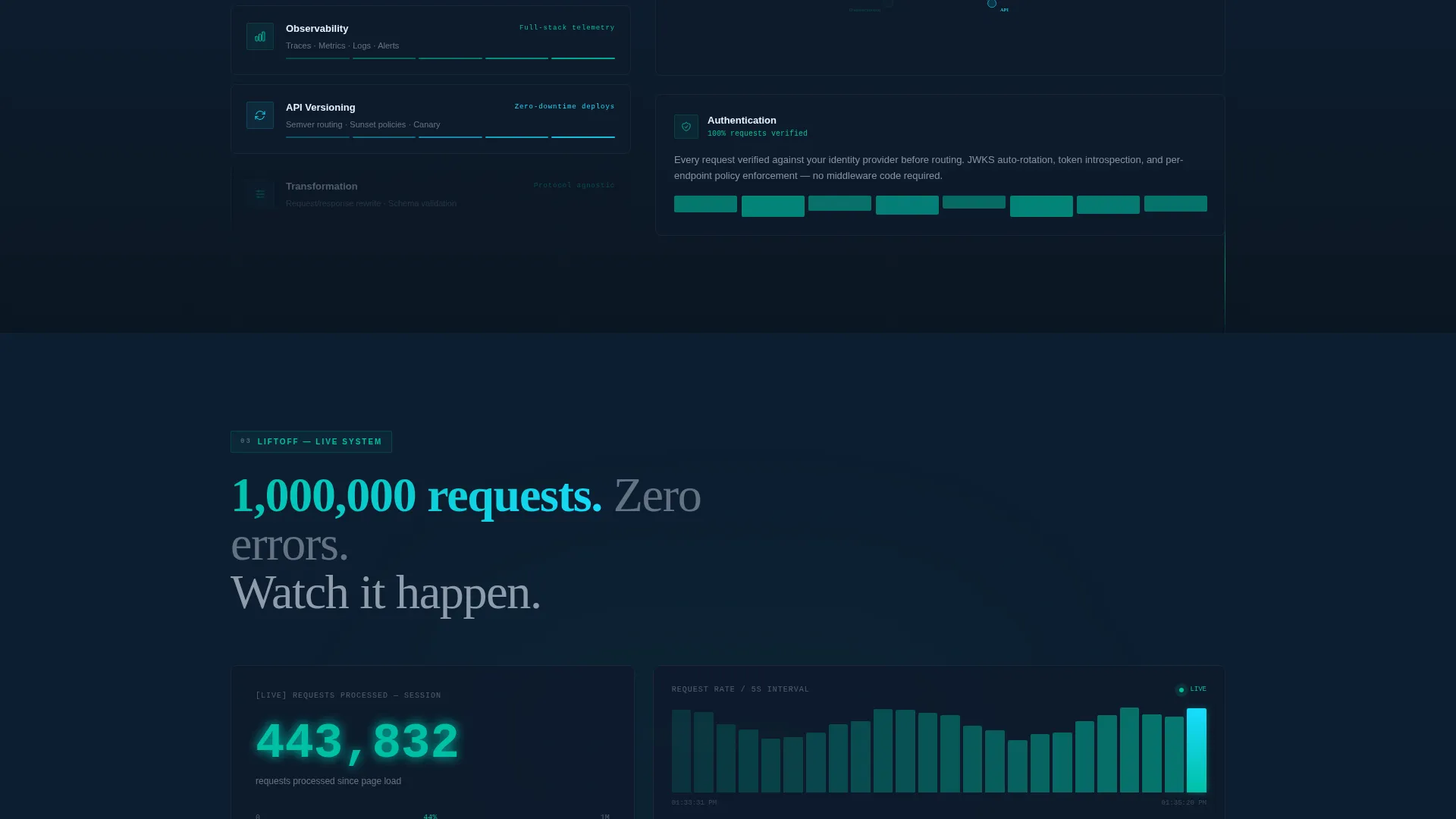
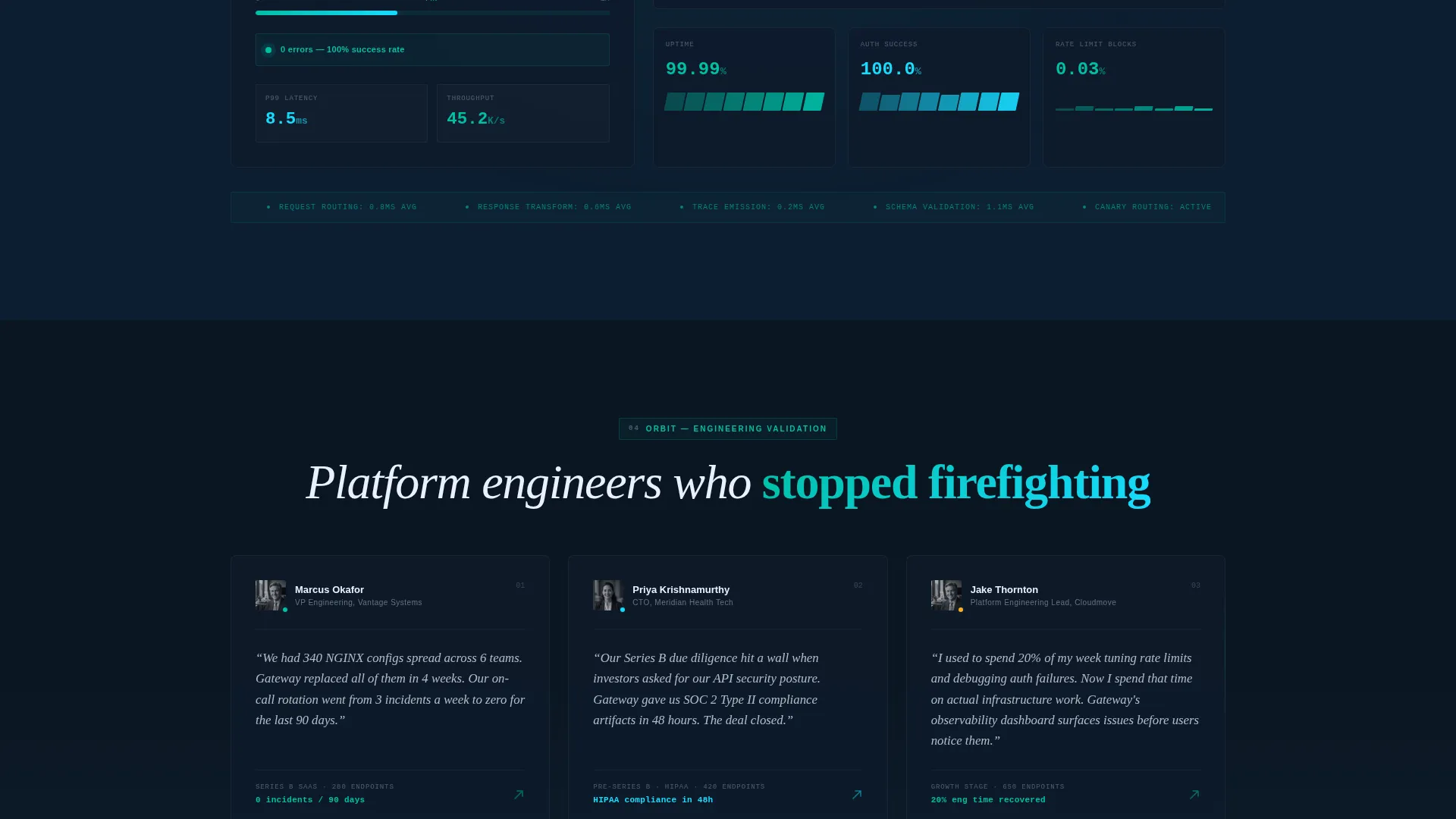
The final section plays a 12-second looping animation of a live dashboard processing one million requests with zero errors. The request counter climbs in teal, giving the page a closing proof moment that feels operational rather than promotional.
Page sections overview
| Section | Purpose |
|---|---|
| Header Estimator Panel | Show personalized cost delta instantly |
| Discovery Phase Spoke | Introduce platform routing capabilities |
| Integration Phase Spoke | Detail authentication and rate limiting |
| Liftoff Phase Spoke | Present observability and metrics animations |
| Orbit Phase Spoke | Demonstrate versioning and long-term scale |
| Dashboard Proof Loop | Close with live request processing evidence |
Design & branding system
The visual identity follows a Dynamic Motion theme paired with the Teal Catalyst color system. The palette was designed to feel like a network operations center at the exact moment traffic spikes and every monitor stays green.
- Core colors: deep mission-control black (#0B1622) for backgrounds, primary teal (#00BFA6) for status indicators and data traces, electric cyan (#18DCFF) for in-motion data paths, warm amber (#FFB020) reserved strictly for calls to action and alert states, and interface white (#E8F0FE) for body text and card surfaces
- Motion direction: teal particle traces arc across dark topology maps as sliders move; amber appears only where a human action is required, making every button feel urgent and intentional
- Typography and layout follow the Launch Energy creative direction, building visual momentum from static early-section diagrams through animated mid-page metrics to the final live dashboard loop
Mobile & speed optimization
The template is structured to maintain visual clarity across screen sizes. The estimator panel, anchor navigation, and floating call to action are each designed with a layered layout that adapts to narrower viewports without losing the cinematic quality of the dark interface.
- Slider controls in the estimator are touch-friendly, with sufficient tap target sizing for mobile users
- The anchor navigation collapses into a compact phase indicator on smaller screens, keeping orientation visible without consuming scroll space
How this template helps you convert
Gateway is built around a single insight: senior engineering buyers convert when they trust the numbers before they trust the pitch. Every structural choice on the page serves that principle.
- The estimator header makes the value personal in under ten seconds, showing each visitor their own projected savings before any feature copy appears.
- The mission-phase scroll builds engineering credibility progressively, moving from concept diagrams in early sections to real-time metrics animations mid-page and a live proof loop at the close.
- The persistent floating call to action and the URL-parameter handoff to the signup page remove friction at the moment of decision, carrying the visitor's context directly into the onboarding flow.
Other information about this template
Gateway is a strong fit for teams that need a technically credible first impression before a product demo or a sales conversation. The template style is hub and spoke with anchor navigation, which works well for platforms that have several distinct capability areas to communicate without sending visitors to separate pages.
- The compliance tier slider (SOC 2, HIPAA, PCI) makes this template especially relevant for API management platforms serving regulated industries
- The URL parameter handoff between the estimator and the signup page supports a smoother user journey for platforms with a self-serve onboarding flow
- The four mission phases map naturally to the core functions of an API gateway: routing and discovery, authentication and integration, observability at scale, and long-term versioning in orbit
- Teams comparing this template against bare-bones alternatives will find the animated proof loop and cost estimator are differentiators that generic infrastructure page templates do not include
Theme
Dynamic Motion
Creative direction
Launch Energy
Color system
Teal Catalyst
Style
Hub & Spoke (Anchor Nav)
Direction
Click-Through
Page Sections
Interactive Cost Estimator Header
Animated Particle Network Transition
Mission-phase Anchor Navigation
Persistent Floating Call to Action
Inline Video Modal Path
Live Dashboard Proof Loop
Related questions
Can I customize the slider ranges in the estimator?
Does the template include the video for the architecture tour modal?
How does the URL parameter handoff work between the estimator and the signup page?
Is this template suitable for a platform with fewer than 200 endpoints?
What makes this template different from a standard SaaS pricing page?



