Open-Source CRM Landing Page Template
Forge is a hub-and-spoke open-source CRM landing page template built for teams that want full ownership of their pipeline tools. It features a live cost-comparison calculator, animated module sections, and a two-step free deployment flow. The design runs on a void-black and electric-lime palette that feels like a dark-mode developer environment.
by Rocket studio
Quick summary
Forge is a single-page, anchor-nav CRM landing page template for open-source software. It opens with an interactive cost estimator, walks visitors through six core CRM modules using kinetic transitions, and drives conversions through a "Deploy Free" call to action. The dark-mode Acid Digital palette makes every interactive element feel intentional and precise.
Who this template is for
This template is built for teams and founders who want to present an open-source CRM with confidence. It speaks directly to technically literate buyers who are tired of paying per-seat fees for tools they do not control.
- Startup CTOs evaluating self-hosted CRM alternatives to costly subscription platforms
- Development agency founders who need white-label flexibility without vendor lock-in
- Sales operations managers at mid-market companies who have outgrown spreadsheets
What problem this template solves
Most CRM marketing pages make the same vague promises about productivity and growth. They bury pricing, hide complexity, and ask for a credit card before the visitor has seen anything real. Forge flips that model entirely.
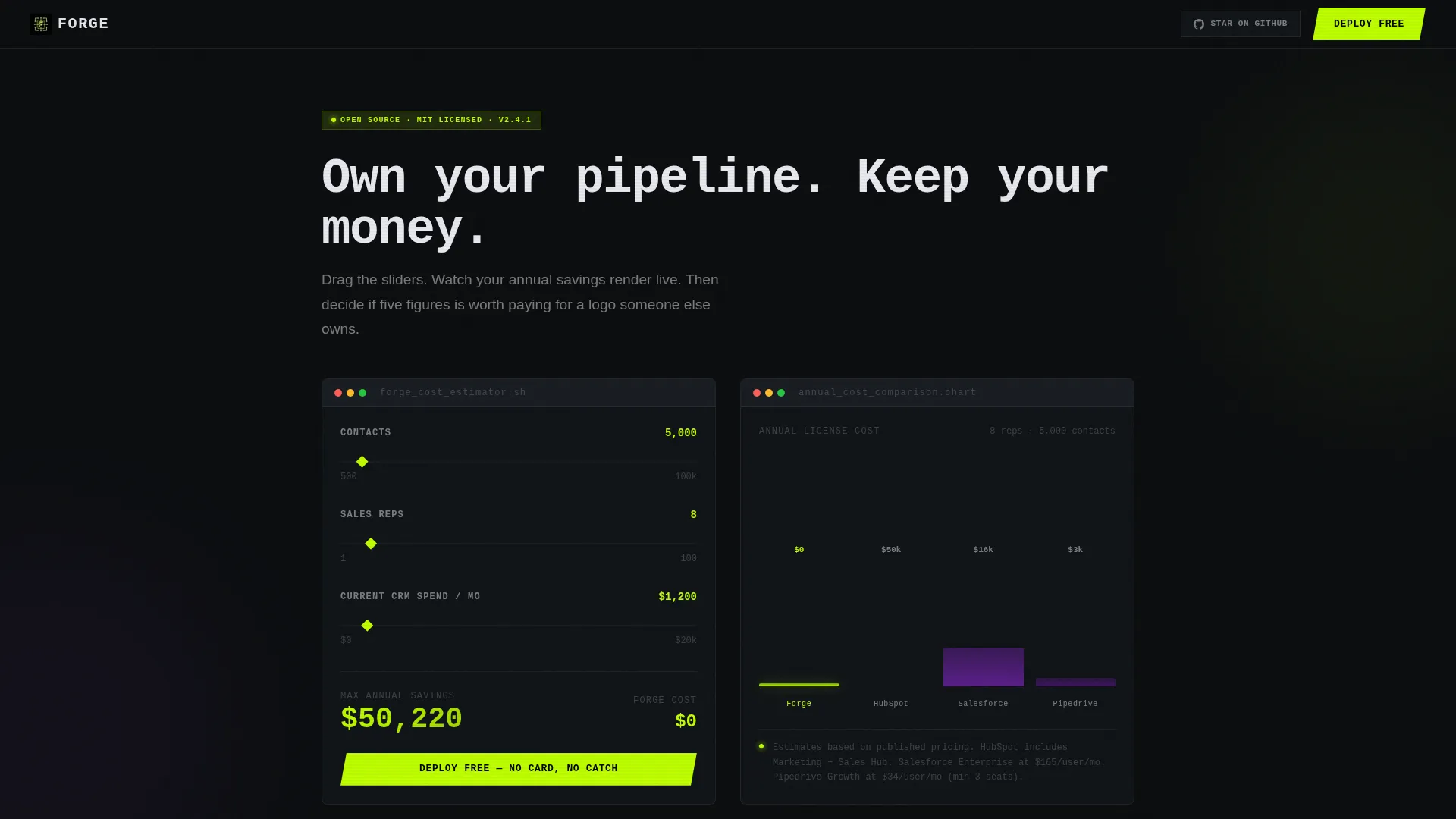
- Visitors see their own cost savings rendered live before scrolling past the header
- Each module section demonstrates real user interface behavior through motion, not static screenshots
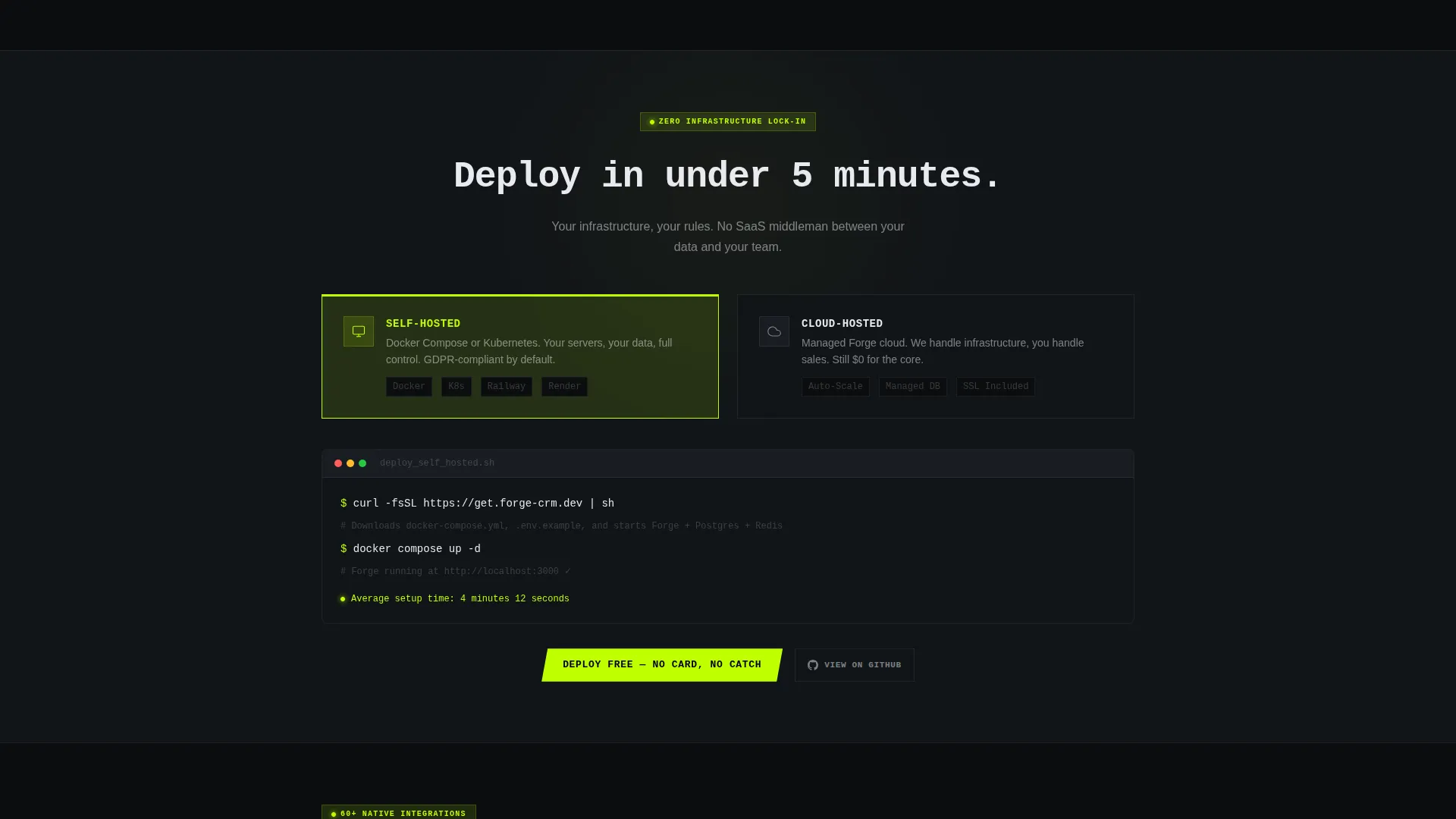
- The deployment flow removes friction by letting users choose cloud or self-hosted in two steps
What you get with this template
You get a fully structured, single-page landing page that functions as an interactive product demo. Every section is purposeful, and the visual system is consistent from the header calculator down to the footer call to action.
- A live calculator header with animated cost-comparison chart and dynamic headline
- Six anchor-nav module sections, each with kinetic assembly transitions and code snippets
- A two-step deployment modal covering cloud-hosted and self-hosted Docker options
Feature list
This template is built around a set of purposeful, prompt-defined capabilities. Each feature below is present in the template as described in the source brief.
Live Cost-Comparison Calculator
The header section opens with a three-question estimator. Visitors input their number of contacts, number of sales reps, and current monthly CRM spend. As they drag each slider, an animated bar chart renders in real time, stacking the open-source option's zero-dollar core against equivalent-scale pricing tiers from competing platforms. Numbers count upward in electric lime while competitor columns glow in muted violet.
Kinetic Module Transitions
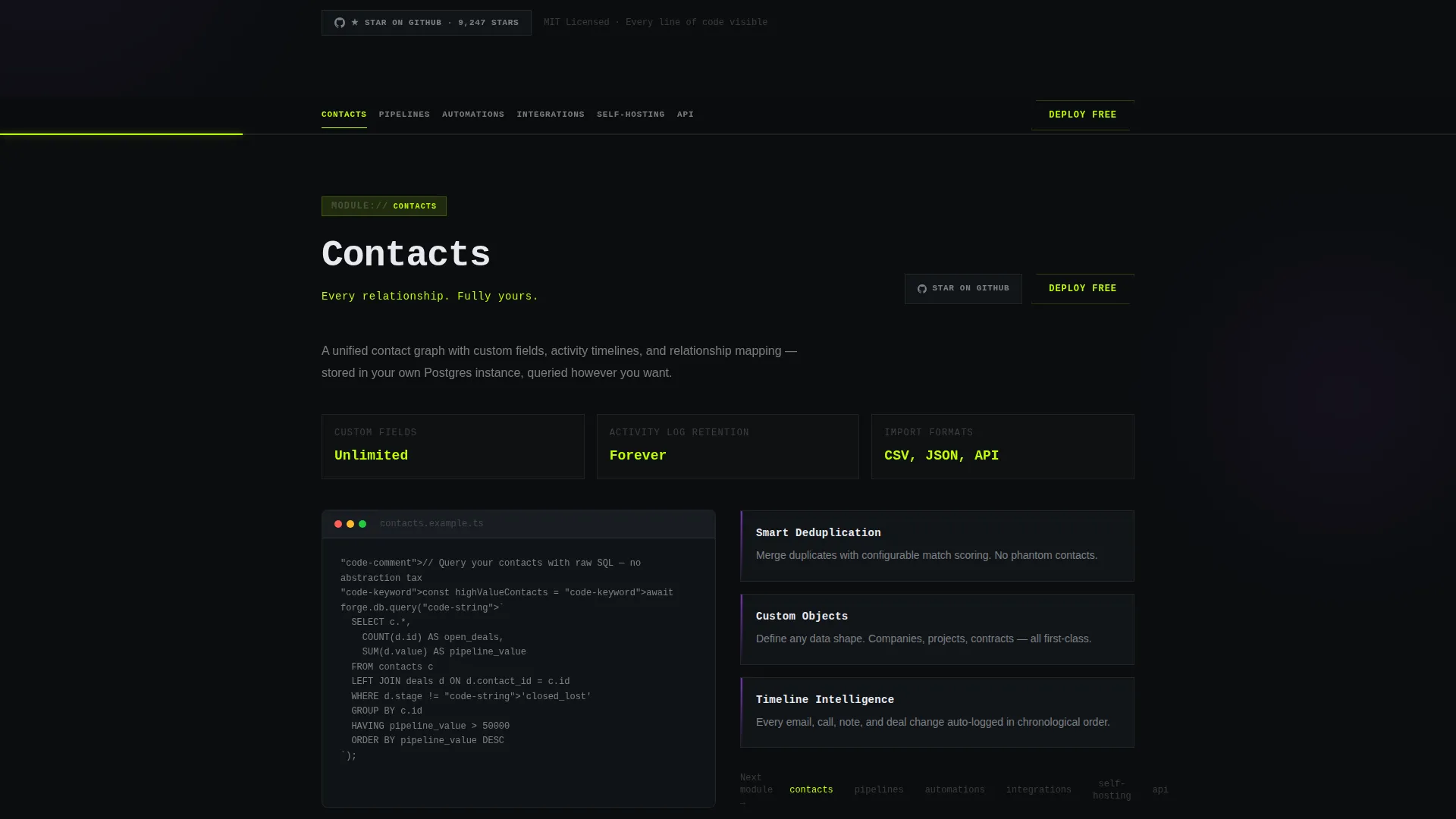
The anchor navigation pins to the top after the visitor scrolls past the header. Each of the six module spokes triggers a smooth kinetic transition when clicked. The outgoing module slides away while the next one assembles itself card by card, with micro-animations and inline code snippets that mirror actual interface behavior. Motion serves as proof of product.
Anchor Navigation with Persistent call to action
The sticky anchor nav holds links to all six core modules: Contacts, Pipelines, Automations, Integrations, Self-Hosting, and API. A ghost-style "Deploy Free" button persists inside the nav bar at all times, keeping the primary conversion path visible without interrupting the browsing experience.
Two-Step Deployment Modal
Clicking the primary call to action opens a focused two-step flow. In the first step, the visitor chooses between a cloud-hosted deployment or a self-hosted Docker pull command. In the second step, they enter their email address and organization name. No credit card is required at any point.
GitHub Star Secondary Path
Every module section includes a secondary call to action that invites developers to inspect the codebase on GitHub before committing. This secondary path runs alongside the primary deployment prompt and is designed to build trust with technically skeptical visitors.
Acid Digital Visual System
The entire template uses a consistent dark-mode design language. Void black forms the background, electric lime marks primary actions and active navigation states, synthetic violet traces data-flow diagrams and connection lines between modules, and phosphor white carries all body text. The result is a visual hierarchy where interactive elements appear to float above the surface.
Page sections overview
| Section | Purpose |
|---|---|
| Calculator Header | Render live cost savings and set the conversion frame |
| Contacts Module | Introduce core contact management capabilities |
| Pipelines Module | Show deal-stage and pipeline workflow features |
| Automations Module | Demonstrate rule-based workflow automation tools |
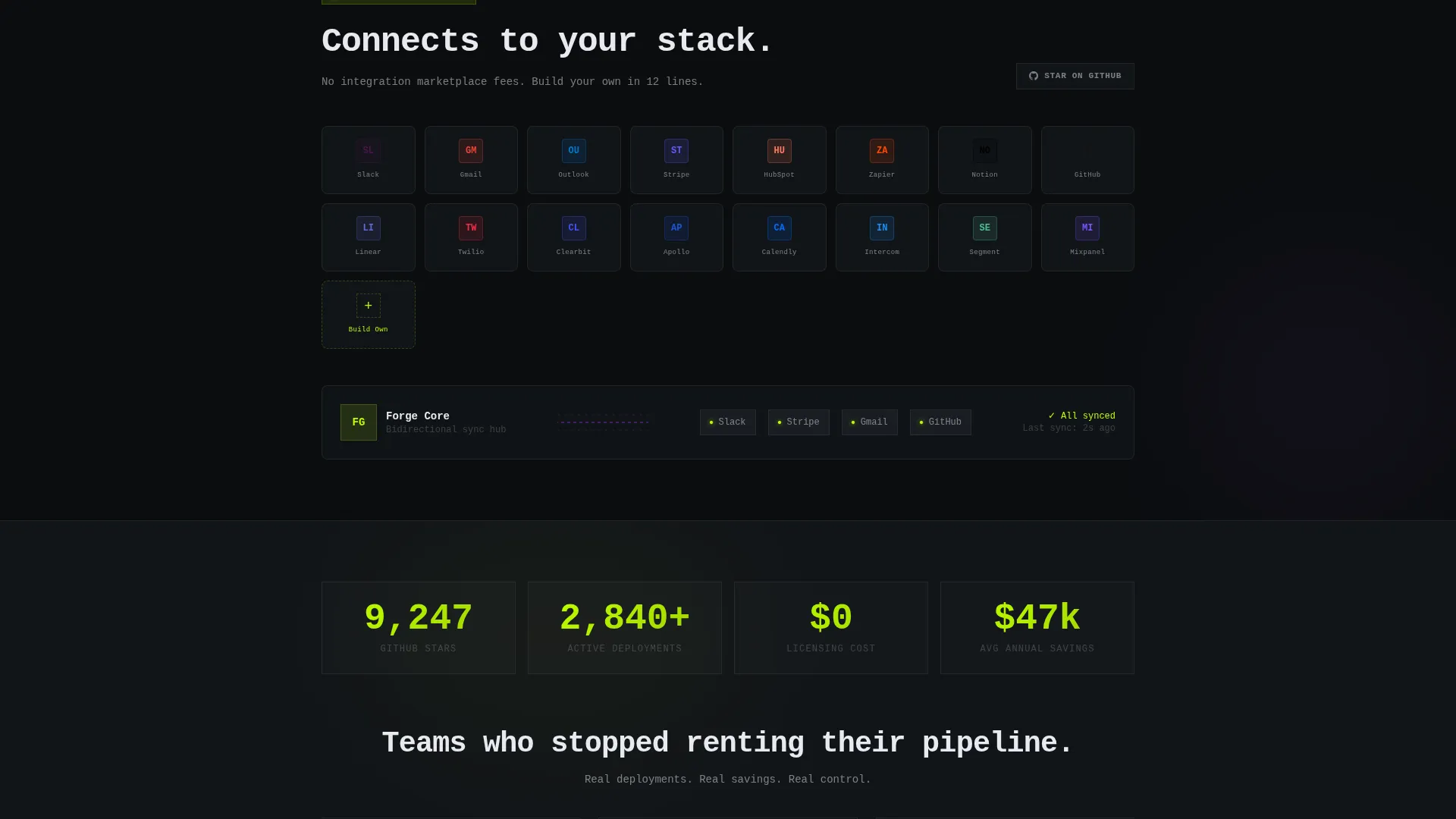
| Integrations Module | Present third-party and internal connection options |
| Self-Hosting Module | Explain deployment ownership and infrastructure control |
| API Module | Highlight developer access and extensibility |
Design & branding system
The template follows a Dynamic Motion theme powered by the Acid Digital color system. Every color choice has a defined role, and the palette is consistent across all six module sections.
- Void black (#0B0D0F) as the full-bleed background, electric lime (#BFFF00) for buttons and active nav indicators, synthetic violet (#7B2FBE) for graph lines and module connection diagrams, and phosphor white (#E8EAF0) for all body copy
- Typography and layout feel like a dark-mode code editor, with high contrast elements that appear to float above the background surface
- Motion direction follows the feature matrix creative direction, where each module assembles itself on entry to mirror real interface behavior
Mobile & speed optimization
The template is structured so that the sticky anchor nav, calculator sliders, and kinetic module transitions translate to smaller viewports without losing their interactive purpose. Each section is designed to remain scannable and actionable on a phone screen.
- The anchor nav collapses cleanly on mobile so the persistent "Deploy Free" ghost button stays reachable at all times
- Module transitions are designed to be legible at any screen width, keeping the motion-as-demo concept intact on tablet and phone
How this template helps you convert
Forge is built around a specific conversion logic: show the financial argument first, then prove the product through motion, and finally remove every obstacle from the deployment path.
- The header calculator personalizes the value proposition before any copy is read. When visitors see five-figure annual savings calculated from their own numbers, the decision to deploy for free becomes the obvious rational choice.
- The kinetic module transitions replace static feature lists with live behavioral proof. Each animation mirrors real interface actions, so skeptical technical buyers can evaluate the product by watching the page itself perform.
- The two-step deployment modal and the persistent ghost call to action eliminate common drop-off moments. Visitors never have to hunt for the next step.
Other information about this template
This template is designed specifically for open-source CRM projects that compete with established commercial platforms. It is built to communicate value to developer-first audiences who read landing pages with a critical eye.
- The template is suited for teams comparing their open-source CRM against well-known commercial options such as HubSpot, Salesforce, and Pipedrive, since the calculator section is pre-structured to render those comparisons visually
- It works well for products positioned as self-hosted CRM solutions, giving technical buyers a clear picture of infrastructure ownership
- The freemium and trial conversion flow is baked into the structure, so teams do not need to redesign the page to support a no-card signup model
Theme
Dynamic Motion
Creative direction
Feature Matrix
Color system
Acid Digital
Style
Hub & Spoke (Anchor Nav)
Direction
Freemium/Trial
Page Sections
Live Cost-comparison Calculator
Kinetic Module Assembly Transitions
Sticky Anchor Navigation
Two-step Deployment Modal
Github Star Secondary Path
Acid Digital Dark-mode Visual System
Related questions
Can I customize the calculator to use my own pricing data?
Does the template support both cloud-hosted and self-hosted deployment options?
How does the anchor navigation behave on mobile devices?
Is the GitHub star prompt included in every module section?
How many CRM modules does the anchor navigation cover?



