Fortify — Smart Regulatory Compliance Landing Page Template
Ledger is a compliance-focused financial learning management landing page template built for financial teams. It features a Feature Tab Switcher header with live interactive previews, an embedded ROI calculator, and a modular glassmorphic card grid. The dark Dashboard Pro aesthetic feels precise and professional, helping compliance officers, learning directors, and fintech ops leads take immediate action.
by Rocket studio
Quick summary
Ledger is a single-page landing page template designed for financial services learning management platforms. It opens with an interactive Feature Tab Switcher, moves through an ROI calculator, and unfolds into a modular card grid of capability tiles. The visual system pairs deep terminal black with frosted glass panels and teal accents for a focused, data-driven atmosphere.
Who this template is for
This template is built for teams that sell or promote compliance training platforms to regulated financial industries. It speaks directly to buyers who need structured, credible, and conversion-ready presentation.
- Compliance officers at regional banks preparing for audit cycles
- Learning and development directors onboarding large advisor cohorts at insurance firms
- Fintech operations leads getting teams qualified before product launches
What problem this template solves
Financial services compliance training is dense, deadline-driven, and high-stakes. Generic software landing pages fail to communicate urgency or demonstrate real product value to regulated buyers.
- Visitors leave without understanding what the platform actually does
- Abstract feature lists do not connect to real compliance workflows like Anti-Money Laundering escalation or Know Your Customer documentation
- No immediate proof of ROI makes it hard for budget holders to act
What you get with this template
You get a fully structured, single-page landing page that leads with interactivity and closes with a frictionless download flow. Every section is purpose-built for a compliance software audience.
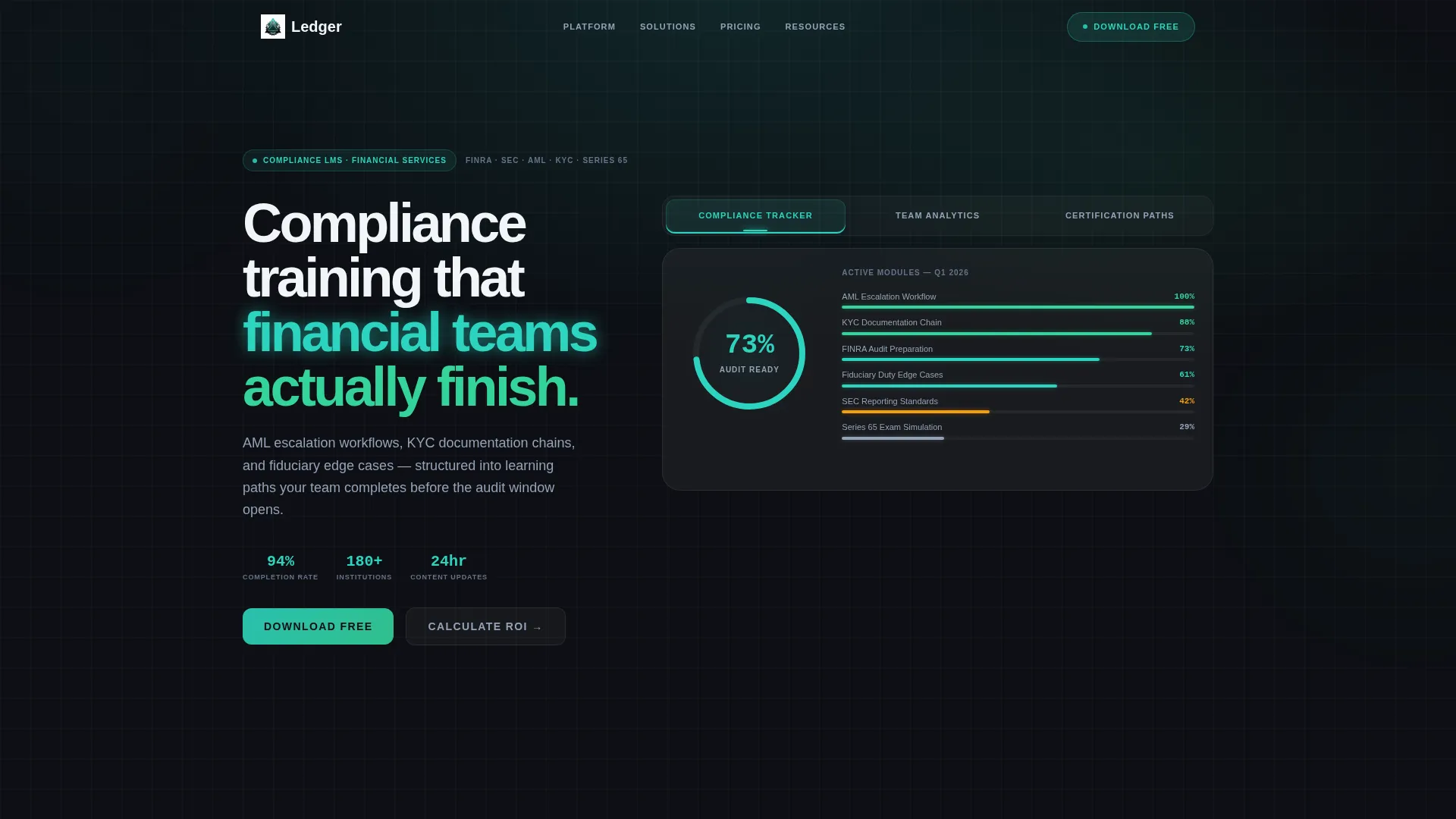
- A three-tab interactive header previewing Compliance Tracker, Team Analytics, and Certification Paths
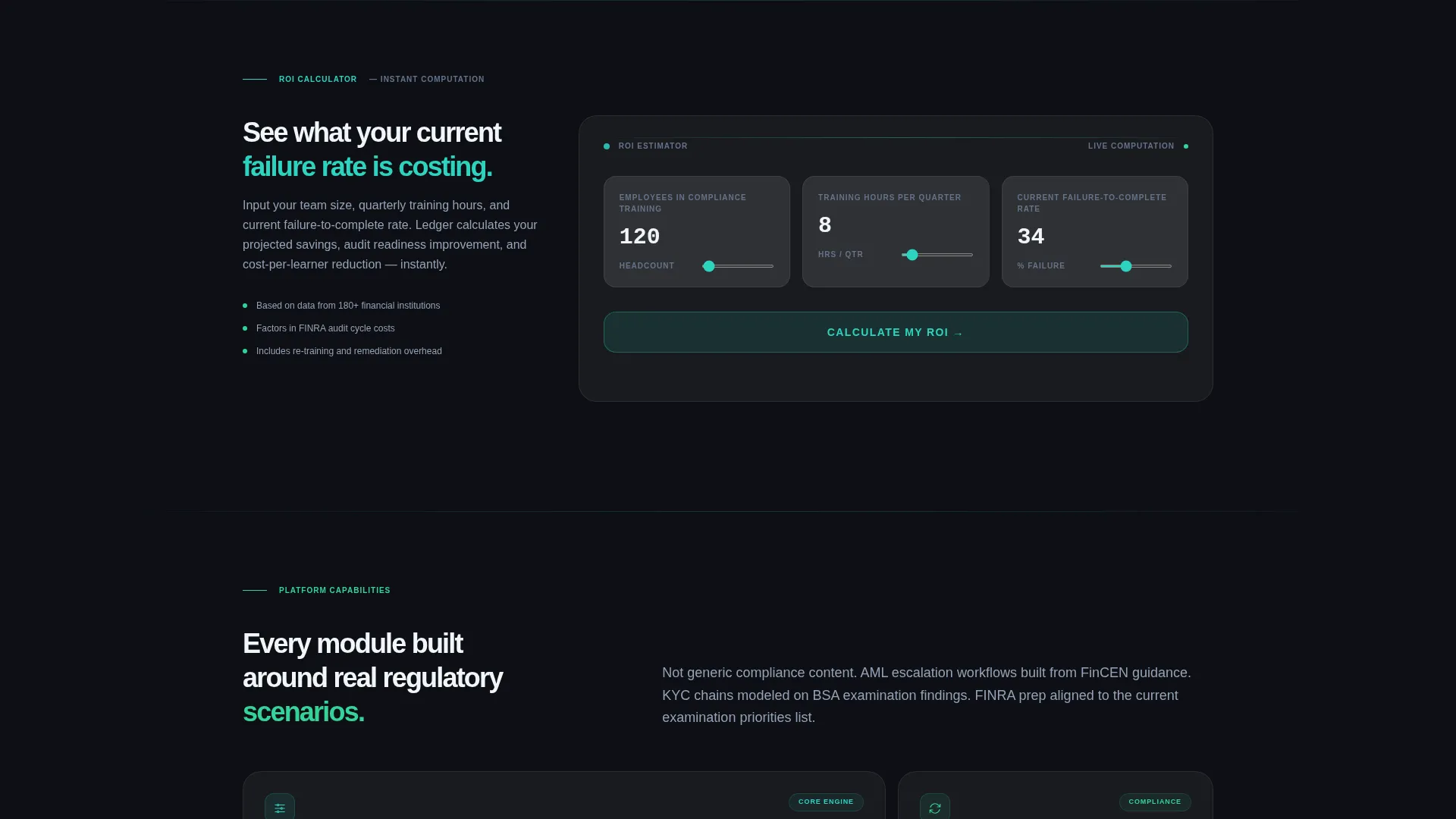
- An embedded ROI calculator with animated glassmorphic stat cards showing projected savings
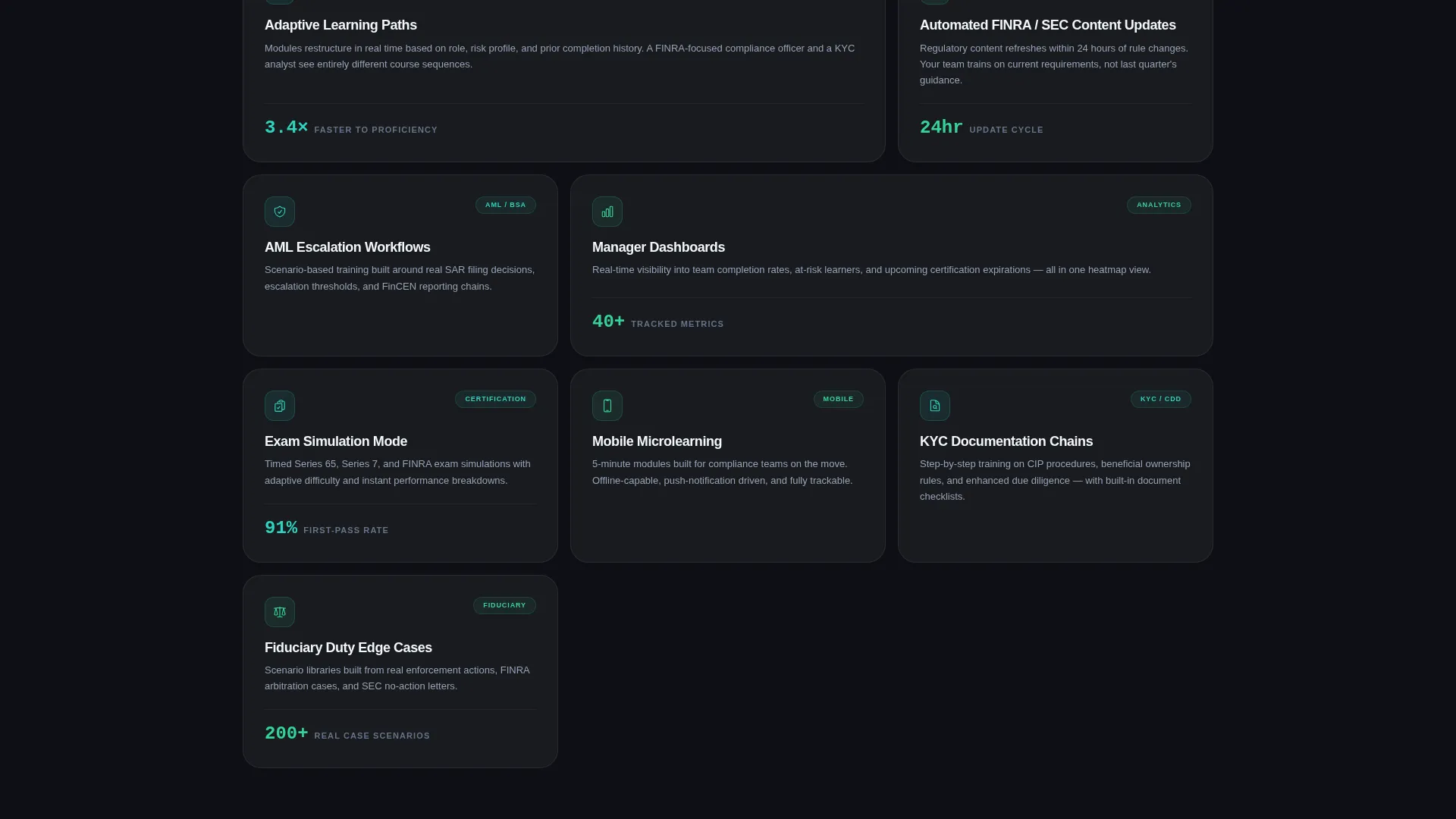
- A modular card grid of capability tiles with hover depth effects and a floating download call-to-action bar
Feature list
This template delivers a tightly integrated set of interactive and visual components, each grounded in the brief and designed for financial software buyers.
Feature Tab Switcher Header
Three frosted-glass tabs float over the dark background. Each tab opens a live interactive preview: a radial progress dial, a department completion heatmap, or a branching certification skill tree. Tab transitions use a frosted-glass slide animation, and the active tab glows teal along its bottom edge.
Embedded ROI Calculator
Visitors enter employee count, quarterly training hours, and current failure-to-complete rate. The calculator instantly renders projected time saved, audit-readiness score improvement, and cost-per-learner reduction as animated glassmorphic stat cards. This tool creates urgency before visitors reach the feature grid.
Modular Glassmorphic Card Grid
Each capability is presented as a frosted glass tile in a customizable grid layout. Cards cover adaptive learning paths, automated regulatory content updates, manager dashboards, mobile microlearning, and exam simulation mode. Hover states lift each card forward with a parallax depth shift and reveal a secondary detail layer.
Floating App Download Bar
A frosted-glass sticky bar appears after the ROI calculator interaction. It pins the primary call-to-action, "Download Ledger Free," directly to the moment of peak interest. The bar reinforces the value the visitor just calculated without requiring them to scroll back.
Platform-Specific Download Section
The bottom of the page presents device mockups alongside platform download cards. A phone shows a microlearning module mid-completion. A tablet displays the team analytics heatmap. App store badges sit inside their own glass cards for a polished, store-ready appearance.
Single-Field Email Fallback
A one-field email input with a "Send Download Link" action reduces friction for desktop visitors. It requires a single keystroke and provides an alternative path to the app for users not on a mobile device during their visit.
Page sections overview
| Section | Purpose |
|---|---|
| Feature Tab Switcher | Showcase core product views interactively |
| ROI Calculator | Quantify value before feature detail |
| Capability Card Grid | Present platform features as dashboard tiles |
| Floating Download Bar | Anchor primary call to action post-calculator |
| Device Mockup Downloads | Drive platform-specific app installs |
| Email Fallback Input | Capture desktop visitors with minimal friction |
Design & branding system
The visual identity follows a Dashboard Pro theme with a Glassmorphic color system. Every element is calibrated for a trading-floor atmosphere: backlit, precise, and instantly readable.
- Core palette: deep terminal black (#0D0F14), frosted glass panels (#FFFFFF at 8% opacity with backdrop blur), cool data-stream teal (#2DD4BF), and soft ledger gray (#94A3B8) for secondary text
- Accent states in signal green (#34D399) mark completions and progress indicators throughout the card grid and calculator results
- Frosted-glass slide animations layer and dissolve panels like shuffled transparencies, keeping transitions fluid without distracting from content density
Mobile & speed optimization
The modular card grid adapts naturally to smaller screens, and the microlearning-focused content logic reflects the same mobile-first thinking behind the platform it promotes.
- Device mockups in the download section include a phone view of a microlearning module mid-completion, grounding the mobile experience in real product context
- The single-field email input reduces conversion friction to one interaction, which is especially practical on mobile where long forms lose users
- Card tiles are self-contained modules, making reflow and responsive stacking straightforward without breaking the glassmorphic visual system
How this template helps you convert
This landing page is structured so that each section builds on the last, moving visitors from curiosity to conviction to action in a single scroll.
- The interactive Feature Tab Switcher lets visitors self-qualify by exploring the product view most relevant to their role, creating immediate relevance before any sales claim is made.
- The ROI calculator converts abstract benefit statements into personal financial numbers, giving compliance officers and budget holders a concrete reason to act rather than defer.
- The floating download bar and email fallback reduce the distance between decision and action to a single tap or keystroke, capturing intent at its highest point.
Other information about this template
This template is purpose-built for the financial services learning management space and can support a range of compliance platform presentations. It is a strong fit for teams in regulated industries communicating structured training value to busy, data-literate buyers.
- The template style is a Card Grid (Modular) layout, meaning individual capability tiles can be updated, reordered, or expanded to reflect new product modules without reworking the full page
- The page drives toward an App Download conversion goal, with multiple touchpoints including a floating bar, device mockup cards, app store badges, and an email fallback
- Scenario-specific module examples referenced in the design, such as Anti-Money Laundering escalation workflows, Know Your Customer documentation chains, and fiduciary duty edge cases, can be replaced with your own compliance content to match your platform's curriculum
Theme
Dashboard Pro
Creative direction
Calculator/Tool First
Color system
Glassmorphic
Style
Card Grid (Modular)
Direction
App Download
Page Sections
Feature Tab Switcher Header
Embedded ROI Calculator
Modular Glassmorphic Card Grid
Floating App Download Bar
Platform Download Cards with Mockups
Single-field Email Fallback
Related questions
Who is the Ledger landing page template designed for?
What does the ROI calculator actually show visitors?
Can I customize the capability cards in the modular grid?
What conversion actions does this landing page support?
Does this template work for compliance topics beyond the examples shown?



