Oversized & Heavy Haul Carrier Landing Page Template
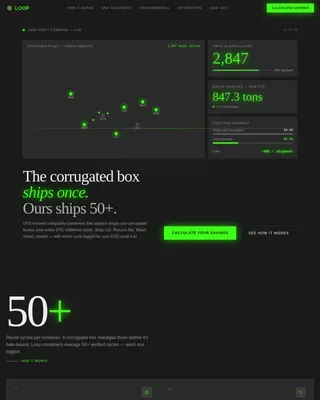
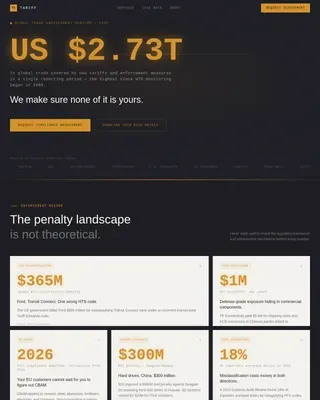
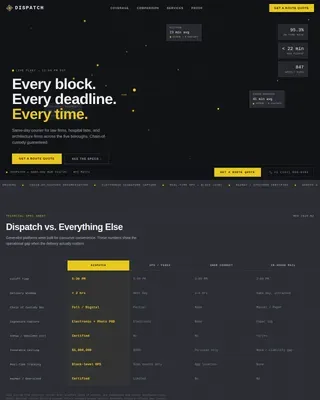
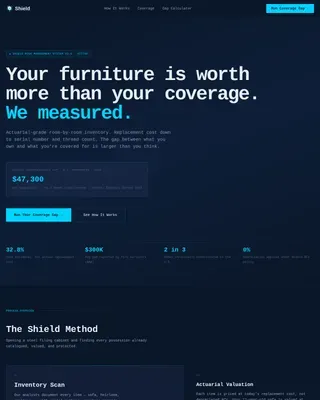
Haul is a single-column landing page template built for oversized and heavy haul carriers. It leads with a logistics command-style dashboard header, drives scroll through stat-versus-comparison blocks, and converts with a focused three-step haul plan form. The Engineering Blueprint visual theme and Monochrome Steel palette make technical credibility visible at a glance.
by Rocket studio
Quick summary
Haul is a single-column flow landing page template designed for carriers that move oversized and superheavy freight. It opens with a dense, mission-control-style dashboard and builds trust through a stats-first scroll rhythm. Every section pairs an industry benchmark against a carrier number, and a pinned call-to-action keeps the conversion path always in reach.
Who this template is for
This template is built for heavy haul and oversized freight carriers that need to win serious project-level clients. The target audience already knows how difficult these moves are, and they need proof before they pick up the phone.
- Project managers at energy companies coordinating transformer or turbine deliveries
- EPC contractors scheduling plant shutdowns who need a carrier with real permit depth
- Procurement leads at heavy civil firms evaluating carriers after a previous operator failed them
What problem this template solves
Most freight carrier pages look the same. They list services and show a phone number, but they give a skeptical buyer no reason to trust the operator. For oversized and heavy haul moves, that gap is a dealbreaker. A missed axle weight or an unpermitted state line can shut down a project worth millions.
- Buyers arrive already burned by a carrier that overpromised and underdelivered
- The evaluation stage requires proof, not marketing language
- Generic carrier pages offer no comparison point and no sense of operational scale
What you get with this template
You get a complete, ready-to-customize landing page structured around a proven conversion model for complex freight services. The template provides the layout, hierarchy, and visual system. You fill in your actual numbers and your real fleet data.
- A stats-versus-comparison scroll layout with alternating charcoal and white section blocks
- A three-field haul plan request form with a built-in unit toggle for metric and imperial weight
- A secondary gated PDF path for fleet spec sheet downloads aimed at buyers still evaluating
Feature list
This section details the core functional and design components included in the Haul template.
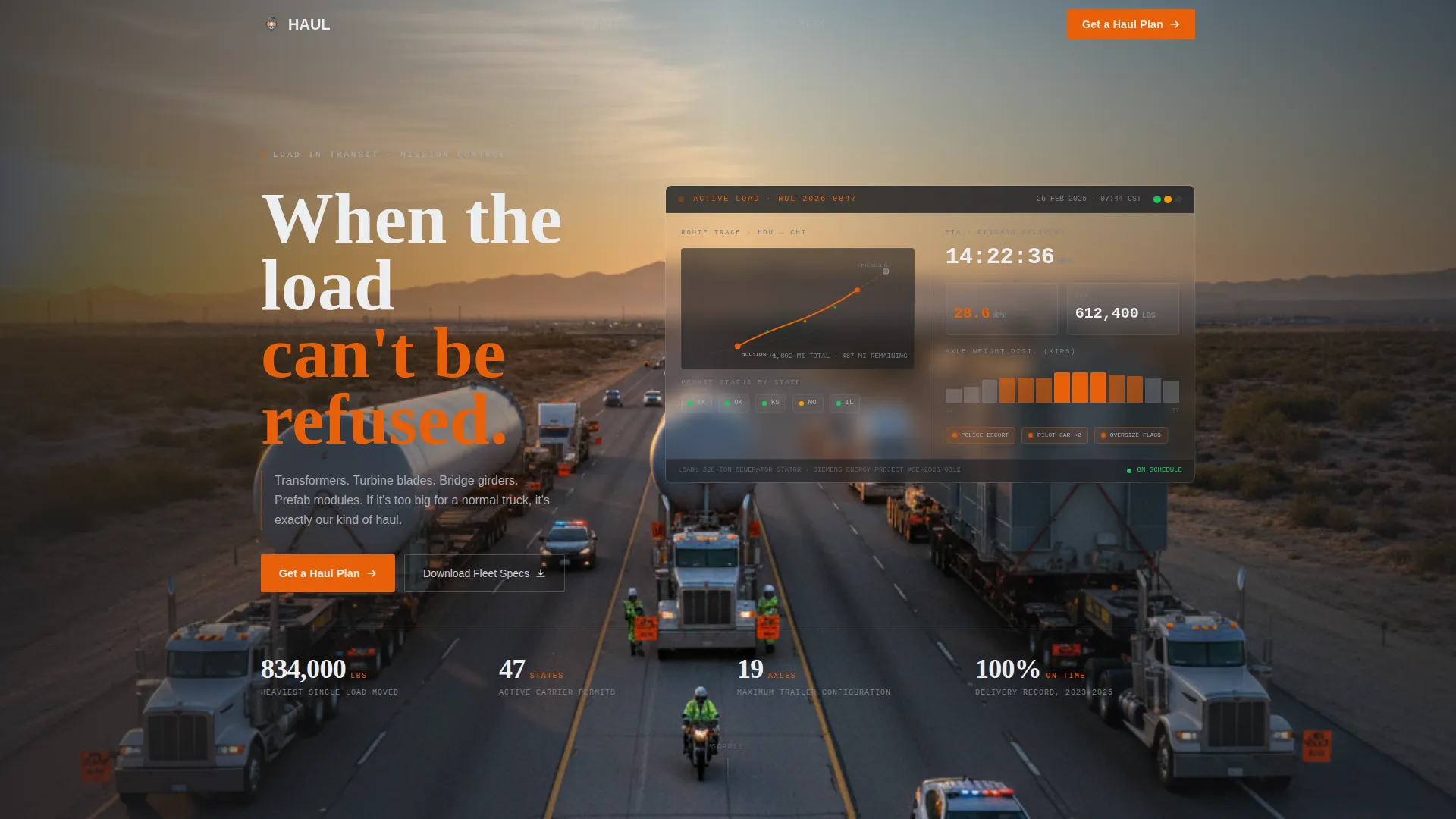
Dashboard Preview Header
The header renders a stylized logistics command screen on a charcoal background. It displays a map route trace, a 13-line axle weight distribution readout, per-state permit status indicators using green, amber, and red dots, and an ETA countdown. Monospace typography and a pulsing orange active route line give the layout a live-operations feel.
Stats-First Comparison Blocks
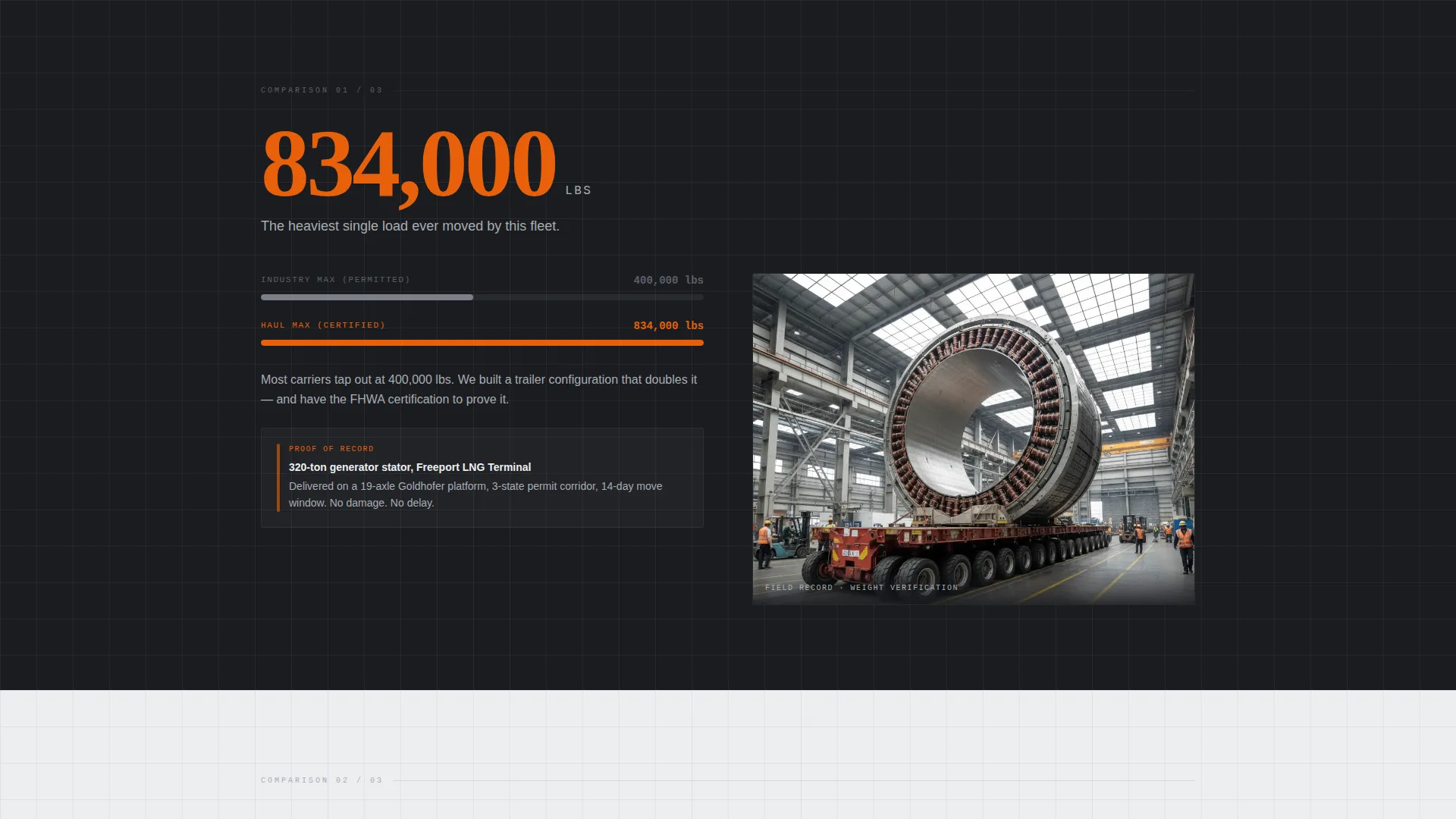
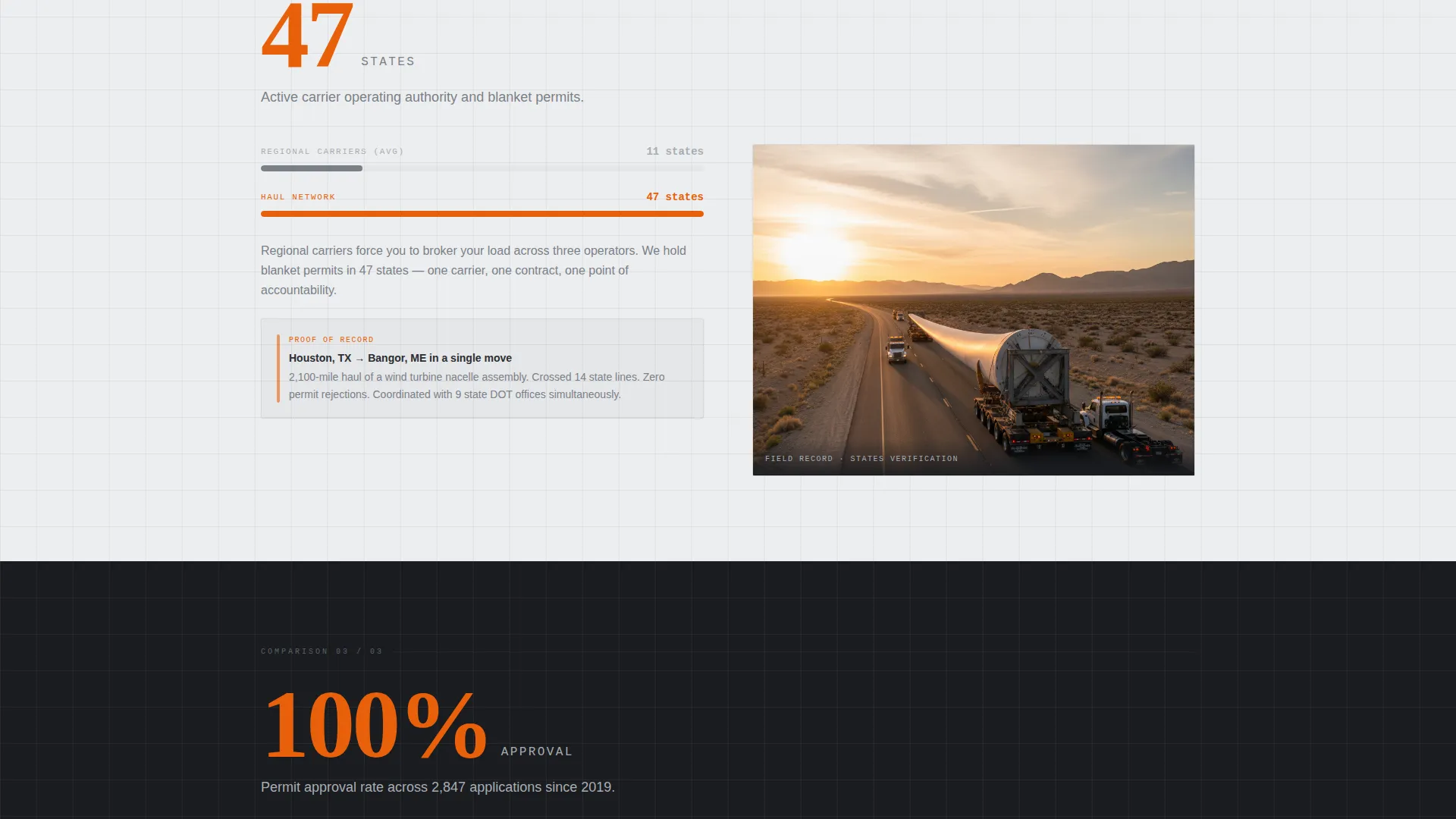
Each scroll section opens with a large number before a single word of explanation. A two-column versus frame follows: the left column shows an industry average in steel gray, the right column shows the carrier's figure in permit-flag orange. A single sentence explains the gap. Sections escalate in scale as the visitor scrolls, building tension with each comparison.
Pinned Haul Plan Form
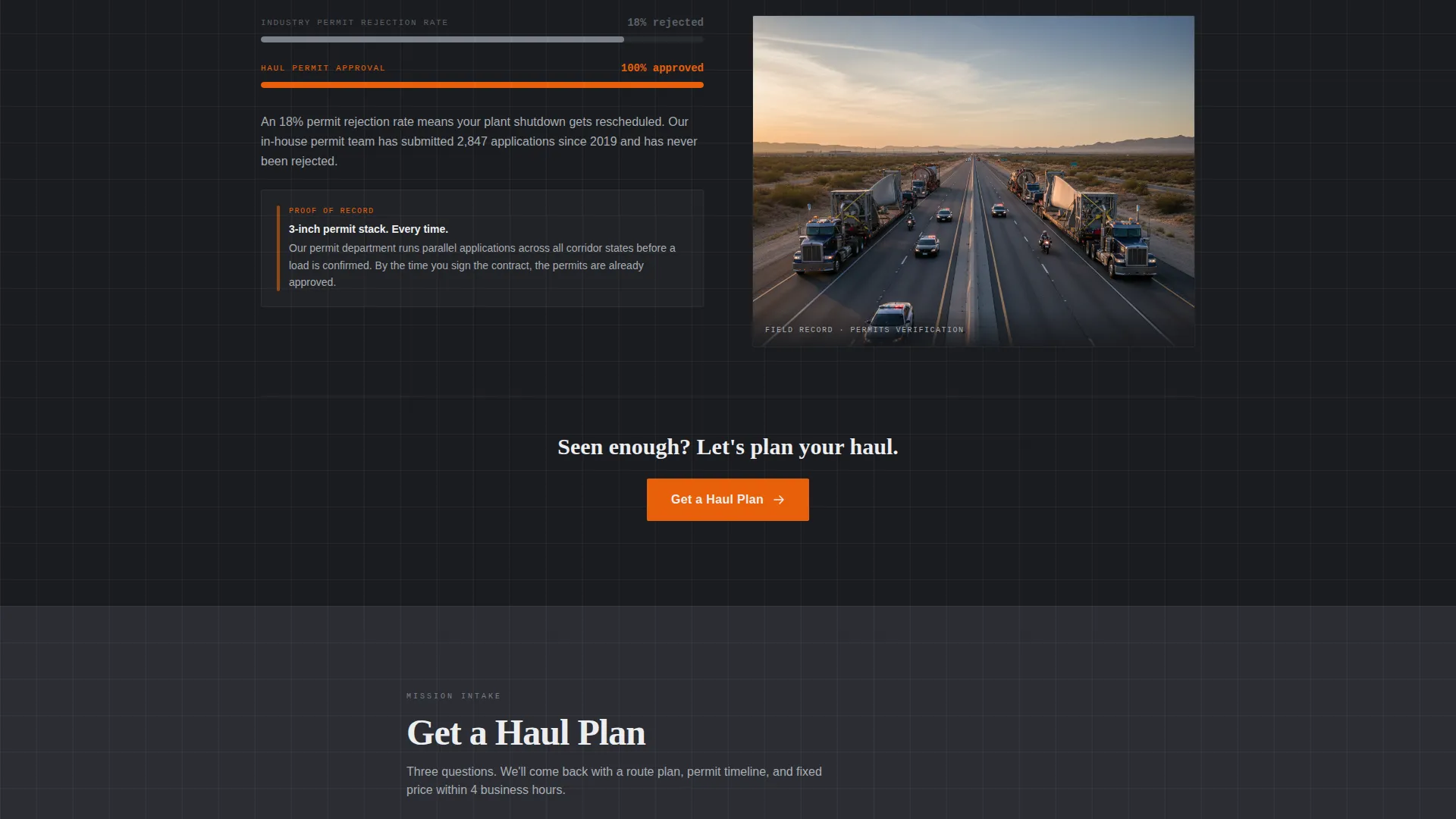
The primary call-to-action, "Get a Haul Plan," first appears after the third comparison block. It then pins to the bottom of the viewport for the remainder of the page. The form collects load dimensions and weight, origin and destination, and target move date in a three-step sequence. A unit toggle lets users switch between metric and imperial inputs.
Gated Fleet Spec Sheet Download
A secondary conversion path offers a downloadable fleet spec sheet for visitors still in the research phase. This PDF gate captures leads who are not yet ready to request a move but want detailed operational data before making a shortlist decision.
Engineering Blueprint Visual Theme
The layout uses a 1-pixel reference grid running faintly behind content, evoking an engineering drawing. Backgrounds alternate between structural charcoal and technical white, with text in the opposing tone. Permit-flag orange is reserved strictly for interactive elements, calls-to-action, and critical data points.
Proof Photo Integration Points
Each comparison block includes a designated slot for a high-quality proof photo. These image positions anchor each stat-and-comparison pair to a real, physical load in transit, reinforcing the operational credibility built by the numbers above it.
Page sections overview
| Section | Purpose |
|---|---|
| Dashboard Header | Establishes operational authority with a live-feeling logistics command display |
| Stat Block One | Opens scroll with the heaviest load figure and a brief origin story |
| Comparison Block One | Pairs industry average against carrier metric with a single explanatory sentence |
| Proof Photo One | Anchors the first comparison pair with a real load image |
| Stat Block Two | Escalates with permitted-states coverage and a map activation moment |
| Comparison Block Two | Frames permit depth against industry norm in a two-column versus layout |
| Proof Photo Two | Reinforces permit reach with a convoy or escort visual |
| Stat Block Three | Raises stakes with a third unreasonable number |
| Comparison Block Three | Delivers the third versus frame before the primary call to action appears |
| Haul Plan Form | Collects load details, route, and date in three sequential fields |
| Fleet Spec Download | Offers a gated PDF for buyers still in the evaluation phase |
| Pinned call to action Bar | Keeps "Get a Haul Plan" visible at viewport bottom throughout scroll |
Design & branding system
The Monochrome Steel color system draws its feel from a fabrication shop floor. Every color decision has a job, and nothing decorative competes with the data.
- Structural charcoal (#2B2D33) and technical white (#EDEEF0) alternate as section backgrounds, with text always in the opposing tone
- Mill-finish aluminum (#A8ADB3) carries supporting text, industry-average figures, and secondary labels
- Permit-flag orange (#E8600A) is reserved exclusively for calls-to-action, interactive elements, active route indicators, and critical data callouts
Mobile & speed optimization
The single-column flow structure means the layout translates cleanly to smaller screens without requiring a grid collapse. The versus blocks, stat callouts, and pinned call to action bar are all designed within a vertical-first layout logic.
- The three-step haul plan form is touch-friendly and sequential, reducing friction on mobile devices
- The dashboard header is rendered in scalable monospace type and structured elements, so it reads clearly at reduced viewport widths
How this template helps you convert
The Haul template does not ask visitors to take a leap of faith. It earns every click by making the carrier's operational record visible before the form ever appears.
- The stats-first scroll rhythm builds credibility with each section, so by the time the "Get a Haul Plan" form appears, the visitor has already absorbed three rounds of proof
- The pinned call to action bar removes the need to scroll back, keeping the conversion action available at every point in the journey without interrupting the content experience
- The gated fleet spec sheet gives evaluation-stage buyers a reason to share contact information before they are ready to commit to a move date
Other information about this template
The Haul template is built specifically for the oversized and heavy haul freight niche within the broader logistics and supply chain category. It is suited to carriers operating in the freight and cargo segment who handle loads that require special permits, police escorts, and multi-state routing coordination.
- The template style is single-column flow, making it straightforward to adapt to a range of carrier brand identities
- The Engineering Blueprint theme and Monochrome Steel palette are distinct enough to stand apart from generic freight carrier pages while remaining professional
- The versus-frame layout model is reusable across different cargo types: transformers, turbine blades, bridge girders, prefab modules, or any other oversized industrial load
- The template is designed for direct outreach from project-level buyers, not general consumer freight inquiries
Theme
Engineering Blueprint
Creative direction
Stats-First Impact
Color system
Monochrome Steel
Style
Single Column Flow
Direction
Comparison/Versus
Page Sections
Dashboard Preview Header
Stats-first Comparison Blocks
Pinned Haul Plan Form
Gated Fleet Spec Sheet Path
Engineering Blueprint Visual System
Related questions
Who is this landing page template designed for?
Can I replace the stat figures with my own carrier data?
What does the three-step haul plan form collect?
What is the fleet spec sheet download for?
Does the template work for carriers that handle multiple cargo types?