Advanced Retail Digital Presence Professional Website Template
Index is a bold brutalist landing page template built for retail knowledge base platforms. It uses a scroll-reveal layout to stack capability after capability in stark, numbered spec blocks. With a Midnight Blue color system, a feature tab switcher header, and a freemium call-to-action, it speaks directly to district managers, learning coordinators, and store operators who need teams trained fast.
by Rocket studio
Quick summary
Index is a single-page, scroll-reveal landing page template designed for retail knowledge base platforms. It uses a bold brutalist visual identity, a feature tab switcher header, and a spec-sheet creative direction to communicate operational depth. The freemium conversion model routes leads by store count, making it practical for teams managing one location or one hundred.
Who this template is for
This template is built for retail operations professionals who need to present a knowledge base tool with authority and clarity. It speaks the language of operators, not marketers.
- District managers standardizing training and policy across many store locations
- Learning and development coordinators who maintain internal documentation and seasonal onboarding materials
- Store managers who need new hires trained quickly before high-traffic periods
What problem this template solves
Retail teams often rely on scattered PDFs, printed binders, and informal handoffs to share critical procedures. That approach breaks down the moment a new hire needs a fast, reliable answer. This template presents a solution that feels as serious as the problem itself.
- Floor associates cannot easily find return policy edge cases or loss prevention protocols on the fly
- Training materials become outdated and coordinators waste time rewriting the same content every quarter
- Multi-location operators have no consistent, searchable source of truth across all stores
What you get with this template
You get a complete, production-ready landing page built around one goal: convincing retail operators that this knowledge base is the last tool they will need. Every section earns its place.
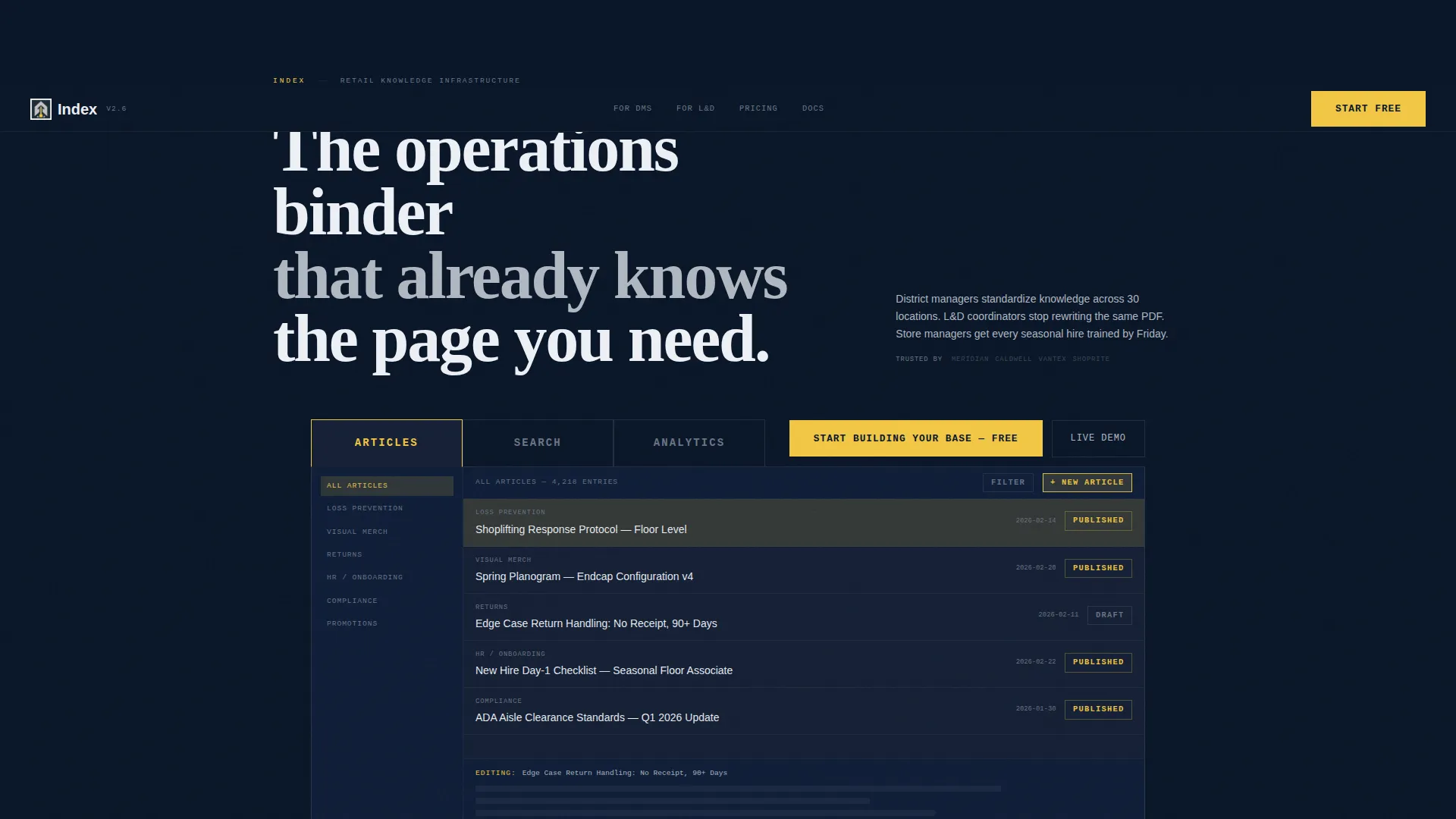
- A feature tab switcher header showing three dense product screenshots with zero hero imagery
- Scroll-reveal numbered spec blocks that stack evidence with a technical manual rhythm
- A freemium conversion flow with a sticky bottom bar and a read-only sandbox demo link
Feature list
This landing page template is built around specific, purposeful components. Each one is derived directly from the brief and serves a clear role in the conversion flow.
Feature Tab Switcher Header
Three heavy, brutalist tabs sit across the full viewport width, labeled in oversized monospaced type: ARTICLES, SEARCH, and ANALYTICS. Clicking a tab hard-swaps the content block below with zero transition. Each tab reveals a dense, near-pixel-density product screenshot of the actual tool in use.
Scroll-Reveal Spec Blocks
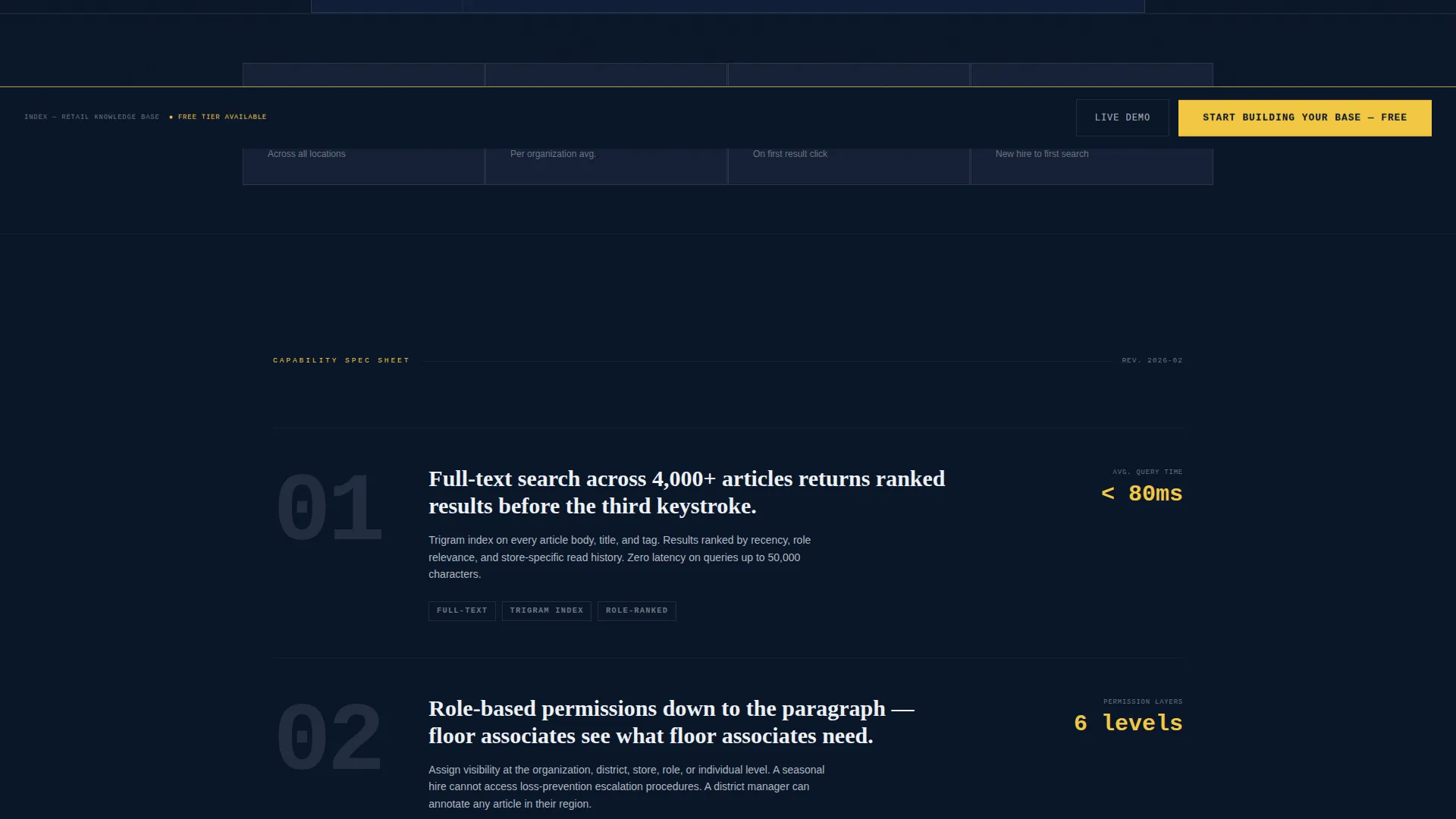
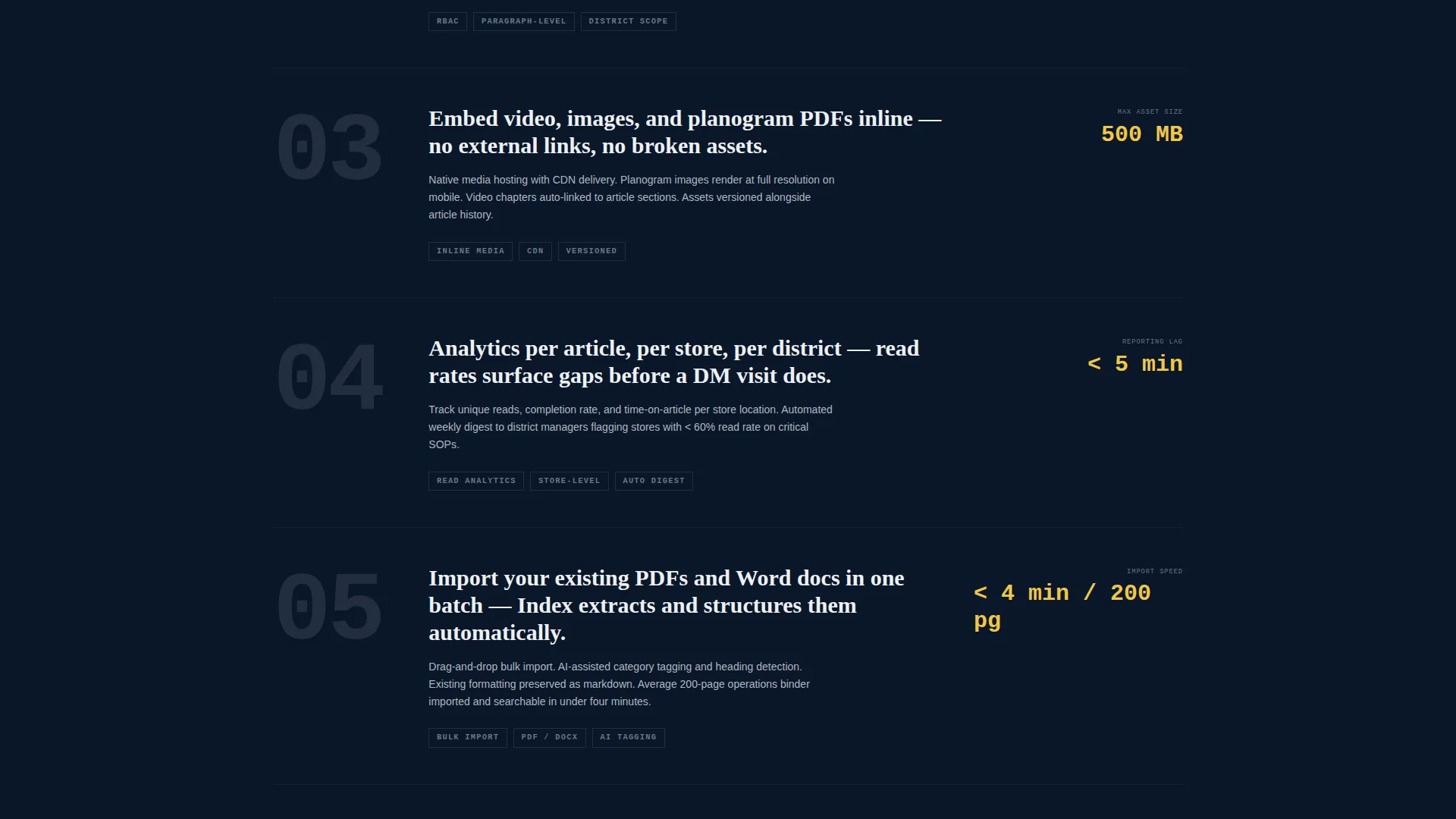
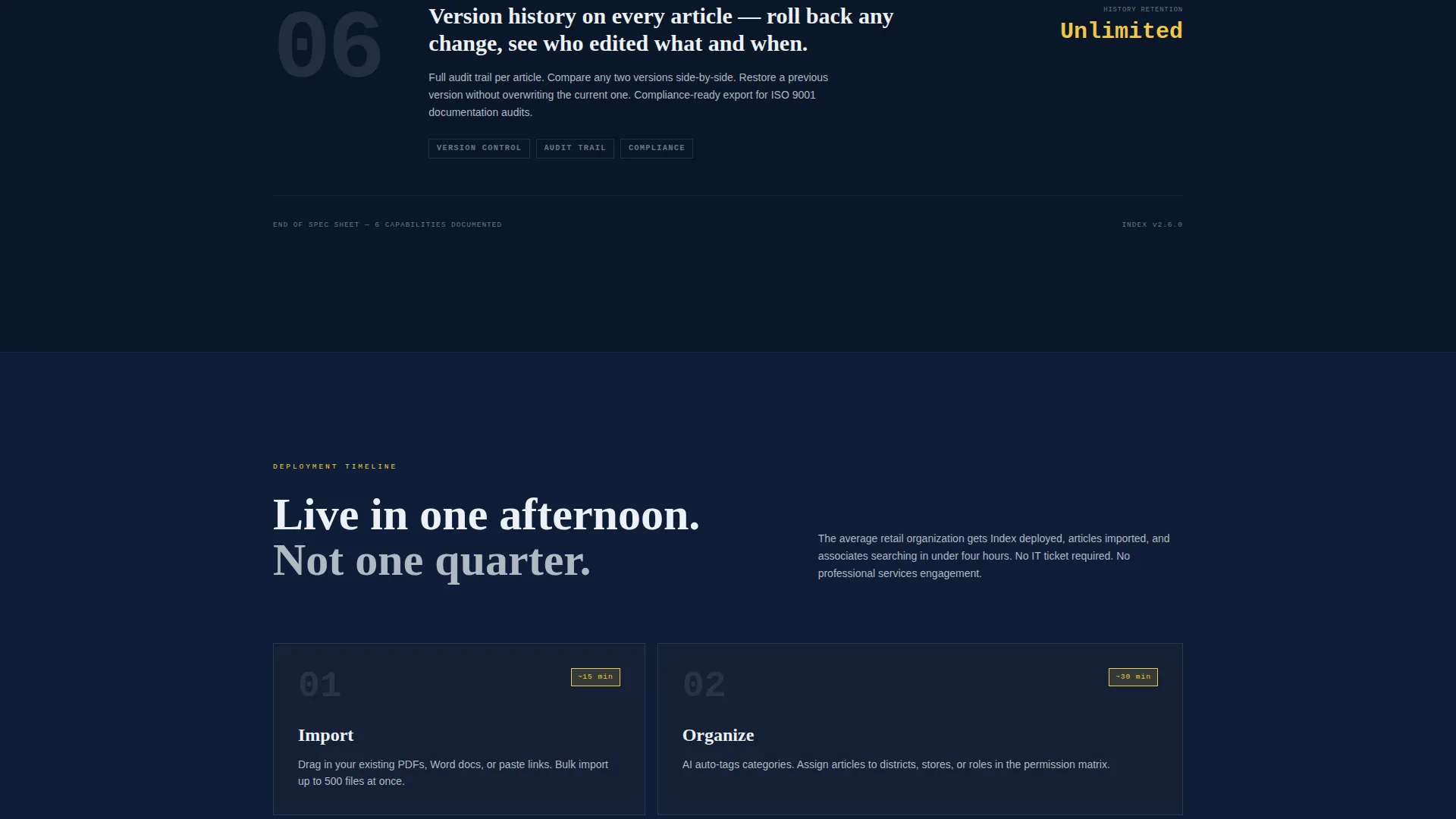
The page progresses through numbered capability blocks styled like pages torn from a technical manual. Each block shows a large monospaced number, a single declarative sentence, and a supporting screenshot that fades in only when the block enters the viewport. The rhythm is deliberate and relentless.
Sticky Freemium Conversion Bar
After the third scroll block, a minimal bottom bar locks to the viewport. It carries the primary call-to-action button in signal yellow and stays visible as the visitor continues reading. The bar is unobtrusive but always present.
Two-Field Signup Flow
The signup form asks only for a work email address and a store count selected from a dropdown. Store count options are 1 to 5, 6 to 25, 26 to 100, and 100 or more. The selection quietly routes each lead into the correct onboarding tier without adding friction.
Live Read-Only Sandbox Link
A secondary text link below the primary call-to-action opens a read-only sandbox populated with sample retail standard operating procedures. Prospects can experience the search and navigation before entering any personal information.
Active Tab Signal Yellow System
The active tab glows in electric signal yellow against the deep navy background. This same yellow is applied exclusively to interactive elements and call-to-action buttons throughout the page, creating a consistent and unmistakable visual signal for every actionable element.
Page sections overview
| Section | Purpose |
|---|---|
| Feature Tab Header | Shows product screenshots for Articles, Search, and Analytics tabs |
| Spec Block One | Introduces first core capability with numbered label and screenshot |
| Spec Block Two | Stacks second capability with same technical manual structure |
| Spec Block Three | Delivers third capability block and triggers sticky bottom bar |
| Spec Block Four | Continues evidence stacking with role-based permissions detail |
| Primary call to action Block | Presents freemium signup form with email and store count fields |
| Sandbox Demo Link | Offers read-only access to sample retail knowledge base content |
| Sticky Bottom Bar | Locks conversion button to viewport after third scroll block |
Design & branding system
The visual identity follows a Bold Brutalist theme. The palette is built around a Midnight Blue color system that feels like a back-office monitor before the store opens: dark, utilitarian, and precise.
- Deep terminal navy (#0A1628) dominates as the background, cold concrete gray (#B0B8C1) supports secondary surfaces, and sharp ice white (#EDF0F5) handles all body typography
- Electric signal yellow (#F2C744) is reserved exclusively for interactive elements, active tab states, and call-to-action buttons
- Monospaced type carries headings and spec labels throughout, reinforcing the technical manual tone with zero decorative flourish
Mobile & speed optimization
The template is structured for a scroll-reveal progressive layout, meaning content loads and animates in sequence as the visitor moves down the page. This approach keeps the initial render lightweight while building visual impact over time.
- Scroll-triggered fade-in for spec block screenshots reduces upfront visual load and creates a deliberate pacing effect
- The sticky bottom bar is designed to remain usable at small viewport sizes without blocking primary content
- The two-field signup form stays compact and usable on any screen size without requiring horizontal scrolling
How this template helps you convert
Every design decision in this template points toward one outcome: getting a retail operator to start a free account. The conversion architecture is layered and persistent without being aggressive.
- The primary call-to-action appears first inside the feature tab header area, capturing intent from visitors who need no further convincing after seeing the product screenshots
- The sticky bottom bar activates after the third spec block, ensuring the signup button stays visible for visitors who read through the full evidence stack before deciding
- The read-only sandbox demo link gives skeptical buyers a zero-commitment way to experience the product, lowering the barrier between interest and action
Other information about this template
This template fits naturally within the retail digital presence category and reflects the specific needs of the retail knowledge base niche. It is built as a single landing page using a scroll-reveal progressive structure.
- The Bold Brutalist theme and Midnight Blue color system are intentional signals to an operator audience that values function over decoration
- The Spec Sheet creative direction is designed for buyers who want evidence, not narrative, making it well suited to technology platforms targeting retail management professionals
- The Freemium and Trial conversion model embedded in this template is a common and effective approach for internal tool platforms seeking adoption across multi-location retail organizations
- The template is categorized under Technology and Retail Digital Presence, and the intersection match score of 13 reflects a focused niche alignment between the tool type and its audience
Theme
Bold Brutalist
Creative direction
Spec Sheet
Color system
Midnight Blue
Style
Scroll Reveal (Progressive)
Direction
Freemium/Trial
Page Sections
Feature Tab Switcher Header
Scroll-reveal Numbered Spec Blocks
Sticky Freemium Conversion Bar
Two-field Lead Routing Signup
Live Sandbox Demo Entry Point
Signal Yellow Interaction System
Related questions
Who is the ideal buyer for this landing page template?
Can I customize the tab labels and spec block content?
How does the store count dropdown work in the signup form?
Does the template include the read-only sandbox, or do I need to build that separately?
Is this template suitable for a small retail team managing one location?



