Dental Software Privacy Policy & Terms Website Template
Ledger is a dashboard-style landing page template built for dental asset management platforms. It presents a live-feeling data environment where DSO operations directors, practice brokers, and compliance officers can immediately see the value of tracking every device across every location. The design blends command-center precision with clinical calm, built to generate qualified leads before the visitor reaches the form.
by Rocket studio
Quick summary
Ledger is a single-page lead generation template designed for dental asset management software. It opens with a pixel-perfect dashboard preview and builds trust through animated stats, interactive data grids, and a structured call to action flow. The visual identity is technical but approachable, targeting dental service organization (DSO) operators who need more than a spreadsheet.
Who this template is for
This template speaks directly to professionals managing dental equipment at scale. It is built for teams that need to demonstrate platform value quickly and convert high-intent visitors into demo requests.
- DSO operations directors overseeing forty or more practice locations
- Practice brokers and DSO chief financial officers preparing portfolio valuations for acquisition
- Compliance officers who need maintenance and regulatory logs pulled instantly
What problem this template solves
Multi-location dental groups often manage equipment records across disconnected spreadsheets, paper logs, and siloed software. This creates gaps in compliance tracking, missed service cycles, and unreliable asset valuations during due diligence. Ledger's template is designed to make those problems visible and the platform's solution immediately credible.
- No clear view of device status, service history, or depreciation across locations
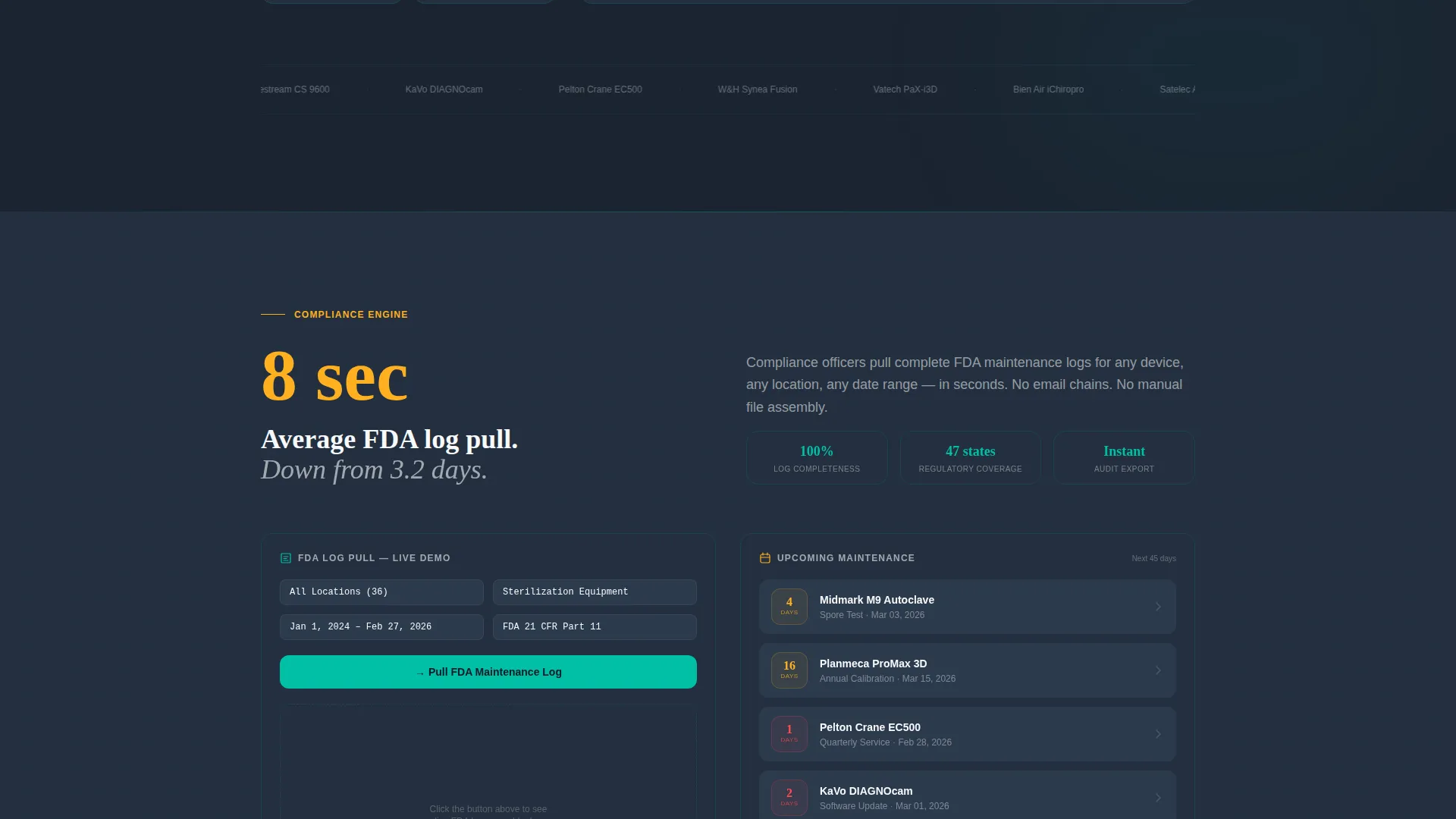
- Compliance documentation that takes days to compile instead of seconds
- Visitors who leave before they understand what the platform actually does
What you get with this template
You get a fully structured, design-ready landing page that puts platform capability front and center. Every section is built to earn the visitor's trust before asking for anything.
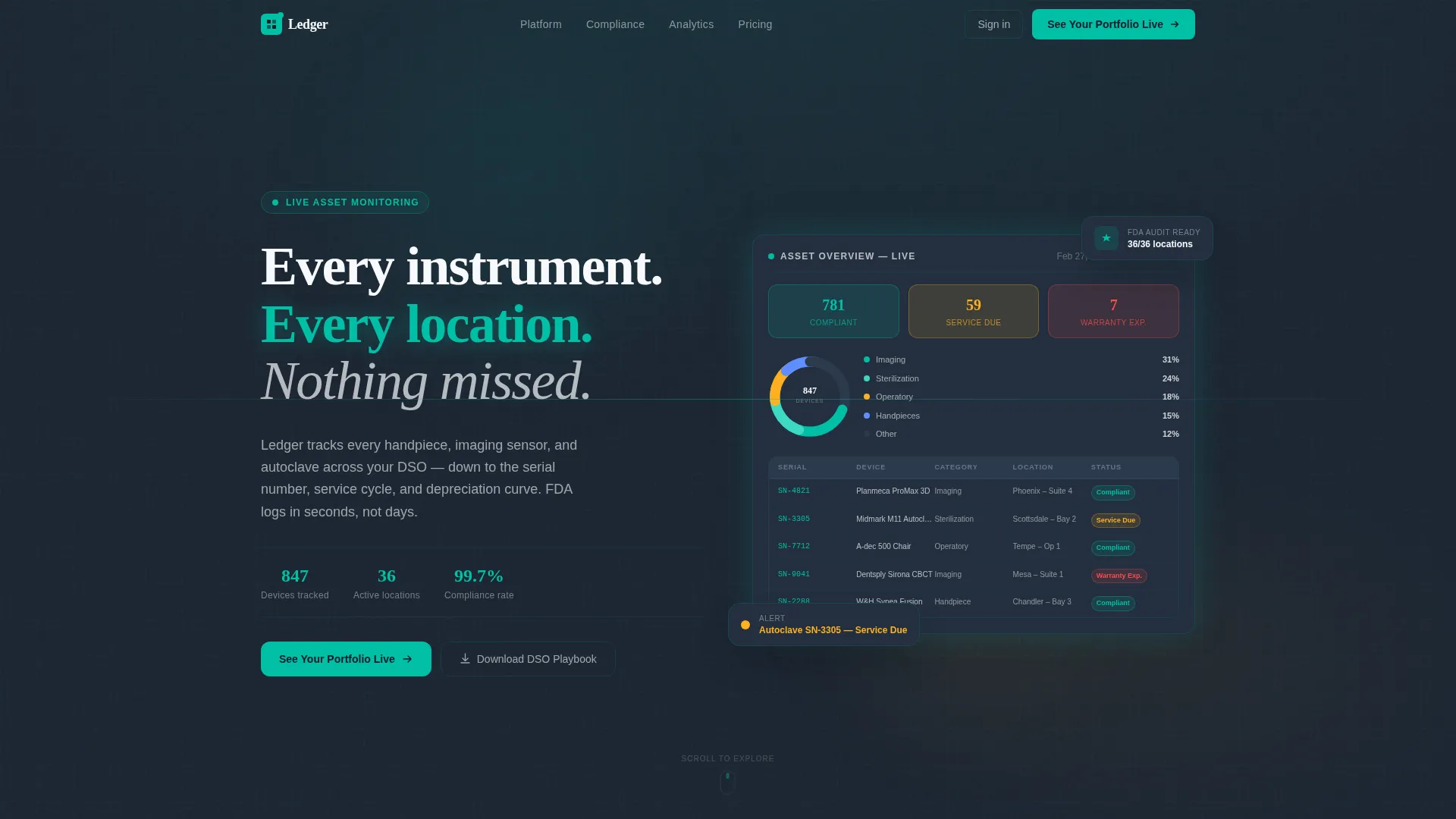
- A live-feel dashboard header with a donut chart, status cards, and 847 tracked devices across 36 locations
- Animated stat counters, interactive data grid rows with hover tooltips, and a sequenced lead capture form
- A floating bottom bar with a pinned call to action and a secondary content download path for mid-funnel visitors
Feature list
This template is built around specific design and functional decisions drawn directly from the platform brief. Each feature serves the goal of turning a skeptical operator into a confident lead.
Live Dashboard Header Preview
The hero section renders a pixel-perfect mockup of the asset overview screen. It shows 847 tracked devices across 36 locations, a donut chart breaking equipment into categories, and three status indicator cards glowing in teal, amber, and red. A subtle parallax shift follows the cursor, making the interface feel active rather than static.
Stats-First Animated Counters
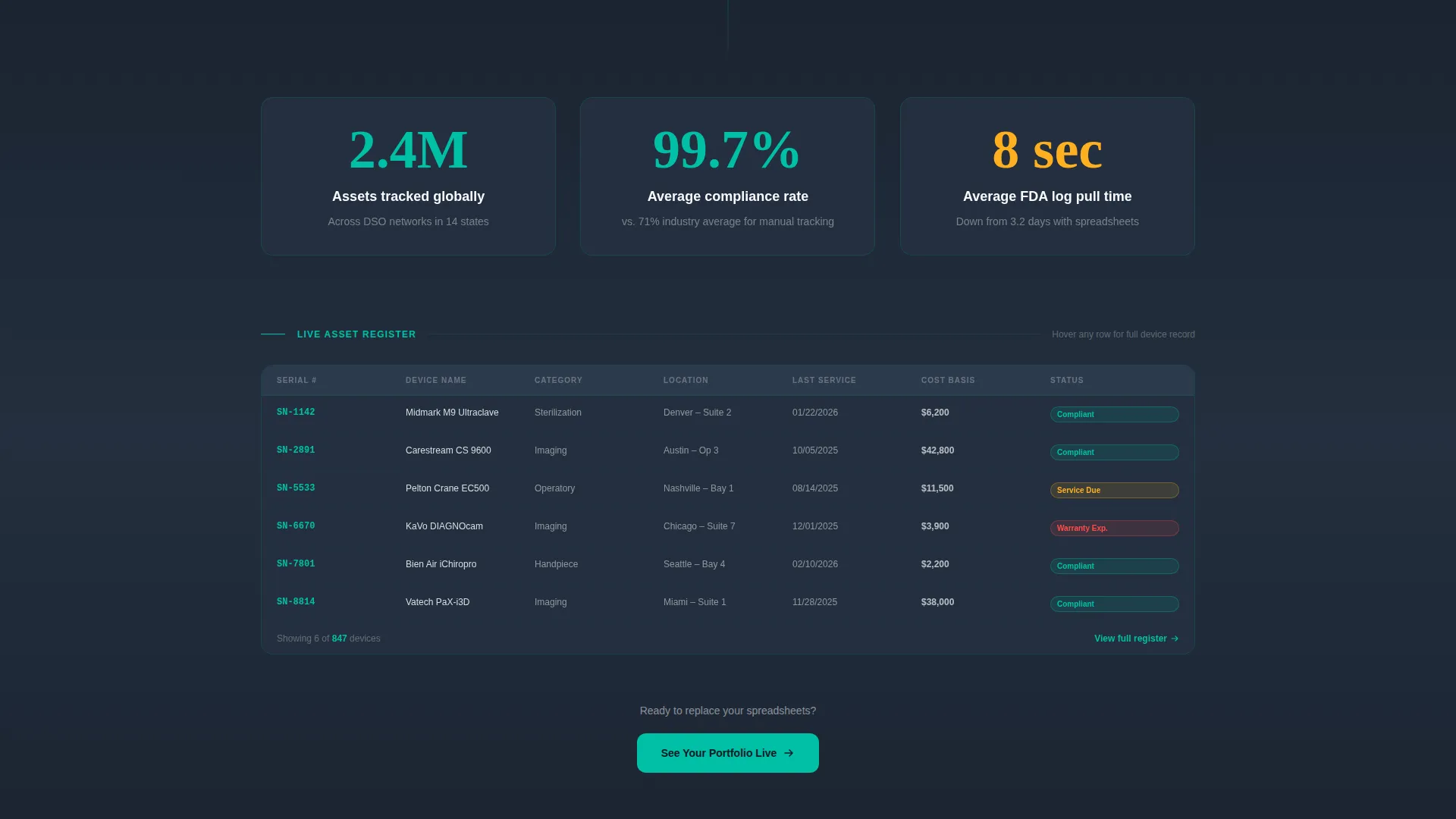
Each scroll stop opens with a large animated number before any supporting copy appears. The sequence escalates from individual device tracking to location-level dashboards to portfolio-wide analytics. This approach builds quantitative proof at every section before the explanatory text arrives.
Interactive Data Grid with Tooltips
Data grid rows respond to hover with a micro-tooltip revealing last service date, cost basis, and remaining useful life. This interaction pattern lets visitors experience the platform's depth before signing up. It reinforces that the data shown is real and actionable, not decorative.
Sequenced Lead Capture Form
The primary form collects three fields in order: number of practice locations via dropdown, primary pain point via radio button, and work email. The sequence mirrors how a sales conversation would open. Placement after the third stats block ensures the visitor has already seen substantial platform proof before the ask appears.
Floating call to action Bar
A bottom bar pins the primary call to action as the visitor scrolls. The call to action reads "See Your Portfolio Live" and remains visible throughout the page. This keeps the conversion path open without interrupting the reading flow.
Secondary Download Path
Visitors not ready to request a demo can download the DSO Asset Playbook, capturing an email only. This mid-funnel path keeps softer leads inside the conversion funnel and offers a lower-commitment entry point alongside the primary demo request.
Page sections overview
| Section | Purpose |
|---|---|
| Dashboard Hero Header | Opens with live-feel asset overview and parallax interaction |
| Animated Stats Block | Anchors credibility with large, sequenced data counters |
| Device Tracking Grid | Shows per-device detail with hover tooltip interaction |
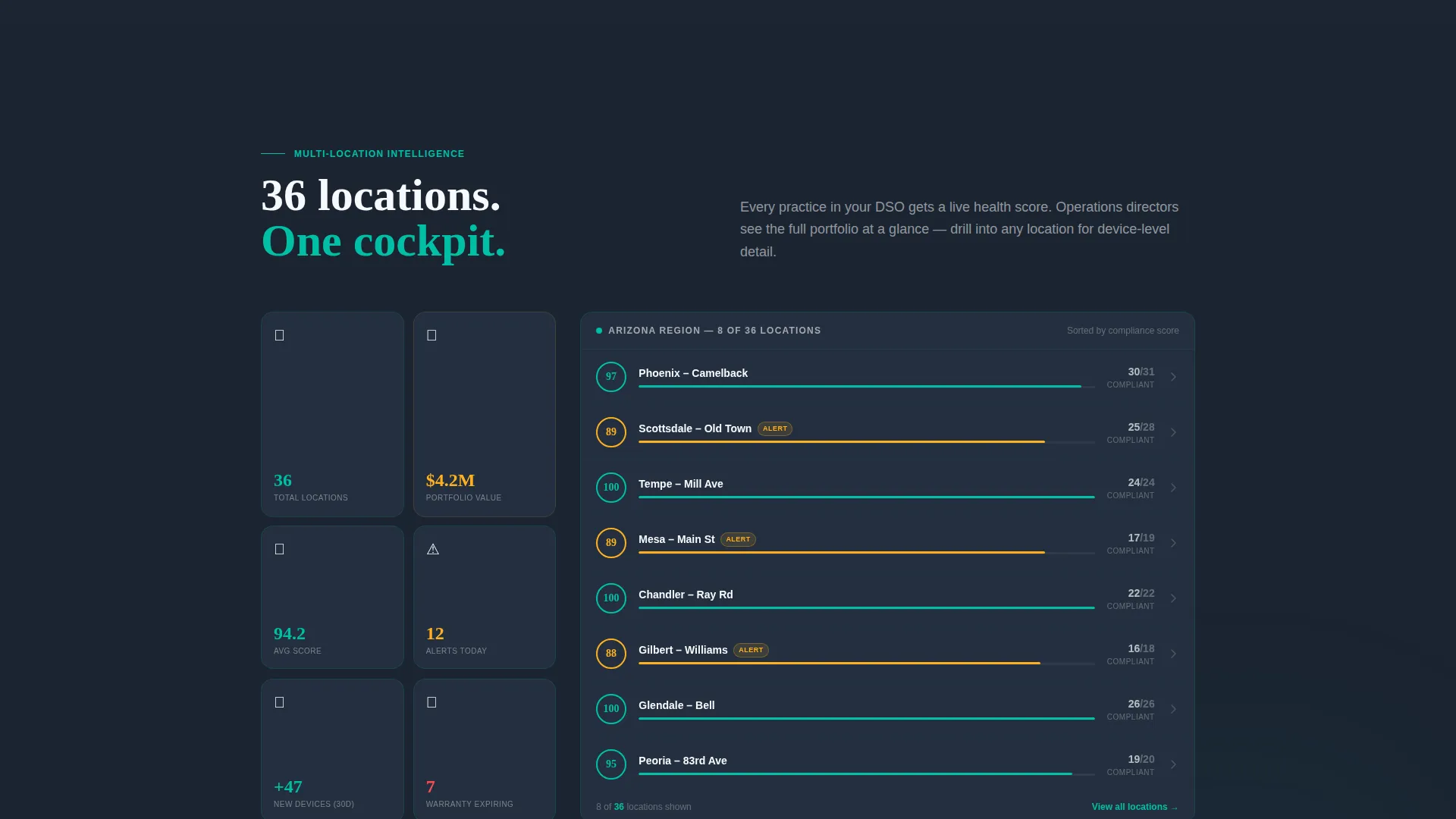
| Location Dashboard Section | Scales the story from single device to multi-site view |
| Portfolio Analytics Section | Addresses DSO due diligence and valuation use cases |
| Primary Lead Capture Form | Converts high-intent visitors with a three-field sequence |
| Floating Bottom call to action Bar | Keeps "See Your Portfolio Live" pinned during scroll |
| Secondary Download Path | Captures mid-funnel visitors with a playbook download |
Design & branding system
The color system is called Teal Catalyst, and every palette decision reinforces the cockpit-at-altitude feeling described in the brief. The result is a design that feels technical without feeling cold, and urgent only when something actually demands attention.
- Deep command-center charcoal (#1B2431) as the primary background, crisp clinical white (#F7F9FC) for card surfaces, and primary teal (#00BFA6) for active and healthy status indicators
- Signal amber (#FFB020) reserved exclusively for alert and attention states, ensuring visual hierarchy is never diluted
- The overall aesthetic is Startup Velocity: clean, data-forward, and built to look like a freshly booted monitoring terminal in a spotless operatory
Mobile & speed optimization
The template is designed with a layout that translates the dashboard density into a format that still reads clearly on smaller screens. Data grids and stat counters reflow without losing the visual hierarchy that makes the desktop experience so immediate.
- Floating call to action bar and sequenced form remain accessible and functional at mobile viewport sizes
- Status cards, donut chart, and stat counter sections are structured to maintain readability as screen width decreases
How this template helps you convert
This template is built around a specific conversion logic: show the platform doing real work before the form ever appears. By the time the visitor reaches the call to action, they are already mentally inside the product.
- The dashboard header and animated stats establish credibility in the first few seconds, reducing the friction that would otherwise make a visitor scroll away.
- The interactive data grid and escalating section narrative build enough trust that the three-field lead form feels like a natural next step, not an interruption.
Other information about this template
This template is part of a broader set of high-intent, data-forward landing page designs built for software platforms in specialized industries. A few additional details are worth noting for teams evaluating this template.
- The template style is Dashboard and Data Grid, suited for platforms where visual data density is itself a selling point
- The creative direction is Stats-First Impact, meaning quantitative proof leads every section before explanatory copy follows
- The header concept is a Dashboard Preview, distinct from illustration or lifestyle photography approaches
- The theme is Startup Velocity, optimized for platforms that want to project credibility and momentum to enterprise buyers
- The template fits naturally within the dental software and dental asset management category, where trust and precision are non-negotiable buying signals
Theme
Startup Velocity
Creative direction
Stats-First Impact
Color system
Teal Catalyst
Style
Dashboard/Data Grid
Direction
Lead Generation
Page Sections
Live Dashboard Hero with Parallax
Stats-first Animated Counter Sections
Interactive Data Grid with Hover Tooltips
Sequenced Three-field Lead Form
Pinned Floating Call to Action Bar
Secondary Mid-funnel Download Path
Related questions
Who is the primary audience for this landing page template?
Can I adjust the form fields or call to action text to match my platform?
Does the dashboard hero section use real data or placeholder content?
What makes this template different from a generic software landing page?
Is there a lower-commitment path for visitors who are not ready to demo?



