Accounting Firm Software Pricing & Packages Website Template
Ledger is a dashboard-style accounting firm landing page built around a live pricing estimator. Visitors select their entity type, revenue range, and service tier, then watch a proposal card assemble itself in real time. The result is a quote experience that feels less like a form and more like a financial instrument, purpose-built for small-business owners, startup founders, and freelancers.
by Rocket studio
Quick summary
Ledger is a single-page accounting firm proposal and quote tool designed as a working dashboard. A live pricing estimator greets visitors from the top, letting them build a custom quote before reading a single line of copy. Every interaction responds with purposeful motion on a dark, backlit Carbon Fiber interface that signals precision and control.
Who this template is for
This template is built for accounting firms and financial service practices that want to convert site visitors into qualified prospects. It suits firms that compete on clarity and want pricing to speak for itself before a discovery call is ever scheduled.
- Small-business owners arriving in tax season with a pile of unsorted receipts
- Startup founders who recently closed a funding round and need structured financial guidance
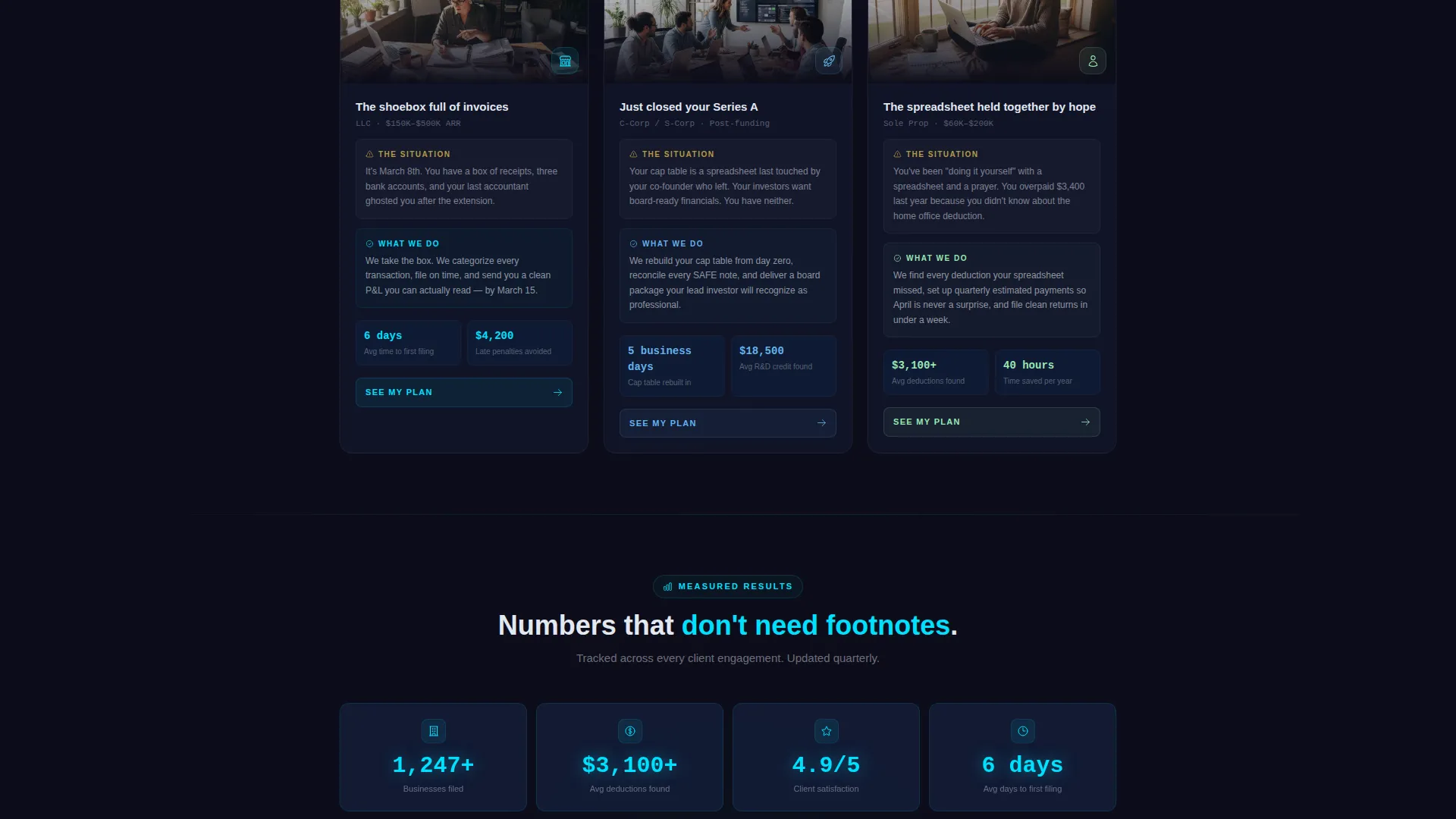
- Freelancers who have outgrown their own spreadsheet systems and are ready to hire a professional
What problem this template solves
Most accounting firm websites hide pricing behind a contact form or a vague "let's talk" invitation. That friction costs firms credibility with the very clients who are most ready to act. Ledger replaces that wall with a transparent, interactive experience that answers the first question every visitor has: what will this actually cost me?
- Pricing opacity that sends prospective clients to competitors who are more upfront
- Disconnected proposal flows where the visitor has no sense of what they are getting or why
- Missed conversions from visitors who leave before the firm ever earns their attention
What you get with this template
The template delivers a fully structured, single-page layout built around interactive data components and smooth motion design. Everything from the header estimator to the floating quote summary is included as a ready-to-customize layout module.
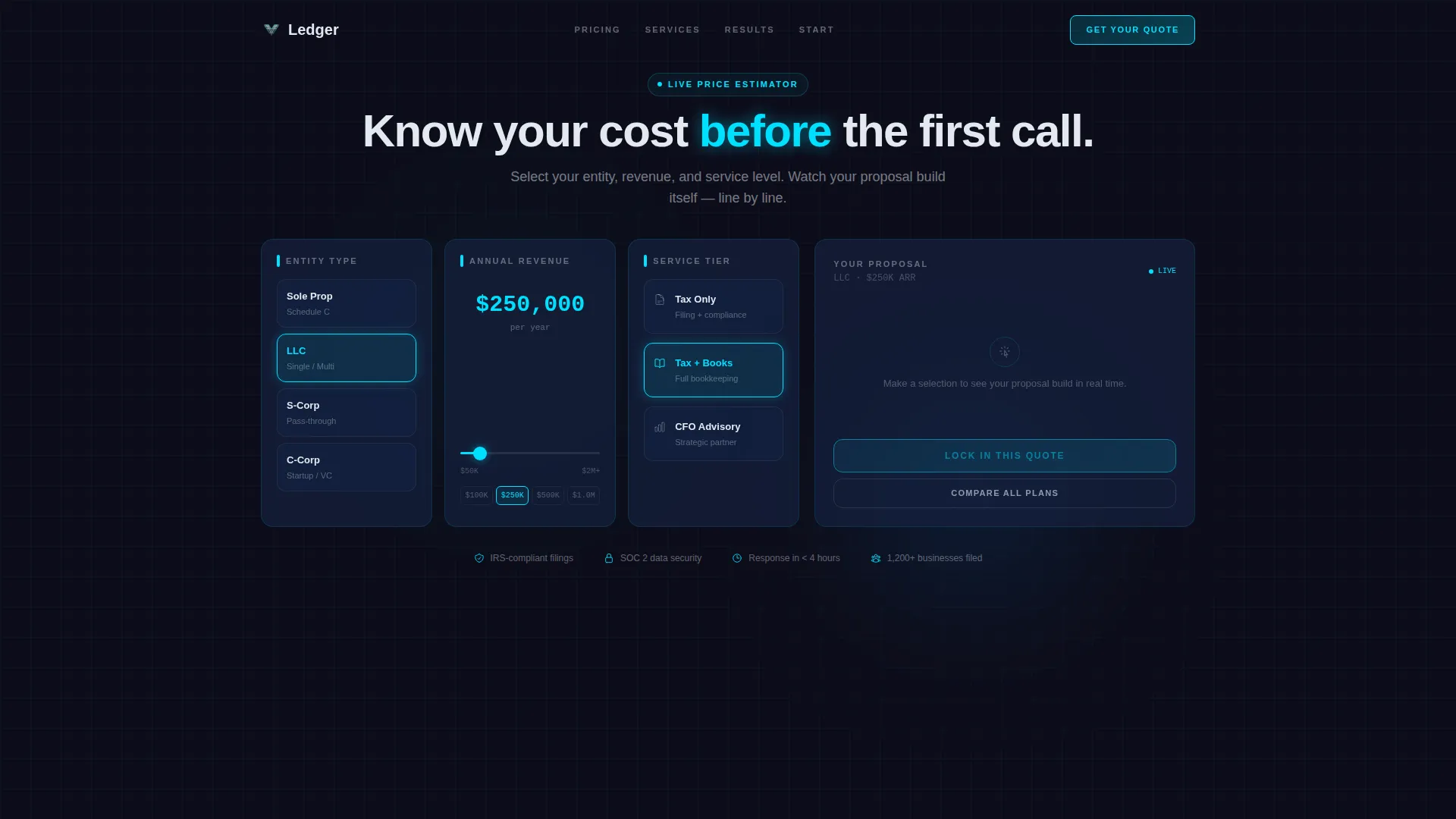
- A real-time pricing calculator at the top of the page with entity type, revenue range slider, and service tier selectors
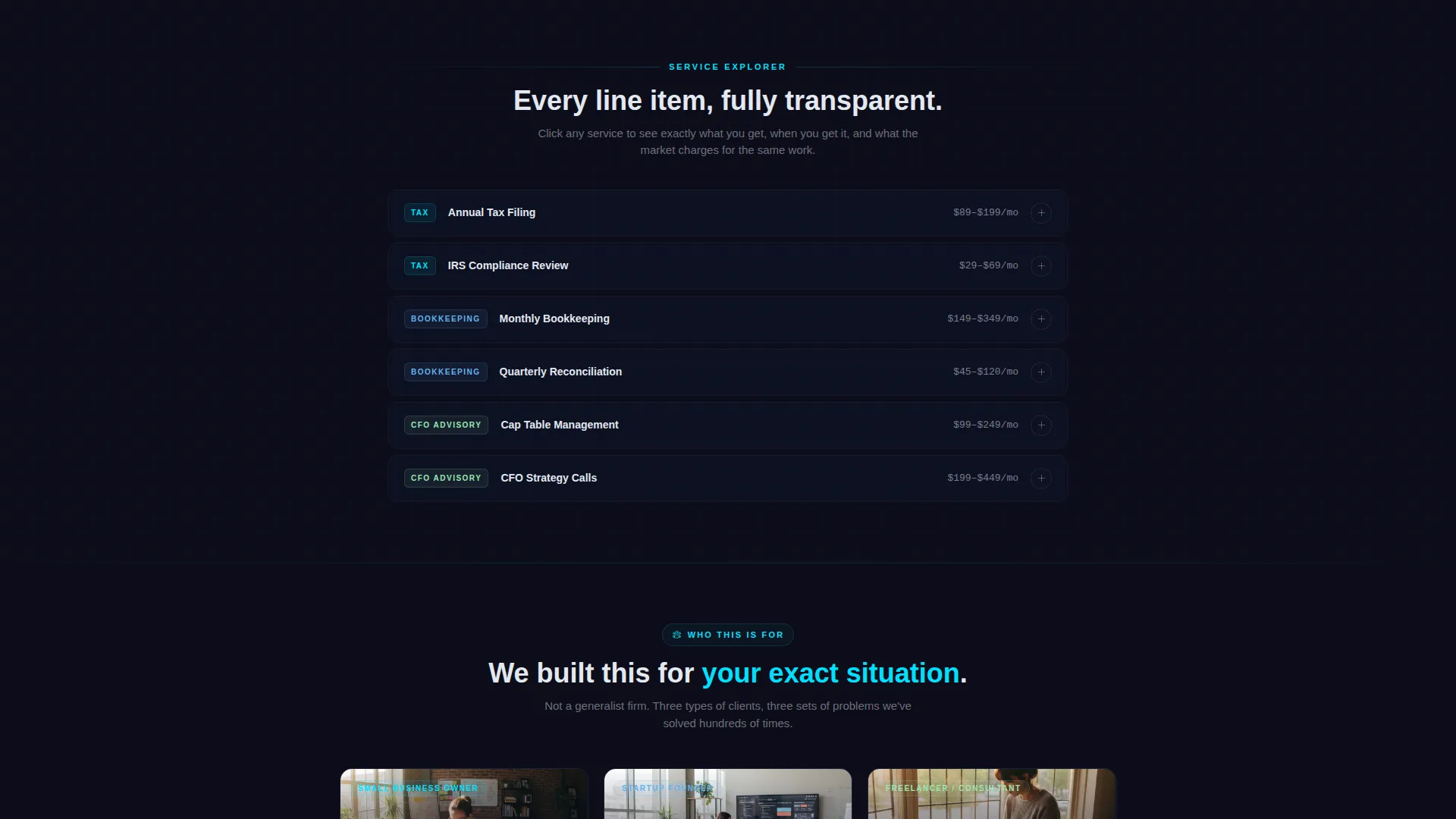
- An expandable line-item explorer below the estimator, where each quote component opens into a detailed scope panel
- A persistent floating quote summary card on the right rail, always visible as the visitor scrolls and explores
Feature list
This section covers the core functional and visual components included in the Ledger template.
Real-Time Pricing Estimator
The header section is a working calculator, not a hero image. Three animated columns let visitors choose entity type, annual revenue range using a slider that snaps in increments, and service tier. A proposal card on the right assembles live as each selection is made, with line items sliding into place and a final monthly quote landing with a teal pulse animation.
Expandable Line-Item Explorer
Each line item generated by the estimator becomes a clickable data row below the fold. Clicking a row such as "Quarterly Filing" opens a detail panel showing scope, deliverables, timeline, and a comparison sparkline against industry average cost. The layout rearranges with smooth transforms as the visitor drills deeper.
Persistent Floating Quote Summary
A summary card follows the visitor down the right side of the page once the estimator has been touched. It displays the current quote total and updates live if the visitor toggles any option while exploring lower sections. The primary call to action, "Lock In This Quote," is anchored here and stays visible throughout the session.
Pre-Filled Proposal Page Flow
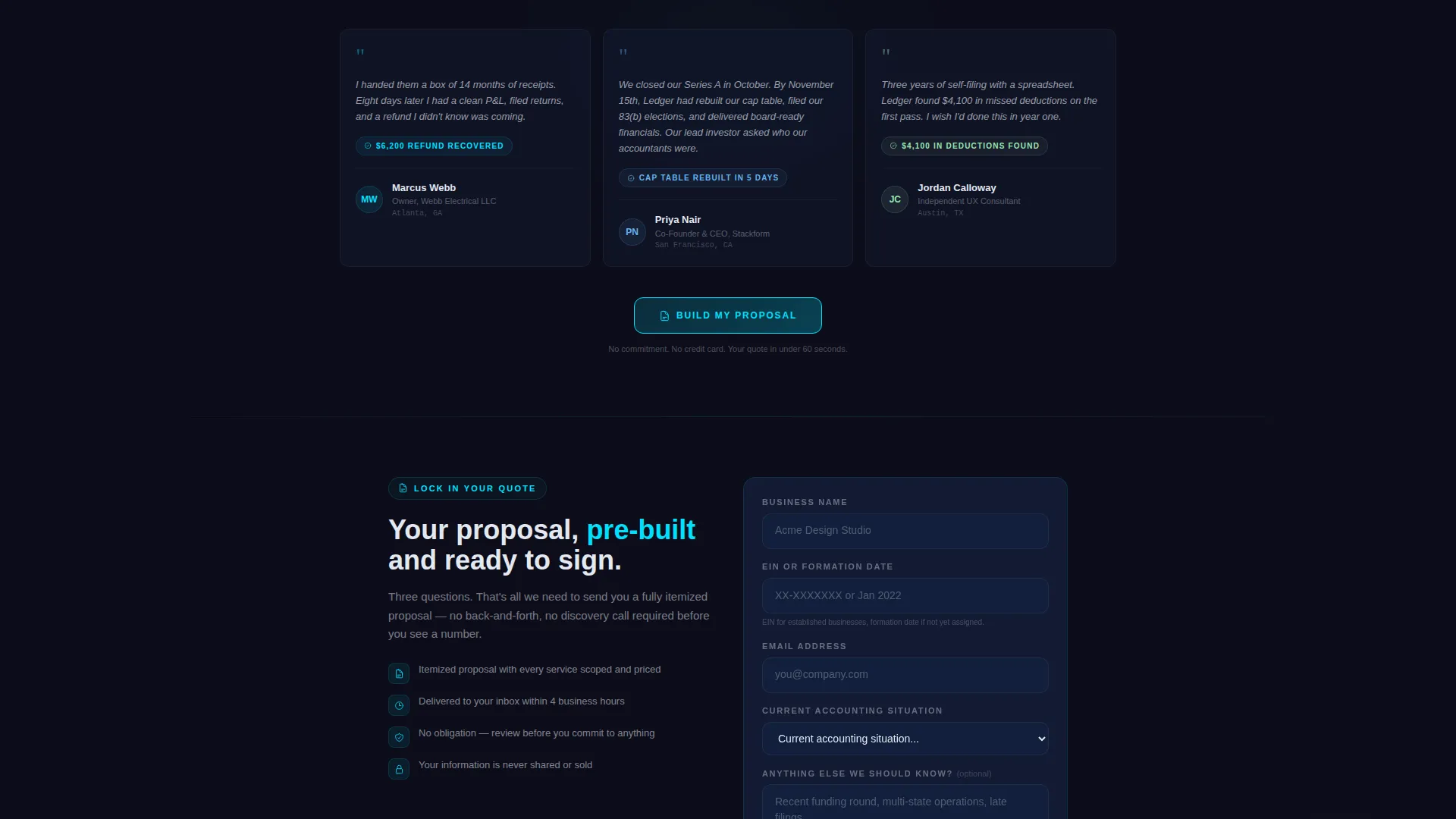
Clicking the primary call to action routes visitors to a dedicated proposal page pre-loaded with their estimator selections. A short qualifying form then asks for business name, entity identification number or formation date, and current accounting situation via a dropdown. This reduces friction and keeps context from the estimator session intact.
Full Plan Comparison Overlay
A secondary call to action, "Compare All Plans," opens a full data grid overlay displaying every service tier side by side. Visitors who want to evaluate all options before committing can do so without leaving the page or losing their current quote state.
Dynamic Motion Design System
Numbers count up on scroll-enter, comparison bars animate to their endpoints, and hover states pulse in electric teal. Every motion serves a functional purpose, reinforcing that the data is live and the firm is precise. The interface feels like navigating a financial instrument rather than reading a brochure.
Page sections overview
| Section | Purpose |
|---|---|
| Pricing Estimator Header | Lets visitors build a real-time quote by selecting entity type, revenue range, and service tier |
| Proposal Card Panel | Assembles quote line items live with animated subtotals and a final monthly figure |
| Line-Item Explorer | Expands each quote component into a detailed scope, deliverable, and timeline view |
| Floating Quote Rail | Keeps the current quote total and primary call to action visible throughout the page |
| Plan Comparison Overlay | Shows all service tiers in a side-by-side data grid triggered by the secondary call to action |
| Qualifying Proposal Form | Collects business name, entity details, and accounting situation on the pre-filled proposal page |
Design & branding system
The visual identity follows a Dynamic Motion theme built on a Carbon Fiber color system. The palette is dark and backlit, evoking precision instruments rather than traditional financial branding. Every color decision reinforces the sense that the data on screen is live and under the visitor's control.
- Deep graphite (#1A1A2E) and woven carbon black (#16213E) form the background range, keeping the interface dark and focused
- Cool silver-white (#E2E8F0) handles all body text and labels for clean legibility against dark backgrounds
- Electric teal (#00E0FF) activates on hover states, interactive inputs, and live-updating totals, functioning like a heartbeat indicator across the interface
Mobile & speed optimization
The layout is structured for clear interaction flow on any screen size. The data grid and estimator components are designed to translate naturally from desktop to narrower viewports without losing the sense of control the template is built around.
- Estimator columns and the floating quote rail are structured to stack cleanly on smaller screens
- Animated components use eased motion designed to remain smooth without overwhelming the interface on any device
How this template helps you convert
Ledger is engineered around a single conversion insight: visitors who build their own quote are already partially committed before they click anything. The template uses that momentum to move them from curiosity to action with minimal friction.
- The estimator creates investment before the visitor has read a word of marketing copy, turning passive browsing into active engagement with the firm's pricing
- The persistent "Lock In This Quote" call to action stays anchored to a summary the visitor built themselves, so clicking it feels like confirming a decision rather than taking a risk
- The qualifying proposal form arrives pre-filled with the visitor's selections, reducing the effort required to complete the next step and keeping drop-off low
Other information about this template
Ledger is categorized under the Technology and Accounting Firm Software space, with a niche focus on accounting firm proposal and quote workflows. It is built as a Dashboard and Data Grid template using the Dynamic Motion theme and Carbon Fiber color system, making it a strong fit for firms that want to differentiate through interface quality rather than conventional financial web design.
- The template style is Dashboard and Data Grid, suitable for firms that want their pricing to read like a financial product rather than a service brochure
- The header concept is a Calculator and Estimator, replacing the traditional hero section with a functional tool that delivers immediate value
- The creative direction is Interactive Explorer, meaning the scroll experience is driven by the visitor's own choices rather than passive content consumption
- The landing page direction is Click-Through, with the entire experience optimized to move visitors toward the pre-filled proposal page
Theme
Dynamic Motion
Creative direction
Interactive Explorer
Color system
Carbon Fiber
Style
Dashboard/Data Grid
Direction
Click-Through
Page Sections
Real-time Pricing Estimator
Expandable Line-item Explorer
Persistent Floating Quote Card
Pre-filled Proposal Page
Full Plan Comparison Overlay
Dynamic Motion Design System
Related questions
Can I customize the service tiers and pricing in the estimator?
Does the floating quote summary stay visible on mobile devices?
What does the qualifying proposal form ask for?
Is this template suitable for a solo practitioner or only for larger firms?
Can visitors compare all plans without using the estimator first?



