Analytics Course Landing Page Template
Measure is a hub and spoke landing page template built for online analytics courses. It guides visitors through a structured curriculum journey, scores their skill level with a built-in diagnostic quiz, and routes them to a personalized learning path. The design uses an Institutional Authority visual theme that earns trust and builds momentum toward enrollment.
by Rocket studio
Quick summary
Measure is a single-page, anchor-nav landing page template designed for a Google Analytics online course. It combines a Half-Page Photo and Text header, a scrollable step-by-step curriculum walkthrough, and a skill-level diagnostic quiz that segments visitors into personalized learning paths. The result is a page that builds competence and urgency at the same time.
Who this template is for
This template is built for course creators and educators selling practical analytics training to working professionals. It speaks directly to buyers who already feel the pain of data overload and want a structured path forward.
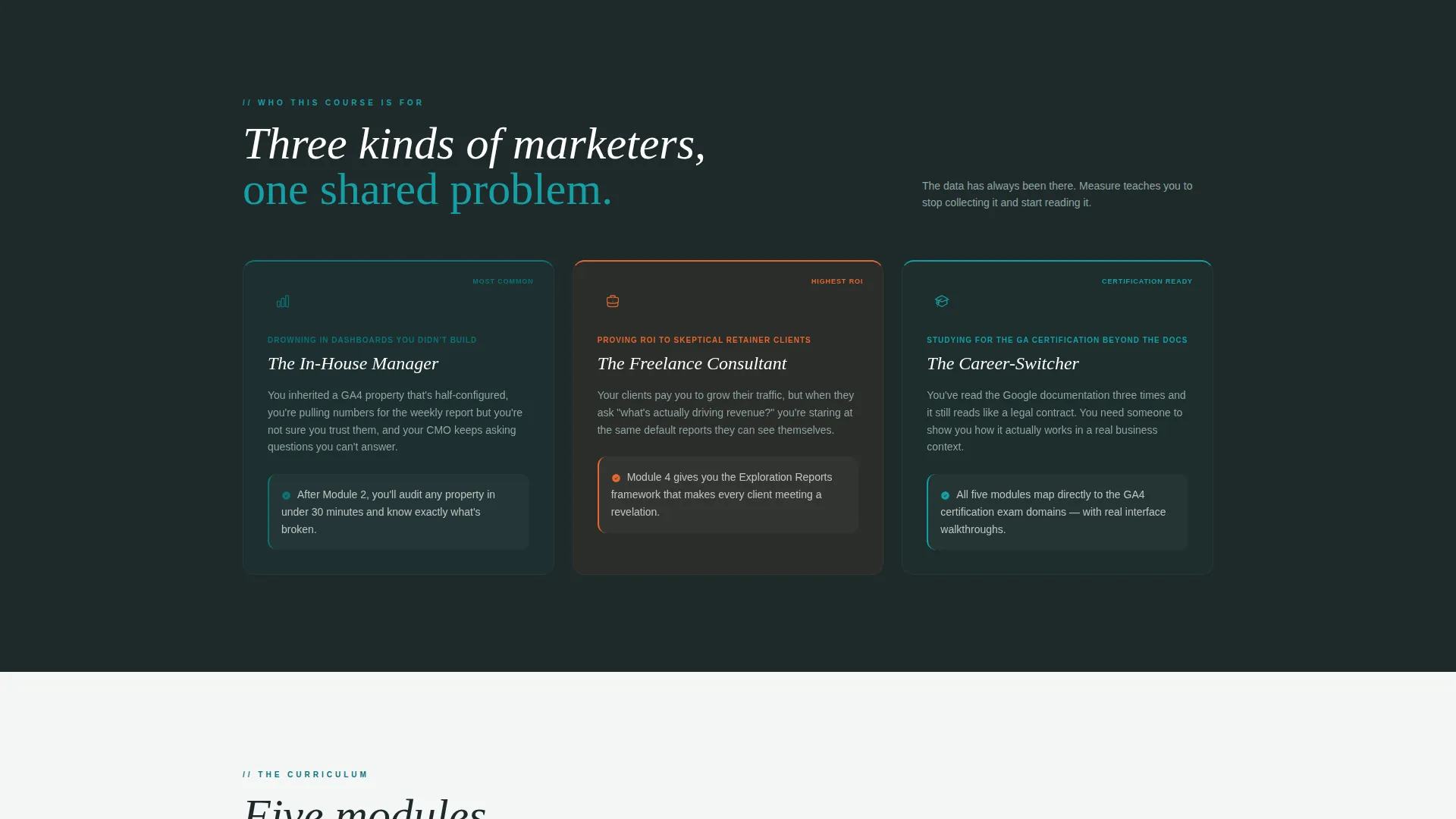
- In-house marketing managers who use dashboards they did not build and cannot fully interpret
- Freelance consultants who need to demonstrate return on investment to skeptical retainer clients
- Career-switchers studying for a Google Analytics certification who need more than documentation summaries
What problem this template solves
Most online course landing pages list modules and call it a day. This template goes further by making visitors confront their own knowledge gaps before they ever see a price. That moment of honest self-assessment is what earns the click.
- Visitors leave generic course pages without ever feeling personally addressed or assessed
- Course creators struggle to communicate curriculum depth without overwhelming or boring the reader
- Potential students cannot gauge whether a course matches their current skill level, so they hesitate to enroll
What you get with this template
You get a fully structured, single-page layout designed around a guided scroll experience and a skill-routing quiz flow. Every section has a defined job, from the opening header to the final cohort countdown.
- A Half-Page Photo and Text header with a headline, subtext, and a prominent call-to-action button
- A sticky left-rail anchor navigation with a teal progress bar that fills as the visitor scrolls through each module section
- A five-question diagnostic quiz that scores visitors as Beginner, Intermediate, or Advanced and routes each tier to a tailored module map and enrollment call-to-action
Feature list
This template ships with purpose-built components that serve the specific demands of an analytics course sales page.
Sticky Anchor Navigation with Progress Bar
A fixed left-rail navigation links directly to each course module section. A teal progress bar fills as the visitor scrolls, giving a constant visual signal of how far they have traveled through the curriculum.
Diagnostic Skill Quiz
A five-question multiple-choice quiz opens from the primary call-to-action button. It scores visitors into one of three tiers and immediately presents a personalized course recommendation, a tailored module map, and a secondary enrollment call-to-action.
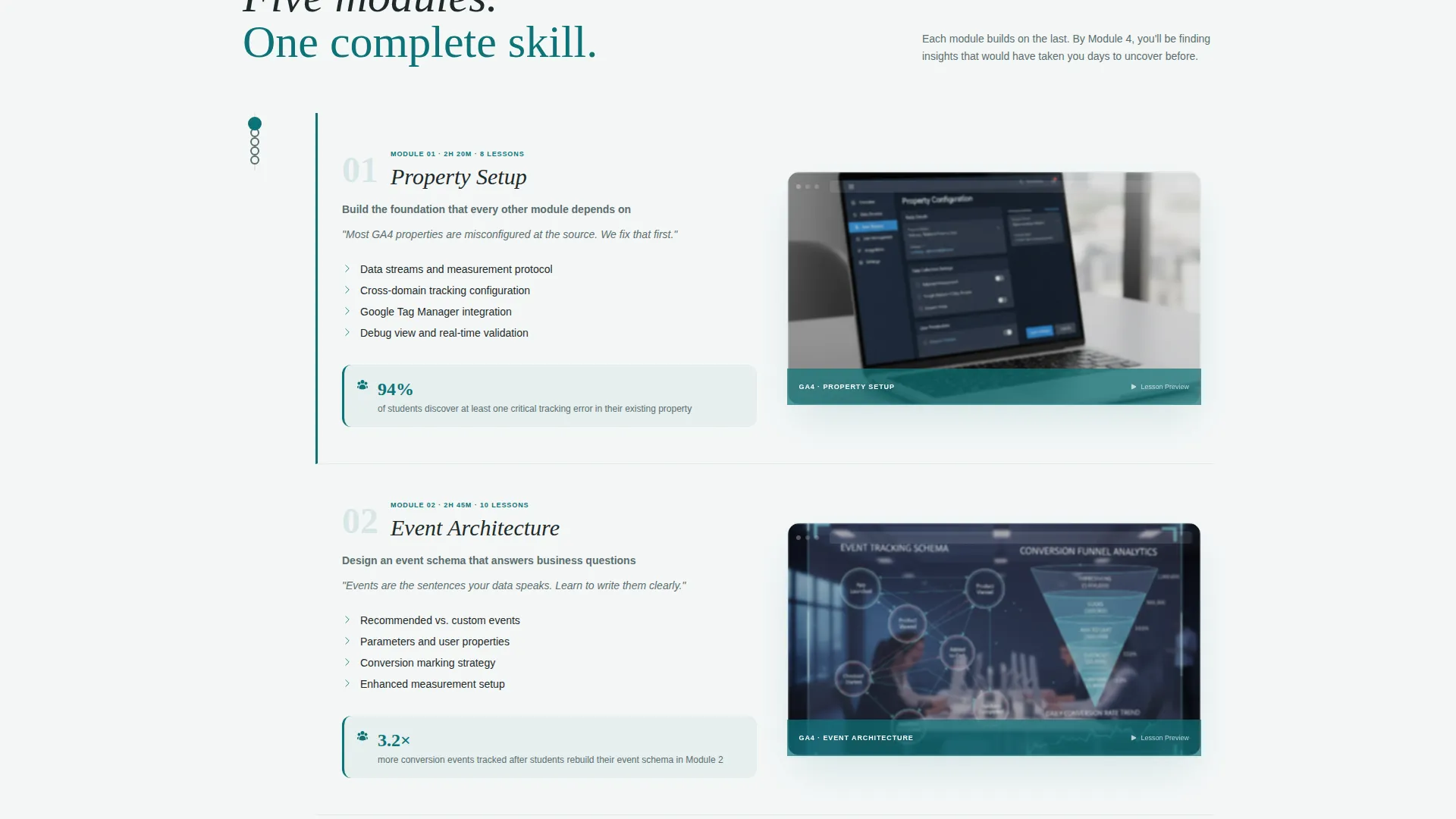
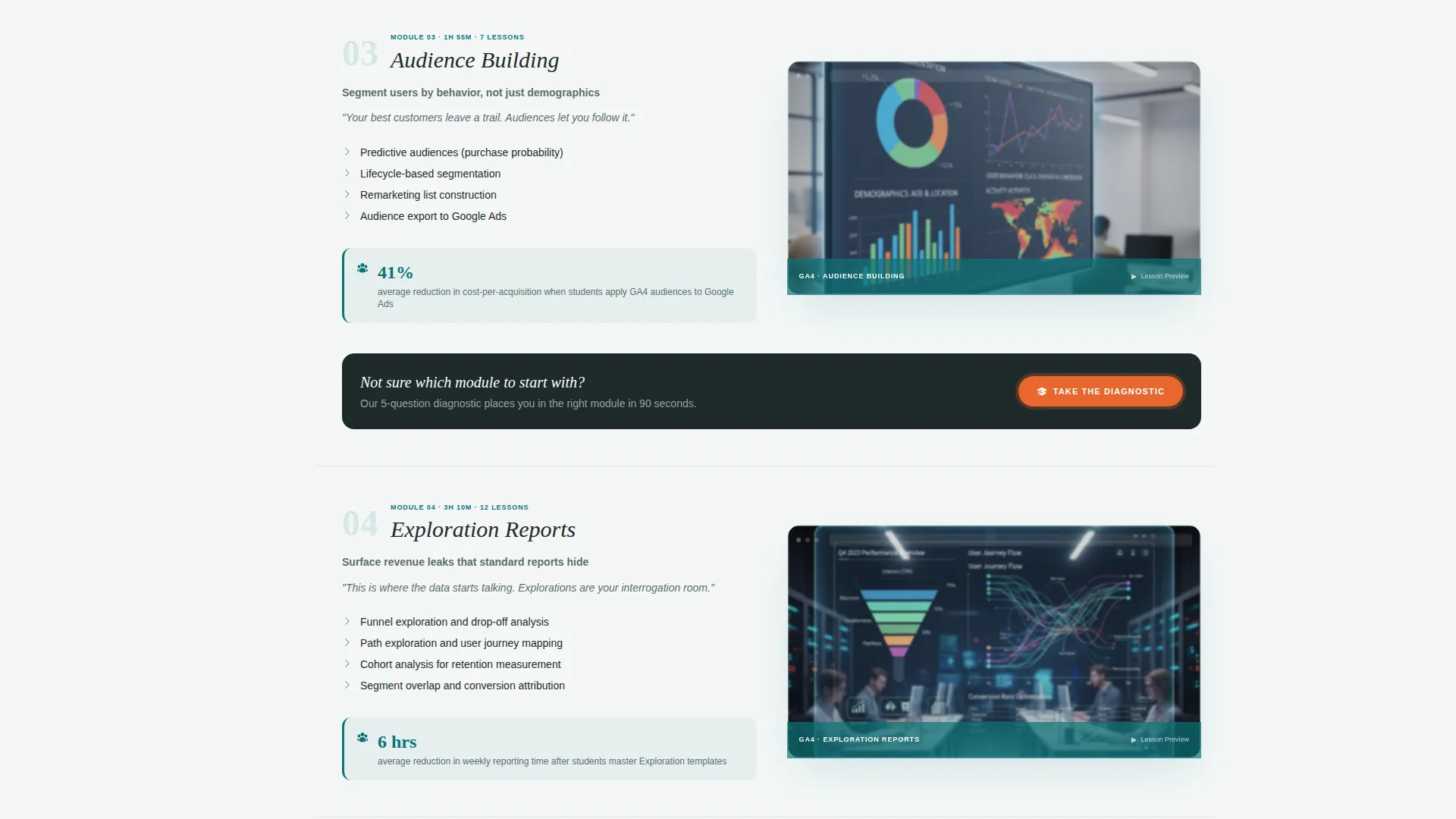
Module Sections with Lesson Previews
Each hub section covers one course module. It includes a lesson preview, a short looping screen-capture animation of the actual analytics interface, and a single student-result metric to reinforce value at every scroll point.
Floating Call-to-Action Bar
A persistent call-to-action bar appears after the third module section. It keeps the quiz entry point visible throughout the lower half of the page without interrupting the reading experience.
Cohort Countdown and Enrollment Routing
After completing the quiz, each visitor tier sees a countdown to the next cohort enrollment window alongside a "Start Your Learning Path" secondary call-to-action. This creates a time-sensitive reason to act now rather than return later.
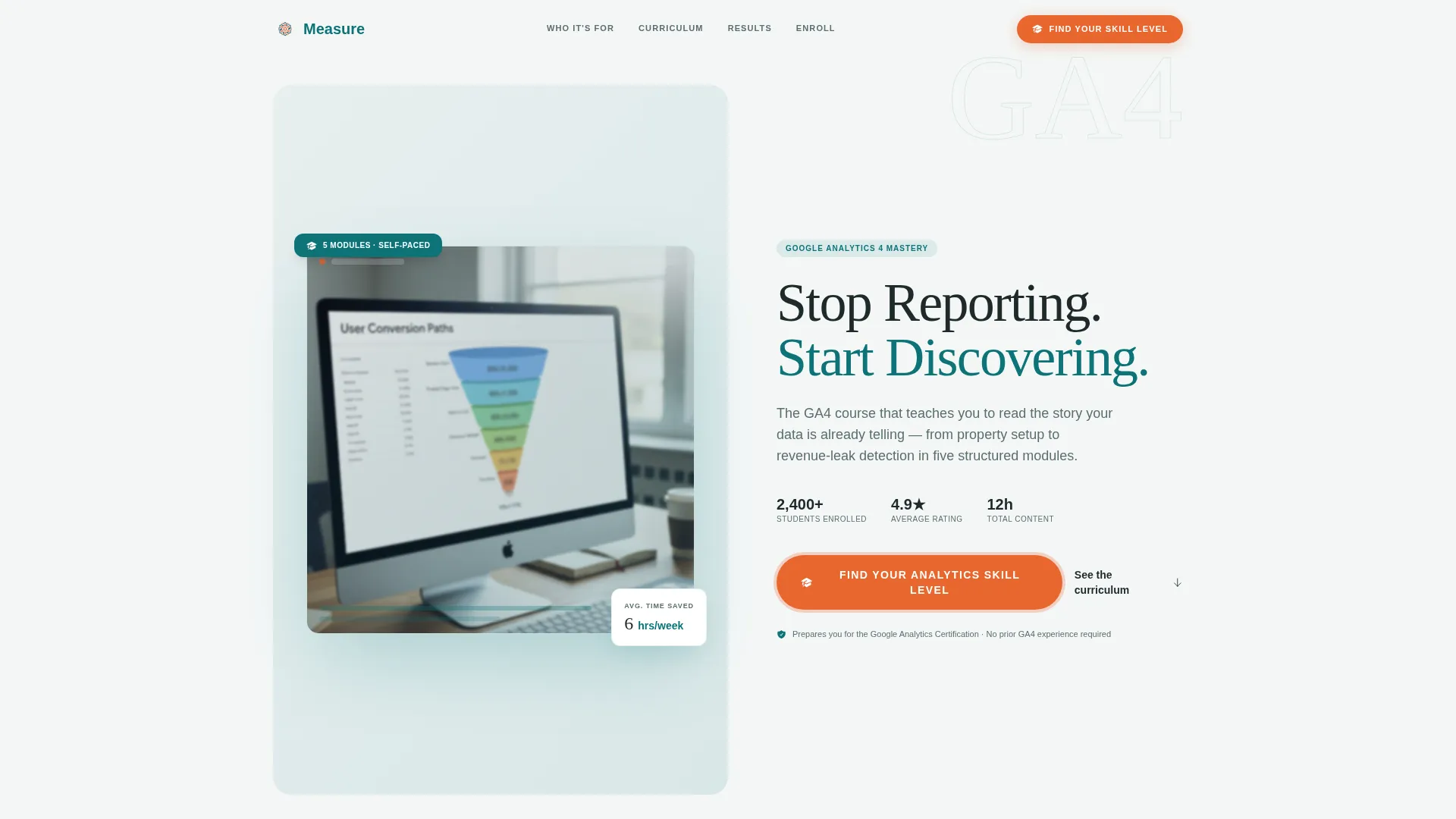
Half-Page Photo and Text Header
The header splits the viewport between an editorially lit laptop photograph showing a real analytics explorations report and a bold typographic panel. The photograph is slightly blurred for confidentiality while remaining immediately recognizable to any marketer.
Page sections overview
| Section | Purpose |
|---|---|
| Header panel | Introduces course promise and primary quiz call-to-action |
| Anchor nav rail | Keeps module links and scroll progress visible at all times |
| Property Setup module | Covers GA4 property configuration as the first curriculum spoke |
| Event Architecture module | Walks through event tracking structure and naming conventions |
| Audience Building module | Explains how to define and segment analytics audiences |
| Exploration Reports module | Shows how to surface revenue leaks using custom explorations |
| Looker Studio module | Demonstrates dashboard creation and client reporting output |
| Floating quiz bar | Re-enters the quiz flow after the third module section |
| Quiz and routing flow | Scores skill level and presents a personalized learning path |
| Cohort enrollment block | Shows countdown timer and tier-matched enrollment call-to-action |
Design & branding system
The visual identity follows an Institutional Authority theme. The palette references the feeling of a prestigious seminar room where a breakthrough framework has just been drawn on the board in bright marker. It is serious enough to trust and alive enough to lean forward.
- Deep lecture-hall teal (#0D7377) anchors the brand and fills the progress bar; blackboard charcoal (#1E2A2A) handles section backgrounds and body text; chalk-dust white (#F4F7F7) opens up card surfaces and breathing space
- Catalyst orange (#E8662E) is reserved exclusively for call-to-action buttons, progress indicators, and interactive highlights, ensuring every actionable element stands out immediately
- Typography uses bold charcoal serif headlines stacked over chalk-white subtext, creating a clear visual hierarchy that guides the eye from headline to action without friction
Mobile & speed optimization
The template is designed so its core scroll narrative and quiz flow remain usable at any screen size. The sticky navigation adapts to smaller viewports without obscuring content.
- The anchor navigation collapses gracefully on mobile so the progress bar and module links remain accessible without taking up excessive screen space
- Module sections stack vertically on smaller screens, keeping the lesson preview, animation placeholder, and student-result metric readable in a single-column layout
- The floating call-to-action bar maintains its position and legibility on mobile, so the quiz entry point is never buried below the fold
How this template helps you convert
The conversion architecture is built around a single insight: people enroll in courses when they understand exactly where they are and where the course will take them. This template creates that moment of clarity before asking for a commitment.
- The quiz-first call-to-action leads with value rather than price. Visitors answer five diagnostic questions before they see enrollment options, which means they arrive at the recommendation already invested in the result.
- The competence escalation structure of the module sections makes each scroll feel like a small win. By the time a visitor reaches the floating call-to-action bar, they already feel more capable and more impatient to start.
- The cohort countdown paired with tier-specific routing gives each visitor a deadline that feels personally relevant rather than generic, reducing the chance of a "I will come back to this" exit.
Other information about this template
This template is built specifically for the education and training category, targeting the online skill courses subcategory. It is a strong fit for any course creator operating in the analytics training space who needs a page that does more than list modules.
- The template style is Hub and Spoke with anchor navigation, making it suitable for multi-module courses where curriculum depth is a selling point
- The Teal Catalyst color system and Institutional Authority theme can be adapted to other data-skills or business-skills course brands with straightforward color and typography updates
- The quiz and routing flow is designed to work as a standalone lead-qualification mechanism, making it useful beyond enrollment: it can also segment email lists or trigger different follow-up sequences depending on the platform used to publish the page
- The Step-by-Step Guide creative direction ensures the page narrative escalates in confidence with every section, which is particularly effective for courses where the transformation arc (from confused to capable) is the core promise
Theme
Institutional Authority
Creative direction
Step-by-Step Guide
Color system
Teal Catalyst
Style
Hub & Spoke (Anchor Nav)
Direction
Quiz/Assessment
Page Sections
Sticky Anchor Navigation with Progress Bar
Five-question Diagnostic Skill Quiz
Module Sections with Lesson Previews
Floating Call-to-action Bar
Cohort Countdown and Enrollment Routing
Half-page Photo and Text Header
Related questions
Who is this landing page template designed for?
What does the diagnostic quiz do?
Can I adapt this template for a different subject area?
How many course modules does this template support?
What makes the call-to-action strategy different from a standard course page?



