Consulting Firm Software Professional Website Template
Optimize is a hub-and-spoke landing page template built for warehouse management consulting firms. It opens with animated dark glass panels displaying real dysfunction data, then walks visitors through a five-stage consulting arc, Audit, Design, Implement, Integrate, Scale, before driving them toward downloading a proprietary warehouse audit app that returns a scored efficiency report in minutes.
by Rocket studio
Quick summary
Optimize is a single-page, anchor-nav landing page template for warehouse management consultants. It opens with striking dark glass panels, guides visitors through a Problem-to-Solution scroll arc across five consulting stages, and closes by driving app downloads through a device-aware modal. The whole layout is built to turn a skeptical operations leader into a booked prospect.
Who this template is for
This template is designed for warehouse management consulting firms that serve mid-market and enterprise operations clients. If your firm walks into dysfunctional distribution centers and rebuilds them into measurable, high-throughput systems, this layout speaks your language directly.
- Operations directors at mid-market distributors dealing with SKU sprawl and inventory blind spots
- Logistics vice presidents at third-party logistics providers losing margin to pick-path inefficiency
- Chief Operating Officers at e-commerce brands whose same-day fulfillment promise is one stockout away from breaking
What problem this template solves
Most consulting firm landing pages look generic. They list services, show a headshot, and ask visitors to "get in touch." That approach does not build urgency for an operations leader who is watching labor costs climb in real time. This template replaces that passive experience with a diagnostic, evidence-led scroll that makes the cost of inaction impossible to ignore.
- Visitors leave before the value is clear because the page never shows their specific pain
- Generic layouts fail to communicate a structured, stage-by-stage consulting methodology
- No single compelling action pulls hesitant prospects off the fence and into a real next step
What you get with this template
You get a fully structured, motion-driven landing page that presents your consulting firm as the obvious solution to warehouse chaos. Every section is pre-designed to carry a specific job in the conversion flow, from shocking a visitor into recognizing their own dysfunction to handing them a concrete first action they can take right now.
- A five-spoke anchor navigation system linking Audit, Design, Implement, Integrate, and Scale sections
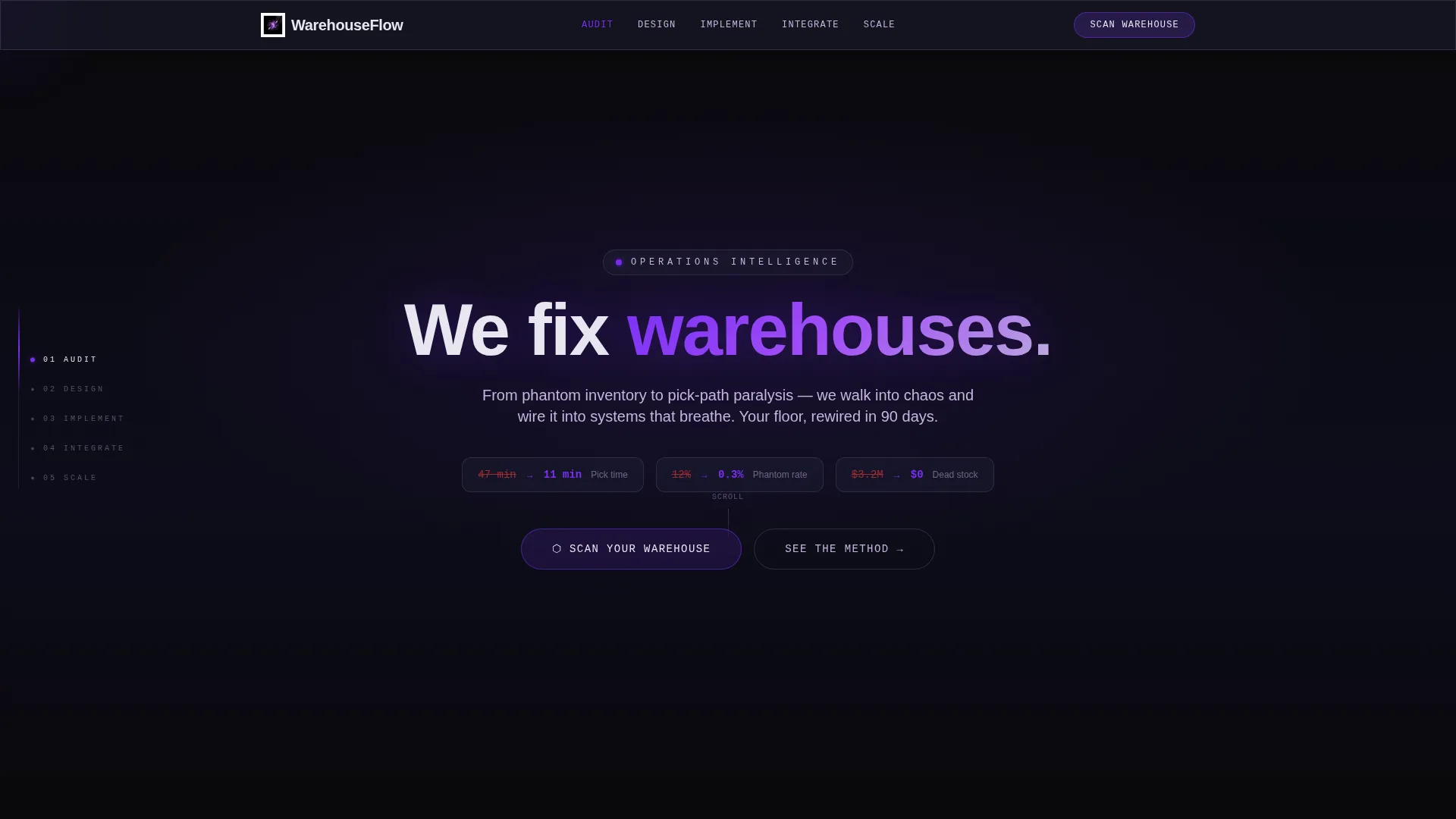
- An animated dark glass header displaying four real warehouse pain-point statistics before dissolving into a single positioning statement
- A device-aware app download modal with iOS and Android badges, a desktop QR code, and an email capture field for deferred downloads
Feature list
This section covers the key built-in components and design mechanics that make the Optimize template function as a high-converting consulting page.
Animated Dark Glass Panel Header
Four translucent, frosted-glass panels float against a void black background. Each panel displays a warehouse dysfunction statistic in electric violet typography. After a two-second hold, the panels dissolve into particles and reform as a single line: "We fix warehouses." No hero image is needed, the data carries the visual weight entirely.
Hub-and-Spoke Anchor Navigation
A fixed left-side navigation bar holds five labeled stops: Audit, Design, Implement, Integrate, and Scale. Each label links directly to its corresponding page section. The nav stays visible throughout the scroll, so visitors always know where they are in the consulting engagement narrative.
Problem-to-Solution Scroll Arc
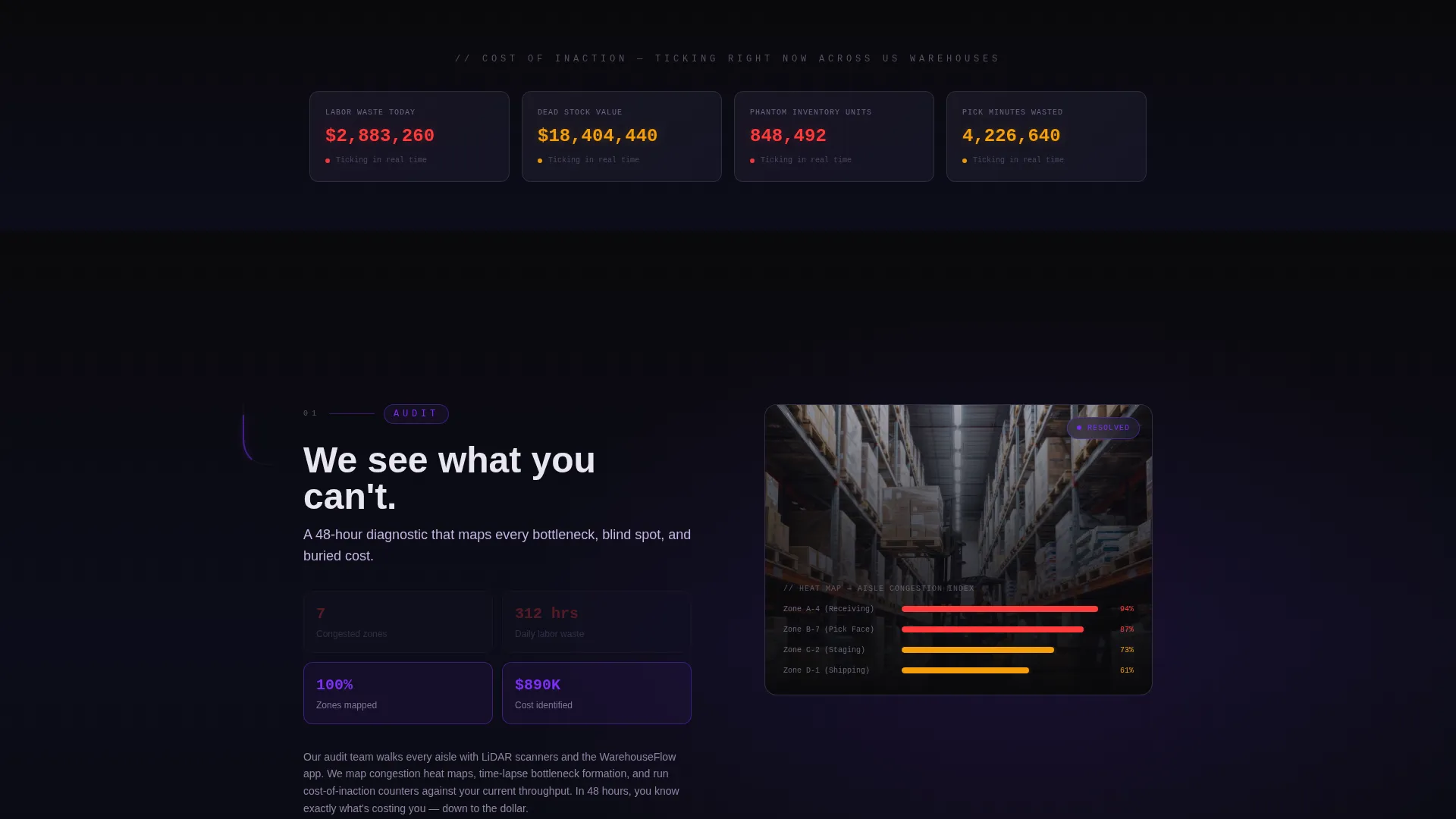
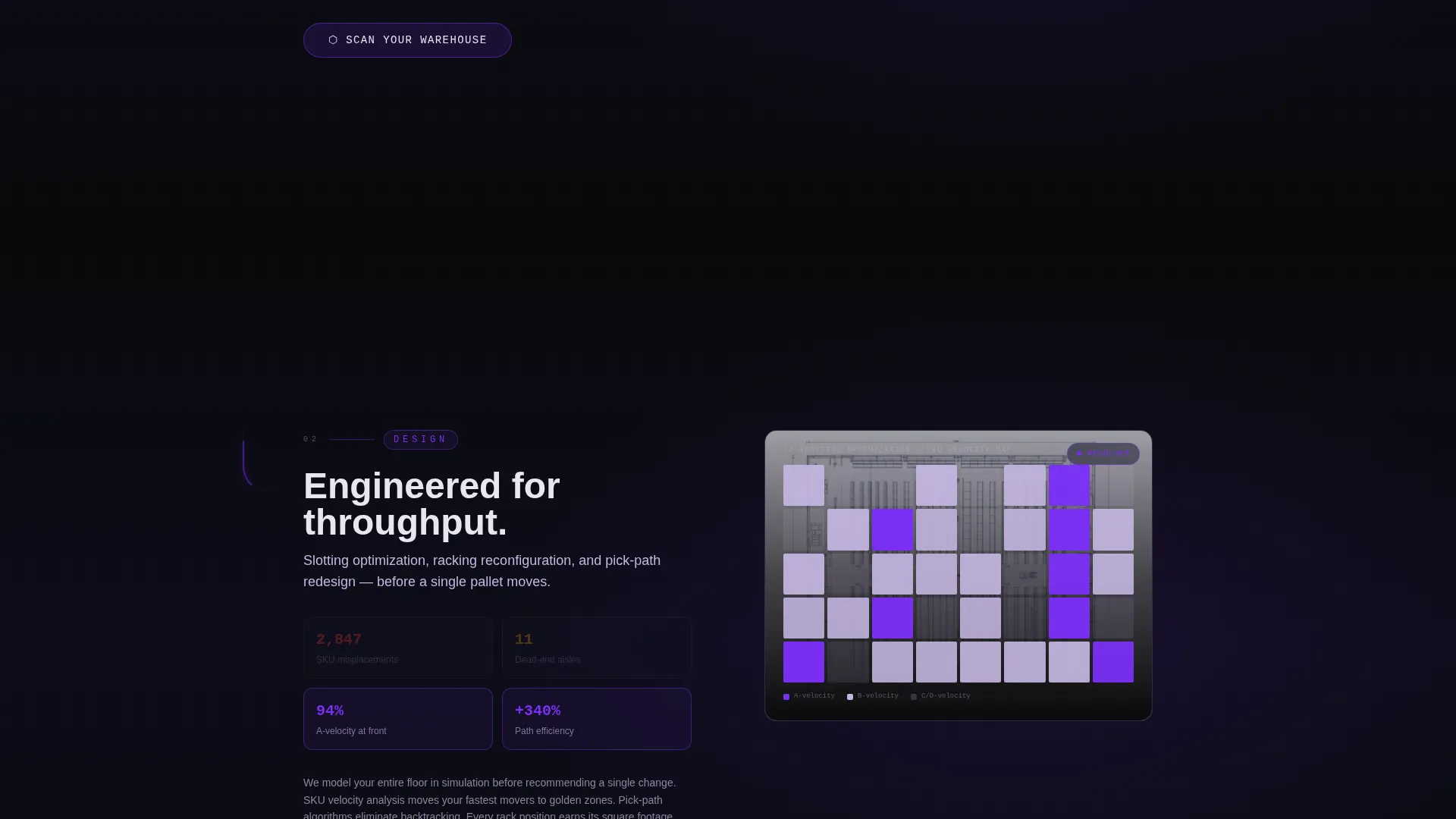
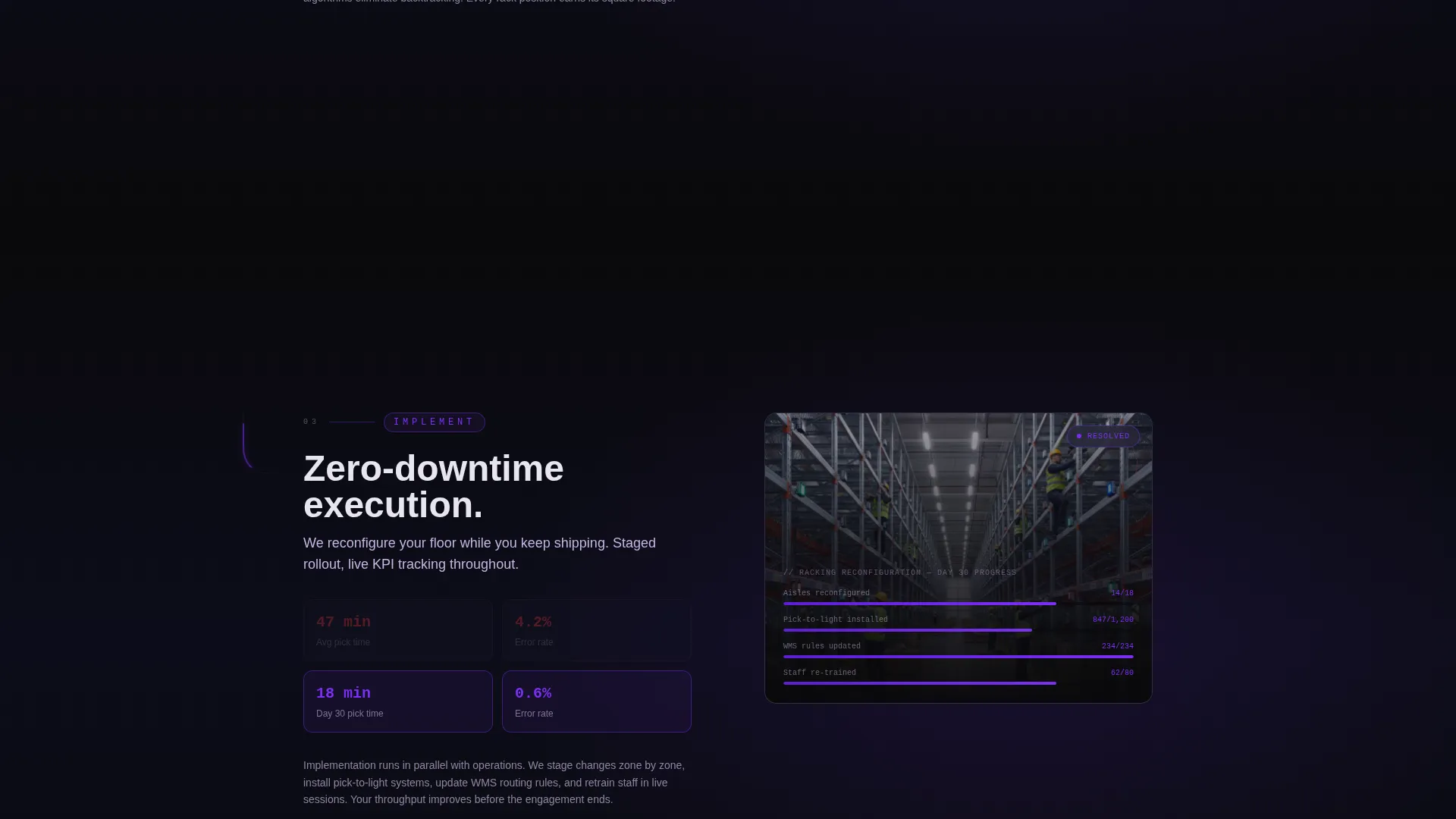
Each of the five spoke sections opens in a red-state, showing real warehouse dysfunction through heat maps, bottleneck time-lapses, and cost-of-inaction counters. The section then transitions to a violet-state resolution, with racking reconfiguration animations, slotting optimization visualizations, and warehouse management system dashboard previews. The motion accelerates as the visitor scrolls deeper, mirroring actual throughput gains.
Demo Scan Animation
A mid-page animation shows the proprietary audit app in action. It maps aisle width, counts rack positions using the device camera, and returns a zero-to-one-hundred Warehouse Velocity Score in under four minutes. This sequence earns the download call-to-action by demonstrating the app's value before asking for any commitment.
Device-Aware App Download Modal
The primary call-to-action button, labeled "Scan Your Warehouse," triggers a modal that detects the visitor's device. Mobile visitors see iOS and Android download badges. Desktop visitors see the same badges alongside a QR code. An email field labeled "Send download link instead" captures users who are not ready to switch devices immediately.
Parallax Cursor-Reactive Panels
The header glass panels respond to cursor movement with a subtle parallax drift. They appear to float in three-dimensional space and catch light as the visitor moves their mouse. This micro-interaction establishes the dynamic motion identity before the visitor has read a single word.
Page sections overview
| Section | Purpose |
|---|---|
| Dark Glass Header | Display dysfunction data and deliver the core positioning statement |
| Anchor Nav Hub | Orient visitors and link to all five consulting-stage spokes |
| Audit Spoke | Show current warehouse chaos and introduce the diagnostic process |
| Design Spoke | Present racking and slotting reconfiguration concepts |
| Implement Spoke | Walk through hands-on execution and change management |
| Integrate Spoke | Preview warehouse management system dashboard and live KPIs |
| Scale Spoke | Show compounding gains and long-term throughput outcomes |
| Demo Scan Animation | Demonstrate the audit app's Warehouse Velocity Score in action |
| App Download call to action | Drive iOS, Android, and email-capture conversions |
Design & branding system
The Void and Violet color system is built around contrast and precision. Absolute void black (#09090B) forms the background canvas. Deep rack-aisle charcoal (#1A1A2E) layers structure behind content blocks. Electric violet (#7B2FF7) pulses as the primary action and highlight color. Cool steel lilac (#C4B5E0) handles secondary text and dividers. Holographic white (#E8E6F0) activates on hover states and nav indicators. Together, the palette evokes a lights-out warehouse lit only by scanner lasers and LED pick-to-light modules.
- Typography uses glowing violet for data callouts, steel lilac for body text, and holographic white for interactive feedback
- Motion design follows the Dynamic Motion theme, animations accelerate section by section to mirror increasing operational throughput
- The frosted glass panel treatment and parallax cursor reactions establish a futuristic, high-precision visual identity throughout
Mobile & speed optimization
The template is designed so that the device-aware download modal works seamlessly on both mobile and desktop. On a phone or tablet, the modal surfaces iOS and Android badges immediately. On desktop, a QR code appears alongside the badges so the visitor can scan directly to their device. The email capture field below the badges ensures no conversion opportunity is lost when a visitor is not ready to switch screens.
- The fixed anchor navigation is built to remain accessible and legible at smaller viewport widths
- Section-level scroll transitions are structured to perform without requiring oversized asset loads
- The demo scan animation is designed to communicate app value quickly, respecting the limited attention span of a busy operations leader on a mobile device
How this template helps you convert
The Optimize template is structured as a deliberate persuasion sequence. It does not ask for a meeting on the first screen. It earns trust across five stages and then makes the download feel like the obvious logical next step.
- The dark glass header creates immediate recognition, operations leaders see their own dysfunction in the statistics before they read a single paragraph of copy, establishing emotional relevance in under three seconds.
- The five-spoke scroll arc does the qualification work for you. Each section transitions from visible chaos to visible resolution, so by the time a visitor reaches the final spoke, they have mentally rehearsed what their own warehouse transformation could look like.
- The "Scan Your Warehouse" call-to-action reappears at the hub center and at each spoke's resolution point. Repeated exposure at moments of peak conviction, right after a solution is shown, maximizes the likelihood that a visitor taps through before they lose momentum.
Other information about this template
This template is categorized under Technology and the Consulting Firm Software subcategory, with a specific niche alignment to Consulting Firm Warehouse Management. It is built as a single-page hub-and-spoke layout, meaning all five consulting stages live within one scrollable experience rather than across separate pages. The template style, motion system, and color palette are designed to work as a cohesive unit, changes to one element may require corresponding adjustments to maintain the intended visual rhythm.
- The template is suitable for firms that have, or plan to build, a proprietary mobile audit application to pair with this page
- The Warehouse Velocity Score concept shown in the demo animation is a built-in narrative element; the actual scoring logic lives in the connected app, not in the page itself
- This layout works best when populated with real client outcome data, actual dysfunction statistics, and genuine before-and-after operational metrics rather than placeholder copy
Theme
Dynamic Motion
Creative direction
Problem→Solution Arc
Color system
Void & Violet
Style
Hub & Spoke (Anchor Nav)
Direction
App Download
Page Sections
Animated Dark Glass Panel Header
Hub-and-spoke Anchor Navigation
Problem-to-solution Scroll Arc
Demo Scan Animation
Device-aware App Download Modal
Parallax Cursor-reactive Panels
Related questions
Who is the Optimize template built for?
What is the Warehouse Velocity Score shown in the demo animation?
Does the template include the audit app itself?
Can the five anchor navigation stage labels be customized?
What makes this template different from a standard consulting page layout?



